
Top Picks At A Glance
Voicy: best overall for automatic punctuation and AI cleanup across Mac, Windows, Linux, browser workflows, iOS, and Android.
Wispr Flow: best for fast AI dictation with Smart Formatting and app-aware cleanup.
Apple Dictation: best free built-in option for Apple users in supported languages.
Microsoft Dictate: best built-in option for Microsoft 365 users when Auto Punctuation is available.
Dragon Professional: best for Windows power users who want configurable automatic punctuation and Smart Format Rules.
Short answer: the best dictation apps with automatic punctuation and formatting are Voicy, Wispr Flow, Apple Dictation, Microsoft Dictate, and Dragon Professional. Each one has automatic punctuation, automatic formatting, or a documented auto-formatting setting in supported workflows. Voicy is the best first choice if you want the feature across the apps where you actually write.
Dictation only feels fast when the text comes out readable.
If you have to say "comma" and "period" every few seconds, your brain leaves the sentence and starts managing symbols. That is not the point of voice typing.
This guide compares dictation apps that can add punctuation or formatting automatically. That means the main list is intentionally strict. A tool can be useful for voice typing and still not belong here if it only depends on spoken punctuation commands.
What counts as automatic punctuation and formatting?
For this article, a tool qualifies if it has at least one documented automatic punctuation, automatic cleanup, or auto-formatting feature.
Automatic punctuation means the app can add basic marks like commas, periods, question marks, and sentence breaks without you saying each one out loud.
Automatic formatting goes a step further. It can help with capitalization, spacing, filler-word cleanup, paragraph shape, app-aware output, or formatting rules for things like dates, numbers, and addresses.
Commands still matter. You may still say "new paragraph" or "bullet list" when you need exact control. But the tools below do more than command-only dictation.
Best dictation apps with automatic punctuation at a glance
Tool | Best for | Automatic punctuation and formatting feature | Main limitation |
|---|---|---|---|
Everyday writing across apps and devices | Automatic punctuation, grammar cleanup, and AI formatting across writing surfaces | Paid after the free trial | |
Fast all-app dictation with AI cleanup | Smart Formatting for punctuation, capitalization, filler cleanup, and app-aware output | Plan limits, pricing, and platform fit can change | |
Free Apple dictation | Built-in auto-punctuation in supported Apple workflows and languages | Less flexible for heavy cross-app writing | |
Word and Microsoft 365 documents | Auto Punctuation where available, plus punctuation and formatting commands | Feature availability depends on app, language, and Microsoft 365 setup | |
Windows dictation power users | Configurable automatic commas and periods, Auto-Formatting, and Smart Format Rules | More expensive and heavier to set up |
1. Voicy, best overall for automatic punctuation across apps
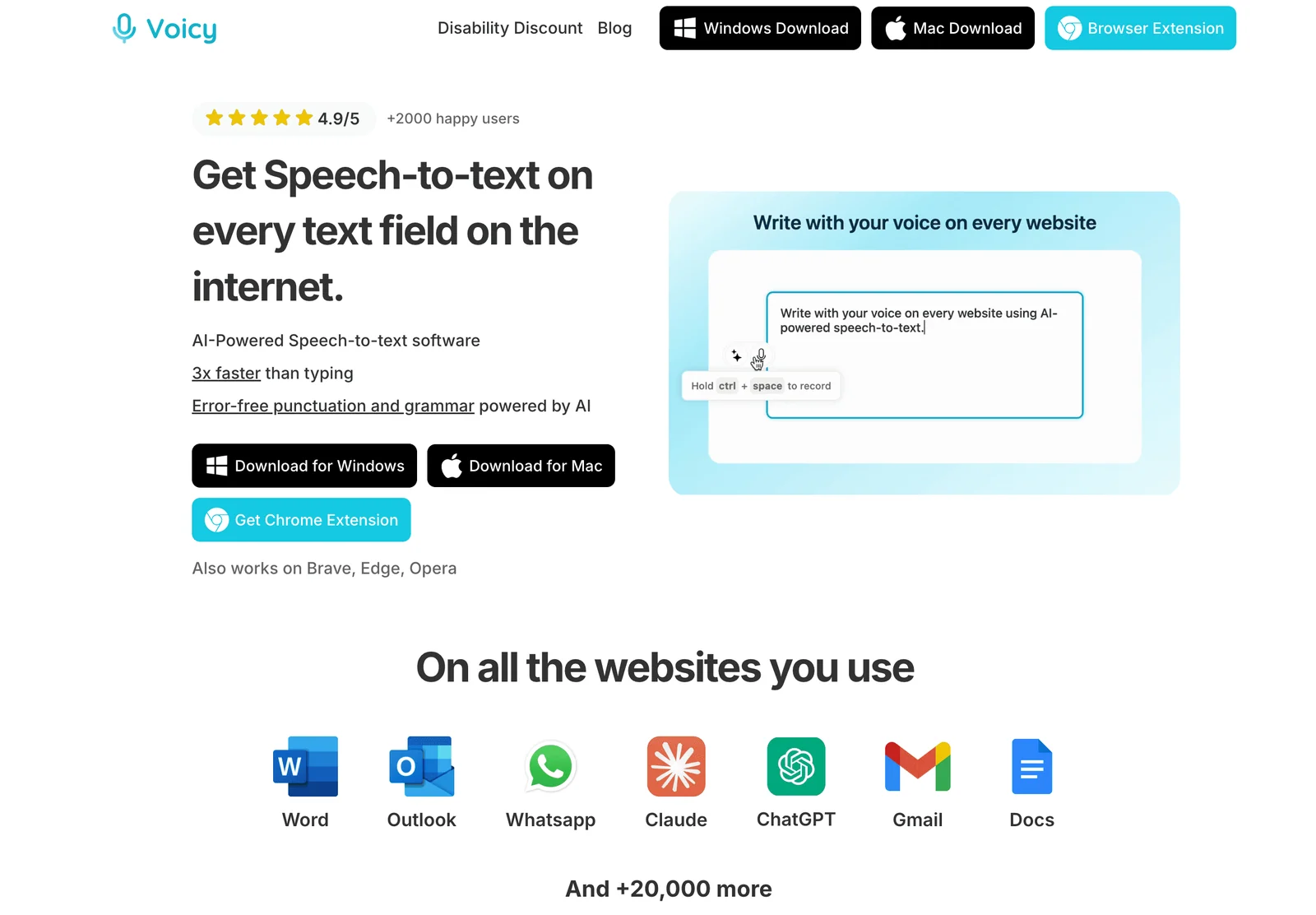
Voicy is the best first choice if you want automatic punctuation in the places where work actually happens. It works on Mac, Windows, Linux, browser workflows, iOS, and Android, so the same dictation habit can follow you across email, docs, Slack, Notion, ChatGPT, Claude, support tools, and normal desktop apps.
Voicy is built for writing, not just raw transcription. You speak naturally, Voicy adds punctuation, cleans up the output, and places the text where your cursor already is.
That matters most for everyday work:
emails and replies
Slack or Teams updates
Google Docs drafts
Notion notes
AI prompts
support messages
meeting follow-ups
If you want a dedicated dictation software workflow instead of a one-app dictation feature, Voicy is the cleanest fit.
Best for: professionals who write across many apps
Automatic feature: automatic punctuation, grammar cleanup, and AI cleanup for daily writing
Strong points: cross-platform support, live dictation, browser workflows, mobile support, file upload transcription
Good to know: Voicy uses cloud transcription by default and also offers an offline dictation mode in its Mac, Windows, and Linux apps, so very strict privacy teams should review which setup fits their workflow
2. Wispr Flow, best for polished AI dictation
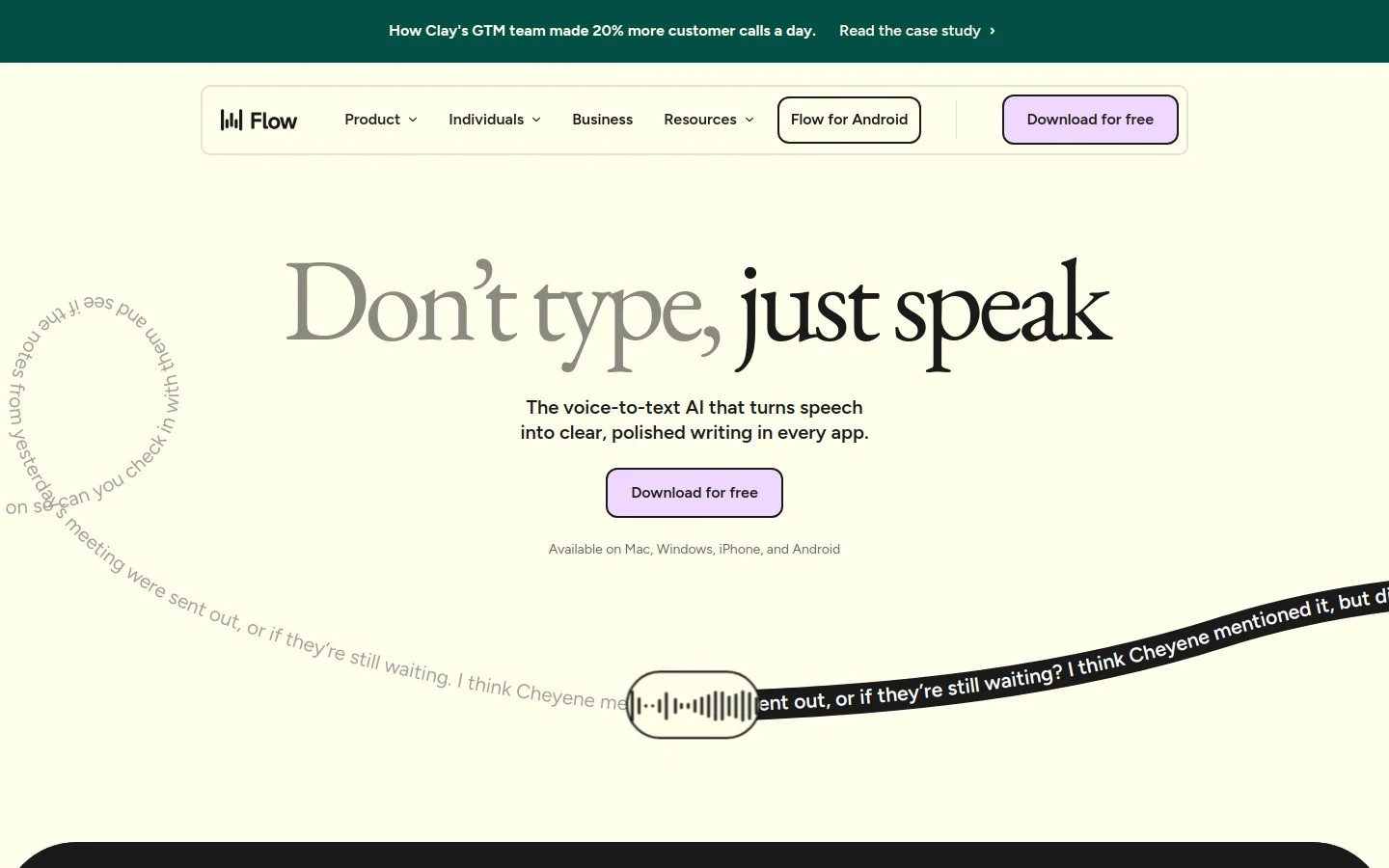
Wispr Flow is a strong modern dictation app for people who want fast speech-to-text with cleanup built in. Its Smart Formatting feature is the reason it belongs in this list.
Flow is designed to turn speech into text that already reads like writing. It can clean up punctuation, capitalization, filler words, and app-aware formatting, which is useful when you are dictating messages, prompts, notes, and longer thoughts.
The best comparison is with Voicy. Both are modern AI dictation tools. Pick based on platform fit, pricing, workflow preference, and how well each app handles your voice in the apps you use every day.
Best for: people who want polished AI dictation with app-aware cleanup
Automatic feature: Smart Formatting for punctuation, capitalization, cleanup, and output style
Strong points: fast dictation, clean output, modern AI writing feel
Downside: check current plan limits, platform support, and pricing before choosing it as your main tool
3. Apple Dictation, best free built-in option for Apple users
Apple Dictation is the easiest place to start if you already use a Mac, iPhone, or iPad. You do not need to install a separate app. Turn on dictation, press the shortcut, and speak into a text field.
Apple's support docs describe Auto-punctuation for Dictation. On supported Apple devices and languages, that makes it useful for short messages, notes, and quick drafts.
The tradeoff is depth. Built-in dictation is fine for quick text. It is less ideal when you start dictating long emails, cross-app documents, AI prompts, or customer messages all day.
Best for: Apple users who want a free built-in option
Automatic feature: built-in auto-punctuation where supported
Strong points: no extra install, easy to test, works in many Apple text fields
Downside: less flexible than dedicated dictation software for heavy daily writing
4. Microsoft Dictate, best for Word and Microsoft 365
Microsoft Dictate is the natural option if your main writing surface is Word, Outlook, or another Microsoft 365 app.
Microsoft's dictation support includes an Auto Punctuation option where it is available for the selected language. It also supports spoken commands for punctuation, navigation, and special characters.
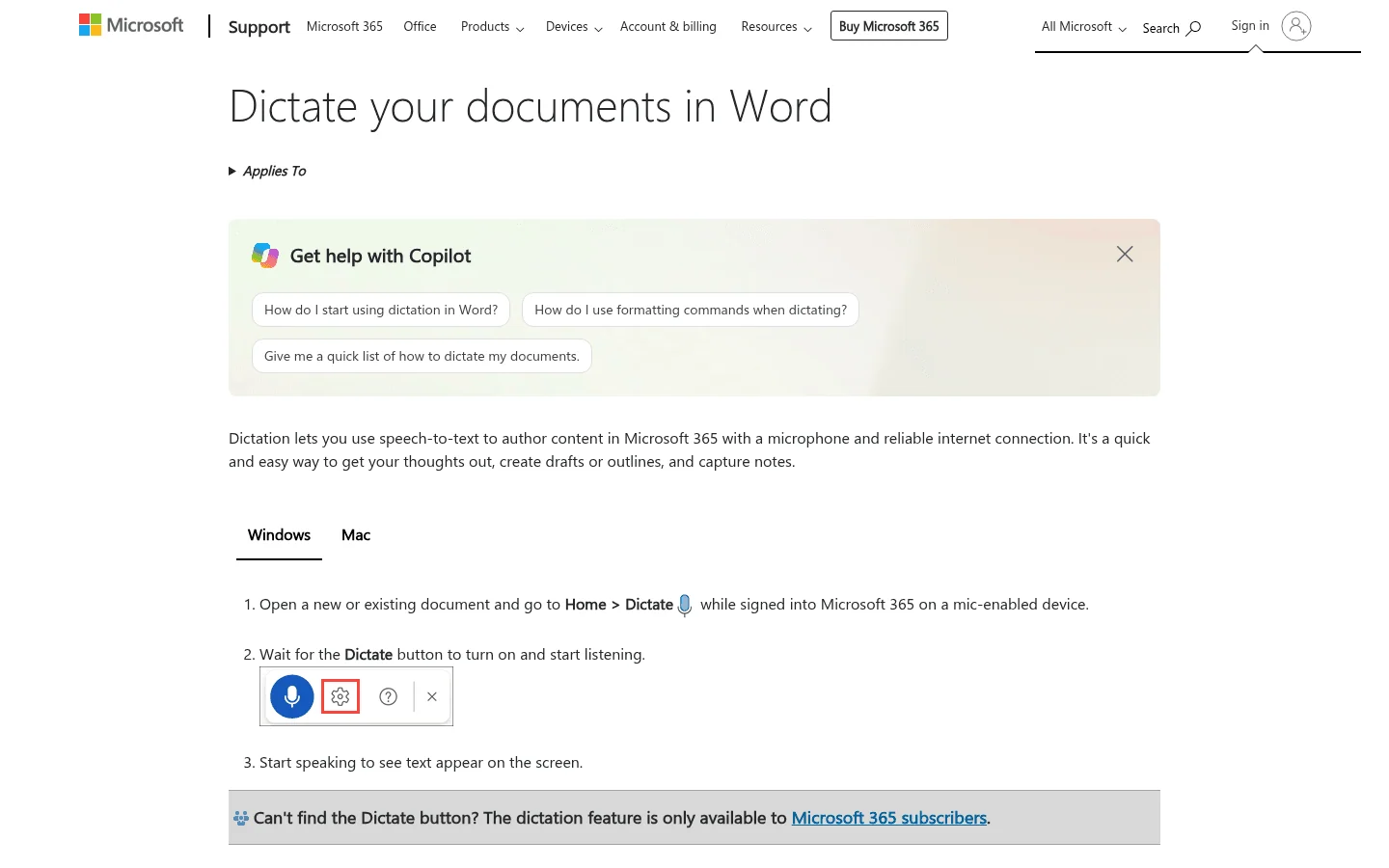
That makes it useful for drafting inside Microsoft 365. It is less useful if your writing day moves between Word, browser apps, Slack, AI tools, CRMs, and support tools.
Best for: people who write mostly in Microsoft 365
Automatic feature: Auto Punctuation where available, with commands for more control
Strong points: built into familiar document workflows
Downside: app and language support varies, and it is not the same as a write-anywhere dictation layer
5. Dragon Professional, best for Windows power users
Dragon Professional is the heavyweight option for Windows users who want deep dictation controls. It belongs here because Dragon supports configurable automatic punctuation and auto-formatting behavior, not just spoken punctuation commands.
Nuance docs describe automatic commas and periods, Auto-Formatting options, and Smart Format Rules. That makes Dragon a real fit for people who want dictation to handle punctuation and structured output with more control.
The catch is setup. Dragon is strongest when dictation is a serious daily workflow and you are willing to spend time tuning it. If you want something lighter, compare it with Dragon alternatives before buying.
Best for: Windows users who need advanced dictation controls
Automatic feature: configurable automatic commas and periods, Auto-Formatting, and Smart Format Rules
Strong points: mature command system, custom vocabulary, professional dictation depth
Downside: heavier setup and higher cost than lighter AI dictation tools
How to choose the right automatic punctuation app
Choose based on where you write.
If your writing is spread across apps, choose Voicy or another dedicated write-anywhere dictation tool. That is the best fit for emails, docs, notes, browser apps, AI prompts, support replies, and daily follow-ups.
If you mainly write inside Microsoft 365, test Microsoft Dictate first. If you live on Apple devices and only need quick built-in dictation, try Apple Dictation before paying for anything.
If you need advanced Windows controls, custom vocabulary, and configurable formatting, Dragon is worth considering. If you want polished AI cleanup with a modern app feel, compare Voicy and Wispr Flow side by side.
How to test automatic punctuation properly
Do not test with one clean sentence. Every app can look good there.
Use a real sample from work. Read it naturally without saying "comma" or "period." Then check whether the output is something you would actually send.
Here is a simple test:
Write a 120-word email, support reply, or document note.
Dictate it without punctuation commands.
Check sentence breaks, commas, capitalization, and paragraph flow.
Repeat the same test in two apps.
Compare cleanup time, not just raw accuracy.
The best app is the one that gives you usable text with the least editing in the places you already write.
FAQs
Which dictation software adds punctuation automatically?
Voicy, Wispr Flow, Apple Dictation, Microsoft Dictate, and Dragon Professional all offer automatic punctuation or configurable auto-formatting in supported workflows. Voicy is the best fit when you want automatic punctuation across many apps and devices.
Do I still need to say comma and period when dictating?
Not for normal writing. Modern dictation apps can add basic punctuation automatically. You may still want punctuation commands for exact formatting, new paragraphs, symbols, or special cases.
What is the best dictation app with automatic punctuation?
For everyday work across apps, Voicy is the best first app to test. It works across Mac, Windows, Linux, browser workflows, iOS, and Android, and it combines live dictation with automatic punctuation and AI cleanup.
Does Microsoft Dictate have automatic punctuation?
Microsoft Dictate includes an Auto Punctuation option where it is available for the selected language. It also supports spoken punctuation and formatting commands inside Microsoft 365 apps.
Is automatic punctuation accurate enough for work?
Yes, for many drafts, notes, messages, and emails. You should still review anything important before sending it, especially if it includes names, numbers, legal terms, medical terms, or customer details.
What is the difference between automatic punctuation and punctuation commands?
Automatic punctuation adds marks based on speech and context. Punctuation commands are explicit instructions you say out loud, such as "comma," "period," or "new paragraph."
Final take
Automatic punctuation is one of the features that makes dictation feel natural. Without it, voice typing becomes a strange performance where you speak your ideas and narrate every symbol at the same time.
Start with the tool that matches your real writing surface. For most people who write across many apps, that means Voicy.
The real test is not whether an app can add a comma. The real test is whether you can dictate a full work message, read it once, and send it without spending the time you were trying to save.
 Download for free
 Download for free