
Top Picks At A Glance
Voicy: best first choice for developers who dictate prompts, docs, tickets, PR notes, and updates across apps and devices.
Wispr Flow: strong AI dictation for fast prose, prompts, and messages.
Superwhisper: good for developers who want model control and local/cloud options.
Talon Voice: best for serious hands-free control and voice coding.
VoiceInk: useful open-source Mac option for local dictation.
Dragon Professional: best classic Windows option for custom vocabulary and enterprise-style dictation.
Short answer: the best dictation software for developers is not always the best tool for writing code character by character. Most developers get the biggest win from dictating AI prompts, documentation, Linear or Jira tickets, pull request summaries, commit messages, and technical notes. Start with Voicy for cross-app writing, then test Talon Voice if you need full hands-free coding.
Developers type all day, but not all of that typing is code.
You write bug reports. You explain edge cases. You draft README updates. You leave PR comments. You write prompts for Claude Code, Cursor, Codex, ChatGPT, and Claude.
That is where dictation helps most. It turns the context in your head into a useful first draft before you lose the thread.
What developers should look for in dictation software
Developer dictation has different needs from normal office dictation. It has to handle product names, file paths, API names, acronyms, error messages, and technical shorthand without making every sentence sound generic.
Look for these things first:
Works where you write: browser, IDE-adjacent tools, Slack, docs, tickets, email, and AI chat boxes.
Technical vocabulary: words like TypeScript, Kubernetes, GraphQL, WebSocket, OAuth, npm, CI/CD, and localhost.
Fast correction loop: the output should be easy to fix when a file name or symbol is wrong.
Privacy fit: local-only may matter if you dictate client code, unreleased roadmap details, logs, or security issues.
Prompt quality: good AI coding prompts need context, constraints, examples, and expected output.
If your goal is hands-free accessibility, choose a tool built for control. If your goal is writing faster, choose a tool that turns speech into clean text in the apps you already use.
Best dictation software for developers compared
Tool | Best for | Platforms | Main tradeoff |
|---|---|---|---|
Prompts, docs, tickets, PR notes, messages | Mac, Windows, Linux, browser, iOS, Android | Offline dictation is desktop-only; AI rewriting needs internet | |
Polished AI dictation for daily writing | Mac, Windows, iOS, Android | Less focused on developer-specific control | |
Model control and local/cloud workflows | Mac, Windows, iPhone, iPad | More setup and tuning than simple dictation | |
Hands-free coding and computer control | Mac, Windows, Linux | Steep learning curve | |
Open-source local Mac dictation | Mac | Mac-only and more technical to evaluate | |
Windows custom vocabulary and formal dictation | Windows | Expensive and heavier than modern AI dictation apps |
1. Voicy, best overall for developer writing across apps
Voicy is the best first tool to test if your developer writing happens across many apps. It works for prompts, docs, tickets, Slack updates, emails, support replies, bug reports, and quick technical notes.
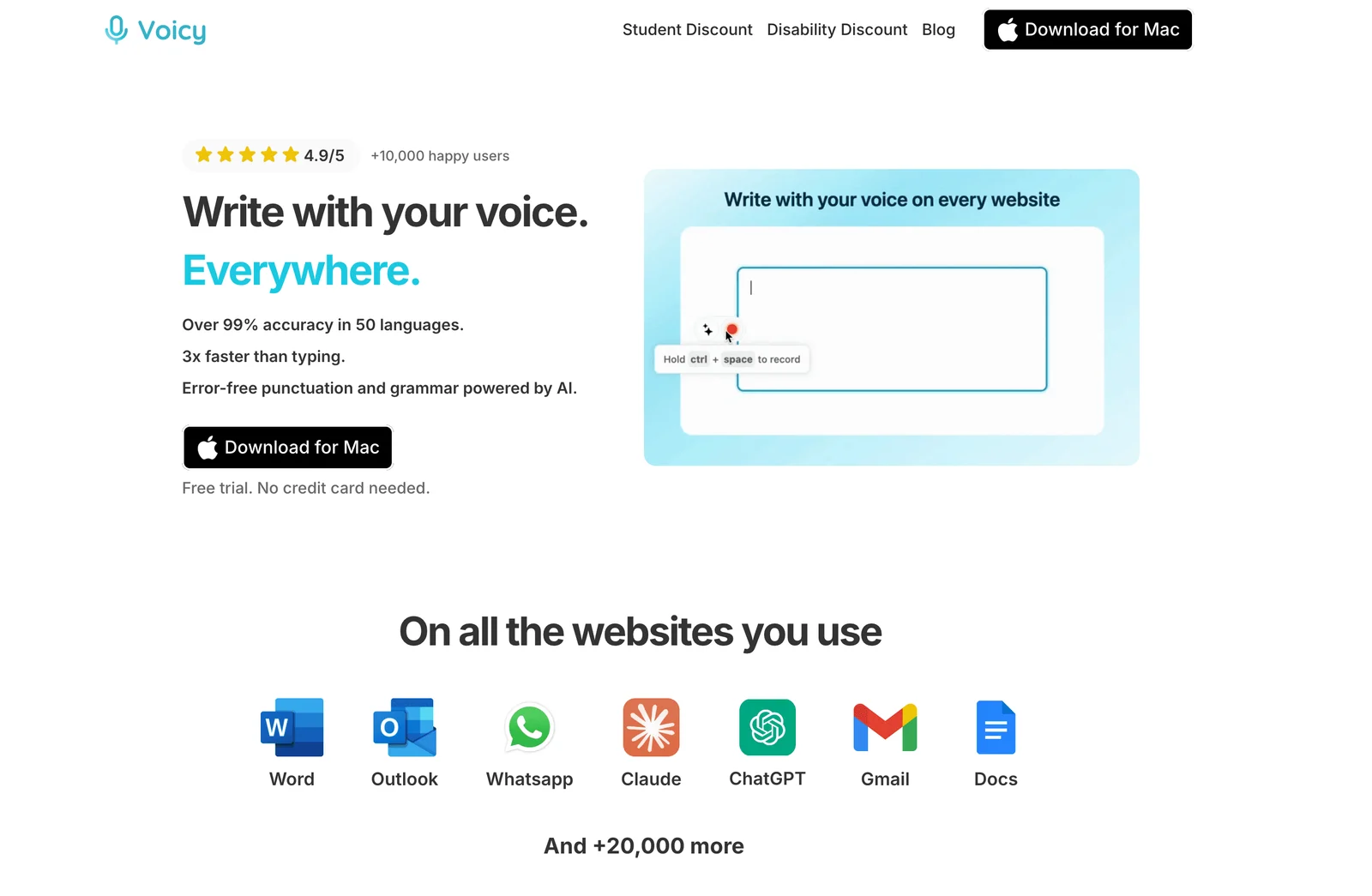
The key point is scope. Developers rarely write in one clean editor all day. You may use Linear, Jira, GitHub, Slack, Notion, Google Docs, ChatGPT, Claude, Cursor, and your IDE in the same hour.
Voicy fits that messy workflow. Put the cursor where the text should go, start dictation, speak the rough version, then review names, file paths, numbers, and technical terms.
For README drafts, bug notes, or PR summaries you want to keep on your computer, use Voicy’s offline dictation on Mac, Windows, or Linux. Download a model while online, then enable local transcription. Basic dictation works without a connection; Mac offline mode requires macOS 15 or later.
Rewrite Mode, Custom Modes, and uploaded-file transcription still need internet. So do cloud coding assistants and hosted ticket tools. Keeping speech local does not keep a prompt private once you send its text to an online AI service.
Use Voicy for:
Claude Code, Cursor, Codex, ChatGPT, and Claude prompts
bug reports with reproduction steps
PR summaries and review comments
README sections and internal docs
Slack updates that need more context than "fixed"
standup notes and handoff notes
Voicy is not a full voice-coding language. You will still type exact syntax, symbols, and tiny edits by hand. That is fine. The highest-value developer dictation is usually explaining the problem clearly, not saying every bracket out loud.
Best for: developers who write across many apps and devices
Pricing: free trial, then $8.49/month, $82/year, or $260 lifetime
Privacy note: offline dictation keeps speech on your computer; check where you send the resulting text
Downside: AI rewriting and uploaded-file transcription are online features
2. Wispr Flow, best for polished AI dictation
Wispr Flow is a strong option for developers who want fast, polished dictation for messages, prompts, notes, and docs. It is especially useful when you speak in rough sentences and want the output to read more naturally.
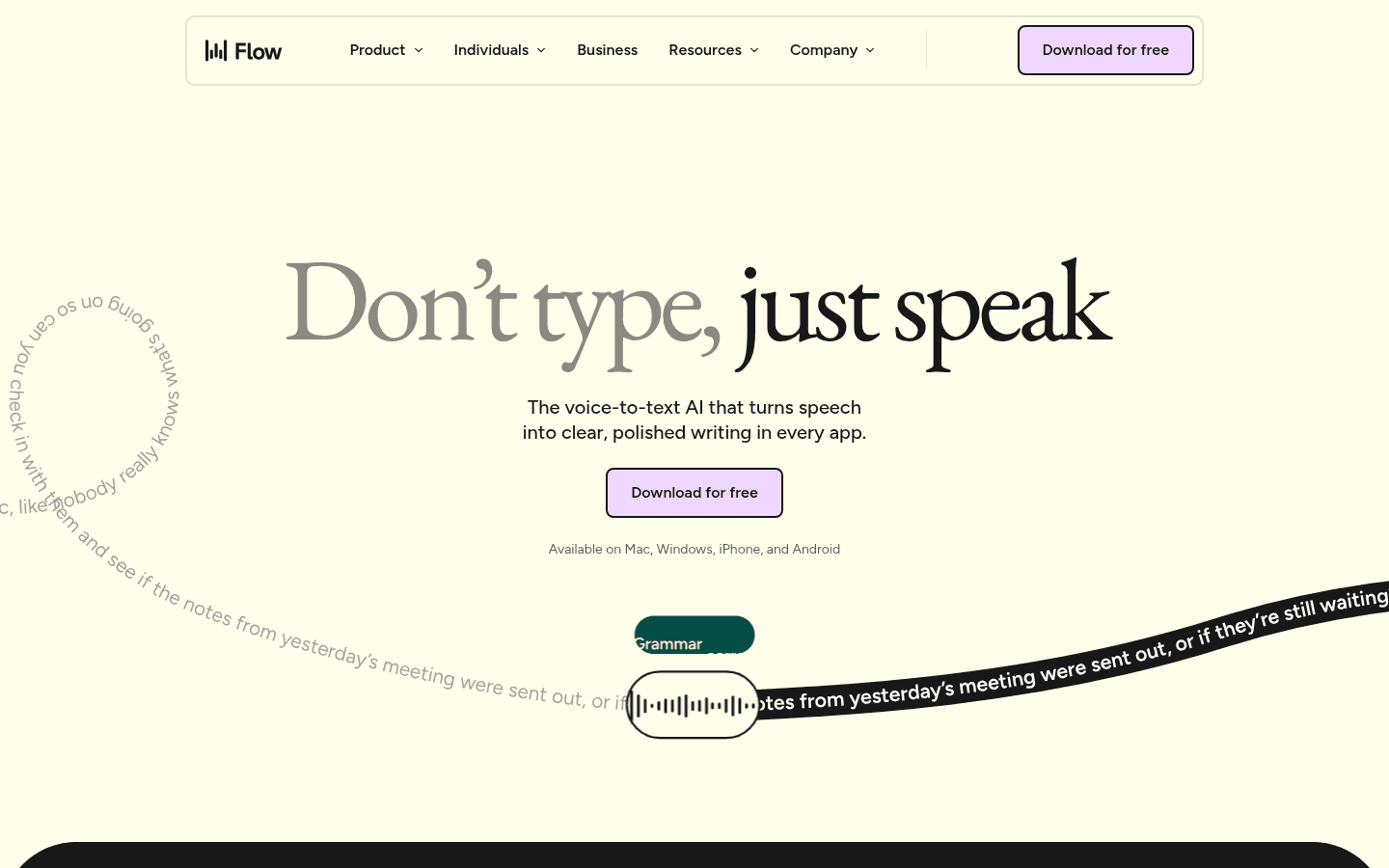
For developer work, Flow is best for prose around code: design notes, bug context, product decisions, AI prompts, and team communication. It is less about coding by voice and more about reducing the amount of typing around coding.
The main thing to test is technical accuracy. Try file names, package names, acronyms, and project-specific terms before you rely on it.
Best for: polished prompts, messages, and technical prose
Strong point: fast AI cleanup for natural speech
Downside: not built mainly for hands-free code navigation or voice commands
3. Superwhisper, best for model control
Superwhisper is worth testing if you want more control over models, modes, and local or cloud workflows. That makes it attractive for developers who like tuning tools.
It can be a good fit if you want dictation that feels closer to a configurable technical setup. You can test different modes for prompts, documentation, notes, and technical explanations.
The tradeoff is setup. If you just want to speak into Slack, Linear, Gmail, and Claude without thinking much, a simpler tool may be easier.
Best for: developers who want configurable dictation
Strong point: local/cloud flexibility and model control
Downside: more tuning than most developers need for simple writing
4. Talon Voice, best for hands-free coding
Talon Voice is the specialist tool for developers who need real hands-free control. It is not just dictation. It can control the computer, edit text, navigate, and support coding workflows.
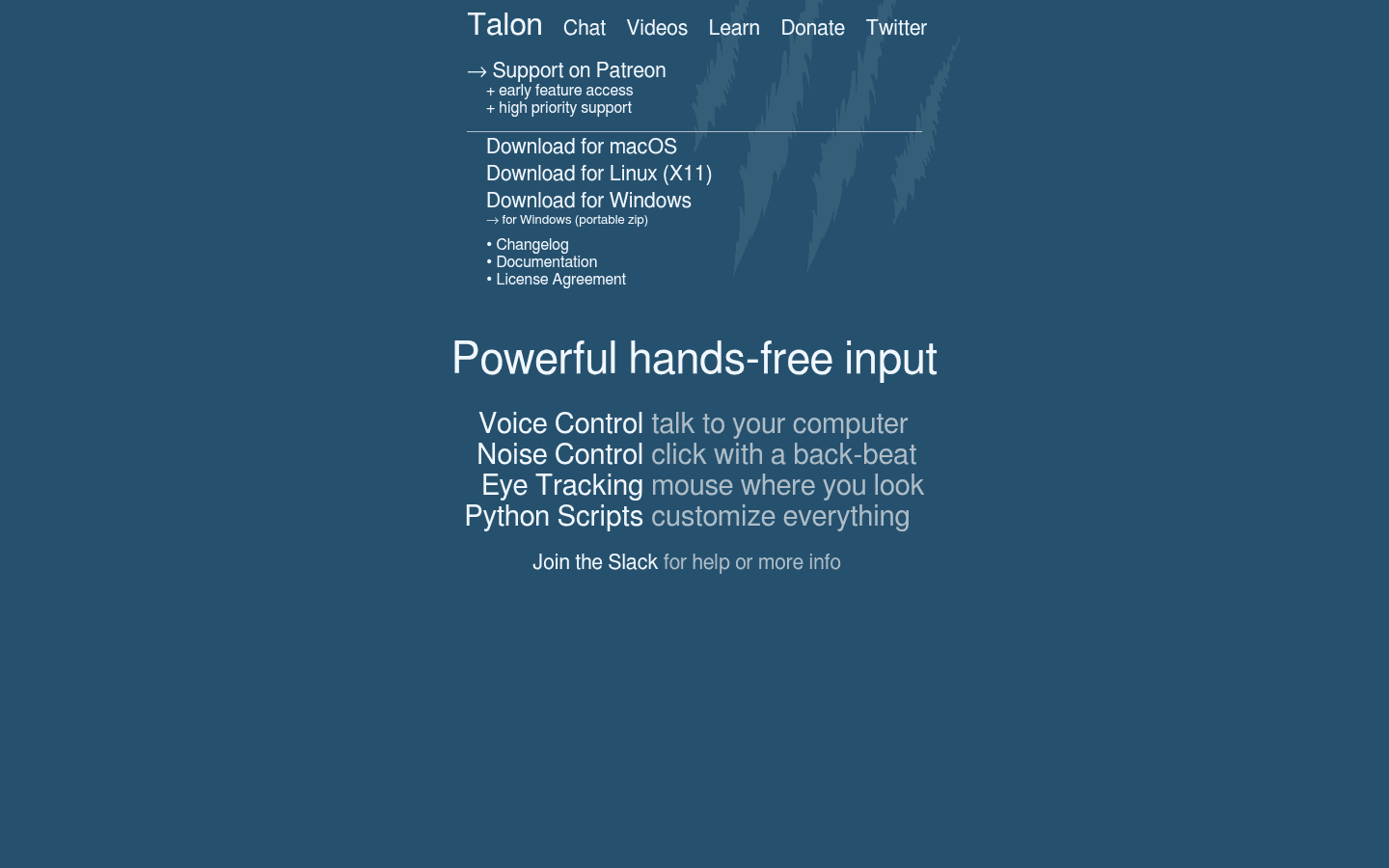
If you have RSI, accessibility needs, or a serious goal to code by voice, Talon belongs on your shortlist.
The downside is the learning curve. Talon is useful because it is scriptable and deep, but that also means it takes time. For many developers, Talon plus a simpler dictation app is the real setup: Talon for control, dictation for prose.
Best for: serious voice coding and hands-free computer control
Strong point: deep command and coding workflows
Downside: much harder to learn than normal dictation software
5. VoiceInk, best open-source Mac option
VoiceInk is an open-source Mac dictation app that appeals to developers because it is local-first and inspectable. If you care about what a tool does under the hood, that matters.
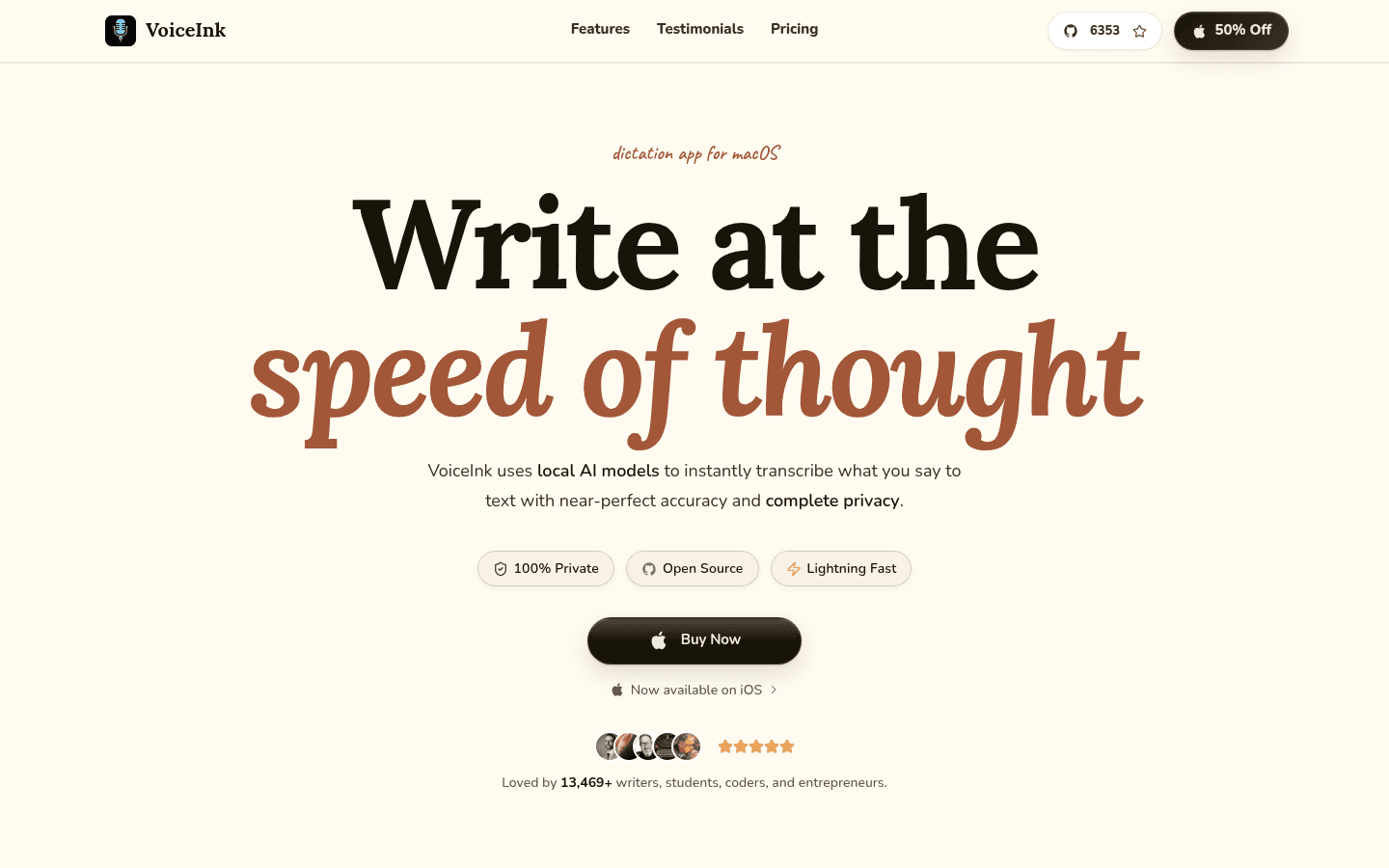
VoiceInk is a good candidate for developers who mainly work on Mac and want to test local transcription without committing to a heavier commercial workflow.
The limitation is reach. If your work spans Windows, Linux, mobile, browser tools, and desktop apps, a Mac-only tool may not cover enough of the day.
Best for: Mac developers who want open-source local dictation
Strong point: local and inspectable workflow
Downside: Mac-only and less cross-platform than Voicy
6. Dragon Professional, best classic Windows option
Dragon Professional is still relevant for Windows developers who want a mature dictation product with custom vocabulary. It is not the trendiest choice, but it has a long history in professional dictation.
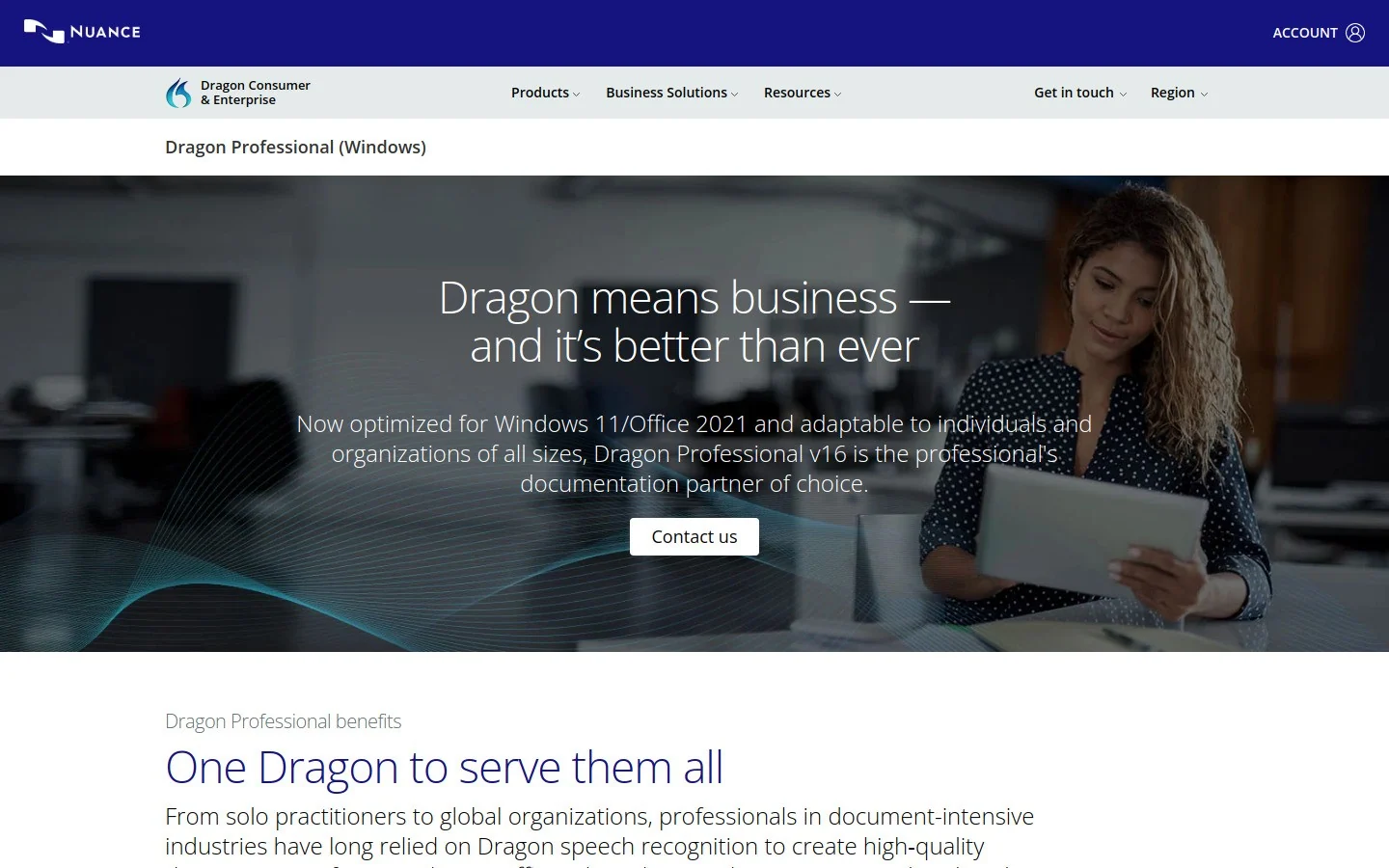
Dragon can make sense if your technical vocabulary is stable and you want to train a classic dictation system around it. It is less attractive if you want lightweight cross-platform AI dictation.
Best for: Windows users who need custom vocabulary and formal dictation
Strong point: mature vocabulary controls
Downside: expensive, Windows-focused, and heavier to set up
Developer dictation workflows that actually work
Do not start by trying to speak raw code. Start with the writing around code.
Try these workflows first:
AI coding prompt: "I am working in the billing service. The failing test is... The expected behavior is... Please inspect the edge case around..."
Bug report: explain the environment, steps to reproduce, actual result, expected result, and logs.
PR summary: say what changed, why it changed, what you tested, and what reviewers should check.
README draft: dictate the setup steps in plain English, then clean up commands by hand.
Standup note: say yesterday, today, blocker, and links.
That gives you most of the speed benefit without pretending that "left curly brace" is a fun way to write software.
FAQ
Is dictation good for developers?
Yes. Dictation is useful for prompts, docs, tickets, commit messages, PR summaries, and technical explanations. It is less useful for exact syntax unless you use a dedicated voice-coding setup.
What is the best dictation software for AI coding prompts?
Voicy is a strong first choice because it works across browser tools and desktop workflows. Test it in Claude, ChatGPT, Cursor, Codex, Linear, and your normal docs before choosing.
Can I use dictation in VS Code?
Yes, but the right setup depends on your goal. For normal text fields and prompts, use a dictation app. For deep editor control, test Talon Voice or editor-specific voice tools.
Is local dictation better for developers?
Local dictation is useful when you need to keep speech on your computer or work without internet. Voicy offers it on Mac, Windows, and Linux after a model download. Online rewriting, file transcription, and cloud coding assistants still need a connection.
Final take
The best dictation software for developers is the one that removes friction from the writing you already do.
If you write prompts, docs, tickets, and updates across many apps, start with Voicy. If you need full hands-free coding, test Talon Voice. For private drafts, use local dictation and check where any coding assistant sends the resulting text.