If you want to dictate live into any app, look at Voicy, Superwhisper or VoiceInk. If you need MacWhisper on Windows or Linux, there is no Windows version; use Buzz for free local file transcription, or Voicy or OpenWhispr for dictation and transcription together. If you only transcribe recordings and want it free or in the browser, try Buzz, Aiko or TurboScribe. And if you transcribe long local files on a Mac, MacWhisper may still be the right tool.
Voicy is our product. We have included it where it fits and said where it does not. Prices below were checked on November 5, 2026, in US dollars before tax unless noted.Summary
Best for dictation and transcription on every device: Voicy - live dictation on Mac, Windows, Linux, iPhone, Android and Chrome, plus file transcription.
Best for local models with deep settings: Superwhisper - on-device dictation and file transcription on Mac and Windows.
Best one-time Mac purchase: VoiceInk - open-source, local dictation and file transcription from $25.
Best free local dictation: Spokenly - unlimited dictation with local models on Mac, Windows, Linux and iPhone.
Best free open-source all-rounder: OpenWhispr - dictation, file import and meeting recordings on Mac, Windows and Linux.
Best polished cloud dictation: Wispr Flow - clean output across desktop and mobile.
Best Apple-only offline app: Whisper Notes - on-device transcription, plus voice typing in its Mac app.
Best free file transcriber for Windows and Linux: Buzz - open-source, local, with subtitle exports.
Best simple paid file transcriber for Apple devices: Aiko - on-device transcription for $24 once.
Best web-based transcription: TurboScribe - upload long files in the browser.
Best for meetings: Otter.ai - meeting notes and summaries.
Free built-in dictation: Apple Dictation on Mac and iPhone.
Top Alternatives At A Glance
| Tool | Live dictation into any app | File transcription | Platforms | Processing | Price |
|---|---|---|---|---|---|
| MacWhisper (for reference) | Yes | Yes, batch | Mac, iPhone, iPad | Local by default | Free; Pro €64 once |
| Voicy | Yes | Yes, up to 60 minutes per file | Mac, Windows, Linux, Chrome extension, iOS, Android | Cloud by default; offline mode for desktop dictation | $8.49/month, $82/year or $260 lifetime |
| Superwhisper | Yes | Yes | Mac, Windows, iOS, Android | Local or cloud | Free tier; Pro $8.49/month, $84.99/year or $249.99 lifetime |
| VoiceInk | Yes | Yes, one file at a time | Mac; iPhone in beta | Local by default | $25, $39 or $49 once |
| Spokenly | Yes | Recordings on Mac | Mac, Windows, Linux, iPhone | Local or cloud | Free with local models; Local+ $29 once |
| OpenWhispr | Yes | Yes, batch and URLs | Mac, Windows, Linux | Local or cloud | Free; Pro $80/year |
| Wispr Flow | Yes | No | Mac, Windows, iOS, Android | Cloud only | Free tier; Pro $15/month or $12/month billed annually |
| Whisper Notes | Mac website app only | Yes, up to 24 hours per file | Apple Silicon Mac, iPhone, iPad | On device | Mac app $14 once; iOS $7.99 once |
| Buzz | No | Yes, with SRT, VTT, TXT and CSV export | Mac (Apple Silicon), Windows, Linux | Local | Free, open source |
| Aiko | No | Yes | Mac, iPhone, iPad, Vision Pro | On device | $24 once |
| TurboScribe | No | Yes, files up to 10 hours | Web | Cloud | 3 free files a day; $10/month billed annually or $20 monthly |
| Otter.ai | No | Limited imports | Web, Mac, Windows, iOS, Android | Cloud | Free tier; Pro $16.99/month or $8.33/month billed annually |
| Apple Dictation | Yes | No | Mac, iPhone, iPad | On device in many languages | Free |
Key Takeaways
Decide between files and live dictation first. MacWhisper does both, but most alternatives are strong at one.
There is no MacWhisper for Windows. Buzz is the closest free file transcriber; Voicy, Superwhisper and OpenWhispr cover dictation too.
Local is easy to keep. Buzz, Aiko, VoiceInk, Spokenly and Whisper Notes all transcribe on your device.
One-time prices are common here. VoiceInk, Aiko, Whisper Notes and Spokenly's Local+ are single purchases, like MacWhisper Pro.
Why People Look For A MacWhisper Alternative
MacWhisper is a strong local transcription app: batch transcription, automatic speaker recognition and a one-time Pro license. Read our MacWhisper review for the full verdict. People still look elsewhere for a few reasons:
Windows or Linux: MacWhisper runs only on Mac, iPhone and iPad.
Live dictation first: MacWhisper added system-wide dictation, but it began as a file transcriber, and some people want an app built around typing into other apps.
Phones and other devices: people who also write on Android or in a browser need a tool that follows them.
Euro pricing: Pro is sold for €64 on MacWhisper's site, with no official US price.
Live Dictation Into Any App
These tools type where your cursor is, and most can also transcribe files.
1. Voicy: Best For Dictation And Transcription On Every Device
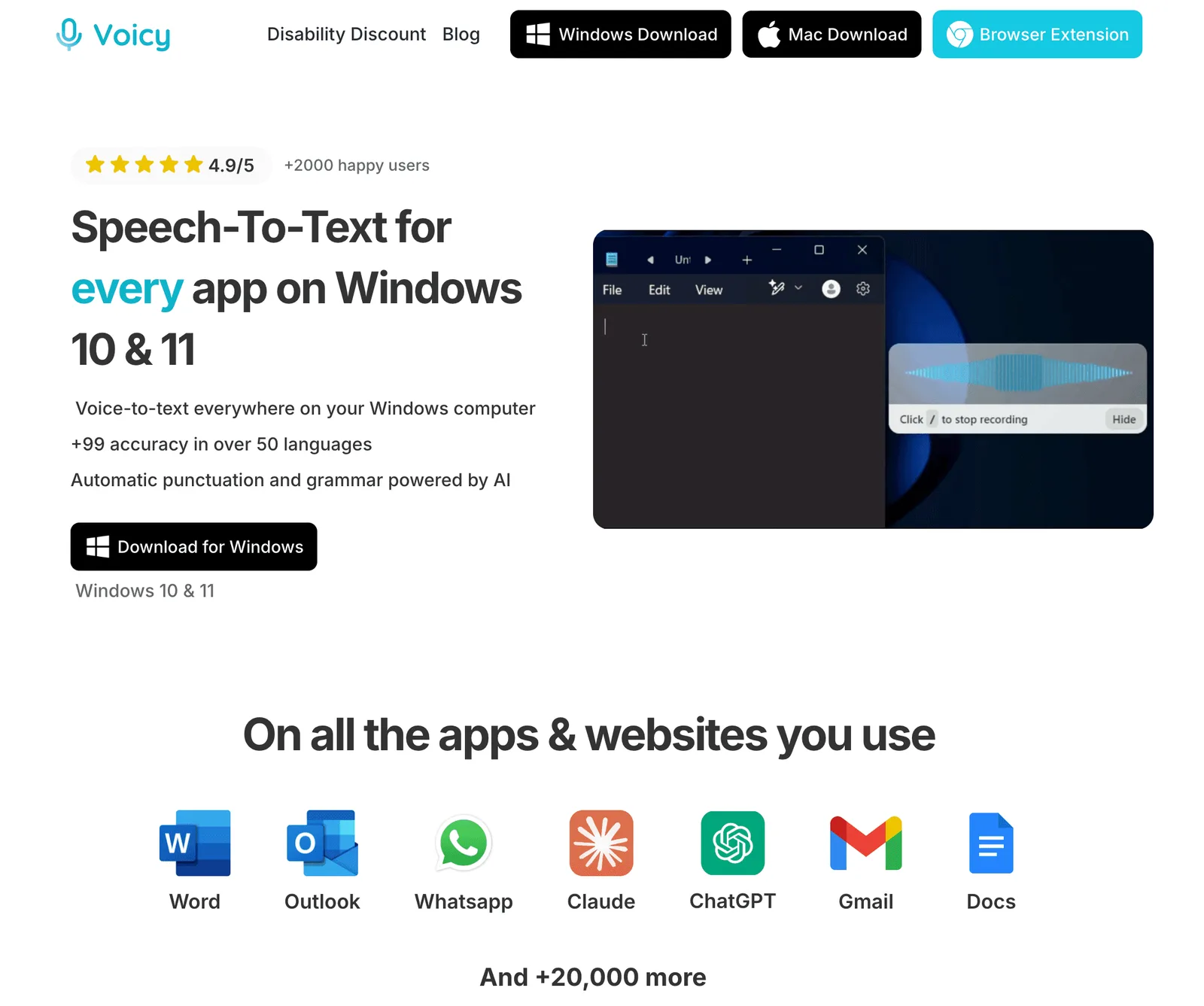
Voicy is built around live dictation: press a shortcut and speak into any app on Mac, Windows or Linux, in Chrome, or on iPhone and Android. It also transcribes uploaded audio and video files, so it covers both jobs MacWhisper does, on platforms MacWhisper does not. Compare them in Voicy vs MacWhisper.
Compared With MacWhisper
Voicy is better for dictating into other apps and for working on Windows, Linux and phones. MacWhisper is better for long, local, batch transcription: Voicy's file transcription is online, on paid plans, with a 60-minute limit per file.
Key Features
Live dictation in any app, plus a Chrome extension and mobile apps.
Transcribe File for MP3, WAV, M4A, MP4, MOV and WebM recordings up to 60 minutes.
Offline mode for dictation in the Mac, Windows and Linux apps.
Dictionary, Voice shortcuts, Rewrite Mode and Custom Modes.
Pros
Dictation and file transcription in one app
Runs on Windows, Linux, Android and Chrome
Offline mode for desktop dictation
Monthly, annual or lifetime plans
Cons
File transcription is online only, up to 60 minutes per file.
No batch queue or subtitle export like MacWhisper.
No permanent free plan; a free trial instead.
Pricing
Free trial, then $8.49/month, $82/year or $260 lifetime.
Best For
People who dictate more than they transcribe.
Anyone who needs MacWhisper-like features on Windows, Linux or Android.
2. Superwhisper: Best For Local Models With Deep Settings
Superwhisper does live dictation and file transcription with on-device models, and now runs on Windows as well as Mac. Read our Superwhisper review or MacWhisper vs Superwhisper.
Compared With MacWhisper
Superwhisper puts live dictation and custom modes first; MacWhisper puts file transcription first. Both keep audio local when you choose local models.
Key Features
On-device models that work offline.
File transcription.
Custom vocabulary and custom modes with your choice of AI model.
One Pro license across Mac, Windows, iOS and Android.
Pros
Local dictation and transcription.
Windows support.
Lifetime license available.
Cons
Modes take time to learn.
Costs more than MacWhisper Pro over time.
Pricing
Free tier. Pro is $8.49/month, $84.99/year or $249.99 lifetime.
Best For
Power users who want local dictation on Mac and Windows.
3. VoiceInk: Best One-Time Mac Purchase
VoiceInk is an open-source Mac app for local dictation that also transcribes audio files. Like MacWhisper, it is a one-time purchase. Read our VoiceInk review or MacWhisper vs VoiceInk.
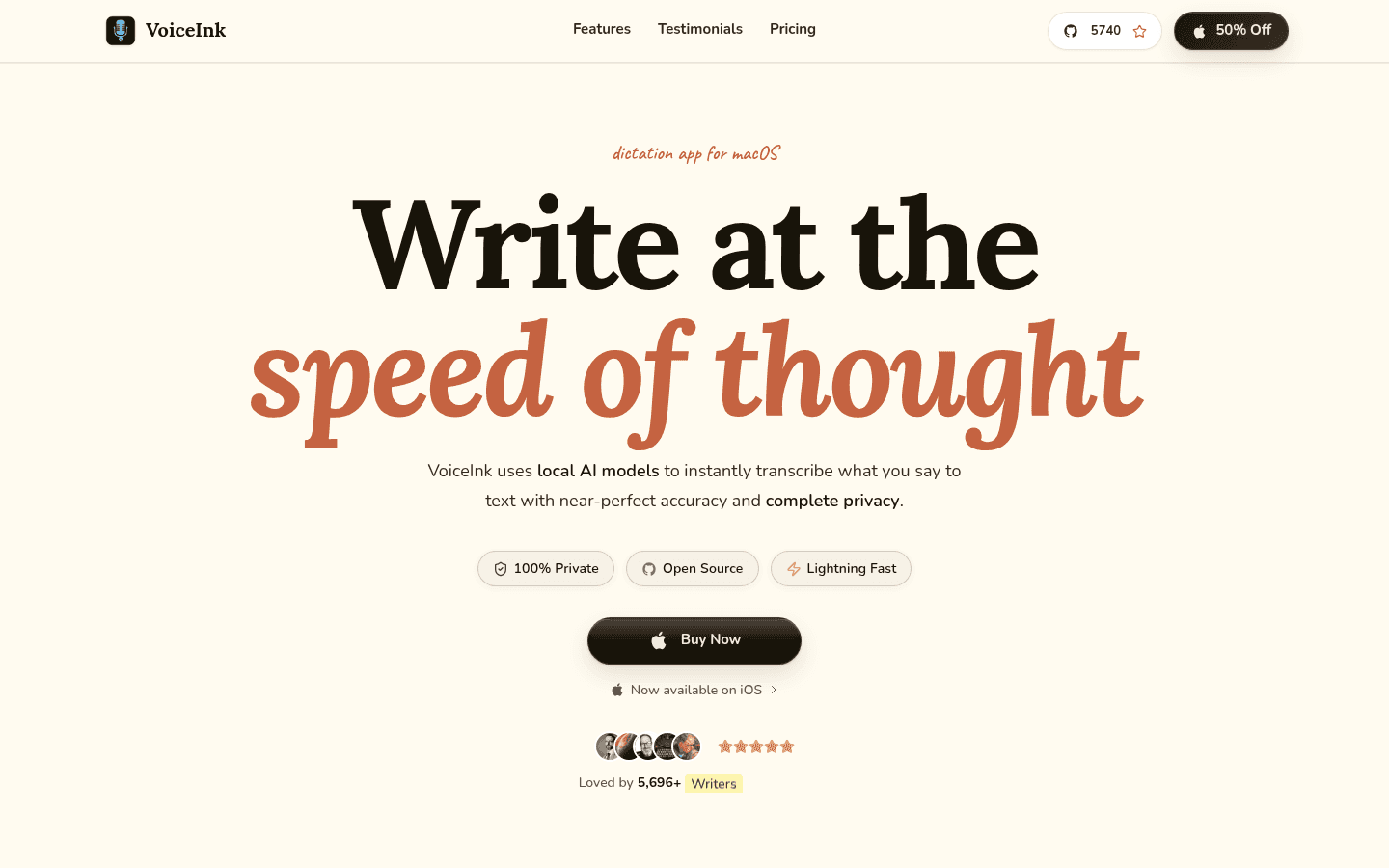
Compared With MacWhisper
VoiceInk is dictation-first and cheaper to start; MacWhisper is stronger for batch files and speaker labels.
Key Features
Local transcription by default, with optional cloud models.
File transcription for WAV, MP3, M4A, MP4, MOV and FLAC, one at a time.
Personal dictionary and text replacements.
GPL source code.
Pros
One-time price from $25.
Local by default.
Open source.
Cons
Mac only; iPhone app in beta.
Needs macOS 15 or later.
No batch file queue.
Pricing
$25 for one Mac, $39 for two or $49 for three, one time.
Best For
Mac users who want local dictation without a subscription.
4. Spokenly: Best Free Local Dictation
Spokenly gives unlimited free dictation with local models on Mac, Windows, Linux and iPhone. On Mac it can also record your microphone and system audio and transcribe the recording. See our Spokenly review.
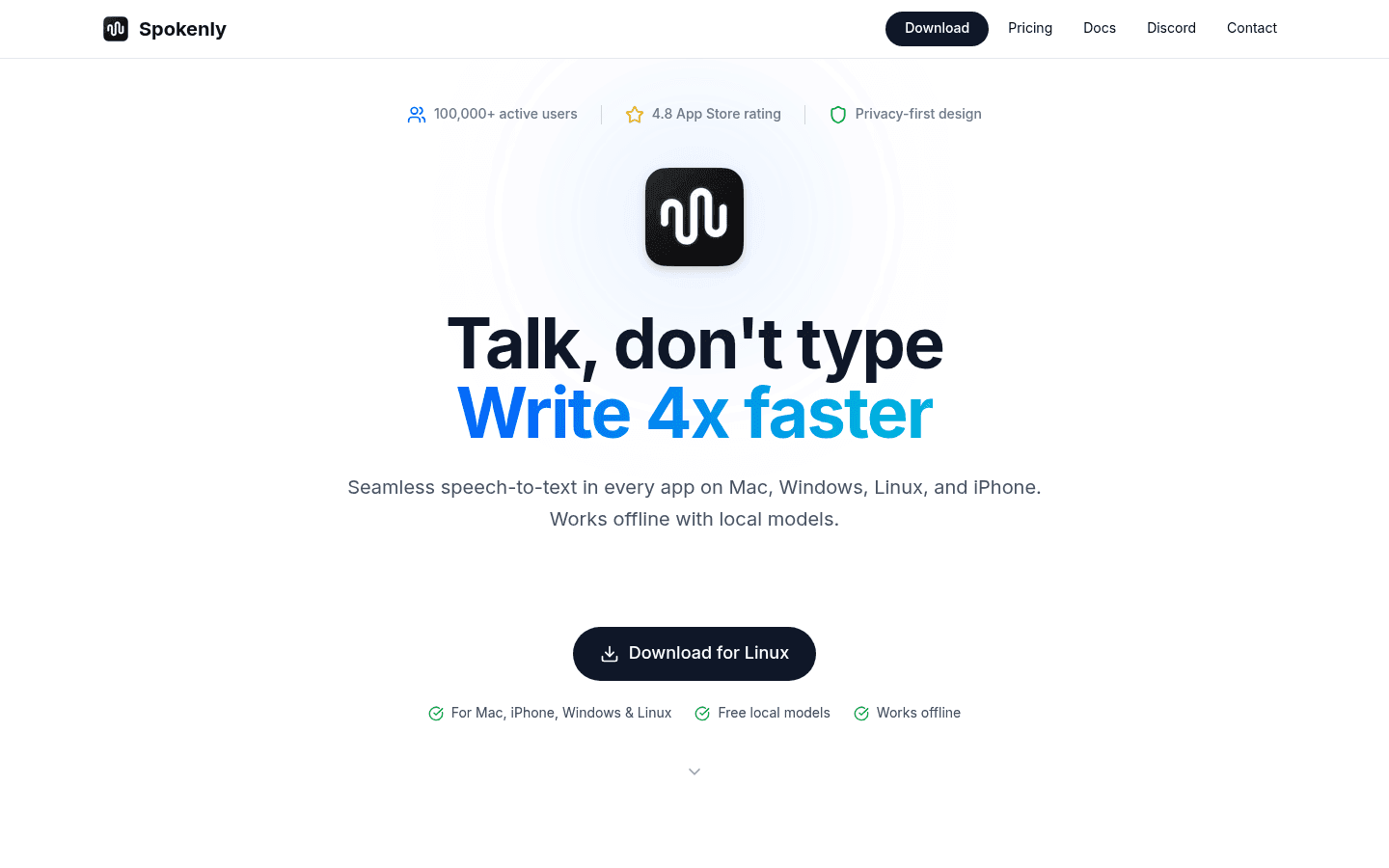
Compared With MacWhisper
Spokenly is free for local dictation and runs on Windows and Linux. MacWhisper is the better pick for importing and batch-transcribing existing files.
Key Features
Unlimited local Whisper and Parakeet models on the free plan.
A local-only mode that blocks network requests.
Bring your own API keys for cloud models.
Pros
Free and offline.
Mac, Windows, Linux and iPhone.
Cons
File-import limits are not clearly documented.
No Android app yet.
Pricing
Free with local models. Local+ is $29 once. Pro, with managed cloud models, is $12/month billed annually.
Best For
People who want free local dictation on any desktop.
5. OpenWhispr: Best Free Open-Source All-Rounder
OpenWhispr is MIT-licensed and does live dictation, file and URL transcription, and meeting recordings on Mac, Windows and Linux. It is one of the closest free matches to MacWhisper's mix of features.
Compared With MacWhisper
OpenWhispr is free and cross-platform, with local or cloud models. MacWhisper is more polished on Mac.
Key Features
Local Whisper and Parakeet models, or cloud transcription with your own keys.
Drag in audio and video files, batch-upload or paste a URL.
Meeting recordings: 5 hours a month free.
Pros
Free with local models.
Dictation, files and meetings in one app.
Mac, Windows and Linux.
Cons
More complex than a single-purpose app.
Free cloud transcription is capped at 2,000 words a week.
Pricing
Free with unlimited local models. Pro is $80/year.
Best For
Windows and Linux users who want a free MacWhisper-style app.
6. Wispr Flow: Best Polished Cloud Dictation
Wispr Flow is a cloud dictation app with clean output across Mac, Windows, iOS and Android. It does not transcribe files. Compare MacWhisper vs Wispr Flow or see Wispr Flow alternatives.
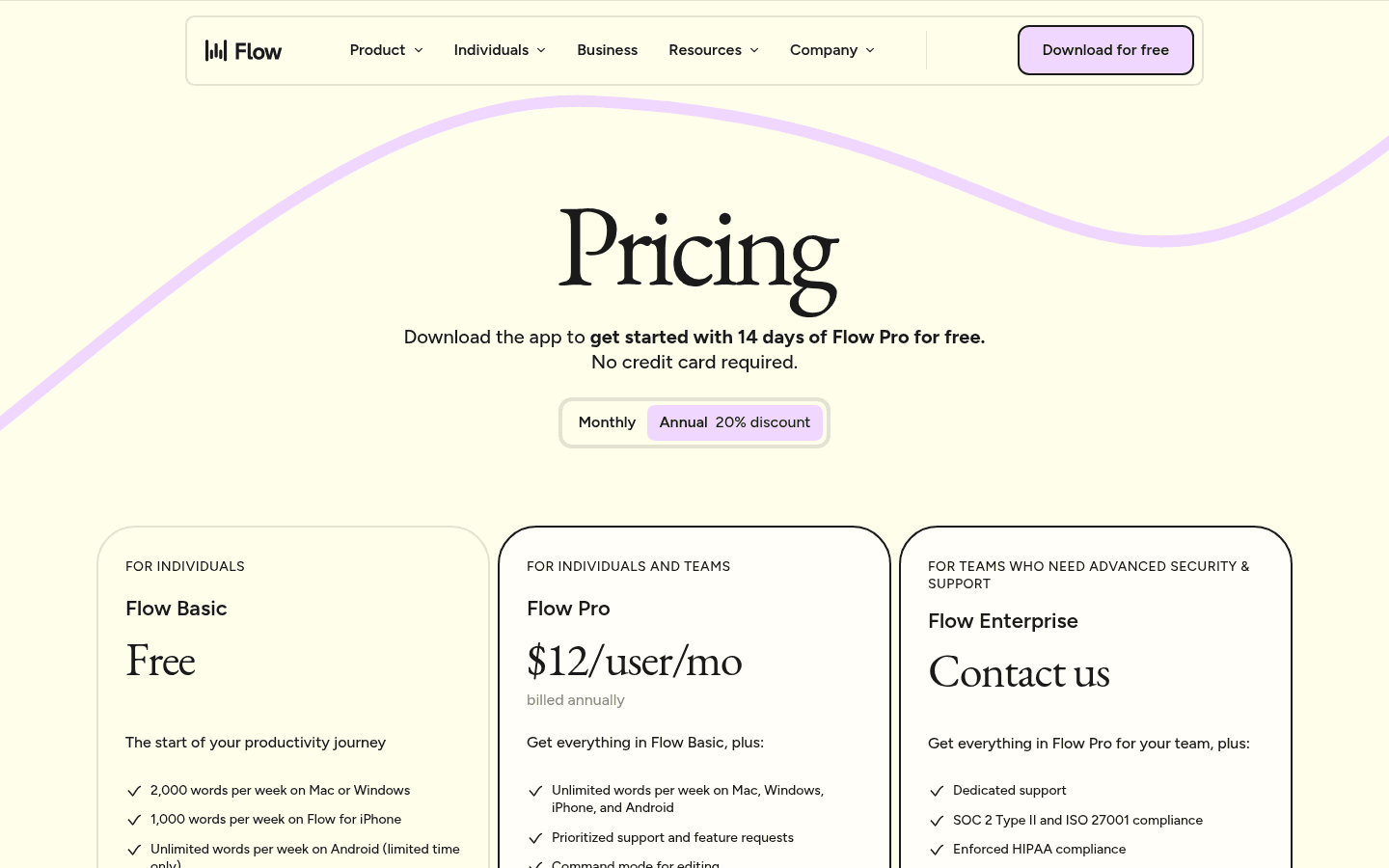
Compared With MacWhisper
Wispr Flow is the opposite of MacWhisper: cloud only and dictation only. Pick it if polished live dictation matters more than local processing.
Pros
Polished output.
Desktop and mobile apps.
Cons
Cloud only; no offline mode.
No file transcription.
Pricing
Free tier with a weekly limit. Pro is $15/month, or $12/month billed annually.
Best For
People who only need live dictation and accept cloud processing.
7. Whisper Notes: Best Apple-Only Offline App
Whisper Notes transcribes recordings on device on Apple Silicon Macs and iPhones, with files up to 24 hours. The Mac app sold on its website also adds voice typing into any app.
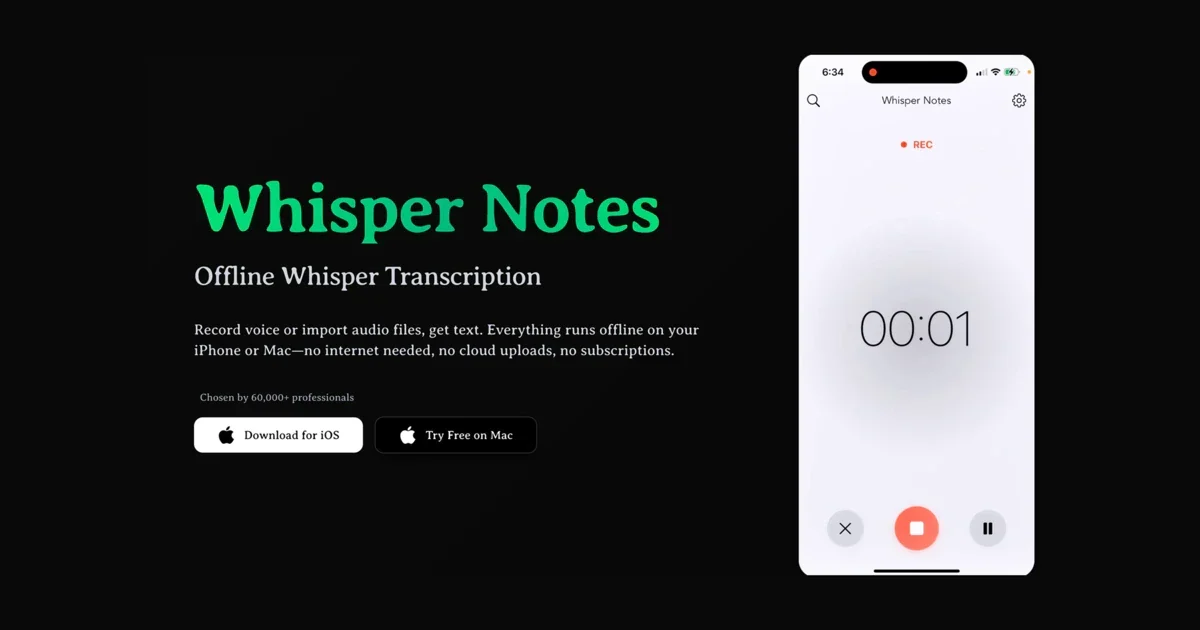
Compared With MacWhisper
Whisper Notes is cheaper and fully offline, with Parakeet and Whisper models. MacWhisper has more export and batch options.
Pros
Fully on device.
Low one-time price.
Long files and speaker identification.
Cons
Apple Silicon and iPhone only; no Windows or Android.
The App Store and website Mac versions are separate purchases.
Pricing
Mac app from the website: free for 5,000 words a week, or $14 once. iPhone, iPad and Mac App Store version: $7.99 once.
Best For
Apple users who want offline transcription for a few dollars.
8. Apple Dictation: Free Built-In Dictation
Apple Dictation types into any app on Mac, iPhone and iPad for free. It does not transcribe files. Read our Apple Dictation review.
Quick Setup
On Mac, open System Settings → Keyboard → Dictation and turn it on.
Pros
Free and built in.
On-device processing in many languages.
Cons
No file transcription.
No custom dictionary.
Pricing
Free with Apple devices.
Best For
Mac users who only need occasional live dictation.
File Transcription Like MacWhisper
These tools transcribe recordings rather than typing into other apps.
9. Buzz: Best Free File Transcriber For Windows And Linux
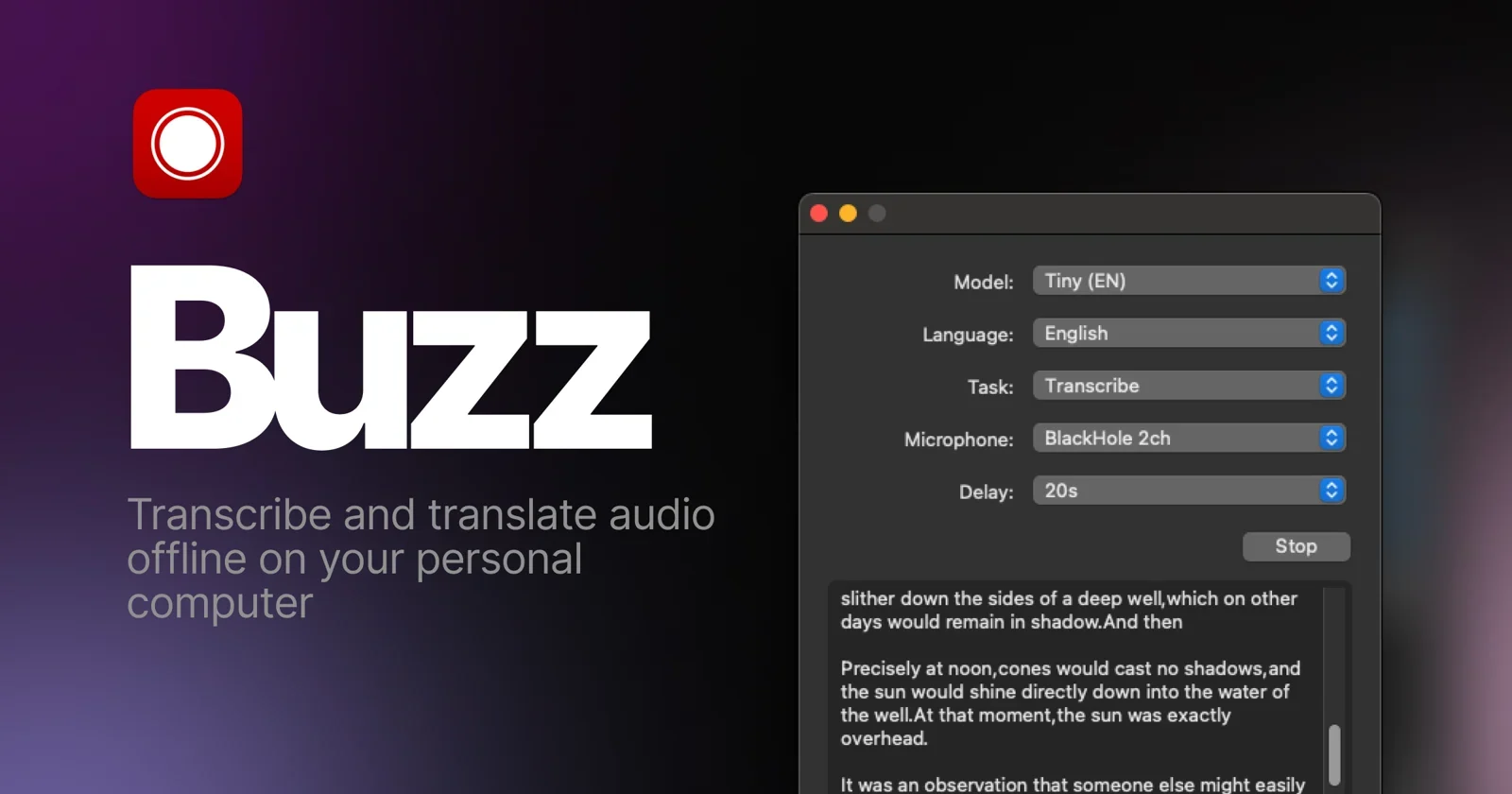
Buzz is a free, MIT-licensed app that transcribes and translates audio offline on Mac, Windows and Linux. Its GitHub project is actively maintained.
Compared With MacWhisper
Buzz is the closest free match to MacWhisper's file transcription, and it runs on Windows and Linux. Its interface is plainer, and it does not type into other apps.
Pros
Free and open source.
Local transcription and translation.
Exports SRT, VTT, TXT and CSV.
Cons
No dictation into other apps.
New Mac versions need Apple Silicon.
Pricing
Free.
Best For
Windows and Linux users who want MacWhisper-style local file transcription.
10. Aiko: Best Simple Paid Transcriber For Apple Devices
Aiko transcribes recordings on device on Mac, iPhone, iPad and Vision Pro, for one price across all of them.
Compared With MacWhisper
Aiko is simpler and cheaper, with no batch mode and no dictation. MacWhisper has more features and newer models.
Pros
On device; nothing is uploaded.
One purchase for all Apple platforms.
Cons
No built-in batch queue.
No dictation.
Needs the latest Apple operating systems.
Pricing
$24 once. A 14-day trial is available through TestFlight.
Best For
Apple users who want a simple, private transcriber.
11. TurboScribe: Best Web-Based Transcription
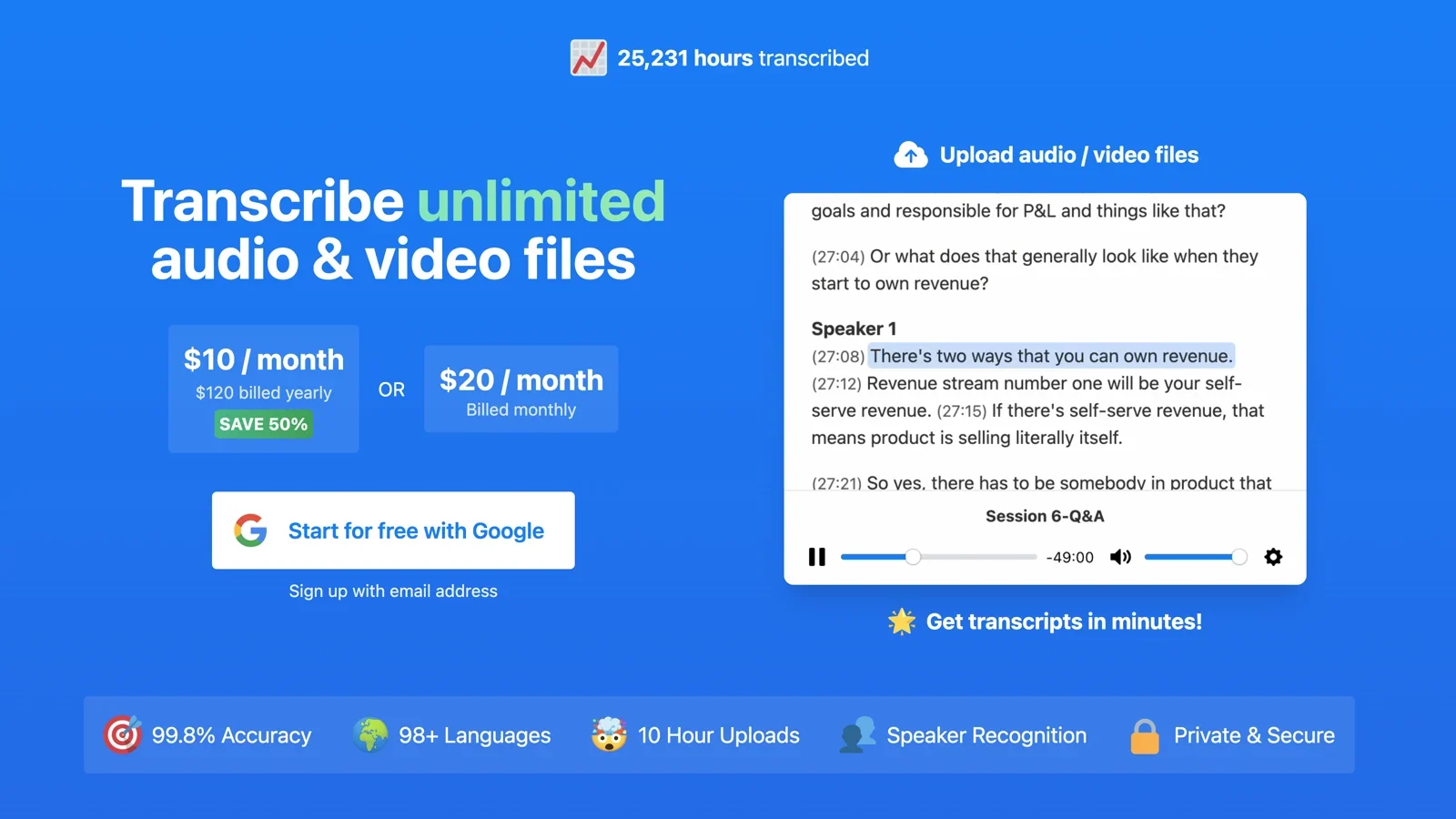
TurboScribe transcribes uploaded audio and video in the browser, with speaker recognition and files up to 10 hours on the paid plan.
Compared With MacWhisper
TurboScribe works on any computer, including Windows and Chromebooks, but your files are uploaded. MacWhisper keeps them on your Mac.
Pros
Nothing to install.
Long files on the paid plan.
Useful free tier.
Cons
Cloud only.
Free plan: 3 files a day, up to 30 minutes each.
Pricing
Free for 3 files a day. Unlimited is $10/month billed annually ($120/year), or $20 monthly.
Best For
People who transcribe long recordings and do not mind uploading them.
12. Otter.ai: Best For Meetings
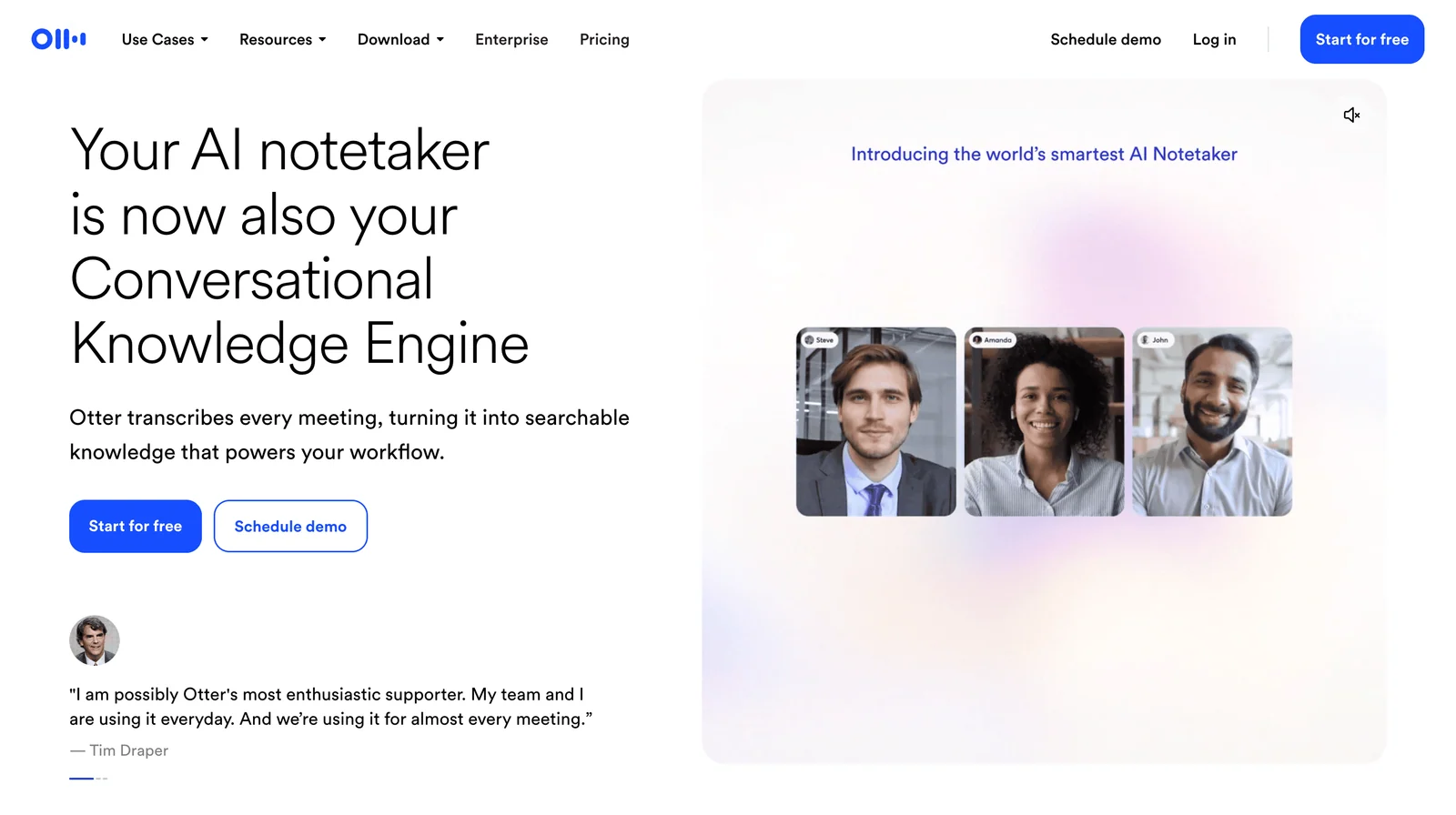
Otter.ai is a meeting assistant with live meeting notes, summaries and searchable transcripts. It can import files, with limits.
Compared With MacWhisper
Otter is for meetings and team notes in the cloud; MacWhisper is for transcribing files privately on a Mac.
Pros
Meeting summaries and sharing.
Apps on every platform.
Cons
Cloud only.
File imports: 3 lifetime on Free, 10 a month on Pro.
Pricing
Free with 300 minutes a month. Pro is $16.99/month, or $8.33/month billed annually.
Best For
Teams who need meeting notes more than file transcription.
Is There A MacWhisper For Windows?
No. MacWhisper runs on Mac, iPhone and iPad only. On Windows, the closest options are:
Free file transcription: Buzz, which runs Whisper locally and exports subtitles.
Free dictation and transcription: OpenWhispr, with local models, file import and meeting recordings.
Paid dictation and transcription: Voicy or Superwhisper.
Built in: Windows voice typing (Windows + H) for live dictation, with no file transcription.
Browser: TurboScribe for uploading long files.
On Linux, Buzz, OpenWhispr, Spokenly and Voicy all have Linux versions.
When MacWhisper Is Still The Right Choice
Stay with MacWhisper if you mainly transcribe long recordings on a Mac, want batch processing and speaker labels without uploading anything, and prefer paying once. Few alternatives match that combination on macOS. If you mostly dictate into other apps, or you work on Windows, Linux or Android, an alternative will fit better.
How To Compare Before You Switch
Use the same recording. Transcribe one 10-minute file in MacWhisper and in each alternative, and compare names, numbers and speaker labels.
Test live dictation separately. Dictate the same paragraph into your email and notes apps.
Check where audio goes. Local models keep it on your computer; cloud models and web apps upload it.
Check export formats if you need subtitles or timestamps.
Fast Answer: What Is The Best MacWhisper Alternative?
For live dictation plus file transcription on Mac, Windows, Linux and phones, Voicy covers the most ground. For local dictation on Mac, Superwhisper and VoiceInk are the strongest options. For free, local file transcription on Windows and Linux, Buzz is the closest match to MacWhisper, and OpenWhispr adds dictation for free.
Frequently Asked Questions
What is the best alternative to MacWhisper?
It depends on the job. For live dictation plus file transcription on Mac, Windows, Linux and phones, Voicy covers the most ground. For local models on Mac, compare Superwhisper and VoiceInk. For free file transcription on Windows and Linux, Buzz is the closest match to MacWhisper. For web-based transcription of long files, TurboScribe is simple to use.
Is there a MacWhisper for Windows?
No. MacWhisper runs on Mac, iPhone and iPad only. On Windows, Buzz is a free, open-source app that transcribes files locally, and OpenWhispr is free and adds dictation into any app. Voicy and Superwhisper offer paid Windows apps that do both live dictation and file transcription.
Is there a free alternative to MacWhisper?
Yes. Buzz is free and open source for file transcription on Mac, Windows and Linux. OpenWhispr is free with local models and does dictation, file import and meeting recordings. Spokenly's free plan gives unlimited dictation with local models, and TurboScribe's web app transcribes three files a day for free.
What is the best MacWhisper alternative for live dictation?
Voicy, Superwhisper, VoiceInk, Spokenly and Wispr Flow all type into any app as you speak. MacWhisper has added system-wide dictation too, but these tools are built around it. VoiceInk and Spokenly run locally; Wispr Flow is cloud only.
Which MacWhisper alternative is best for local processing?
Buzz, Aiko and Whisper Notes transcribe files on your device. For live dictation, Superwhisper, VoiceInk, Spokenly and OpenWhispr can run local models, and Voicy has an offline mode in its Mac, Windows and Linux apps.
Which option is best if I also need Windows and mobile support?
Voicy runs on Mac, Windows, Linux, iPhone, Android and as a Chrome extension, with live dictation and file transcription. Superwhisper covers Mac, Windows, iPhone and Android with one license.
What is a good MacWhisper alternative for meeting summaries?
Otter.ai is built for meetings, with summaries and 300 free transcription minutes a month. OpenWhispr includes meeting recordings with 5 free hours a month. MacWhisper itself can record meetings without a bot joining.
Is MacWhisper better for transcription than dictation?
Yes, in the sense that MacWhisper started as a file transcription app and that is still its strength: batch transcription, speaker recognition and local processing. It now also offers system-wide dictation, but apps such as Voicy, Superwhisper and VoiceInk are designed around live dictation first.
MacWhisper Comparisons And Guides
Final Verdict
Start by naming the job. If you transcribe long recordings privately on a Mac, MacWhisper is still hard to beat. If you need the same on Windows or Linux, use Buzz or OpenWhispr. If you mostly dictate into other apps, or you work across Windows, Linux and your phone, try Voicy free: it handles live dictation everywhere and transcribes recordings too.
 Download for free