
If you need TurboScribe's upload-and-transcribe workflow with stronger subtitle tools, Happy Scribe is the closest web-based replacement, and Sonix is the better fit for occasional jobs at $10 per audio hour. If you want your files to stay on your own computer, use MacWhisper on a Mac or Buzz on Windows and Linux. And if you also write emails and documents every day, Voicy combines dictation in any app with file transcription of up to 60 minutes per file, on Mac, Windows, Linux and your phone.
Voicy is our product. We have included it where it fits and said where it does not. This is an editorial comparison based on vendor pages, not a hands-on accuracy test. Prices below were checked on November 5, 2026, in US dollars before tax.Summary
Best if you also dictate every day: Voicy - dictation in any app on desktop, browser and phone, plus file transcription of up to 60 minutes per file.
Best for local models plus dictation: Superwhisper - on-device or cloud models for dictation and file transcription.
Best for subtitles and many languages: Happy Scribe - 150+ AI languages and 15+ export formats on Pro.
Best pay-as-you-go option: Sonix - $10 per audio hour, no subscription.
Best for human-verified transcripts: Rev - AI plans plus human transcription from $1.99 per minute.
Best cheap annual plan for long files: Notta - 1,800 minutes a month and recordings up to 5 hours on Pro.
Best for meetings: Otter.ai - live meeting notes, summaries and searchable transcripts.
Best for editing podcasts and video: Descript - edit the media by editing the transcript.
Best free web tool: Riverside's free transcriber - no sign-up, TXT and SRT downloads.
Best local transcriber for Mac: MacWhisper - batch transcription, speaker recognition and a one-time Pro license.
Best free app for Windows and Linux: Buzz - open-source, offline, with subtitle exports.
Best one-time purchase for Apple devices: Aiko - on-device transcription for $24 once.
Free with Microsoft 365: Word's Transcribe feature, with 300 minutes of uploaded audio a month.
Top Alternatives At A Glance
| Tool | Free option | Paid price | Platforms | Processing | Best for |
|---|---|---|---|---|---|
| TurboScribe (for reference) | 3 files a day, up to 30 minutes each | $20/month or $10/month billed annually | Web browser | Cloud | Unlimited long files at a flat price |
| Voicy | Free trial, no credit card | $8.49/month, $82/year or $260 lifetime | Mac, Windows, Linux, Chrome extension, iOS, Android | Cloud; offline mode for desktop dictation | Daily dictation plus files up to 60 minutes |
| Superwhisper | Free tier | $8.49/month, $84.99/year or $249.99 lifetime | Mac, Windows, iOS, Android | Local or cloud | Local models plus dictation |
| Happy Scribe | 10 minutes, one time | Basic $17/month or $8.50/month billed annually | Web | Cloud | Subtitles and many languages |
| Sonix | 30-minute trial | $10 per audio hour, or Core from $25/month | Web | Cloud | Occasional jobs, pay as you go |
| Rev | 45 AI minutes a month | Essentials $29.99/month or $25.49/month billed annually; human from $1.99/minute | Web and mobile apps | Cloud, plus human transcribers | Human-verified accuracy |
| Notta | 120 minutes a month, 3 minutes per conversation | Pro $97.99/year | Web and mobile apps | Cloud | Long files on a cheap annual plan |
| Otter.ai | 300 minutes a month, 3 imported files in total | Pro $16.99/month or $8.33/month billed annually | Web and mobile apps | Cloud | Meetings |
| Descript | 1 media hour a month | Hobbyist $24/month or $16/month billed annually | Mac, Windows, web | Cloud | Editing podcasts and video |
| Riverside free transcriber | Free, no sign-up | Paid Riverside plans from $24/month | Web | Cloud | Quick free transcripts and SRT files |
| MacWhisper | Free version | Pro €64 once | Mac, iPhone, iPad | Local by default | Private batch transcription on Mac |
| Buzz | Free and open source | None | Mac (Apple Silicon), Windows, Linux | Local | Free offline transcription on any desktop |
| Aiko | 14-day trial via TestFlight | $24 once | Mac, iPhone, iPad, Vision Pro | On device | Simple private transcription |
| Word Transcribe | Included with Microsoft 365 | None beyond Microsoft 365 | Word for the web; Word for Windows in business accounts | Cloud | Occasional files you want in Word |
Key Takeaways
Know why you are leaving. Free limits, privacy, subtitles, editing and human accuracy point to different tools.
TurboScribe's flat price is hard to beat for heavy volume. If you transcribe many long files, the alternatives win on features or privacy, not usually on price.
Local is the clearest difference. TurboScribe uploads every file; MacWhisper, Buzz, Aiko and Superwhisper can keep audio on your device.
Free tiers are small everywhere. Expect one-time minutes, short per-file caps or limited imports, except for Buzz, Riverside's free tool and MacWhisper's free version.
Subtitles need the right exports. Happy Scribe, Sonix, MacWhisper and Buzz export SRT and VTT.
Dictation is a different job. Voicy and Superwhisper type as you speak in any app and also transcribe files; TurboScribe only handles recordings.
Why People Look For A TurboScribe Alternative
TurboScribe is a simple web service for turning uploaded audio and video into text. It lists 98+ languages, speaker recognition and uploads of up to 10 hours, and it says its Unlimited plan has no caps on overall usage. For many people that is enough. People still switch for a few concrete reasons:
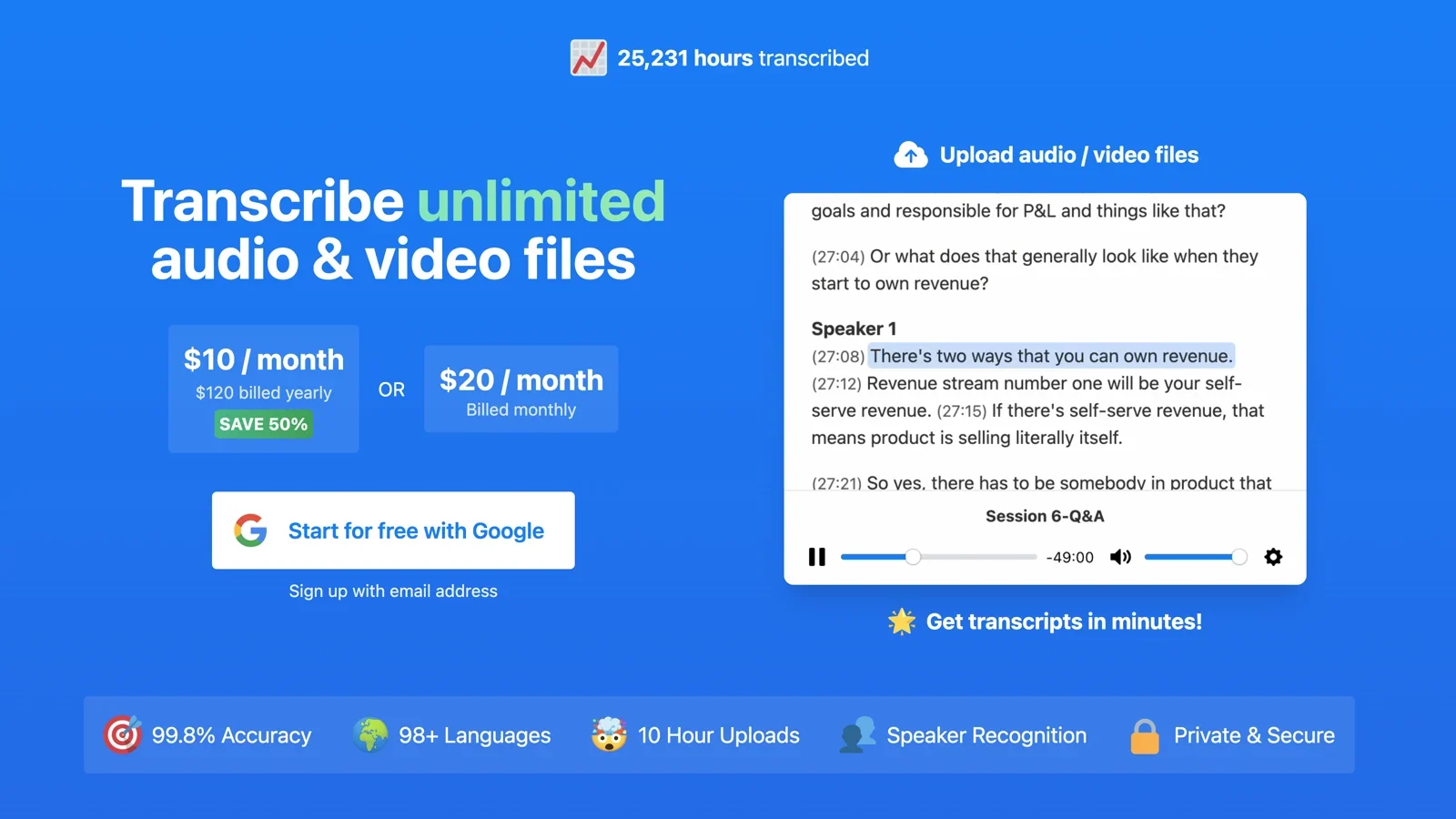
Free limits: TurboScribe's pricing page lists 3 transcripts a day on the free plan, up to 30 minutes each, uploaded one file at a time. A one-hour interview needs the paid plan.
Price for light users: Unlimited is $20 a month, or $10 a month billed annually ($120 a year). If you only transcribe a few hours a month, pay-as-you-go or a one-time app can cost less.
Cloud only: every file is uploaded to TurboScribe's servers. For confidential interviews, client calls or medical and legal recordings, some people want transcription that runs on their own computer.
Editing and subtitles: TurboScribe gives you a transcript and common exports such as DOCX, PDF, TXT, SRT and VTT. If you want to edit the audio or video itself, or need broadcast subtitle formats, you need a different kind of tool.
Human accuracy: TurboScribe sells AI transcription. Court, legal and publishing work sometimes needs a person to check every word.
Writing, not just recordings: TurboScribe transcribes files after the fact. It does not type into your email or documents while you speak.
Transcription Plus Everyday Dictation
These apps are not like-for-like TurboScribe clones. They are dictation apps that also transcribe recordings, which makes them a good fit if you write a lot as well as transcribe.
1. Voicy: Best If You Also Dictate Every Day
Voicy is a dictation app first: press a shortcut, speak in any app, and get clean, punctuated text. It also has file transcription in its desktop apps, for recordings of up to 60 minutes on paid plans. That makes it a good choice if your week includes some recordings to transcribe and a lot of emails, notes and documents to write. If you upload long recordings every day, or need subtitles and speaker labels, keep TurboScribe or choose one of the services below.
Voicy Vs TurboScribe At A Glance
| Voicy | TurboScribe | |
|---|---|---|
| Monthly price | $8.49 | $20 |
| Annual price | $82 | $120 |
| Lifetime option | $260 once | None listed |
| Free option | Free trial, no credit card | 3 files a day, up to 30 minutes each |
| File transcription | Up to 60 minutes per file, on paid plans | Up to 10 hours or 5 GB per file on Unlimited |
| Several files at once | Yes, you can add more than one file | Up to 50 files per upload on Unlimited |
| Transcript output | Copy, or download as a .txt file | DOCX, PDF, TXT, SRT, VTT and more |
| Dictation in any app | Yes | No |
| Platforms | Mac, Windows, Linux, Chrome extension, iOS, Android | Web browser |
| Offline use | Offline mode for dictation in desktop apps; file transcription is online | No; cloud only |
| Languages | 50 | 98+ |
Prices checked November 5, 2026. TurboScribe prices are for Unlimited, as listed on TurboScribe's site.
Switching From TurboScribe
Keep TurboScribe, or another service from this list, for long recordings and subtitles. Use Voicy for the writing around them: open Voicy → Transcribe File for recordings under an hour, then dictate your notes, summaries and follow-up emails straight into the apps you use. Add names and terms that come up often to Voicy's Dictionary, and save repeated phrases as Voice shortcuts.
Key Features
Dictation in any app on Mac, Windows and Linux, plus a Chrome extension and iPhone and Android apps.
File transcription for MP3, WAV, M4A, MP4, MOV, WebM and other common formats, up to 60 minutes per file.
Offline mode in the desktop apps for dictation. File transcription, Rewrite Mode and Custom Modes still need internet.
Dictionary, Voice shortcuts, Rewrite Mode and Custom Modes.
Voicy does not keep recordings or transcripts on its servers. Finished file transcripts are saved in the app on your computer and cleared after three days, so download what you want to keep.
Pros
Dictation and file transcription in one app.
Cheaper than TurboScribe Unlimited, with a lifetime option.
Runs on Mac, Windows, Linux, iPhone, Android and in the browser.
No retention of recordings or transcripts on Voicy's servers.
Cons
Files are limited to 60 minutes each.
Plain-text output only; no SRT or VTT subtitle files.
File transcription needs a paid plan and an internet connection.
No permanent free plan; a free trial instead.
Pricing
Free trial, then $8.49/month, $82/year or $260 lifetime.
Best For
People who dictate every day and transcribe the occasional recording.
Students, writers and professionals who turn interviews or lectures into notes and drafts.
Anyone who works across Windows, Linux, the browser and a phone. See our best transcription software guide for more file-first options.
2. Superwhisper: Best For Local Models Plus Dictation
Superwhisper lets you choose between on-device models that work offline and cloud models, for both dictation and file transcription. It suits people who want TurboScribe-style transcripts without uploading audio, and who also dictate. Read our Superwhisper review or compare Voicy vs Superwhisper.
Key Features
On-device models that keep audio on your machine.
File transcription as well as live dictation.
Custom vocabulary and custom modes with your choice of AI model.
One Pro license covers Mac, Windows, iOS and Android.
Pros
Works offline with local models.
Lifetime license available.
Dictation and transcription in one app.
Cons
More settings to learn than a web uploader.
Local models run best on fast hardware, especially Apple Silicon Macs.
Built around dictation, not subtitle editing.
Pricing
Free tier. Pro is $8.49/month, $84.99/year or $249.99 lifetime.
Best For
Power users who want offline transcription and dictation with control over models. See also MacWhisper vs Superwhisper.
Closest Web-Based Replacements
These work like TurboScribe: upload a file in the browser and get a transcript back. They differ on subtitles, languages, human review and how you pay.
3. Happy Scribe: Best For Subtitles And Many Languages
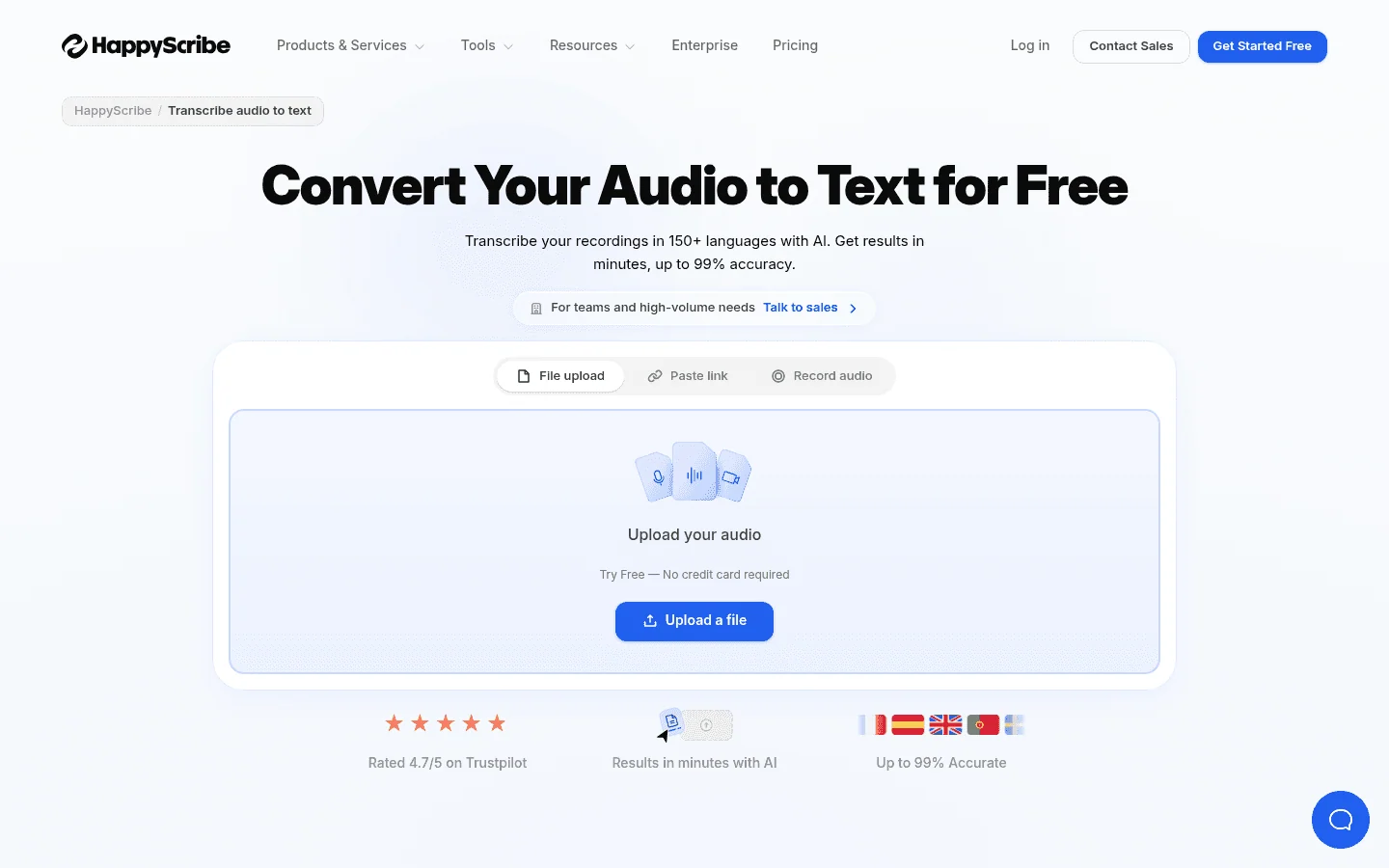
Happy Scribe is a web transcription and subtitle service with AI transcription in 150+ languages and human services in 65+. Its export list is the longest here, which matters if your transcript ends up in a video editor.
Key Features
Upload a file, paste a link or record audio in the browser.
AI transcription in 150+ languages and AI translation in 80+.
Exports TXT and SRT on Free; Basic adds PDF and DOCX; Pro and Business add 15+ formats, including VTT, STL, XML, FCPXML and EDL.
Human transcription and subtitles from $2.00 per minute.
Pros
Strongest subtitle exports in this list.
Very wide language coverage.
AI and human services in one place.
Cons
Minute-based plans; Basic includes 120 minutes a month.
The free allowance is 10 minutes, one time.
VTT and editor formats need the Pro plan.
Pricing
Free: 10 minutes, one time. Basic is $17/month, or $8.50/month billed annually, with 120 minutes a month. Pro is $29/month, or $19/month billed annually, with 600 minutes. Business is $89/month, or $59/month billed annually. Extra minutes are $0.20 each.
Best For
Video makers and teams who need subtitles in many formats and languages.
4. Sonix: Best Pay-As-You-Go Transcription
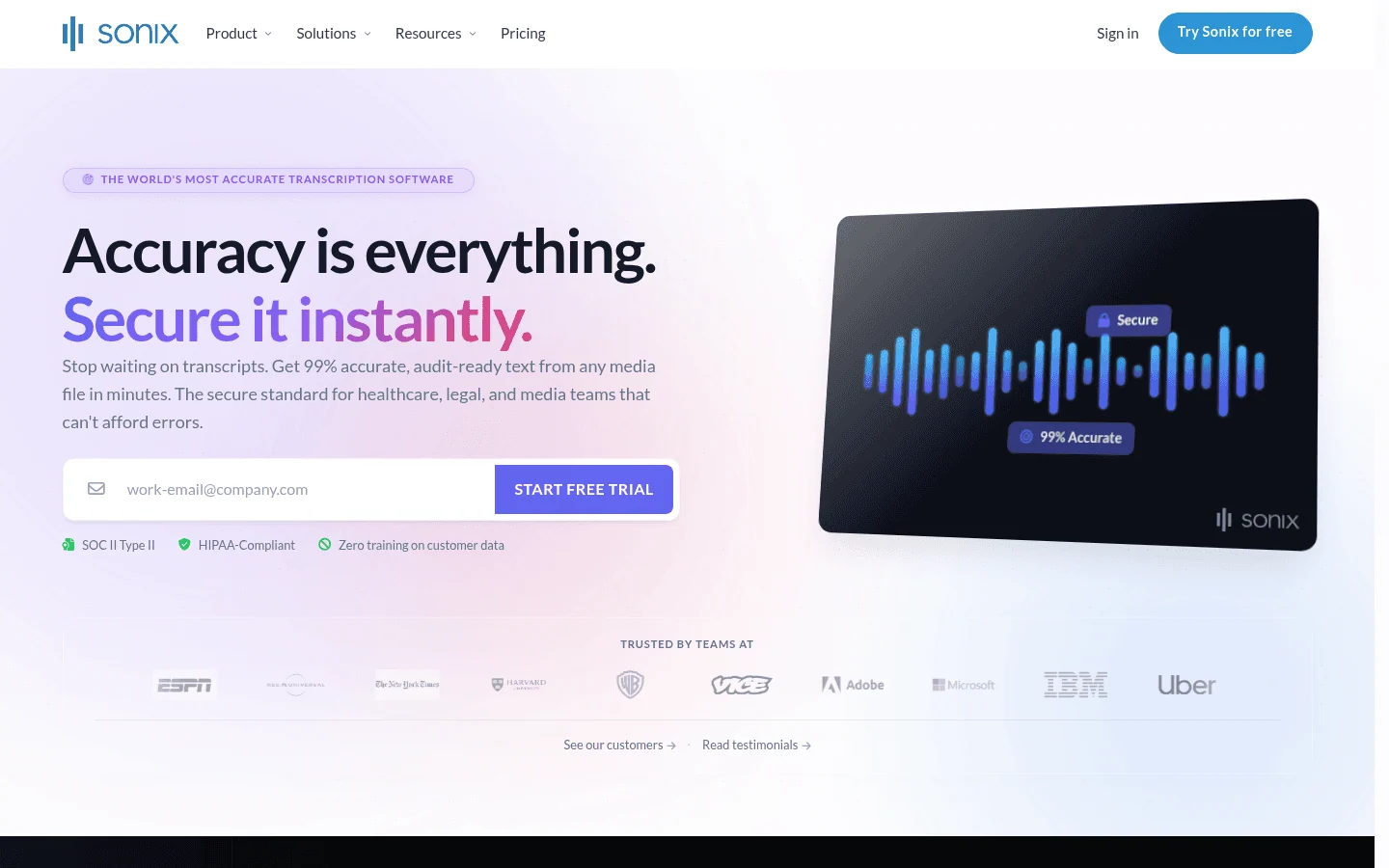
Sonix charges $10 per audio hour with no subscription, so you pay only for the recordings you transcribe. It adds a browser editor, speaker labels with timestamps, and SRT and VTT exports.
Key Features
Transcription and translation in 54+ languages.
Speaker labels with timestamps and a transcript editor.
Exports DOCX, PDF and TXT, plus SRT and VTT subtitles.
Subscriptions add an AI workspace and team seats.
Pros
No subscription needed.
Subtitle exports included.
30-minute free trial with no credit card.
Cons
Costs more than TurboScribe once you pass a few hours a month.
Extra seats are $25 a month each.
Cloud only.
Pricing
Pay as you go at $10 per audio hour. Core is $25/month or $275/year with 5 hours a month; Advanced is $50/month with 20 hours; Pro is $80/month with 40 hours. Extra hours are $10 each.
Best For
People who transcribe a few hours a month and do not want a subscription.
5. Rev: Best When You Need Human Accuracy
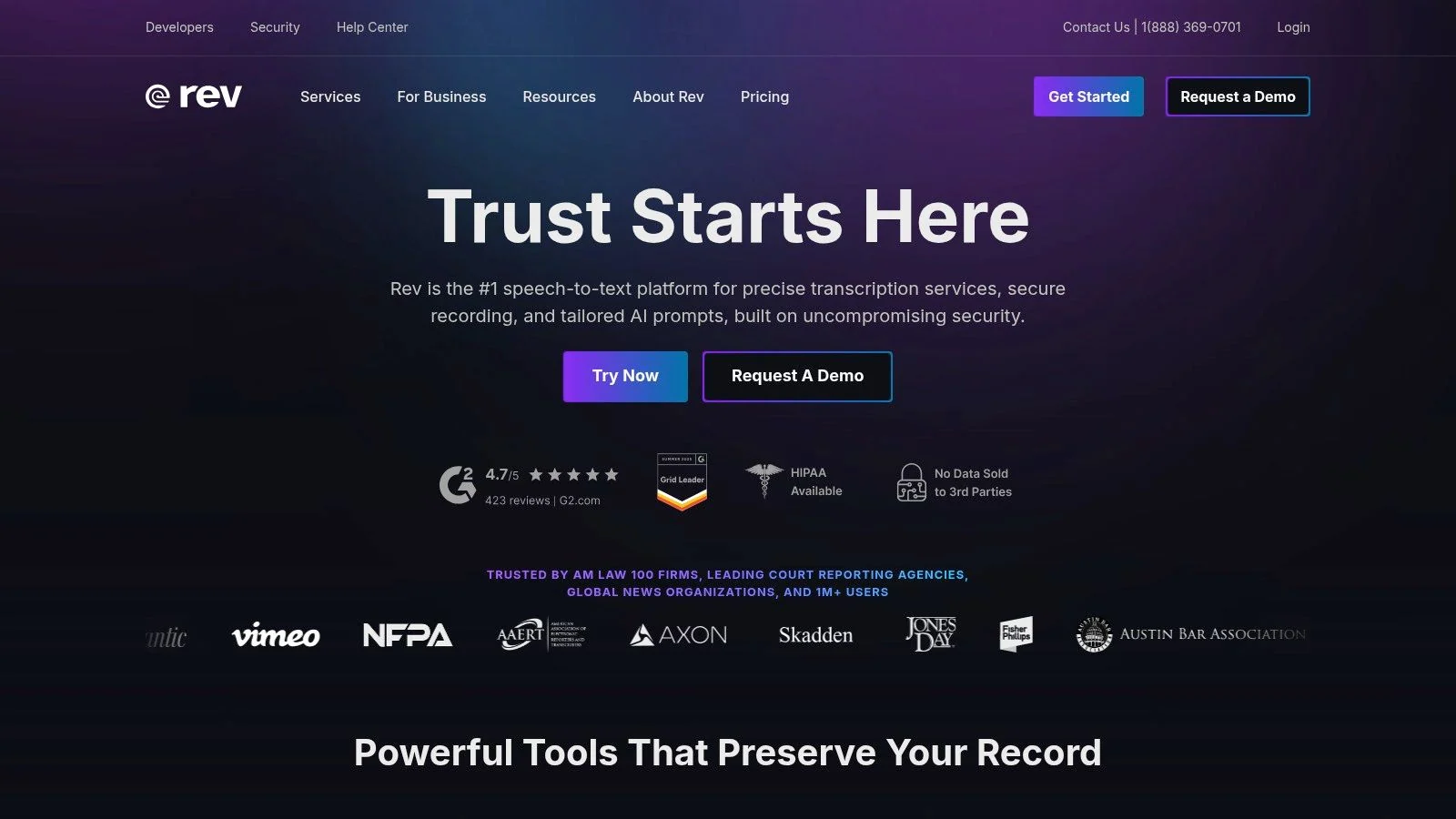
Rev combines AI transcription plans with human transcription, which TurboScribe does not offer. It is a common choice for legal, research and media work where every word needs checking. See our legal transcription software guide for more options in that field.
Key Features
Human transcription from $1.99 per minute.
AI plans with thousands of minutes a month.
Pro covers 37+ languages; Essentials covers English and Spanish.
Captions and subtitles, plus legal transcript formats priced per page.
Pros
Human transcription when accuracy is critical.
Large AI allowances on paid plans.
Legal formats available.
Cons
The free plan is 45 AI minutes a month, English only.
More expensive than TurboScribe for AI-only work.
Human transcripts add up quickly on long files.
Pricing
Free: 45 AI minutes a month. Essentials is $29.99/month, or $25.49/month billed annually, with 5,000 AI minutes. Pro is $59.99/month, or $47.99/month billed annually, with 10,000 AI minutes. Human transcription starts at $1.99 per minute.
Best For
Legal, research and publishing work that needs human-verified transcripts.
6. Notta: Best Cheap Annual Plan For Long Files
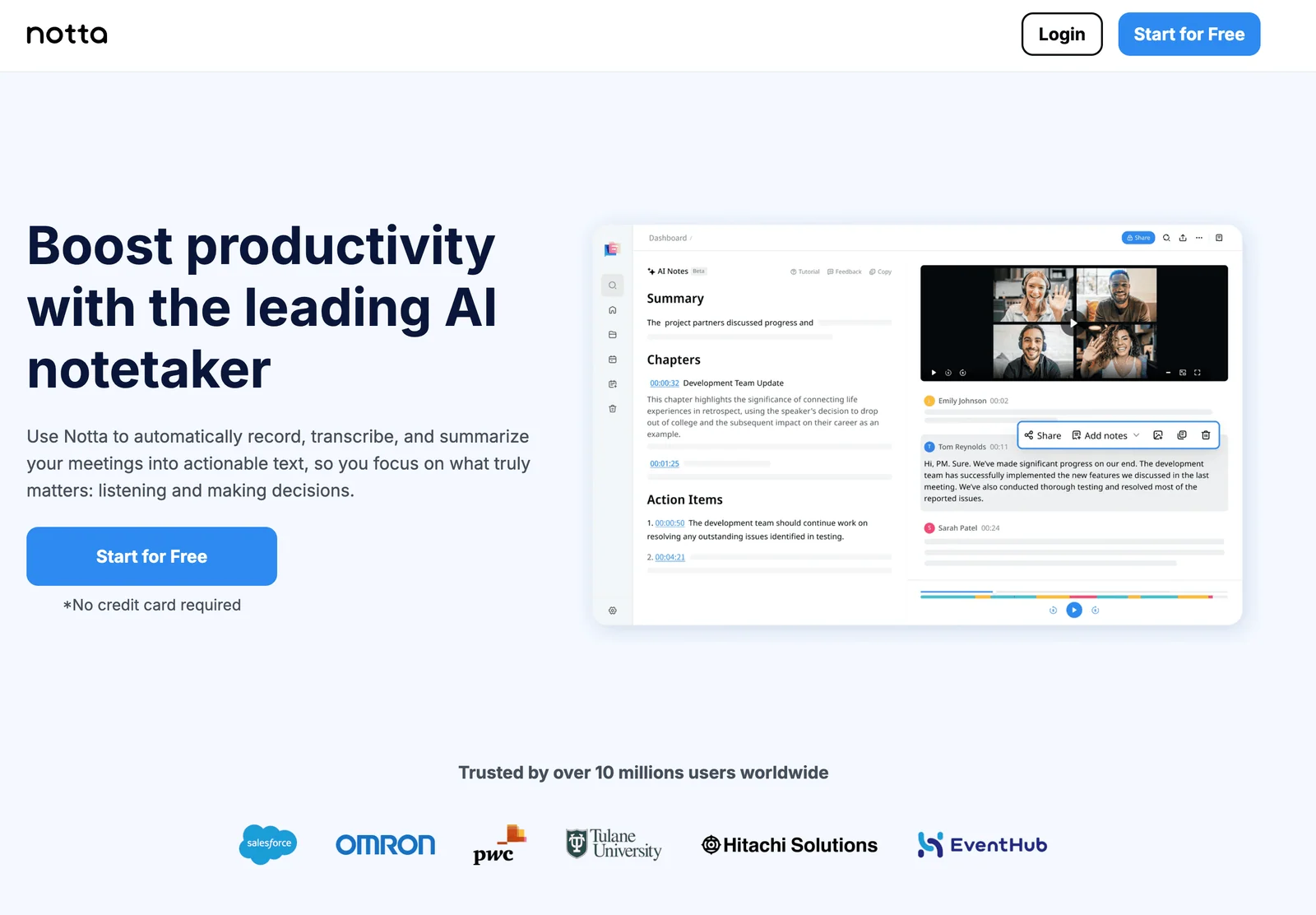
Notta is an AI notetaker that also transcribes uploaded files. Its Pro plan allows recordings of up to 5 hours and 1,800 minutes a month for less than $100 a year, which makes it one of the cheaper paid options here for long files.
Key Features
File uploads and meeting recording in one workspace.
Recordings of up to 5 hours on paid plans.
AI summaries, chapters and action items.
Custom vocabulary for English and Japanese.
Pros
Low annual price for 1,800 minutes a month.
Handles long recordings.
Meetings and files together.
Cons
The free plan transcribes only 3 minutes per conversation.
Monthly prices are not shown on the pricing page.
Export formats are not listed on the pricing page.
Pricing
Free: 120 minutes a month, up to 3 minutes per conversation. Pro is $97.99/year ($8.17/month) with 1,800 minutes a month and 100 uploads. Business is $199.99/year with unlimited transcription and 200 uploads.
Best For
People with long recordings who want a low annual price and meeting notes too.
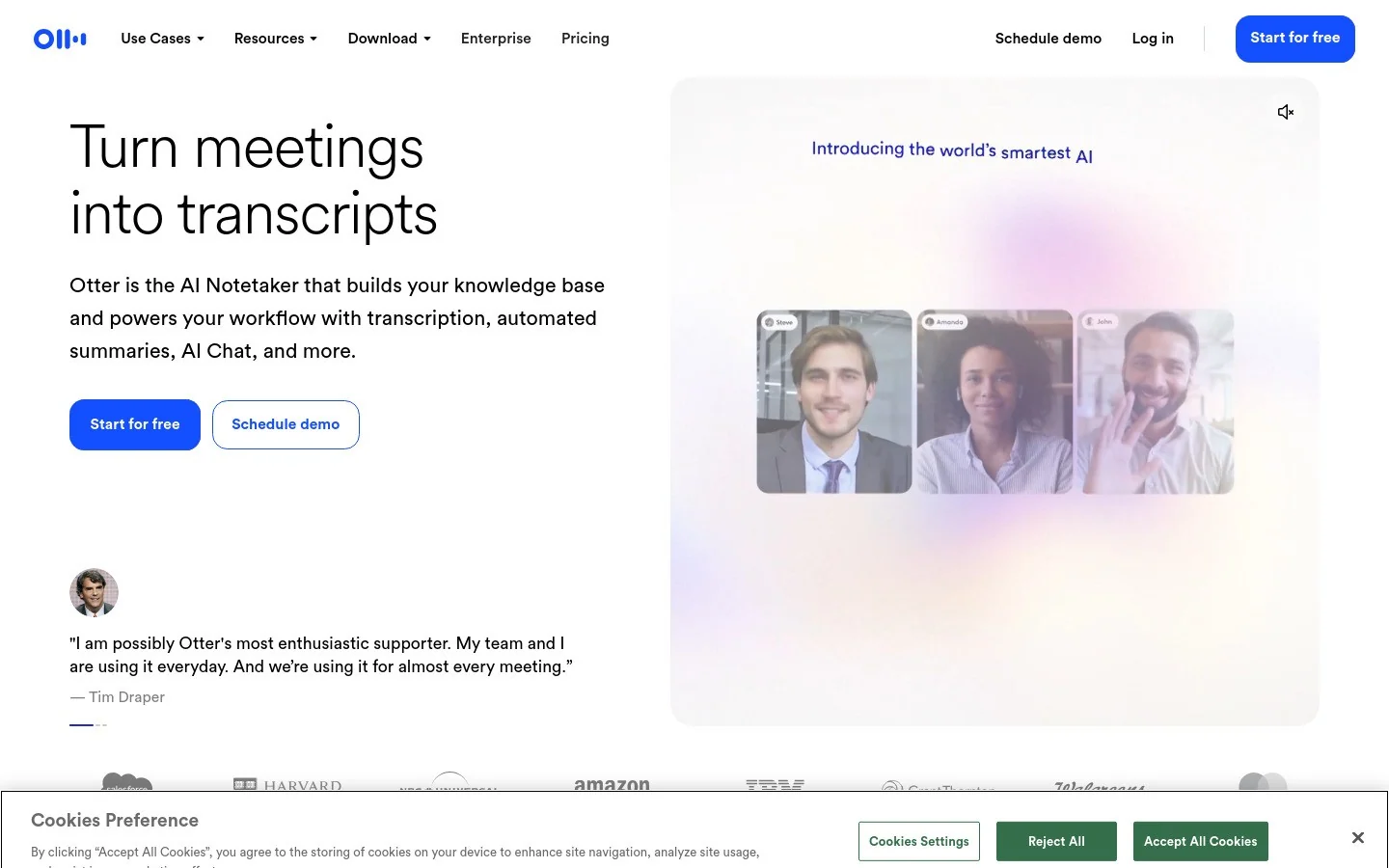
7. Otter.ai: Best For Meetings
Otter.ai is a meeting assistant: it joins or records meetings, writes live notes and summaries, and keeps searchable transcripts. It can import files, but with tighter limits than TurboScribe. Compare it with Voicy on our Otter.ai alternative page.
Key Features
Live meeting transcription, summaries and shared notes.
Speaker labels and searchable transcripts.
Exports TXT on Basic; PDF, DOCX and SRT on Pro and above.
Lists English, Spanish, French, German, Japanese and Chinese.
Pros
Strong meeting workflow.
Cheap Pro plan on annual billing.
Apps for web and mobile.
Cons
Imports: 3 files in total on Basic and 10 a month on Pro.
30 minutes per conversation on Basic and 90 on Pro.
Fewer languages than TurboScribe.
Pricing
Basic is free with 300 minutes a month. Pro is $16.99/month, or $8.33/month billed annually, with 1,200 minutes. Business is $30/month, or $19.99/month billed annually, with unlimited imports and up to 4 hours per conversation.
Best For
Teams whose recordings are mostly meetings, not a folder of long files.
Transcript Editors For Podcasts And Video
If the transcript is a step toward an edited episode or video, these tools fit better than a plain transcription service.
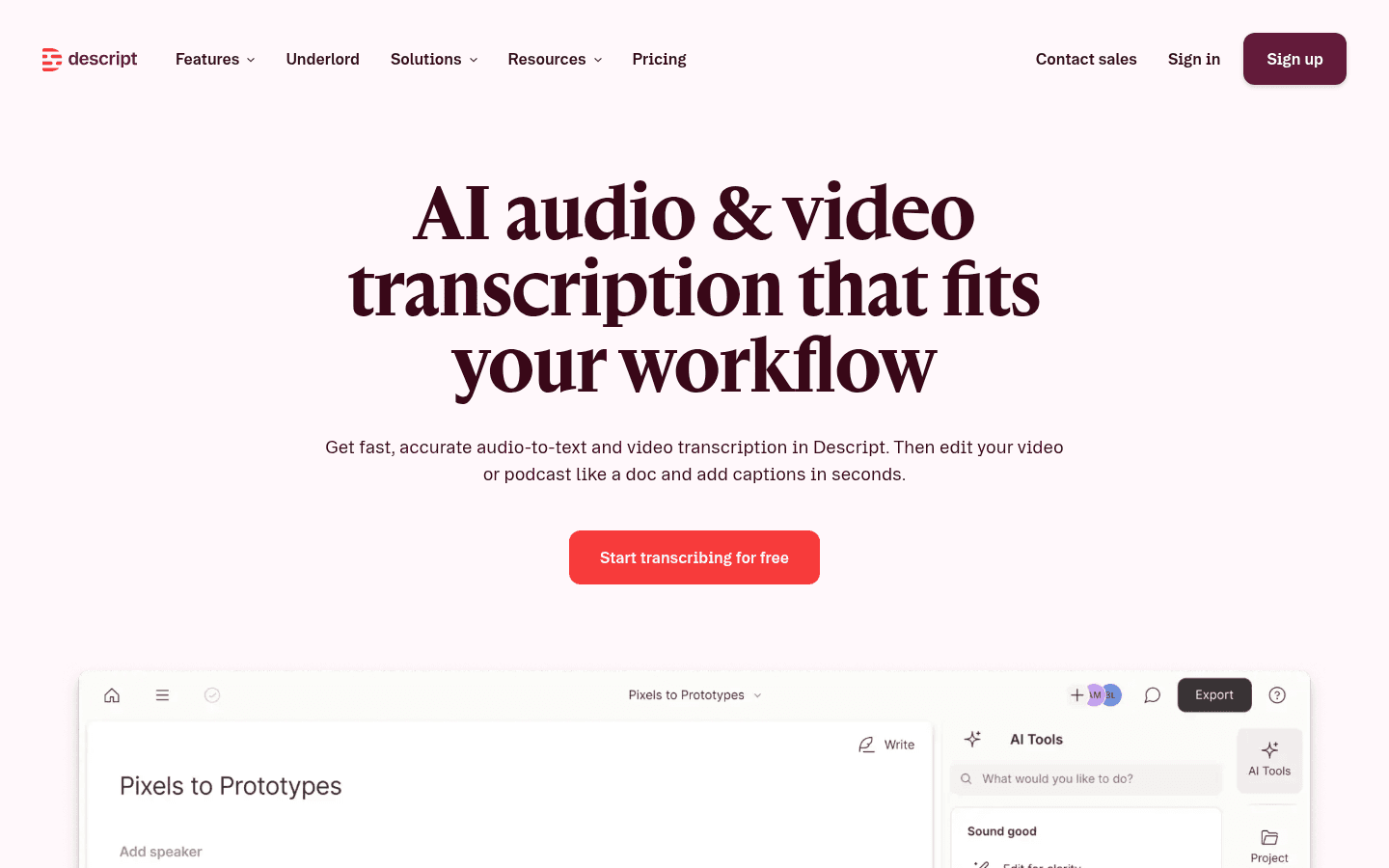
8. Descript: Best For Editing Podcasts And Video
Descript ties the transcript to the media, so deleting a sentence in the text also cuts it from the audio or video. It is a full editor, not just a transcriber. See our Descript alternative page if you only need the text.
Key Features
Edit audio and video by editing the transcript.
Transcription in 25 languages on all plans.
Recording, AI tools and exports to editing apps on higher plans.
Uploads of up to 1 GB on Free and 10 GB on Hobbyist.
Pros
Transcript and media editor in one.
Free plan to try it.
Good for clips, podcasts and webinars.
Cons
Media hours are capped: 1 a month on Free, 10 on Hobbyist.
Fewer transcription languages than TurboScribe.
More software than you need for a plain transcript.
Pricing
Free: 1 media hour a month, with watermarked video exports. Hobbyist is $24/month, or $16/month billed annually, with 10 media hours. Creator is $35/month, or $24/month billed annually, with 30 media hours.
Best For
Podcasters and video creators who edit what they transcribe.
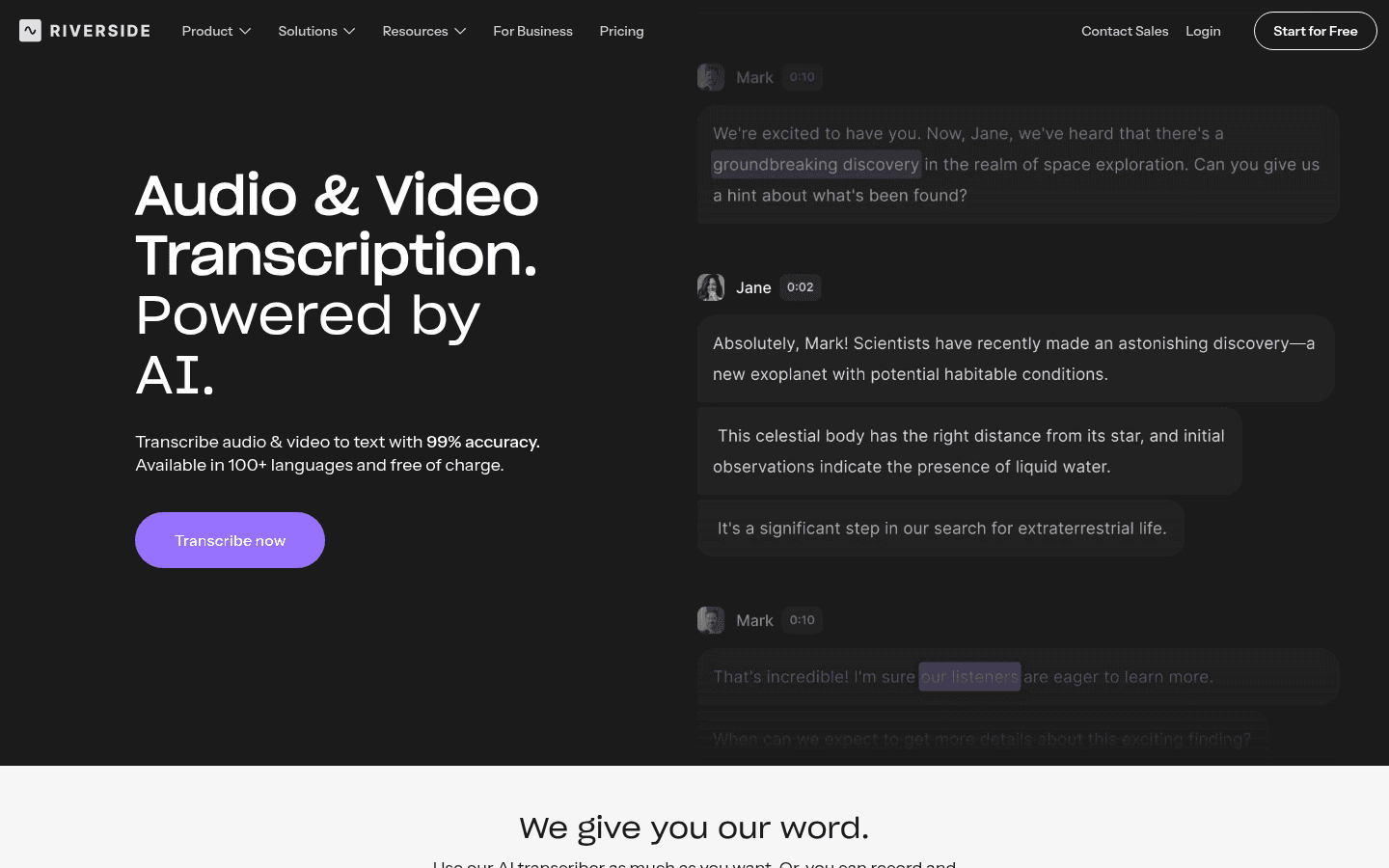
9. Riverside Free Transcriber: Best Free Web Tool
Riverside, a recording studio for podcasts and video, offers a free web transcriber with no sign-up. It is the quickest free option here when you just need a transcript or an SRT file.
Key Features
Free transcription with no account.
100+ languages and dialects.
Download as TXT or as SRT captions.
Pros
Free and fast to try.
SRT export at no cost.
Cons
The free tool puts all speech under one speaker; speaker separation needs a paid plan.
File limits are not stated.
Cloud only.
Pricing
Free. Riverside's page lists paid plans from $24/month for speaker separation and its recording studio.
Best For
One-off transcripts and captions when you do not want to sign up. For other free routes, see our audio to text converter guide.
Free, Local And Offline Options
These apps run speech recognition on your own computer, so your recordings are never uploaded. Speed depends on your hardware and the model you pick.
10. MacWhisper: Best Local Transcriber For Mac
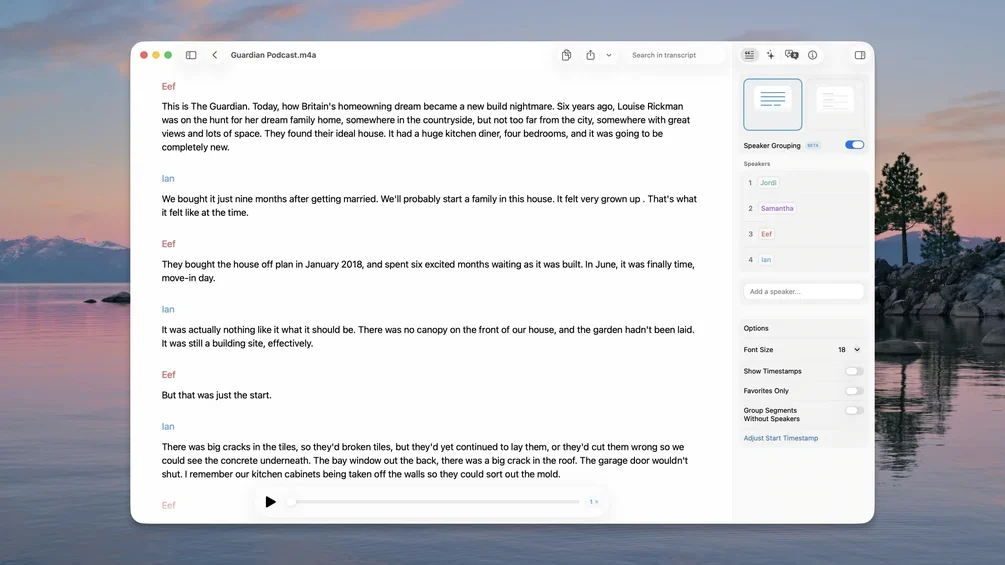
MacWhisper is the most complete local alternative to TurboScribe on a Mac: drag in files, batch-transcribe them, and export transcripts or subtitles without uploading anything. Read our MacWhisper review, the MacWhisper alternatives guide or Voicy vs MacWhisper.
Key Features
Local models that keep files on your Mac.
Batch transcription and automatic speaker recognition.
Exports SRT and VTT subtitles, plus TXT, Markdown, PDF, HTML and DOCX.
Also offers system-wide dictation and meeting recording without a bot.
Pros
Private: nothing leaves your Mac with local models.
One-time Pro price.
Batch and subtitle exports.
Cons
Mac, iPhone and iPad only.
Priced in euros, with no official US price.
Speed depends on your Mac and model.
Pricing
Free version. Pro is €64 once, with lifetime updates.
Best For
Mac users who transcribe sensitive recordings often and prefer paying once.
11. Buzz: Best Free App For Windows And Linux
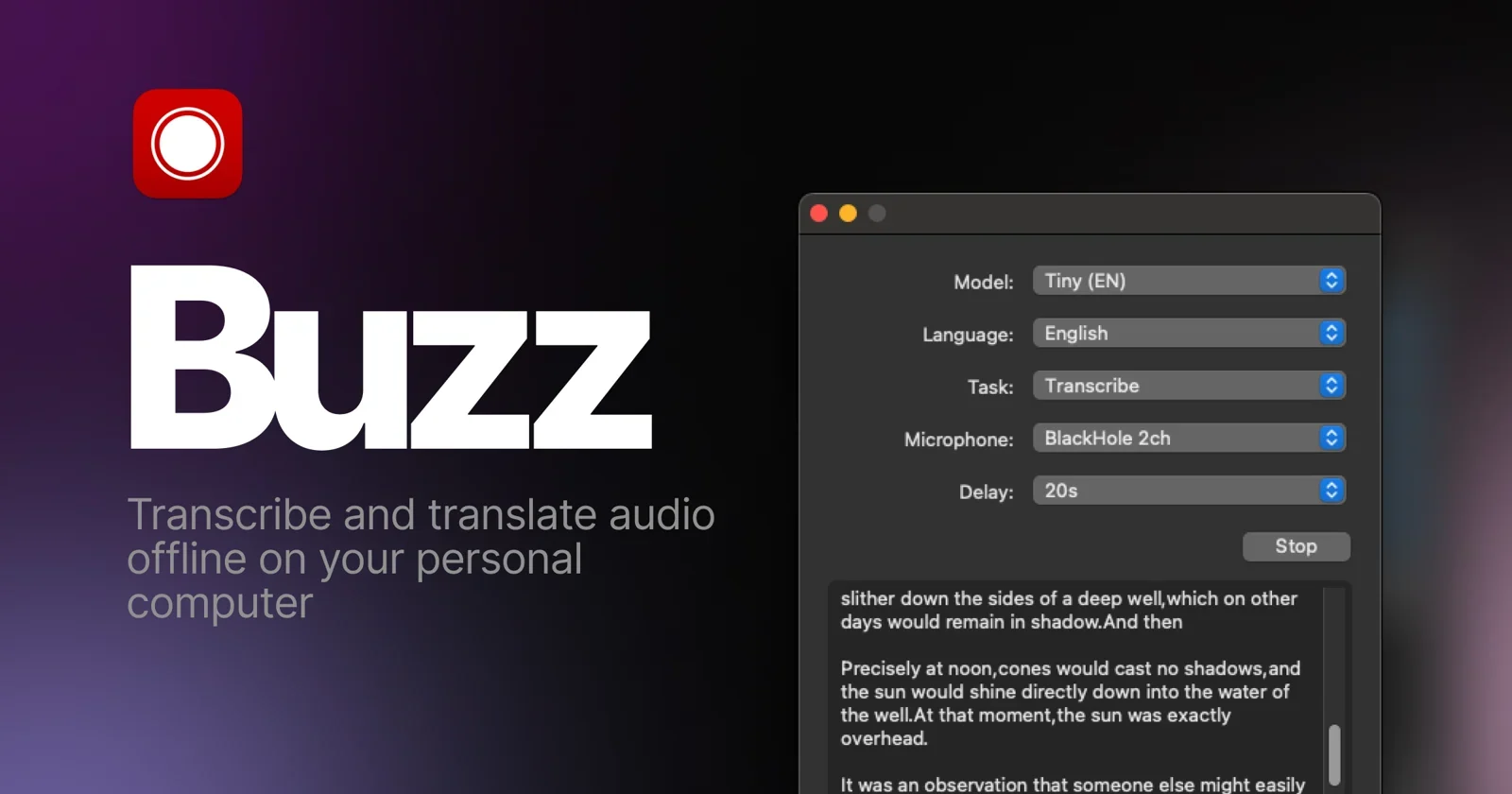
Buzz is a free, MIT-licensed app that transcribes and translates audio offline on Mac, Windows and Linux. It is the closest free match to TurboScribe's core job that never uploads your files.
Key Features
Local transcription with Whisper models.
Translation as well as transcription.
Exports SRT, VTT, TXT and CSV.
Pros
Free and open source.
Runs on Windows and Linux.
Subtitle exports included.
Cons
Plainer interface than paid apps.
New Mac versions need Apple Silicon.
No dictation into other apps.
Pricing
Free.
Best For
Windows and Linux users who want free, private file transcription. For more local tools, see our best offline dictation software guide.
12. Aiko: Best One-Time Purchase For Apple Devices
Aiko transcribes recordings on device on Mac, iPhone, iPad and Vision Pro, for one price across all of them. It is simpler than MacWhisper, with fewer options.
Key Features
On-device transcription; nothing is uploaded.
One purchase covers every Apple platform.
Simple drag-in workflow.
Pros
Private and offline.
Low one-time price.
Cons
No built-in batch queue.
Apple devices only, on recent operating systems.
Pricing
$24 once. A 14-day trial is available through TestFlight.
Best For
Apple users who want simple, private transcription without a subscription.
Free Built-In Options
13. Microsoft Word Transcribe: Free With Microsoft 365
If you already pay for Microsoft 365, Word can transcribe uploaded recordings and separate speakers. Microsoft lists 300 minutes of uploaded audio a month for Microsoft 365 subscribers. Our guide on how to transcribe audio to text in Word walks through it.
Quick Setup
In Word, go to Home → Dictate → Transcribe, then upload a WAV, MP4, M4A or MP3 file. Microsoft says the Word for Windows version is only available in business (commercial) accounts, so check which version your account supports.
Pros
No extra cost with Microsoft 365.
Speaker labels you can rename.
Transcript lands in Word.
Cons
300 uploaded minutes a month.
Four audio formats only.
Availability depends on your account type.
Pricing
Included with a Microsoft 365 subscription.
Best For
Microsoft 365 users with a few recordings a month.
If You Need Subtitles Or Speaker Labels
TurboScribe exports subtitles and labels speakers, so check these two features before you switch. Not every tool in this list does both.
Subtitle files (SRT or VTT): Happy Scribe (15+ formats on Pro), Sonix, MacWhisper and Buzz. Otter exports SRT on Pro, and Riverside's free tool exports SRT.
Speaker labels: MacWhisper, Sonix, Otter.ai, Notta and Word Transcribe label speakers. Riverside's free tool does not.
Professional editing formats: Happy Scribe Pro adds FCPXML and EDL, and Descript's Creator plan exports timelines to editing apps.
Plain text only: Voicy's file transcription gives you text to copy or download as a .txt file. Use it for notes and drafts, not captions.
Free Vs Local Vs Paid: What You Give Up
Free web tools (TurboScribe Free, Riverside, the free plans of Otter, Notta, Rev and Happy Scribe): no cost, but small allowances, short files or missing features such as speaker labels.
Free and local apps (Buzz, MacWhisper's free version): unlimited and private, but you need a capable computer, and long files take time on older hardware.
One-time apps (MacWhisper Pro, Aiko, Superwhisper lifetime): pay once and transcribe privately, limited to the platforms each app supports.
Paid cloud services (Happy Scribe, Sonix, Rev, Notta, Otter, Descript): editors, subtitles, teams and sometimes human review, for a subscription or per-hour price.
Dictation apps with transcription (Voicy, Superwhisper): best when you write as much as you transcribe, with shorter file limits or fewer export options than a dedicated service.
Best TurboScribe Alternative By Platform
Mac: MacWhisper for local batch work; Aiko for a simple one-time app; Voicy or Superwhisper if you also dictate. See Voicy for Mac.
Windows: Buzz for free local transcription; Voicy or Superwhisper with dictation; Word Transcribe with Microsoft 365. See Voicy for Windows.
Linux: Buzz for local transcription, and Voicy for dictation plus file transcription. See Voicy for Linux.
Any browser: Happy Scribe, Sonix, Rev, Notta, Otter and Riverside's free tool.
iPhone and Android: Rev, Notta and Otter have mobile apps; Aiko runs on iPhone and iPad. Voicy's iPhone and Android apps are for dictation.
Switching From TurboScribe: A Quick Checklist
Export what you want to keep. Download the transcripts and subtitle files you still need before you cancel.
Test one real recording. Use the same 10-minute file in each tool, with two speakers, a name and a technical term, and compare the fixes you need.
Check the file limits. Per-file length, monthly minutes and import counts are separate limits on most services.
Open the export in your real tool. Make sure the SRT, VTT or DOCX file works in your editor or document app.
Decide where audio may go. If recordings must stay on your computer, choose a local app such as MacWhisper, Buzz or Aiko.
Fast Answer: What Is The Best TurboScribe Alternative?
For a web service like TurboScribe with better subtitle tools, choose Happy Scribe; for occasional jobs, Sonix's $10 per audio hour is easier on the budget. For private, offline transcription, use MacWhisper on Mac and Buzz on Windows and Linux. Choose Rev when a person must check the transcript, Descript when you edit the media, and Otter.ai for meetings. If you write as much as you transcribe, Voicy gives you dictation in any app plus file transcription of up to 60 minutes per file.
Frequently Asked Questions
What is the best alternative to TurboScribe?
It depends on what you need from a transcript. For subtitles and many languages, Happy Scribe is the closest web-based replacement. For occasional jobs, Sonix charges $10 per audio hour with no subscription. For private, offline transcription, use MacWhisper on Mac or Buzz on Windows and Linux. If you also dictate emails and documents every day, Voicy covers dictation in any app plus file transcription of up to 60 minutes per file.
Is TurboScribe free?
TurboScribe has a free plan. Its pricing page lists 3 transcripts a day, up to 30 minutes each, uploaded one file at a time. The Unlimited plan costs $20 a month, or $10 a month billed annually ($120 a year), and accepts files up to 10 hours or 5 GB.
Is there a free alternative to TurboScribe?
Yes. Buzz is free and open source on Mac, Windows and Linux and transcribes files on your computer. MacWhisper has a free version on Mac. Riverside's free web transcriber needs no sign-up and exports TXT and SRT. Microsoft 365 subscribers can also transcribe up to 300 minutes of uploaded audio a month in Word.
Is there an offline or local alternative to TurboScribe?
Yes. TurboScribe uploads your files to the cloud, but MacWhisper, Buzz, Aiko and Superwhisper can transcribe recordings with local models on your own device. Voicy has an offline mode for live dictation in its desktop apps, but its file transcription runs online.
Which TurboScribe alternative is best for subtitles?
Happy Scribe is the strongest subtitle option, with 15+ export formats on Pro, including SRT, VTT and editor formats such as FCPXML and EDL. Sonix exports SRT and VTT, and on a computer MacWhisper and Buzz export SRT and VTT for free or once.
Is there a cheaper alternative to TurboScribe?
It depends on your volume. For a few hours a month, Sonix pay-as-you-go at $10 per audio hour can cost less. For heavy use, a one-time app is cheaper over time: Aiko is $24 once and MacWhisper Pro is €64 once, and Buzz is free. Notta Pro is $97.99 a year with 1,800 minutes a month.
Which TurboScribe alternative works on Mac, Windows and Linux?
Buzz runs on Mac, Windows and Linux and is free. Voicy's desktop apps run on all three and transcribe files of up to 60 minutes on paid plans. Web services such as Happy Scribe, Sonix, Rev and Riverside work in any desktop browser.
Is there a TurboScribe alternative with human transcription?
Yes. Rev offers human transcription from $1.99 per minute, and Happy Scribe offers human services from $2.00 per minute. TurboScribe sells AI transcription, so these are the options when a transcript must be checked by a person.
Which TurboScribe alternative is best for podcasts and video?
Descript is the best fit if you want to edit the audio or video itself by editing its transcript. Its free plan includes 1 media hour a month, and Hobbyist is $16 a month billed annually with 10 media hours. For subtitles only, Happy Scribe is simpler.
Which TurboScribe alternative is best for meetings?
Otter.ai and Notta are built for meetings, with live notes and summaries. Check their file limits before moving recordings: Otter's free plan allows 3 imported files in total, and Notta's free plan transcribes up to 3 minutes per conversation.
Can I use a dictation app instead of TurboScribe?
Only for part of the job. A dictation app types what you say into other apps as you speak, while TurboScribe transcribes saved recordings. Voicy does both, but its file transcription is limited to 60 minutes per file and exports plain text, so it does not replace a subtitle tool.
TurboScribe Comparisons And Guides
Final Verdict
Pick the alternative that fixes your reason for leaving. If it is the free limit, try Buzz, MacWhisper's free version or Riverside's free tool. If it is privacy, choose a local app: MacWhisper on Mac, Buzz on Windows and Linux, or Aiko on Apple devices. If it is subtitles or human accuracy, Happy Scribe and Rev do more than TurboScribe. And if your real bottleneck is writing, not just transcribing, try Voicy free: it types as you speak in any app on Mac, Windows, Linux, iPhone, Android and the browser, and transcribes recordings of up to 60 minutes too.
 Download for free
 Download for free
 Download for Ubuntu/Debian
 Add to Chrome for free