Best Aqua Voice Alternatives in 2026: 6 Dictation Apps Compared
Best Aqua Voice Alternatives in 2026: 6 Dictation Apps Compared
Summary
Voicy: Best overall if you want dictation plus file transcription across Mac, Windows, browser, iPhone, and Android.
Wispr Flow: Best if you want a polished cross-device dictation app with strong auto-editing.
Typeless: Best if you care most about turning messy speech into cleaner writing automatically.
Willow Voice: Best for fast everyday voice writing across Mac, Windows, and iPhone.
Superwhisper: Best for Apple users who want more local-first control.
Windows Voice Typing: Best free built-in option for Windows users.
Aqua Voice is a strong modern dictation app. It is fast, works across apps, and leans hard into AI cleanup while you speak. But it is not the only good option anymore.
If you want the short answer, Voicy is the best Aqua Voice alternative for most people because it covers more devices, includes file upload transcription, and gives you monthly, yearly, and lifetime pricing. If you care more about local Apple workflows, Superwhisper may fit better.
Comparison table
Tool | Best for | Platforms | Processing | AI formatting | File uploads | Pricing | Main limitation |
|---|---|---|---|---|---|---|---|
Voicy | Best overall | Mac, Windows, Browser Extension, iPhone, Android | Cloud | Strong | Yes | $8.49/mo, $82/yr, $260 lifetime | Not local-first |
Wispr Flow | Polished cross-device dictation | Mac, Windows, iPhone, Android | Cloud | Strong | Limited | Free, then $12/mo annual or $15/mo monthly | Gets expensive over time |
Typeless | Cleaner AI-written output | Mac, Windows, iPhone, Android | Cloud | Strong | No clear file workflow | Free, then $12/mo annual or $30/mo monthly | More writing-focused than transcription-focused |
Willow Voice | Fast everyday voice writing | Mac, Windows, iPhone | Cloud | Strong | Not a standout file transcription tool | Free, then $12/mo billed annually | Less broad than some all-in-one tools |
Superwhisper | Apple-first local workflows | macOS, Windows, iOS | Local and mixed modes | Strong | Yes | $8.49/mo, $84.99/yr, $249.99 lifetime | Best fit is still Apple-heavy |
Windows Voice Typing | Free built-in Windows use | Windows | Built in | Basic | No | Free | Less polished than paid AI tools |
Why people look for an Aqua Voice alternative
Most people are not leaving Aqua Voice because it is bad. They are leaving because they want a different mix of features.
Some want broader device support.
Some want file upload transcription in the same tool.
Some want a lifetime pricing option.
Some want a more local-first privacy story.
Some want a tool that is better for long-form writing, not just short dictation bursts.
1. Voicy ($8.49/month, $82/year, $260 lifetime): Best Aqua Voice alternative for most people

Voicy is the most balanced Aqua Voice alternative in this list. It works across Mac, Windows, browser, iPhone, and Android, and it handles both live dictation and file upload transcription. That matters if you want one tool for daily writing and recorded audio too.
Best for: People who want one speech-to-text tool across all their devices
Strongest points: file upload transcription, broad platform coverage, lifetime option, simple pricing
Pricing: $8.49/month, $82/year, or $260 lifetime
Tradeoff: cloud-based, so it is not the right pick for users who only want local processing
If you also care about broader voice writing workflows, see our guides to voice typing apps and dictation software.
2. Wispr Flow (Free, then $12/month annual or $15/month monthly): Best for a polished premium dictation experience
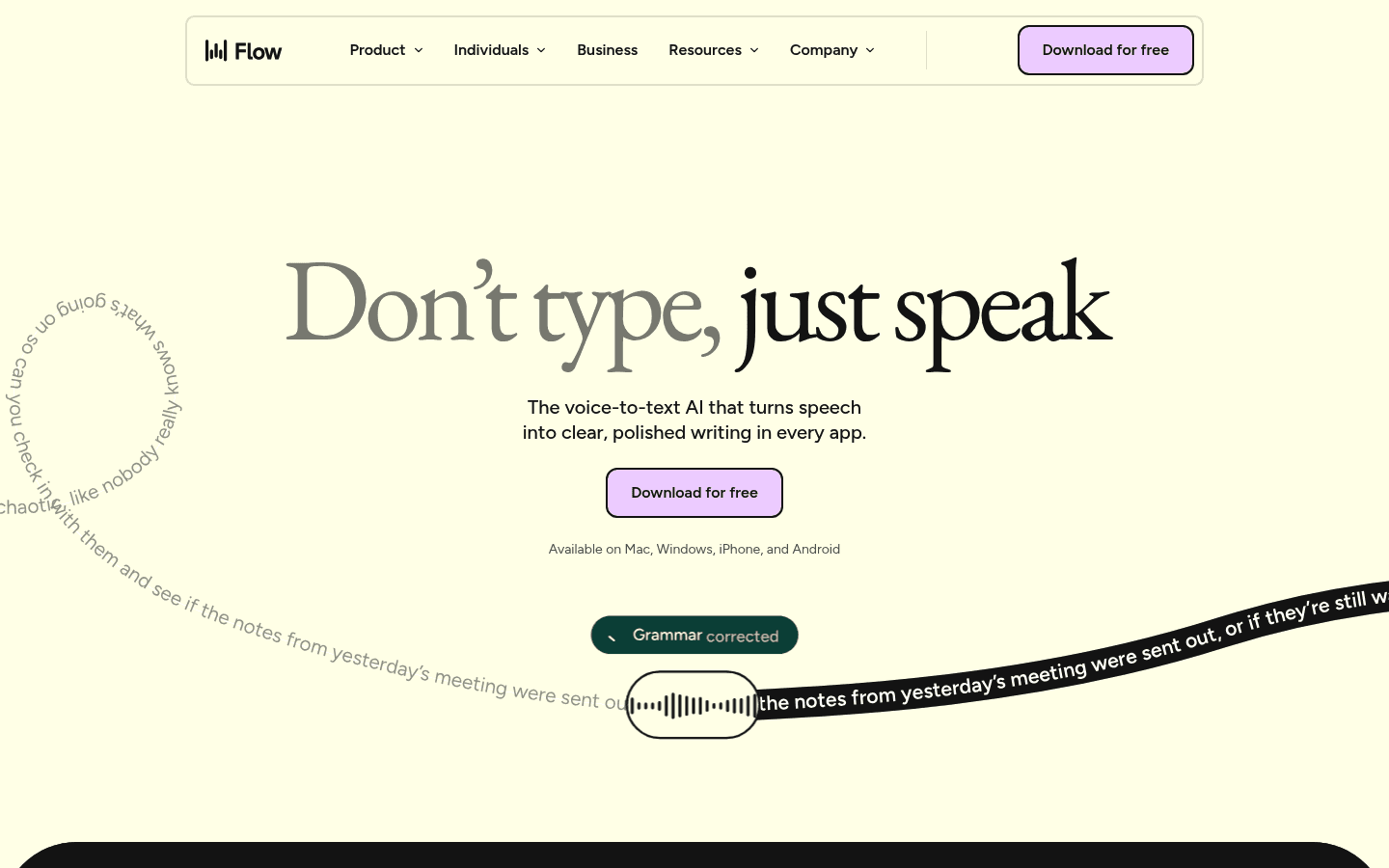
Wispr Flow is the closest match if what you like about Aqua Voice is the polished feel. It focuses on quick system-wide dictation, smart cleanup, and a modern writing flow across devices.
Best for: Users who want a premium dictation app with strong auto-editing
Strongest points: smooth product experience, multi-device support, smart formatting
Pricing: free plan, then $12/month billed annually or $15/month billed monthly
Tradeoff: recurring subscription cost can feel steep over time
3. Typeless (Free, then $12/month annual or $30/month monthly): Best for speech that needs heavy cleanup
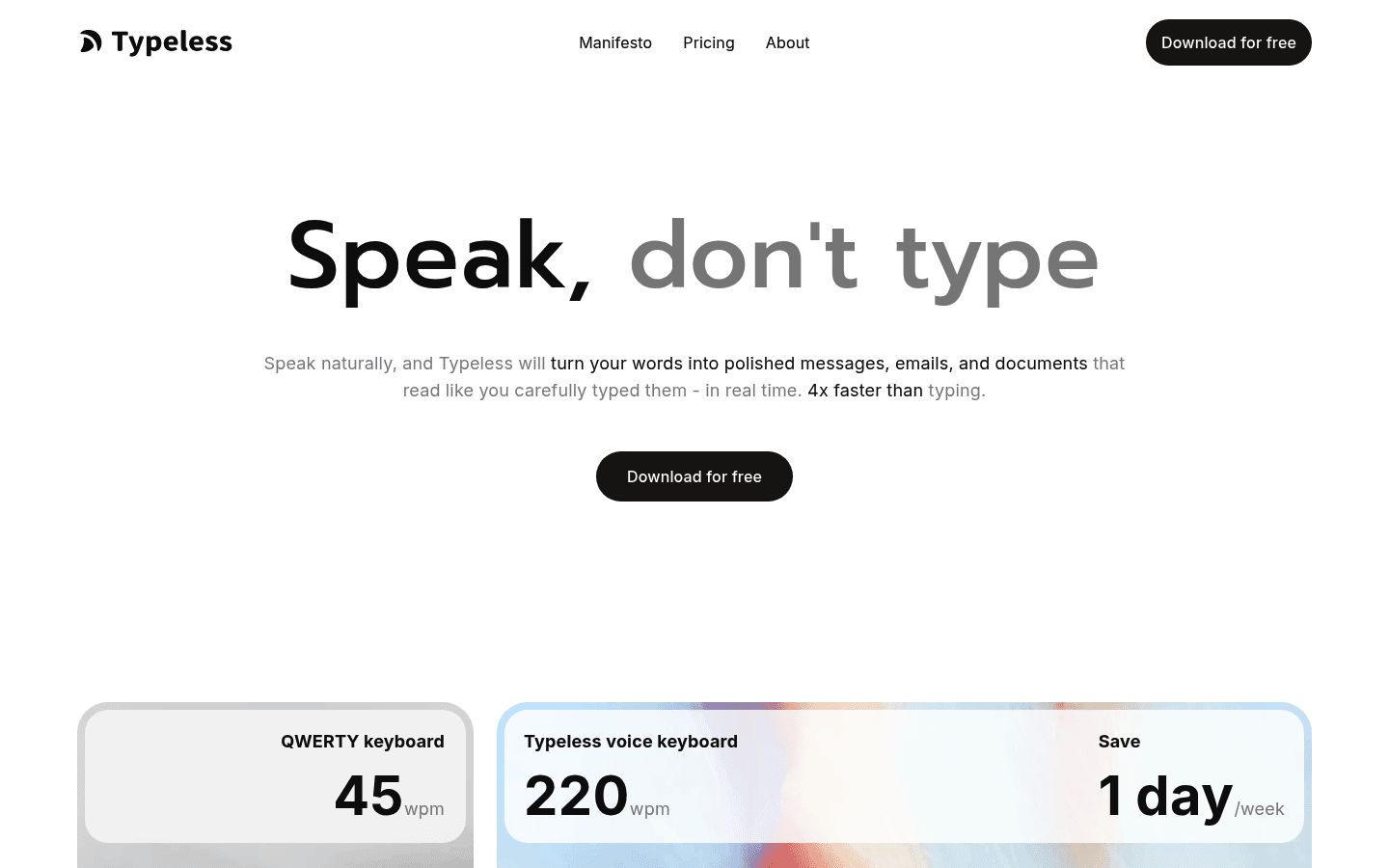
Typeless is a good Aqua Voice alternative if your main problem is not raw transcription. It is messy spoken output. Typeless leans into removing filler words, fixing repetition, auto-formatting lists, and matching your tone.
Best for: people who want polished writing from natural speech
Strongest points: filler-word cleanup, style adaptation, multi-platform support
Pricing: free plan, then $12/month billed annually or $30/month billed monthly
Tradeoff: less compelling if you mainly care about transcription files or offline privacy
4. Willow Voice (Free, then $12/month billed annually): Best for fast day-to-day voice writing
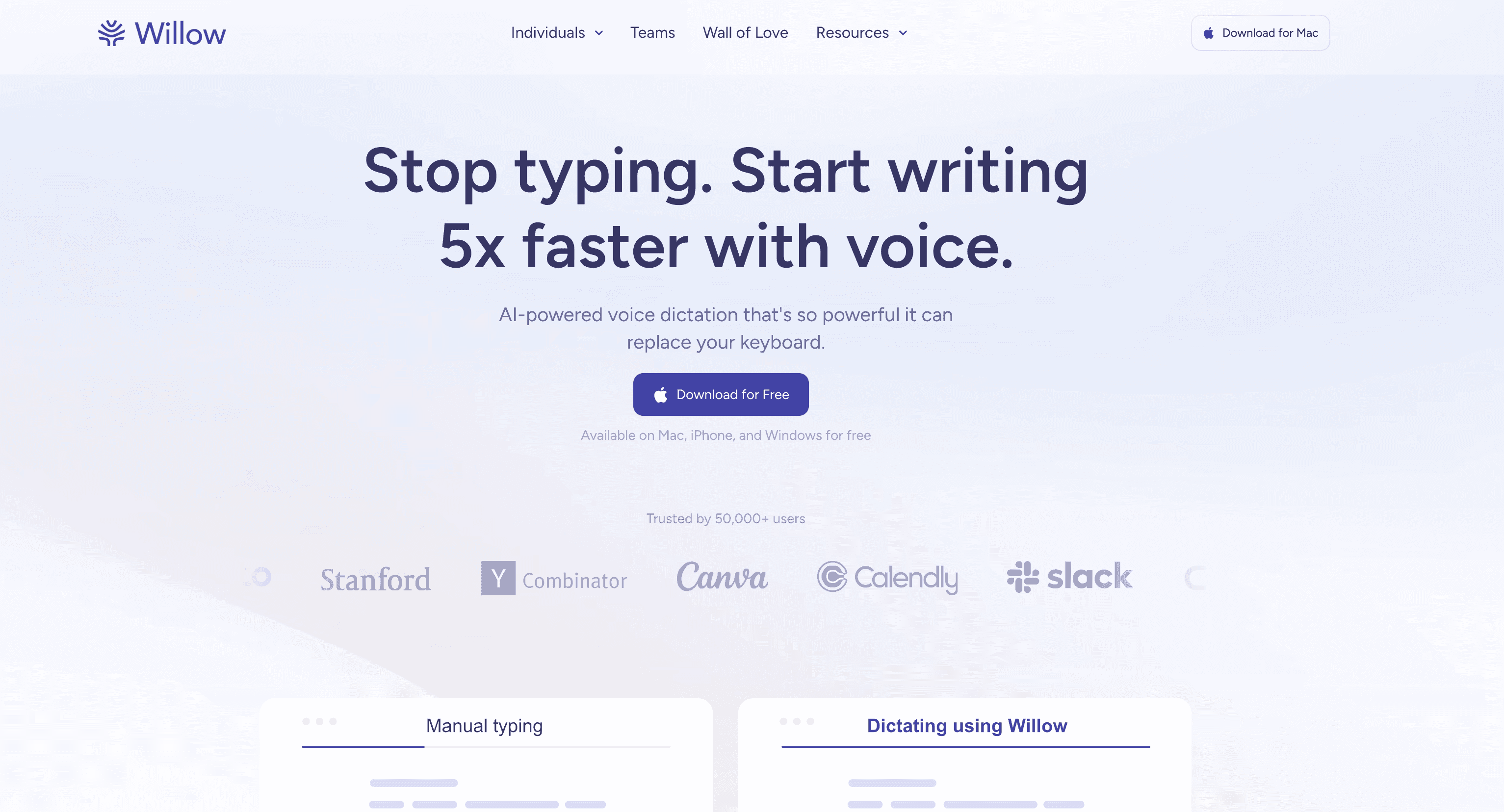
Willow Voice is a strong fit for people who mostly want to speak emails, messages, and docs faster. It is available on Mac, Windows, and iPhone, and it positions itself as a tool that can replace a lot of keyboard time.
Best for: daily email, chat, and document writing
Strongest points: broad everyday writing fit, clean product story, easy onboarding angle
Pricing: free plan with 2,000 words per week, then $12/month billed annually
Tradeoff: not obviously stronger than Voicy if you also need file transcription and broader workflow depth
5. Superwhisper ($8.49/month, $84.99/year, $249.99 lifetime): Best for local-first Apple workflows
Superwhisper is the better pick if you are comparing Aqua Voice mainly because you care about privacy and local processing. It is especially strong for Apple users who want more control over how dictation happens.
Best for: Apple-heavy users who want local-first dictation options
Strongest points: privacy-friendly positioning, strong Apple workflow fit, flexible modes
Pricing: $8.49/month, $84.99/year, or $249.99 lifetime
Tradeoff: can feel more power-user focused than simple plug-and-play tools
6. Windows Voice Typing (Free): Best free option for Windows users
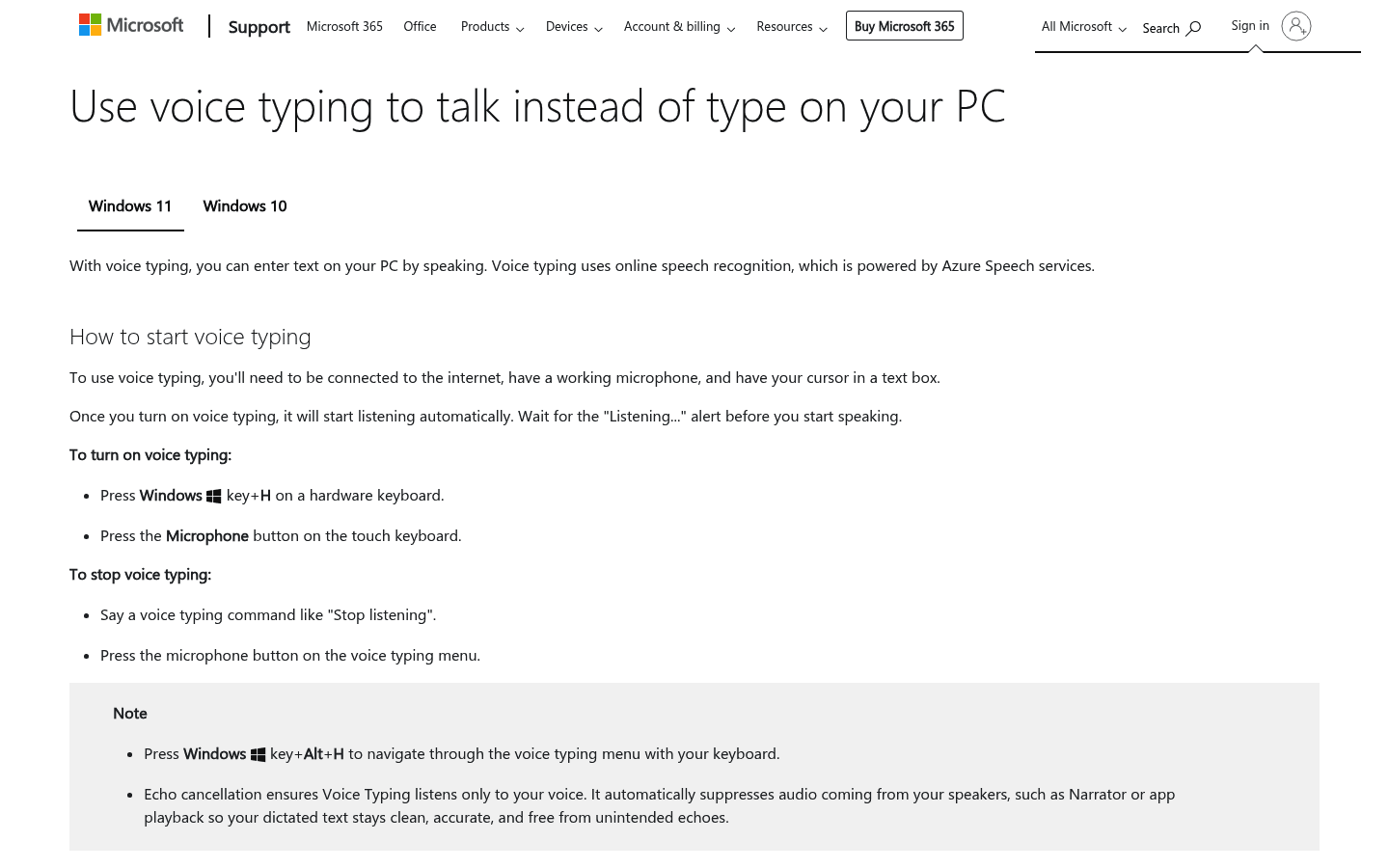
If your real goal is just to spend nothing, Windows Voice Typing is still the obvious fallback. It is built in, easy to test, and good enough for light use.
Best for: Windows users who want a free starting point
Strongest points: no extra cost, no install, simple for basic dictation
Pricing: free
Tradeoff: much thinner feature set than paid AI tools
Which Aqua Voice alternative is best for each use case?
Best overall: Voicy
Best polished premium alternative: Wispr Flow
Best for cleaner rewritten output: Typeless
Best for everyday voice writing: Willow Voice
Best for local-first Apple use: Superwhisper
Best free Windows option: Windows Voice Typing
How to choose the right one
If you want one app that covers dictation and transcription, pick Voicy. If you want something closest to a premium all-app dictation experience, look at Wispr Flow. If you want your speech cleaned up into better writing, Typeless is more interesting.
If privacy is the main issue, Superwhisper deserves a harder look. If price is the issue, start with Windows Voice Typing before moving up to paid tools.
FAQ
What is the best alternative to Aqua Voice?
For most people, the best overall alternative is Voicy. It covers more devices, supports file upload transcription, and offers monthly, yearly, and lifetime pricing.
Is there a free alternative to Aqua Voice?
Yes. Windows Voice Typing is the clearest free Windows option, and some modern tools also offer free entry tiers or trials.
Which Aqua Voice alternative is best for Mac?
If you want the most balanced Mac option, choose Voicy. If you care most about local-first Apple workflows, Superwhisper is a stronger specialist pick.
Which Aqua Voice alternative is best for Windows?
Voicy is the best all-around paid choice for Windows users. If you want free first, start with Windows Voice Typing.
Are there Aqua Voice alternatives with lifetime pricing?
Yes. Voicy offers a lifetime option, which is useful if you want to avoid another monthly subscription.
Which option is best if I also need transcription for audio files?
Voicy stands out because it supports file upload transcription in addition to live dictation.
What makes a good Aqua Voice alternative?
Platform support: Do you need just Mac and Windows, or mobile and browser too?
AI cleanup: Some tools only transcribe. Others rewrite and format as they go.
Privacy model: Some tools are cloud-based. Others lean more local.
File transcription: Not every dictation app can also handle recorded audio files.
Pricing: Subscription-only is not the right fit for everyone.
Conclusion
Aqua Voice is a serious product, but it is not the only good one. The best replacement depends on what is missing from your workflow now.
If you want the safest all-around choice, go with Voicy. If you want a polished premium feel, Wispr Flow is a strong alternative. If you want more local control on Apple devices, Superwhisper is the more natural fit.