Best Typeless Alternatives in 2026: 6 Speech-to-Text Apps Compared
Best Typeless Alternatives in 2026: 6 Speech-to-Text Apps Compared
Summary
Voicy: Best overall if you want live dictation plus file upload transcription across desktop, browser, and mobile.
Willow Voice: Best if you want polished cross-app dictation for everyday writing.
Wispr Flow: Best premium alternative for smooth system-wide dictation.
Aqua Voice: Best if you want fast desktop dictation with strong AI cleanup.
Superwhisper: Best if you want a more local-first Apple workflow.
Google Docs Voice Typing: Best free browser option if you mostly work in Docs.
Typeless is built for people who want speech to come out cleaner than normal dictation. It removes filler words, catches self-corrections, and tries to turn casual speech into writing that already feels edited.
That is useful, but it is not the only way to solve the problem. Some users would rather have file upload transcription, a lifetime pricing option, broader workflow coverage, or local processing. If that sounds like you, these Typeless alternatives deserve the closest look.
What is the best Typeless alternative?
For most people, the best Typeless alternative is Voicy. It balances dictation, transcription, platform support, and pricing better than most tools in this space. If you care more about polished cross-app dictation than file uploads, Willow Voice and Wispr Flow are the closest alternatives.
Comparison table
Tool | Best for | Platforms | Processing | AI formatting | File uploads | Pricing | Main limitation |
|---|---|---|---|---|---|---|---|
Voicy | Best overall | Mac, Windows, Browser Extension, iPhone, Android | Cloud | Strong | Yes | $8.49/mo, $82/yr, $260 lifetime | Not local-first |
Willow Voice | Everyday cross-app writing | Mac, Windows, iPhone | Cloud | Strong | Limited / not core focus | Free, then $12/mo billed annually | No lifetime pricing |
Wispr Flow | Premium polished dictation | Mac, Windows, iPhone, Android | Cloud | Strong | Limited / not core focus | Free, then $12/mo annual or $15/mo monthly | Higher recurring cost |
Aqua Voice | Fast desktop dictation | Mac, Windows, iOS | Cloud and AI-assisted | Strong | Limited compared with transcript-first tools | Free, then $8/mo billed annually | More desktop-centered than some rivals |
Superwhisper | Local Apple workflows | macOS, Windows, iOS | Local and mixed modes | Strong | Yes | $8.49/mo, $84.99/yr, $249.99 lifetime | Still best in Apple-heavy setups |
Google Docs Voice Typing | Free browser drafting | Web | Cloud | Basic | No | Free | Mostly limited to Google Docs |
Why people look for a Typeless alternative
Typeless is interesting because it tries to improve your writing while you speak. That is exactly why some people love it and why others look elsewhere.
Some want more control and less rewriting.
Some want file upload transcription in the same tool.
Some want local processing for privacy reasons.
Some want a lifetime pricing option.
Some want a more established cross-device workflow.
1. Voicy ($8.49/month, $82/year, $260 lifetime): Best Typeless alternative for most people

Voicy is the strongest all-around Typeless alternative because it solves more jobs in one place. It works across Mac, Windows, browser, iPhone, and Android, and it supports both live dictation and file upload transcription.
Best for: people who want one speech-to-text tool for daily writing and recorded audio
Strongest points: file uploads, broad platform support, lifetime option, simple pricing
Pricing: $8.49/month, $82/year, or $260 lifetime
Tradeoff: cloud-based, so it is not the pick for local-only workflows
If you want more context, see our guides to voice typing apps and dictation software.
2. Willow Voice (Free, then $12/month billed annually): Best for polished everyday voice writing
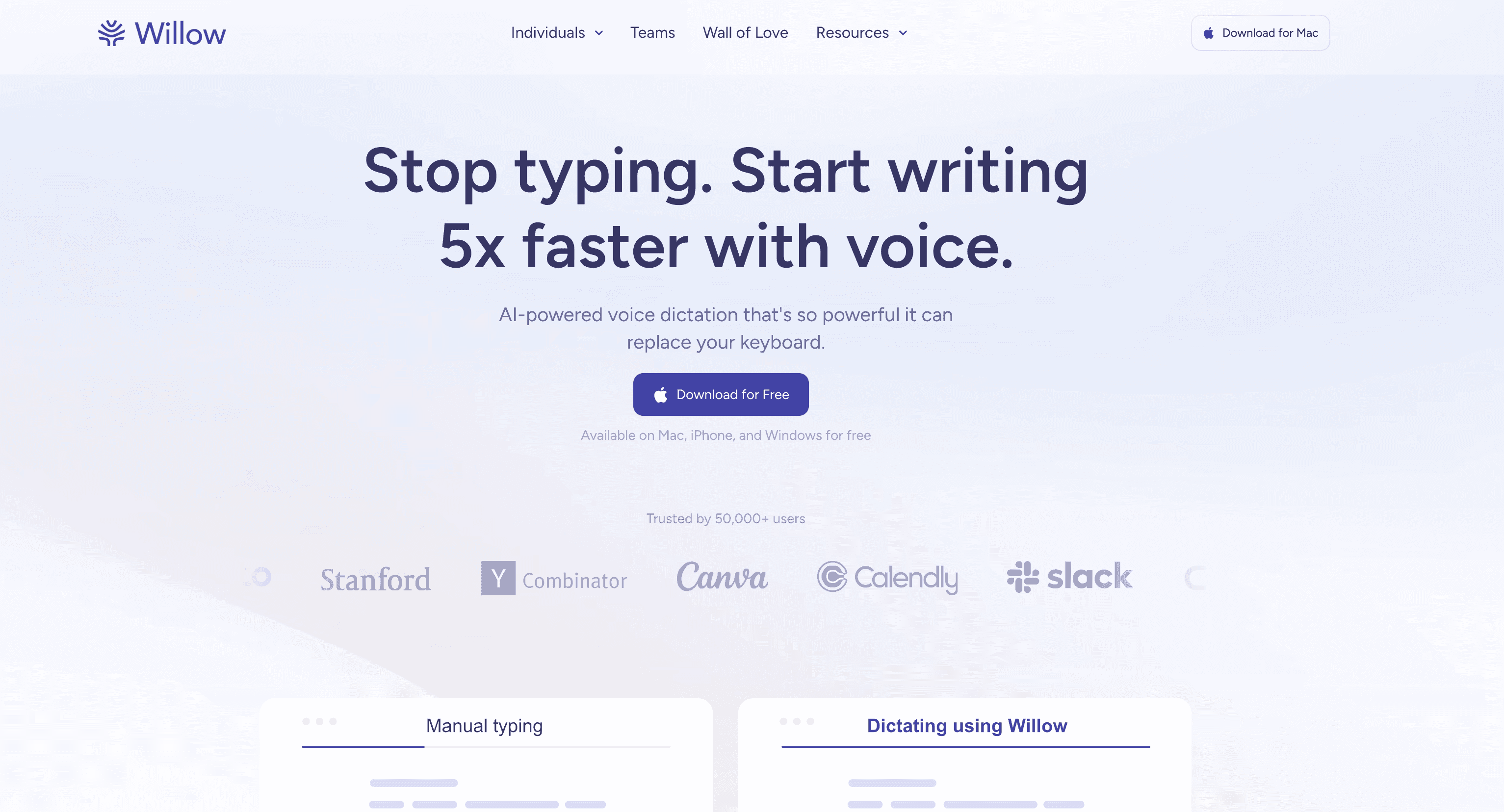
Willow Voice is a strong Typeless alternative if you mostly want to dictate messages, docs, and prompts faster. It is built around smooth cross-app dictation and automatic formatting, which makes it feel practical for everyday work.
Best for: emails, docs, chat apps, and daily writing
Strongest points: polished experience, strong formatting, easy everyday fit
Pricing: free plan with 2,000 words per week, then $12/month billed annually
Tradeoff: less attractive if file upload transcription matters a lot
3. Wispr Flow (Free, then $12/month annual or $15/month monthly): Best premium alternative
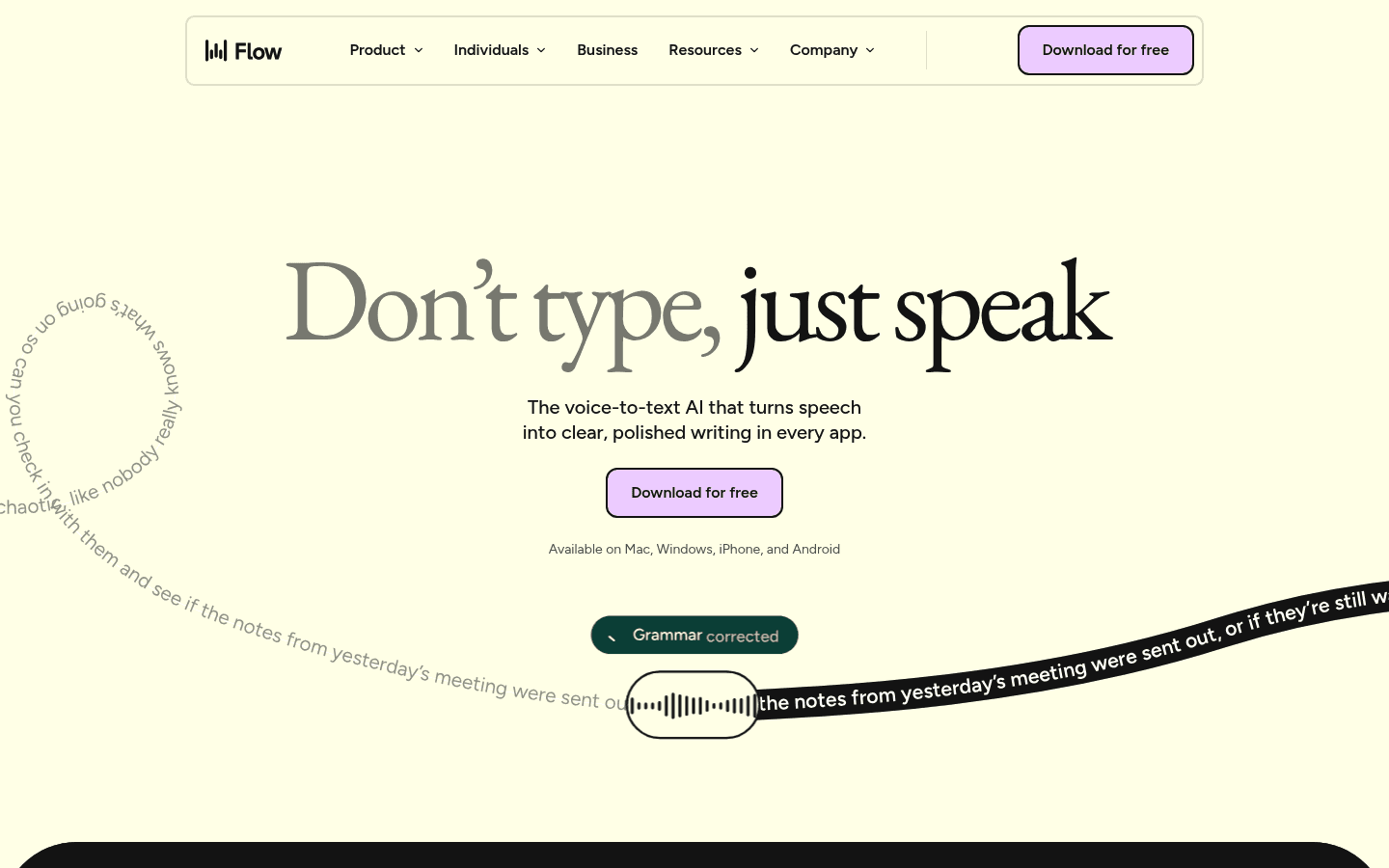
Wispr Flow is the closest fit if you want a modern premium dictation tool with strong cleanup and product polish. It is especially appealing if you want an app that feels fast and refined from day one.
Best for: users who want polished premium dictation across devices
Strongest points: smooth UX, smart formatting, multi-device support
Pricing: free plan, then $12/month billed annually or $15/month billed monthly
Tradeoff: subscription pricing adds up over time
4. Aqua Voice (Free, then $8/month billed annually): Best for fast desktop dictation
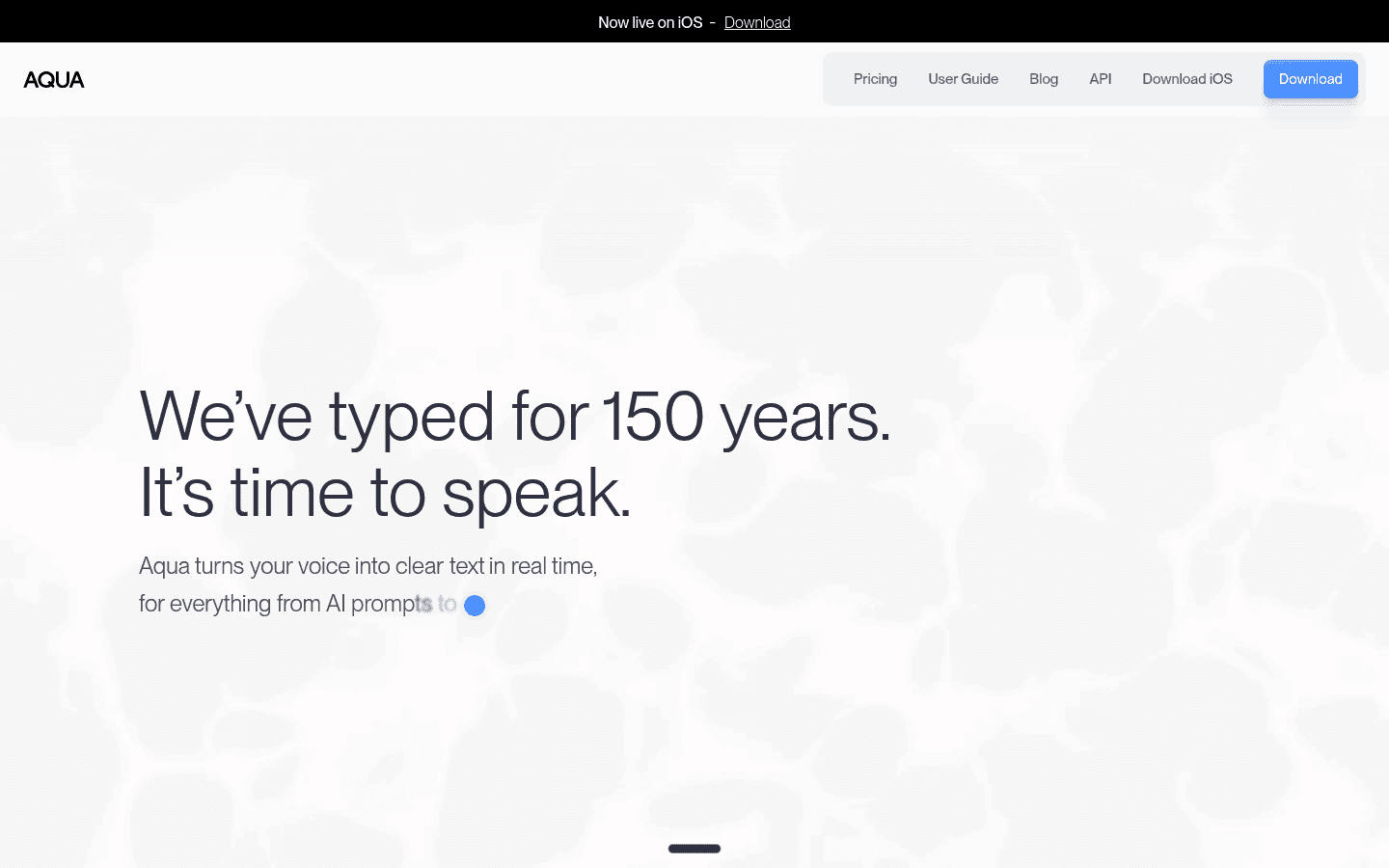
Aqua Voice is a better Typeless alternative if speed on desktop matters most. It is designed to keep up while you speak and shape that speech into cleaner writing in real time.
Best for: desktop-heavy users who want fast AI-assisted dictation
Strongest points: speed, formatting, strong all-app desktop workflow
Pricing: free plan with 1,000 words, then $8/month billed annually
Tradeoff: less broad if you want a tool that centers file transcription too
5. Superwhisper ($8.49/month, $84.99/year, $249.99 lifetime): Best for local-first Apple workflows
Superwhisper is the better pick if your main concern is privacy and local processing. It is especially strong for Apple users who want more control over how their speech gets handled.
Best for: Apple-heavy users who care about local-first workflows
Strongest points: local processing options, Apple fit, file transcription support
Pricing: $8.49/month, $84.99/year, or $249.99 lifetime
Tradeoff: more niche than the most balanced cloud tools
6. Google Docs Voice Typing (Free): Best free browser option
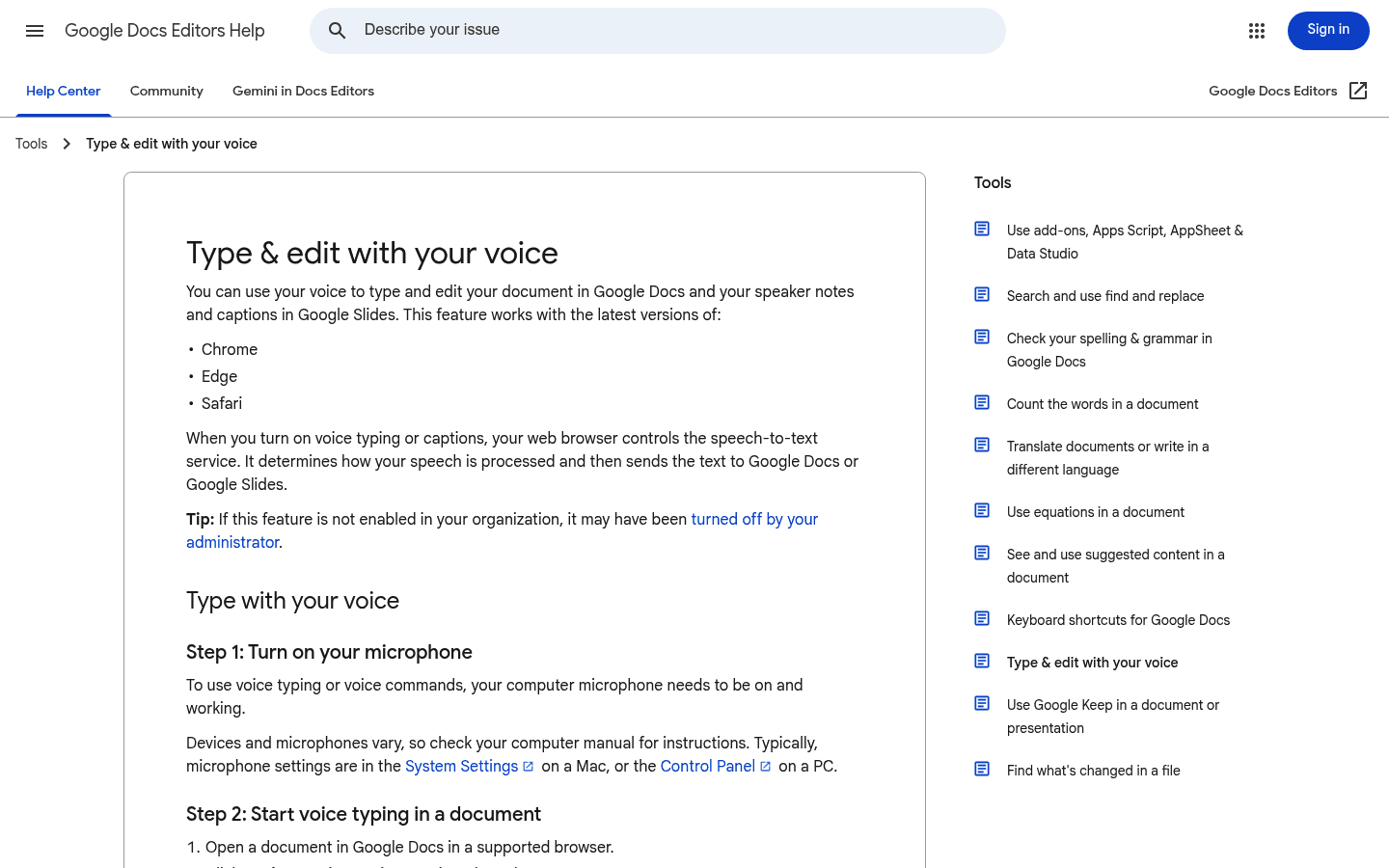
Google Docs Voice Typing is still a good fallback if you want to spend nothing and mostly write inside Docs. It is simple, familiar, and surprisingly useful for light browser-based work.
Best for: free drafting inside Google Docs
Strongest points: free, easy to access, good for simple workflows
Pricing: free
Tradeoff: not a full all-app replacement for Typeless
Which Typeless alternative is best for each use case?
Best overall: Voicy
Best for polished everyday voice writing: Willow Voice
Best premium polished alternative: Wispr Flow
Best for fast desktop dictation: Aqua Voice
Best for local-first Apple use: Superwhisper
Best free browser option: Google Docs Voice Typing
How to choose the right one
If you want the broadest all-around tool, choose Voicy. If you mainly want polished voice writing across apps, Willow Voice and Wispr Flow are stronger direct alternatives. If privacy is your main concern, Superwhisper deserves the closer look.
If you are just testing whether voice typing fits your workflow at all, start with Google Docs Voice Typing. You will know quickly whether you need something more powerful.
FAQ
What is the best alternative to Typeless?
For most people, the best overall alternative to Typeless is Voicy because it combines live dictation, file upload transcription, broad platform support, and flexible pricing.
Which Typeless alternative is best for Mac?
If you want the most balanced Mac option, choose Voicy. If local-first Apple workflows matter most, Superwhisper is the stronger specialist choice.
Is there a free alternative to Typeless?
Yes. Google Docs Voice Typing is the simplest free browser option if you mostly work in Google Docs.
Which option is best if I want less rewriting and more direct transcription?
Voicy is a good fit if you want a broader speech-to-text workflow without making heavy AI cleanup the center of the experience.
Which Typeless alternative is best for file upload transcription?
Voicy stands out because it supports file upload transcription in addition to live dictation.
What makes a good Typeless alternative?
AI cleanup: Some tools remove filler words and smooth phrasing better than others.
Cross-app dictation: The best options work in docs, email, chat apps, forms, and prompts.
Platform support: Mac and Windows matter, but so do browser and mobile for many users.
File uploads: Not every speech-to-text app also handles recorded audio well.
Privacy and control: Cloud, local, and hybrid tools all make different tradeoffs.
Conclusion
Typeless is interesting because it focuses on making your speech look cleaner right away. But that is only one version of what a good speech-to-text tool can be.
If you want the safest all-around pick, choose Voicy. If you want polished everyday dictation, Willow Voice and Wispr Flow are strong alternatives. If privacy matters most, Superwhisper is the more natural fit.