




Best Bilingual Dictation Apps in 2026: 8 Tools for Code-Switching
TL;DR
Voicy: Best to test first if you want one speech-to-text app across Mac, Windows, browser, iOS, and Android. Also supports file upload transcription. Do your own code-switching test before using it for mixed-language work.
Wispr Flow: Best known mainstream AI dictation pick for all-app writing, but test it hard if you mix languages inside one sentence.
Superwhisper: Best for people who want model choices, local options, and a language-detection workflow they can tune.
Apple Dictation: Best free built-in option for Apple users who switch languages between short tasks.
Google Docs Voice Typing: Best free browser option inside Google Docs, with many supported languages and accents.
Microsoft Dictate: Best free-ish option if you already write in Word or Microsoft 365.
Dragon Professional: Best for Windows users who need classic dictation controls and custom vocabulary.
MacWhisper: Best for Mac users who mostly transcribe audio or meetings and care about local processing.
Quick Verdict: What Is the Best Bilingual Dictation App?
The best bilingual dictation app is the one that keeps both languages as you spoke them. For bilingual users, that matters more than a clean English rewrite.
If you need daily dictation across many apps and devices, start by testing Voicy, Wispr Flow, and Superwhisper with your own language pair. If you only need free short-form dictation, try Apple Dictation, Google Docs Voice Typing, or Microsoft Dictate first.
Do not judge these tools by word error rate alone. Test minority-language recall, script preservation, completeness, unwanted translation, and names.
A bilingual dictation app has a harder job than a normal speech-to-text app. It has to hear both languages, keep the right script, and avoid "helpfully" translating words you meant to keep.
That is the real lesson from a Reddit test of a 70-second Russian-English clip. The post argued that common dictation scores miss the pain bilingual speakers notice right away: the smaller language disappears, names get damaged, and the output may look tidy while being wrong.
This guide turns that idea into a practical buyer guide. You will get the best bilingual dictation apps to test, plus a simple scorecard you can use before trusting any tool with real work.
How We Chose the Best Bilingual Dictation Apps
For this list, "bilingual" does not just mean a long language menu. A tool can support 50 or 100 languages and still fail when one speaker moves between two languages in one thought.
We looked for tools that fit at least one real bilingual workflow:
Live dictation into emails, docs, chats, or browser fields
Speech-to-text across more than one device or app
Uploaded audio or video transcription
Support for many languages or language modes
A clear way to test code-switching without guessing
We also checked current ranking pages. Wirecutter focuses on tested dictation accuracy, simplicity, commands, and platform reach. Sonix covers multilingual transcription software, mostly for files and teams. Lazytype goes deep on multilingual dictation and automatic language detection. The gap is this: very few posts tell bilingual users how to catch silent failures in mixed-language speech.
The Bilingual Dictation Scorecard
Use this scorecard before you pick any app. A clean-looking transcript can still be bad if it removes the language switch.
Metric | What to check | Why it matters |
|---|---|---|
Minority-language recall | Did it keep the less common language, or replace it with English-like words? | Many tools favor the dominant language in mixed speech. |
Script preservation | Did Russian stay Cyrillic, Japanese stay Japanese, or Arabic stay Arabic? | Romanized output may be useless for names, quotes, and search. |
Completeness | Did it drop short phrases during a language switch? | Missing text is harder to spot than a typo. |
Unwanted translation | Did it translate words you wanted transcribed? | A translated transcript is not the same as a faithful transcript. |
Names and terms | Did it keep people, brands, places, and product names intact? | Bilingual speech often includes names from both languages. |
For a quick test, record 60 to 90 seconds. Use one main language, add 8 to 12 phrases from the second language, include two names, and include one sentence where the switch happens mid-sentence.
Best Bilingual Dictation Apps Compared
App | Best for | Bilingual angle | Main downside |
|---|---|---|---|
Voicy | Daily writing across devices | Worth testing for mixed-language personal workflow | Cloud-based, and code-switching quality needs parent verification |
Wispr Flow | Fast app-wide dictation | Strong mainstream option, but test mixed-language clips carefully | May rewrite or normalize speech depending on workflow |
Superwhisper | Model control and Mac-first dictation | Has language-detection guidance and model choices | Some models do not support multiple languages in one session |
Apple Dictation | Free Apple dictation | Good for short single-language bursts | Language switching can be manual and cleanup can take time |
Google Docs Voice Typing | Free Google Docs voice typing | Supports many languages and accents | Limited to Docs and browser-based writing |
Microsoft Dictate | Word users | Useful if you live in Microsoft 365 | Best inside Microsoft apps, not everywhere you write |
Dragon Professional | Windows power users | Custom vocabulary can help names and terms | Not the easiest cross-device bilingual setup |
MacWhisper | Mac audio transcription | Strong for local Mac transcription tests | More transcription-first than everyday all-app dictation |
1. Voicy: Best to Test First for Cross-Platform Bilingual Dictation

Voicy is a speech-to-text app for people who write in many places: email, docs, browser apps, notes, and chats. It supports Mac, Windows, browser extension, iOS, and Android, plus file upload transcription.
That makes Voicy a good first test if you need one bilingual dictation workflow across devices. For example, you might dictate a client follow-up on your laptop, then transcribe a short voice note from your phone later.
For the language angle, be careful. Voicy should be tested with your exact pair, such as Russian-English, Spanish-English, Arabic-English, or French-English. Do not assume any app handles code-switching just because it supports many languages.
Best for: People who want one daily speech-to-text tool across desktop, browser, and mobile.
Bilingual test to run: A 70-second mixed-language note with names, one mid-sentence switch, and one phrase in a different script.
Pricing: Free trial, then $8.49/month, $82/year, or $260 lifetime.
Biggest downside: Voicy uses cloud-based transcription, so it is not the pick if you need local-only processing.
Verdict: A strong practical starting point, but code-switching claims need testing before publishing as a hard "best" claim.
Related Voicy reading: best dictation software, speech-to-text Chrome extension, and audio to text converter.
2. Wispr Flow: Best Mainstream AI Dictation App to Compare
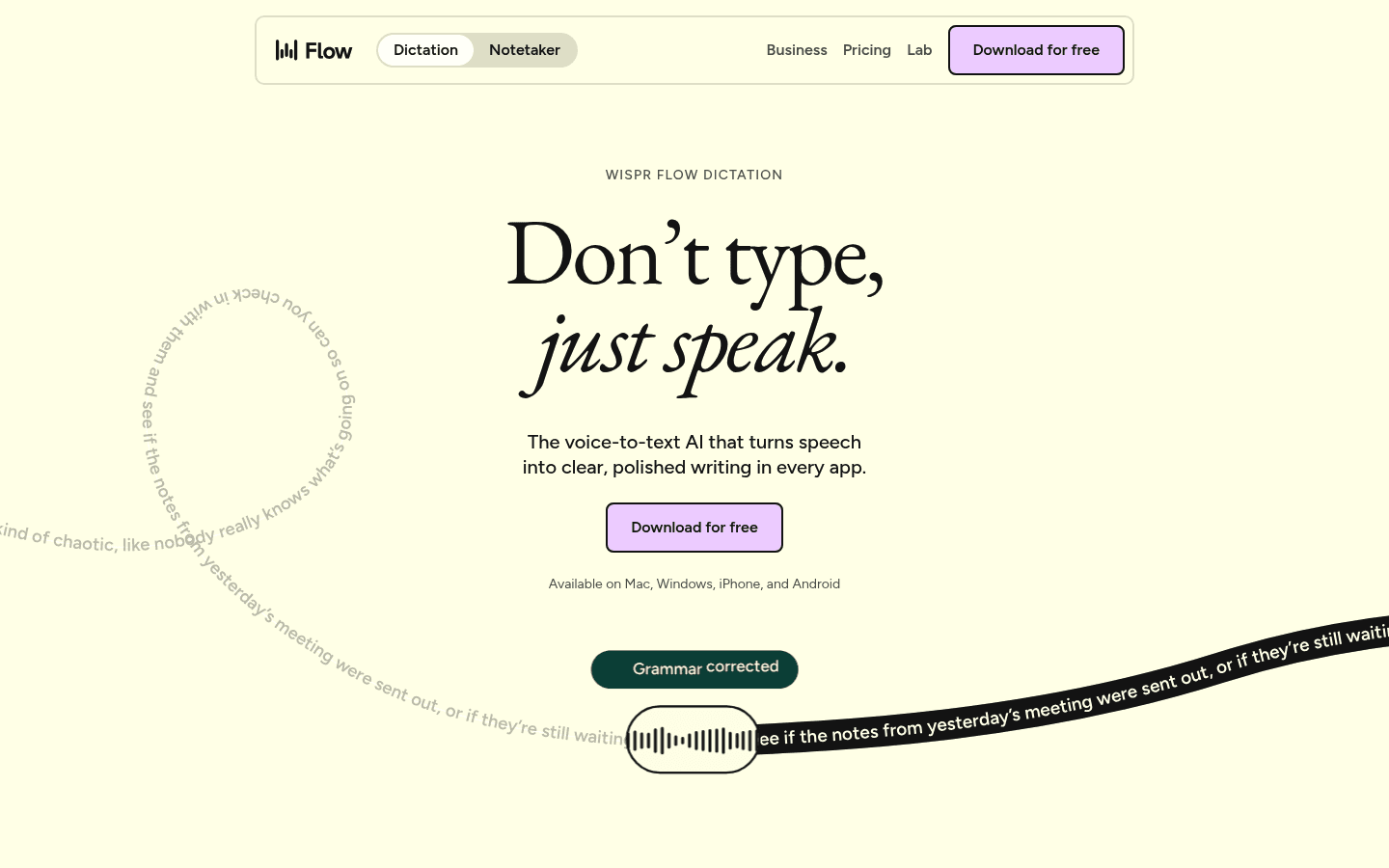
Wispr Flow is one of the best-known modern AI dictation apps. It is built for fast app-wide writing and supports major desktop and mobile platforms.
For bilingual users, Wispr Flow is worth testing because many people will already have it on their shortlist. The risk is that a tool built to make text clean may "fix" bilingual speech in ways you do not want.
The Reddit seed for this post said Wispr Flow damaged a Russian-English code-switching clip. Treat that as a reason to test, not as a final verdict for every language pair.
Best for: Fast general dictation across apps.
Bilingual test to run: Check whether it preserves the second language instead of rewriting it into fluent English.
Pricing: Public pricing has included a Basic plan, a Pro trial, and Pro pricing around $15/month or $12/month annually in prior checks.
Biggest downside: AI cleanup may hide bilingual errors unless you compare output against the recording.
Verdict: Test it if you want speed, but score it on language fidelity, not just polish.
3. Superwhisper: Best for Tuning Language Detection
Superwhisper is useful for people who want more control over models and modes. Its docs list local and cloud voice models, including models for many languages.
Superwhisper also documents a real language-detection issue: automatic settings can sometimes turn non-English dictation into English text. Its suggested fix is to add vocabulary hints and use models that support multiple languages in one session.
That makes Superwhisper honest in an important way. It does not hide the fact that language detection can be tricky.
Best for: Mac-heavy users who like tuning models, modes, and vocabulary.
Bilingual test to run: Try the same clip with automatic detection, then with language-specific settings or vocabulary hints.
Pricing: Prior source checks found Superwhisper Pro at $8.49/month, $84.99/year, or $249.99 lifetime.
Biggest downside: Some models listed in the docs do not support multiple languages within the same dictation session.
Verdict: A strong technical pick if you are willing to tune it.
4. Apple Dictation: Best Free Built-In Option for Apple Users
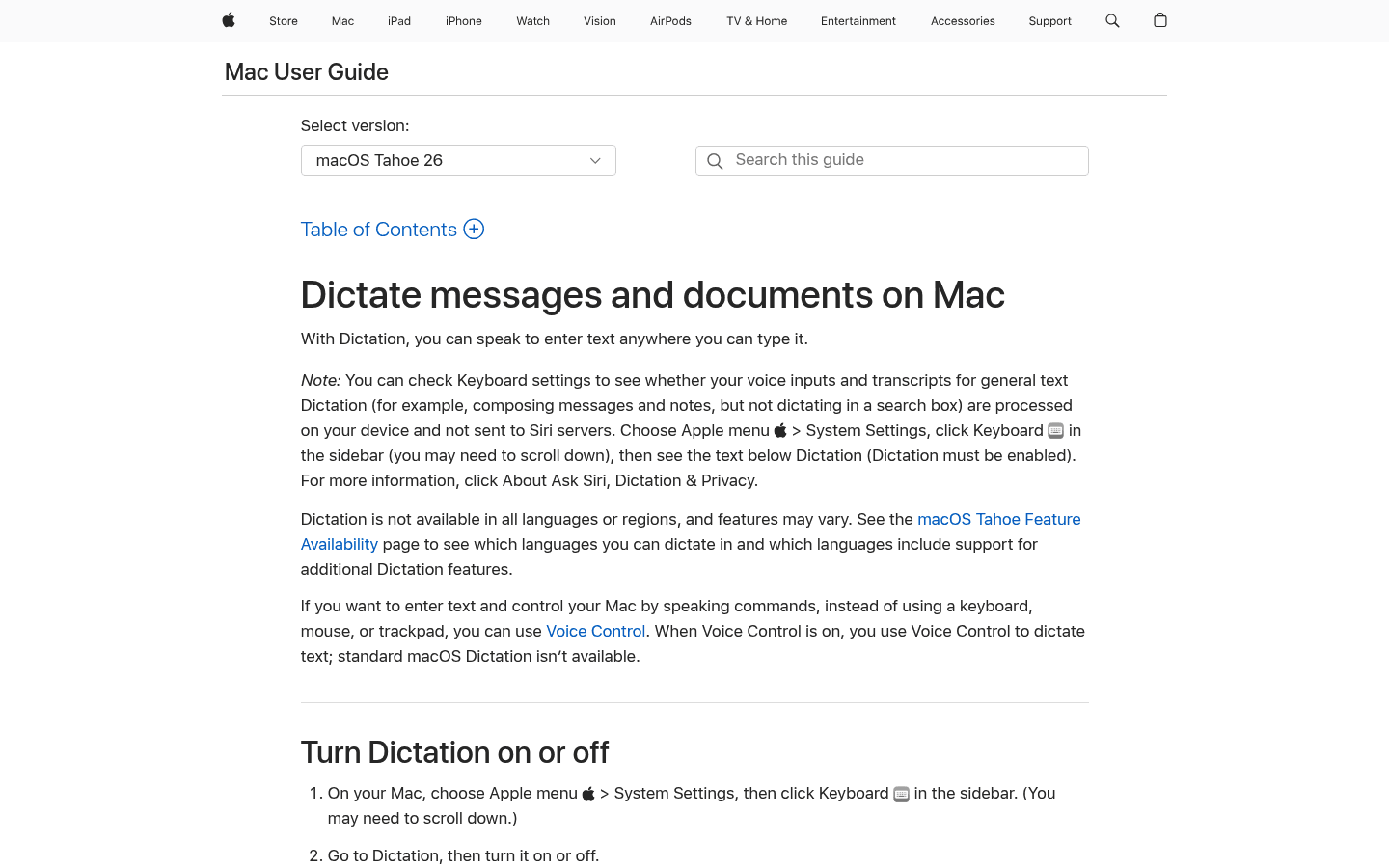
Apple Dictation lets you dictate text on Mac anywhere you can type. It is built in, fast to try, and good enough for many short notes.
For bilingual work, Apple Dictation is best when you switch languages between tasks. It is less ideal when you mix two languages inside the same sentence.
Apple is a good baseline. If a paid app cannot beat it on your own bilingual scorecard, do not pay yet.
Best for: Short dictation on Mac, iPhone, and iPad.
Bilingual test to run: Dictate two short notes in different languages, then one mixed-language note.
Pricing: Included with Apple devices.
Biggest downside: You may need to manage language settings, and cleanup can add time.
Verdict: Great as a free baseline, not the safest pick for heavy code-switching.
5. Google Docs Voice Typing: Best Free Browser Dictation for Many Languages
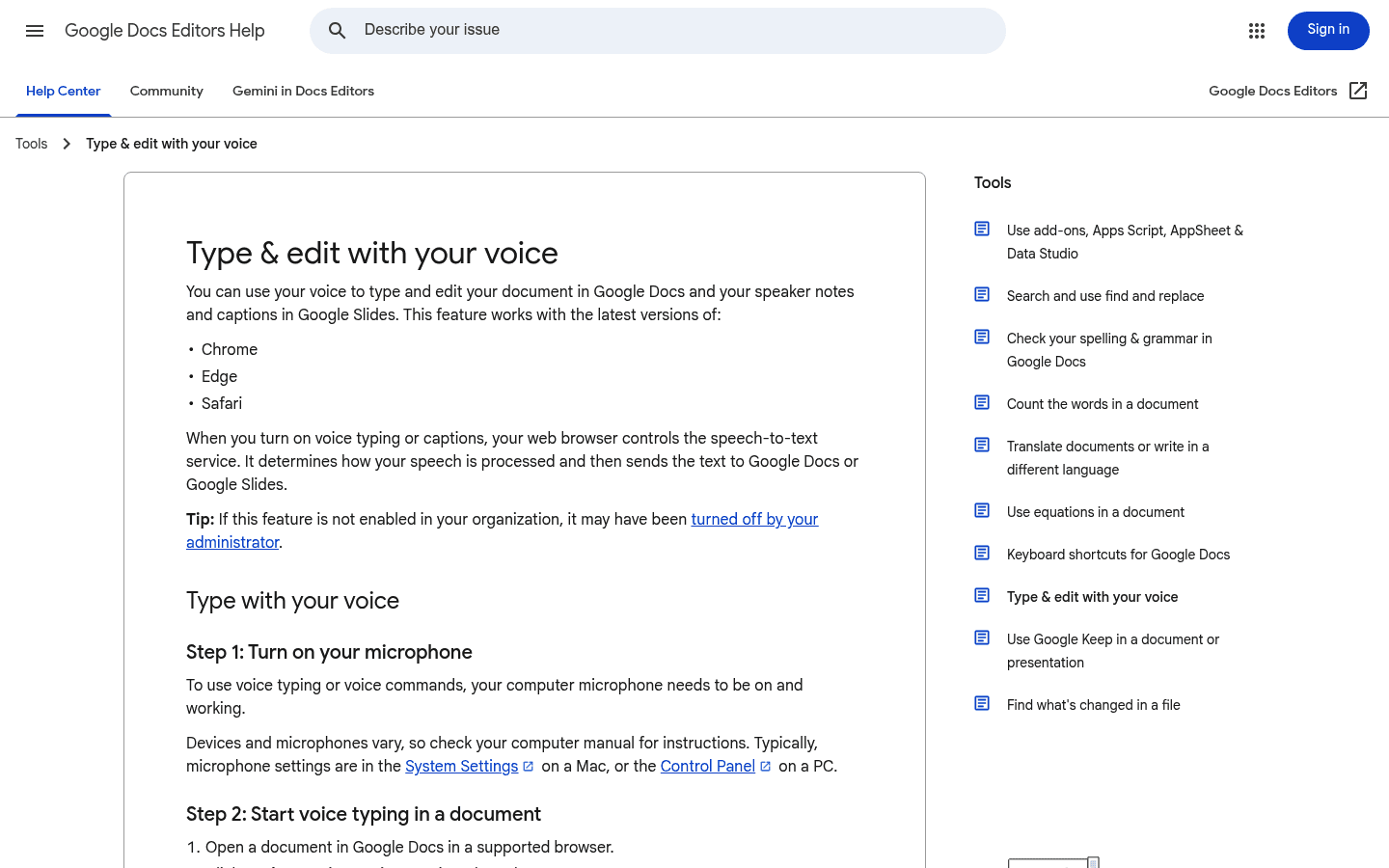
Google Docs Voice Typing works inside Google Docs in supported browsers like Chrome, Edge, and Safari. Google says it supports many languages and accents.
It is a good free test for bilingual writers who already draft in Google Docs. It is less useful if you need to dictate into Slack, Gmail, Notion, a CRM, or any app outside Docs.
Google Docs Voice Typing also has a split between dictation and commands. Voice commands are more limited than speech recognition itself, so test the actual workflow you need.
Best for: Free dictation inside Google Docs.
Bilingual test to run: Pick each target language in the voice typing menu and compare output quality.
Pricing: Free with Google Docs.
Biggest downside: It is not an all-app dictation tool.
Verdict: Useful and free, but narrow.
6. Microsoft Dictate: Best for Bilingual Word Users
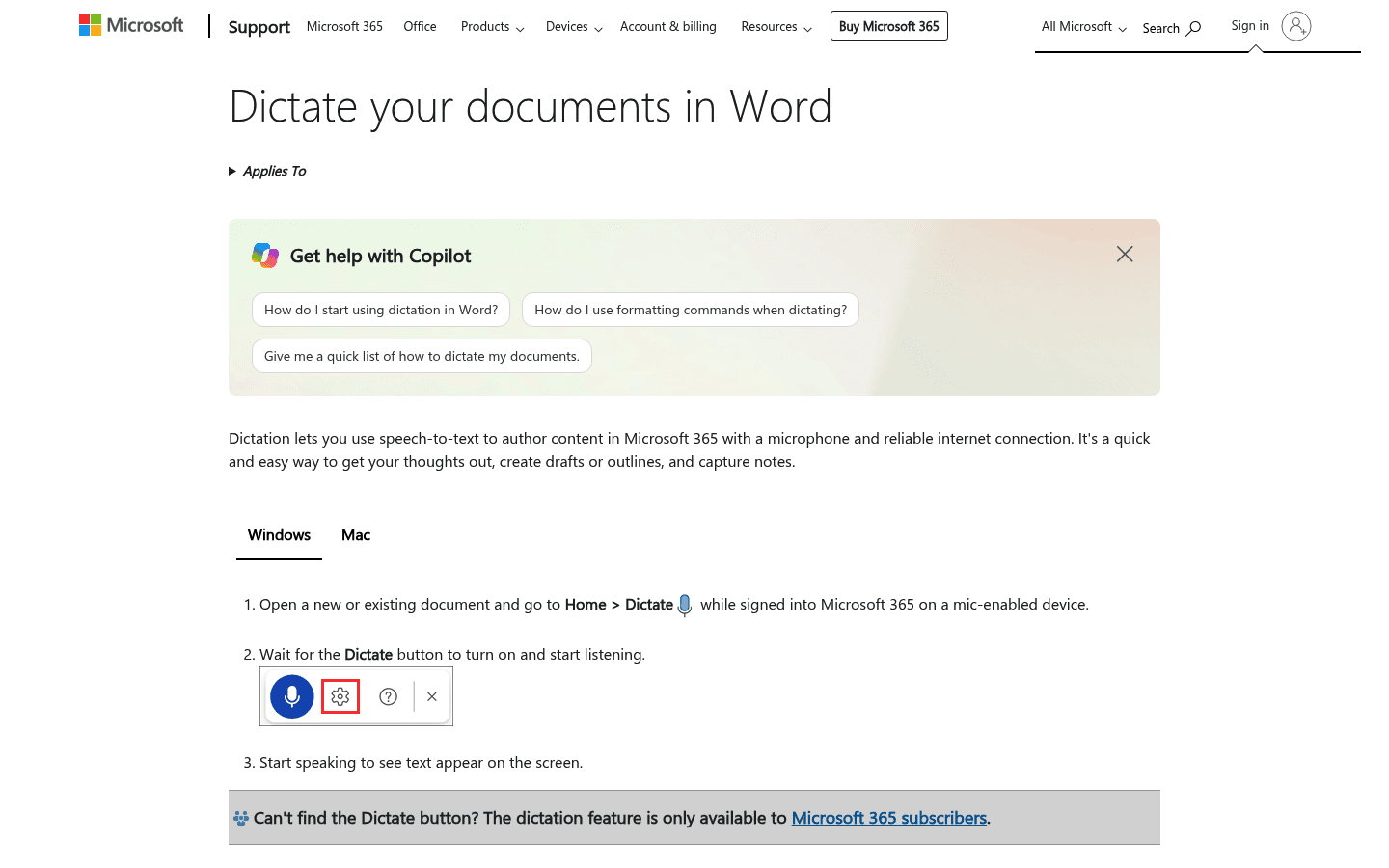
Microsoft Dictate lets you use speech-to-text in Word and Microsoft 365 with a microphone and a reliable internet connection. It is a simple choice if Word is where you already write.
For bilingual users, Microsoft Dictate is strongest as a Word-first tool. It is not meant to replace app-wide dictation across every text field on your computer.
If your bilingual writing lives in Word, it deserves a test. If your writing lives across apps, compare it with Voicy, Wispr Flow, or Superwhisper.
Best for: Word documents, drafts, notes, and outlines.
Bilingual test to run: Make one document per language, then one mixed-language paragraph.
Pricing: Included in supported Word and Microsoft 365 experiences.
Biggest downside: It is tied to the Microsoft writing workflow.
Verdict: Good if Word is your home base.
7. Dragon Professional: Best for Windows Custom Vocabulary
Dragon Professional is a long-running speech recognition product for Windows professionals. Its main strength is classic dictation control, custom vocabulary, and mature Windows workflows.
For bilingual dictation, Dragon is not the easiest first pick unless your work is Windows-first and term-heavy. It can be useful when names, special terms, and industry words matter more than quick setup.
Think of Dragon as a serious workstation tool. It is less casual than the newer AI dictation apps.
Best for: Windows users with repeat terms, names, or professional vocabulary.
Bilingual test to run: Add names and terms to vocabulary, then test whether they survive a mixed-language note.
Pricing: Check Dragon's current sales page or reseller flow before publishing exact pricing.
Biggest downside: More setup and less cross-platform ease than newer tools.
Verdict: Strong for controlled Windows dictation, less natural for casual bilingual switching.
8. MacWhisper: Best for Local Mac Transcription Tests
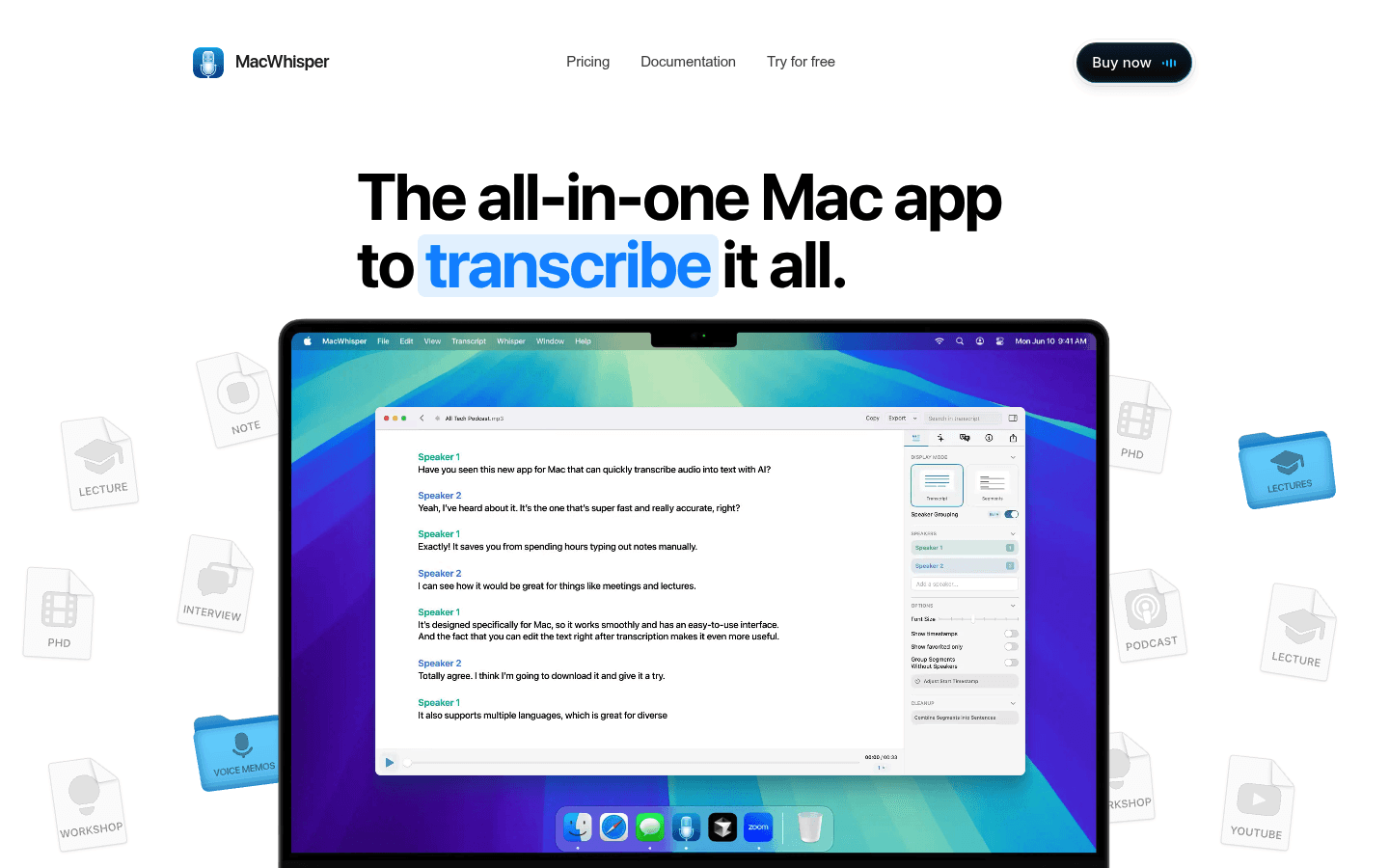
MacWhisper is more transcription-first than dictation-first. Its site says it transcribes audio, video, meetings, and system audio locally on Mac using Whisper, Parakeet, and other AI models.
That makes it a good tool to test with bilingual recordings. If your main need is uploaded audio, interviews, lectures, or meetings, it may fit better than a pure live dictation app.
If your main need is typing into apps as you speak, compare it carefully against daily dictation tools.
Best for: Mac users who transcribe files, meetings, and system audio.
Bilingual test to run: Upload the same 70-second clip and check script, names, and translation errors.
Pricing: The site lists free and Pro options, but exact current pricing should be checked before publishing.
Biggest downside: It is not the cleanest fit if your main job is live dictation into every app.
Verdict: A smart benchmark tool for Mac-based bilingual audio.
What Most Dictation Reviews Miss About Bilingual Speech
Many reviews measure "accuracy" as if every word is equal. Bilingual speech makes that weak.
Imagine a Russian-English clip with 900 English words and 50 Russian words. A transcript can score well overall while losing most of the Russian. The average looks fine, but the bilingual user sees a failure.
That is why minority-language recall matters. You want to know how many of the second-language words survived, not just how many total words matched.
Script matters too. If a speaker says a Russian name in Cyrillic and the tool outputs a rough English spelling, that may be wrong for search, legal records, quotes, or follow-up emails.
How to Test a Bilingual Dictation App in 10 Minutes
Do this before you pay. It is fast, and it catches errors that feature pages never mention.
Record a 60 to 90 second voice note.
Use your normal accent and speed.
Speak mostly in one language, then add 8 to 12 words or phrases from your second language.
Add two names, one place, and one brand.
Include one sentence where the language switch happens in the middle.
Run the same recording through 2 to 4 tools.
Mark every lost word, wrong script, missing phrase, unwanted translation, and damaged name.
If a tool rewrites your thought into clean English, do not count that as a win unless translation is what you asked for. Dictation should write what you said.
Which Bilingual Dictation App Should You Pick?
Pick based on where you write and how mixed your speech is.
Choose Voicy if you want one speech-to-text app across Mac, Windows, browser, iOS, and Android, and you are willing to test your own language pair first.
Choose Wispr Flow if you want a polished mainstream AI dictation app and can verify it does not over-clean your bilingual speech.
Choose Superwhisper if you like tuning models, local/cloud choices, vocabulary hints, and language settings.
Choose Apple Dictation if you want a free Apple baseline for short notes.
Choose Google Docs Voice Typing if most of your writing starts in Google Docs.
Choose Microsoft Dictate if Word is where you write and you do not need all-app dictation.
Choose Dragon Professional if you are on Windows and need custom vocabulary more than quick setup.
Choose MacWhisper if your bilingual work is mostly file transcription on Mac.
FAQ
What is the best bilingual dictation app?
The best bilingual dictation app depends on your language pair and where you write. For daily cross-platform dictation, test Voicy, Wispr Flow, and Superwhisper first. For free built-in dictation, test Apple Dictation, Google Docs Voice Typing, and Microsoft Dictate.
What is code-switching in dictation?
Code-switching means moving between two languages while speaking. It can happen between sentences or inside one sentence. Dictation tools often struggle most when the switch happens inside a sentence.
Why is word error rate not enough for bilingual speech?
Word error rate can hide damage to the smaller language. A transcript may look accurate overall while deleting or translating the non-dominant language. Bilingual users should also check minority-language recall, script, completeness, translation, and names.
Can Voicy handle bilingual dictation?
Voicy is a cross-platform speech-to-text app with live dictation and file upload transcription. It should be tested with your exact language pair before you rely on it for code-switching. Do not assume it is best for Russian-English or any other pair without a real clip test.
Is Superwhisper good for multiple languages?
Superwhisper supports many voice models, including local and cloud options for many languages. Its docs also say some models do not support multiple languages in the same session, so your model choice matters.
Is Wispr Flow good for bilingual dictation?
Wispr Flow is a strong mainstream AI dictation app, but bilingual users should test it with mixed-language speech before paying. Watch for unwanted translation, missing minority-language phrases, and damaged names.
What is the best free bilingual dictation app?
Apple Dictation, Google Docs Voice Typing, and Microsoft Dictate are the best free or included options to test first. They are good baselines, but they may be weaker for mixed-language sentences than dedicated tools.
Should bilingual dictation translate my speech?
Only if you ask it to translate. For normal dictation, the app should preserve the language you spoke. Unwanted translation can make a transcript look clean while changing the meaning.
How do I test Russian-English dictation?
Record a short clip with mostly English, several Russian phrases, two Russian names, and at least one mid-sentence switch. Score whether Russian stays Russian, whether Cyrillic is preserved, and whether names survive.
Do local dictation apps work better for bilingual speech?
Not always. Local processing can help with privacy, but code-switching quality depends on the model, language pair, audio quality, and settings. Test local and cloud tools with the same clip.
Final Recommendation
For bilingual dictation, do not buy based on a language count. Buy based on your own 70-second test.
Start with Voicy if you want one cross-platform speech-to-text app for daily writing and file transcription. Compare it with Wispr Flow and Superwhisper if code-switching is central to your work. Use Apple, Google, and Microsoft as free baselines.
The winner is the app that keeps your words, your script, your names, and your meaning intact.


