





Summary of the article
If you want the best Linux apps for developers in 2026, build around the full workflow: code, terminal commands, Git, API testing, docs, browser debugging, AI help, team updates, recordings, passwords, and voice input.
Voicy: Best voice input layer for docs, PR notes, GitHub issues, comments, prompts, Slack updates, and technical writing on Linux.
Visual Studio Code: Best all-around Linux code editor for extensions, Git, debugging, terminals, and AI coding workflows.
JetBrains Toolbox: Best way to manage full IDEs like IntelliJ IDEA, PyCharm, WebStorm, GoLand, and CLion on Linux.
Warp: Best modern Linux terminal for command editing, reusable workflows, and AI-assisted terminal work.
Lazygit: Best terminal Git client when you want speed without memorizing every command flag.
Bruno: Best API client for Git-native, local-first REST, GraphQL, gRPC, and WebSocket testing.
Obsidian: Best Markdown notes app for architecture notes, project docs, snippets, and personal knowledge bases.
Firefox Developer Edition: Best developer browser for inspecting, debugging, and testing web apps on Linux.
GitHub Copilot: Best AI coding assistant if your team already works in GitHub, VS Code, JetBrains IDEs, or the GitHub CLI.
Slack: Best Linux communication app for teams that live in channels, alerts, standups, and incident threads.
OBS Studio: Best screen recorder for demos, bug reports, walkthroughs, support clips, and technical tutorials.
Bitwarden: Best password manager for Linux developers who need secure cross-device vault access.
Answer first: what should a developer install on Linux?
The best Linux apps for developers are Visual Studio Code or a JetBrains IDE for coding, Warp for the terminal, Lazygit for Git, Bruno for APIs, Obsidian for notes, Firefox Developer Edition for browser debugging, GitHub Copilot for AI coding help, Slack for team communication, OBS Studio for demos, Bitwarden for passwords, and Voicy for cross-app dictation.
That stack covers the full developer workflow, not just the code editor. It helps you ship code, write better issues and docs, test APIs, record bugs, answer teammates, and turn spoken thoughts into clean text across Linux.
Why Linux developer tools need a workflow lens
Linux developers do not just write code all day. You explain bugs, update tickets, review pull requests, write docs, paste terminal notes, send Slack updates, create AI prompts, and record short demos when a screenshot is not enough.
That is why this list is not only a code editor ranking. It is a practical developer Linux workflow: one strong tool for each part of the day, plus Voicy as the voice layer for the writing that slows you down.
If you want a broader non-developer setup too, read our guide to the best Linux apps. If your main need is voice typing, start with Voicy for Linux or the deeper speech-to-text Linux guide.
Quick comparison: Linux developer tools by use case
Use case | Best app | Why developers use it | Main tradeoff |
|---|---|---|---|
Code editor | Extensions, Git, debugging, terminal, remote work, and AI support. | Can get heavy if you install too many extensions. | |
Full IDEs | Manages serious IDEs for Java, Python, JavaScript, Go, C, C++, and more. | Paid JetBrains IDEs are useful for many teams, but not everyone needs that weight. | |
Terminal | Modern command editing, blocks, workflows, and AI help in a native Linux terminal. | Terminal purists may prefer Alacritty, Kitty, GNOME Terminal, or tmux. | |
Git client | Fast terminal UI for staging, commits, branches, rebases, and stash work. | You still need to understand Git when history gets messy. | |
API testing | Local-first API collections that live in your repo and work well with Git. | Less familiar to teams already standardized on Postman. | |
Notes and docs | Markdown notes for architecture decisions, project logs, snippets, and learning. | Not open source, and sync is a paid add-on unless you handle it yourself. | |
Browser debugging | Developer-focused browser profile with strong inspection and debugging tools. | You may still need Chrome or Chromium for browser-specific QA. | |
AI coding | Code suggestions, chat, explanations, and IDE integration for common stacks. | Needs review. It can write confident nonsense. | |
Communication | Team chat, alerts, standups, triage, incident channels, and async updates. | The Linux app is still labeled beta by Slack. | |
Recording | Record bug demos, onboarding clips, tutorials, and support walkthroughs. | More setup than a simple screenshot tool. | |
Passwords | Cross-platform vaults, browser extensions, sharing, and Linux desktop apps. | Hosted sync may not fit teams that require fully self-managed secrets. | |
Voice input | Dictate docs, issues, comments, prompts, PR notes, terminal notes, and messages. | Cloud-based transcription is not for no-cloud workflows. |
1. Voicy, best Linux dictation layer for prompting, messages, docs, and anything else
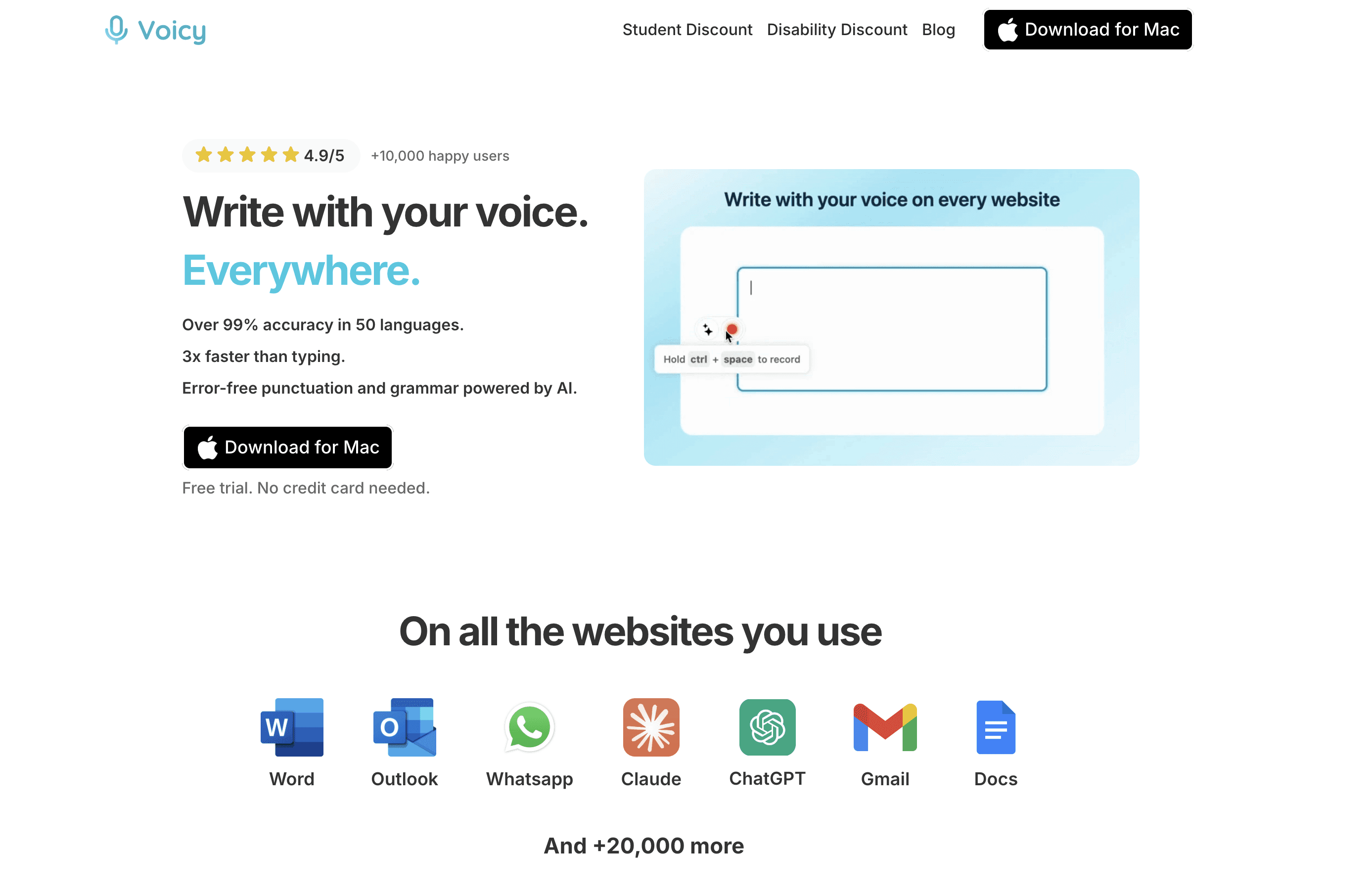
Voicy is the tool on this list that makes the rest of your Linux apps easier to write in. Developers write constantly: GitHub issues, PR summaries, code comments, docs, release notes, Slack updates, browser AI prompts, support replies, terminal notes, and architecture decisions.
Linux has many good ways to code, but polished cross-app dictation has historically been weaker. Voicy fills that gap by giving you live dictation and file upload transcription across a practical developer workflow.
Best for: developers who think faster than they type, write lots of tickets and docs, use browser AI tools, or want a faster way to draft technical explanations.
What stands out:
Works as a voice input layer for Linux writing workflows.
Useful for docs, issues, pull request notes, comments, prompts, email, chat, and technical writing.
Supports live dictation and file upload transcription.
Available on Linux, Mac, Windows, Browser Extension, iOS, and Android.
Offers a free trial, then paid plans at $8.49/month, $82/year, or $260 lifetime.
Main tradeoff: Voicy uses cloud-based transcription. If your work requires no-cloud transcription, use a self-hosted Whisper setup instead. If you want the fastest practical writing layer for everyday developer work, Voicy is much easier to live with.
Best code editor for Linux: the short answer
The best code editor for Linux is Visual Studio Code for most developers because it has the strongest mix of extensions, Git tools, debugging, terminals, remote development, and AI coding support. If you work in a large backend or enterprise codebase, JetBrains IDEs are often better for deep refactoring and language intelligence.
Vim and Neovim are still excellent if you want a fast keyboard-first editor that lives well in the terminal. Zed and other newer editors are worth watching, especially if you care about speed and collaboration, but VS Code remains the safest default recommendation for most Linux teams.
The editor solves the code part. For the writing around code, use Voicy for Linux to dictate docs, PR descriptions, commit messages, issue comments, long terminal notes, and AI prompts without turning every explanation into a typing chore.
2. Visual Studio Code, best Linux code editor for most developers
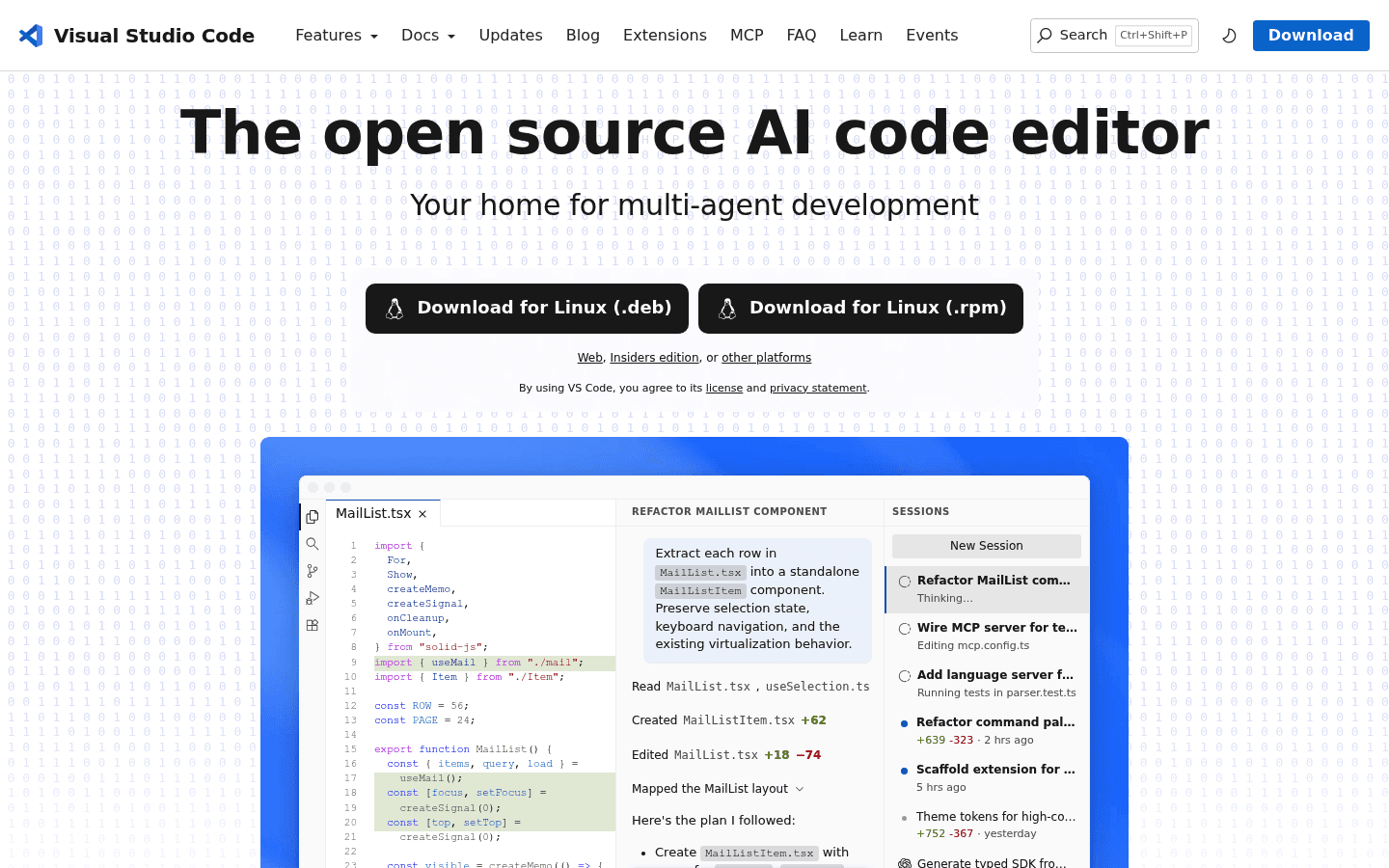
Visual Studio Code is the safest first install for most developers on Linux. It has official Linux downloads, a large extension library, built-in Git tools, debugging, a terminal, remote development, and strong AI coding support.
It is not the only serious editor. Plenty of Linux developers prefer Neovim, Emacs, Zed, or a JetBrains IDE. But if you need one editor that works across JavaScript, TypeScript, Python, Go, Rust, Markdown, YAML, Docker files, and quick config edits, VS Code is hard to beat.
Best for: web developers, full-stack developers, DevOps work, Markdown docs, multi-language projects, and teams that share editor settings.
Where Voicy helps: Use Voicy to dictate documentation drafts, code comments, TODO notes, AI prompts, and pull request descriptions while VS Code handles the actual code.
Main tradeoff: VS Code can feel slow if you install every extension that looks useful. Keep the setup boring: language tools, formatter, Git helper, container tools, and a few project-specific extensions.
3. JetBrains Toolbox, best Linux app for managing full IDEs
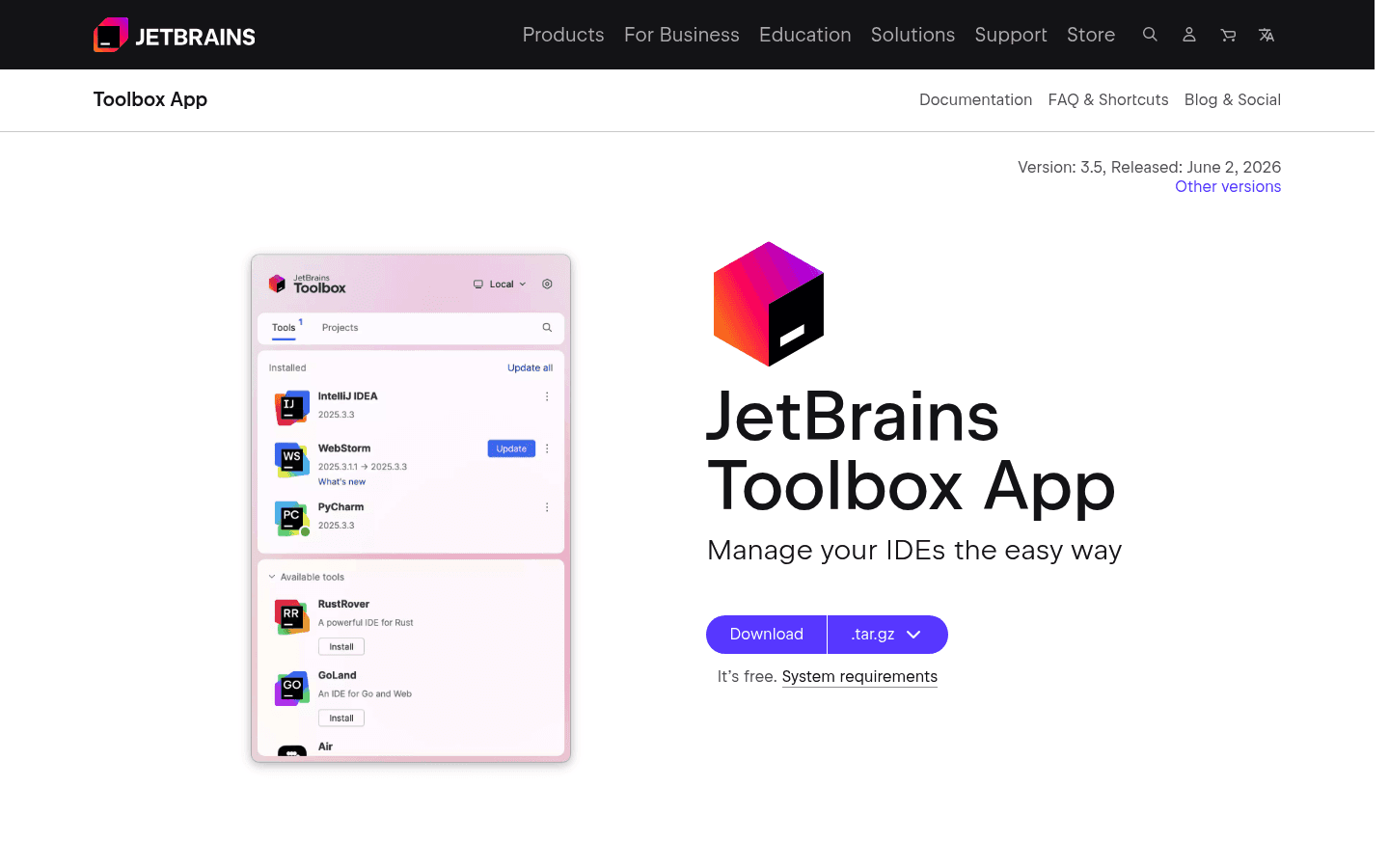
JetBrains Toolbox is the cleanest way to install, update, and manage JetBrains IDEs on Linux. If your work lives in Java, Kotlin, Python, PHP, Go, C, C++, or serious TypeScript projects, JetBrains tools can be worth the heavier footprint.
The benefit is depth. IntelliJ IDEA, PyCharm, WebStorm, GoLand, and CLion often understand large codebases better than a lightweight editor with plugins. Refactors, inspections, navigation, and test runners are where they earn their keep.
Best for: backend developers, enterprise codebases, JVM projects, Python teams, and anyone who values deep language intelligence.
Where Voicy helps: Dictate review notes, design comments, test-plan notes, and longer issue writeups without leaving your IDE-heavy workflow.
Main tradeoff: JetBrains IDEs are heavier than VS Code and many are paid. If you mostly edit scripts, Markdown, or small services, VS Code or a terminal editor may be enough.
4. Warp, best modern terminal app for Linux developers
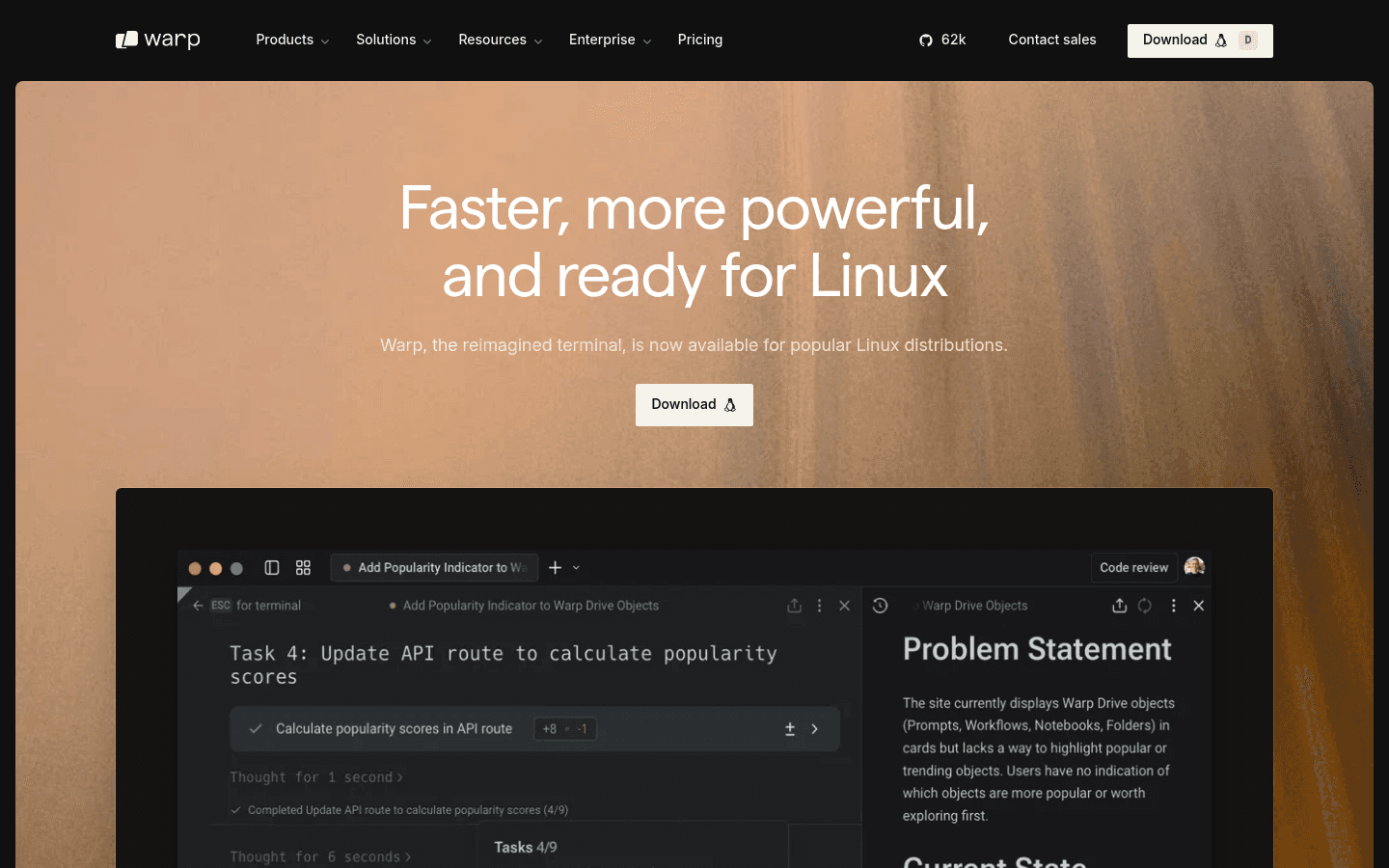
Warp brings a more modern terminal experience to Linux: command blocks, IDE-style input, reusable workflows, and AI help. It is useful if you spend a lot of time running scripts, debugging builds, jumping between repos, or explaining terminal errors to teammates.
Traditional terminals are still excellent. Kitty, Alacritty, GNOME Terminal, Konsole, and tmux are not going anywhere. Warp belongs on this list because it makes terminal work easier to read and easier to share.
Best for: developers who want a friendlier terminal with AI help, searchable command output, and repeatable workflows.
Where Voicy helps: When a terminal command fails, dictate a quick note into a ticket or AI prompt: what you ran, what failed, what you expected, and what changed recently.
Main tradeoff: If you want a fully minimal local terminal, Warp may feel like too much. Use it when the modern features save time, not because your terminal needs to look new.
5. Lazygit, best terminal Git client for Linux
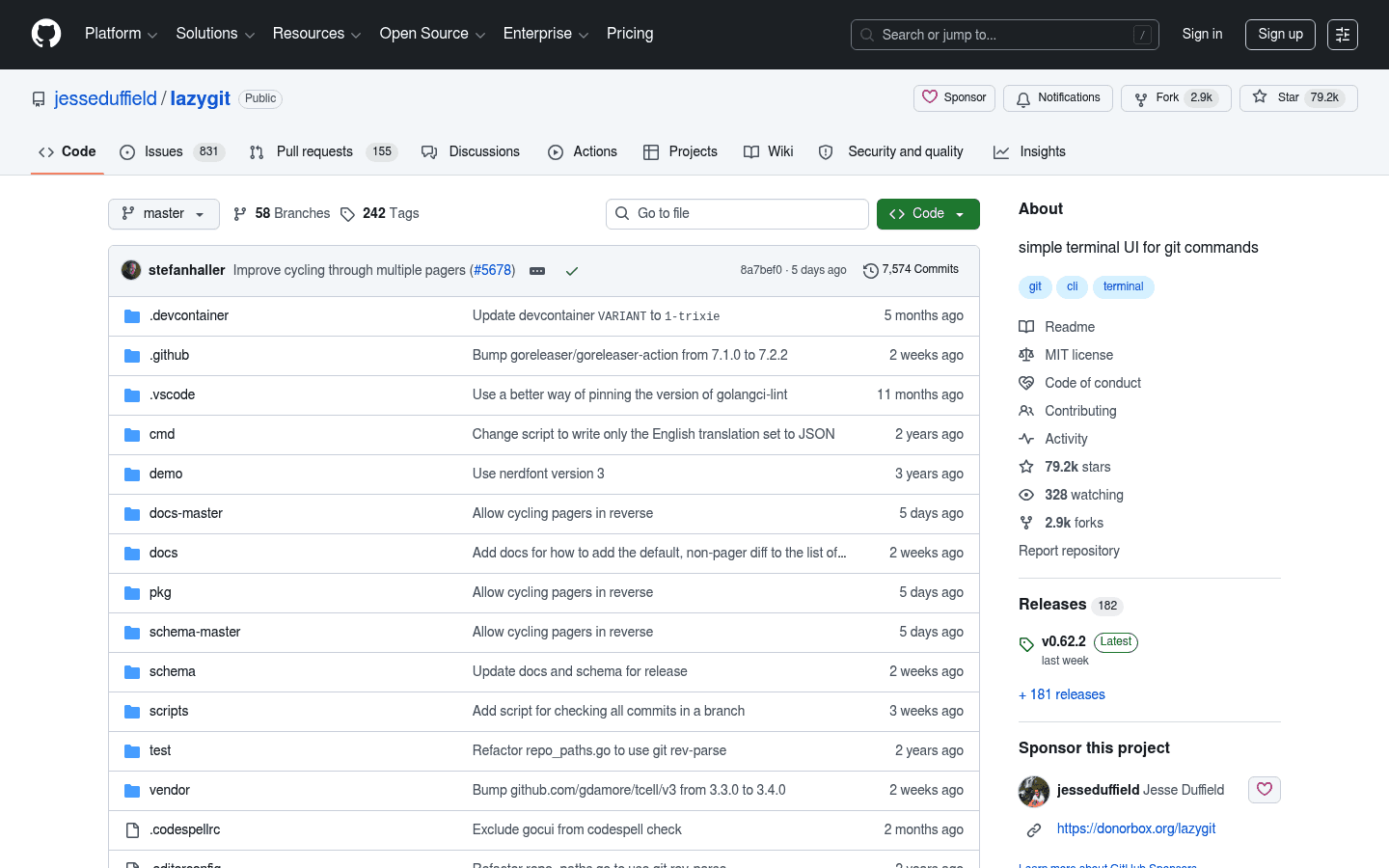
Lazygit is a simple terminal UI for Git commands. It gives you a fast view of files, branches, commits, stashes, logs, and diffs without making you leave the terminal.
This is the Git client I would give to a developer who already knows Git basics but wants fewer context switches. You can stage partial changes, clean up commits, switch branches, and inspect history faster than typing each command from memory.
Best for: terminal-first developers, small teams, open-source contributors, and anyone who wants a fast Git UI without a separate desktop app.
Where Voicy helps: Dictate better commit-message drafts and pull request notes. The Git UI helps you choose the change. Voice helps you explain why it exists.
Main tradeoff: Lazygit does not remove the need to understand Git. For rebases, conflicts, and weird histories, the tool is only as good as your judgment.
6. Bruno, best Linux API client for Git-native teams
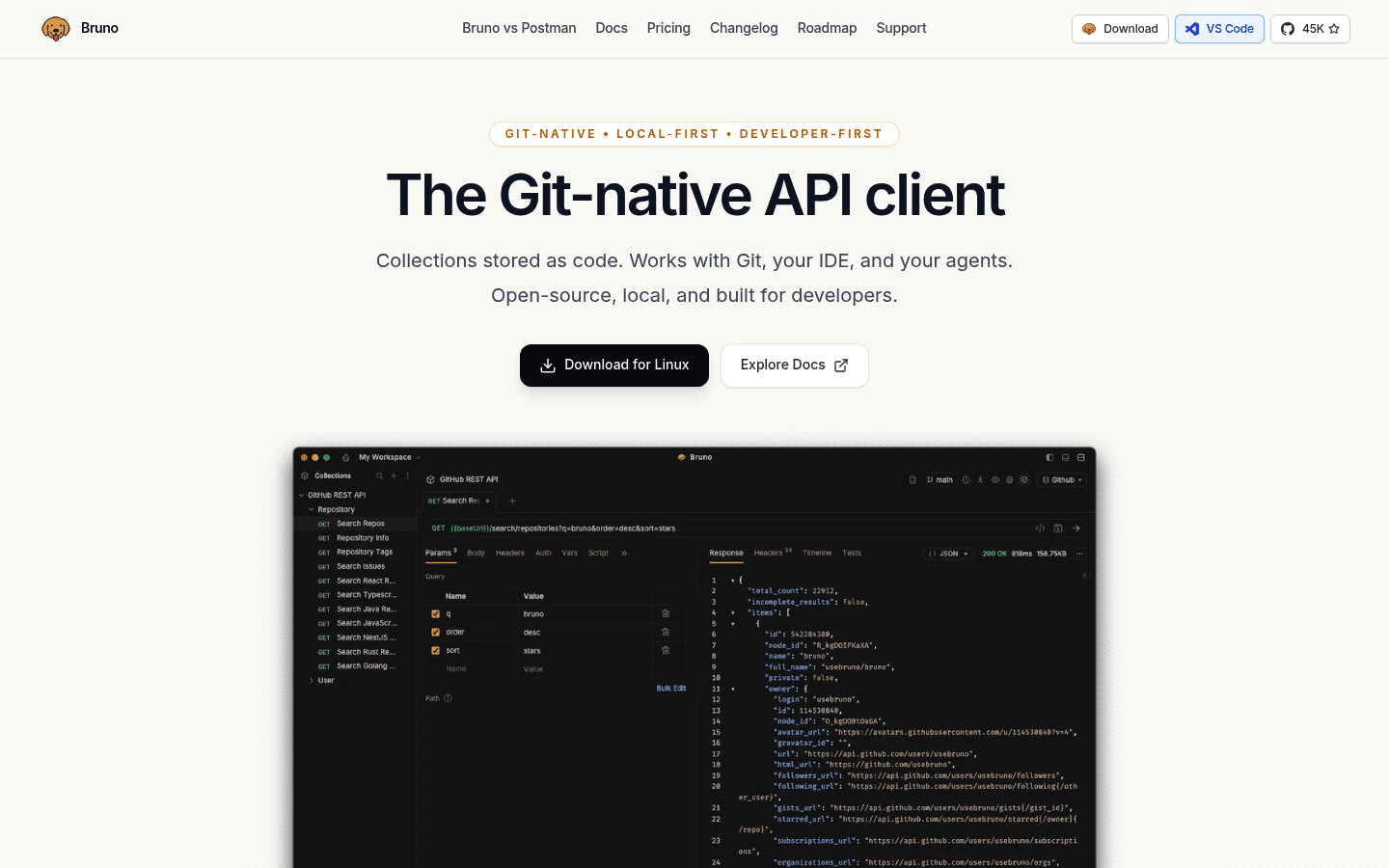
Bruno is a local-first API client for REST, GraphQL, gRPC, and WebSocket workflows. The big reason developers like it is simple: collections are stored as plain files in your repo, so API requests can move through Git like code.
That makes Bruno a strong Postman alternative for Linux developers who care about local files, code review, and avoiding yet another cloud workspace. API collections can sit next to the service they test.
Best for: backend developers, API teams, open-source projects, and teams that want API collections reviewed in pull requests.
Where Voicy helps: Dictate test notes, expected behavior, bug reproduction steps, and API prompt drafts while Bruno handles the requests.
Main tradeoff: If your whole company already runs on Postman workspaces and monitors, Bruno may require process change. It shines when the repo is the source of truth.
7. Obsidian, best notes and docs app for Linux developers

Obsidian is a strong notes app for developers because it uses plain Markdown files. That works well for architecture notes, command snippets, debugging logs, meeting notes, project decisions, learning notes, and private docs.
Developers tend to underestimate notes until the same bug comes back six weeks later. A simple vault with project folders, daily notes, and reusable snippets can save real time.
Best for: Markdown notes, project journals, architecture decisions, snippets, research, and local knowledge bases.
Where Voicy helps: Dictate raw notes after a debugging session, meeting, or code review, then clean them into Markdown when you have more focus.
Main tradeoff: Obsidian is not open source. It is also easy to overbuild a fancy note system instead of writing useful notes.
8. Firefox Developer Edition, best browser for Linux web debugging
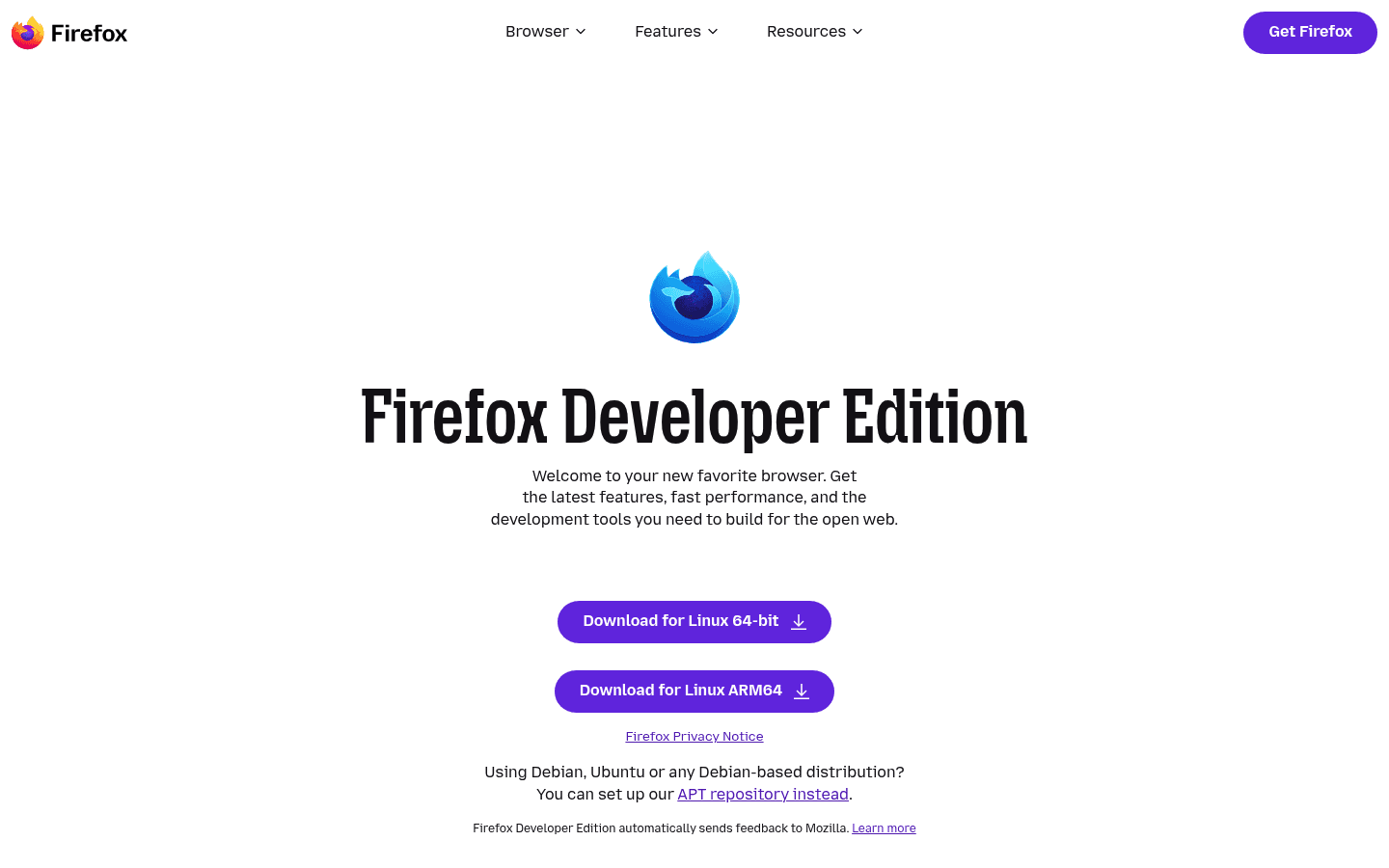
Firefox Developer Edition gives web developers a separate browser profile with developer-focused defaults. It is useful for inspecting CSS, debugging JavaScript, testing responsive layouts, checking network behavior, and keeping your personal browser separate from your test browser.
Even if your users mostly run Chrome, Firefox is worth testing. Browser differences still exist, and catching them early is cheaper than getting a bug report after release.
Best for: frontend developers, QA workflows, CSS inspection, responsive checks, JavaScript debugging, and browser separation.
Where Voicy helps: Dictate bug reports while the issue is on screen: exact route, browser, viewport, expected result, actual result, and reproduction steps.
Main tradeoff: It does not replace Chrome or Chromium testing. A serious web workflow usually needs both browser engines.
9. GitHub Copilot, best AI coding tool for Linux developers
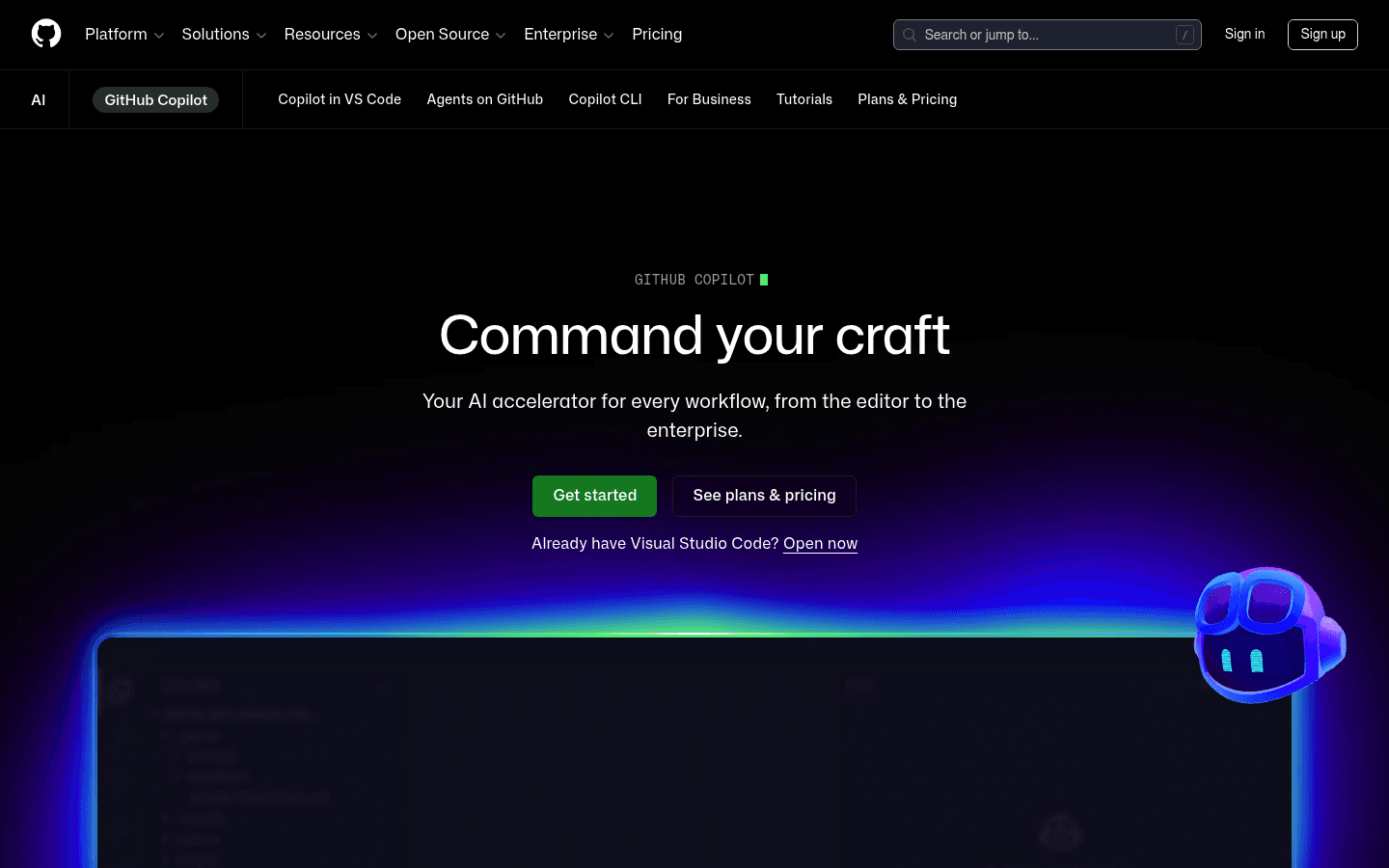
GitHub Copilot is one of the easiest AI coding tools to add to a Linux setup because it works inside common developer environments like VS Code, JetBrains IDEs, Vim or Neovim, GitHub, and the GitHub CLI.
Use it for boilerplate, tests, code explanations, refactor drafts, and exploring unfamiliar APIs. Do not use it as an excuse to stop reading the code. AI is useful when you stay in charge.
Best for: developers who already use GitHub and want AI assistance in their editor, CLI, and code review workflow.
Where Voicy helps: Dictate clearer prompts. A spoken prompt can capture context faster: what file you are in, what broke, what behavior you want, and what constraints matter.
Main tradeoff: Copilot can produce wrong code with high confidence. Treat it like a fast junior teammate: useful, but reviewed.
10. Slack, best Linux communication app for developer teams
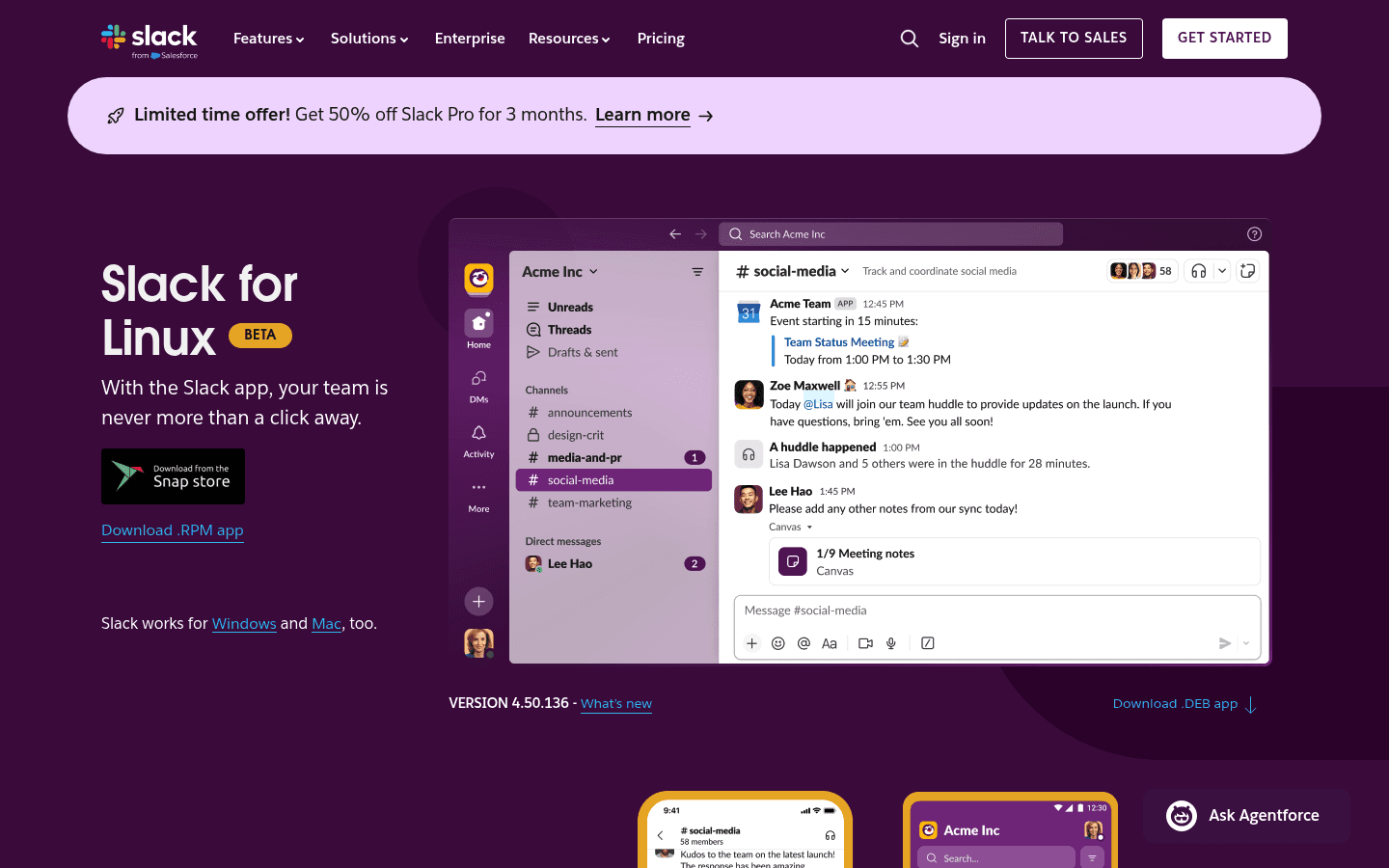
Slack is still the team-chat default for many developer teams. On Linux, the desktop app gives you channels, alerts, huddles, threads, file sharing, standups, CI notifications, and incident rooms without keeping everything in a browser tab.
If your community lives elsewhere, the same idea applies to Discord. Developers need one reliable communication app that they actually check, not three half-used inboxes.
Best for: team updates, async standups, incident triage, release coordination, support escalation, and engineering alerts.
Where Voicy helps: Dictate longer Slack updates instead of typing them one painful sentence at a time. This works especially well for incident summaries, QA notes, handoffs, and "here is what changed" messages.
Main tradeoff: Slack's Linux download page still labels the Linux app beta. If you need less noise, use channel discipline before adding more tools.
11. OBS Studio, best Linux app for recording demos and bug reports
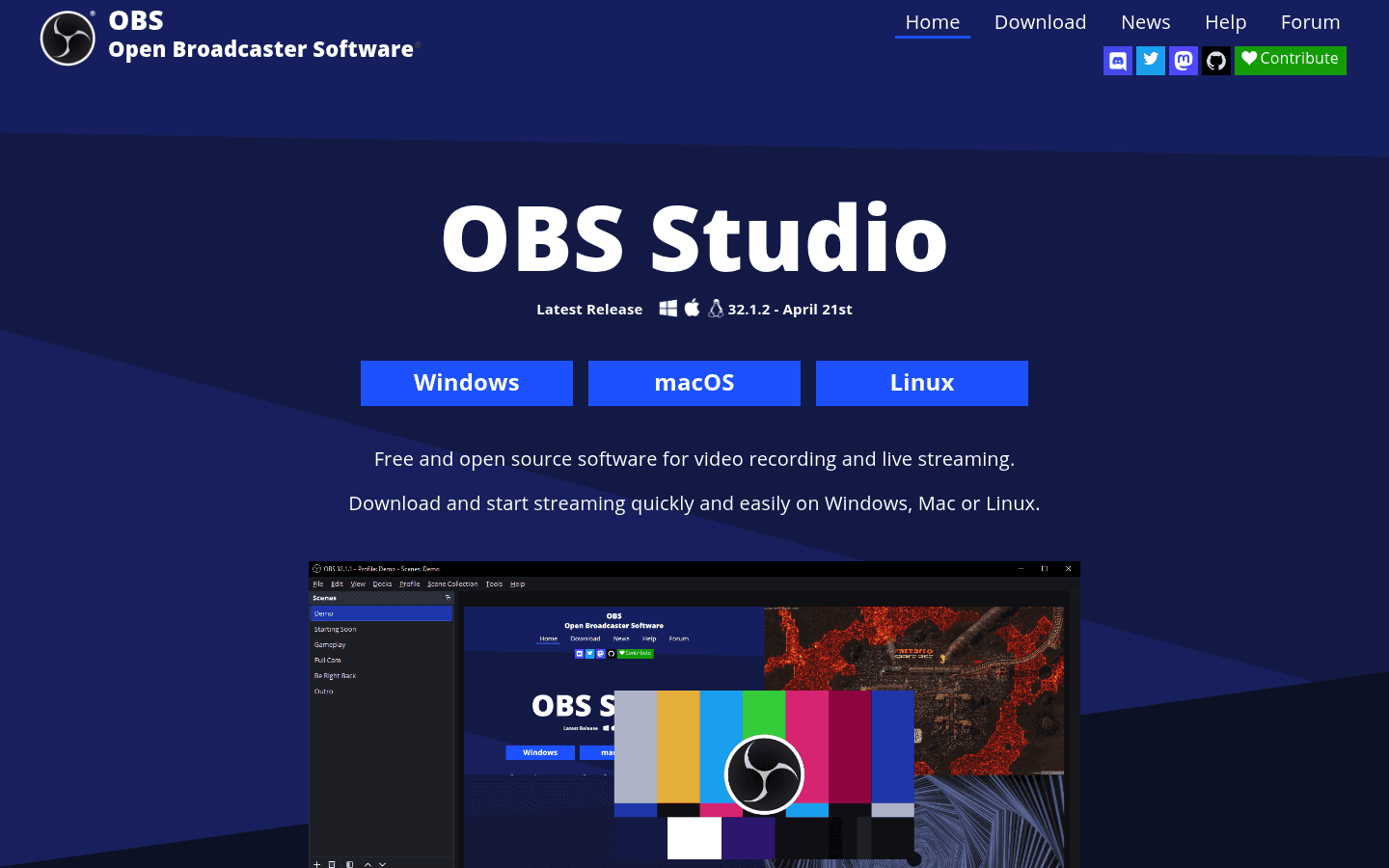
OBS Studio is free, open-source software for video recording and live streaming. For developers, the best use is not streaming. It is recording short bug demos, onboarding clips, support walkthroughs, and "this is what I see" videos.
A 45-second recording can replace a messy back-and-forth thread. Show the route, click the button, show the console, and attach the clip to the ticket.
Best for: bug reports, QA demos, onboarding, technical tutorials, support videos, and async engineering explanations.
Where Voicy helps: Upload a recorded walkthrough to Voicy for transcription, then turn the transcript into docs, release notes, or a clean ticket summary.
Main tradeoff: OBS is more than a screenshot tool. For quick annotations, use your desktop screenshot utility. Use OBS when motion or narration matters.
12. Bitwarden, best password manager for Linux developers
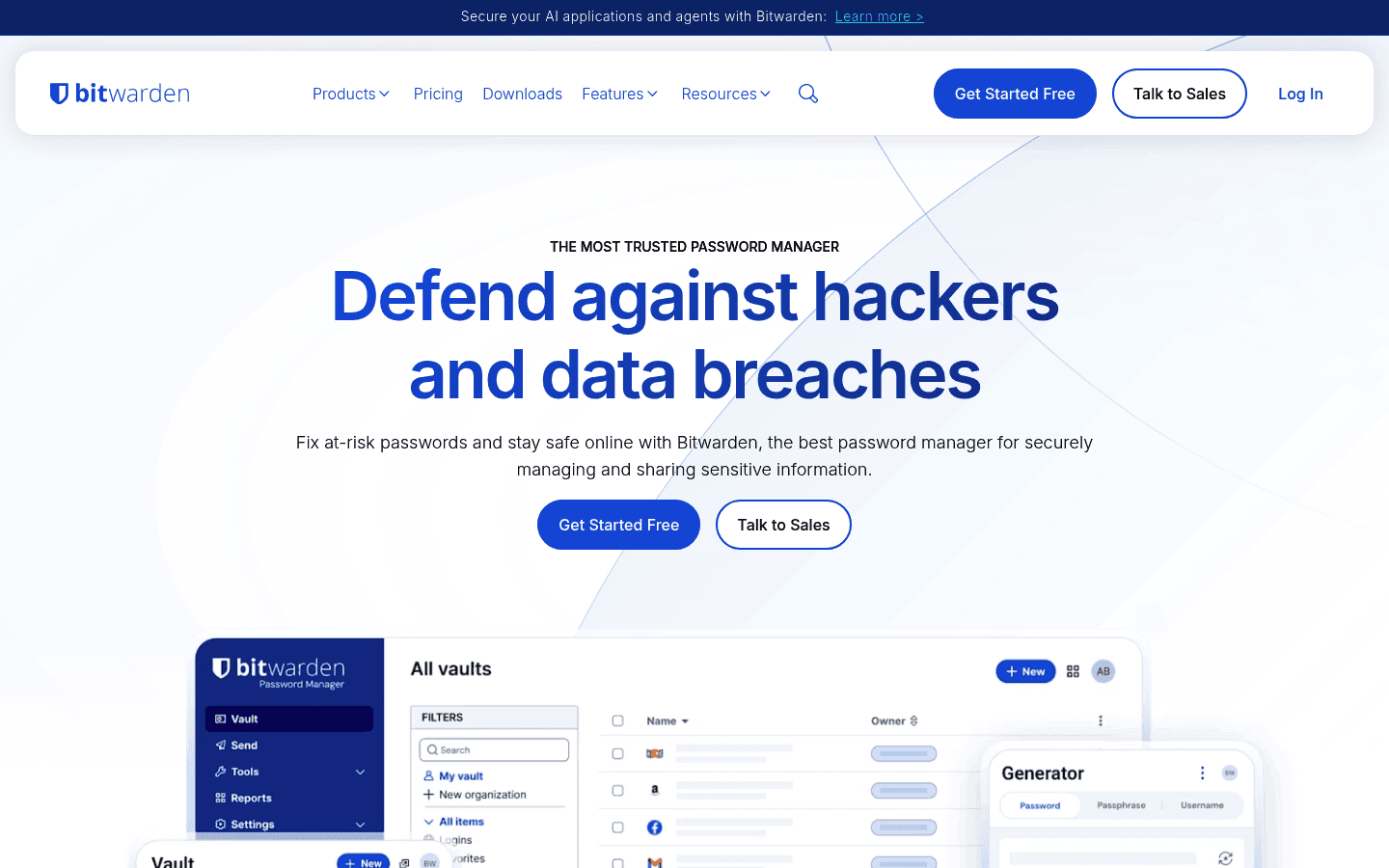
Bitwarden gives Linux developers a practical password manager with desktop apps, browser extensions, mobile apps, sharing, and team options. It is a better default than browser-saved passwords for people who touch repos, servers, API keys, admin panels, staging accounts, and client systems.
Developers are often close to sensitive systems. That makes password hygiene boring but non-negotiable. A proper vault also makes device switches and distro reinstalls less painful.
Best for: personal vaults, team secrets, browser login workflows, secure sharing, and cross-device access.
Main tradeoff: Hosted sync may not fit every security model. If your team needs fully local vault control, compare KeePassXC or Bitwarden self-hosting options.
Recommended Linux developer workflow stacks
You do not need every tool at once. Start with the bottleneck in your day.
Web developer: Visual Studio Code, Firefox Developer Edition, Bruno, GitHub Copilot, Slack, Bitwarden, and Voicy.
Backend developer: JetBrains Toolbox, Warp, Lazygit, Bruno, Obsidian, Bitwarden, and Voicy.
Open-source maintainer: Visual Studio Code, Lazygit, Obsidian, OBS Studio, GitHub Copilot, and Voicy for issue replies and release notes.
DevOps or platform engineer: Warp, Lazygit, Bitwarden, Obsidian, Slack, OBS Studio, and Voicy for incident updates and runbook drafts.
A good Linux developer setup should be fast, explainable, and boring in the right places. The editor helps you change code. The rest of the stack helps you understand, document, test, share, secure, and explain that code.
How to choose Linux apps for developers
Pick tools that reduce friction in your real workflow. If an app only looks impressive in a screenshot, skip it.
If code navigation is slow, upgrade your editor or IDE first.
If Git slows you down, add Lazygit before hunting for a full desktop Git suite.
If APIs are messy, use Bruno and keep collections with the repo.
If docs are scattered, start an Obsidian vault with project notes and decisions.
If writing slows everything down, use Voicy for issues, docs, PRs, comments, and team updates.
If security is sloppy, install Bitwarden before adding another shiny tool.
Final verdict
The best Linux apps for developers are the ones that cover the whole software loop: write code, run commands, manage Git, test APIs, debug in the browser, document decisions, talk to your team, record what happened, protect your credentials, and write faster.
Start with Visual Studio Code or JetBrains Toolbox, Warp, Lazygit, Bruno, Obsidian, Firefox Developer Edition, GitHub Copilot, Slack, OBS Studio, Bitwarden, and Voicy. Then remove anything you do not actually use.
For developer writing in particular, try Voicy for Linux. It is the most natural fit when your code editor is fine, but your docs, GitHub issues, PR notes, prompts, and Slack updates are still bottlenecked by typing.
FAQs
What are the best Linux apps for developers?
The best Linux apps for developers are Visual Studio Code, JetBrains Toolbox, Warp, Lazygit, Bruno, Obsidian, Firefox Developer Edition, GitHub Copilot, Slack, OBS Studio, Bitwarden, and Voicy. Together they cover coding, terminal work, Git, APIs, docs, browser testing, AI coding, communication, recording, security, and voice input.
What is the best code editor for Linux developers?
Visual Studio Code is the best default code editor for most Linux developers because it has strong extensions, Git support, debugging, terminals, remote workflows, and AI coding integrations. JetBrains IDEs are better if you need deeper language support for large backend or enterprise projects.
What is the best Linux terminal app for developers?
Warp is a strong modern terminal choice for developers who want command blocks, reusable workflows, and AI help. If you prefer a lighter or more traditional setup, Alacritty, Kitty, GNOME Terminal, Konsole, and tmux are also common Linux developer tools.
What is the best Git client for Linux?
Lazygit is one of the best Git clients for Linux developers who like working in the terminal. It gives you a fast interface for staging, commits, branches, diffs, stash work, and history without opening a separate desktop app.
What is the best API client for Linux developers?
Bruno is a strong API client for Linux developers because it is local-first and Git-native. API collections can live in your repository, which makes requests easier to review, version, and share with a team.
What Linux apps should web developers install first?
Web developers should start with Visual Studio Code, Firefox Developer Edition, Bruno, GitHub Copilot, Lazygit, Bitwarden, Slack, and Voicy. That gives you code editing, browser debugging, API testing, AI help, Git, security, communication, and faster technical writing.
Is Linux good for developer workflows in 2026?
Yes. Linux is excellent for developer workflows because it has strong terminals, package managers, containers, scripting tools, open-source utilities, and first-class support from many code editors and developer apps. The main gap is polished cross-app voice input, which is where Voicy fits.
Can I use voice dictation for coding on Linux?
Voice dictation is better for the writing around coding than for writing syntax-heavy code. Use Voicy for docs, comments, GitHub issues, PR summaries, AI prompts, terminal notes, Slack updates, and technical explanations. For code itself, keyboard editing is still usually faster.
Does Voicy have a Linux trial?
Yes. You can test Voicy with a trial, then continue on a paid plan at $8.49/month, $82/year, or $260 lifetime. It supports live dictation and file upload transcription, and transcription is cloud-based.
What is the simplest Linux developer setup?
The simplest Linux developer setup is Visual Studio Code, your distro's default terminal or Warp, Lazygit, Firefox Developer Edition, Bitwarden, and Voicy. Add Bruno if you work with APIs, Obsidian if you write lots of notes, and OBS Studio if you record bugs or demos.


