





Summary of the article
Dragon pricing: Dragon Professional v16 is listed at $699 as a one-time Windows desktop purchase. Dragon Professional Anywhere is listed at $55 per month. Dragon Anywhere Mobile is listed at $15 per month.
Best fit for Dragon: choose Dragon if you need a mature Windows dictation tool, custom voice commands, and single-speaker audio transcription in Dragon Professional v16.
Best fit for Voicy: choose Voicy if you want simpler setup, lower pricing, browser extension support, mobile apps, live dictation, and file upload transcription.
Long-term cost: Dragon Professional v16 costs more upfront. Voicy costs $8.49 per month, $82 per year, or $260 for lifetime access.
Important note: Voicy has a free trial, but it is not a fully free product. Voicy is cloud-based and needs internet.
If you are checking Dragon dictation pricing in 2026, the first thing to know is that "Dragon" is not one single plan. Nuance, now part of Microsoft, sells several Dragon products for different jobs.
The big split is simple. Dragon Professional v16 is the desktop Windows product with a one-time price. Dragon Professional Anywhere is a cloud-hosted Windows client for professional teams. Dragon Anywhere Mobile is the mobile app for iOS and Android.
This guide gives you the answer first, then compares Dragon with Voicy for everyday dictation and transcription.
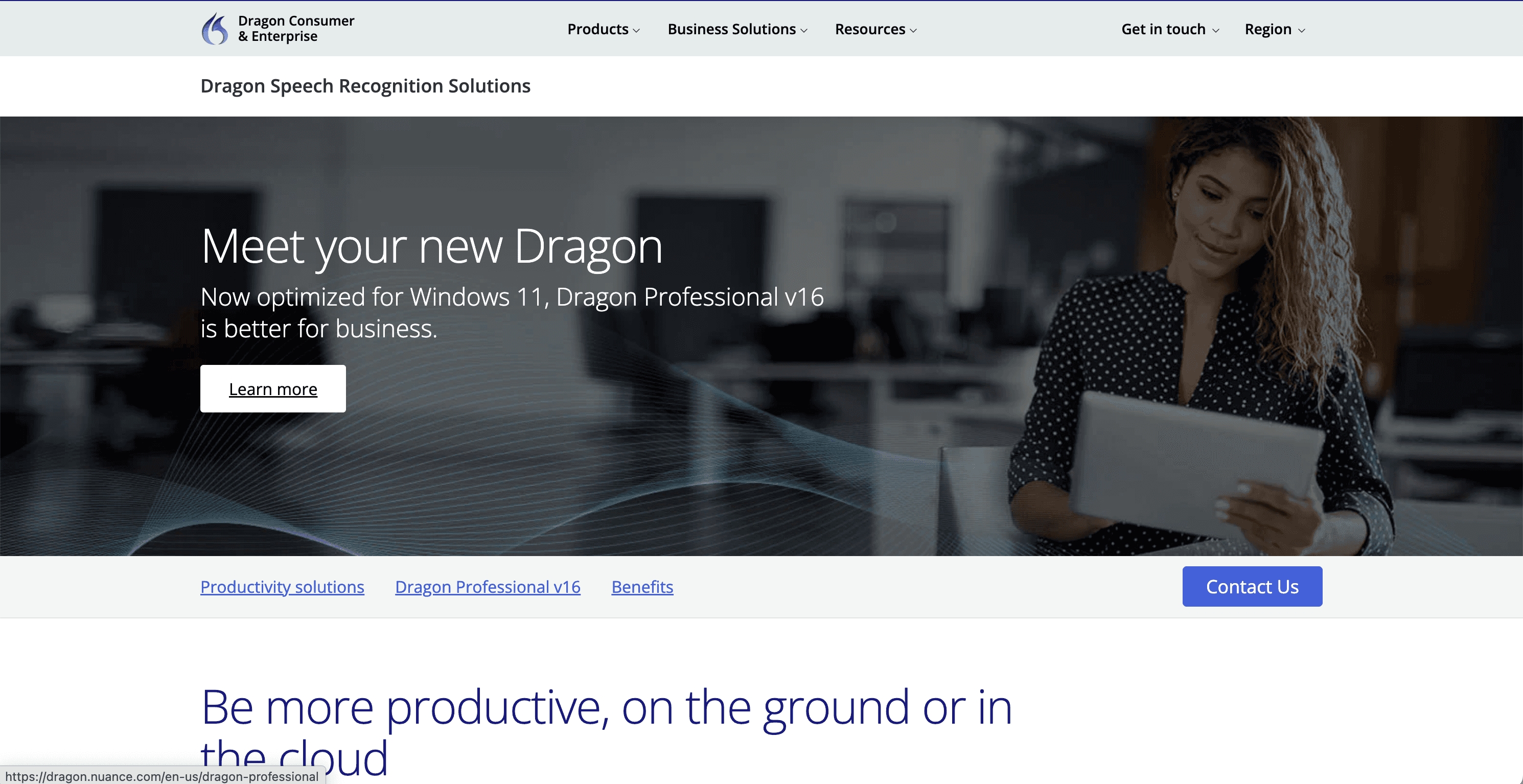
Dragon pricing page captured on June 7, 2026.
Answer-first verdict
Dragon is best if you want a serious Windows dictation tool and are ready for a higher price. Dragon Professional v16 is strong for people who need deep Windows control, custom words, custom commands, and single-speaker file transcription.
Voicy is the better fit if you want a lower-cost dictation app that works across Mac, Windows, browser extension, iOS, and Android. It also supports live dictation and file upload transcription, so it is easier for people who move between devices and need both typing by voice and audio-to-text work.
The biggest tradeoff is processing style. Dragon Professional v16 can work without internet after install and activation. Voicy is cloud-based, so it needs internet. For most everyday users, Voicy is simpler and cheaper. For heavy Windows-only professional dictation, Dragon can still make sense.
Dragon dictation pricing in 2026
Here are the main Dragon products most buyers compare. Prices can change, so check the official Nuance store before buying.
Product | Price shown | Billing model | Platform | Best for |
|---|---|---|---|---|
Dragon Professional v16 | $699 | One-time purchase | Windows 10 and Windows 11 | Professionals who want desktop dictation, commands, and single-speaker file transcription |
Dragon Professional Anywhere | $55 per month | Subscription | Windows thin client with cloud-hosted speech recognition | Teams and organizations that want cloud profiles and always-updated Dragon speech recognition |
Dragon Anywhere Mobile | $15 per month | Subscription | iOS and Android | Mobile dictation with custom word sync across supported Dragon products |
Dragon Professional v16 and Dragon Professional Anywhere are not the same product. Dragon Professional v16 is the classic desktop Windows product. Dragon Professional Anywhere is a cloud-hosted subscription product for Windows-based work setups.
That difference matters for transcription. Nuance support says Dragon Professional v16 can transcribe single-speaker audio files. It also says Dragon Professional Anywhere does not support that file transcription feature.
What do you get with Dragon Professional v16?
Dragon Professional v16 is built for Windows users who create a lot of documents. It lets you dictate into many Windows apps, add custom words, build custom voice commands, and transcribe audio files from one speaker.
It is the product to compare if you are buying Dragon for one desktop user. The price is higher upfront, but there is no normal monthly fee for the desktop license.
Dragon Professional v16 is not a Mac app. Nuance support says Dragon is only available for Windows/PC. If you use Mac, iPhone, Android, and browser tools every day, that is a major limit.
What is Dragon Professional Anywhere?
Dragon Professional Anywhere is a different product. It is cloud-hosted speech recognition for Windows-based devices, including virtual and remote setups. It is made for organizations that want a lighter Windows client, cloud profiles, and predictable subscription pricing.
It may be a fit for teams with IT needs. It is less likely to be the best fit for one person who just wants fast, simple dictation across devices.
Voicy vs Dragon pricing and features
Dragon and Voicy solve related problems, but they are built for different buyers. Dragon is a mature professional dictation family. Voicy is a simpler cloud-based speech-to-text app for people who want dictation and file transcription across modern devices.
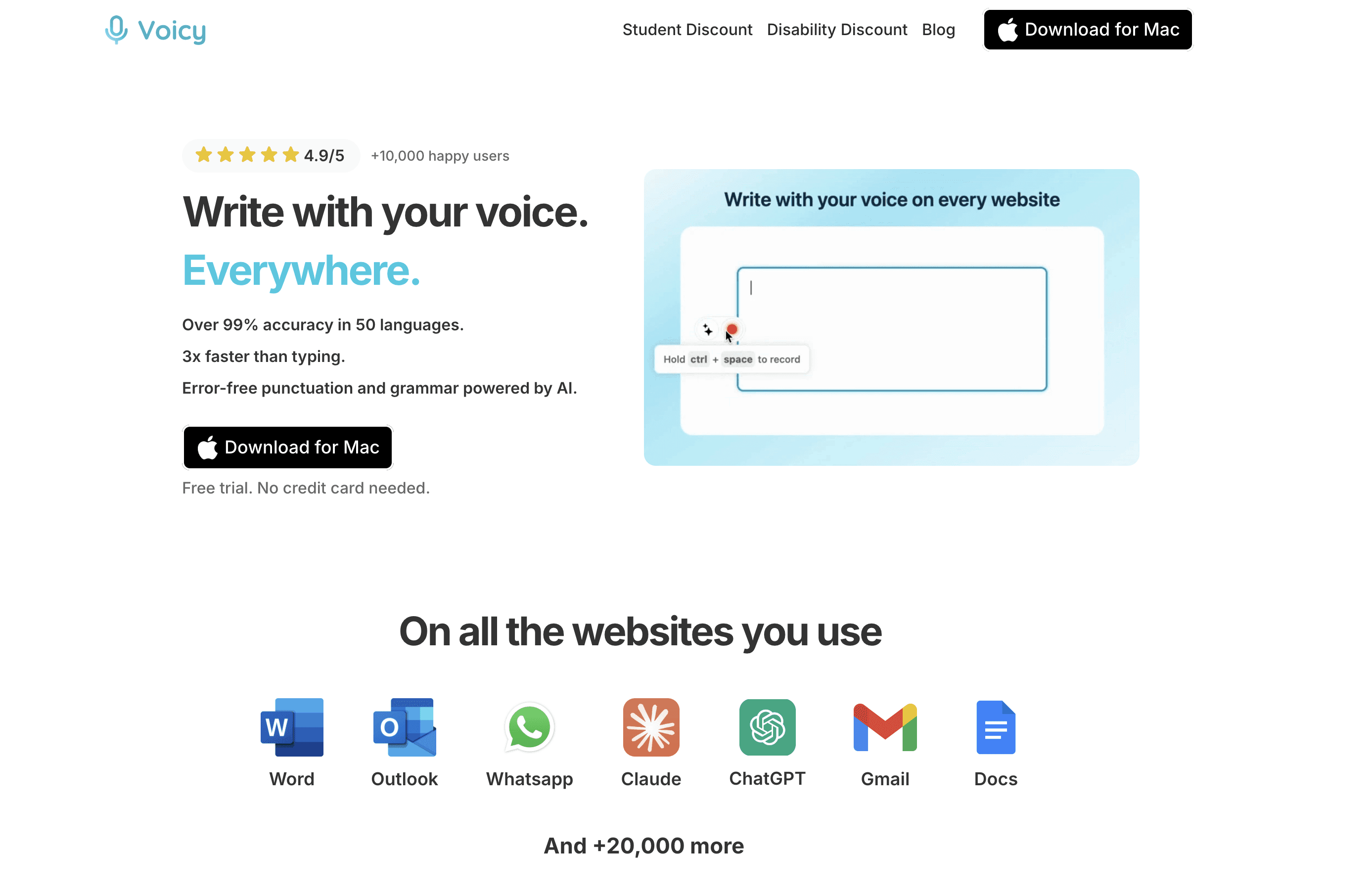
Voicy pricing page showing monthly, yearly, and lifetime options.
Feature | Dragon Professional v16 | Voicy |
|---|---|---|
Starting paid price | $699 one time | $8.49 per month |
Annual price | No standard annual plan for v16 desktop | $82 per year |
Lifetime option | Desktop license is a one-time purchase | $260 lifetime |
Platforms | Windows 10 and Windows 11 | Mac, Windows, browser extension, iOS, Android |
Live dictation | Yes | Yes |
File upload transcription | Yes, for single-speaker audio in Dragon Professional v16 | Yes |
Internet need | Dragon Professional v16 can work offline after install and activation | Cloud-based and needs internet |
Best fit | Windows professionals who need deep dictation controls | People who want easy cross-platform dictation and transcription |
Total-cost framing
Dragon Professional v16 has a high upfront cost. Voicy has a lower monthly or yearly price, plus a lifetime option. If you only look at the first month, Voicy is much cheaper. If you look over many years, Voicy's lifetime plan gives you a clear ceiling.
Time period | Dragon Professional v16 | Voicy annual | Voicy lifetime |
|---|---|---|---|
1 year | $699 | $82 | $260 |
3 years | $699 | $246 | $260 |
5 years | $699 | $410 | $260 |
This is not only about price. Dragon Professional v16 may be worth the higher upfront cost if Windows desktop dictation is your core workflow. But if you want one speech-to-text tool across desktop, mobile, and browser work, Voicy is easier to justify.
Who should choose Dragon?
Choose Dragon if:
You mainly work on Windows 10 or Windows 11.
You want a desktop dictation product with a one-time license.
You need custom words and custom voice commands.
You want to transcribe single-speaker audio files inside Dragon Professional v16.
You need dictation that can keep working without internet after install and activation.
Your team is already built around Dragon or Nuance workflows.
Dragon is not the cleanest choice if you need native Mac support, browser extension use, or one simple app across all your devices.
Who should choose Voicy?
Choose Voicy if:
You want a lower monthly or yearly price.
You want a lifetime option instead of a higher upfront desktop license.
You use Mac, Windows, browser extension, iOS, or Android.
You need live dictation and file upload transcription.
You want a simpler tool for everyday emails, notes, messages, documents, and recordings.
You are fine with cloud-based speech-to-text that needs internet.
Voicy does not claim to replace medical or legal compliance workflows. If your workplace has strict compliance rules, check those requirements directly before choosing any dictation tool.
Final verdict
Dragon is still a serious name in dictation, but its pricing and product lineup can be confusing. Dragon Professional v16 is the desktop Windows product at $699. Dragon Professional Anywhere is the $55 per month cloud-hosted Windows client. Dragon Anywhere Mobile is the $15 per month mobile app.
Pick Dragon if you need the Windows-first professional tool and will use its deeper controls. Pick Voicy if you want a simpler and lower-cost Dragon alternative for everyday dictation and transcription across Mac, Windows, browser extension, iOS, and Android.
Dragon dictation pricing FAQs
How much does Dragon Professional v16 cost?
Dragon Professional v16 is listed at $699 as a one-time purchase on the official Dragon pricing page. It is the Windows desktop version for professional dictation.
How much does Dragon Professional Anywhere cost?
Dragon Professional Anywhere is listed at $55 per month on the official Dragon pricing page. It is a cloud-hosted Windows client subscription, not the same product as Dragon Professional v16.
How much does Dragon Anywhere Mobile cost?
Dragon Anywhere Mobile is listed at $15 per month on the official Dragon pricing page. It is the mobile dictation app for iOS and Android.
Is Dragon dictation free?
No. Nuance support says Dragon software is not free. It does list a free trial for the Dragon Anywhere Mobile app.
Does Dragon work on Mac?
No. Nuance support says Dragon is only available for Windows/PC. Dragon Anywhere Mobile works on iOS and Android, but Dragon Professional v16 is not a native Mac app.
Does Dragon Professional v16 transcribe audio files?
Yes, Dragon Professional v16 can transcribe audio files from one speaker. Nuance support says it does not transcribe meetings or interviews with two or more speakers.
Does Dragon Professional Anywhere transcribe audio files?
No. Nuance support says Dragon Professional Anywhere does not support the audio file transcription feature that Dragon Professional v16 supports.
Is Voicy cheaper than Dragon?
Yes for most individual buyers. Voicy is $8.49 per month, $82 per year, or $260 lifetime. Dragon Professional v16 is listed at $699 as a one-time purchase.
Is Voicy free?
No. Voicy has a free trial, but it is not a fully free product. Paid options are $8.49 per month, $82 per year, or $260 lifetime.
Which is better, Dragon or Voicy?
Choose Dragon if you need deep Windows desktop dictation and custom voice controls. Choose Voicy if you want lower pricing, easier cross-platform use, browser extension support, live dictation, and file upload transcription.


