





TL;DR
Best overall: Voicy, for cleaner Microsoft Word dictation plus writing across email, browsers, notes, and uploaded files.
Best built-in starting point: Microsoft Word Dictate, if you already use Microsoft 365 and only need basic dictation.
Best free Windows fallback: Windows Voice Access, for built-in Windows dictation and hands-free control.
Best specialist tool: Dragon Professional, for custom vocabulary and command-heavy work.
Best free draft pad: Google Docs Voice Typing, if you can draft outside Word and paste later.
Best Mac-first alternative: Superwhisper, for a modern desktop dictation app that can still help Word users.
Answer First: What Should You Use Instead of Microsoft Word Dictation?
The best Microsoft Word dictation alternative for most people is Voicy because it works in Word and across the rest of your writing stack. It is cloud-based, has a free trial only, and costs $8.49/month, $82/year, or $260 lifetime.
If you only need quick notes inside Word, try Word Dictate first. If you need free Windows control, use Windows Voice Access. If you need specialist vocabulary and deep commands, compare Dragon.
Microsoft Word dictation is fine for short drafts, but it is not always the best tool once Word becomes part of real daily work. Long documents, punctuation cleanup, version limits, accents, and app switching can turn a simple feature into friction.
This guide compares the main Word dictation alternatives, including built-in tools, free workarounds, paid dictation apps, and heavier professional software.
Quick Comparison
Tool | Best fit | Works directly with Word? | Main downside | Pricing |
|---|---|---|---|---|
Everyday Word writing and cross-app dictation | Yes | Cloud-based, not offline-only | $8.49/month, $82/year, or $260 lifetime, free trial only | |
Basic built-in dictation | Yes | Less flexible outside Word | Included with eligible Microsoft 365 plans | |
Free Windows dictation and control | Yes, in supported contexts | Less polished for long-form writing | Included with supported Windows devices | |
Specialist and command-heavy workflows | Yes | Expensive and heavier to set up | Premium paid software | |
Free rough drafts before Word | No, copy-paste workflow | Not Word-native | Free with a Google account | |
Mac-first AI dictation | Yes, as a desktop dictation layer | Less Word-specific | Paid plans available |
Why Look for a Microsoft Word Dictation Alternative?
Look for an alternative when Word Dictate gets in the way of your writing rhythm. Common signs are messy punctuation, weak formatting control, feature availability issues, or having to switch tools every time you leave Word.
For a quick how-to, use our guide on how to dictate in Microsoft Word. For a product-focused setup path, start with voice typing in Microsoft Word. If you want more options, the broader guide to speech-to-text apps for Microsoft Word is useful too.
1. Voicy
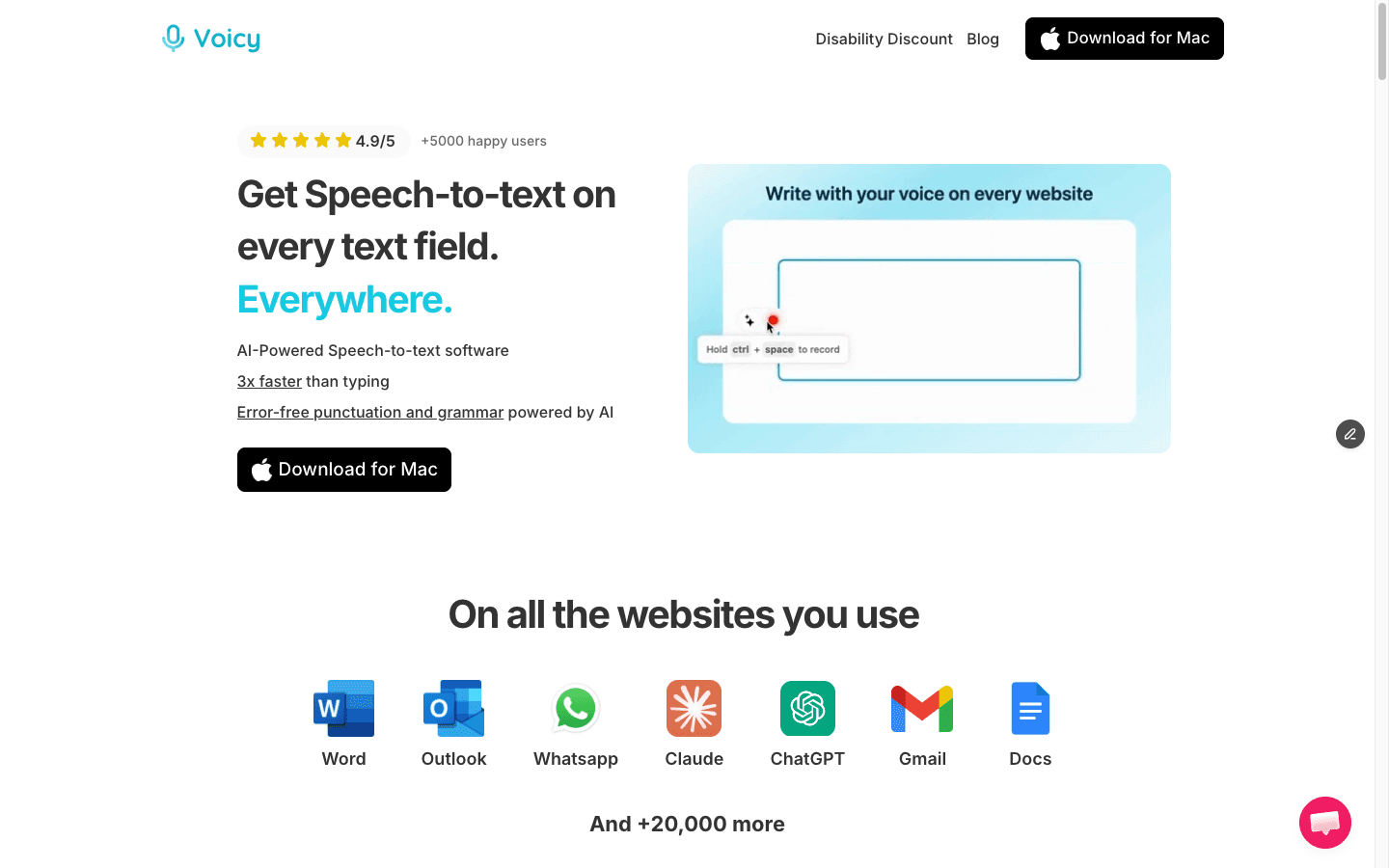
Best for: writers, teams, and professionals who want cleaner dictation in Word and across other apps.
Voicy is the strongest Microsoft Word dictation alternative for most daily writing. It works when your cursor is in Word, but it also follows you into Outlook, Gmail, Google Docs, browser fields, notes, and AI prompts.
Why it can beat Word Dictate: cleaner drafts, cross-app coverage, file upload transcription, and less cleanup after long dictation sessions.
Main downside: cloud-based processing, so it is not the right choice for offline-only work.
Pricing: $8.49/month, $82/year, or $260 lifetime, with a free trial.
2. Microsoft Word Dictate
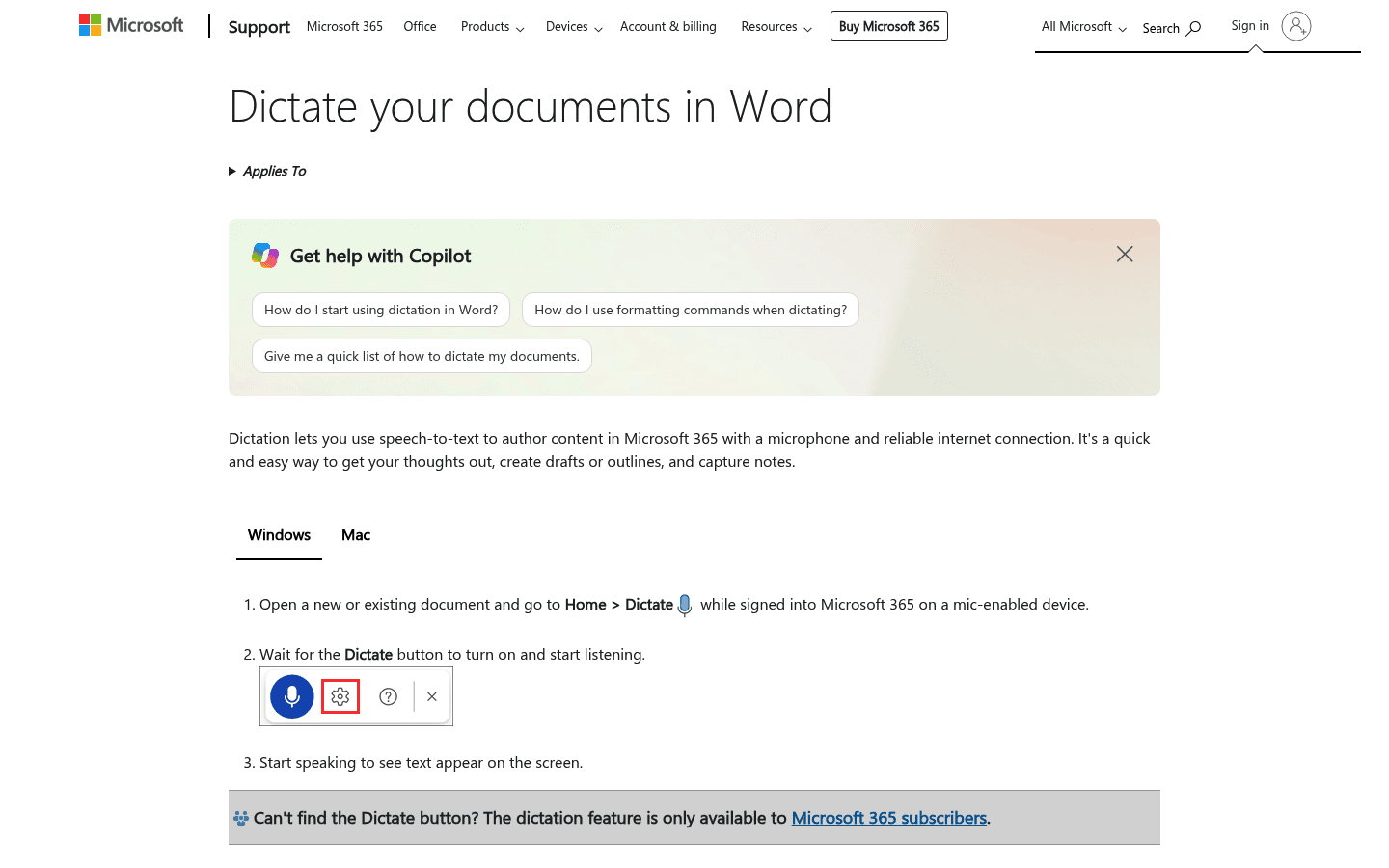
Best for: Microsoft 365 users who want the built-in option first.
Word Dictate is the option to test first because it is already inside Word for many Microsoft 365 users. If your dictation needs are short and simple, it may be enough.
Why it belongs here: it is still the simplest baseline to compare against if your needs are basic.
Main downside: less flexible outside Word and not always the cleanest option for long drafts.
Pricing: included with eligible Microsoft 365 plans.
3. Windows Voice Access
Best for: Windows users who need a free system control and dictation fallback.
Windows Voice Access is useful when you want more than typing text. It can help control your PC and author text by voice, which makes it important for accessibility workflows.
Why it can beat Word Dictate: works beyond Word and adds PC control commands.
Main downside: more of an accessibility and control layer than a polished Word writing app.
Pricing: included with supported Windows devices.
4. Dragon Professional
Best for: specialists who need custom vocabulary, commands, and a heavier dictation system.
Dragon Professional is the heavyweight choice. It still makes sense when custom vocabulary, long sessions, and voice commands matter more than price or simplicity.
Why it can beat Word Dictate: deeper command and vocabulary control.
Main downside: expensive and more setup-heavy than most Word users need.
Pricing: premium paid software, check Nuance for current plans.
5. Google Docs Voice Typing
Best for: free rough drafting before pasting into Word.
Google Docs Voice Typing is not a direct Word feature, but it is a practical workaround. Dictate a rough draft in Docs, edit the worst bits, then move the text into Word.
Why it can beat Word Dictate: free drafting in a familiar editor before moving to Word.
Main downside: not Word-native, so you add a copy-paste step.
Pricing: free with a Google account.
6. Superwhisper
Best for: Mac-first users who want a modern AI dictation app.
Superwhisper is a strong choice for Mac-first users who want a dedicated AI dictation app. It can help with Word writing, but Word is not the whole product story.
Why it can beat Word Dictate: a more modern Mac dictation experience.
Main downside: less directly Word-focused than a dedicated Word workflow.
Pricing: paid plans available, check Superwhisper for current pricing.
How to Choose the Right Word Dictation Alternative
Start with the thing that annoys you most. If the problem is setup, try Word Dictate or Windows Voice Access first. If the problem is draft cleanup, test Voicy. If the problem is specialist language, Dragon deserves a look.
You write in Word every day: choose Voicy.
You only dictate a few short paragraphs: use Word Dictate.
You need a free Windows fallback: try Windows Voice Access.
You need specialist vocabulary: compare Dragon Professional.
You do not mind leaving Word to draft: use Google Docs Voice Typing.
You are Mac-first: test Superwhisper.
Word Dictation vs Voicy
Word Dictate is simpler. Voicy is better when dictation is part of a full writing workflow.
That difference matters. Most people do not only write in Word. They answer email in Outlook, collect notes, work in browser fields, use Google Docs, and write prompts in AI tools. A dictation tool that works across those places is easier to keep using.
Voicy also supports uploaded-file transcription, so it can handle voice notes, meeting recordings, or interview audio after the fact. Word Dictate is mainly for live dictation inside Word.
Final Verdict
If you already have Microsoft 365, test Word Dictate for five minutes. It is built in, and sometimes basic is enough.
If you are searching for Microsoft Word dictation alternatives because the built-in tool feels limited, start with Voicy for Microsoft Word. It is the cleanest fit for people who want better drafts in Word without losing dictation everywhere else.
Frequently Asked Questions
What is the best alternative to Microsoft Word Dictate?
Voicy is the best alternative for most people who write in Word every day because it works across Word and other apps, adds cleaner punctuation, and supports live dictation plus uploaded-file transcription.
Does Microsoft Word have dictation built in?
Yes. Microsoft Word Dictate is built into eligible Microsoft 365 versions of Word. It is the easiest place to start if you already have it.
Is Word Dictate free?
Word Dictate is included with eligible Microsoft 365 plans. If you do not have Microsoft 365 or a supported Word version, you may need another tool.
Can I dictate into Microsoft Word without Microsoft 365?
Yes. You can use tools like Voicy, Windows Voice Access, Dragon Professional, or a draft-in-Docs workflow depending on your device and budget.
What is the best free Microsoft Word dictation alternative?
Windows Voice Access is the best free fallback on supported Windows devices. Google Docs Voice Typing is also free, but it works best if you are comfortable drafting in Docs and pasting into Word.
Is Voicy free?
Voicy has a free trial only. Paid plans are $8.49/month, $82/year, or $260 lifetime.
Does Voicy work offline?
No. Voicy is cloud-based, so it needs internet access. Choose an offline or local-first tool if offline processing is required.
Can Voicy transcribe uploaded files too?
Yes. Voicy supports live dictation and uploaded-file transcription across Mac, Windows, browser extension, iOS, and Android.
Is Dragon better than Word Dictate?
Dragon can be better for specialists who need custom vocabulary and command-heavy workflows. For everyday Word writing, it may be more setup and cost than needed.
Can I use Google Docs Voice Typing for Word documents?
Yes, but indirectly. You can dictate in Google Docs, clean the draft, then paste it into Microsoft Word.


