





7 Best Speechify Alternatives for Dictation and Voice Typing in 2026
TL;DR
Best overall: Voicy, everyday dictation plus file transcription across devices.
Wispr Flow: Wispr Flow, polished AI dictation across desktop and mobile.
Superwhisper: Superwhisper, local and cloud Mac dictation with custom modes.
Apple Dictation: Apple Dictation, free built-in dictation on Apple devices.
Gboard / Google Voice Typing: Gboard / Google Voice Typing, free mobile voice typing and Google Docs voice typing.
Spokenly: Spokenly, local dictation, bring-your-own API keys, Linux support, and privacy controls.
Monologue: Monologue, Apple-first dictation, notes, meeting notes, and Apple Watch capture.
Answer first: The best Speechify alternative depends on whether you want text-to-speech or speech-to-text. If you want to listen to documents, Speechify is still strong. If you want to write faster by speaking across apps and transcribe uploaded files, Voicy is the better everyday dictation pick.
Speechify is strongest when you want to listen to documents, PDFs, web pages, or generated voices. If your real job is writing by speaking, compare it against dictation tools that follow your cursor and handle uploaded audio files.
Speechify alternatives compared
Tool | Best for | Platforms | Pricing | Main tradeoff |
|---|---|---|---|---|
everyday dictation plus file transcription across devices | Mac, Windows, browser extension, iOS, and Android | $8.49/month, $82/year, or $260 lifetime, with a free trial | Cloud processing means it is not the right fit for fully local-only rules. | |
polished AI dictation across desktop and mobile | Mac, Windows, iPhone, and Android | free Basic tier and paid Pro plan | Higher monthly cost than Voicy and weaker fit if uploaded-file transcription matters. | |
local and cloud Mac dictation with custom modes | Mac, Windows, iPhone, and iPad | free limited access, monthly, annual, and lifetime options | More Mac and model-control focused than broad everyday cross-platform writing. | |
free built-in dictation on Apple devices | Mac, iPhone, and iPad | included with supported Apple devices | Less AI cleanup, fewer workflow features, and no Windows or Android path. | |
free mobile voice typing and Google Docs voice typing | Android, iPhone, iPad, Google Docs, and Google Slides depending on the feature | included with Google's keyboard and document tools | Great as a built-in option, but fragmented across mobile keyboard and Docs workflows. | |
local dictation, bring-your-own API keys, Linux support, and privacy controls | macOS, iOS, Windows, and Linux | local and bring-your-own-key options plus paid Pro plans | More technical model choices can be a feature or a chore, depending on the user. | |
Apple-first dictation, notes, meeting notes, and Apple Watch capture | Mac, iPhone, iPad, and Apple Watch | free trial, then paid Pro plans | Apple-first focus makes it less useful for Windows, Android, and browser-extension buyers. |
1. Voicy

Voicy is the best upgrade when you want voice typing to work where you already write. It handles live dictation, AI cleanup, and uploaded audio files, so it fits emails, docs, messages, notes, prompts, and recorded material without forcing you into one editor.
Best for: everyday dictation plus file transcription across devices.
Platforms: Mac, Windows, browser extension, iOS, and Android.
Pricing: $8.49/month, $82/year, or $260 lifetime, with a free trial.
Main tradeoff: Cloud processing means it is not the right fit for fully local-only rules.
2. Wispr Flow
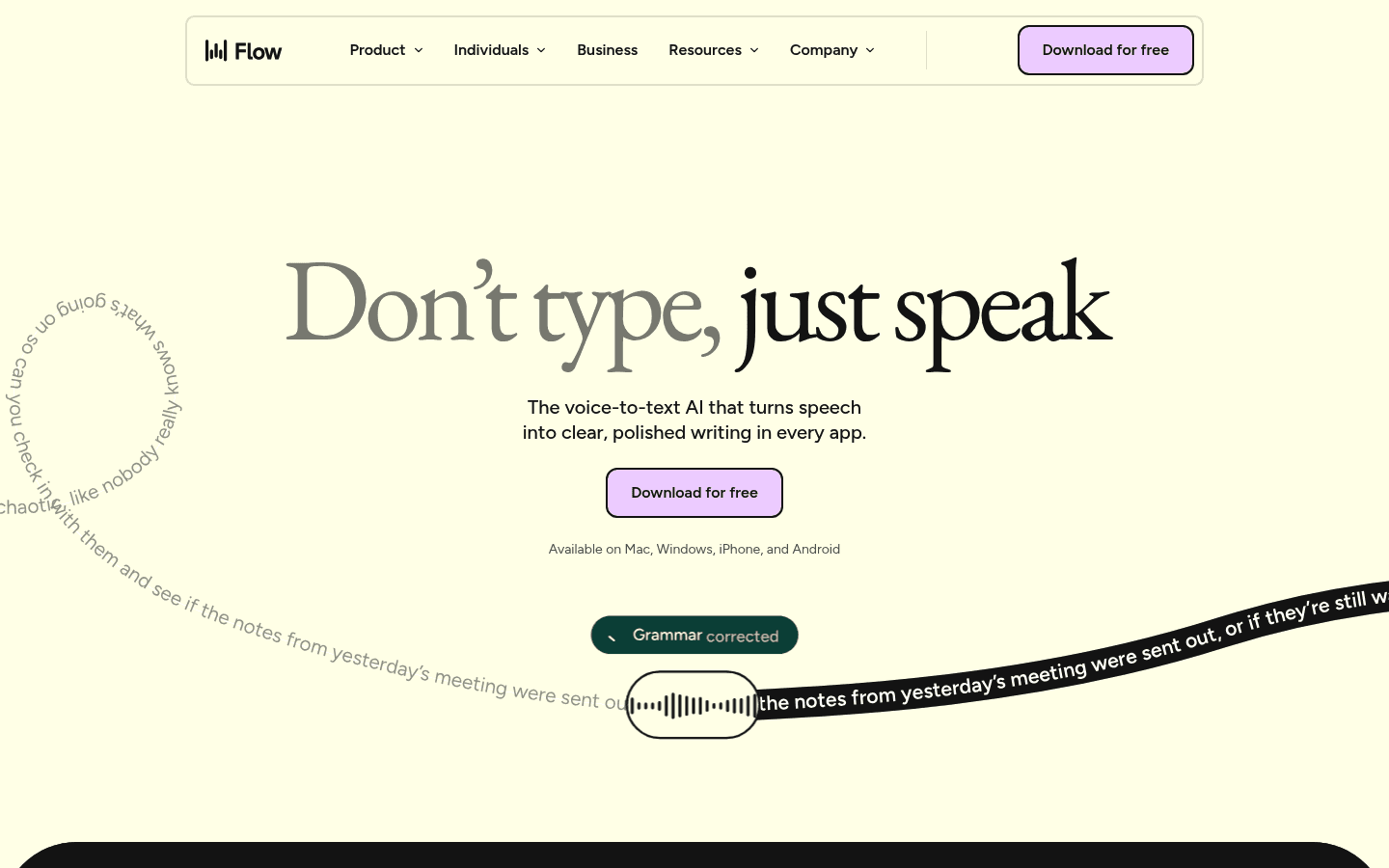
Wispr Flow is a polished alternative if you like managed AI dictation and a refined interface. It is a serious option, especially for people who want Mac and mobile coverage, but it can cost more over time.
Best for: polished AI dictation across desktop and mobile.
Platforms: Mac, Windows, iPhone, and Android.
Pricing: free Basic tier and paid Pro plan.
Main tradeoff: Higher monthly cost than Voicy and weaker fit if uploaded-file transcription matters.
3. Superwhisper
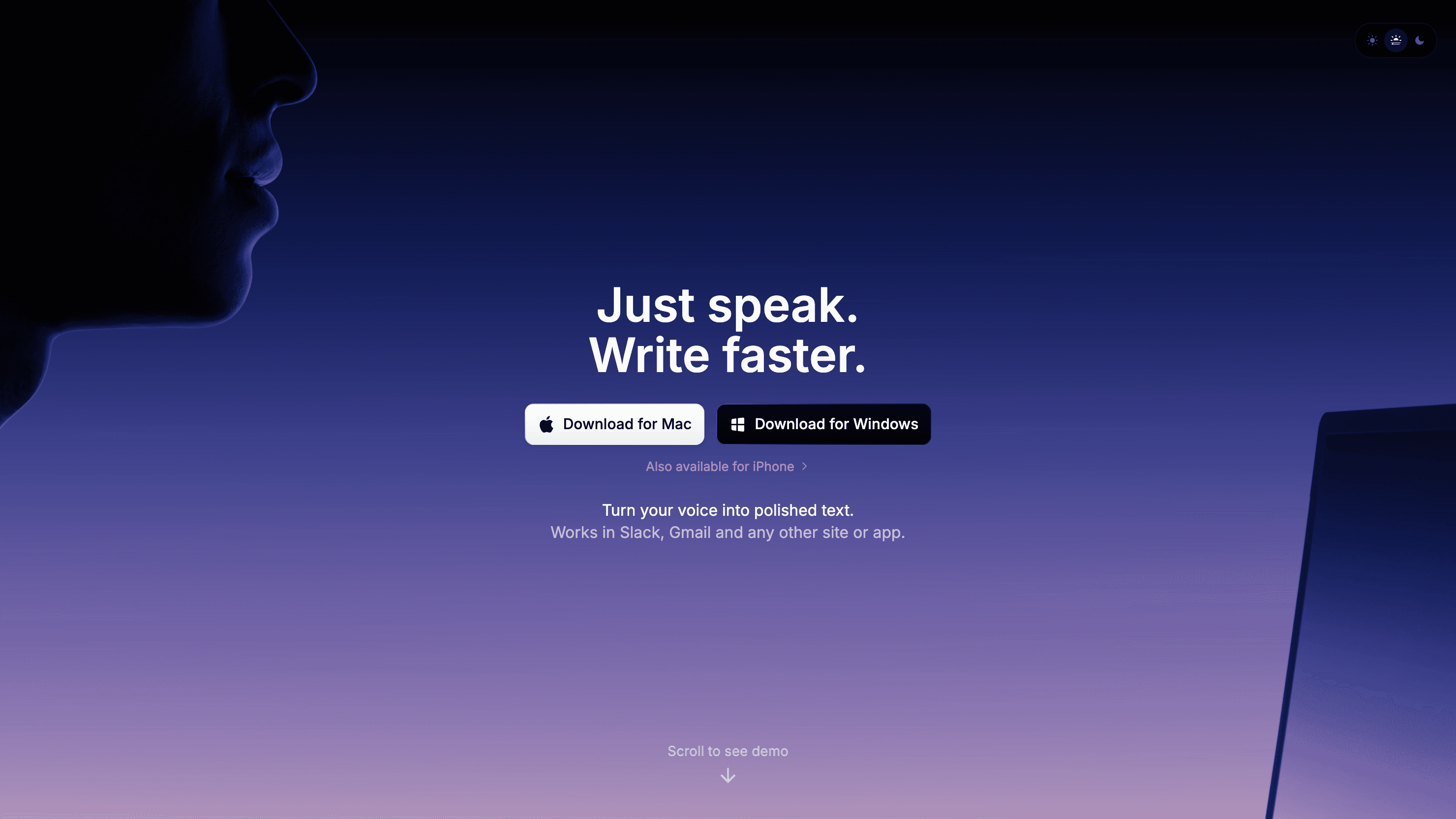
Superwhisper is a good choice when privacy, local models, and custom modes matter. It is less of a simple everyday pick for people who want one voice writing app across desktop, browser, and mobile.
Best for: local and cloud Mac dictation with custom modes.
Platforms: Mac, Windows, iPhone, and iPad.
Pricing: free limited access, monthly, annual, and lifetime options.
Main tradeoff: More Mac and model-control focused than broad everyday cross-platform writing.
4. Apple Dictation
Apple Dictation is the easiest place to start on Mac or iPhone. It costs nothing extra and works for short notes, but the limits show up fast: more cleanup, less control over punctuation, no Windows or Android path, and no strong uploaded-file workflow.
Best for: free built-in dictation on Apple devices.
Platforms: Mac, iPhone, and iPad.
Pricing: included with supported Apple devices.
Main tradeoff: Less AI cleanup, fewer workflow features, and no Windows or Android path.
5. Gboard / Google Voice Typing
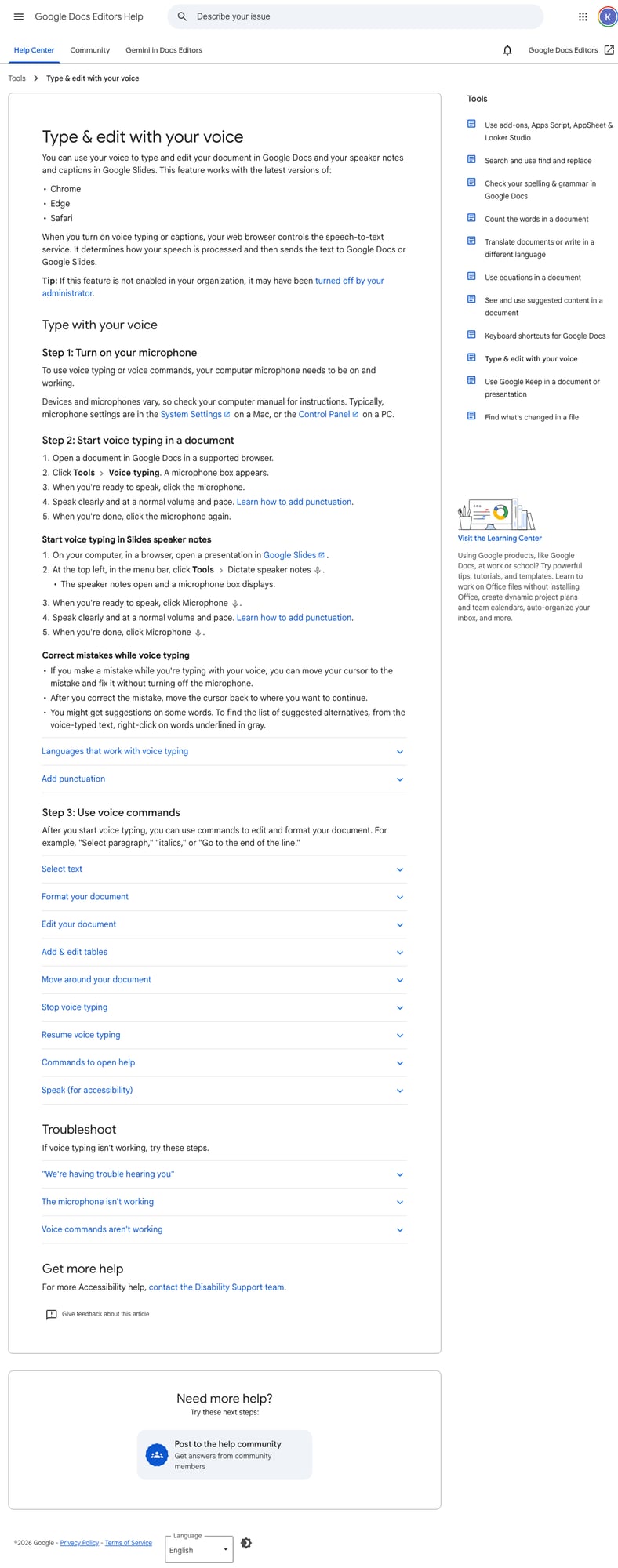
Gboard is useful when the job is quick phone dictation: tap the microphone, speak, then fix the rough edges. It gets weaker when your work moves to desktop apps, browser forms, long documents, or uploaded recordings.
Best for: free mobile voice typing and Google Docs voice typing.
Platforms: Android, iPhone, iPad, Google Docs, and Google Slides depending on the feature.
Pricing: included with Google's keyboard and document tools.
Main tradeoff: Great as a built-in option, but fragmented across mobile keyboard and Docs workflows.
6. Spokenly
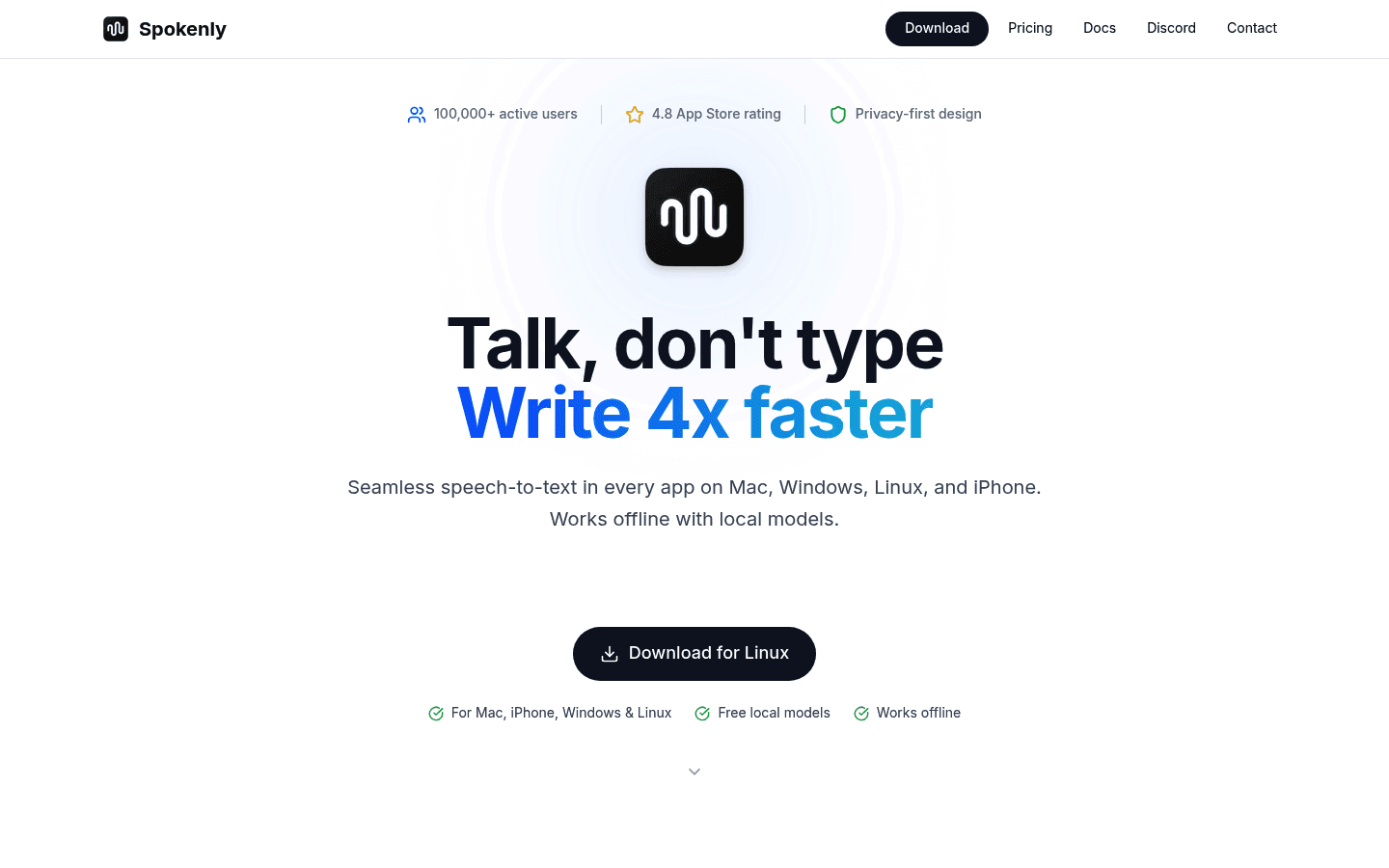
Spokenly is best for people who actually want to pick models, manage keys, and run a more technical setup. If that sounds tiring, Voicy is the calmer daily-driver choice.
Best for: local dictation, bring-your-own API keys, Linux support, and privacy controls.
Platforms: macOS, iOS, Windows, and Linux.
Pricing: local and bring-your-own-key options plus paid Pro plans.
Main tradeoff: More technical model choices can be a feature or a chore, depending on the user.
7. Monologue
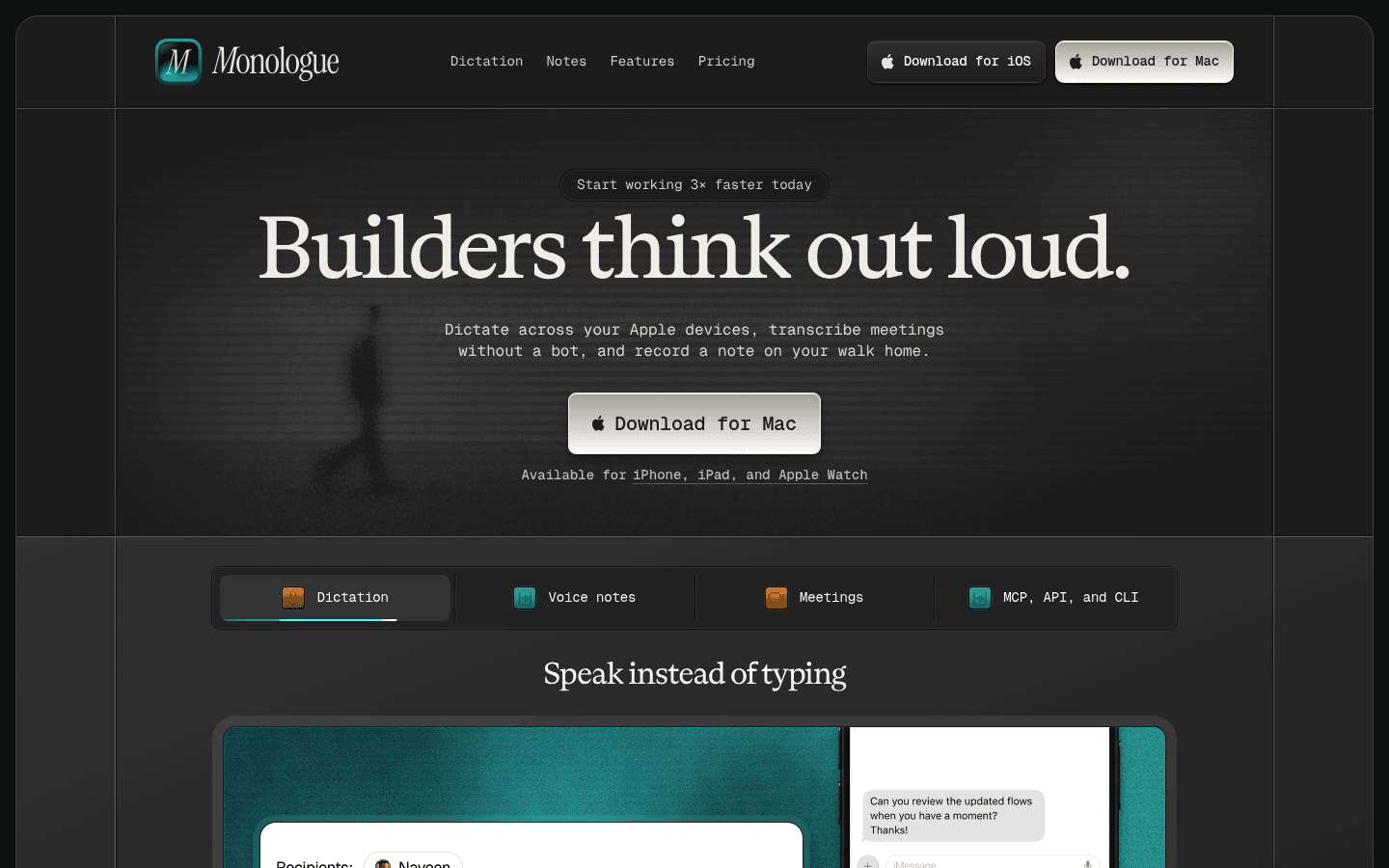
Monologue makes sense if you live inside Apple's ecosystem and want dictation, notes, meeting notes, and Apple Watch capture in one workflow. The catch is reach: it feels natural on Apple devices, but gets awkward if your day also includes Windows, Android, Chrome fields, or uploaded recordings.
Best for: Apple-first dictation, notes, meeting notes, and Apple Watch capture.
Platforms: Mac, iPhone, iPad, and Apple Watch.
Pricing: free trial, then paid Pro plans.
Main tradeoff: Apple-first focus makes it less useful for Windows, Android, and browser-extension buyers.
How to choose
Start with the work you actually do every day. If you only need short notes inside one device, a built-in tool may be enough. If you write emails, docs, messages, prompts, and browser forms all day, choose a dictation app that follows your cursor across apps.
The practical test is simple: dictate one email, one long note, one browser form, and one saved audio file. The tool that handles all four with the least cleanup is the one you will actually keep using.
Related guides
Frequently asked questions
What is the best Speechify alternative?
For most daily writing workflows, Voicy is the best Speechify alternative because it works across more places you actually type and also supports uploaded-file transcription. Speechify may still be better if your main need is text-to-speech, reading documents aloud, and voice AI features.
Is Speechify free?
Speechify has free access and paid plans, with pricing varying by product. Check Speechify's current pricing before buying, especially if you need dictation rather than text-to-speech.
Should I switch from Speechify to Voicy?
Switch if your main problem is daily writing across apps, browser fields, mobile, and audio files. Stay with Speechify if its narrower workflow already solves your main job.
Which Speechify alternative is best for privacy?
Choose a local-first tool like Superwhisper or Spokenly when fully local processing is required. Choose Voicy when cloud processing is acceptable and you want broader workflow coverage.
Can Voicy transcribe uploaded audio files?
Yes. Voicy supports uploaded-file transcription as well as live dictation. That is one of the main reasons it belongs on this alternatives shortlist.
Does Voicy have a free plan?
Voicy has a free trial only. It is not a fully free app. Paid plans are $8.49/month, $82/year, or $260 lifetime.


