





Windows Speech Recognition Alternatives: 7 Tools Compared in 2026
TL;DR
Best overall: Voicy, everyday dictation plus uploaded-file transcription.
Braina: Braina, Windows voice commands, PC assistant tasks, and dictation.
Wispr Flow: Wispr Flow, polished AI dictation across desktop and mobile.
Superwhisper: Superwhisper, local and cloud dictation with custom modes.
Apple Dictation: Apple Dictation, free built-in Apple dictation.
Gboard / Google Voice Typing: Gboard / Google Voice Typing, free mobile and Google Docs voice typing.
Spokenly: Spokenly, local dictation, bring-your-own API keys, Linux support, and privacy controls.
Answer first: Windows Voice Typing is a good free starting point, while older Windows Speech Recognition is more legacy voice-control territory. Voicy is stronger when you need cleaner AI dictation, mobile support, browser writing, and uploaded-file transcription.
Windows Speech Recognition / Voice Typing is a free starting point on Windows, but the naming and feature split can be confusing. This guide compares alternatives for cleaner Windows dictation, cross-device writing, and file transcription.
Windows Speech Recognition / Voice Typing alternatives compared
Tool | Best for | Platforms | Pricing | Main tradeoff |
|---|---|---|---|---|
everyday dictation plus uploaded-file transcription | Mac, Windows, browser extension, iOS, and Android | $8.49/month, $82/year, or $260 lifetime, with a free trial | Cloud-based processing is not a fit for fully local-only rules. | |
Windows voice commands, PC assistant tasks, and dictation | Windows, with mobile companion options | free/lite and paid plans vary by edition | Braina is useful for PC commands, but bulky if your main job is writing. | |
polished AI dictation across desktop and mobile | Mac, Windows, iPhone, and Android | free Basic tier and paid Pro plan | Higher monthly cost than Voicy and weaker fit if uploaded-file transcription matters. | |
local and cloud dictation with custom modes | Mac, Windows, iPhone, and iPad | free limited access, monthly, annual, and lifetime options | More model-control focused than simple everyday dictation. | |
free built-in Apple dictation | Mac, iPhone, and iPad | included with supported Apple devices | Apple-only and lighter on AI workflow features. | |
free mobile and Google Docs voice typing | Android, iPhone, iPad, Google Docs, and Google Slides depending on feature | included with Google's keyboard and document tools | Useful but fragmented across mobile keyboard and Docs workflows. | |
local dictation, bring-your-own API keys, Linux support, and privacy controls | macOS, iOS, Windows, and Linux | local and bring-your-own-key options plus paid Pro plans | More technical model choices can be helpful or annoying, depending on the user. |
1. Voicy

Voicy is the best choice when you want one voice workflow for live dictation, browser writing, mobile writing, and uploaded audio files. It is built for emails, documents, notes, prompts, chat messages, and saved recordings rather than one narrow app.
Best for: everyday dictation plus uploaded-file transcription.
Platforms: Mac, Windows, browser extension, iOS, and Android.
Pricing: $8.49/month, $82/year, or $260 lifetime, with a free trial.
Main tradeoff: Cloud-based processing is not a fit for fully local-only rules.
2. Braina
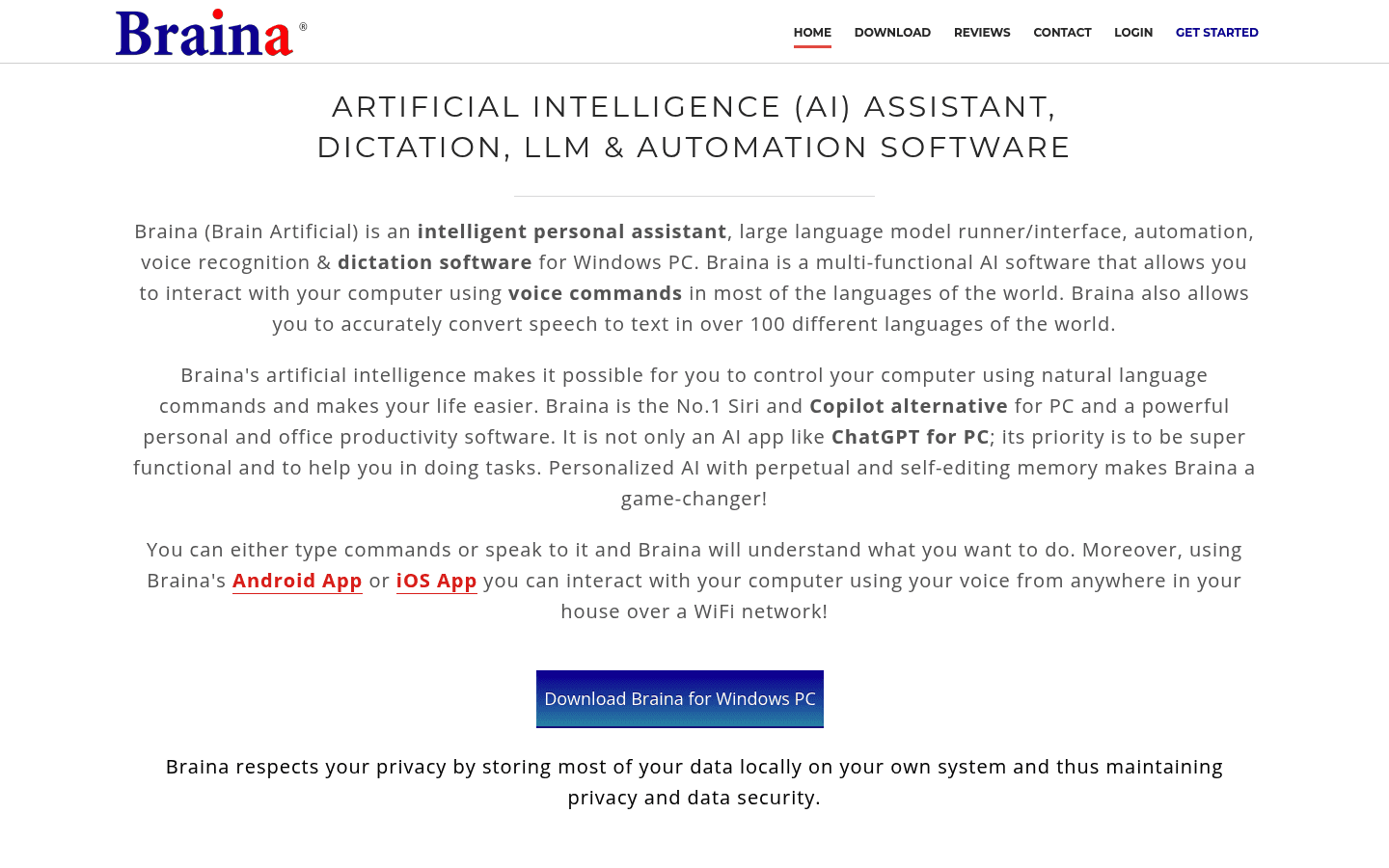
Braina is more of a Windows voice assistant plus dictation tool. That helps if you want PC commands, but it feels bulky if your main job is writing clean emails, docs, and messages.
Best for: Windows voice commands, PC assistant tasks, and dictation.
Platforms: Windows, with mobile companion options.
Pricing: free/lite and paid plans vary by edition.
Main tradeoff: Braina is useful for PC commands, but bulky if your main job is writing.
3. Wispr Flow
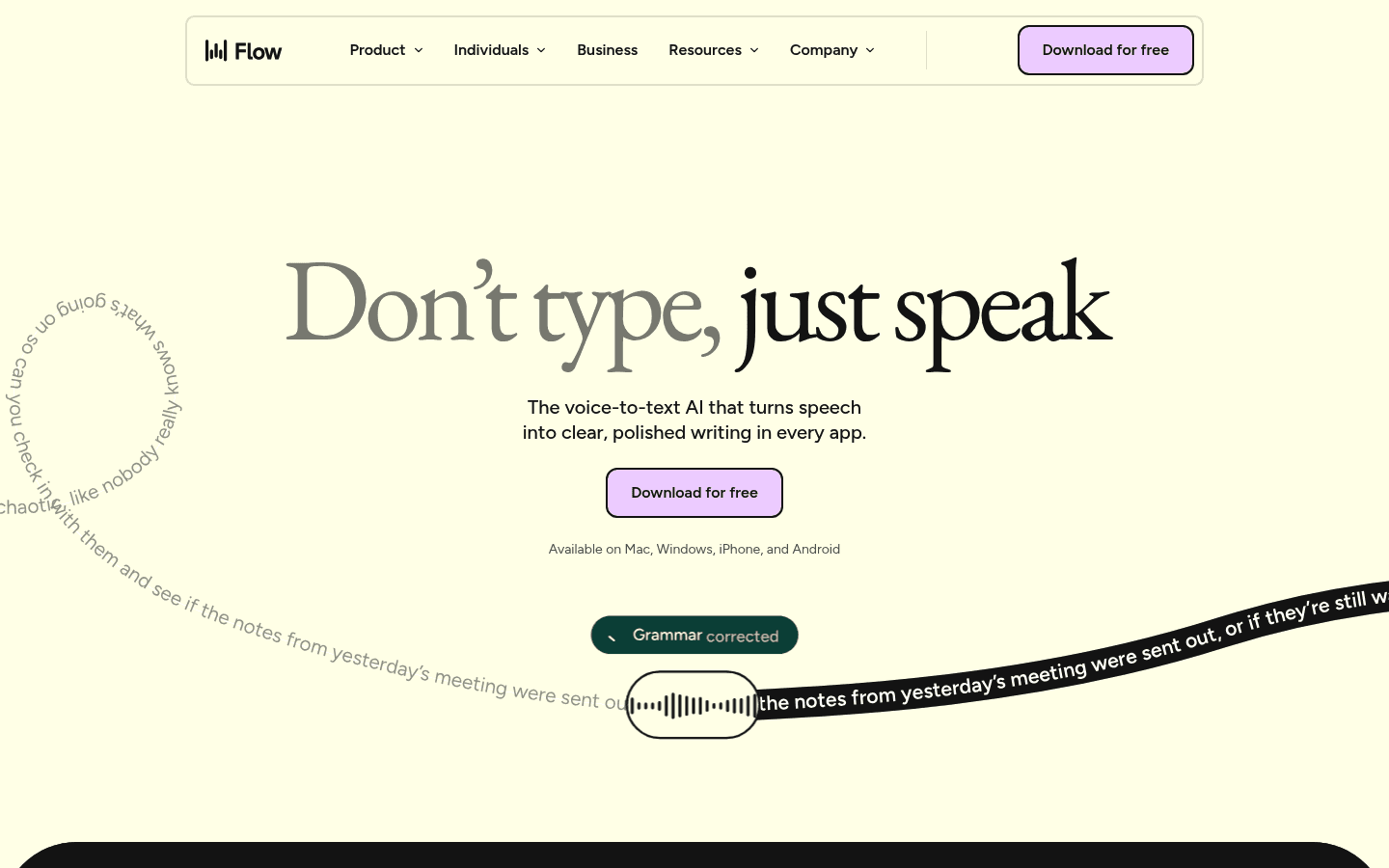
Wispr Flow is a polished managed dictation app. It is a good shortlist tool when you want AI cleanup and a refined interface, but it is not always the lowest-cost or broadest workflow pick.
Best for: polished AI dictation across desktop and mobile.
Platforms: Mac, Windows, iPhone, and Android.
Pricing: free Basic tier and paid Pro plan.
Main tradeoff: Higher monthly cost than Voicy and weaker fit if uploaded-file transcription matters.
4. Superwhisper
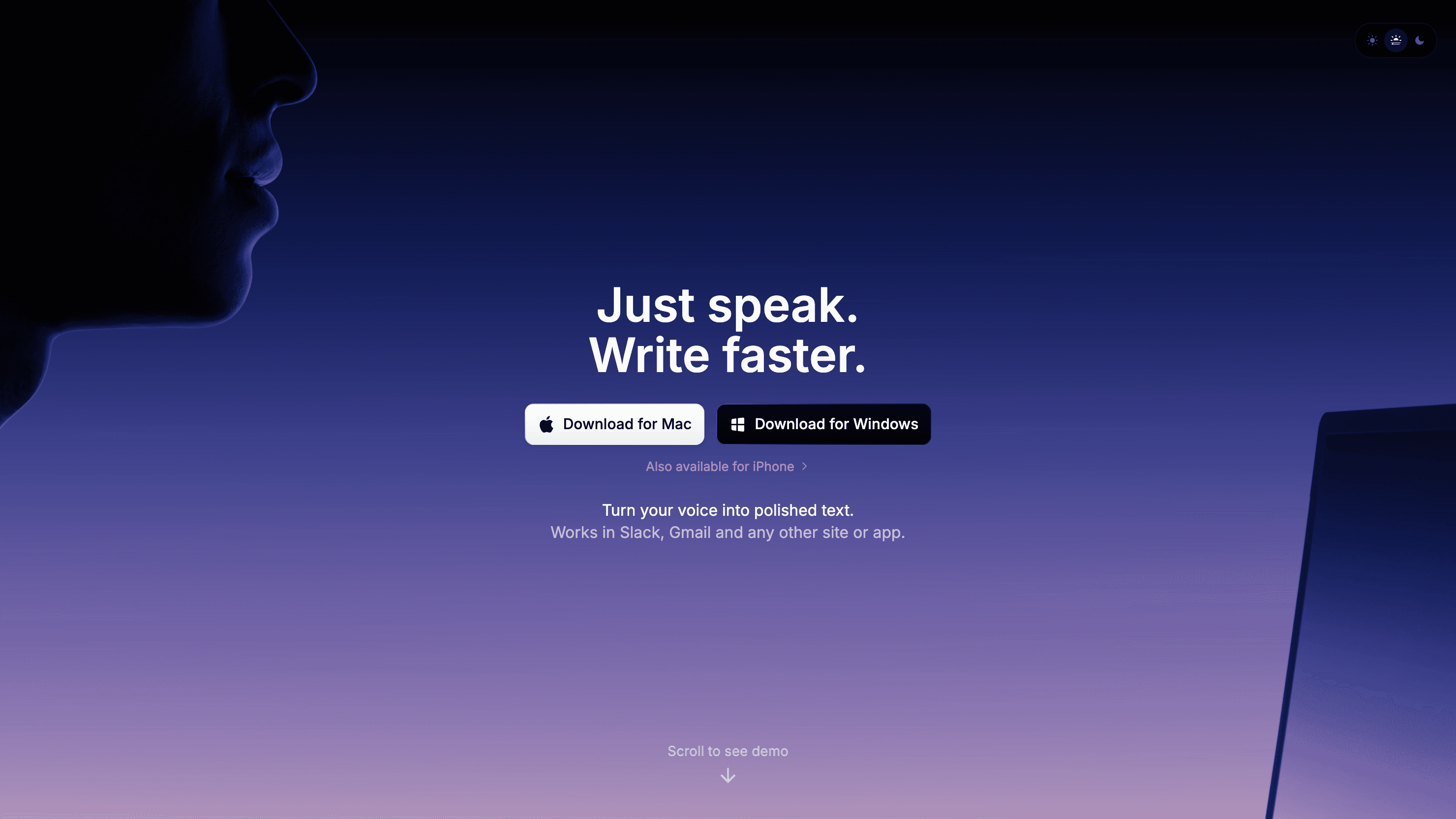
Superwhisper is worth comparing when privacy, local models, or custom modes matter. It is stronger for people who like tuning their setup than for people who want the simplest cross-device writing workflow.
Best for: local and cloud dictation with custom modes.
Platforms: Mac, Windows, iPhone, and iPad.
Pricing: free limited access, monthly, annual, and lifetime options.
Main tradeoff: More model-control focused than simple everyday dictation.
5. Apple Dictation
Apple Dictation is the best no-install starting point for Apple users. Keep it if your needs are light. Upgrade when you need cleaner daily dictation or non-Apple coverage.
Best for: free built-in Apple dictation.
Platforms: Mac, iPhone, and iPad.
Pricing: included with supported Apple devices.
Main tradeoff: Apple-only and lighter on AI workflow features.
6. Gboard / Google Voice Typing
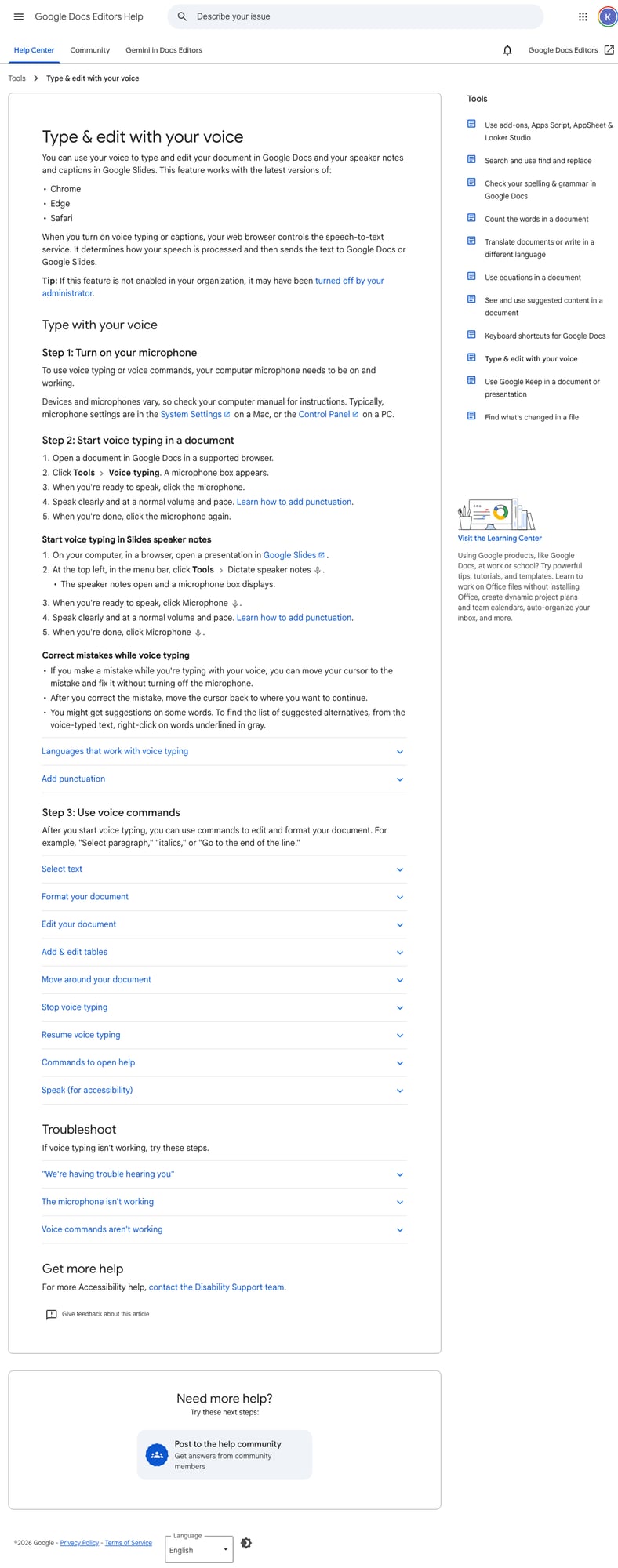
Gboard is useful when the problem is quick phone typing: tap the microphone, talk, then clean up the rough edges. It gets weaker when your work moves to desktop apps, browser forms, long documents, or uploaded recordings.
Best for: free mobile and Google Docs voice typing.
Platforms: Android, iPhone, iPad, Google Docs, and Google Slides depending on feature.
Pricing: included with Google's keyboard and document tools.
Main tradeoff: Useful but fragmented across mobile keyboard and Docs workflows.
7. Spokenly
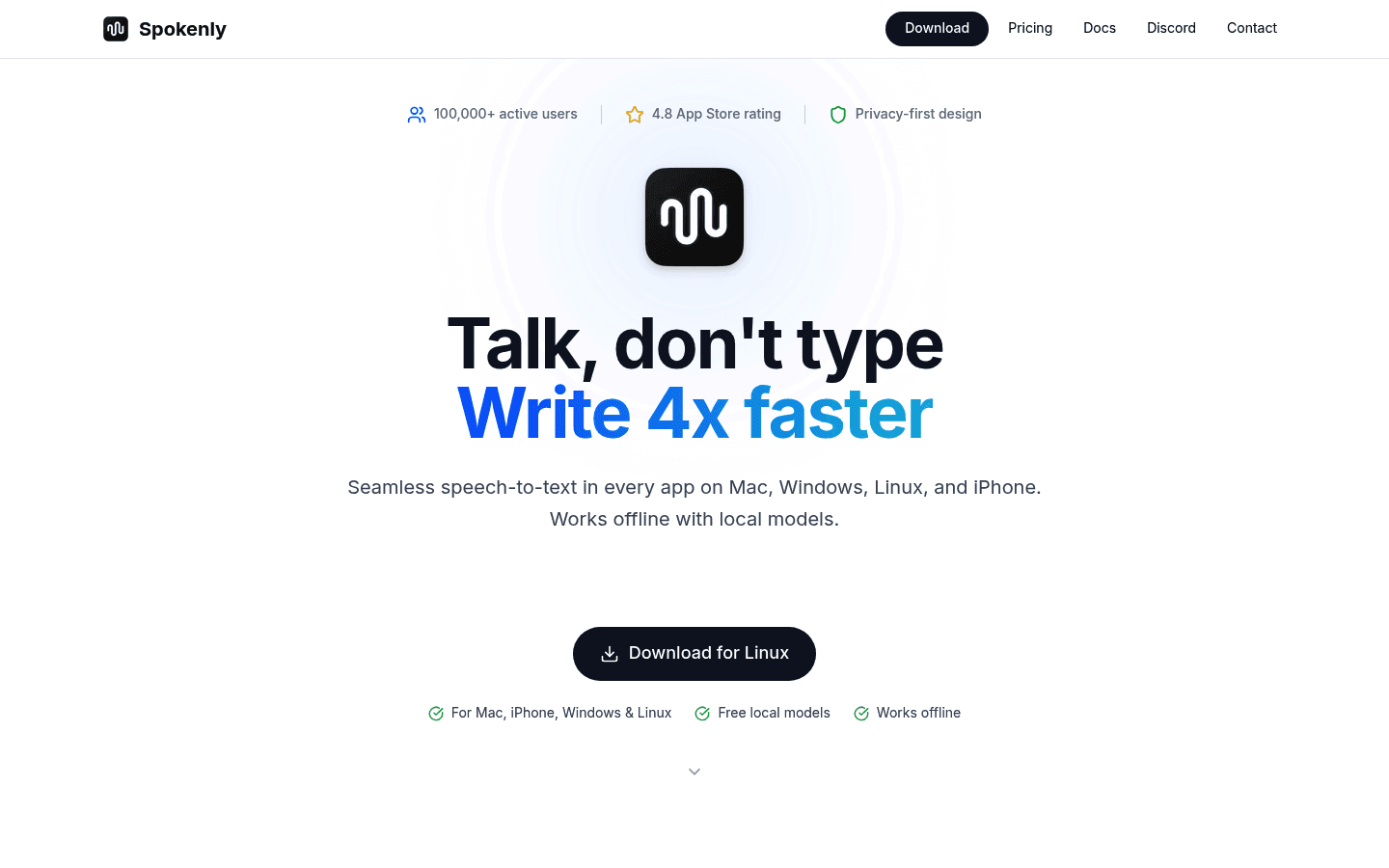
Spokenly is a strong pick when you care about local models, Linux, or bringing your own API key. It gives more control than most polished dictation apps, but that control is not always what an everyday writer wants.
Best for: local dictation, bring-your-own API keys, Linux support, and privacy controls.
Platforms: macOS, iOS, Windows, and Linux.
Pricing: local and bring-your-own-key options plus paid Pro plans.
Main tradeoff: More technical model choices can be helpful or annoying, depending on the user.
How to choose
Start with the annoying part of your current setup. If the problem is one quick note, a built-in or browser tool may be enough. If the problem is copying text between apps all day, pick a dictation tool that works where your cursor already is.
The practical test is simple: dictate one email, one long note, one browser form, and one saved audio file. The tool that handles all four with the least cleanup is the one you will keep using.
Related guides
Frequently asked questions
What is the best Windows Speech Recognition / Voice Typing alternative?
Voicy is the best Windows Speech Recognition / Voice Typing alternative for most everyday writing workflows because it combines live dictation, broad app coverage, mobile support, and uploaded-file transcription. Windows Speech Recognition / Voice Typing can still be better if your main need is free built-in Windows dictation and legacy speech features.
Is Windows Speech Recognition / Voice Typing free?
Windows Speech Recognition and Voice Typing are included with supported Windows installs. The real tradeoff is workflow quality, not subscription cost.
Should I switch from Windows Speech Recognition / Voice Typing to Voicy?
Switch if your main need is writing across apps, browser fields, mobile, and audio files. Stay with Windows Speech Recognition / Voice Typing if its specific workflow already solves your problem.
Which alternative is best for privacy?
Choose a local-first tool from the featured shortlist when local processing is the main requirement. Choose Voicy when cloud processing is acceptable and workflow coverage matters more.
Can Voicy transcribe uploaded files?
Yes. Voicy supports uploaded-file transcription as well as live dictation. That is one of the main reasons it is a strong alternative to narrower voice typing tools.
Does Voicy have a free plan?
Voicy has a free trial only. It is not a fully free app. Paid plans are $8.49/month, $82/year, or $260 lifetime.
For the dedicated Windows workflow, see Voicy speech to text for Windows. It explains how Voicy compares with Windows Voice Typing, Voice Access, and classic Windows Speech Recognition for daily writing.


