





Wispr Flow vs Dragon Dictation: Which Speech-to-Text Tool Should You Choose in 2026?
Wispr Flow vs Dragon Dictation: Which Speech-to-Text Tool Should You Choose in 2026?
TL;DR
Choose Wispr Flow if you want a modern AI dictation app that works across Mac, Windows, iPhone, and Android, with personal vocabulary, snippets, style cleanup, and team controls.
Choose Dragon Professional if your work is Windows-heavy and you need mature speech recognition, custom voice commands, auto-text, admin tooling, and transcription from pre-existing audio files.
Choose Voicy if you want live dictation plus file-upload transcription in one app across Mac, Windows, browser, iPhone, and Android.
Pricing snapshot: Wispr Flow has a free plan and paid Pro tiers listed at $15/user/month monthly or $12/user/month annually. Nuance routes Dragon Professional through Contact us on the checked page. Voicy costs $8.49/month, $82/year, or $260 lifetime after a free trial.
Answer-First Verdict
Wispr Flow vs Dragon Dictation is really a choice between modern cross-device AI dictation and mature Windows speech-recognition software. Wispr Flow is easier to recommend for everyday writing across Mac, Windows, iPhone, and Android. Dragon Professional is better when you specifically need a Windows desktop speech-recognition system with commands, auto-text, management tools, and file transcription.
Voicy is the practical third option for normal professionals who do not want to choose between dictating live and transcribing saved audio. It supports live dictation and file uploads, works across Mac, Windows, browser, iPhone, and Android, uses cloud transcription, and has clear individual pricing.
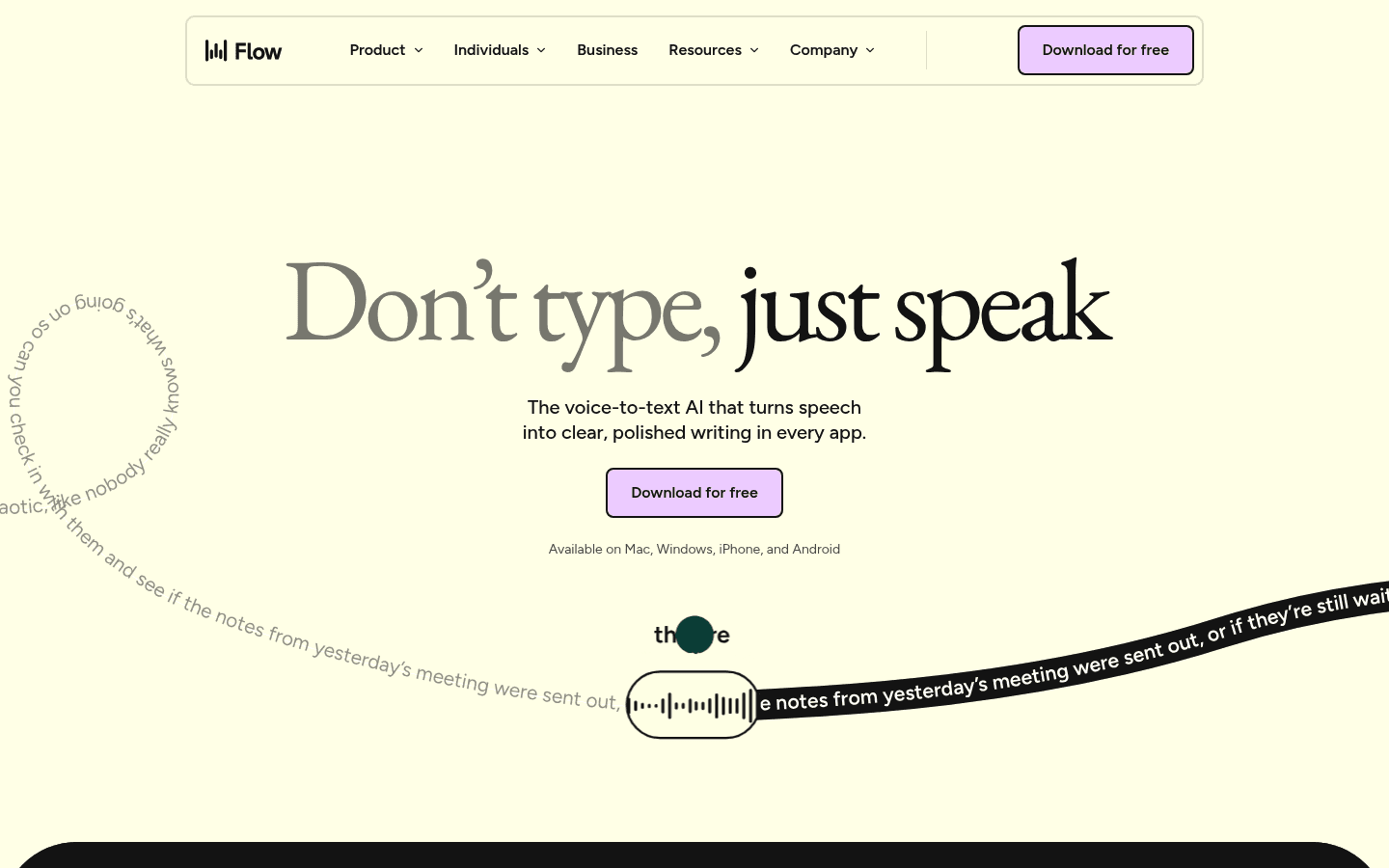
Wispr Flow positions itself as voice-to-text AI for writing in every app.
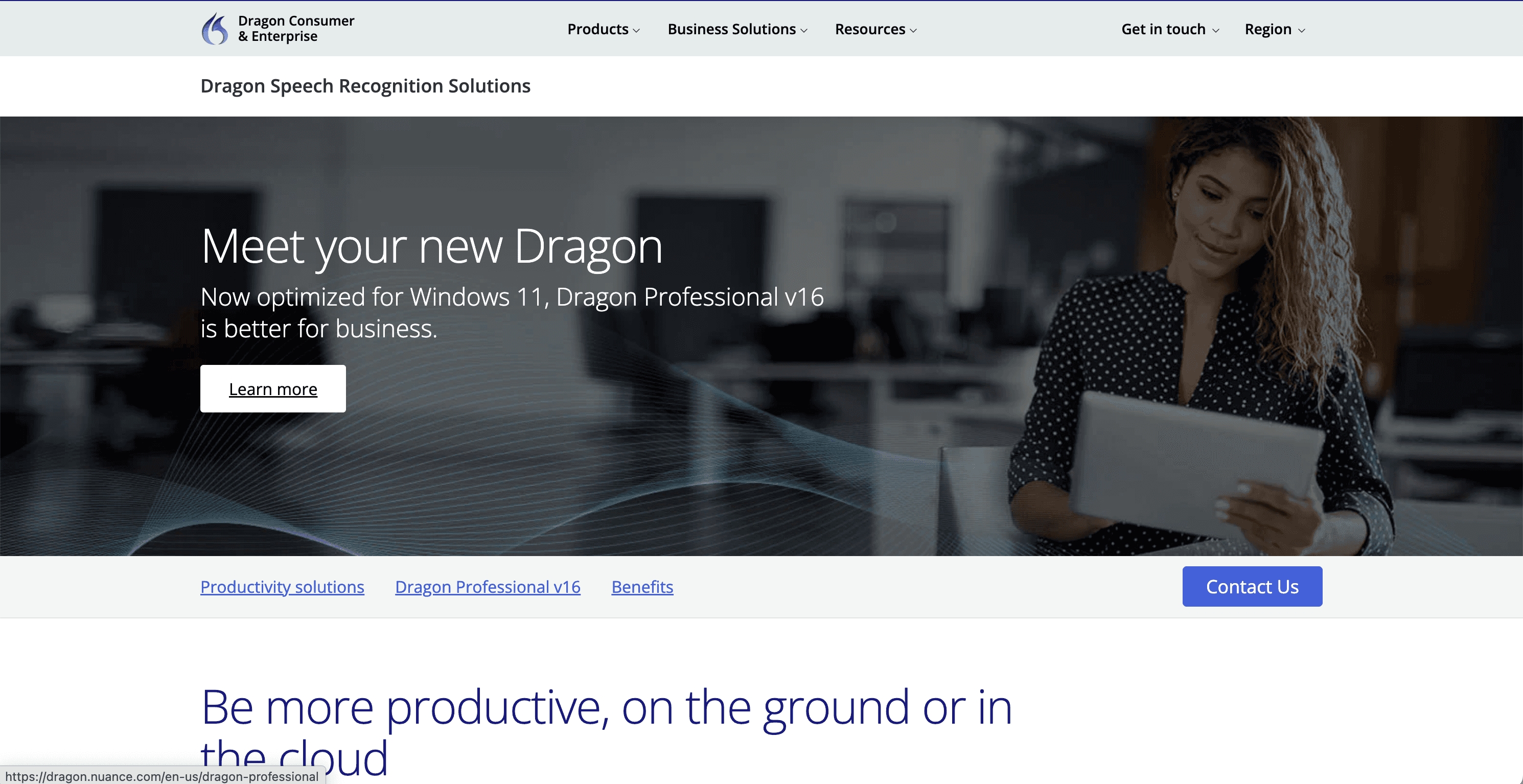
Dragon Professional is Nuance's Windows-focused professional speech-recognition product.
Wispr Flow vs Dragon Dictation at a Glance
Category | Wispr Flow | Dragon Professional | Best fit |
|---|---|---|---|
Core job | AI dictation that rewrites spoken thoughts into cleaner text across apps. | Professional Windows speech recognition for dictation, commands, and documentation workflows. | Wispr Flow for everyday cross-app writing. Dragon for structured Windows documentation. |
Platforms | Official pricing and homepage copy list Mac, Windows, iOS, and Android for dictation. | Dragon Professional v16 is presented as a Windows product optimized for Windows 11 and compatible with Windows 10. Dragon Anywhere Mobile is a separate mobile app. | Wispr Flow if you move between desktop and phone. |
File transcription | Wispr Flow pricing mentions a Notetaker for meetings and voice memos on Mac. I did not verify a general uploaded-file transcription workflow for dictation. | Nuance says Dragon Professional supports front-end live speech-to-text and back-end transcription from pre-existing audio files, including batch audio through Auto Transcribe Folder Agent. | Dragon for Windows file transcription. Voicy if you want live dictation plus file uploads across more devices. |
Commands and automation | Snippets, personal vocabulary, writing style controls, and command mode. | Custom voice commands, standard boilerplate, signatures, auto-text, macros, and admin sharing. | Dragon for deep command workflows. |
Privacy and data controls | Wispr says users can opt out of model training and choose what is stored or deleted. Its pricing page also lists SOC 2 Type II and ISO 27001 compliance. | The checked Dragon Professional page describes a Windows product and separate cloud-hosted Dragon Professional Anywhere resources. It was not enough to claim every Dragon workflow is local-only. | Depends on your security requirements and deployment model. |
Pricing clarity | Free plan, Pro at $15/user/month monthly or $12/user/month annually, and Growth/Enterprise from $23/user/month monthly or $18/user/month annually. | The checked official Dragon Professional page routes buyers to Contact us and does not show a public dollar price. | Wispr Flow and Voicy are easier to price upfront. |
Workflow: Daily Dictation vs Professional Documentation
Wispr Flow feels built for the everyday places people type: messages, email, docs, notes, CRM fields, and browser apps. Its own homepage says it removes filler, adds punctuation, formats writing, learns names and jargon, and works anywhere you can type.
Dragon Professional is more specialized. Nuance describes it as a professional documentation partner for document-heavy industries, with front-end dictation, back-end audio-file transcription, custom commands, macros, auto-text, shared customizations, and Nuance Management Center for larger deployments.
That makes the choice fairly clean. If you mostly want better writing from natural speech, Wispr Flow is simpler. If you need a mature Windows command and documentation system, Dragon has the deeper toolbox.
Platforms: Where Each Tool Works
Wispr Flow lists dictation support for Mac, Windows, iPhone, and Android. Its Notetaker is listed as Mac only for now on the checked pricing page, with other platforms planned.
Dragon Professional v16 is listed as a Windows product, optimized for Windows 11 and backwards-compatible with Windows 10. Nuance also offers Dragon Anywhere Mobile for iOS and Android, but that is a separate product path from Dragon Professional.
Voicy is broader for a single everyday workflow: Mac, Windows, browser, iPhone, and Android. That matters if you dictate on your laptop, phone, and inside browser-based work tools during the same week.
Privacy, Storage, and Security Claims
This is where comparison pages often overreach. I would not call either competitor fully private, local-only, or better for sensitive work without reading your exact plan, deployment, and contract terms.
Wispr Flow publicly says users can opt out of model training, choose what is stored, delete data, and access SOC 2 Type II and ISO 27001 controls. It also lists HIPAA-ready options for dictation with a signed BAA.
Dragon Professional is presented as Windows software, while Nuance also sells cloud-hosted Dragon Professional Anywhere. Because those are different products and deployments, the safest privacy answer is to verify the product and license you are buying before relying on local-only or cloud claims.
Voicy is cloud-based. That is a fit when you want convenience, device coverage, and file transcription, not when your requirement is offline-only transcription.
Pricing and Long-Term Cost
Plan or cost question | Wispr Flow | Dragon Professional | Voicy |
|---|---|---|---|
Free access | Free plan with weekly word limits listed on the official pricing page. | No public free plan was verified on the checked Dragon Professional page. | Free trial only. |
Monthly individual pricing | $15/user/month for Pro when billed monthly. | Contact us on the checked official page. | $8.49/month. |
Annual individual pricing | $12/user/month when billed annually. | Contact us on the checked official page. | $82/year. |
Long-term individual use | Subscription continues as long as you need paid features. | Requires current quote or purchase path. | $260 lifetime option. |
Where Voicy Fits as a Third Option
Voicy is not trying to be a Windows-only Dragon replacement or a meeting suite. It is better framed as a daily speech-to-text app for people who write a lot and want one workflow across common devices.
Use Voicy if you want to dictate into work apps, upload audio files for transcription, and avoid guessing what the paid plan costs. It is also a strong fit for ergonomics and accessibility use cases where typing less is the point, not just typing faster.
The tradeoff is simple: Voicy uses cloud transcription. If your policy requires fully offline speech recognition, check Dragon's exact desktop deployment or another local-first tool instead.
Decision Guide
Pick Wispr Flow if your main pain is messy speech turning into messy writing, and you want a polished AI dictation layer across desktop and phone.
Pick Dragon Professional if your main pain is formal Windows documentation, repeated phrases, voice commands, custom vocabulary, or transcription from recorded audio files.
Pick Voicy if your main pain is switching between live dictation and file transcription across Mac, Windows, browser, iPhone, and Android.
Talk to IT or legal first if you are buying for healthcare, legal, finance, education, or another regulated workflow. Public feature pages are not a substitute for a contract review.
Test with your real work: one email, one long document, one browser form, and one saved audio file. That will tell you more than a generic accuracy claim.
Related Comparison Links
Sources Checked
Wispr Flow homepage for product positioning, platform wording, writing cleanup, snippets, vocabulary, language, and vendor speed claims.
Wispr Flow pricing for Free, Pro, Growth/Enterprise pricing, platform details, Notetaker wording, data controls, and compliance wording.
Nuance Dragon Professional page for Windows positioning, live and back-end transcription, Dragon Anywhere Mobile, commands, macros, Auto Transcribe Folder Agent, and vendor speed/accuracy claims.
FAQs
Is Wispr Flow better than Dragon Dictation?
Wispr Flow is better for everyday AI dictation across Mac, Windows, iPhone, and Android. Dragon Professional is better for Windows-based professional documentation, custom commands, auto-text, and audio-file transcription.
Is Dragon Dictation still available?
Nuance's current product page is for Dragon Professional v16 on Windows. Many people still say Dragon Dictation or Dragon NaturallySpeaking, but the checked official page uses Dragon Professional.
Which is cheaper, Wispr Flow or Dragon Professional?
Wispr Flow is easier to price upfront because its official pricing page lists a free plan and Pro at $15/user/month monthly or $12/user/month annually. The checked Dragon Professional page routes buyers to Contact us and did not show a public dollar price.
Does Wispr Flow work on Windows?
Yes. Wispr Flow's official homepage and pricing page list Windows support for dictation, along with Mac, iPhone, and Android.
Does Dragon Professional work on Mac?
The checked Dragon Professional v16 page presents the product as Windows software optimized for Windows 11 and compatible with Windows 10. I did not verify a current Mac version from that official page.
Can Wispr Flow transcribe files?
Wispr Flow's pricing page mentions a Notetaker for meetings and voice memos on Mac. I did not verify a general uploaded audio-file transcription workflow for dictation from the checked Wispr Flow pages.
Can Dragon Professional transcribe audio files?
Yes. Nuance says Dragon Professional supports back-end transcription from pre-existing audio files and can use Auto Transcribe Folder Agent for batch audio recordings.
Which is better for privacy?
It depends on the exact product, plan, and contract. Wispr Flow lists data controls and compliance wording. Dragon Professional is presented as Windows software, while Dragon Professional Anywhere is cloud-hosted. Do not assume local-only or zero-retention behavior without checking the terms for your deployment.
Where does Voicy fit?
Voicy fits when you want live dictation and file-upload transcription across Mac, Windows, browser, iPhone, and Android. It is cloud-based, has a free trial only, and costs $8.49/month, $82/year, or $260 lifetime.
Which should professionals choose?
Most general professionals should try Wispr Flow and Voicy first because they are easier to use across everyday devices. Choose Dragon Professional when your work depends on Windows documentation depth, custom commands, templates, admin controls, or audio-file transcription.
