





TL;DR
Here are the best Linux email clients to try in 2026, depending on how you handle mail:
Thunderbird: Best overall Linux email client for most people.
Evolution: Best for GNOME users who want email, calendar, contacts, and tasks together.
KMail: Best for KDE Plasma users and power users who want deep filtering and encryption.
Geary: Best lightweight email client for simple personal inboxes.
Mailspring: Best modern-looking Linux email client with search, themes, and pro features.
Betterbird: Best Thunderbird alternative for people who want extra fixes and power-user tweaks.
BlueMail: Best cross-platform email app if you want a polished commercial inbox on Linux.
Claws Mail: Best lightweight classic email client for older machines and plain, fast mail.
NeoMutt: Best terminal email client for keyboard-heavy Linux users.
Bonus: Use Voicy for Linux to dictate longer replies, follow-ups, and email drafts, then edit before sending.
If you are not sure where to start, install Thunderbird first. Then add Voicy for Linux if writing replies is the part of email that slows you down.
What is the best Linux email client in 2026?
The best Linux email client for most people is Thunderbird. It works on Linux, handles multiple accounts, supports calendars and contacts, has strong search and filters, and does not lock you into one email provider.
That said, Linux users are not all the same. If you live in GNOME, Evolution feels more integrated. If you use KDE Plasma, KMail fits the desktop better. If you want a small app for one personal inbox, Geary or Claws Mail may be enough.
This guide focuses on practical Linux desktop use: Gmail, Outlook, IMAP, work mail, offline access, search, keyboard shortcuts, privacy, and writing faster replies with voice input.
If typing replies is the slow part, pair your email client with Voicy for Linux. You can dictate a first draft in Thunderbird, Gmail, Outlook, or another Linux email workflow, then clean it up before you send.
Quick comparison: best Linux email clients by use case
Use case | Best pick | Why |
|---|---|---|
Best overall | Stable, free, open source, cross-platform, and strong enough for daily work. | |
GNOME desktop | Combines mail, calendar, contacts, tasks, and GNOME Online Accounts. | |
KDE Plasma | Deep KDE integration, filtering, tags, encryption, and large-account tools. | |
Simple personal email | Clean conversation view and less setup than heavier clients. | |
Modern commercial UI | Themes, unified inbox, strong search, signatures, and Pro sales features. | |
Thunderbird with extras | Thunderbird base with extra fixes and features for picky email users. | |
Cross-device inbox | Linux desktop app plus mobile apps, unified inbox, and a polished interface. | |
Old or low-resource PCs | Fast, lightweight, plugin-friendly, and built for people who like simple tools. | |
Terminal workflow | Keyboard-first email for users who already live in the terminal. |
How we chose these Linux email apps
A good Linux email client has to do more than open an inbox. It should work with common providers, handle more than one account, search old messages quickly, respect desktop notifications, and not become painful after a few weeks.
I looked for these things:
Linux support through distro packages, Flatpak, Snap, AppImage, or official downloads.
Support for common email setups like Gmail, Outlook, IMAP, SMTP, and work accounts.
Search, filters, folders, tags, keyboard shortcuts, and offline access.
Desktop fit for GNOME, KDE, and mixed Linux setups.
Clear tradeoffs, because no Linux email client is perfect.
1. Thunderbird, best Linux email client overall
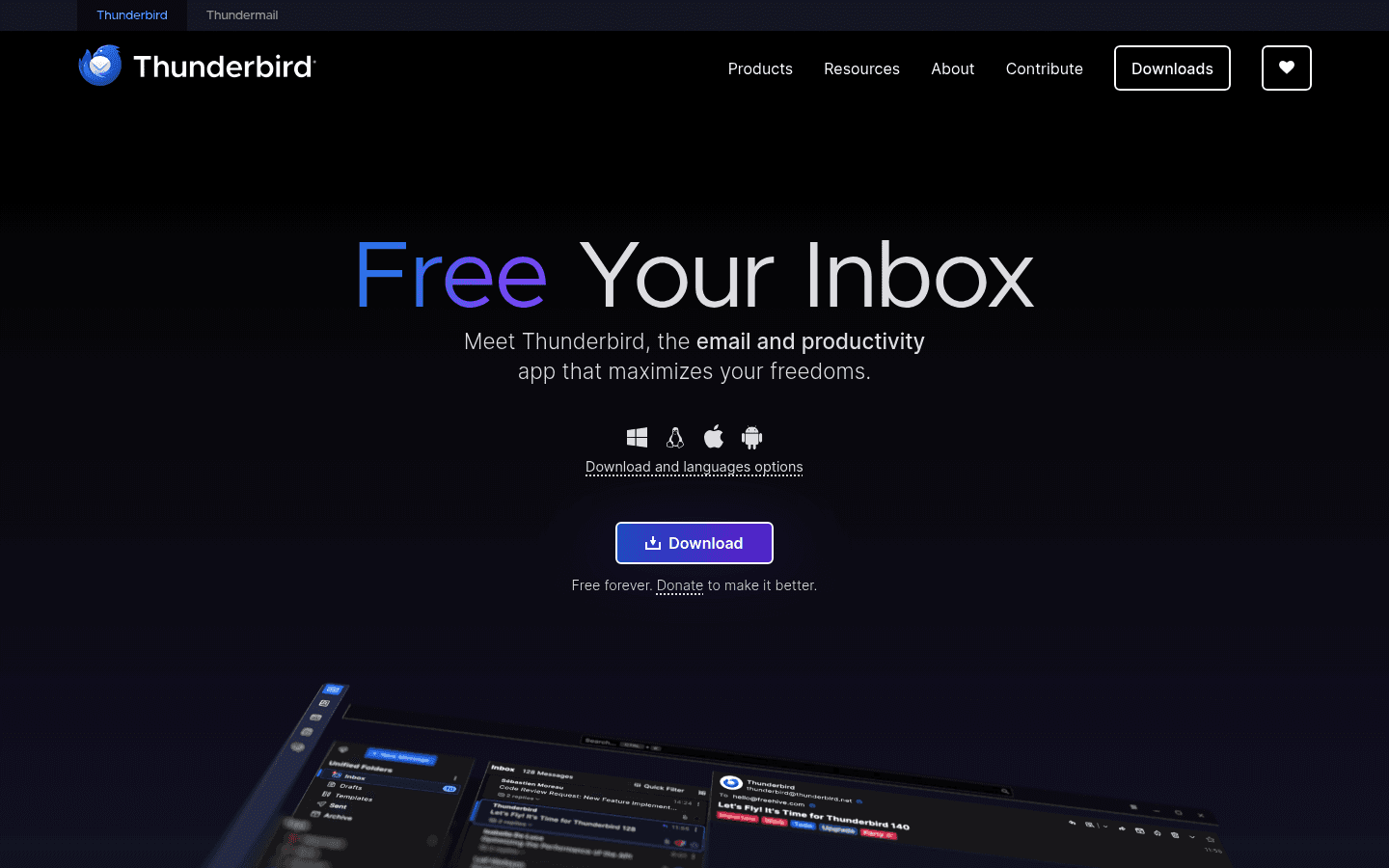
Thunderbird is the safest first choice for most Linux users. It is free, open source, available for Linux, and built for people who want their email, calendars, and contacts in one desktop app.
Thunderbird is not the sleekest app here. It can feel busy at first. But it is mature, widely supported, and easy to recommend because it handles boring email work well.
Best for: Most Linux users, multiple accounts, Gmail, Outlook, IMAP, work email, calendars, and long-term email archives.
What stands out:
Unified inbox for multiple accounts.
Calendar and contact support.
Offline reading and drafting.
Filters, tags, saved searches, and add-ons.
Free forever, donation-supported, and privacy-focused.
Biggest downside: The interface has a lot going on. If you want a tiny personal inbox with almost no settings, Thunderbird may feel like too much.
Verdict: Start here unless you already know you want a GNOME-native, KDE-native, terminal, or ultra-light email client.
Use Voicy to write emails faster on Linux

A better email client helps you manage your inbox. Voicy for Linux helps with the slower part: composing the actual message.
This matters when replies take longer to type than to think. Speak the rough version, let Voicy turn it into text, then edit the draft for tone, names, numbers, and final details before sending.
Good places to use Voicy with Linux email:
Long replies in Thunderbird, Evolution, KMail, Betterbird, or Mailspring.
Gmail or Outlook in Firefox or Chrome.
Follow-up notes after calls and meetings.
Bug reports, customer replies, school emails, and team updates.
Uploading recorded notes, then turning the transcript into an email draft.
Voicy is cloud-based, supports live dictation and file upload, and has a free trial. After that, plans are $8.49/month, $82/year, or $260 lifetime. It is best for people who want an easy voice-input workflow, not a fully offline speech stack.
2. Evolution, best Linux email client for GNOME
Evolution is the Linux email client to try if you use GNOME and want a full personal information manager. It combines email, calendar, contacts, tasks, and address books in one app.
Evolution is more work-focused than trendy. That is a good thing if your day involves meetings, invites, work contacts, and shared calendars. It is less appealing if you only want a clean inbox for personal mail.
Best for: GNOME users, work email, calendars, contacts, tasks, and people who want an Outlook-style setup on Linux.
What stands out:
Mail, calendar, contacts, tasks, and memos in one app.
Good GNOME desktop integration.
Useful for work accounts and scheduled communication.
Available through many Linux distributions and Flathub.
Biggest downside: Evolution can feel heavy if you do not need the calendar and contact tools. It is strongest when you use the whole suite.
Verdict: Pick Evolution if your email client also needs to be your calendar and contact hub.
3. KMail, best Linux email client for KDE Plasma
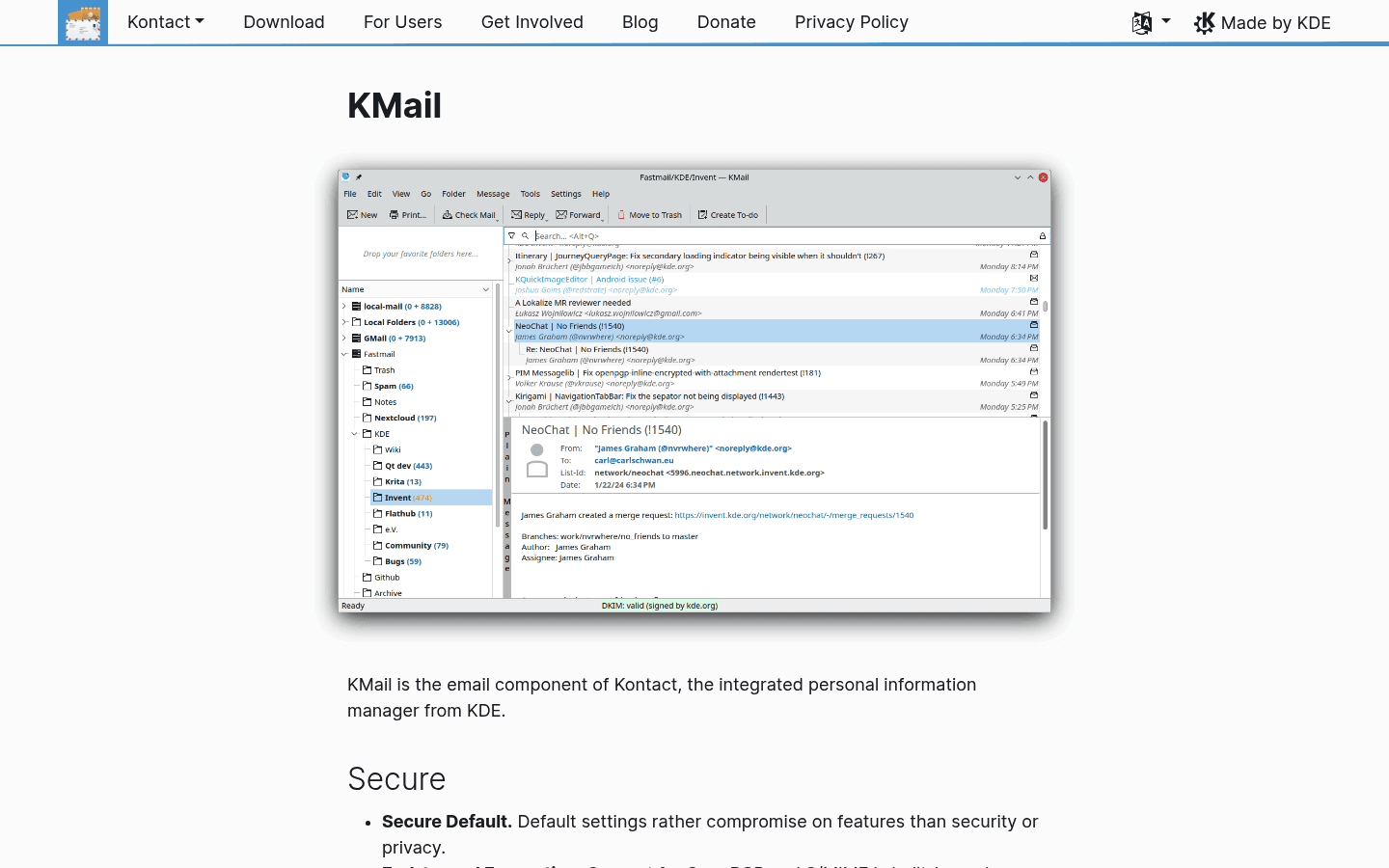
KMail is the natural email client for KDE Plasma users. It supports POP3, IMAP, Microsoft Exchange EWS, filtering, tagging, OpenPGP, S/MIME, and tight integration with KOrganizer and KAddressBook.
KMail has depth, but it is not the simplest recommendation for everyone. It makes the most sense if you already like KDE's way of building connected desktop apps.
Best for: KDE Plasma users, power users, large inboxes, encryption, filtering, tags, and people who want their mail client to fit the rest of KDE.
What stands out:
Strong KDE integration with calendar and address book tools.
Support for POP3, IMAP, Exchange EWS, and server-side filtering.
OpenPGP, PGP/MIME, and S/MIME support.
Useful filtering, searching, tagging, and mailing-list features.
Biggest downside: If you are not on KDE, KMail can feel like you installed half a desktop just to read mail.
Verdict: Choose KMail on KDE Plasma. On GNOME or a mixed desktop, Thunderbird is usually easier.
4. Geary, best simple email client for GNOME users
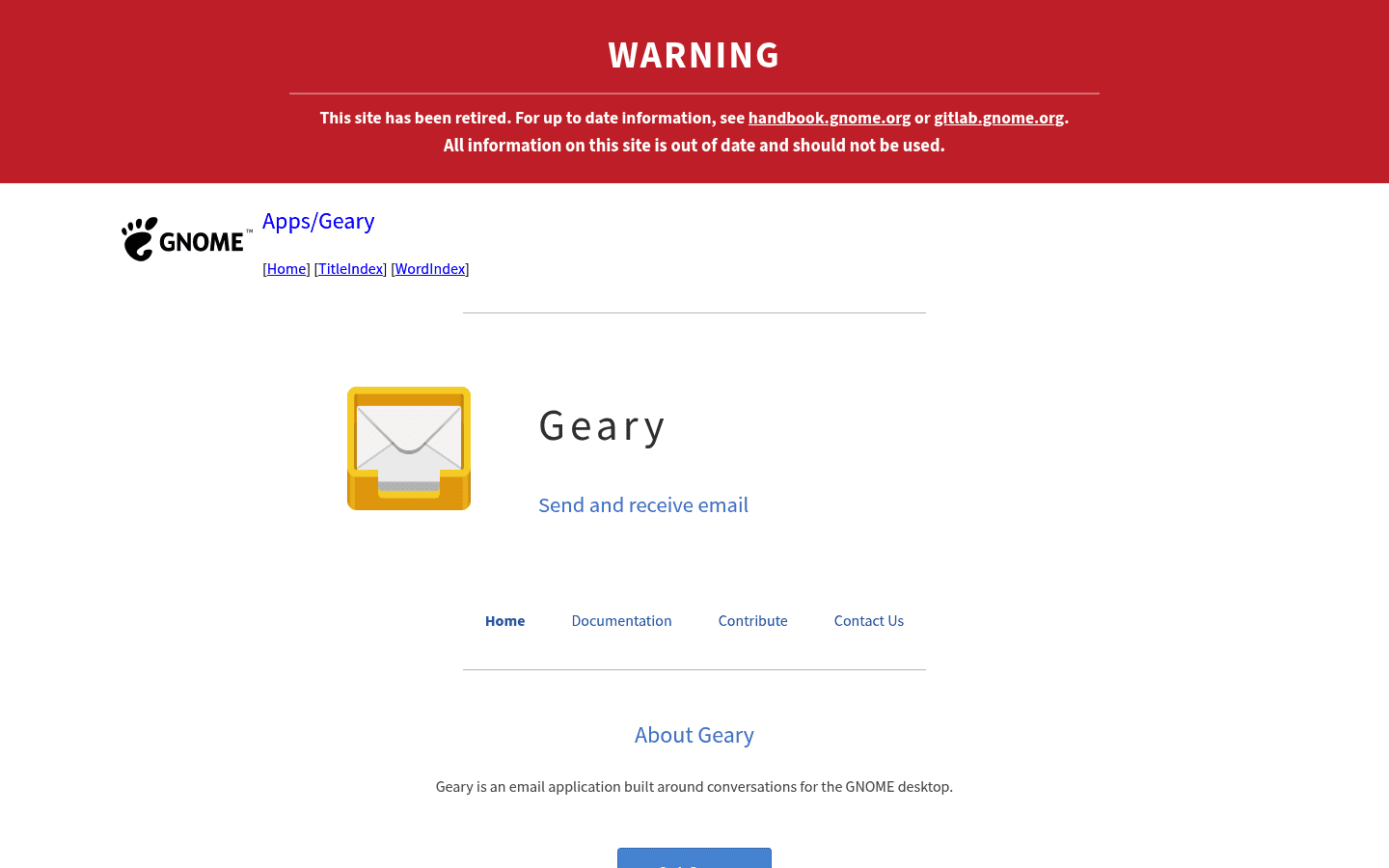
Geary is a clean, conversation-first email client for GNOME. It is built around simple reading, sending, conversations, and search, not a huge settings panel.
That simplicity is the point. If Thunderbird feels too big and Evolution feels too corporate, Geary is a pleasant middle ground for a personal inbox.
Best for: Personal email, GNOME users, conversation view, simple inboxes, and people who want less interface clutter.
What stands out:
Clean conversation view.
Fast full-text and keyword search.
Rich-text composer for normal email writing.
Quick setup through GNOME Online Accounts.
Biggest downside: It is not the best choice for complex work email, heavy filters, deep calendar needs, or advanced account setups.
Verdict: Use Geary if you want email to feel light and calm, not like a control panel.
5. Mailspring, best modern Linux email client
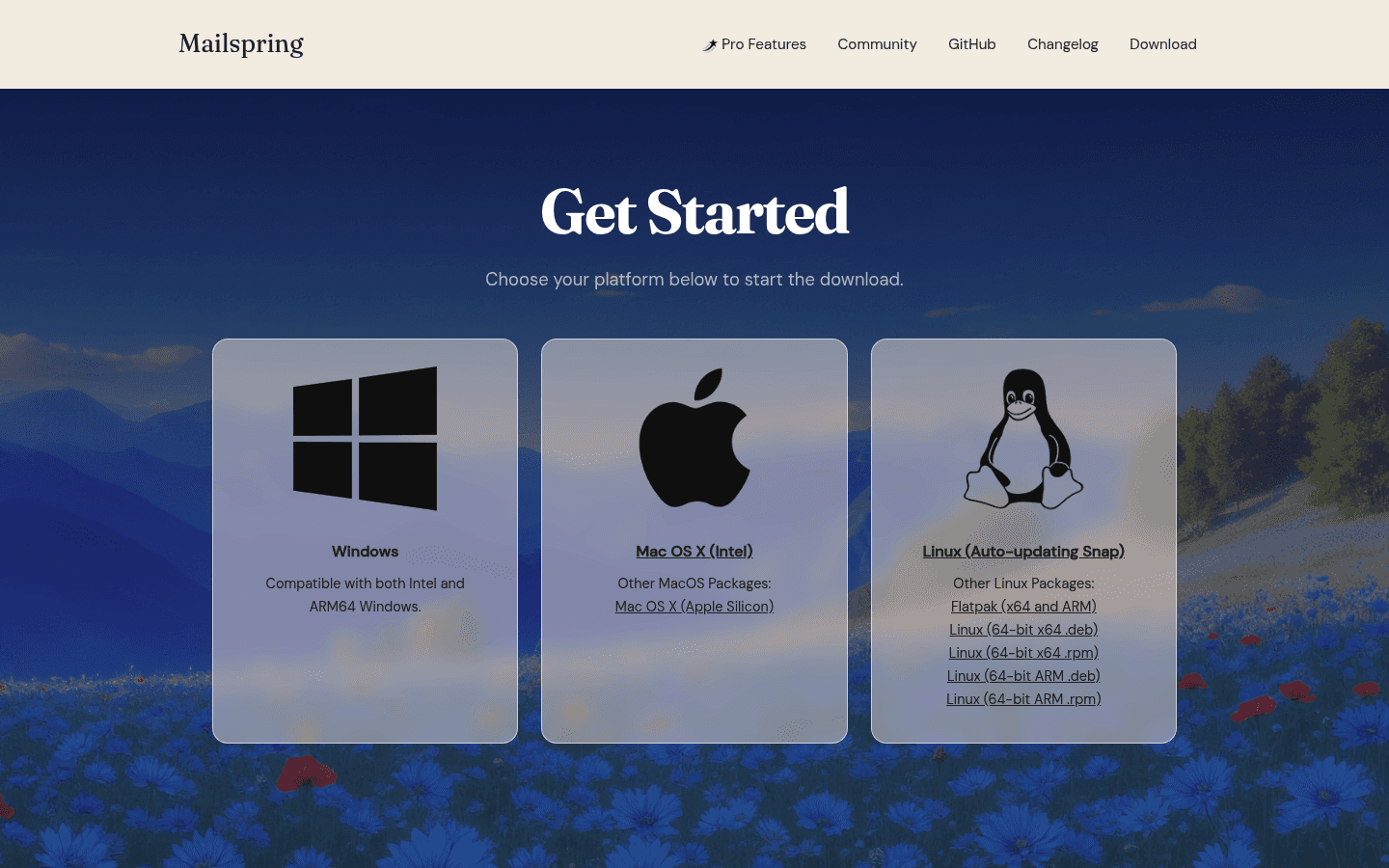
Mailspring is the best Linux email client if you want something polished and modern without giving up desktop features. It supports multiple accounts, a unified inbox, advanced search, themes, signatures, undo send, and Linux desktop integration.
It is especially good if you care about writing nicer emails, finding old messages, and using a cleaner interface than many classic Linux mail clients.
Best for: People who want a modern UI, unified inbox, strong search, signatures, themes, and optional sales-style features.
What stands out:
Unified inbox across major providers and IMAP accounts.
Advanced Gmail-style search across accounts.
Grammar and spell checking in the composer.
Dark mode, themes, and X11 plus Wayland support.
Pro features like read receipts, link tracking, send later, reminders, and templates.
Pricing: Mailspring has a free version. Mailspring Pro is listed at $8/month.
Biggest downside: Some of the more interesting productivity and outreach features sit behind Pro. If you only want open-source mail, use Thunderbird, Evolution, KMail, Geary, or Claws Mail instead.
Verdict: Pick Mailspring if you want Linux email to feel closer to a modern commercial app.
6. Betterbird, best Thunderbird alternative for power users
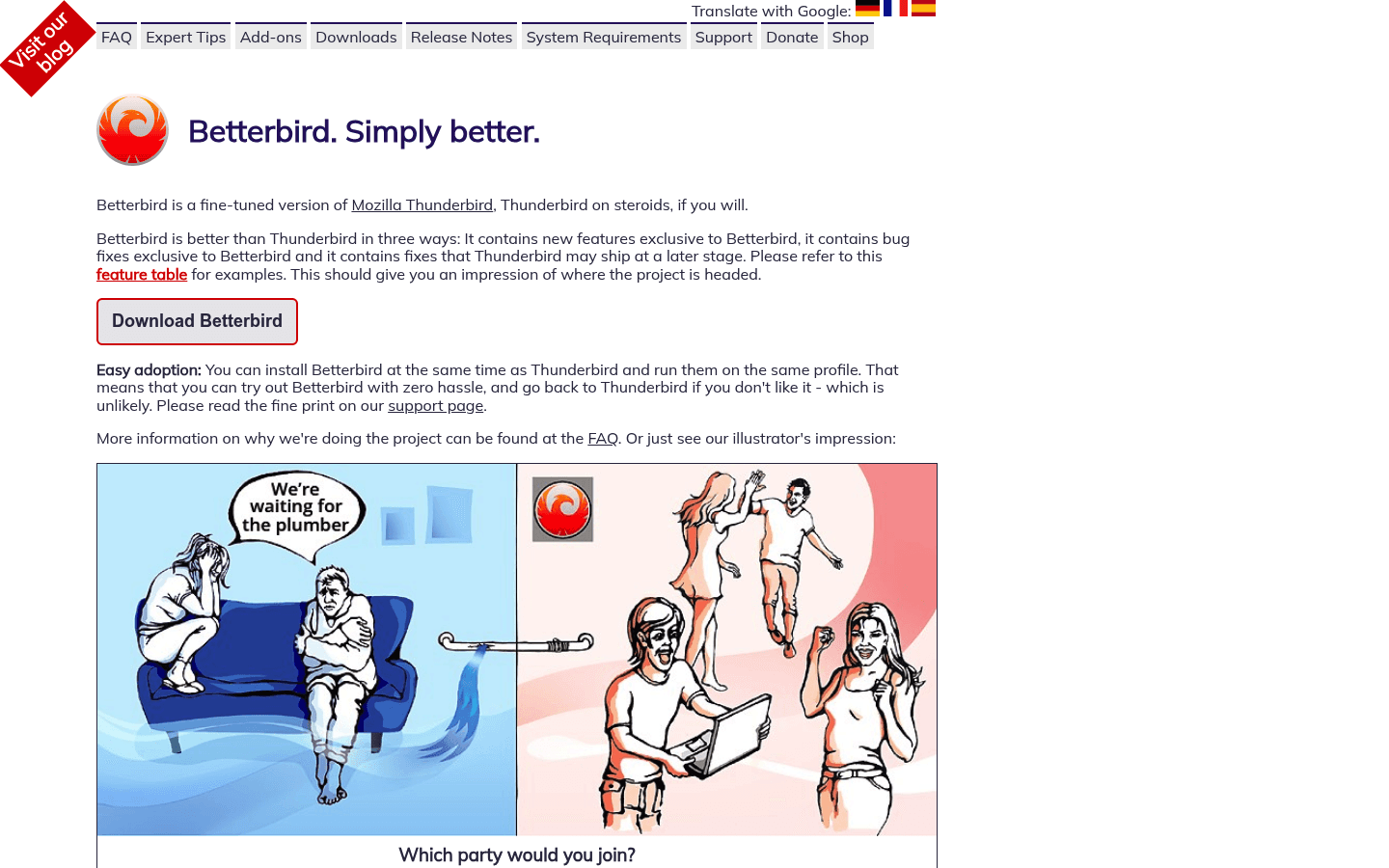
Betterbird is a fine-tuned version of Thunderbird with extra features, fixes, and behavior changes. If you like Thunderbird but keep running into small annoyances, Betterbird is worth testing.
This is not the first app I would give to a new Linux user. It is more interesting for people who already know Thunderbird well and want a sharper version of it.
Best for: Thunderbird users who want extra features, bug fixes, better search options, and Linux system-tray behavior.
What stands out:
Built on Thunderbird, so the core workflow is familiar.
Exclusive fixes and features that may not be in Thunderbird yet.
Can run alongside Thunderbird for testing.
Available through Linux options such as Flatpak, AppImage, and community packages.
Biggest downside: It is a smaller project than Thunderbird. If you want the most mainstream path, stick with Thunderbird.
Verdict: Try Betterbird if Thunderbird is almost right, but not quite.
7. BlueMail, best cross-platform commercial email app for Linux
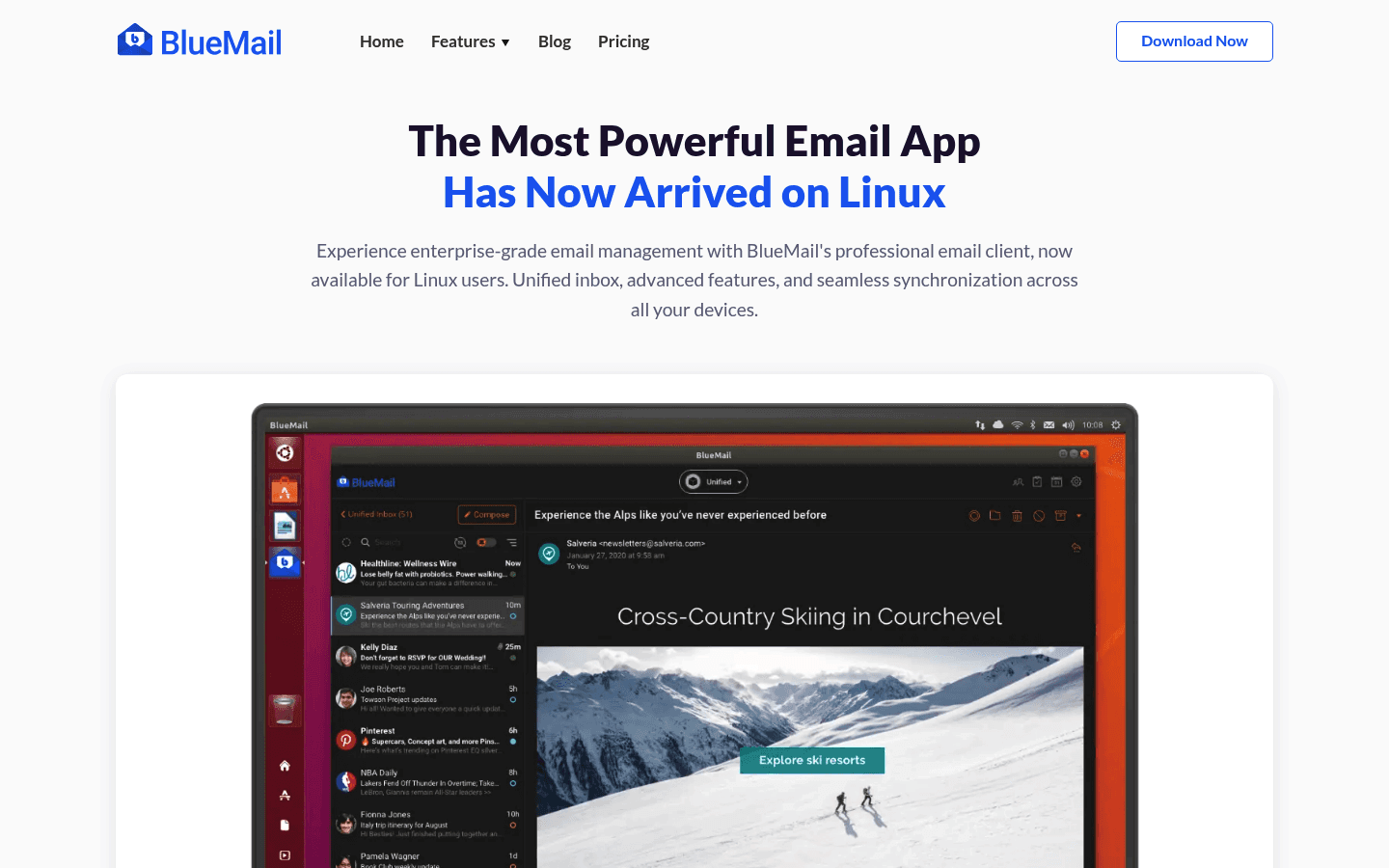
BlueMail is a polished email client with a Linux desktop app, mobile apps, unified inbox, calendar tools, and commercial features. It is a good fit if you want one familiar email app across devices.
BlueMail feels less like a traditional Linux app and more like a modern cross-platform inbox. Some users will like that. Others will prefer the open-source feel of Thunderbird, Evolution, KMail, or Geary.
Best for: Cross-device users, multiple accounts, unified inbox, mobile-plus-desktop workflows, and people who want a commercial app experience.
What stands out:
Linux desktop support through the Snap Store.
Unified inbox for multiple accounts.
Calendar, push notifications, clusters, and task-style email features.
Available on Windows, Mac, and mobile devices too.
Biggest downside: If you want a fully open-source Linux mail stack, BlueMail is not that. Check its privacy and sync model before using it for sensitive work.
Verdict: Choose BlueMail if you care more about polish and cross-device familiarity than open-source purity.
8. Claws Mail, best lightweight Linux email client
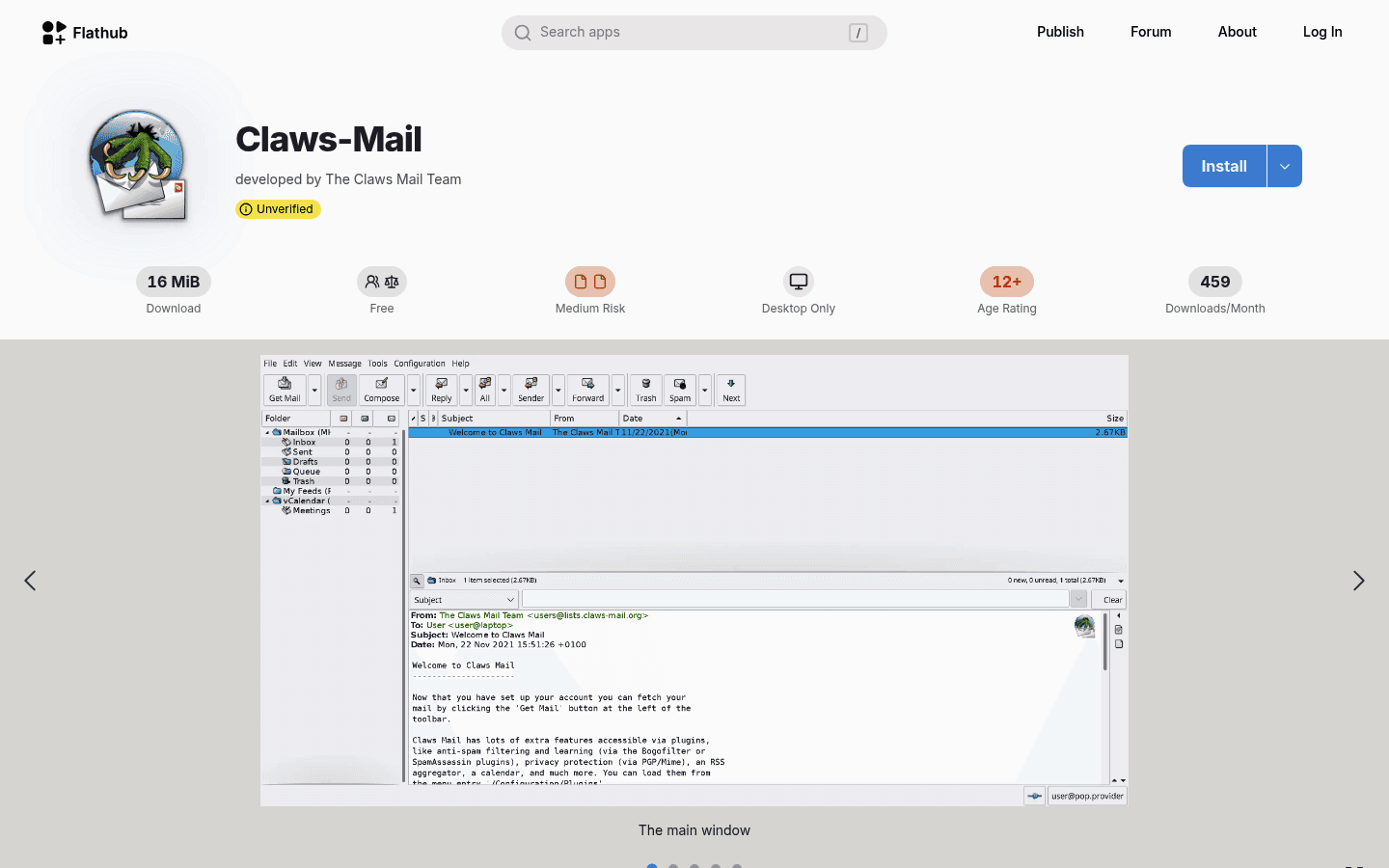
Claws Mail is a fast, classic email client for people who like practical software. It is lightweight, plugin-friendly, and good on older Linux machines where heavier clients feel slow.
Do not choose Claws Mail because you want a gorgeous interface. Choose it because you want mail to open quickly and stay out of your way.
Best for: Low-resource systems, plain email, fast startup, classic desktop workflows, and users who prefer simple tools.
What stands out:
Lightweight compared with heavier mail clients.
Plugin system for adding features.
Good fit for older laptops and minimal desktops.
Useful for users who prefer traditional folder-based email.
Biggest downside: The interface feels old. If modern design matters to you, Mailspring or BlueMail will feel better.
Verdict: Pick Claws Mail when speed and simplicity matter more than polish.
9. NeoMutt, best terminal email client for Linux
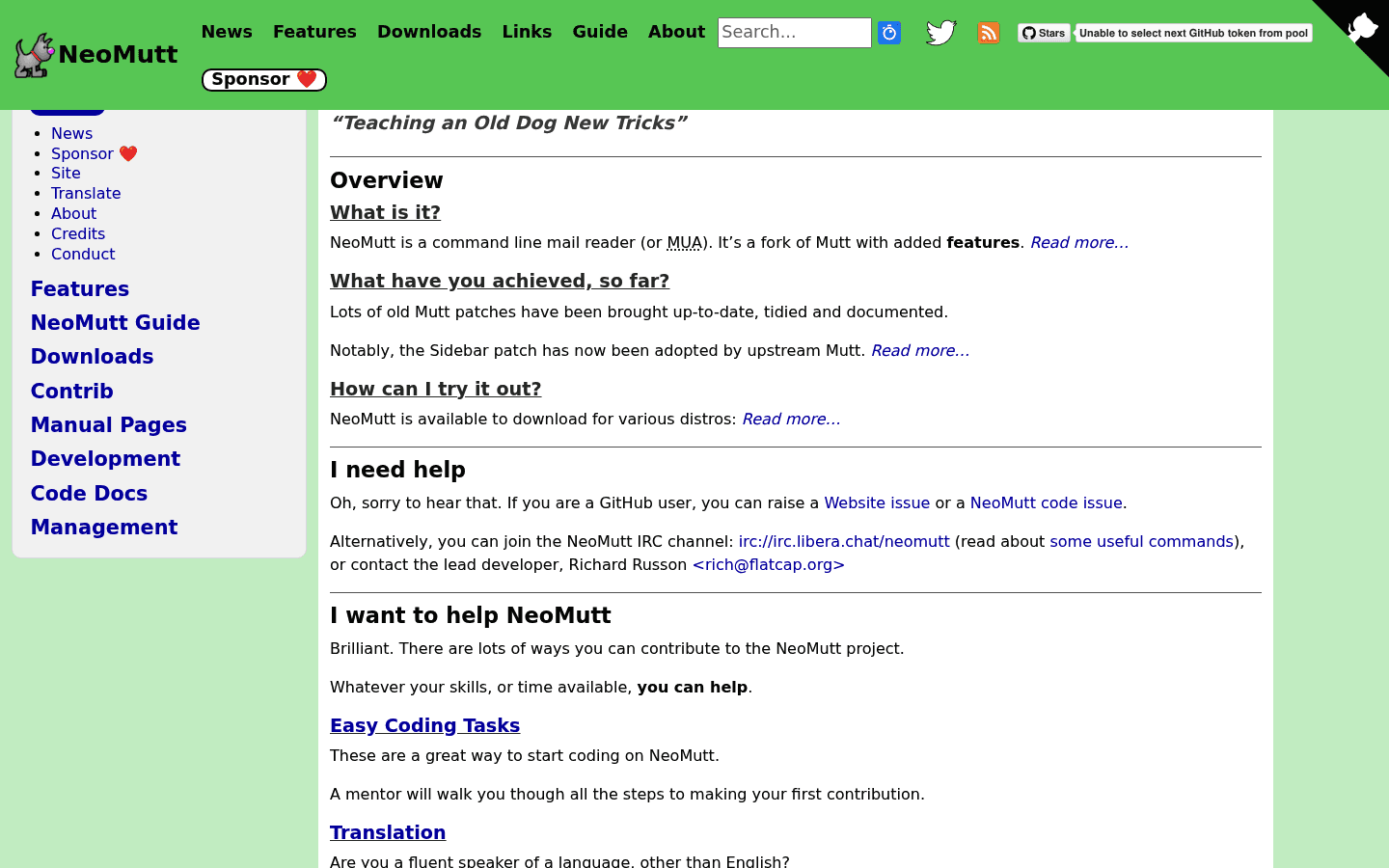
NeoMutt is for Linux users who want email inside the terminal. It is fast, keyboard-first, highly configurable, and very efficient once you have it set up.
It is also the least beginner-friendly option here. You should only choose NeoMutt if terminal workflows already make you happy.
Best for: Terminal users, keyboard-heavy workflows, remote servers, plain-text email, and users who like configuring their tools.
What stands out:
Very fast once configured.
Works well for keyboard-only email processing.
Good fit for remote, server, and minimal desktop setups.
Highly configurable for advanced users.
Biggest downside: Setup is the product. If you want to sign in and start replying, use Thunderbird or Mailspring instead.
Verdict: NeoMutt is excellent for the right person and miserable for the wrong one.
Which Linux email client should you choose?
Choose the email client that matches your desktop and inbox, not the one with the longest feature list.
Choose Thunderbird if you want the safest default.
Choose Evolution if you use GNOME and need calendars and contacts.
Choose KMail if you use KDE Plasma and want deep desktop integration.
Choose Geary if you want something simple for personal mail.
Choose Mailspring if you want a modern app with strong search and optional Pro features.
Choose Betterbird if you already like Thunderbird but want extra fixes.
Choose BlueMail if you want one polished inbox across Linux and mobile.
Choose Claws Mail if you want something light and classic.
Choose NeoMutt if terminal email sounds useful, not painful.
Then add Voicy if composing replies is the bottleneck. A good inbox plus fast voice drafting is a much better Linux email workflow than just switching clients every few months.
FAQs
What is the best Linux email client overall?
Thunderbird is the best Linux email client overall for most people. It is free, open source, works on Linux, handles multiple accounts, and includes useful tools like search, filters, calendars, contacts, and offline access.
What is the best email client for Ubuntu?
Thunderbird is the safest choice for Ubuntu. If you use GNOME heavily and want calendar and contacts in the same app, Evolution is also a strong option.
What is the best email client for KDE Plasma?
KMail is the best email client for KDE Plasma users because it integrates with KDE tools like KOrganizer and KAddressBook. Thunderbird is still a simpler fallback if you want a more mainstream setup.
Is Thunderbird good on Linux?
Yes. Thunderbird is one of the strongest email clients on Linux. It supports Linux downloads, multiple providers, offline use, filters, search, calendars, contacts, and add-ons.
Is there a lightweight Linux email client?
Yes. Geary is a good lightweight choice for simple GNOME-style email, while Claws Mail is better for older machines and classic desktop workflows. NeoMutt is the lightweight option for terminal users.
Can I use Gmail with a Linux email client?
Yes. Many Linux email clients support Gmail through IMAP and OAuth flows, including Thunderbird and several others. For work accounts, check your organization's security rules before connecting a desktop app.
Can I use Outlook or Microsoft 365 email on Linux?
Yes, but the best client depends on your account setup. Thunderbird can connect to many Outlook and Microsoft 365 accounts, Evolution is often used for work-style setups, and KMail supports Microsoft Exchange EWS.
What is the best open-source email client for Linux?
Thunderbird is the best open-source email client for most Linux users. Evolution, KMail, Geary, Claws Mail, Betterbird, and NeoMutt are also open-source options worth considering.
Should I use a desktop email client or webmail on Linux?
Use a desktop email client if you manage multiple accounts, want offline access, prefer keyboard shortcuts, or dislike losing webmail tabs in your browser. Use webmail if you only check one account and want the simplest setup.
How can I write emails faster on Linux?
Use a good email client for organization, then use Voicy for Linux to dictate longer replies, follow-ups, drafts, and updates. It supports live dictation and file upload, so you can speak a first draft or turn recorded notes into text before editing.
Final take
For most Linux users, Thunderbird is the right first email client. It is mature, practical, and works across the common setups people actually use.
If you want tighter desktop integration, pick Evolution on GNOME or KMail on KDE. If you want less weight, try Geary or Claws Mail. If you want a modern commercial feel, test Mailspring or BlueMail. If you live in the terminal, NeoMutt is still there waiting for you.
The bigger productivity win may be outside the inbox. Once your email client is good enough, use Voicy for Linux to draft replies faster and stop treating every email as a typing task.


