TL;DR
- Choose Voicy if you want unlimited dictation on Mac, Windows, Linux, a browser extension, iPhone and Android, with rewriting and file transcription in one plan.
- Choose DictaFlow if you want a small free monthly allowance and selected-text editing on Windows, Mac and mobile.
- Paid value: Voicy is $82/year and DictaFlow Pro is $84/year. Voicy has no monthly word cap and adds a $260 lifetime licence.
- Privacy reality: both offer offline dictation. Voicy's offline mode runs on Mac, Windows and Linux; DictaFlow's offline mode depends on the device.
If you are comparing Voicy vs DictaFlow, the short answer is this: Voicy is the better fit for people who dictate every day and want no word limits, Linux and browser support, and file transcription. DictaFlow is the better fit if a free 2,000-word monthly allowance covers your needs.
Answer-First Verdict
Voicy wins for daily writing: emails, documents, browser text fields, phone messages and recordings that need to become text. It costs slightly less than DictaFlow Pro, has no monthly word cap, and adds Linux, a browser extension and file transcription. More than 10,000 people use it, and they have dictated over 500 million words.
DictaFlow is a capable cross-device dictation app with AI cleanup, snippets and selected-text editing. Its Free plan includes 2,000 cloud words a month, and Pro includes 200,000 cloud words a month plus unlimited offline dictation on supported devices.
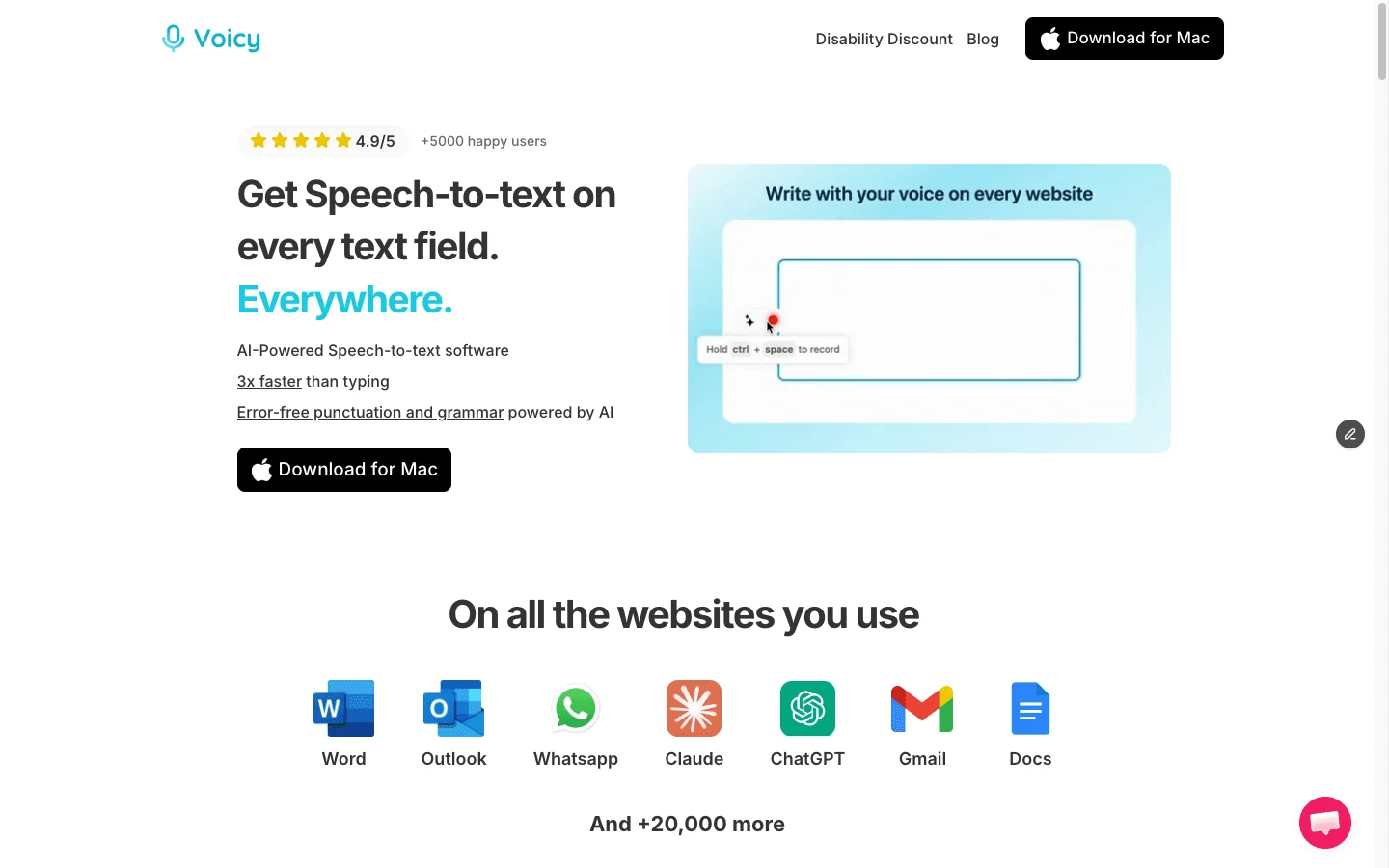
Voicy is built for everyday speech-to-text across the places people already write.
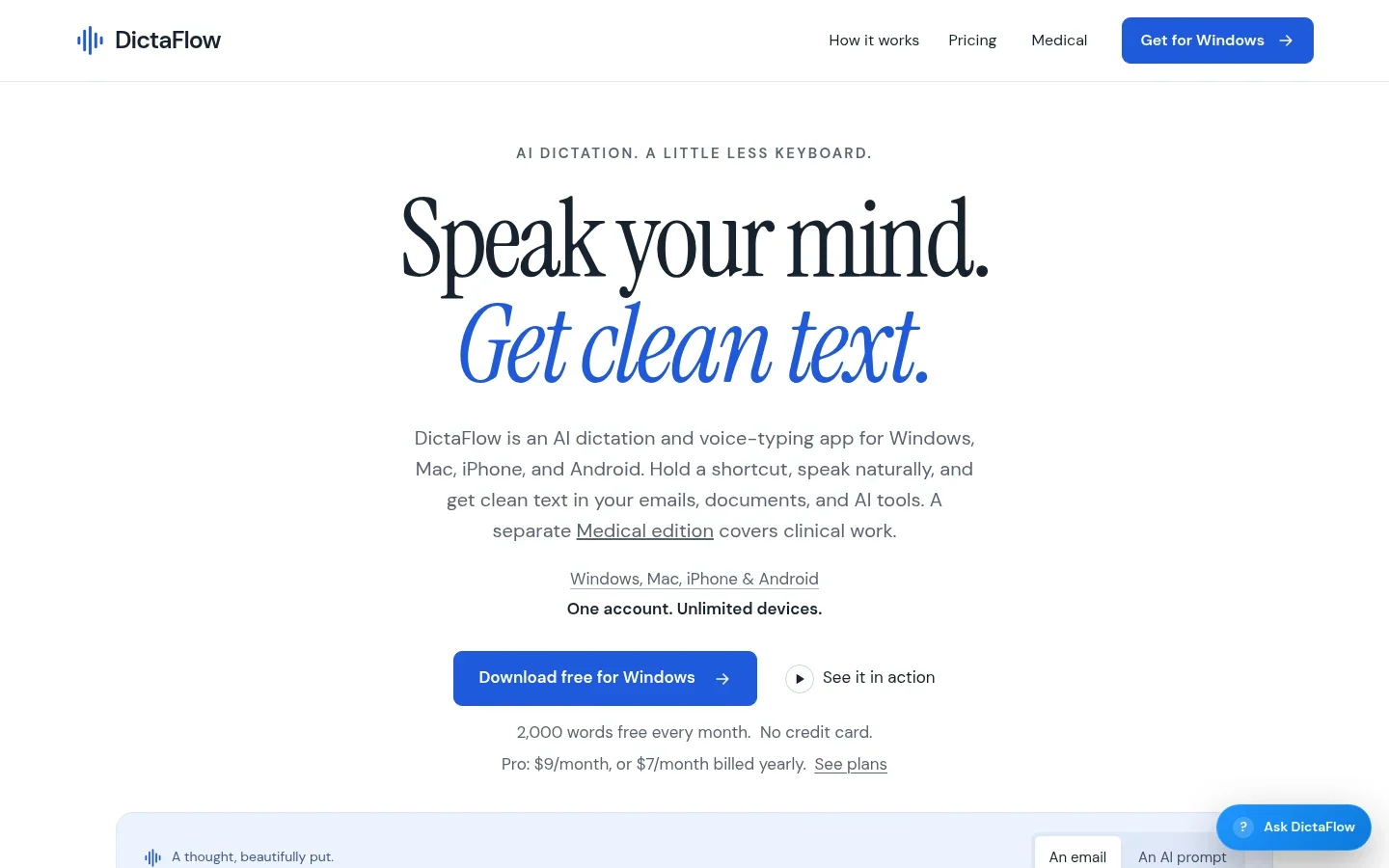
DictaFlow offers cloud and offline dictation with selected-text editing across desktop and mobile.
Best-For Table
Use case | Best pick | Why |
|---|---|---|
Everyday heavy dictation | Voicy | No monthly word cap on paid plans. DictaFlow Pro includes 200,000 cloud words a month. |
Linux and browser writing | Voicy | Linux app and a browser extension. DictaFlow lists Windows, Mac, iPhone/iPad and Android. |
Uploaded recordings | Voicy | Transcribe audio or video files of up to 60 minutes each. |
Buying once | Voicy | A $260 lifetime licence. DictaFlow's paid plan is a subscription. |
Occasional free use | DictaFlow | 2,000 cloud words a month on the Free plan. Voicy has a free trial rather than a forever-free plan. |
Editing selected text by voice | DictaFlow | Its Smart Edit-style workflow rewrites highlighted text in place. |
Feature Comparison
Feature | Voicy | DictaFlow | Practical winner |
|---|---|---|---|
Live dictation | Yes, across desktop, browser and mobile. | Yes, across desktop and mobile. | Tie. |
Word limits | No monthly cap on paid plans. | Free: 2,000 cloud words a month. Pro: 200,000. | Voicy. |
Desktop platforms | Mac, Windows and Linux. | Windows and Mac. | Voicy. |
Mobile platforms | iPhone and Android. | iPhone/iPad and Android. | Tie. |
Browser support | Browser extension for Chrome, Edge, Brave and Opera. | Not listed. | Voicy. |
AI rewriting | Rewrite Mode and Custom Modes. | AI cleanup and selected-text editing. | Tie. |
File transcription | Yes, up to 60 minutes per file. | Not a listed workflow. | Voicy. |
Offline dictation | Offline mode on Mac, Windows and Linux. | Offline on supported devices; unlimited on Pro. | Tie. |
Lifetime option | $260 once. | No. | Voicy. |
Pricing and 3-Year Cost Math
Voicy pricing is $8.49 per month, $82 per year, or $260 for lifetime access. The free trial includes 30 minutes of recording and every feature, with no credit card. Teams of three or more pay $6.79 per user per month, and students and people with disabilities get 20% off.
DictaFlow pricing lists a Free plan with 2,000 cloud words a month and Pro at $9 per month or $84 per year ($7 a month billed annually), with 200,000 cloud words a month and unlimited offline dictation on supported devices.
Scenario | Voicy | DictaFlow Pro | Difference |
|---|---|---|---|
12 months, monthly billing | $101.88 | $108 | Voicy saves $6.12. |
12 months, annual billing | $82 | $84 | Voicy saves $2. |
3 years, annual billing | $246 | $252 | Voicy saves $6. |
5 years, Voicy lifetime | $260 | $420 | Voicy saves $160. |
Voicy costs less on every paid option and has no monthly word cap. If a small free allowance is enough for you, DictaFlow's Free plan costs nothing.
Word Limits and Everyday Use
Voicy's paid plans don't count words. Dictate long emails, reports and notes all day without checking an allowance.
DictaFlow counts cloud words: 2,000 a month on Free and 200,000 a month on Pro. That is generous for many writers, but heavy users and people who dictate on several devices should estimate their monthly total. Offline dictation on supported devices doesn't count toward the cloud allowance.
Platform Coverage
Voicy supports Mac, Windows, Linux, a browser extension, iPhone and Android, and one plan covers all your devices.
DictaFlow supports Windows, Mac, iPhone/iPad and Android. Offline availability varies by device, so set it up on the phone you plan to use.
If you work on Linux or mostly in web apps, Voicy has the clearer coverage.
File Transcription
Voicy turns uploaded audio and video into text alongside live dictation: voice notes, interviews, lectures and recorded calls, up to 60 minutes per file. See how file transcription works.
DictaFlow focuses on live dictation and editing. If you need existing recordings transcribed, Voicy saves you a second app.
Browser and Mobile Support
Voicy's browser extension works in Gmail, Google Docs, CRMs, support tools and AI chats, and its iPhone and Android apps carry the same dictation to your phone.
DictaFlow also has phone apps, so both work on mobile. For browser-first work, Voicy has the stronger story.
Privacy and Data Handling
Voicy is online by default. In the Mac, Windows and Linux apps, offline mode runs normal dictation on your computer after a one-time model download, so that audio stays on your device. Rewrite Mode, Custom Modes and file transcription use the internet. Voicy does not keep normal recordings or transcripts on its servers or use them to train AI, and local history on your computer clears after three days.
DictaFlow's privacy policy says cloud providers process audio, dictated text and editing context, and audio is ordinarily discarded after processing. Offline mode on supported devices keeps dictation on the device. The standard consumer product excludes patient health information; DictaFlow Medical is a separate service.
Both apps give you an offline path for dictation and process AI features online.
Who Should Choose DictaFlow?
Choose DictaFlow if a free allowance or in-place editing matters more than unlimited dictation.
- You dictate occasionally and 2,000 words a month is enough.
- You want to rewrite highlighted text by voice.
- You don't need Linux, a browser extension or file transcription.
Who Should Choose Voicy?
Choose Voicy if you want unlimited, ready-to-use dictation everywhere you write.
- You dictate a lot and don't want to watch a word allowance.
- You want one tool for live dictation, rewriting and file transcription.
- You write in email, documents, browser apps, notes, messages and AI tools.
- You use a mix of Mac, Windows, Linux, iPhone, Android and the browser.
- You want automatic punctuation and a Dictionary for names and terms.
- You want a lifetime option instead of another subscription.
- You are reducing typing because of speed, focus, RSI, arthritis or hand pain.
Related Comparisons
Final Verdict
DictaFlow is a solid cross-device dictation app. It deserves a look if its free allowance covers your writing or you rely on editing selected text by voice.
For most people who dictate every day, Voicy is the better choice. It costs less, has no monthly word cap, works on Mac, Windows, Linux, the browser, iPhone and Android, and includes file transcription and a lifetime option.
FAQs
Is Voicy better than DictaFlow?
Voicy is better for most daily users: no monthly word cap on paid plans, Linux and browser support, file transcription and a lifetime option, at a slightly lower price. DictaFlow is better if its free 2,000-word monthly allowance covers your needs or you want selected-text editing.
Which is cheaper, Voicy or DictaFlow?
Voicy. It costs $82 a year or $8.49 a month, against $84 a year or $9 a month for DictaFlow Pro. Voicy also offers a $260 lifetime licence.
Does DictaFlow have unlimited dictation?
No. DictaFlow Pro includes 200,000 cloud words a month and unlimited offline dictation on supported devices. The Free plan includes 2,000 cloud words a month.
Does DictaFlow have a free plan?
Yes. DictaFlow's Free plan includes 2,000 cloud words a month.
Does Voicy have a free plan?
Voicy has a free trial with 30 minutes of recording and every feature, with no credit card. Paid plans are $8.49 per month, $82 per year, or $260 lifetime.
Does Voicy work on Linux?
Yes. Voicy has apps for Mac, Windows and Linux, plus iPhone, Android and a browser extension. DictaFlow lists Windows, Mac, iPhone/iPad and Android.
Do Voicy and DictaFlow work offline?
Both do. Voicy's offline mode runs normal dictation on Mac, Windows and Linux after a one-time download. DictaFlow offers offline dictation on supported devices.
Can Voicy transcribe audio files?
Yes. Voicy transcribes uploaded audio and video files of up to 60 minutes each on paid plans, alongside live dictation.
Can I use DictaFlow for patient information?
Not the standard version. DictaFlow's consumer privacy policy excludes patient health information and points clinicians to the separate DictaFlow Medical service.
Which app is better for browser writing?
Voicy, because it includes a browser extension for Chrome, Edge, Brave and Opera.