TL;DR
- Choose Voicy if you want one dictation app for Mac, Windows, Linux, a browser extension, iPhone and Android, with rewriting and file transcription ready from the first day.
- Choose OpenWhispr if you want free local models, your own API keys, or desktop meeting notes, and you are happy to configure your setup.
- Paid value: Voicy is $82/year and OpenWhispr Pro is $80/year. Voicy adds a $260 lifetime licence, which pays for itself against OpenWhispr Pro in under four years.
- Privacy reality: both offer on-device dictation on the desktop. Voicy's offline mode keeps normal dictation audio on your computer; OpenWhispr's local models do the same.
If you are comparing Voicy vs OpenWhispr, the short answer is this: Voicy is the better fit for most people who want fast dictation everywhere they write, with no models or API keys to manage. OpenWhispr is the better fit for tinkerers who want a free local setup or meeting notes inside the same desktop app.
Answer-First Verdict
Voicy wins for everyday writing: emails, documents, browser text fields, phone messages and turning recordings into text. It works the same way on every device, adds punctuation automatically, and includes Rewrite Mode for turning rough speech into a polished message. More than 10,000 people use it, and they have dictated over 500 million words.
OpenWhispr is a capable open-source desktop app. It shines when you want to choose your own speech model, bring your own cloud provider, or keep meeting notes next to your dictation. That flexibility comes with more settings to understand.
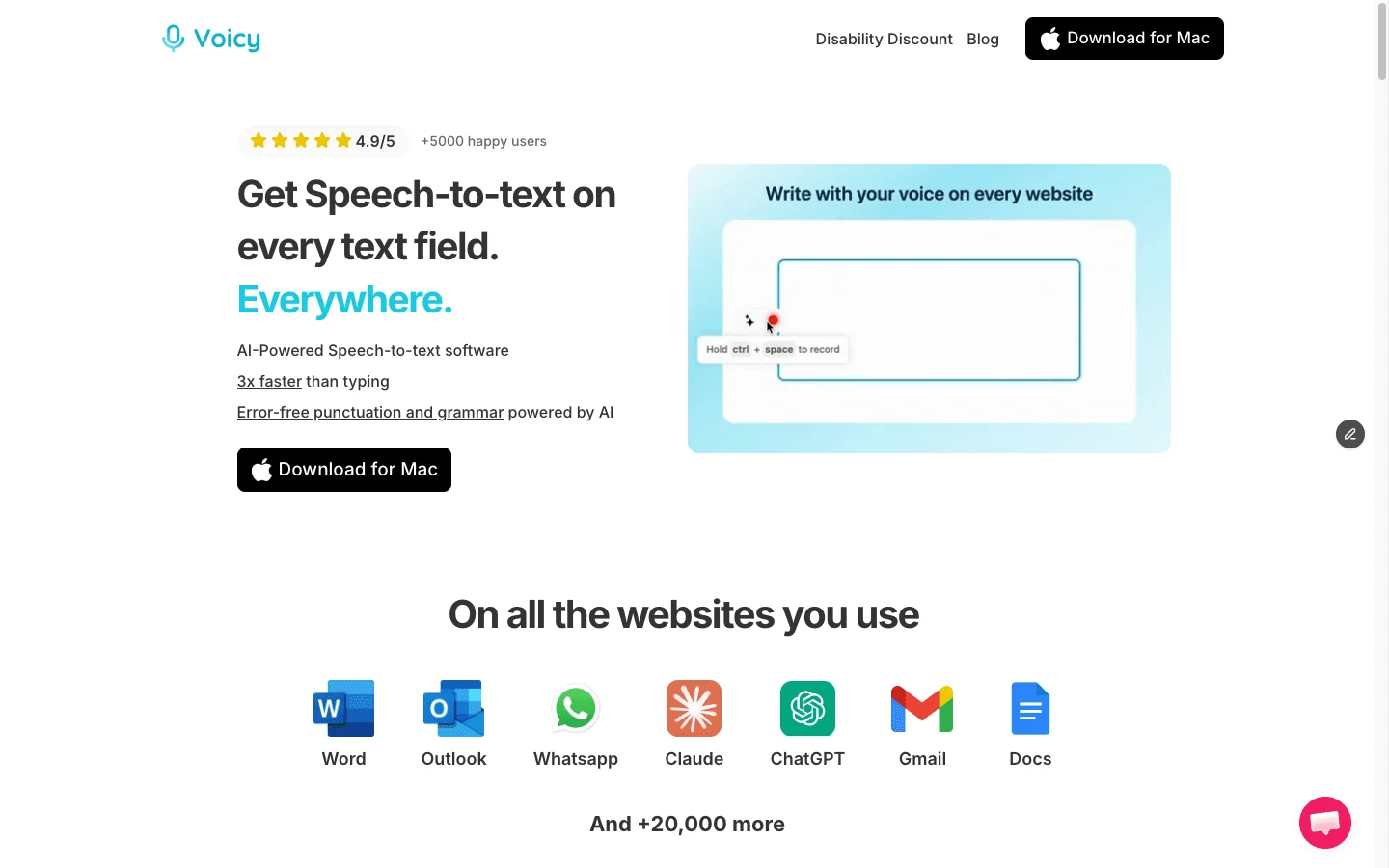
Voicy is built for everyday speech-to-text across the places people already write.
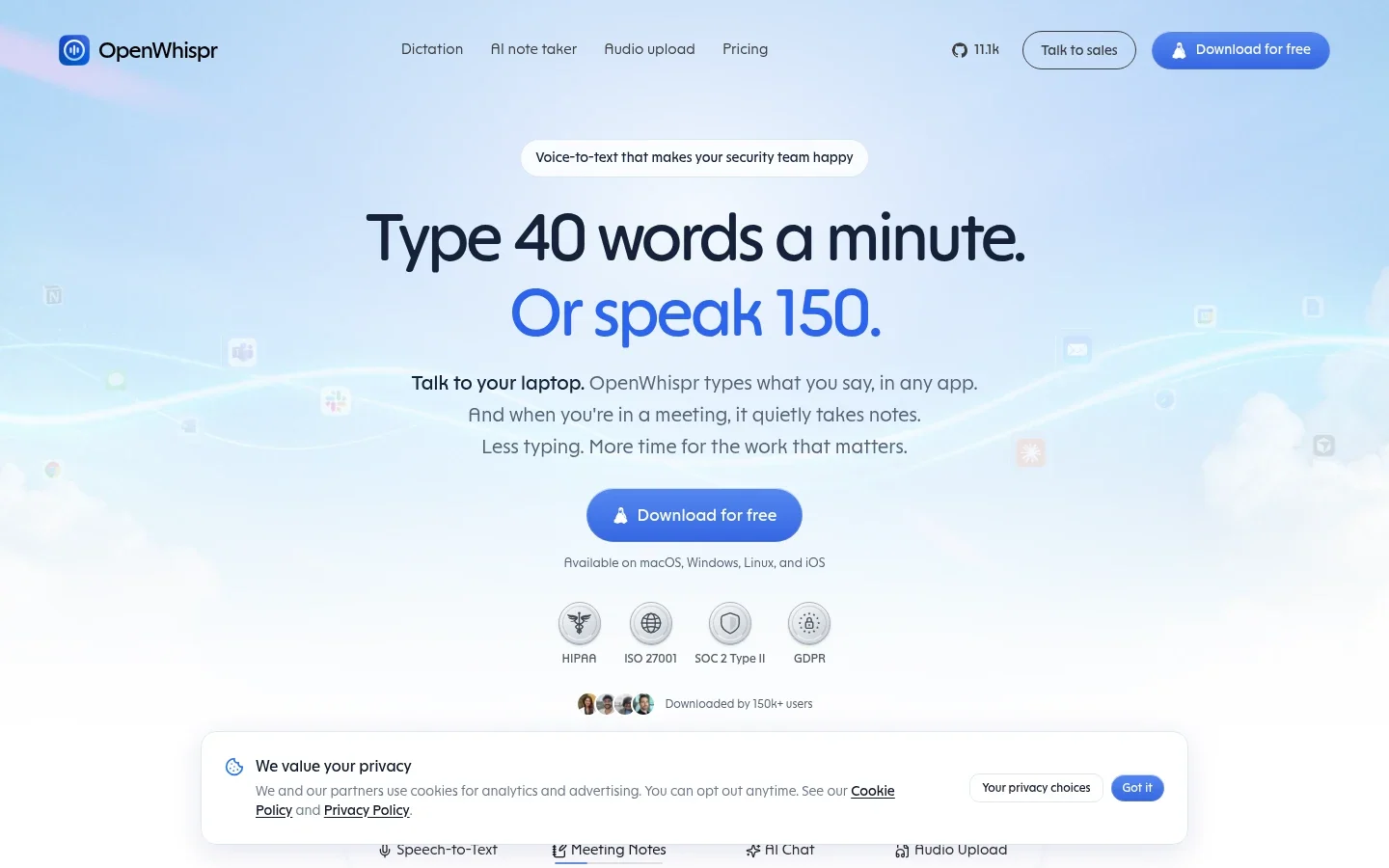
OpenWhispr combines local or bring-your-own-key dictation with notes and meetings on the desktop.
Best-For Table
Use case | Best pick | Why |
|---|---|---|
Everyday solo professionals | Voicy | Ready to use on every device, automatic punctuation, rewriting and file transcription in one plan. |
Phone and browser writing | Voicy | Full iPhone and Android apps plus a browser extension. OpenWhispr is desktop-first with an iOS companion. |
Uploaded recordings | Voicy | Upload audio or video files of up to 60 minutes each and get a transcript in the same app you dictate with. |
Buying once | Voicy | A $260 lifetime licence. OpenWhispr's paid plans are subscriptions. |
Free local dictation | OpenWhispr | Its Free plan includes unlimited local models. Voicy has a free trial rather than a forever-free plan. |
Meeting notes on the desktop | OpenWhispr | Meeting capture and notes are part of the app, with 20 hours a month on Pro. |
Bring your own API key | OpenWhispr | You can connect your own cloud provider and pay that provider directly. |
Feature Comparison
Feature | Voicy | OpenWhispr | Practical winner |
|---|---|---|---|
Live dictation | Yes, across desktop, browser and mobile. | Yes, on the desktop. | Voicy. |
Setup | Install, sign in, choose a shortcut. No model or provider choices. | Choose local models, your own provider or OpenWhispr Cloud. | Voicy for simplicity; OpenWhispr for control. |
Desktop platforms | Mac, Windows and Linux. | Mac, Windows and Linux. | Tie. |
Mobile platforms | iPhone and Android apps. | iOS companion app. | Voicy. |
Browser support | Browser extension for Chrome, Edge, Brave and Opera. | Pastes into the focused field from the desktop app. | Voicy. |
AI rewriting | Rewrite Mode and Custom Modes. | Cleanup through local, managed or your own models. | Tie. |
File transcription | Yes, up to 60 minutes per file on paid plans. | Audio upload alongside meetings and notes. | Tie. |
Meeting notes | Not a meeting notetaker. | Meeting capture and notes; 20 hours a month on Pro. | OpenWhispr. |
Offline dictation | Offline mode on Mac, Windows and Linux. | Local models on the desktop. | Tie. |
Languages | 50+ languages online. | Depends on the model you choose. | Voicy for simplicity. |
Pricing and 3-Year Cost Math
Voicy pricing is $8.49 per month, $82 per year, or $260 for lifetime access. The free trial includes 30 minutes of recording and every feature, with no credit card. Teams of three or more pay $6.79 per user per month, and students and people with disabilities get 20% off.
OpenWhispr pricing lists a Free plan with unlimited local models and 2,000 managed cloud words per week, Pro at $8 per month or $80 per year, and Business at $16 per month or $160 per year.
Scenario | Voicy | OpenWhispr Pro | Difference |
|---|---|---|---|
12 months, monthly billing | $101.88 | $96 | $5.88 apart. |
12 months, annual billing | $82 | $80 | $2 apart. |
3 years, annual billing | $246 | $240 | $6 apart. |
4 years, Voicy lifetime | $260 | $320 | Voicy saves $60. |
5 years, Voicy lifetime | $260 | $400 | Voicy saves $140. |
On subscriptions, the two are priced almost the same, so the decision comes down to features. If you plan to dictate for years, Voicy's lifetime licence is the cheapest way to own either app.
Platform Coverage
Voicy supports Mac, Windows, Linux, a browser extension, iPhone and Android, and one plan covers all your devices. That makes it a strong fit if your writing moves between a laptop, web apps and your phone.
OpenWhispr runs on Mac, Windows and Linux, with an iOS companion app. Its documentation notes that feature parity varies between desktop and mobile, so check the features you need on each device.
For desktop-only dictation, the two are level. For writing that moves to your phone and browser, Voicy has the clearer coverage.
Setup and Everyday Use
Voicy is built to work out of the box. Install it, choose your recording shortcut during setup, then press the shortcut and talk in any app. Punctuation is added automatically, the Dictionary learns names and terms, and voice shortcuts insert saved text when you say a phrase.
OpenWhispr gives you more choices. You decide between local models, your own cloud provider and OpenWhispr Cloud, and cleanup and backup are configured separately. That is great if you enjoy tuning your setup, and more work if you just want to start writing.
File Transcription and Meetings
Voicy turns uploaded audio and video into text alongside live dictation. That covers voice notes, interviews, lectures and recorded calls, with files of up to 60 minutes each on paid plans. See how file transcription works.
OpenWhispr adds meeting capture and notes inside the desktop app. Pro includes 20 meeting hours a month, and Business advertises unlimited meeting recording. If live meeting notes are central to your week, that is a real OpenWhispr strength.
Browser and Mobile Support
Voicy is the better choice for people who write in the browser, because its extension works in Gmail, Google Docs, CRMs, support tools and AI chats. Its iPhone and Android apps mean the same dictation follows you to your phone.
OpenWhispr is desktop-first. It pastes into whatever field is focused on your computer, and its iOS companion covers some mobile use.
Privacy and Data Handling
Voicy is online by default. In the Mac, Windows and Linux apps, offline mode runs normal dictation on your computer after a one-time model download, so that audio stays on your device. Rewrite Mode, Custom Modes and file transcription use the internet. Voicy does not keep normal recordings or transcripts on its servers or use them to train AI, and local history on your computer clears after three days.
OpenWhispr's privacy policy says desktop dictation audio is kept locally for 30 days by default, with controls to change that. Desktop cloud backup is off by default, paid mobile backup is on by default, and shared or team notes are stored in the cloud. Local models keep recognition on your device; cloud providers you connect handle audio under their own terms.
Both apps give you an on-device path for dictation. Voicy keeps it simple with one offline switch; OpenWhispr gives you more knobs to set.
Who Should Choose OpenWhispr?
Choose OpenWhispr if control over models and providers matters more than having one app everywhere.
- You want free, unlimited local dictation on the desktop.
- You want to bring your own API key and pay a provider directly.
- You want meeting capture and notes in the same app.
- You enjoy configuring models, cleanup and backup yourself.
- You mainly dictate on a computer, not a phone.
Who Should Choose Voicy?
Choose Voicy if you want fast, ready-to-use dictation everywhere you write.
- You want one tool for live dictation, rewriting and file transcription.
- You write in email, documents, browser apps, notes, messages and AI tools.
- You use a mix of Mac, Windows, Linux, iPhone, Android and the browser.
- You want automatic punctuation and no models or API keys to manage.
- You want a lifetime option instead of another subscription.
- You are reducing typing because of speed, focus, RSI, arthritis or hand pain.
Related Comparisons
- Voicy vs Wispr Flow
- OpenWhispr vs Wispr Flow
- OpenWhispr vs Handy
- OpenWhispr vs Typeless
- OpenWhispr review
Final Verdict
OpenWhispr is a strong open-source dictation app. It deserves a serious look if you want free local models, your own API keys, or desktop meeting notes, and you don't mind configuring it.
For most people, Voicy is the better choice. It works the same way on Mac, Windows, Linux, the browser, iPhone and Android, adds punctuation for you, and includes rewriting and file transcription in one plan, with a lifetime option. That is the mix most professionals need when they want to talk instead of type.
FAQs
Is Voicy better than OpenWhispr?
Voicy is better for most people who want ready-to-use dictation on every device: Mac, Windows, Linux, iPhone, Android and a browser extension, with rewriting and file transcription built in. OpenWhispr is better if you want free local models, bring-your-own API keys, or meeting notes on the desktop.
Is OpenWhispr the same as OpenAI Whisper?
No. OpenWhispr is a desktop dictation app. OpenAI Whisper is a speech recognition model that OpenWhispr and many other apps can use.
Does Voicy have a free plan?
Voicy has a free trial with 30 minutes of recording and every feature, with no credit card. Paid plans are $8.49 per month, $82 per year, or $260 lifetime.
Does OpenWhispr have a free plan?
Yes. OpenWhispr's Free plan includes unlimited local models, bring-your-own-key support, 2,000 managed cloud words per week and 5 meeting hours per month.
Which is cheaper, Voicy or OpenWhispr?
On annual plans they are within $2 a year: Voicy is $82 and OpenWhispr Pro is $80. Voicy also offers a $260 lifetime licence, which costs less than four years of OpenWhispr Pro ($320).
Does OpenWhispr work on iPhone and Android?
OpenWhispr runs on Mac, Windows and Linux, with an iOS companion app. Voicy has full apps for both iPhone and Android, plus a browser extension.
Does Voicy work offline?
Yes. In the Mac, Windows and Linux apps, Voicy's offline mode runs normal dictation on your computer after a one-time model download. Rewrite Mode, Custom Modes and file transcription use the internet.
Does OpenWhispr work offline?
Yes, with local models on the desktop. Managed cloud dictation, cloud cleanup and some account features use the internet.
Can Voicy transcribe audio files?
Yes. Voicy transcribes uploaded audio and video files of up to 60 minutes each on paid plans, alongside live dictation.
Can OpenWhispr take meeting notes?
Yes. OpenWhispr includes meeting capture and notes. Pro includes 20 meeting hours per month and Business advertises unlimited meeting recording.
Which app is better for privacy?
Both offer an on-device path. Voicy's offline mode keeps normal dictation audio on your computer, and Voicy does not keep normal recordings or transcripts on its servers. OpenWhispr's local models keep recognition on your device, and its desktop keeps dictation audio locally for 30 days by default.
Which app is better for browser writing?
Voicy, because it includes a browser extension for Chrome, Edge, Brave and Opera. OpenWhispr is a desktop app that pastes into the focused field.