TL;DR
Choose Handy if you want free, open-source dictation that runs locally on Mac, Windows or Linux, and you only dictate on a computer.
Choose Wispr Flow if you want polished cloud dictation on Mac, Windows, iPhone and Android, with shared vocabulary, team features and a Notetaker.
Choose Voicy if you want one app for Mac, Windows, Linux, the browser, iPhone and Android, with offline desktop dictation, rewriting and file transcription, at about half the price of Wispr Flow Pro.
Pricing snapshot: Handy is free. Wispr Flow has a free weekly allowance, then Pro at $15/month or $144/year. Voicy is $8.49/month, $82/year or $260 lifetime.
Privacy snapshot: Handy transcribes locally. Wispr Flow always transcribes in the cloud. Voicy is cloud by default with an offline mode in its desktop apps.
Handy and Wispr Flow sit at opposite ends of dictation. Handy is a free local tool for the desktop; Wispr Flow is a managed cloud service that follows you to your phone. Voicy combines the parts most people want from both: offline dictation on the desktop, apps on every device, and a lower paid price.
Answer-First Verdict
Handy wins on price and privacy for desktop-only users. It is free, open source, and turns speech into text on your own computer once you download a model.
Wispr Flow wins on polish and reach. It works on desktop and phone, cleans up your writing automatically, and adds team vocabulary, snippets and a Notetaker. It needs an internet connection for every dictation.
Voicy belongs in this decision if you want the best of both: dictation on Mac, Windows, Linux, the browser, iPhone and Android, an offline mode on the desktop, plus rewriting and file transcription in one plan.
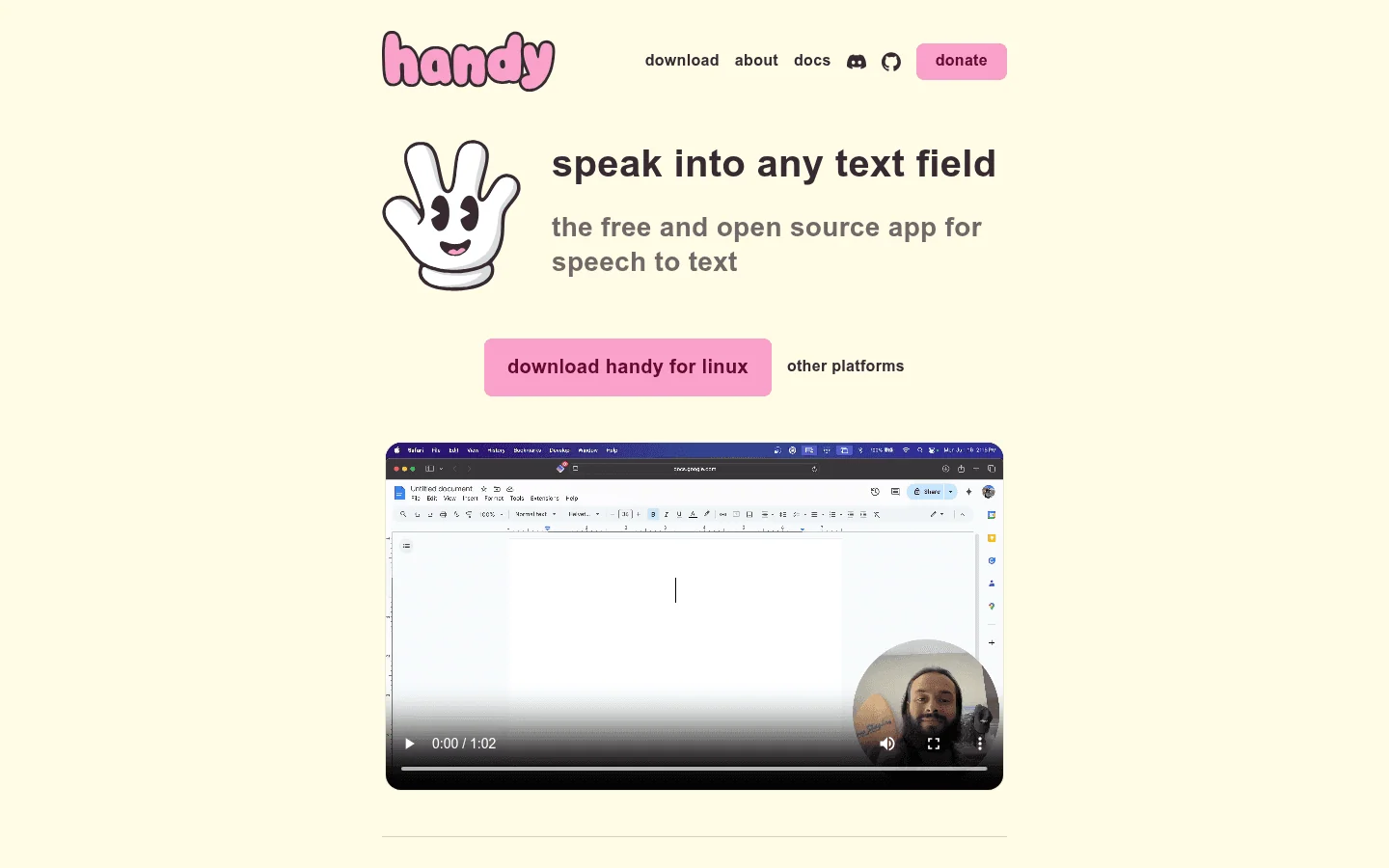
Handy is a free, open-source desktop dictation app with local speech recognition.
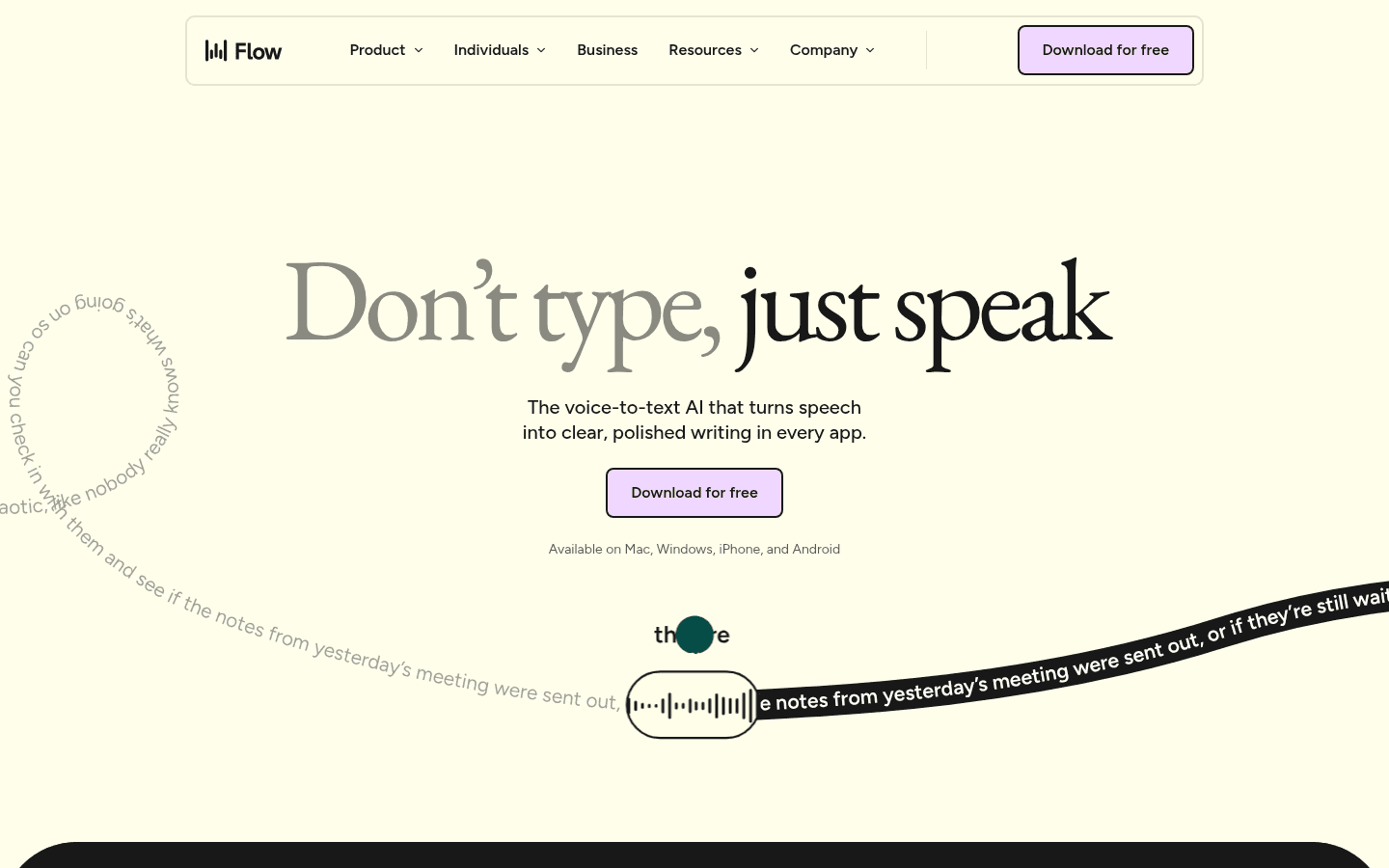
Wispr Flow is a cloud dictation service for desktop and phone, with team features and a Notetaker.
Handy vs Wispr Flow at a Glance
Category | Handy | Wispr Flow | Winner |
|---|---|---|---|
Best for | Free local dictation on the desktop | Polished cloud dictation on desktop and phone | Depends on whether you need a phone app. |
Platforms | Mac, Windows and Linux. | Mac, Windows, iPhone and Android. | Handy on Linux; Wispr Flow on phones. |
Pricing | Free; optional cloud cleanup may add provider charges. | Free weekly allowance; Pro $15/month or $144/year. | Handy. |
Offline dictation | Yes, after a model download. | No; cloud only. | Handy. |
AI cleanup | Optional, experimental post-processing. | Automatic cleanup built in. | Wispr Flow. |
Team features | None. | Shared dictionary, snippets, billing and admin controls. | Wispr Flow. |
Files and meetings | Imports audio files in version 0.10.0. | Notetaker for meetings and voice memos. | Depends on the job. |
Third option | Compare Voicy if you also write on a phone or in the browser. | Compare Voicy if you want offline desktop dictation or a lower price. | Voicy for one app on every device. |
When Handy Is the Better Choice
Handy is the better fit when you want free dictation that stays on your computer. You download a speech model, pick a shortcut, and Handy transcribes locally and pastes into the active text field. Version 0.10.0 also transcribes imported audio files. For a closer look, see our full Handy review.
You only dictate on a Mac, Windows or Linux computer.
You want to pay nothing for the app.
You want speech recognition to run on your own machine.
You are comfortable choosing a model and checking it suits your hardware.
Handy's AI cleanup is still labelled experimental and uses a separate shortcut. History can keep transcripts and recordings on disk, so set its limits if you don't want them stored.
When Wispr Flow Is the Better Choice
Wispr Flow is the better fit when you want dictation that sounds finished and follows you from laptop to phone. It cleans up your words automatically, and teams can share a dictionary and snippets. Its Notetaker adds meeting capture. For a closer look, see our full Wispr Flow review.
You dictate on both a computer and a phone.
You want automatic cleanup without setting anything up.
Your team needs shared vocabulary, billing and admin controls.
You have a reliable internet connection.
Wispr Flow does not run on Linux and needs the internet for every dictation, even with cloud storage turned off.
Where Voicy Fits
Voicy is the practical choice if neither tool covers everything you do. It runs on Mac, Windows, Linux, a browser extension, iPhone and Android, with one plan for all your devices. On the desktop, offline mode transcribes normal dictation on your computer after a one-time download, so you get Handy-style local dictation with Wispr Flow-style reach.
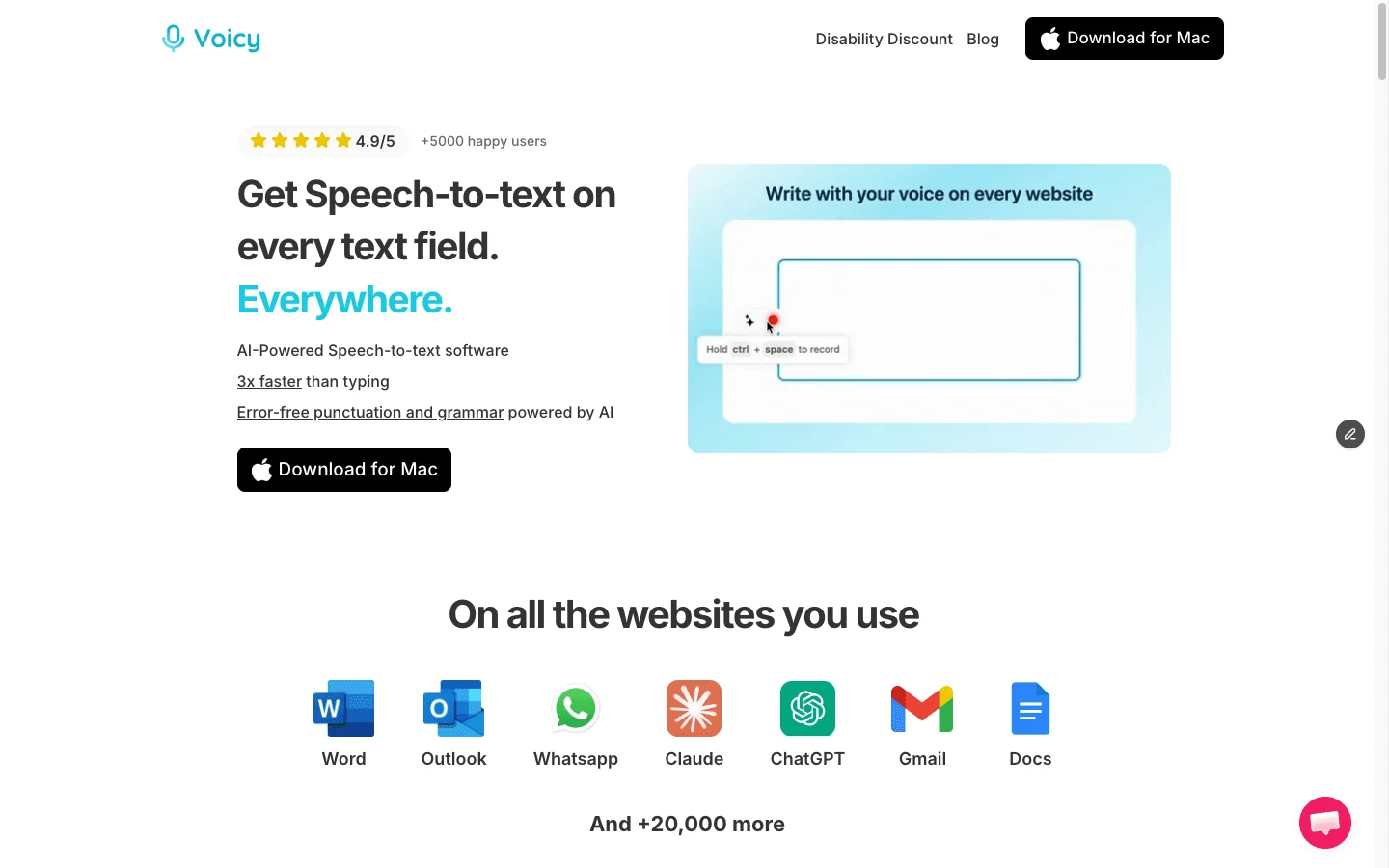
Voicy adds what neither app offers in one place:
Every device: Linux like Handy, phones like Wispr Flow, plus a browser extension for Chrome, Edge, Brave and Opera.
File transcription: upload audio or video of up to 60 minutes each and get a transcript.
Rewriting: Rewrite Mode turns rough speech into a polished email or message.
Automatic punctuation and a Dictionary for names and terms, in 50+ languages online.
Lower price: $82 a year, $62 less than Wispr Flow Pro, or $260 once for a lifetime licence.
More than 10,000 people use Voicy, and they have dictated over 500 million words. Try Voicy free: the trial includes 30 minutes of recording and every feature, with no card needed.
Pricing and Cost Over Time
Scenario | Handy | Wispr Flow Pro | Voicy | Winner |
|---|---|---|---|---|
Free use | Free app. | Free plan with a weekly allowance. | Free trial with 30 minutes of recording. | Handy. |
12 months, monthly billing | $0 | $180 | $101.88 | Handy; Voicy among paid apps. |
12 months, annual billing | $0 | $144 | $82 | Handy; Voicy among paid apps. |
3 years | $0 | $432 | $246 annual, or $260 lifetime | Voicy saves $186 against Wispr Flow. |
5 years | $0 | $720 | $410 annual, or $260 lifetime | Voicy lifetime saves $460 against Wispr Flow. |
Handy is free, but it covers desktop dictation only. Among apps that also work on your phone, Voicy costs less than Wispr Flow every year, and its lifetime licence is the cheapest long-term option.
Privacy, Cloud, and Offline Processing
Handy transcribes on your computer. Optional cloud cleanup sends text to the provider you configure. History can keep transcripts and recordings on disk; set the entry limit to zero or turn on auto-deletion if you don't want them stored.
Wispr Flow always transcribes in the cloud. Its privacy controls separate model training, cloud storage, context awareness and local history. Turning storage off does not make recognition local. Notetaker retention is managed separately, and organizational BAA controls are on Growth and Enterprise.
Voicy is cloud by default, with an offline mode in its Mac, Windows and Linux apps that keeps normal dictation audio on your computer. Rewrite Mode, Custom Modes and file transcription use the internet. Voicy does not keep normal recordings or transcripts on its servers or use them to train AI.
Bottom Line
Handy and Wispr Flow solve different problems. Handy is the best free choice for local dictation on a computer. Wispr Flow is the polished cloud choice for people who also dictate on their phone and work in teams.
If you want local dictation on your desktop, apps on your phone and browser, file transcription and a lower price than Wispr Flow, choose Voicy. It is the one app here that covers every device you write on.
FAQs
Is Handy better than Wispr Flow?
Handy is better if you want free, open-source dictation that runs locally on Mac, Windows or Linux. Wispr Flow is better if you want polished cloud dictation on desktop and phone, with team features and a Notetaker. If you want one paid app for desktop, browser and phone with file transcription, compare Voicy.
Is Handy free?
Yes. Handy is a free, MIT-licensed app with local speech recognition and no account needed. Optional cloud post-processing can add charges from the provider you connect.
How much does Wispr Flow cost?
Wispr Flow has a Free plan with a weekly dictation allowance. Pro costs $15 per user per month, or $144 per year ($12 a month) billed annually.
Does Handy work offline?
Yes. After you download a speech model, Handy transcribes on your computer without an internet connection. Optional cloud cleanup needs the internet.
Does Wispr Flow work offline?
No. Wispr Flow transcribes in the cloud, so it needs an internet connection, even when cloud storage is turned off.
Does Handy have a phone app?
No. Handy is a desktop app for Mac, Windows and Linux. Wispr Flow and Voicy both have iPhone and Android apps.
Does Wispr Flow work on Linux?
Wispr Flow lists Mac, Windows, iPhone and Android, not Linux. Handy and Voicy both have Linux apps.
Can Handy or Wispr Flow transcribe audio files?
Handy 0.10.0 can transcribe imported audio files through its History. Wispr Flow's Notetaker captures meetings and voice memos. Voicy transcribes uploaded audio and video files of up to 60 minutes each.
Where does Voicy fit in this comparison?
Voicy is the all-device option: Mac, Windows, Linux, a browser extension, iPhone and Android, with offline dictation on desktop, rewriting and file transcription. It costs $8.49 a month, $82 a year or $260 lifetime after a free trial.
Does Voicy have a free plan?
Voicy has a free trial with 30 minutes of recording and every feature, with no credit card. Paid plans are $8.49 per month, $82 per year, or $260 lifetime.