Verdict: should you use Handy?
Handy suits anyone who wants free speech-to-text on a Mac, Windows or Linux computer, without an account or a subscription. Press a shortcut, speak, and Handy pastes your words into the text field you're using. Start with the recommended Parakeet V3 model and plain dictation. Try Whisper or Cohere only if your language, numbers or accuracy need it. Its main limits are setup and scope: Linux can need extra shortcut work, AI cleanup is still Alpha, file transcription is brand new, and there is no phone app. If Handy isn't the right fit, compare the best Handy alternatives.
Handy at a glance
| Buying question | What you get |
|---|---|
| Primary use | Shortcut-based dictation into any desktop text field. |
| Platforms | Mac (Apple Silicon and Intel), Windows and Linux. No official iPhone or Android app. |
| Price | Free and open source under the MIT license; no account or paid tier. Checked November 9, 2026. |
| Speech models | Parakeet, Whisper, Cohere Transcribe, Moonshine and specialist models; you choose and download one. |
| Offline capabilities | Recognition runs locally after the model download. |
| Recordings | Audio-file transcription into History, new in v0.10.0 (November 2, 2026). |
| AI cleanup | Alpha post-processing with a cloud provider, a local endpoint or Apple Intelligence. |
| Project | Created by CJ Pais; about 38,000 GitHub stars. |
Which Handy model should you choose?
The model is the biggest decision you make in Handy. It decides your languages, how numbers appear and how hard your computer has to work. Handy is a host for several speech models, not one fixed recognition system.
| Model | Size | Languages | Best for | Tradeoff |
|---|---|---|---|---|
| Parakeet V3 | ~478 MB | 25 European | The docs' pick for most users. | Writes numbers as words; detects the language automatically. |
| Parakeet V2 | ~473 MB | English | Fast English-only dictation. | English only. |
| Whisper Small / Medium / Large / Turbo | ~487 MB / ~492 MB / ~1.1 GB / ~1.6 GB | 99+ | Wider language coverage; Medium balances speed and accuracy. | Larger sizes are slower. Small to Large can translate to English; Turbo can't. |
| Cohere Transcribe | ~1.8 GB | 14 | The docs' choice for the highest English quality. | A capable GPU is recommended; set the language yourself. |
| Moonshine | ~31–192 MB | English | Older or low-power computers. | Smaller models trade away accuracy. |
Sizes and recommendations come from Handy's model guide, checked November 9, 2026. It also lists specialist models such as Canary, GigaAM v3 for Russian and Breeze ASR for Taiwanese Mandarin. The ratings are the project's guidance, not our benchmark results.
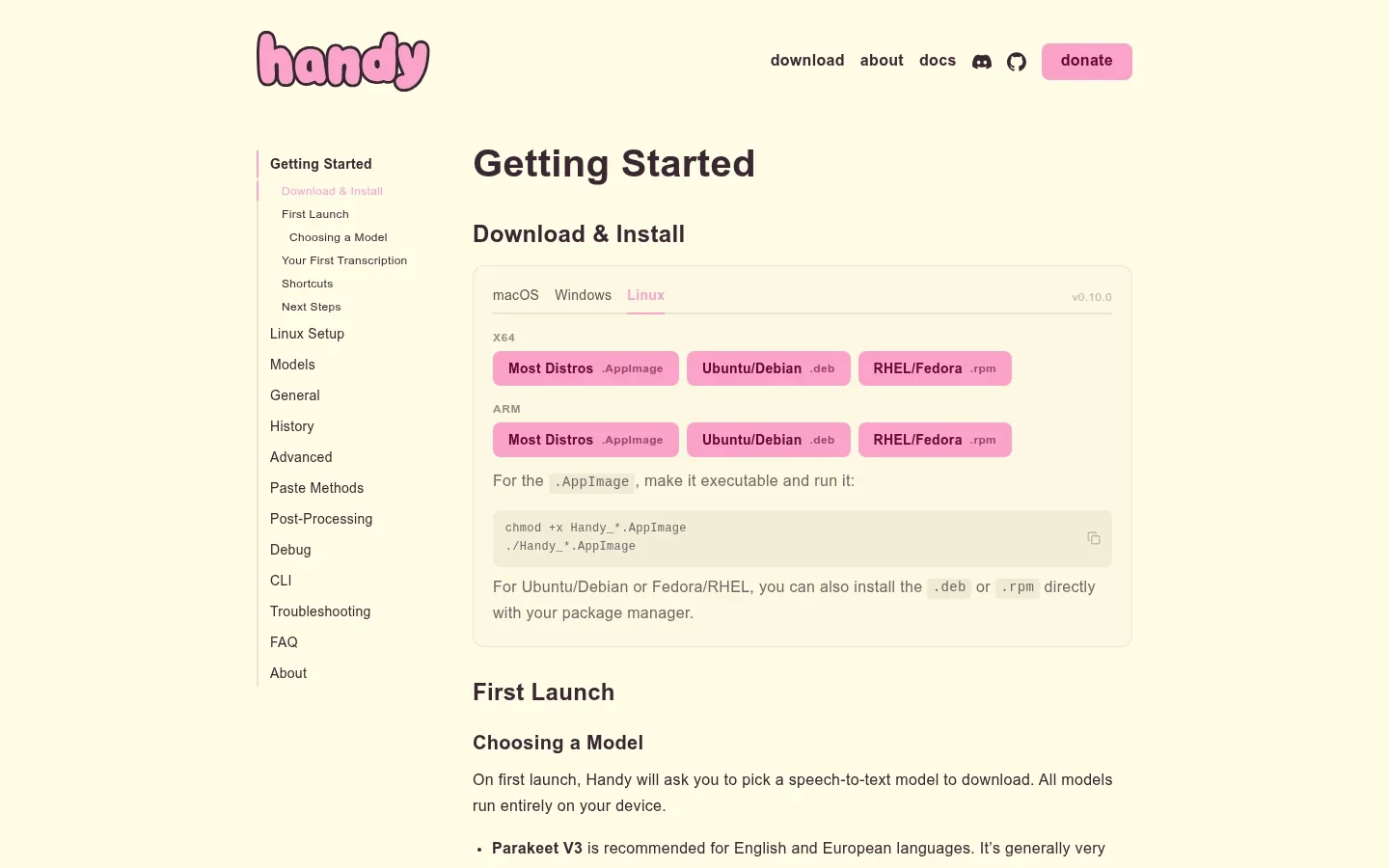
Parakeet V3 is enough if… you write in English or a major European language, your computer is reasonably recent, and you don't mind numbers sometimes spelled out as words.
Whisper or Cohere is worth trying if… your language isn't covered by Parakeet, your work is full of dates, prices or order numbers you want as digits, or you have a capable GPU and want the highest English quality. A spreadsheet of invoice numbers is a clearer reason to switch models than “bigger must be better.”
Dictating into apps: shortcut, speak, paste
Place your cursor in an email, note or AI prompt, press the shortcut, speak, then release. Handy processes the audio with your chosen model and pastes the text where your cursor is.
Push-to-talk is on by default: hold the keys while you speak. Turn it off to use toggle mode, where one press starts recording and the next press stops it. Holding suits a quick reply; toggling is easier for a long paragraph. Remap the shortcut if it clashes with your editor or operating system.
Handy describes itself as “one tool, one job.” It writes what you say into a text box. It is not a voice-control tool for navigating your computer, so check that need separately.
History and audio files: reuse and import
The History guide describes entries with timestamps, text and audio playback. You can copy a result again, star it to keep it, or delete it.
That helps when recognition works but the paste doesn't. Before recording the same paragraph again, check History. If the transcript is there, the problem is focus or pasting, not recognition.
Version 0.10.0, released November 2, 2026, adds audio-file transcription into History. That's useful for saved voice notes. It is a new feature, so test the file formats and lengths you actually use. It doesn't add meeting capture, speaker labels or summaries.
AI post-processing: cleanup with your own provider
Handy can send recognized text through a language model before pasting it. Ask for bullet points, cleaner punctuation or a shorter paragraph. The post-processing guide marks the feature Alpha and puts it behind Experimental Features in Advanced settings.
It has its own shortcut. Your normal shortcut still gives plain transcription; the post-processing shortcut runs your configured prompt and provider.
You choose where cleanup runs. Cloud providers need their own credentials and can bill you. A custom local endpoint keeps the step on your machine. On Apple Silicon Macs with macOS 26 or later, Apple Intelligence is another local option. Those requirements apply to cleanup only, not to Handy's normal dictation.
Start without it. If plain dictation already gives you usable text, a language model adds delay and another setting to manage without solving a real problem.
Accuracy and performance: what to expect
The model you pick and your microphone matter more than anything else in Handy. There is no single Handy accuracy score, because the recognition comes from whichever model you load.
- Clear English or European speech: Parakeet V3 is the recommended starting point. If the text needs little correction, there is no reason to download anything bigger.
- Numbers and amounts: the docs say Parakeet tends to write numbers as words, while Whisper can output digits. For prices, dates and order numbers, that can matter more than a small speed difference.
- Other languages: Parakeet V3 covers 25 European languages, Cohere 14, Moonshine and Parakeet V2 English only. For anything else, use Whisper.
- Names and technical terms: add recurring names and terms to custom words, then still check them. A fluent sentence can contain the wrong surname.
- Hardware and speed: larger models use more storage and processing time. The docs describe GPU acceleration for Whisper and Cohere (Metal on Mac, Vulkan on Windows and Linux); other model families currently run on the CPU. On an older machine, start with Moonshine or a small Whisper model.
Before settling on a model, test the same paragraph with two of them. Include a surname, an amount and a sentence in your normal language. Count the corrections and the wait, then repeat with your usual microphone.
Practical limitations to check before switching
Linux setup. Wayland can need a desktop-level shortcut and a compatible text-input helper. The Linux setup guide covers this, and our speech-to-text on Linux guide compares Handy with other Linux options. The repository also notes that the recording overlay can steal focus and block pasting; turning the overlay off can help.
Paste reliability. If History has the right words but the target field doesn't, check focus, paste method and timing. The troubleshooting instructions describe paste-delay settings and an experimental Reliable Paste option on Mac and Windows.
Mac permissions. Grant microphone and Accessibility permission, then test a short sentence in your real work app. Recognizing words is half the job; getting them into the right field is the other half.
No phone app. Handy is desktop only. There is no official iPhone or Android app.
Experimental features. AI post-processing is Alpha and file transcription is new. Both may change between releases.
Extra charges. Handy is free, but a cloud cleanup provider bills you under its own terms. A free app doesn't include free API usage.
Privacy and offline use: follow the whole workflow
Handy's normal transcription runs on your device and sends no audio or text to its maintainers. Its privacy policy, effective September 18, 2026, also says the app has no advertising, behavioral analytics or tracking telemetry.
Check both steps. Recognition is local, but cloud post-processing sends your transcript, prompt and request details to the provider you chose. To keep everything local, leave post-processing off or use a local endpoint or Apple Intelligence.
Handy does connect to the internet for software updates and model downloads. Those services see normal request details, such as your IP address.
Then check storage. History keeps transcripts and audio on your computer. The policy says history and settings have no separate application-level encryption, so their protection depends on your operating-system account. Shorten retention or set the history limit to zero before dictating sensitive material. Our dictation privacy comparison separates these processing and storage decisions.
Handy alternatives: which fits your workflow?
Handy vs Voicy: which suits everyday writing?
Handy is a free desktop tool you set up yourself. Voicy is a complete writing app: install it, click a text field and speak, on your computer, your phone or in the browser. Automatic punctuation, grammar fixes and AI rewriting are built in, with no models or API keys to manage. Over 500 million words have been dictated with Voicy.
| Buying criterion | Handy | Voicy |
|---|---|---|
| Primary workflow | Shortcut dictation into desktop apps. | Ready-to-send writing in any app or website, with automatic punctuation and grammar; recordings can be transcribed too. |
| Platform coverage | Mac, Windows and Linux desktop; no phone app. | Mac, Windows, Linux, iPhone, Android and a Chrome extension. One plan covers unlimited personal devices. |
| Setup | Choose and download a speech model; Linux on Wayland can need extra shortcut setup. | Install, click a text field and speak. Online dictation needs no model to choose; offline mode is an optional download. |
| Languages | Depends on the model: 25 for Parakeet V3, 99+ for Whisper. | 50+ languages online; the offline model has its own, smaller list. |
| Offline availability | Local recognition with any downloaded model. | Optional offline dictation on Mac, Windows and Linux after a model download (macOS 15+ on Mac). |
| AI rewriting | Alpha post-processing with your own cloud provider, a local endpoint or Apple Intelligence. | Built in: Rewrite Mode for selected text and Custom Modes for new dictation, with no API keys to manage. Both run online. |
| Uploaded/imported files | Audio-file transcription into History, new in v0.10.0. | Audio and video transcription up to 60 minutes per file; copy the text or download it as TXT. |
| Pricing | Free; donations optional. Cloud providers can bill separately. | Free trial with 30 minutes of recording and every feature, no card needed. Then $8.49/month, $82/year or $260 once; 20% student and disability discounts. |
Voicy's guides cover file transcription, offline mode, Rewrite Mode and pricing.
Handy fits best if you want free, no-account dictation on a desktop computer and are happy to pick and maintain a model.
Voicy fits best if you also write on iPhone, Android or in the browser, want AI rewriting without configuring a provider, or need to transcribe recordings of up to an hour. For a side-by-side comparison, see Voicy vs Handy.
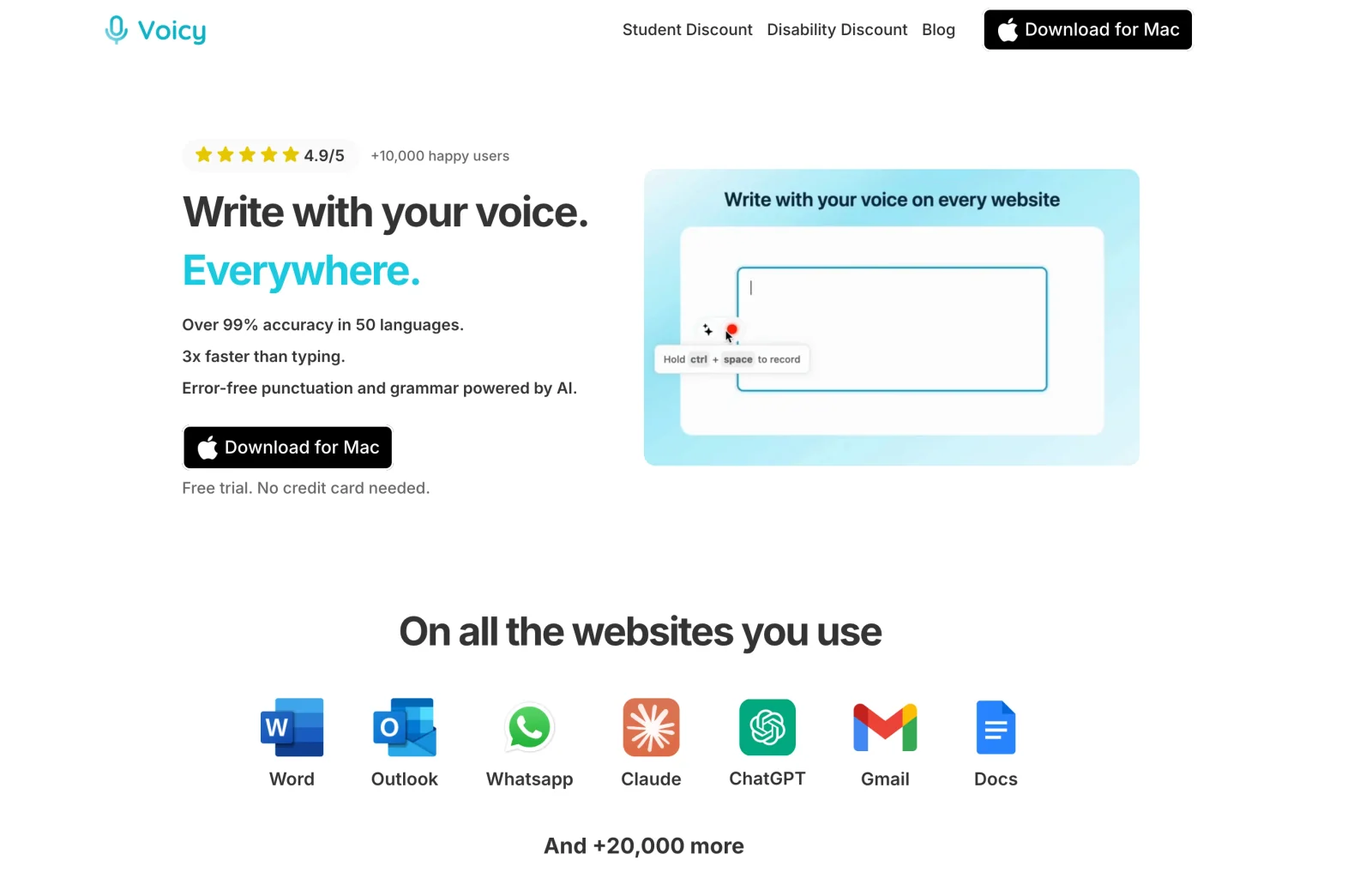
Want it on your phone too? Try Voicy free with a real email or note. The trial includes 30 minutes of recording and every feature, with no card needed.
Three other options worth a quick look
Built-in dictation: for occasional messages, Apple Dictation on Mac or Windows voice typing (Win + H) costs nothing and needs no model download.
OpenWhispr: also free and MIT-licensed, but it adds meeting notes, an AI assistant and optional paid cloud plans. Read our OpenWhispr review if meetings matter to you.
FluidVoice: on a recent Mac, it offers built-in local text cleanup that Handy only has as an experimental feature. Windows and iPhone are still in beta. See our FluidVoice review.
Final recommendation: Handy, a different model or another app?
- Use Handy with Parakeet V3 if you want free desktop dictation in English or a major European language. Test it in your main app before changing anything else.
- Switch models, not apps, if numbers, your language or accuracy are the problem. Try Whisper for digits and wider language coverage, or Cohere on a computer with a capable GPU.
- Choose Voicy if you also dictate on your phone or in the browser, or want AI rewriting and file transcription built in, with nothing to configure.
FAQs
Is Handy completely free?
Yes. Handy is free and open source under the MIT license, with no account and no paid tier. Donations and sponsorships are optional. If you choose a paid cloud provider for AI post-processing, that provider bills you separately.
Does Handy work offline?
Yes. Speech recognition runs on your computer after you download a model. AI post-processing with a cloud provider needs internet; leave it off or use a local endpoint or Apple Intelligence to keep that step local too.
Does Handy support Mac, Windows and Linux?
Yes. Official downloads cover all three, including Apple Silicon and Intel Mac installers. On Linux, especially Wayland, shortcuts and text input can need extra setup. There is no official iPhone or Android app.
Which Handy speech model should I choose?
The docs recommend Parakeet V3 for most users, covering English and 24 other European languages. Choose Whisper for wider language coverage or digits instead of spelled-out numbers, Cohere Transcribe for the highest English quality on a capable GPU, and Moonshine for older machines.
Can Handy transcribe audio files?
Yes. Version 0.10.0, released November 2, 2026, adds audio-file transcription into History. It is a new feature, so test your own file formats and lengths. It does not add meeting capture or speaker labels.
Does Handy offer AI text cleanup?
Yes, as an Alpha feature under Experimental Features. Post-processing has its own shortcut and works with selected cloud providers, a custom local endpoint, or Apple Intelligence on Apple Silicon Macs running macOS 26 or later.
Does Handy store my recordings?
It can. History keeps transcripts and audio locally, and you can shorten retention, delete entries or set the history limit to zero. The privacy policy says local history and settings have no separate application-level encryption.
Handy or OpenWhispr: which should I use?
Both are free, MIT-licensed desktop apps with local models. Handy is simpler: no account, no paid tiers and a focus on dictation. OpenWhispr adds meeting notes, an AI assistant and optional paid cloud plans. Pick Handy for plain voice typing and OpenWhispr if you also want meetings.
Is Handy better than Voicy?
They suit different people. Handy is free, local desktop dictation you set up yourself. Voicy is a complete writing app for your computer, phone and browser, with automatic punctuation, AI rewriting and file transcription built in and no models to manage. Its free trial includes 30 minutes of recording.
 Download for free
 Download for free
 Download for Ubuntu/Debian
 Add to Chrome for free