Verdict: should you use FluidVoice?
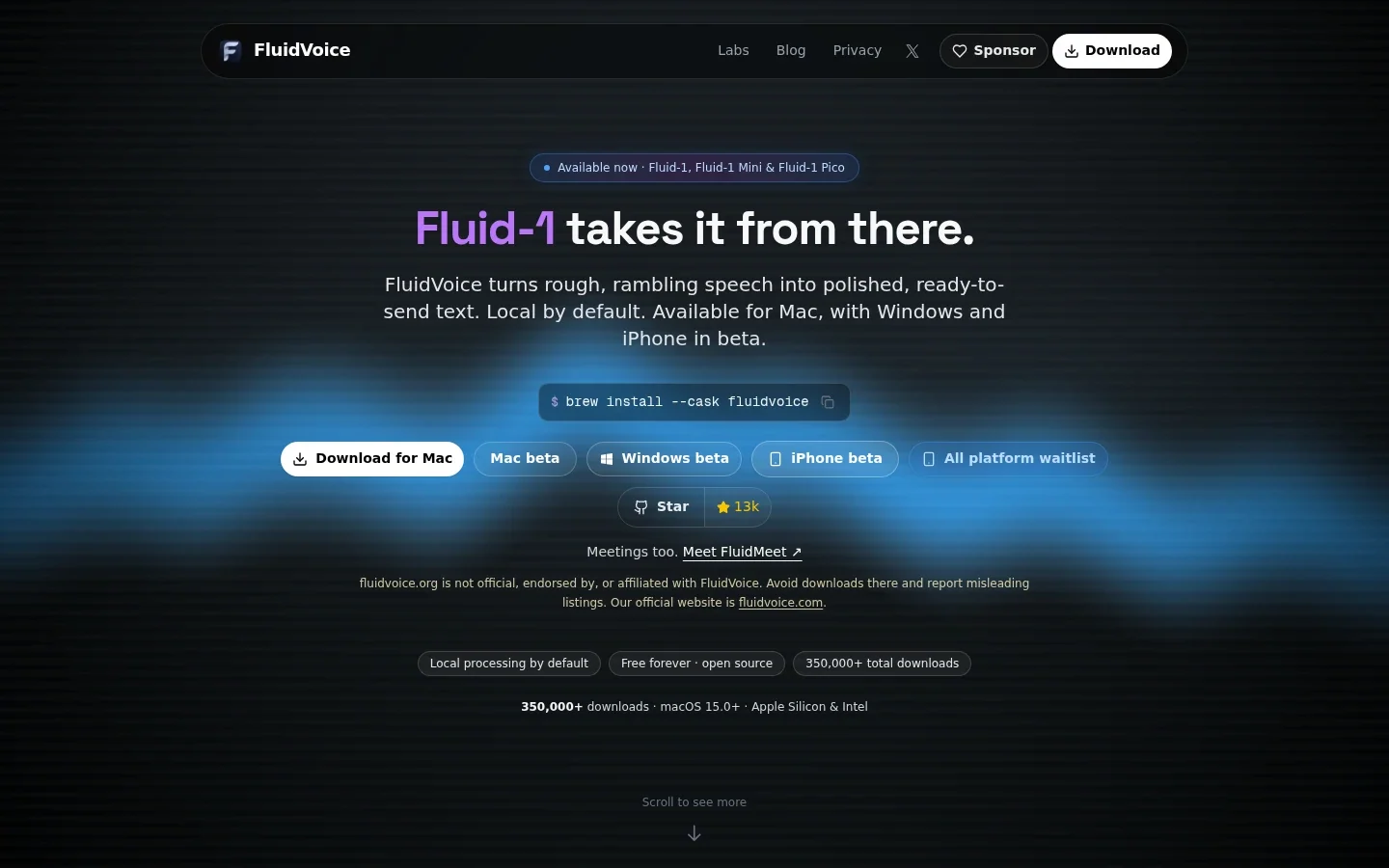
FluidVoice suits Mac users who want free dictation into any app, with the option to clean up rough speech on the Mac itself. Start with plain dictation and one speech model. Add Fluid Intelligence, its local cleanup layer, when you want fillers removed and text formatted for you. Its main limits are platform maturity and setup: Windows and iPhone are betas, Linux and Android are waitlisted, and the model you choose decides your languages, speed and hardware needs. If FluidVoice isn't the right fit, compare the best offline dictation software.
FluidVoice at a glance
| Buying question | What you get |
|---|---|
| Primary use | Dictation into any Mac text field, with optional local or cloud text cleanup. |
| Platforms | Mac (macOS 15.0 or later, Apple Silicon and Intel). Windows and iPhone in beta; Linux and Android waitlisted. |
| Price | Free, with no paid tiers. Optional sponsorship. Checked November 9, 2026. |
| Speech models | Nemotron, Parakeet, Cohere Transcribe, Apple Speech and Whisper. 40+ languages across models. |
| Offline capabilities | Local speech models and local Fluid Intelligence cleanup work without internet. |
| Writing modes | Direct Dictation, Write Mode, Command Mode and per-app prompts. |
| Meetings | FluidMeet meeting recording, speaker editing and summaries in current Mac releases. |
| Source | App open source under GPLv3; Fluid Intelligence runtime maintained privately. Current Mac release v1.6.12, October 22, 2026. |
Plain dictation vs Fluid Intelligence: what does cleanup add?
Cleanup changes what you get back, not just how fast you get it. A speech model writes down what you said. Fluid Intelligence then rewrites that transcript with a local Fluid-1 model: it strips fillers, fixes casing, formats structure and matches the tone of the app you're in.
| Part of the workflow | Plain dictation | With Fluid Intelligence |
|---|---|---|
| Output | Your words as recognized, with punctuation from the speech model. | Fillers removed, casing fixed and structure formatted; tone can follow per-app prompts. |
| Download | One speech model, from about 75 MB (Whisper Tiny) to about 2.9 GB (Whisper Large). | A Fluid-1 model as well: Pico 600 MB, Mini under 1.5 GB. The README budgets about 3.5 GB of disk for the full model. |
| Hardware | Whisper and Apple Speech run on Intel and Apple Silicon; other engines need Apple Silicon. | The vendor suggests Fluid Speech Mini plus Pico, under 1 GB combined, as a starting point for a base M1 Air. |
| Privacy | Audio and text stay on the Mac with a local speech model. | Stays local with Fluid Intelligence. Choosing OpenAI, Groq or a custom cloud provider instead sends your text to that provider. |
| Risk to check | Misheard names, numbers and technical terms. | The same, plus rewrites that can change a date, a promise or a “do not.” |
These details come from the official site and the project README, checked November 9, 2026. The cleanup sizes and the M1 Air pairing are vendor guidance, not our measurements.
Plain dictation is enough if… you mostly write short messages and notes, you already speak in fairly finished sentences, and a few punctuation fixes don't bother you.
Fluid Intelligence is worth adding if… you think out loud, with “um”s and mid-sentence changes of mind, and you want text you can send without tidying it first. A long Slack update dictated while walking is a clearer reason to turn it on than “AI must be better.”
Dictating into apps: the core workflow
Put your cursor in an email, document, chat or terminal, hold your hotkey and speak. FluidVoice inserts the text through macOS accessibility features, so it works the same way in most apps. A live preview overlay shows words as they arrive.
Direct Dictation keeps your wording. Use it when exact phrasing matters, such as a quote or a reply to a client. You can hold Space to mute while you think, then release it to carry on with the same recording.
Test it in the apps you use most before you rely on it. Text insertion depends on focus and Accessibility permission, so check that the words land where your cursor is.
Writing and commands: two modes for two jobs
Write Mode writes or rewrites text in any text field. Select a rough paragraph and ask for a shorter version, or dictate new content inline. Per-app prompts let you set a casual style in Slack, a formal one in Mail and a structured one in GitHub. FluidVoice detects the focused app and picks the matching prompt.
Start with one simple instruction, such as “keep my wording; fix punctuation.” Add tone rules only when they solve a real problem. With a long set of instructions, it gets hard to tell whether a mistake came from recognition or from the rewrite.
Command Mode acts on spoken instructions instead of writing them down: launching apps, running shortcuts and triggering system actions. That is a different task from dictation. Say a command only when you mean the Mac to act on it.
Meetings: FluidMeet in current releases
Current Mac release notes describe FluidMeet meeting recording, transcript exports, speaker editing and summaries from Fluid Intelligence or your own provider. That makes FluidVoice more than a hotkey tool, but it is a newer part of the product than dictation.
Record a real call before you rely on it. Check that both your microphone and the other speakers are captured, and that speaker labels are right. Get any consent you need from the people on the call. A clean summary is still a draft; check who agreed to each action.
Accuracy and performance: what to expect
Your speech model sets your languages, speed and hardware needs. FluidVoice hosts several engines, and each makes different tradeoffs.
| Model | Best for | Languages | Download | Hardware |
|---|---|---|---|---|
| Nemotron Speech 3.5 | Streaming multilingual dictation | ~40 | ~670 MB | Apple Silicon |
| Parakeet Flash (beta) | Lowest-latency live English | English | ~250 MB | Apple Silicon |
| Parakeet TDT v3 / v2 | Fast default (v3); fastest English-only (v2) | 25 / English | ~500 MB | Apple Silicon |
| Cohere Transcribe | Higher-accuracy multilingual | 14 | ~1.4 GB | Apple Silicon |
| Apple Speech | No download | System languages | Built in | Apple Silicon and Intel |
| Whisper Tiny to Large | Broad compatibility, including Intel | Up to 99 | ~75 MB to ~2.9 GB | Apple Silicon and Intel |
Sizes and languages come from the README model table, checked November 9, 2026.
- Clear English speech: Parakeet is the vendor's fast default. If the text needs little correction, there is no reason to try anything larger.
- Other languages: “40+ languages” is a total across models, not a promise for each one. Check that your language is on the list for the model you pick. Parakeet v3 covers 25 languages; Whisper covers the most.
- Names, numbers and technical terms: check client names, amounts and acronyms. A fluent sentence can still contain the wrong figure, and cleanup can make a wrong word look more convincing.
- Older or Intel Macs: use Whisper or Apple Speech. Larger Whisper models are slower and use more memory, so start small and move up only if accuracy needs it.
- Speed claims: the site's near-instant figures and “~3.7x faster than typing” are vendor claims, not our measurements. A quick model that leaves more to fix may be slower overall.
Before making it your daily tool, test a real work email on your Mac. Include a surname, an amount and a sentence in your usual language. Try it with and without cleanup, and count the corrections you make before you could send it.
Practical limitations to check before switching
Platform maturity. The Mac app is the established version. Windows and iPhone are betas, and Linux and Android are waitlists. If you write on more than one device, that matters more than any model choice.
Hardware and storage. You need macOS 15.0 or later. Most engines need Apple Silicon, and the optional cleanup model takes extra disk space. On an older Intel Mac, you're limited to Whisper and Apple Speech.
Not every component is open source. The app is GPLv3, but the README describes Fluid Intelligence as a privately maintained runtime. You can't inspect that part the way you can inspect the app's code.
Download from the right site. The project warns that fluidvoice.org is not affiliated with it. Use fluidvoice.com, its GitHub releases or Homebrew (brew install --cask fluidvoice).
Extra charges. The app is free, but a cloud cleanup provider such as OpenAI or Groq bills you under its own terms. A ChatGPT subscription is not the same as API credit.
Privacy and offline use: follow the whole workflow
With a local speech model and local Fluid Intelligence, your audio and dictated text stay on your Mac. The README's privacy section says content leaves the machine only when you opt in to a cloud AI provider.
Check both steps. A local speech model with a cloud cleanup provider still sends your transcript to that provider. To keep the whole workflow offline, use local models for both, then test with Wi-Fi off.
“Local” doesn't mean no network activity. The repository describes an anonymous activity signal per day, uploaded weekly, plus detailed anonymous analytics that are on by default. You can switch the detailed analytics off in Settings; the weekly activity batch still goes. The project says audio, dictated text, prompts and AI responses are never collected. Updates and model downloads also use the network.
Audio history is optional and stored locally. On a shared or work-managed Mac, review history settings as well as cloud settings. For regulated work, local processing alone is not a substitute for your organization's approval. Our dictation privacy comparison separates these processing and storage decisions.
FluidVoice alternatives: which fits your workflow?
FluidVoice vs Voicy: which suits everyday writing?
FluidVoice is built around one Mac. Voicy is built around everywhere you write: one plan covers your Mac, Windows or Linux computer, iPhone, Android phone and browser, with automatic punctuation and grammar and nothing to configure first. Over 500 million words have been dictated with Voicy.
| Buying criterion | FluidVoice | Voicy |
|---|---|---|
| Primary workflow | Dictation into Mac apps, with local cleanup, writing and command modes. | Ready-to-send writing in any app or website, with automatic punctuation and grammar; recordings can be transcribed too. |
| Platform coverage | Mac. Windows and iPhone betas; Linux and Android waitlisted. | Mac, Windows, Linux, iPhone, Android and a Chrome extension. One plan covers unlimited personal devices. |
| Setup | Grant permissions, then choose and download a speech model; add a cleanup model if you want one. | Install, click a text field and speak. Online dictation needs no model to choose; offline mode is an optional download. |
| Languages | 40+ across models; coverage depends on the engine you pick. | 50+ languages online; the offline model has its own, smaller list. |
| Offline availability | Local speech and local Fluid Intelligence cleanup on compatible Macs. | Optional offline dictation on Mac, Windows and Linux after a model download (macOS 15+ on Mac). |
| AI rewriting | Local Fluid Intelligence, or OpenAI, Groq and custom providers with your own keys. | Built in: Rewrite Mode for selected text and Custom Modes for new dictation, with no API keys to manage. Both run online. |
| Uploaded/imported files | Not the main workflow; FluidMeet covers meeting recordings. | Audio and video transcription up to 60 minutes per file; copy the text or download it as TXT. |
| Pricing | Free, with optional sponsorship. Cloud providers can bill separately. | Free trial with 30 minutes of recording and every feature, no card needed. Then $8.49/month, $82/year or $260 once; 20% student and disability discounts. |
Voicy's guides cover file transcription, offline mode, Rewrite Mode and pricing.
FluidVoice fits best if you work on one compatible Mac and want free dictation with cleanup that never leaves the device.
Voicy fits best if you write on more than one device, want polished text without choosing and downloading models, or need to transcribe recordings as well.
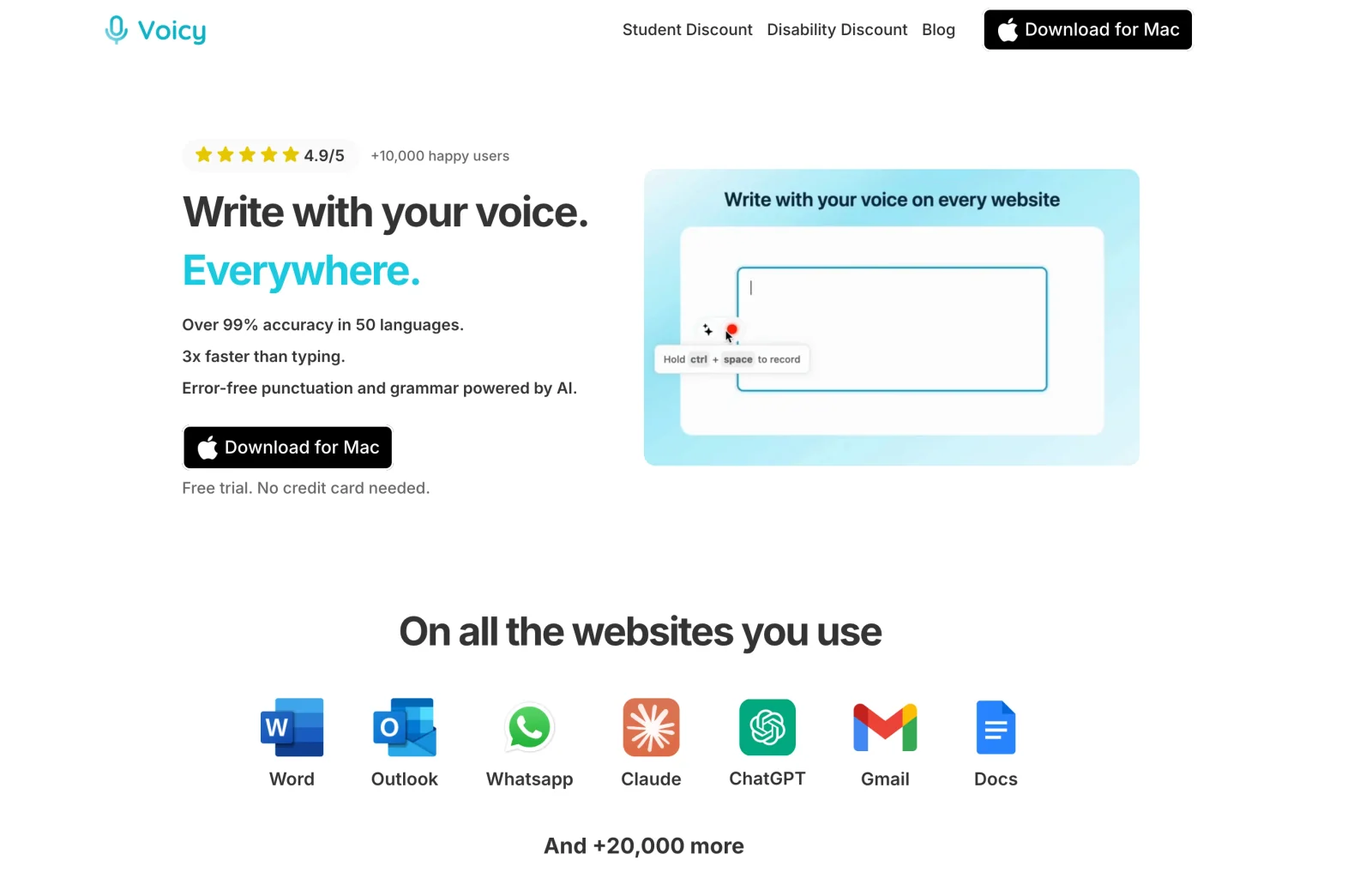
Write on more than one device? Try Voicy free with a real email or note. The trial includes 30 minutes of recording and every feature, with no card needed.
Three other options worth a quick look
Apple Dictation: free and already on your Mac. Try Apple's built-in Dictation first for occasional messages. It has no cleanup step or per-app prompts.
MacWhisper: choose it if your main job is transcribing recorded interviews, lectures or videos rather than dictating. Pro is listed at €64 once on its website. Read our MacWhisper review or the MacWhisper alternatives guide.
Handy or OpenWhispr: Handy is a free, open-source dictation app with stable releases on Mac, Windows and Linux. OpenWhispr adds meeting notes and an optional paid cloud plan.
Final recommendation: FluidVoice, Fluid Intelligence or another app?
- Use plain FluidVoice if you have a Mac on macOS 15 or later and want free dictation into any app. Pick one speech model for your language and test it in your main apps.
- Add Fluid Intelligence if you dictate rough, spoken-style drafts and want cleaner text without sending it to a cloud service. Start with the smallest cleanup model that does the job.
- Choose Voicy if you write on more than one device or want ready-to-send text without setting up models. One plan covers your computer, phone and browser.
FAQs
Is FluidVoice free?
Yes. The official site says FluidVoice is free forever, with no paid tiers; development is supported by optional sponsorship. Optional cloud AI providers bill separately, and local models use your Mac's storage and processing power.
Does FluidVoice work offline?
Yes, on a compatible Mac. Downloaded speech models handle recognition, and local Fluid Intelligence can handle cleanup without internet. If you connect OpenAI, Groq or another cloud provider for cleanup, that step needs internet and sends your text to that provider.
Does FluidVoice support Windows, iPhone and Android?
The official site, checked November 9, 2026, lists Windows and iPhone as betas alongside the established Mac app. Linux and Android are waitlisted. Do not expect beta versions to match every Mac feature.
What Mac does FluidVoice require?
macOS 15.0 (Sequoia) or later. Intel Macs are supported through Whisper models and Apple Speech; Nemotron, Parakeet and Cohere require Apple Silicon. The optional Fluid Intelligence model needs extra disk space.
Is FluidVoice better than MacWhisper?
They lead with different jobs. FluidVoice is built for dictating into any app, with local cleanup, and is free. MacWhisper is built around transcribing audio and video files, with Pro listed at €64 once on its website. Choose by whether you mostly dictate or mostly transcribe recordings.
Is Fluid Intelligence open source?
No. The FluidVoice app is GPLv3, but its README describes Fluid Intelligence as a separate, privately maintained local runtime. The app works without it, using any supported speech model and optional cloud providers.
Does FluidVoice collect analytics?
Yes, anonymously. The repository describes one activity signal per day, uploaded weekly, plus detailed anonymous analytics that are on by default and can be switched off. The project says audio, dictated text, prompts and AI responses are not collected.
Can FluidVoice take meeting notes?
Current Mac release notes describe FluidMeet meeting recording, transcript exports, speaker editing and local or bring-your-own-provider summaries. Test it on a real call before relying on it, and obtain any consent you need.
Should I choose FluidVoice or Voicy?
Choose FluidVoice if free local dictation on a single Mac covers what you need. Choose Voicy if you write on more than one device: one plan covers Mac, Windows, Linux, iPhone, Android and the browser, with automatic punctuation, AI rewriting and file transcription built in.
 Download for free
 Download for free
 Download for Ubuntu/Debian
 Add to Chrome for free