
Summary
Best overall for seniors: Voicy - tap one key to start and stop, automatic punctuation, and the same app on computer and phone.
Best free option on iPhone and Mac: Apple Dictation - already built in; tap the microphone on the keyboard.
Best free option on Android: Gboard voice typing - the microphone on your phone's keyboard.
Best free option on a Windows PC: Windows voice typing - press the Windows key + H.
Best if you write letters in Word: Microsoft Word Dictate - included with Microsoft 365.
Best for writing stories and memoirs in a browser: Google Docs voice typing - free in Chrome, Edge and Safari.
Best for heavy Windows users who want voice commands: Dragon Professional 16.
Dictation lets you write by talking. You speak, and the words appear on the screen: an email to the family, a text message, a letter, a shopping list or the next chapter of your memoir. For anyone whose fingers are stiff, whose eyes tire from small keys, or who simply never liked typing, it can make writing feel easy again.
This guide is written for seniors and for the family members who help them. It covers the free tools already on your phone or computer, when a paid app is worth it, and how to set things up so the first try goes well. Prices and features were checked on official sites on November 10, 2026.
Top Picks At A Glance
| Tool | Best for | Works on | How to start | Needs internet? | Cost |
|---|---|---|---|---|---|
| Voicy | Writing in any app, on every device | Mac, Windows, Linux, iPhone, Android, browser | Tap one key to start, tap again to stop | No on computers, after a one-time download | Free trial; $8.49/month, $82/year or $260 once |
| Apple Dictation | iPhone, iPad and Mac owners | Apple devices | Tap the keyboard microphone, or the Mac's Dictation key | Depends on device and settings | Free |
| Gboard | Texts on Android phones | Android | Tap the microphone on the keyboard | Varies by phone | Free |
| Windows voice typing | Short emails on a PC | Windows | Windows key + H | Yes | Free |
| Word Dictate | Letters and documents in Word | Windows, Mac, web | Home, then Dictate | Yes | Microsoft 365 subscription |
| Google Docs voice typing | Long stories in a browser | Chrome, Edge, Safari | Tools, then Voice typing | Yes | Free |
| Dragon Professional 16 | Daily long writing and voice commands | Windows | Turn on the microphone in Dragon | No | About $699 one-time |
Key Takeaways
Start with what you already have. Every iPhone, Android phone, Mac and Windows PC can already take dictation for free.
Choose by how easy it is to start and stop. One tap is easier than holding keys down.
Pay only for a clear improvement, such as the same app on phone and computer, better punctuation, or tidying up a rambling message.
Dictation writes; it doesn't click. To control the whole device by voice, use Voice Control or Voice Access.
A family helper makes all the difference for the first session.
1. Voicy: Best Overall For Seniors
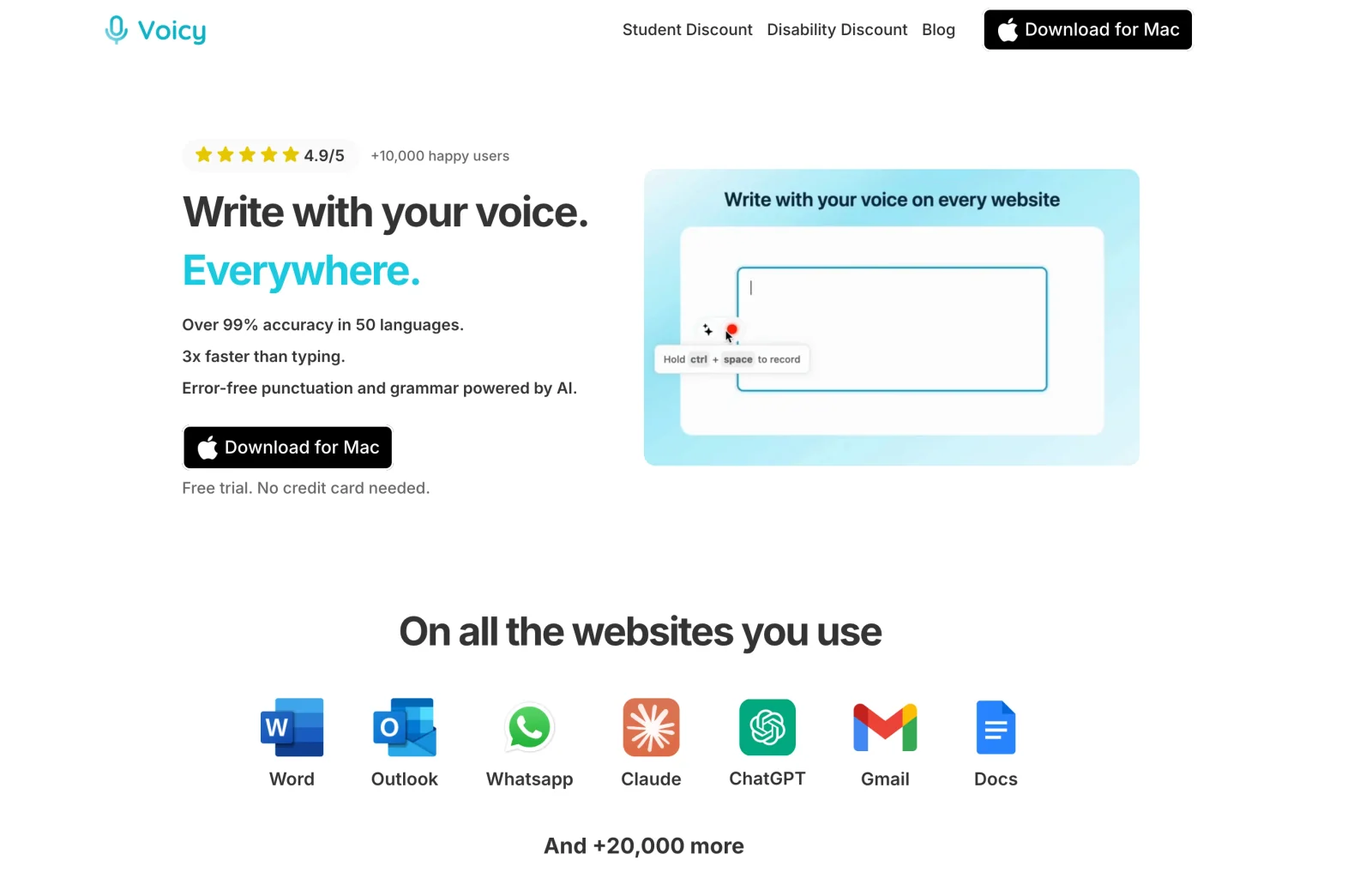
Voicy is a dictation app that works the same way everywhere you write. On a computer, you tap one key to start, talk, and tap the same key to stop. Your words appear where the cursor is, with commas and full stops added for you. There is no key to hold down and no combination to remember.
Why It Suits Seniors
One tap to start, one tap to stop. Easier on stiff or painful fingers than holding keys down.
Works in every app. Email, Facebook, WhatsApp on the web, Word, Google Docs or a booking form: if you can click in it, you can talk into it.
The same app on computer and phone. Mac, Windows and Linux, plus iPhone and Android apps and a browser extension. One plan covers all your devices.
Automatic punctuation. You don't have to say "comma" or "period" unless you want to. The punctuation commands are there if you do.
Rewrite Mode tidies a ramble. Say what you mean in your own words, and Voicy turns it into a clear, polite message. Read it before you send.
Dictionary for family names. Teach Voicy the grandchildren's names and the street you live on.
Offline mode on computers. After a one-time download, plain dictation works without the internet, and your voice stays on your computer.
50+ languages online, handy for writing to family abroad.
Pros
Tap once to start, no keys to hold
One app for computer, phone and browser
Punctuation added automatically
Rewrite Mode turns rough speech into a neat message
Free trial with no card; 20% disability discount without proof
Cons
Needs a one-time install and setup, best done with a helper.
Paid after the 30-minute trial.
Types text only; it doesn't open apps or click buttons.
Offline mode is for computers, not phones.
Pricing
The free trial gives you 30 minutes of recording with every feature and no credit card. After that, Voicy costs $8.49 a month, $82 a year or $260 once for a lifetime licence. People with disabilities can claim a 20% discount by email, and Voicy says no proof is needed. If you're unsure, try the monthly plan first.
Best For
Seniors who write on both a computer and a phone.
Anyone with arthritis, a tremor or hand pain who wants to type less.
People writing longer emails, letters or life stories.
Families setting up one simple tool for a parent or grandparent.
2. Apple Dictation: Best Free Option On iPhone And Mac
If you have an iPhone, iPad or Mac, dictation is already there. On an iPhone, tap in a message, then tap the small microphone on the keyboard and talk. On a Mac, press the Dictation key (the microphone key on newer keyboards) or choose Edit, then Start Dictation.
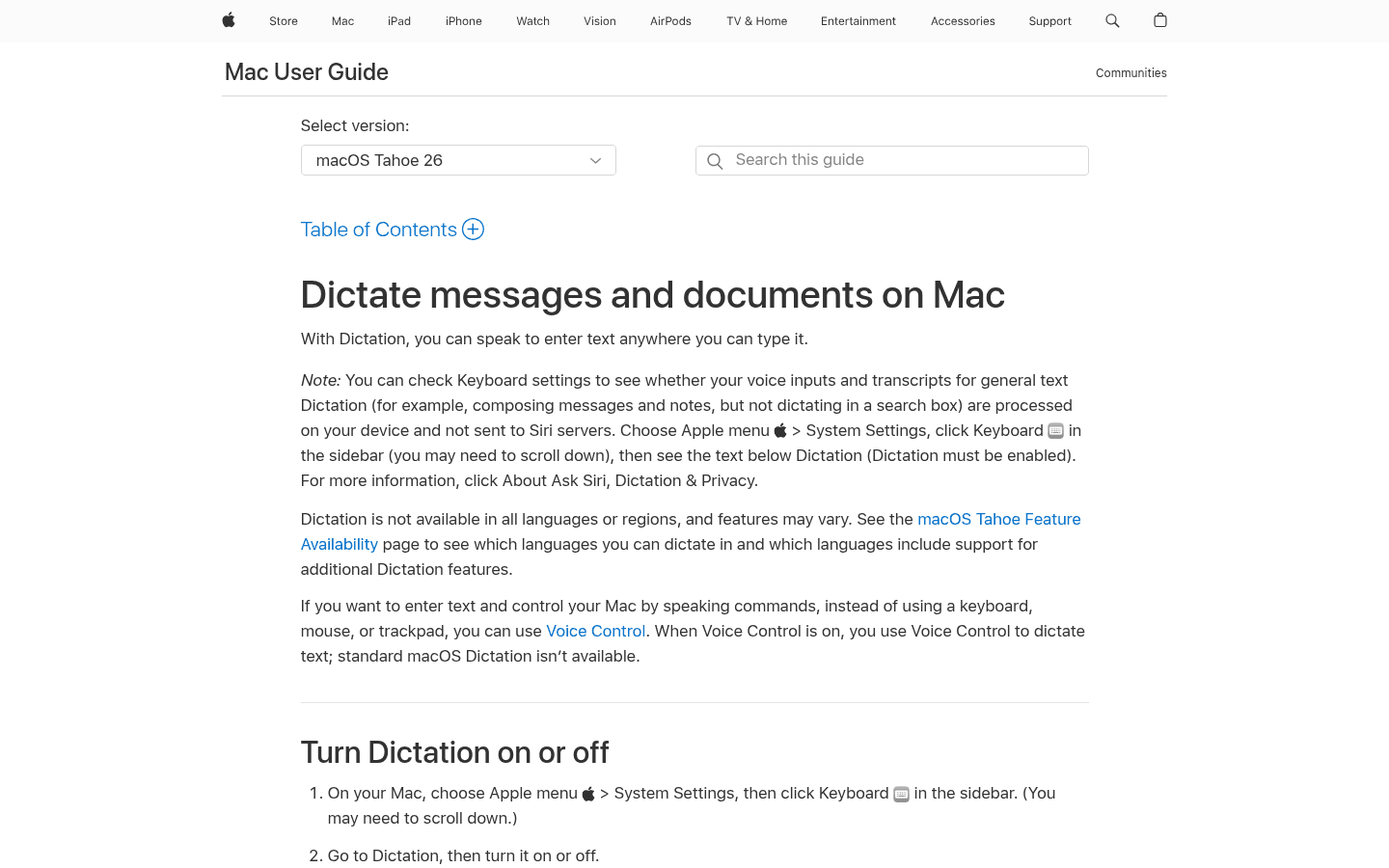
Apple's Mac Dictation guide says it adds commas, full stops and question marks automatically in supported languages, and you can dictate any length of text. It stops if you are silent for 30 seconds. See our Apple Dictation review for more.
Pros
Free and already installed
Automatic punctuation on Mac
No time limit while you keep talking
Cons
Apple devices only
Stops after 30 seconds of silence, which can surprise slower speakers
3. Gboard Voice Typing: Best Free Option On Android
Most Android phones use Gboard, Google's keyboard. Tap in a text box, tap the microphone at the top of the keyboard and speak when you see "Speak now".
Google's voice typing guide lists spoken punctuation such as "period", "comma", "question mark" and "new line". Features vary by phone and language.
Pros
Free and already on most Android phones
Right where you write your texts
Cons
Fixing a wrong word means tapping on a small screen
Features differ from phone to phone
4. Windows Voice Typing: Best Free Option On A PC
On a Windows computer, click in a text box and press the Windows logo key and H together. A small microphone box appears; start talking.
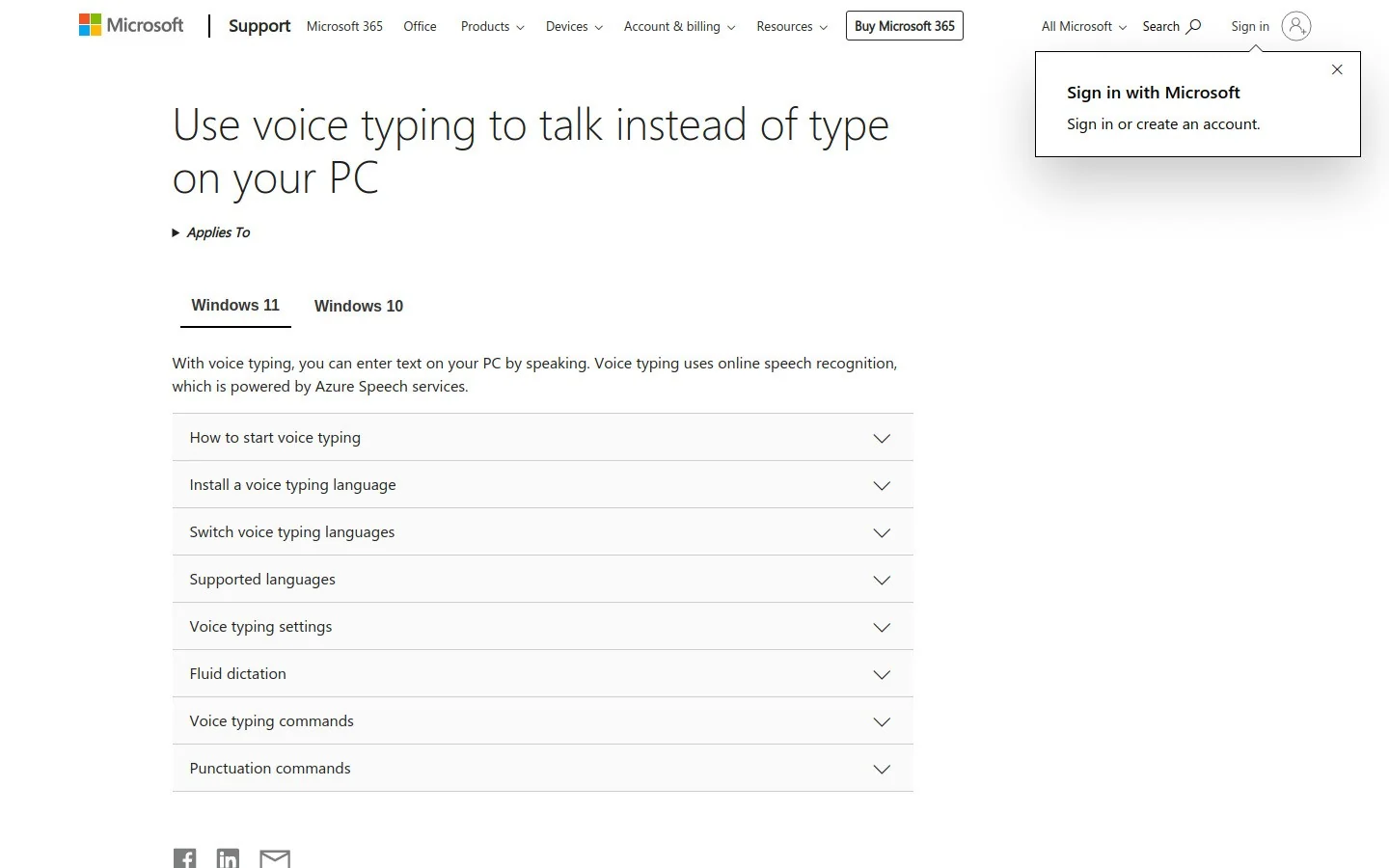
You need a microphone and an internet connection. Write "Windows key + H" on a sticky note by the screen until it becomes a habit. Our Windows dictation guide covers more options.
Pros
Free on Windows PCs
Works in most apps
Cons
Needs two keys pressed together
Needs the internet
5. Microsoft Word Dictate: Best For Letters In Word
If you write letters in Microsoft Word and pay for Microsoft 365, click Home, then Dictate, and speak. On a Mac you can also press Option and F1.
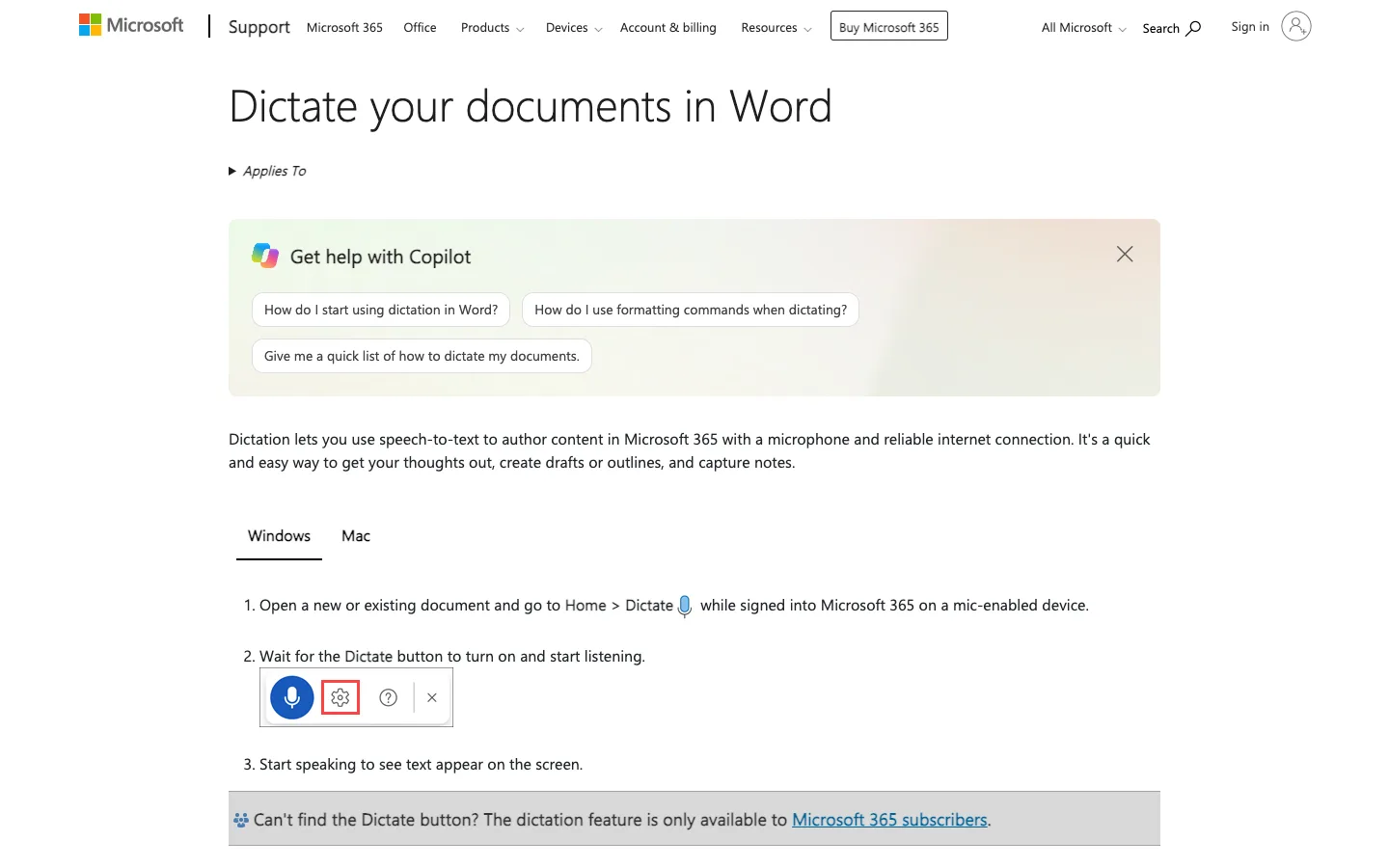
Microsoft's Dictate guide says it is available to Microsoft 365 subscribers and needs a reliable internet connection. You can say "new line", "comma" and "period", and automatic punctuation can be switched on in the settings.
Pros
Inside the app you already use for letters
Works on Windows, Mac and the web
Cons
Only for Microsoft 365 subscribers
Only works inside Word and other Microsoft apps
6. Google Docs Voice Typing: Best For Long Stories In A Browser
Writing a memoir or family history? Open a Google Doc, choose Tools, then Voice typing, click the microphone and talk. It works in Chrome, Edge and Safari.
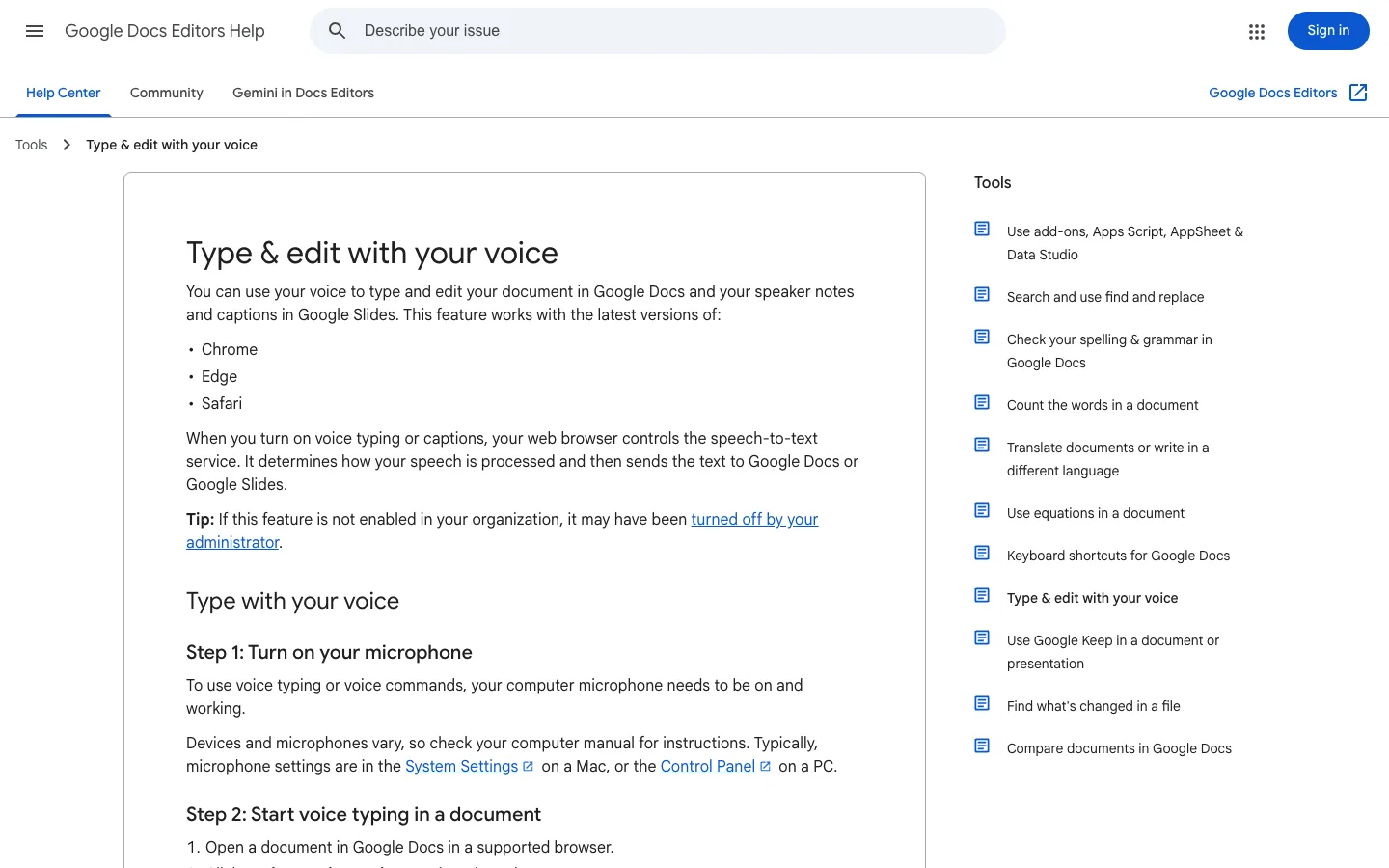
Google's voice typing help lists spoken punctuation and, in English, editing commands such as "select paragraph" and "make bigger", which can help if small text is hard to read.
Pros
Free with a Google account
Voice commands to make text bigger
Cons
Only inside Google Docs and Slides
Needs a supported browser and the internet
7. Dragon Professional 16: Best For Heavy Windows Users
Dragon Professional 16 is long-established Windows dictation software with custom words and voice commands. It suits someone who writes pages every day and is happy to spend time learning commands.
It costs about $699 for a one-time licence. For two or three emails a week it is more than you need.
Pros
Deep voice commands and custom vocabulary
Works offline on Windows
Cons
Windows only
More to learn, and about $699 up front
Need To Control The Whole Device By Voice?
Dictation writes words; it doesn't click buttons or open apps. If moving the mouse or tapping the screen is the hard part, turn on the voice control built into your device:
Mac and iPhone: Voice Control lets you say "Open Mail", "Scroll down" or "Click Done". Turn it on in Settings, then Accessibility.
Windows 11: Voice Access controls the PC by voice.
You can use these alongside a dictation app: voice control to get around, and dictation to write.
Setting Up Dictation For A Parent Or Grandparent
The first session decides whether dictation sticks. A few minutes of help goes a long way.
Use the device they already have. Don't introduce a new phone or computer at the same time.
Install and set it up together. With Voicy, the setup walks you through a practice recording and choosing the recording key.
Write the start key on a note by the screen: "Tap the Voicy key to talk, tap again to stop."
Add family names to the dictionary so they come out right.
Practise one real message, such as an email to a grandchild, and read it together before sending.
Make the text bigger so mistakes are easy to spot.
Let them drive. Sit beside them rather than taking over the keyboard.
Tips For Stiff Hands, Tremors And Tired Eyes
Pick a one-tap start. Holding a key or pressing two together is harder with arthritis or a tremor. Voicy's start key is a single tap.
Speak in whole sentences at a normal pace. There's no need to shout or speak slowly.
Move the microphone closer or use a headset in a noisy room.
Fix mistakes at the end, not mid-sentence. Read the whole message once, then correct.
Let AI tidy up. If spoken sentences come out long and rambling, Voicy's Rewrite Mode can turn them into a neat message.
Pair dictation with a comfortable keyboard and mouse. Our keyboards for arthritis guide and speech to text for carpal tunnel page cover the rest of the setup.
Is Paid Dictation Software Worth It For Seniors?
For an occasional text, the free tools are hard to beat. A paid app is worth it when it fixes something specific: writing on both phone and computer with one tool, a start that's easier on the hands, better punctuation, or tidying up long messages. Keep the free option until the new one has proved itself, and use a free trial on a real email first.
Fast Answer: What Is The Best Dictation Software For Seniors?
Voicy is the easiest all-round choice for seniors who write on more than one device, thanks to its one-tap start, automatic punctuation and phone apps. For a free start, use Apple Dictation on iPhone and Mac, Gboard on Android, or Windows key + H on a PC. Word Dictate and Google Docs voice typing suit letters and long stories, and Dragon Professional, at about $699, suits heavy daily Windows use.
Frequently Asked Questions
What is the best dictation software for seniors?
Voicy is the easiest all-round choice if you write on more than one device: one key to start and stop on a computer, apps for iPhone and Android, and automatic punctuation. For free options, use Apple Dictation on an iPhone or Mac, Gboard voice typing on Android, or Windows voice typing with the Windows key + H.
Is there free dictation software for seniors?
Yes. Apple Dictation, Gboard voice typing on Android, Windows voice typing and Google Docs voice typing are all free. Microsoft Word Dictate is included with a Microsoft 365 subscription. Voicy has a free trial with 30 minutes of recording and no card.
How do I start voice typing on Windows?
Click in a text box, then press the Windows logo key and H together. Start speaking when the microphone is listening. Windows voice typing needs a microphone and an internet connection.
Can dictation help someone with arthritis or a tremor?
Speaking instead of typing can reduce the number of keys you press. Look for a tool that starts with one tap rather than a held key or a key combination. In Voicy, you tap the recording key once to start and once to stop. You may still need a mouse or touch to correct words.
Can I use dictation without the internet?
Sometimes. Voicy's desktop apps for Mac, Windows and Linux can dictate offline after a one-time model download. Windows voice typing and Microsoft Word Dictate need an internet connection. Apple says some Mac dictation is processed on the device; check Keyboard settings.
Does dictation let me control the whole computer by voice?
No. Dictation types what you say into a text box. To open apps, click buttons and scroll by voice, use Apple Voice Control on a Mac or iPhone, or Voice Access on Windows 11.
How much does Voicy cost?
Voicy has a free trial with 30 minutes of recording and every feature, with no credit card. After that it costs $8.49 a month, $82 a year or $260 once for a lifetime licence. People with disabilities can ask for 20% off without proof.
How can I set up dictation for an elderly parent?
Install it on the device they already use, sit with them for the first message, and write the start key on a note by the screen. Practise one real task, such as an email to a grandchild, and check the message together before sending.
Related Guides
AI for seniors: a friendly introduction to everyday AI tools.
Final Verdict
Start free: the microphone on your phone's keyboard or Windows key + H on a PC will show you whether talking suits you. If it does, and you want one simple tool for your computer and phone with a one-tap start and tidy punctuation, Voicy is the easiest upgrade. Try it free with your next email to the family.