Summary
Best for everything you write outside the report: Voicy - emails, teaching, research and admin on Mac, Windows, Linux and mobile, from $82 a year.
Best department-wide reporting platform: PowerScribe One - Microsoft's radiology reporting system with structured reporting and Clinical Guidance.
Best deployment choice: Fluency for Imaging - full cloud, customer cloud, hybrid or on-premises.
Best AI-first reporting: Rad AI Reporting - AI-generated impressions and fewer words dictated.
Best cloud speech with your current system: Fusion Narrate Dx - radiology speech plus AI-suggested impressions.
Best web-based option for individuals: RADPAIR - zero-install reporting with 20 free reports to start.
Best published prices: TechCare Report - free Starter plan, then €19.99 or €59.99 a month.
Best for mobile and multi-platform dictation: Augnito Spectra - Windows, web, Chrome, iOS and Android.
Radiology dictation software turns what you say into a finished report: speech recognition, report templates, structured fields and, increasingly, AI-drafted impressions. Most departments buy it as part of a reporting platform connected to PACS and RIS.
But radiologists write a lot outside the report too: emails to referrers and colleagues, teaching cases, lecture slides, research papers, protocols and department admin. This guide covers both. It starts with Voicy for that everyday writing, then compares seven reporting tools. Vendor sites were checked on November 10, 2026.
Top Picks At A Glance
| Tool | Best fit | Deployment | AI drafting | PACS/RIS | Price (checked Nov 10, 2026) |
|---|---|---|---|---|---|
| Voicy | Emails, teaching, research and admin | Mac, Windows, Linux, iOS, Android, browser | Rewrite Mode for emails and drafts | Types into any app; not for reports | $8.49/month, $82/year or $260 lifetime |
| PowerScribe One | Department-wide reporting | Enterprise | Clinical Guidance text for configured topics | Enterprise interfaces | About $930,000 a year for a large regional deployment |
| Fluency for Imaging | Enterprise reporting with deployment choice | Full cloud, customer cloud, hybrid, on-premises | Ambient mode and generative AI | FHIR-based; PACS, RIS and AI systems | Enterprise contract; no list price |
| Rad AI Reporting | AI-first reporting | Cloud-native with an HL7 edge agent | AI impressions; full-report generation | HL7, FHIR, DICOM-SR | From $165,000 for up to 150,000 reports, then $0.59 to $0.98 per report |
| Fusion Narrate Dx | Cloud speech with your current reporting | Cloud engine | Suggested impressions via AI Assist | "All major PACS and RIS" | About $850/user/year; AI Assist +$350/year |
| RADPAIR | Individual radiologists, zero install | Web-based | Findings and impressions in near real time | "Integration available" | 20 free reports; then $65 for 50 reports up to $750 for 1,000 |
| TechCare Report | Standalone drafting with published prices | Web app, no install | Copilot rephrasing, scores and classifications | RIS integration on Enterprise | Free; €19.99/month; €59.99/month; Enterprise quote |
| Augnito Spectra | Dictation across devices | Windows, web, Chrome, iOS, Android | ASR and NLP; custom vocabulary and macros | Partner logos include Intelerad, Ramsoft, Fujifilm, GE | About £605 to £630 per user per year |
Key Takeaways
Reporting platforms and dictation apps solve different problems. A platform runs the worklist, templates and sign-off; a dictation app writes text wherever your cursor is.
AI impressions are now standard in Rad AI, Fusion Narrate Dx and RADPAIR. Review them like a resident's draft.
Prices range from free to six figures. TechCare Report and RADPAIR suit one radiologist; PowerScribe One and Rad AI are department budgets.
Test with your own dictations. No vendor publishes an independent word error rate for radiology.
Most of a radiologist's non-report writing still happens by keyboard. That is where Voicy helps.
Writing Outside The Report
1. Voicy: Best For Emails, Teaching And Research
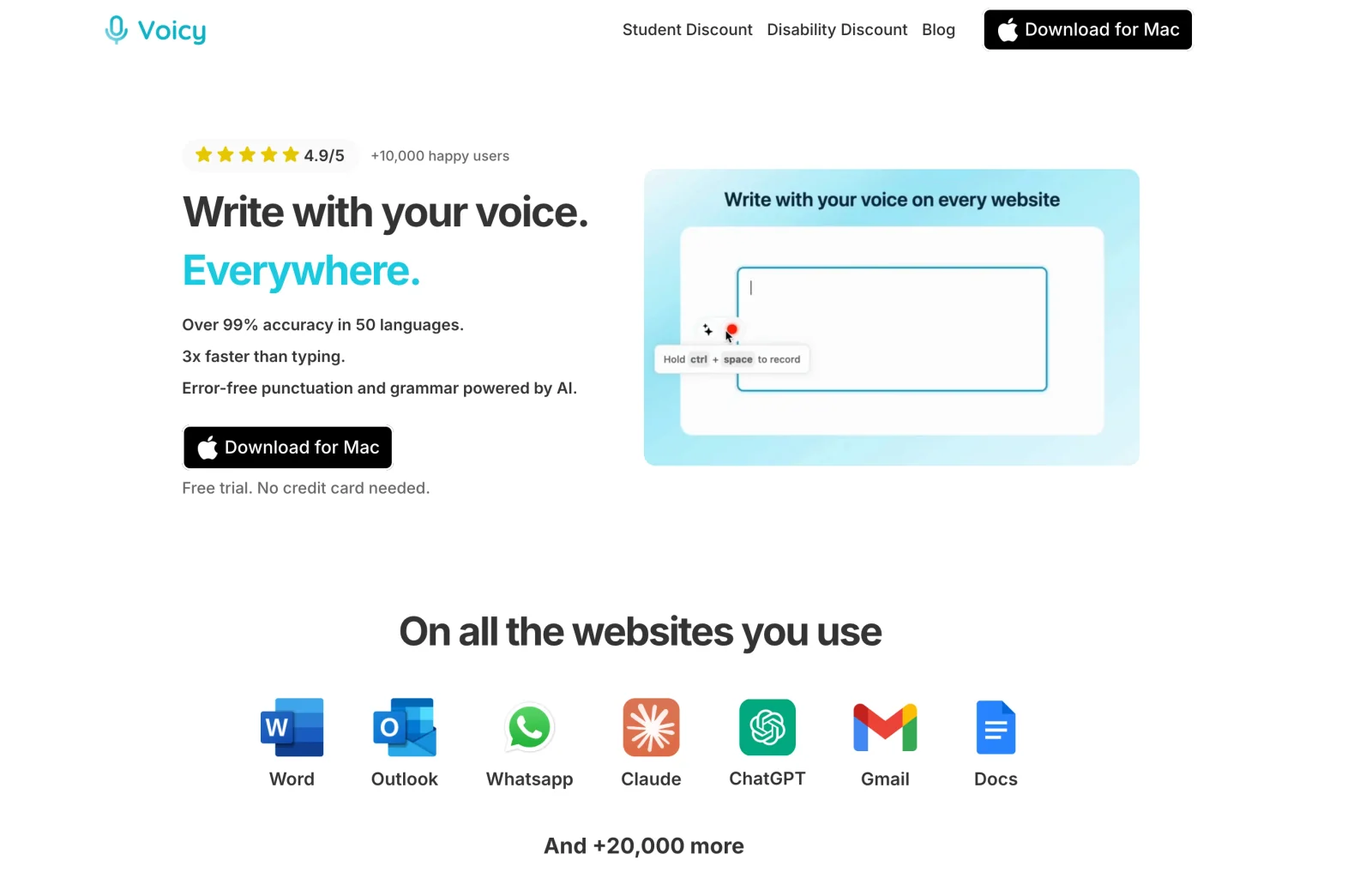
Voicy types clean, punctuated text into any app when you press a shortcut and talk. Reply to a referrer in Outlook, write teaching notes in Google Docs, draft a paper in Word or update a protocol in a web portal, all with the same shortcut. It works on Mac, Windows and Linux, with iPhone and Android apps and a browser extension.
In A Radiologist's Week
Your reporting platform handles the reports. After the list, dictate replies to the referring team's emails and the rota note to registrars. In the evening, speak the discussion section of a research paper, the script for a teaching session, or a conference abstract. On the way home, dictate meeting actions on your phone. Voicy says people speak about three times faster than they type, and none of this needs a reporting licence.
Key Features
Works in every app: email, Word, Google Docs, PowerPoint, Slack, Teams and web forms.
Automatic punctuation: commas, full stops and paragraphs as you speak.
Dictionary: add anatomy terms, eponyms and colleagues' names that get misheard. It holds up to 600 characters, so add the words that actually go wrong.
Voice shortcuts: say a phrase and Voicy types a saved block, such as a standard email reply or teaching-case outline.
Rewrite Mode: turn rough spoken notes into a polished email or abstract.
Offline mode: on Mac, Windows and Linux, the speech model runs on your computer and normal dictation audio stays on your device.
File transcription: transcribe a recorded lecture of up to 60 minutes on a paid plan.
Pros
One shortcut for email, documents, slides and web forms
Runs on Mac and Linux as well as Windows
Offline mode on desktop for plain dictation
A year costs less than most reporting tools charge a month
Free trial with every feature and no card
Cons
Not a reporting system: no worklist, templates or sign-off.
No BAA, so patient information and reports stay out of it.
No radiology vocabulary pack; the Dictionary is capped at 600 characters.
Pricing
The free trial includes 30 minutes of recording and every feature, with no credit card. Then $8.49 a month, $82 a year or $260 for a lifetime licence, covering all your devices. Teams start at $6.79 per user per month for three or more users. Students get 20% off.
Best For
Radiologists who teach, research or write for publication.
Department leads handling rotas, policies and email.
Teleradiologists working from a Mac or Linux machine at home.
Enterprise Reporting Platforms
These run the full reporting workflow for a department and connect to PACS, RIS and the EHR. They are sold on enterprise contracts.
2. PowerScribe One: Best Department-Wide Reporting Platform
PowerScribe One is Microsoft's radiology reporting platform. It combines speech recognition with templates, structured reporting and quality tools, and it has the deepest training material of any tool here.
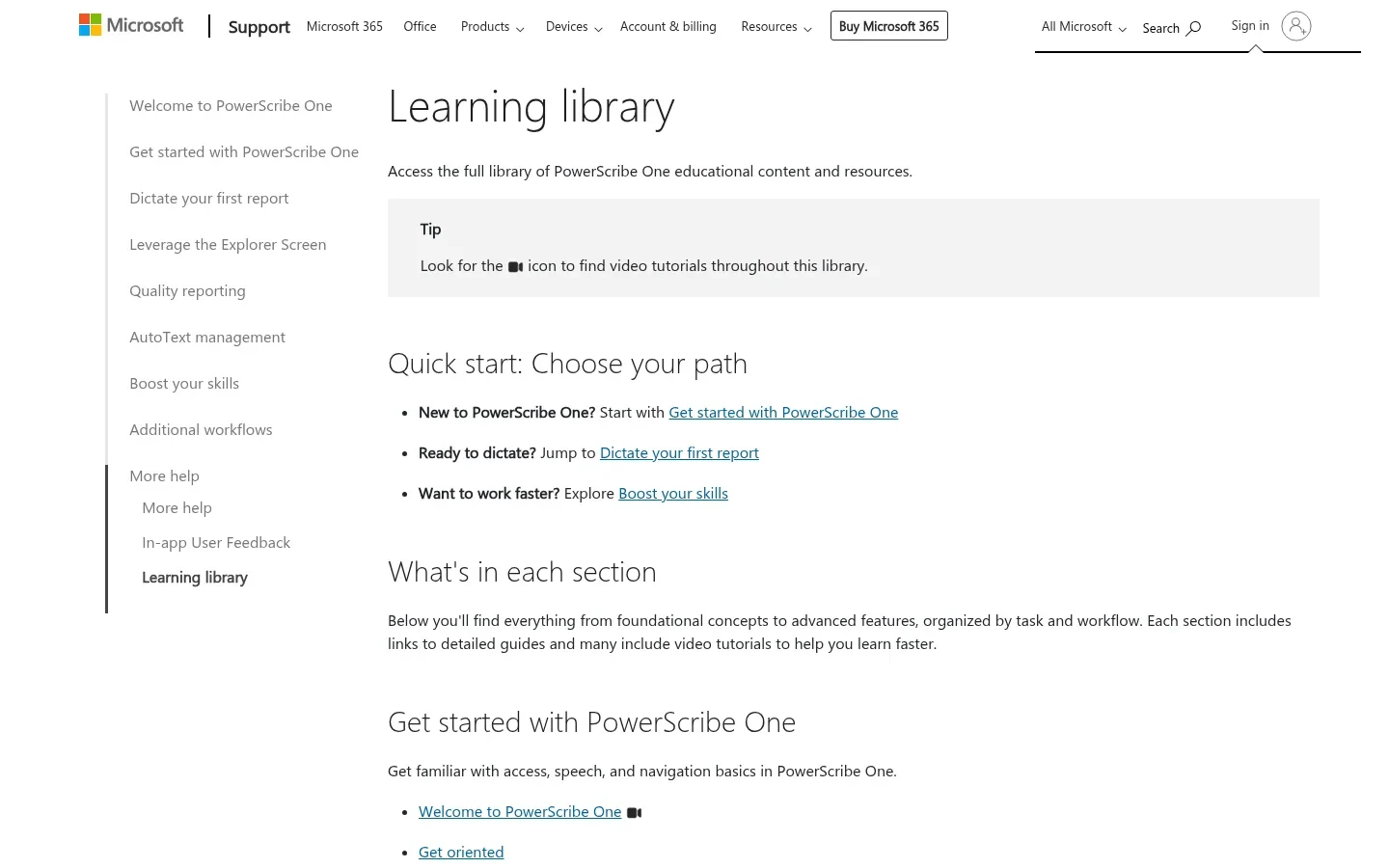
Microsoft publishes a learning library and resident training. Its Clinical Guidance feature inserts recommended text for configured clinical topics.
Pricing: an enterprise licence rather than a per-radiologist price. A recent 12-month regional deployment for about 637,000 reports a year, with interfaces, 130 PowerMic microphones and services, cost about $934,000. A Dragon Medical One subscription price is not a PowerScribe price.
Pros
Dedicated radiology workflow with structured reporting
Extensive official training for residents and admins
Cons
Six-figure enterprise contracts through hospital procurement
Budget for interfaces, migration and training
3. Fluency for Imaging: Best Deployment Choice
Fluency for Imaging, now from Jacobian, offers full cloud, customer cloud, hybrid and on-premises deployment. Jacobian says more than 10,000 radiologists use it.
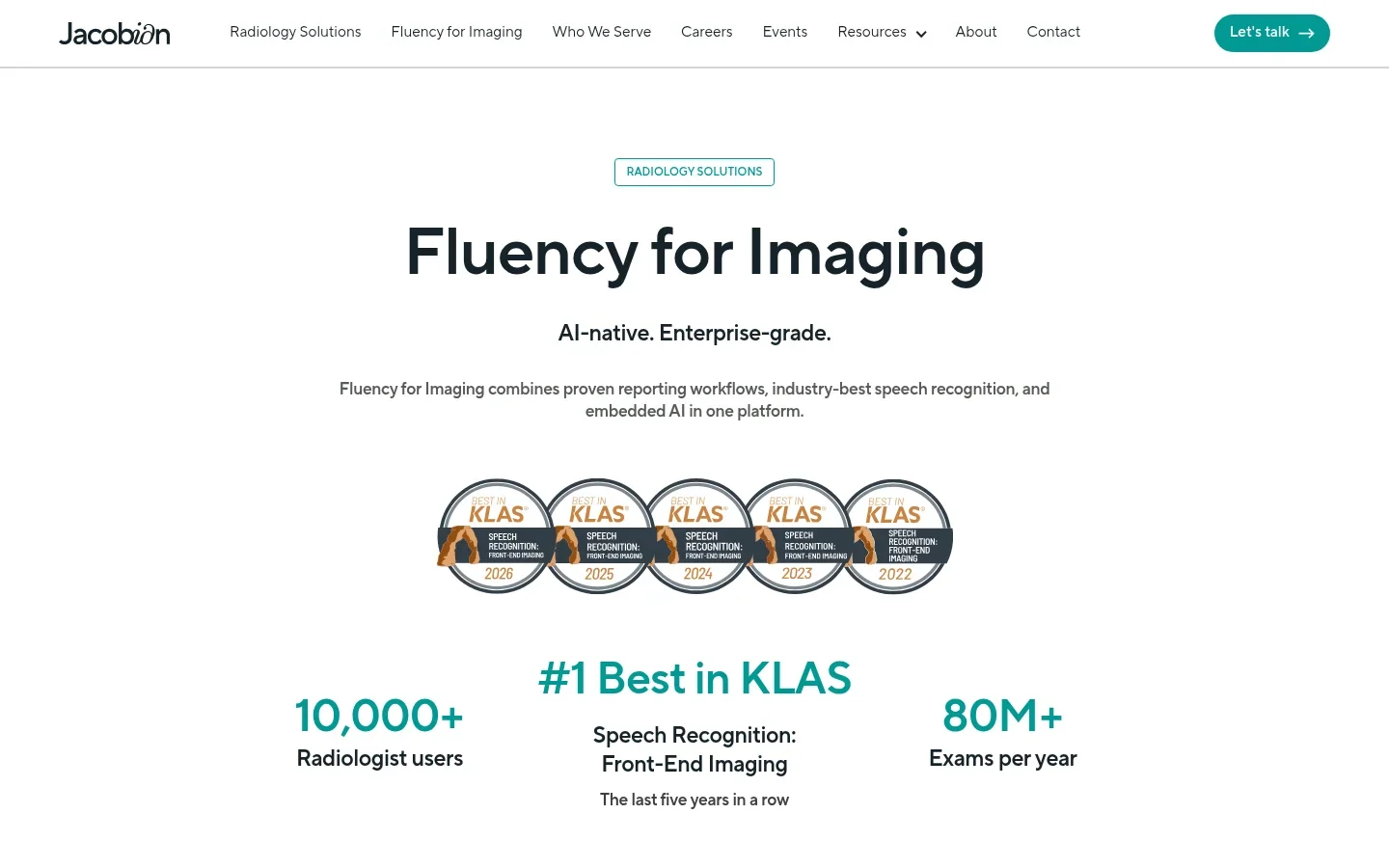
Its ambient mode turns free speech into structured reports, with coded data extraction, guideline nudges and built-in generative AI. Integration is FHIR-based, connecting reporting with PACS, RIS and AI systems. Older material calls it M*Modal or Solventum; start from Jacobian's current page.
Pricing: sold on enterprise contracts sized to the department. Jacobian does not publish a list price, so compare it against PowerScribe One and Rad AI quotes.
Pros
Four deployment models, including on-premises
Ambient structured reporting and guideline nudges
Cons
No list price; enterprise contract only
No named PACS or RIS list on the product page
Can be more than you need for occasional dictation
4. Rad AI Reporting: Best AI-First Reporting
Rad AI Reporting is a cloud-native reporting platform built around generative AI. It drafts impressions using consensus guidelines, can generate the whole report with Omni Report, and carries forward unchanged findings.
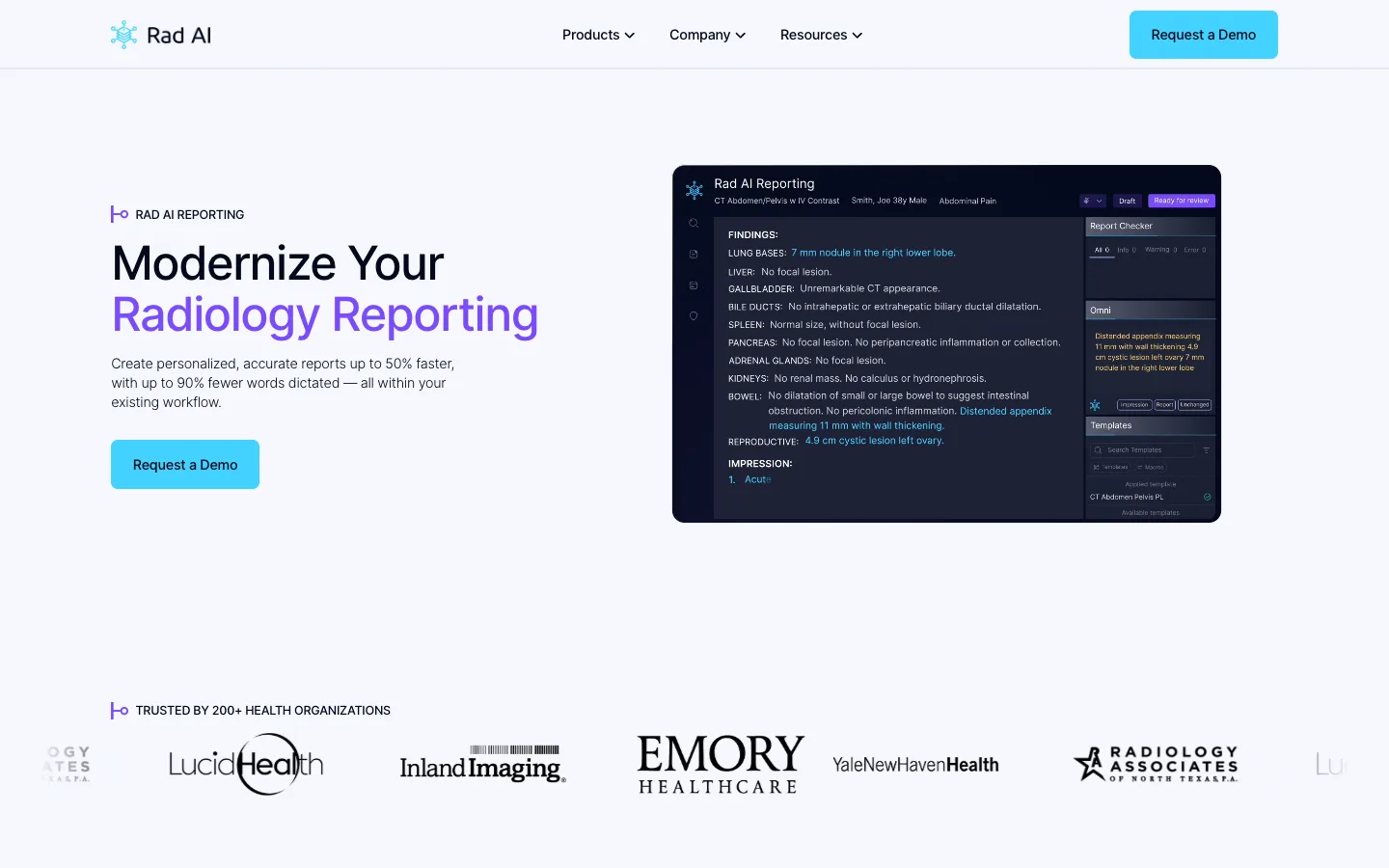
Rad AI says reports are created up to 50% faster with up to 90% fewer words dictated; those are vendor figures, so measure your own. It needs only a lightweight HL7 edge agent on-premises and supports HL7, FHIR and DICOM-SR. You can use your preferred microphone.
Pricing: from $165,000 for up to 150,000 reports on a 36-month contract, then $0.98 per report, falling to $0.59 per report above two million.
Pros
AI impressions and full-report generation
Real-time quality checker
Light on-premises footprint
Cons
Starts at $165,000, so it's a department purchase
Speed claims are vendor-reported
5. Fusion Narrate Dx: Best Cloud Speech With Your Current System
Fusion Narrate Dx from Dolbey brings cloud radiology speech recognition to any modality and location, with speech-enabled templates, linked routines and shortcuts. Its AI Assist suggests impressions and recommendations.
Dolbey claims integration with "all major PACS and RIS" but names no systems on the page, so ask for the compatibility list. Fusion Narrate Dx is a separate product from Fusion Narrate ACI for ambient documentation.
Pricing: about $850 per user per year, with AI Assist at $350 per user per year and $500 per user for onboarding.
Pros
Adds speech and AI impressions without replacing everything
Speech-enabled templates and routines
Cons
AI Assist costs extra, plus $500 onboarding per user
No named PACS or RIS on the product page
Web-Based Tools For Individual Radiologists
These let one radiologist start without a hospital contract.
6. RADPAIR: Best Web-Based Option For Individuals
RADPAIR is a fully web-based dictation and reporting platform with no installation. PAIR Insights generates findings and impressions in near real time, and the WINGMAN co-pilot assists while you report.
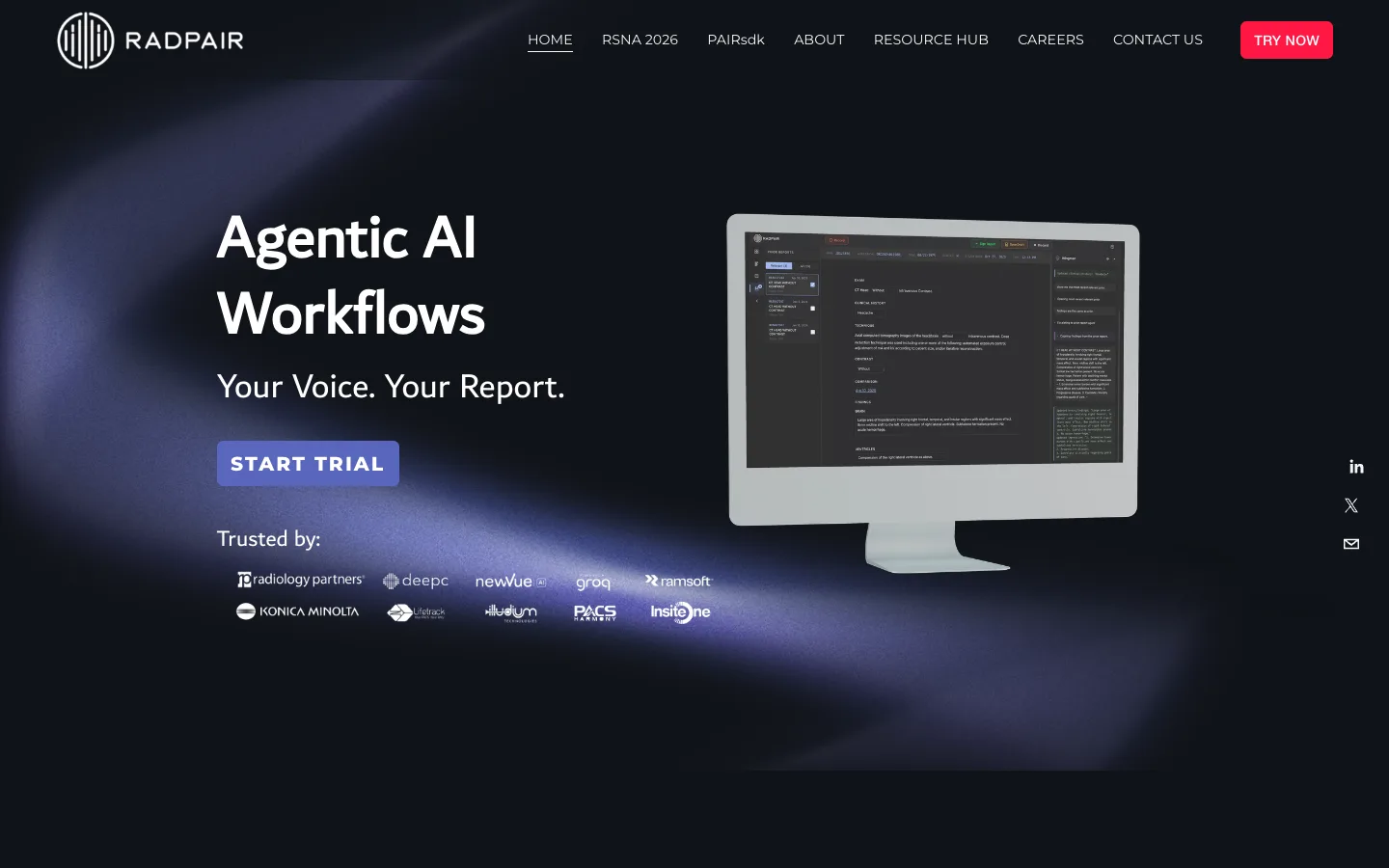
Pricing: register for 20 free reports over a 7-day trial with no card. Individuals then buy report bundles: 50 reports for $65, 250 for $250, 500 for $425 or 1,000 for $750, which is $1.30 down to $0.75 per report. Practices and health systems buy an enterprise licence.
Pros
Zero install; works in a browser
Free trial with no card
Templates per study type
Cons
Bundle prices aren't shown until you register
Integration details need a sales call
7. TechCare Report: Best Published Prices
TechCare Report from Milvue turns dictation into a report from your templates in the browser. It works in 20 languages and is the only reporting tool here with a public price list.
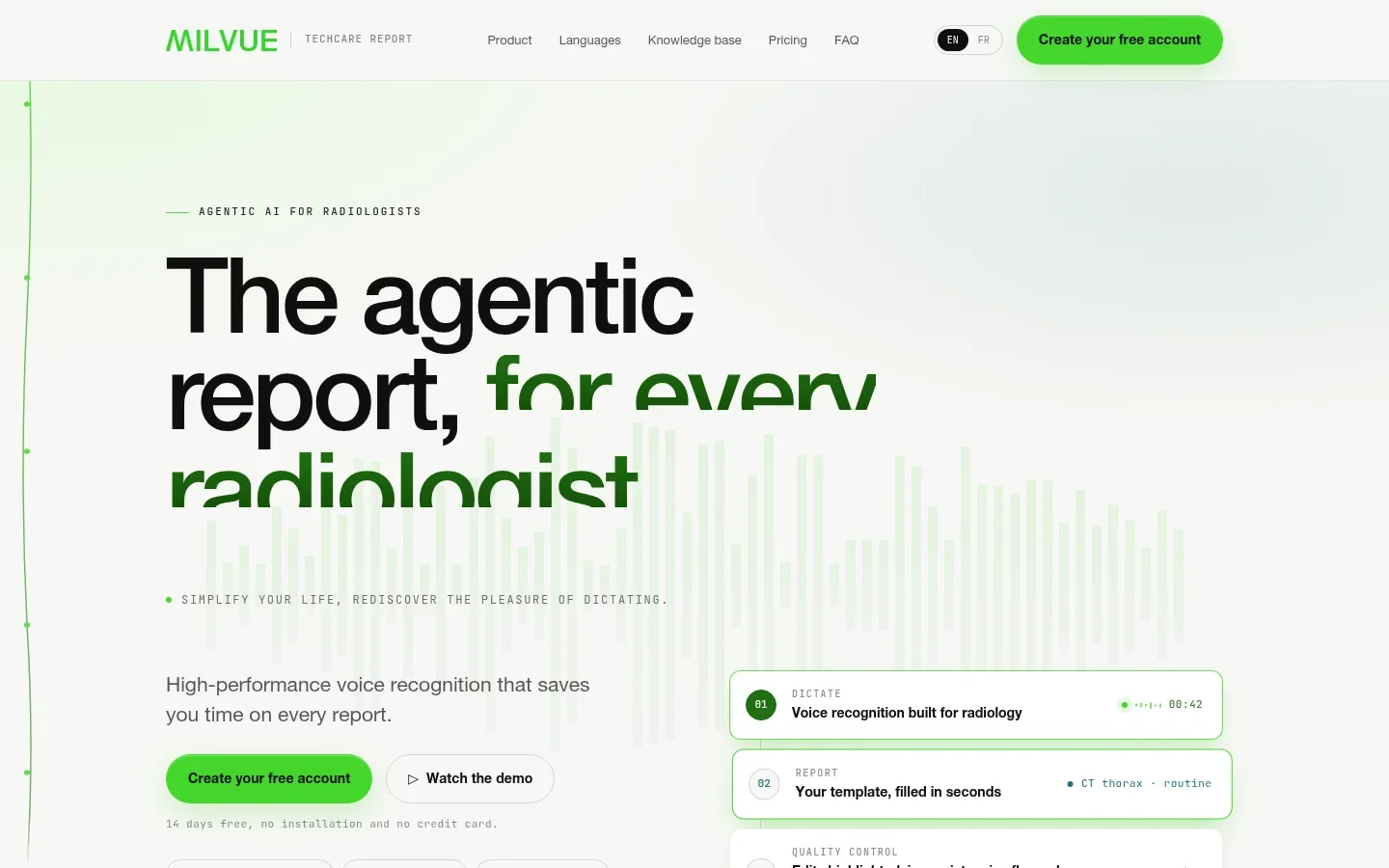
Plans: Starter is free for up to 40 reports a month. Essential is €19.99 a month or €199.90 a year for up to 500 reports. Pro is €59.99 a month or €599.90 a year for up to 2,500. Enterprise adds RIS integration and single sign-on on quote. All plans start with 14 days of full access and no card. SpeechMike buttons are supported from Essential.
Milvue says TechCare Report is not a medical device, and the radiologist validates every report.
Pros
Free plan and transparent pricing
No RIS or PACS needed to start
SpeechMike button mapping
Cons
RIS integration only on Enterprise
Prices in euros
8. Augnito Spectra: Best For Dictation Across Devices
Augnito offers Spectra clinical dictation on Windows, web, Chrome, iOS and Android, with custom vocabulary and macros for personalized reporting. Its Omni product adds ambient capture.
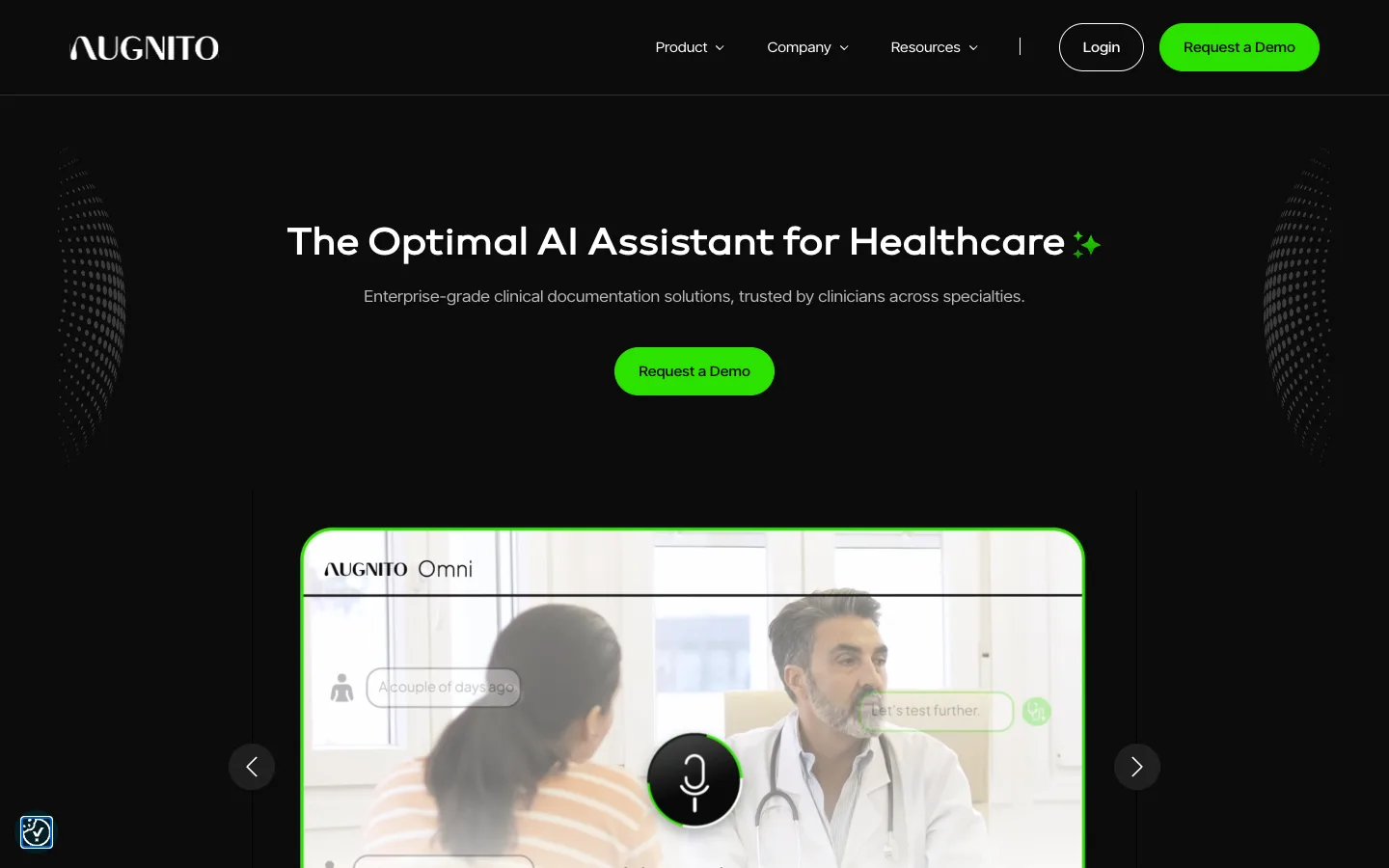
Augnito shows partner logos including Fujifilm, Ramsoft, Intelerad, NextGen and GE, and says there are no implementation or training fees. Volume licences cost about £605 to £630 per user per year.
Pros
Phone and browser dictation as well as Windows
No implementation or training fees
Cons
Volume licences sold through resellers
Mac is not listed as a platform
What About Dragon Medical One?
Dragon Medical One is cloud speech recognition for EHRs and other clinical apps, not a radiology reporting platform. It costs $99, $89 or $79 a month on 12-, 24- or 36-month terms, plus a $525 setup fee, or $1,188 prepaid for a year with the setup fee waived. Some radiologists use it outside the reading room; inside it, PowerScribe One is Microsoft's radiology product.
Which Setup Fits Your Practice?
Your Department Is Replacing Its Reporting System
Run a pilot with PowerScribe One, Fluency for Imaging and Rad AI Reporting on the same studies and readers. Include interfaces, template migration and training in the quote comparison.
You Want Better Speech Without Replacing Everything
Look at Fusion Narrate Dx alongside your current reporting application.
You Read Independently Or As A Locum
Trial RADPAIR and TechCare Report. Both start in a browser without a hospital contract.
You Teach, Research Or Run The Department
Add Voicy for emails, papers, lectures and admin. It costs $82 a year and works on Mac and Linux as well as Windows.
Before You Buy: Four Checks For Radiology
1. Test With Your Own Dictations
Dictate the same set of cases into each tool: laterality, measurements, negations, numbered lists and dense anatomy. Count corrections, not first impressions.
2. Check Every Interface
Ask for a live demo in your PACS and RIS versions. Confirm patient context, report status, preliminary versus final reports and addenda.
3. Review AI Impressions Like A Trainee's Draft
AI-drafted impressions can omit a finding or overstate certainty. Agree how drafts are reviewed and who is accountable before go-live.
4. Price The Whole Project
Licences are only part of it. Add interfaces, hosting, template migration, microphones, training and support.
Fast Answer: What Is The Best Radiology Dictation Software?
For a department, PowerScribe One, Fluency for Imaging and Rad AI Reporting lead the enterprise field, with Fusion Narrate Dx for speech inside your current system. Individual radiologists can start with RADPAIR or TechCare Report in a browser, and Augnito covers phone and web dictation. For the emails, teaching and research every radiologist writes outside the report, use Voicy.
Frequently Asked Questions
What is the best radiology dictation software?
For a department-wide reporting platform, shortlist PowerScribe One, Fluency for Imaging and Rad AI Reporting. For cloud speech inside an existing reporting system, look at Fusion Narrate Dx. For an individual radiologist, RADPAIR and TechCare Report offer trials without an integration project. For everything radiologists write outside the report, use Voicy.
How much does radiology dictation software cost?
Department platforms cost the most: a large regional PowerScribe One deployment runs about $930,000 a year, and Rad AI starts at $165,000 for up to 150,000 reports. Fusion Narrate is about $850 per user per year. TechCare Report publishes plans from a free Starter tier to €59.99 a month for Pro. RADPAIR report bundles work out at $0.75 to $1.30 per report. Voicy costs $82 a year for writing outside the report.
Does radiology dictation software integrate with PACS and RIS?
Enterprise platforms connect to PACS, RIS and EHR systems, usually through HL7, FHIR or vendor interfaces. Rad AI names HL7, FHIR and DICOM-SR. TechCare Report adds RIS integration on its Enterprise plan. Always test your exact PACS and RIS versions, because a compatibility claim is not a tested interface.
Can AI write radiology impressions?
Several tools now draft impressions. Rad AI generates impressions with consensus guidelines, Fusion Narrate Dx suggests impressions through AI Assist, and RADPAIR generates findings and impressions in near real time. The radiologist still reviews and signs every report.
Is there free radiology dictation software?
TechCare Report has a free Starter plan for up to 40 reports a month, RADPAIR offers 20 free reports over a 7-day trial, and built-in Windows and Mac dictation are free but have no radiology vocabulary or templates.
What is the difference between PowerScribe One and Dragon Medical One?
PowerScribe One is a radiology reporting platform with worklists, templates and structured reporting. Dragon Medical One is cloud speech recognition for typing into EHRs and other applications. They are separate products with separate pricing.
Can radiologists use Voicy for reports?
No. Voicy does not sign a BAA and is not a reporting system, so keep patient information and reports out of it. Radiologists use Voicy for the writing around reporting: emails, teaching material, research papers, conference abstracts and department admin.
Related Guides
Best AI medical scribe tools for visit notes.
Best medical dictation software for clinical dictation.
Dragon Medical One pricing with contract terms and setup fees.
Final Verdict
Choose a reporting platform by testing your own studies, readers and interfaces: PowerScribe One, Fluency for Imaging or Rad AI Reporting for a department, Fusion Narrate Dx to upgrade speech in place, and RADPAIR or TechCare Report for an individual start.
Then deal with the rest of your writing. Voicy handles emails, teaching, research and admin on every device for $82 a year. Try it free on your next email.