
Quick picks
- Voicy: daily Spanish writing across desktop and mobile, with a free trial.
- Wispr Flow: cross-device AI dictation with a free allowance.
- Superwhisper: local-model dictation for people who want more control.
- Google Docs Voice Typing: free Spanish dictation inside a document.
- Apple Dictation: a built-in starting point on Mac and iPhone.
- Windows Voice Typing: free Spanish voice input with Windows + H.
- Gboard: Spanish voice typing on Android.
- Willow Voice: AI-assisted Spanish writing on Mac, Windows, and iPhone.
The best Spanish speech-to-text app depends on where you write. Start with a built-in option for short messages or Google Docs for a free document tool. Compare Voicy, Wispr Flow, Willow, and Superwhisper if you dictate often, switch between apps, or need more control over cleanup and local processing.
You should be able to say “Mañana envío el presupuesto a María” without fixing names, accents, and punctuation every time. Yet a long language list tells you little about how an app will handle your voice.
This guide focuses on turning spoken Spanish into written Spanish. Transcribing an interview and translating a message into English are different jobs. Neither is a substitute for a tool that types into the email or note you already have open.
Best Spanish speech-to-text apps compared
| App | Devices | Free option and price | Offline use | Main tradeoff |
|---|---|---|---|---|
| Voicy | Mac, Windows, Linux, iPhone, Android, Chrome | Free trial; $8.49/month or $82/year | Optional desktop models; check their language list | AI rewriting and file transcription need internet |
| Wispr Flow | Mac, Windows, iPhone, Android | Free allowance; Pro $15/month or $12/month billed annually | Cloud dictation | Detects one language per dictation, not per word |
| Superwhisper | Mac, Windows, iPhone, Android | Free local Whisper plan; Pro $8.49/month | Local models; availability varies by device | You need to choose a model that supports Spanish |
| Google Docs Voice Typing | Desktop browser | Free with Google Docs | Do not rely on it for offline dictation | Stays inside Docs; editing commands are English-only |
| Apple Dictation | Mac, iPhone, iPad | Included with the device | Depends on device, language, and settings | Features vary across Spanish regions and devices |
| Windows Voice Typing | Windows PC | Included with Windows | No; Win + H uses online recognition | Spanish choices include Spain and Mexico |
| Gboard | Android | Free | Depends on device and voice-typing feature | Advanced features need a supported Pixel device |
| Willow Voice | Mac, Windows, iPhone | Free Basic plan; Pro $15/month or $12/month billed annually | Offline mode offered; confirm Spanish on your device | Basic uses a different model from Pro |
Free allowances and paid features differ. Use the linked pricing pages in each review before subscribing, especially if you buy through a mobile app store.
1. Voicy: Spanish dictation across your everyday apps
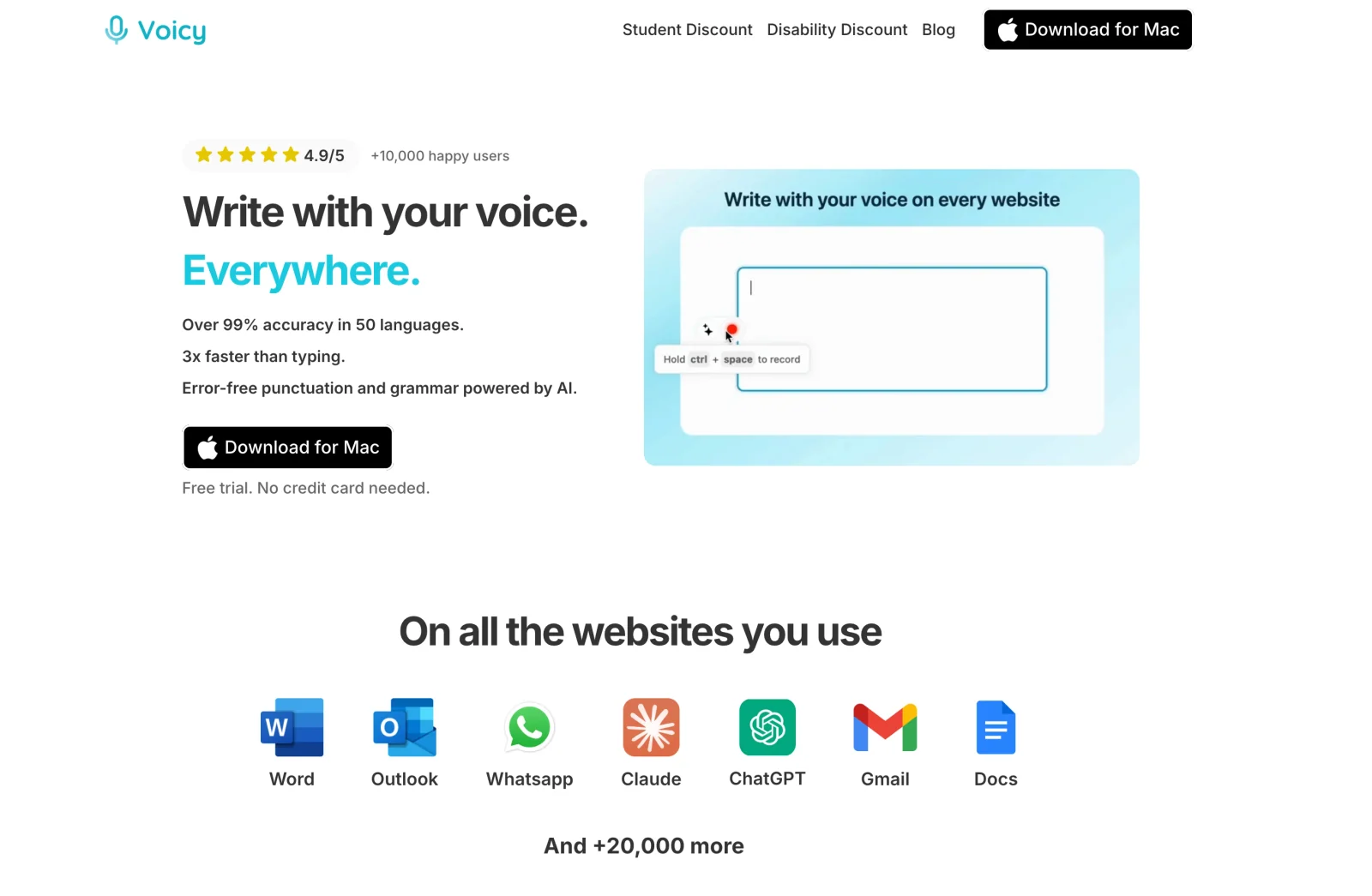
If your writing moves between email, documents, chats, and notes, Voicy is worth trying. It supports Spanish and works on Mac, Windows, Linux, iPhone, Android, and through its Chrome extension.
The appeal is keeping your usual writing tools. Open a message, put the cursor where the words belong, and dictate the draft. You do not need to record a file and upload it just to write a reply.
How to start dictating in Spanish with Voicy
- Install Voicy on your device. On desktop, open Settings and find Recording language.
- Select Spanish. Auto-Detection is also available, but a fixed language is useful when detection picks the wrong one.
- Click in a note or email, start recording with your shortcut, and speak a few sentences.
- Stop recording. Check names, numbers, accent marks, and any words you would not normally use.
Try a sentence such as “Hola, María. ¿Podemos revisar el presupuesto mañana?” Use a message you would actually send, too.
For names the app keeps missing, add them to the Dictionary. The recording-language guide explains language selection and switching in more detail.
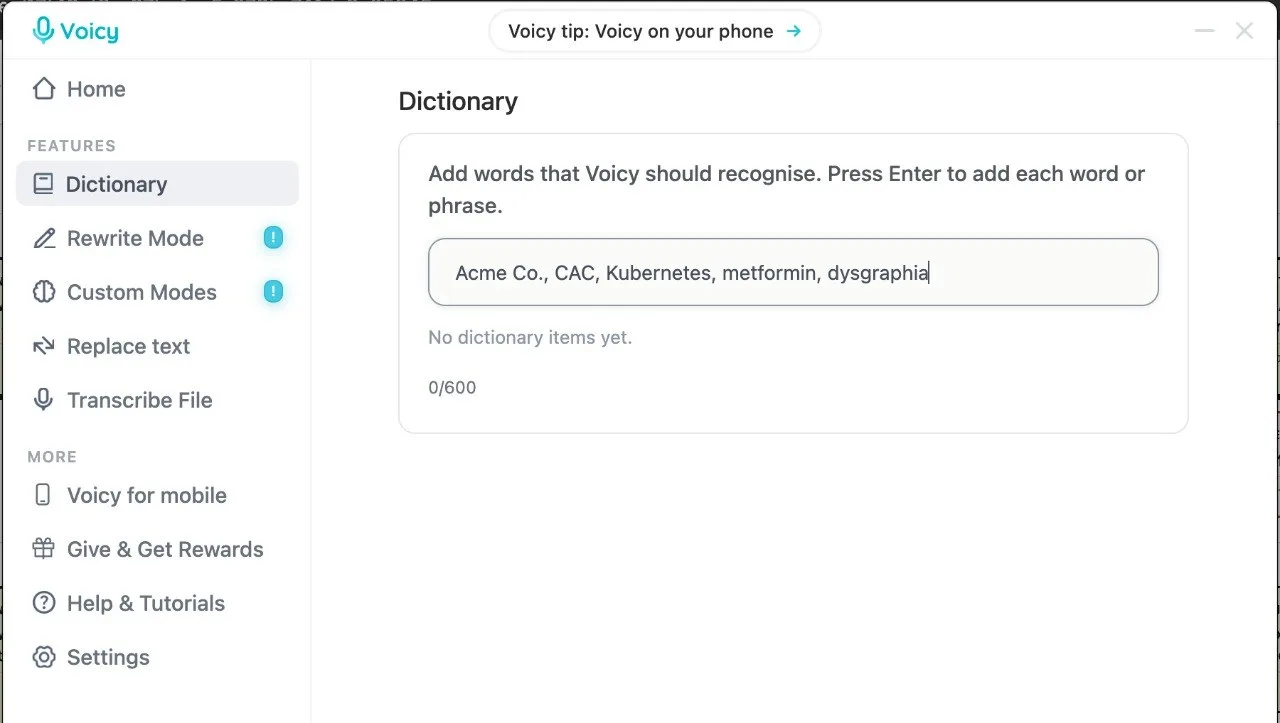 Add names and terms you use often to the Dictionary.
What about Spanish dictation offline?
Voicy offers optional offline dictation on Mac, Windows, and Linux after a model download. Mac offline mode requires macOS 15 or later. Open the model's languages list to confirm Spanish support before relying on it without a connection.
Basic dictation and AI rewriting are separate. Rewrite Mode, Custom Modes, and uploaded-file transcription need internet. An offline speech model also does not make a cloud document or email service work offline. For setup, follow Voicy's offline guide.
Price: a free trial, then $8.49/month, $82/year, or $260 lifetime. Main downside: it is a paid app after the trial. Try your own Spanish vocabulary before buying.
2. Wispr Flow: AI dictation across desktop and phone
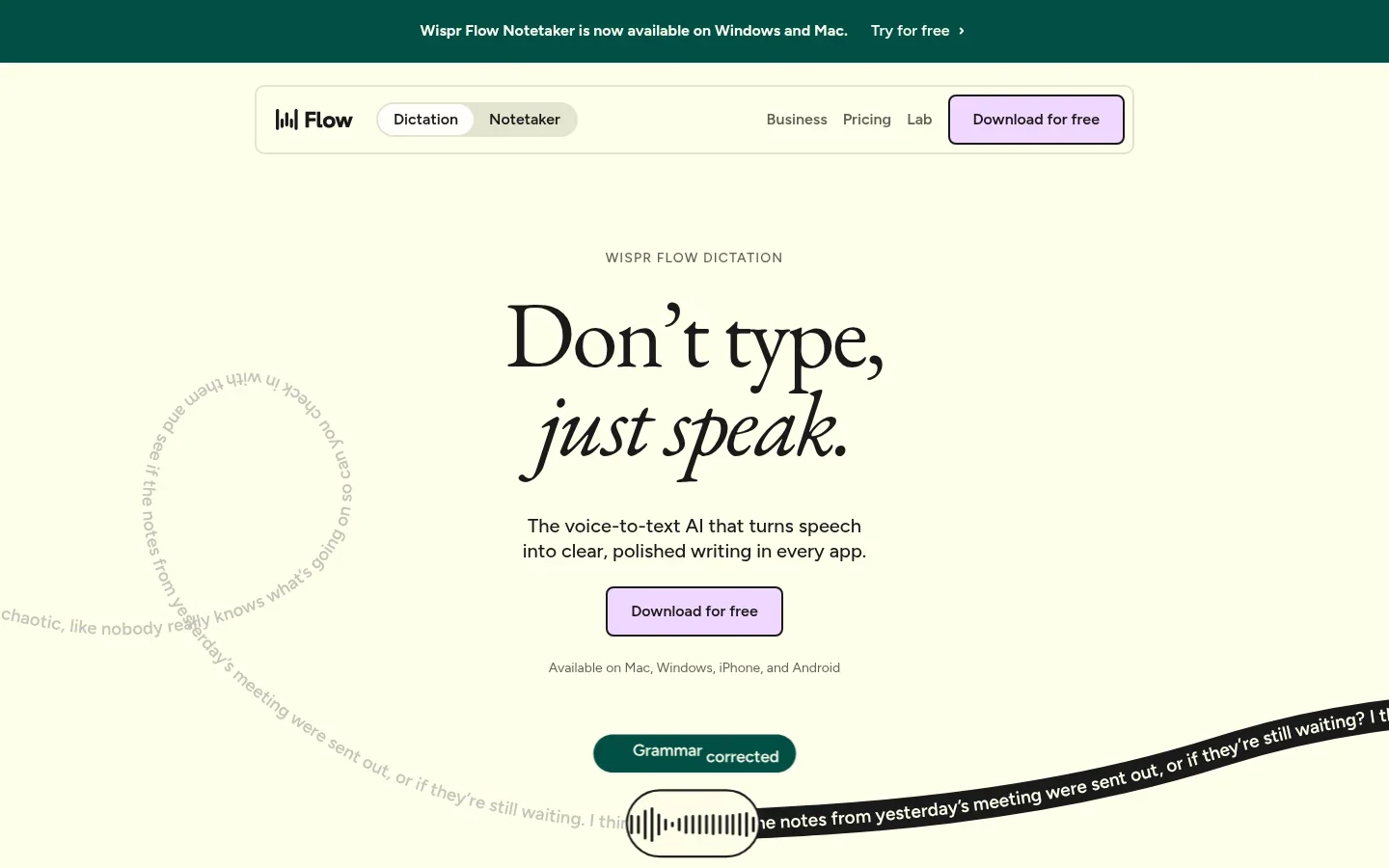
Wispr Flow is another option for writing across apps on Mac, Windows, iPhone, and Android. It combines speech recognition with AI cleanup, so it suits people who want a readable message rather than a word-for-word transcript.
For Spanish, the setting that matters most is your language selection. Flow's language guide says it detects one language per dictation, not per word. Selecting Spanish narrows that choice. Selecting Spanish and English does not guarantee it will preserve every switch inside a sentence.
That distinction matters if you say things like “Ya subí el pull request.” Check that English product names or work terms stay as you intended, and that cleanup does not change your meaning.
The Free plan lists 2,000 words per week on desktop and 1,000 on mobile. Pro is $15/month, or $12/month billed annually. Main downside: dictation is cloud-based, so it is not the choice for disconnected writing.
3. Superwhisper: more control over local Spanish models
Choose Superwhisper if model choice matters to you. Its current apps cover Mac, Windows, iPhone, and Android, although model availability and features differ by device.
For Spanish, choose a multilingual model. An English-only Whisper model will not become a Spanish model because you change the app's menus. The voice-model guide explains which options support which languages and which run locally.
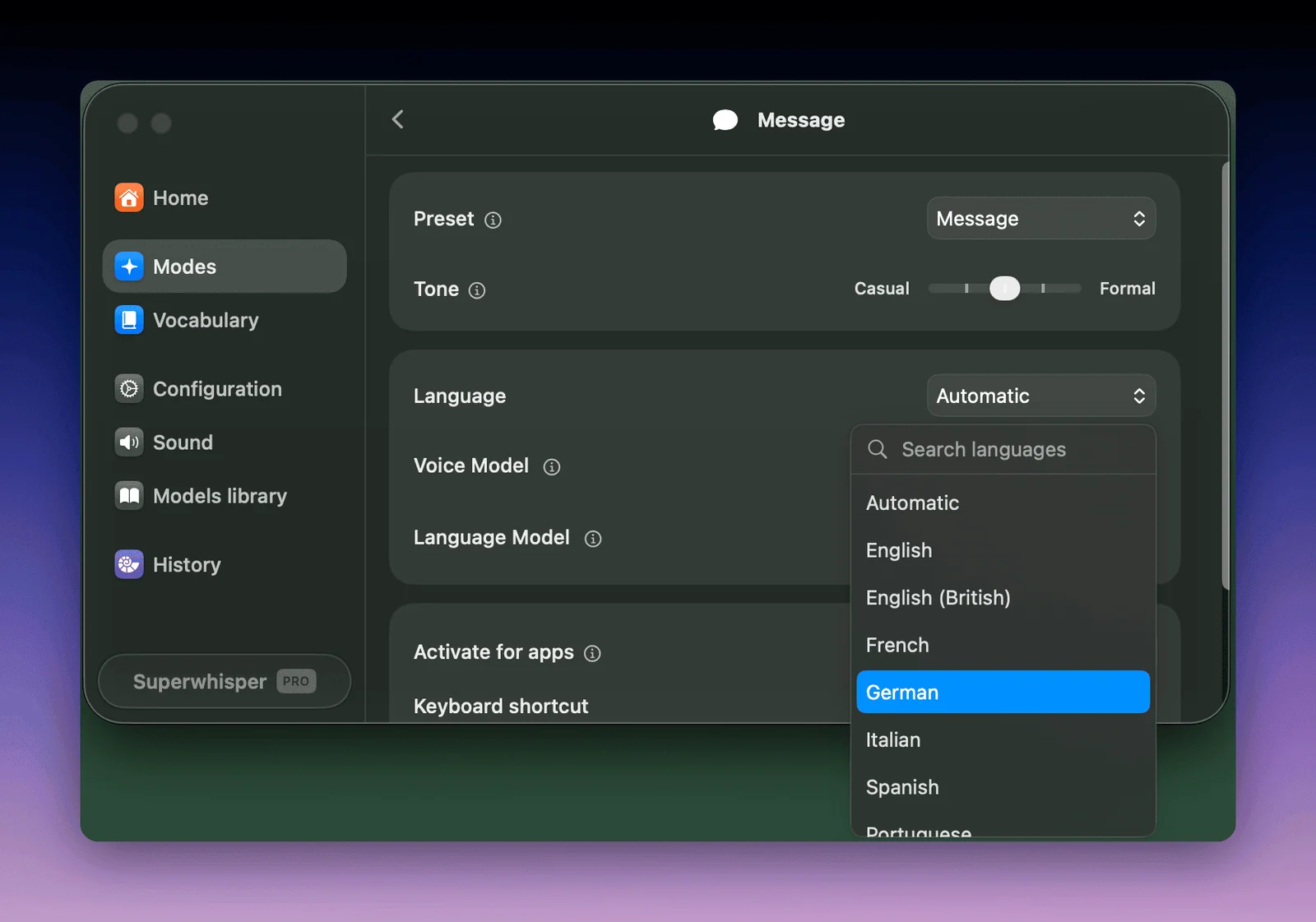 Superwhisper's official mode editor. Language and voice model are separate choices.
There is a useful free option here: the Free plan includes unlimited local Whisper dictation and up to two modes without AI processing. Pro adds cloud models, AI modes, and file transcription, starting at $8.49/month or $84.99/year.
Main downside: setup takes more thought than pressing a microphone button. For private Spanish writing, check both the speech model and any AI processing step. Local transcription alone does not make a cloud rewrite local.
4. Google Docs Voice Typing: free Spanish document writing
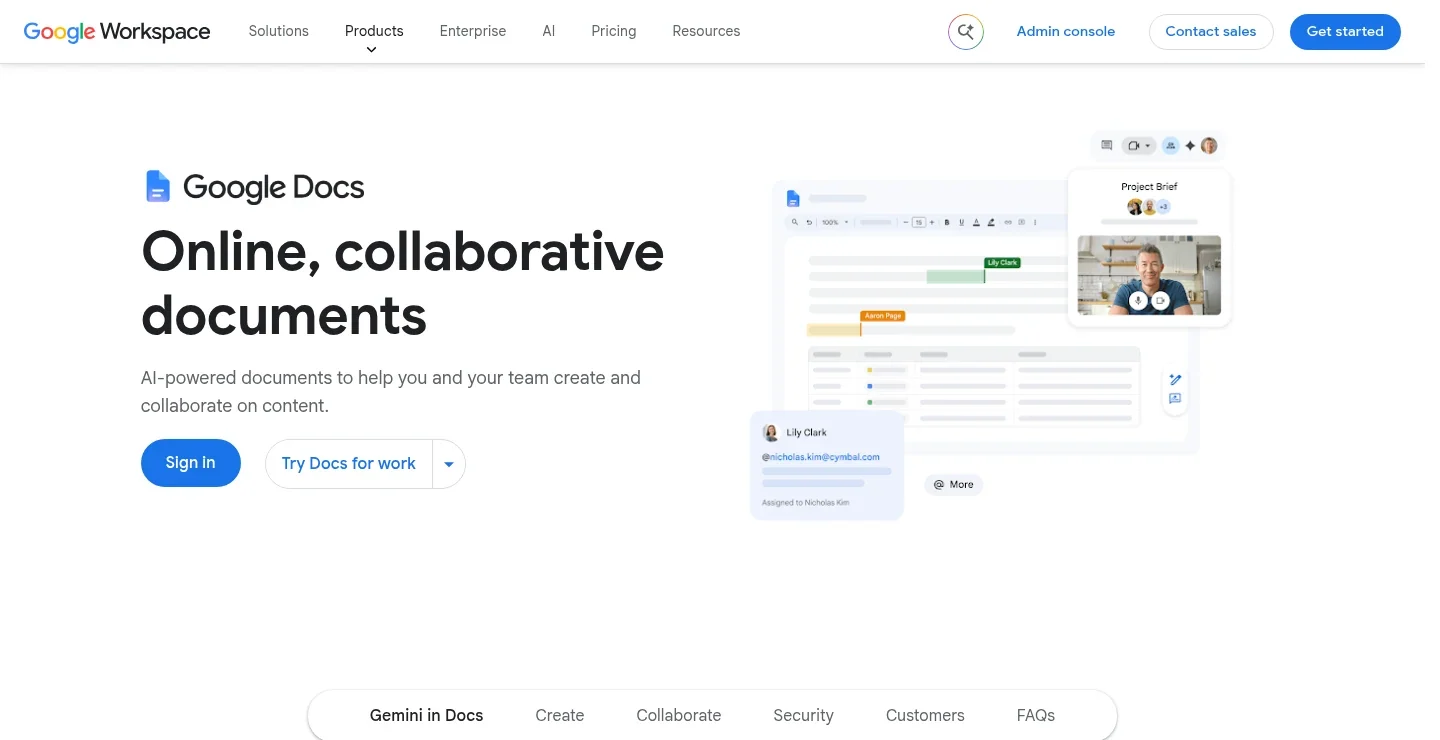
If the finished text belongs in a document, start with Google Docs Voice Typing. It is free and has a long list of Spanish regional choices, including Spain, Mexico, Argentina, Colombia, Chile, and others.
Open a document in a supported desktop browser, choose Tools → Voice typing, select a Spanish language option, and click the microphone. Google's current instructions list Chrome, Edge, and Safari as supported browsers.
A regional setting is a useful starting point, not a promise of perfect recognition for everyone in that country. Try your normal pace and vocabulary before changing how you speak to suit the app.
Main downside: it types into Docs, not every app on your computer. Google's editing and formatting voice commands are also English-only. Spanish voice typing does not mean you can use every spoken editing command in Spanish. See our Google Docs dictation guide for more ways to write there.
5. Apple Dictation: try the tool already on your device
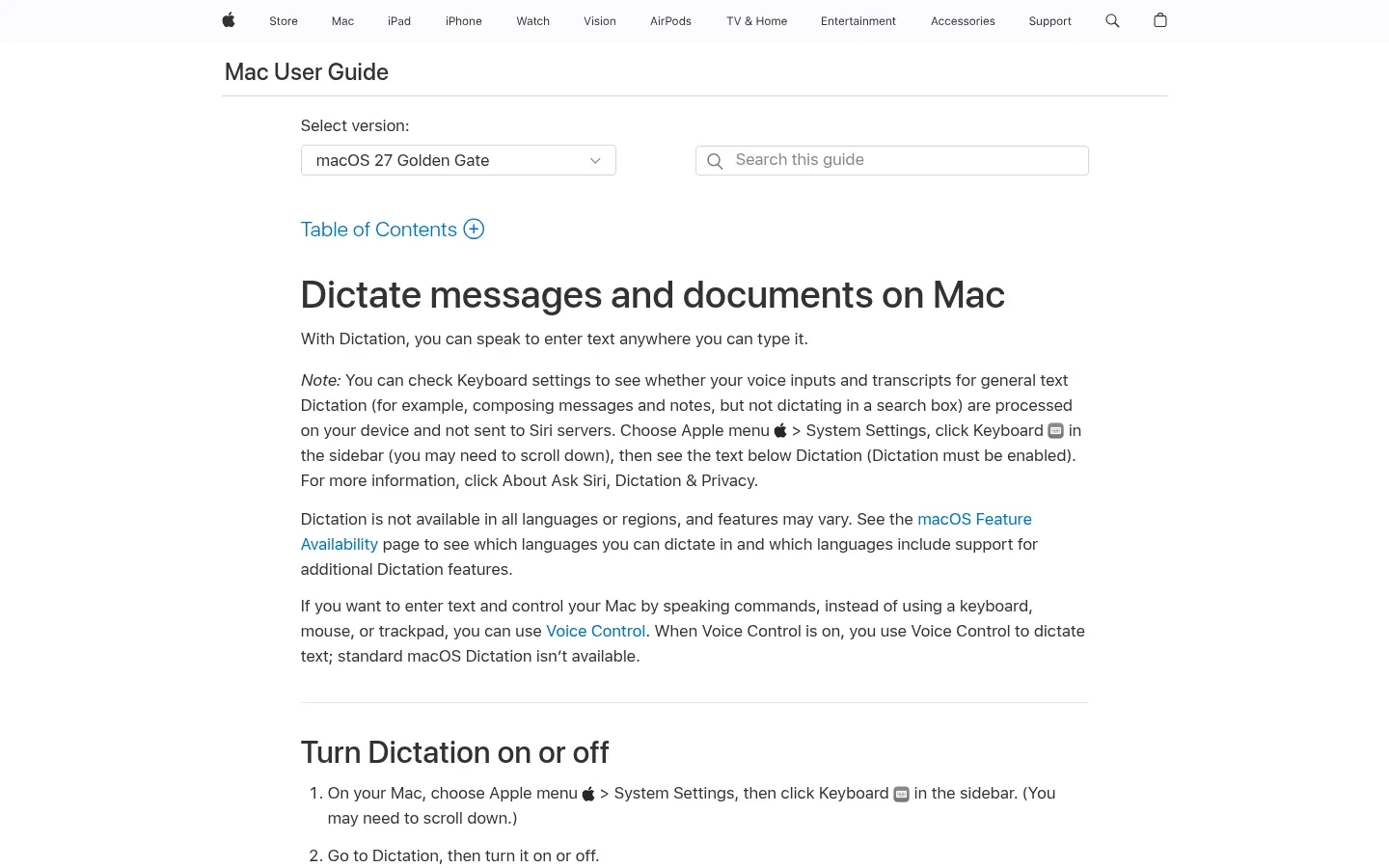
For a short Spanish message on a Mac or iPhone, Apple Dictation is a sensible first try. It is included with the device, so you can see whether basic dictation meets your needs before installing another app.
On a Mac, open System Settings → Keyboard → Dictation and add your language and region. On iPhone, use the keyboard microphone after enabling the appropriate dictation language.
Be careful with blanket offline claims. Apple says language availability and features vary. On Mac, the note under Dictation in Keyboard settings tells you whether general text dictation is processed on your device. Check Apple's language and feature list for your version.
Main downside: do not assume every Spanish variant gets the same punctuation, language-switching, or on-device features. If you spend more time correcting the message than writing it, compare a dedicated app.
6. Windows Voice Typing: free Spanish input with Win + H
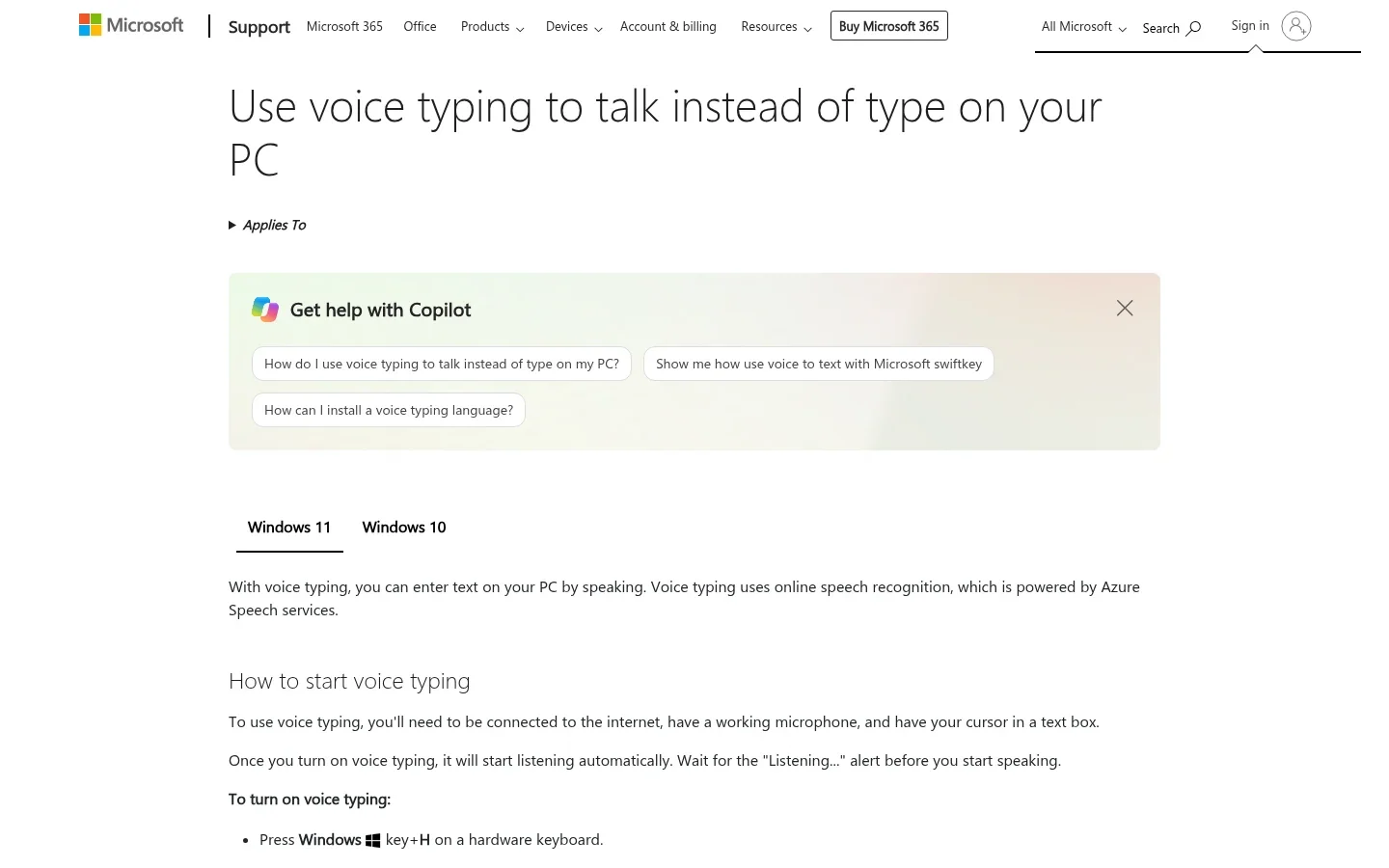
Windows Voice Typing is the quickest built-in option to try on a Windows PC. Click a text box and press Windows + H. Microsoft's Windows 11 language list includes Spanish (Mexico) and Spanish (Spain).
Install the language you need in Settings → Time & language → Language & region, then switch your input language. The gear button in the voice-typing panel includes automatic punctuation settings.
Main downside: this feature uses online speech recognition and needs internet. It is not the same as Windows Voice Access, the separate accessibility tool. Microsoft's newer Fluid dictation feature is listed for English locales, so do not buy a PC expecting that feature to polish Spanish text.
For other choices, compare Windows speech-to-text options.
7. Gboard: Spanish voice typing on Android
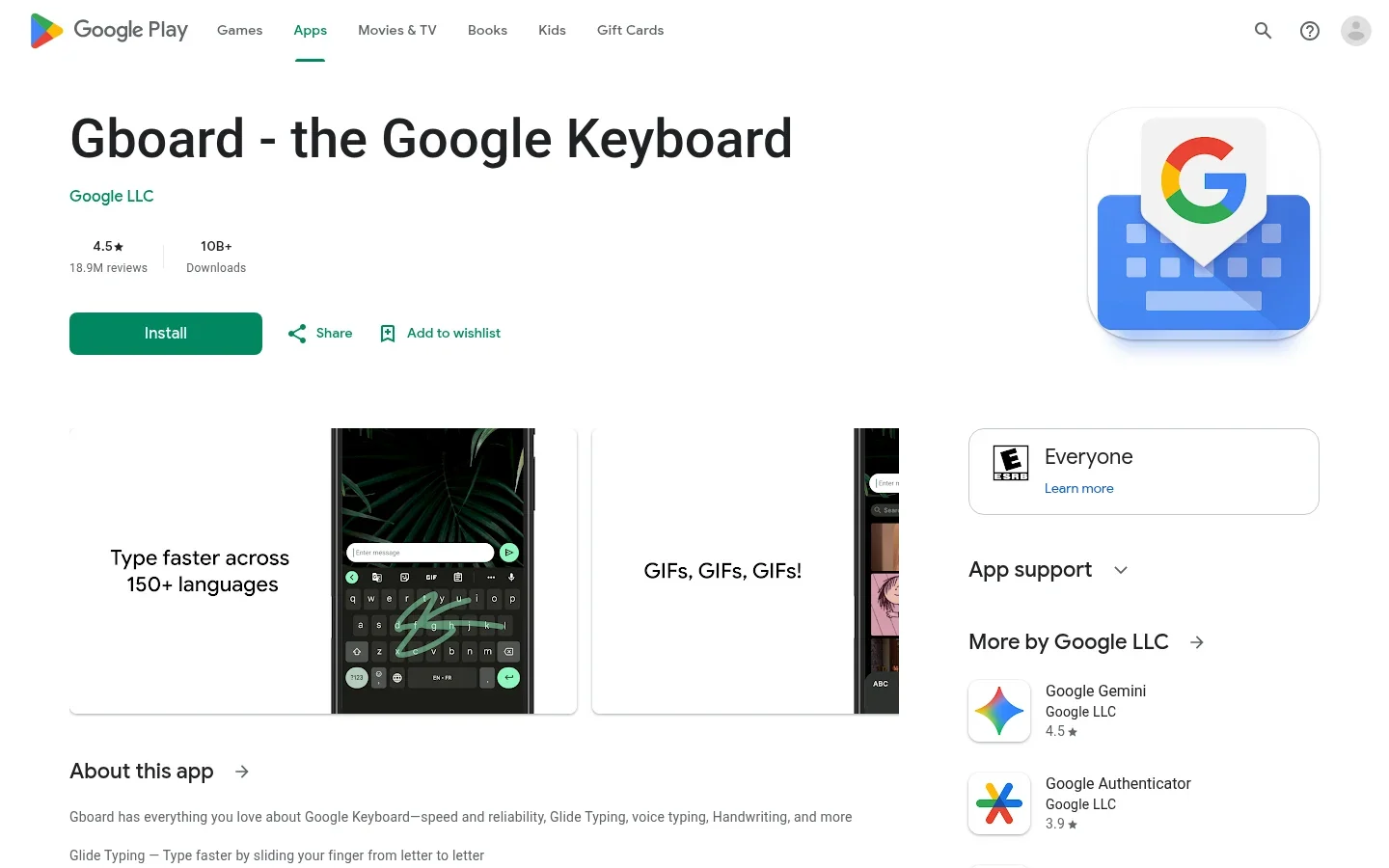
On Android, Gboard voice typing is a free place to start. Add Spanish to your keyboard, open a message or note, and tap the keyboard's microphone.
The important distinction is between ordinary voice typing and advanced voice typing on supported Pixel devices. Google's advanced feature supports Spanish on Pixel 6 and later, including supported Fold and Tablet devices. It adds features such as automatic language detection, but it is not available on every Android phone.
Main downside: a feature shown in a Pixel demonstration may not exist on your phone. Check the actual microphone, language, and editing options you have. Do not assume that every Gboard feature works offline or handles Spanish-English switching in the same way.
8. Willow Voice: Spanish writing with AI cleanup
Willow Voice is worth comparing if you want spoken Spanish turned into a cleaned-up draft on Mac, Windows, or iPhone. Its dictation features include punctuation, filler-word removal, and dictionary terms.
The Free Basic plan uses Frontier Mini, while Pro includes Frontier Pro and more personalization. That matters when you compare results: a free-plan sample is not necessarily showing you what its paid model produces. Pro lists $15/month or $12/month billed annually.
Willow also offers offline dictation. If offline Spanish is your reason for choosing it, confirm support for your device and local model before subscribing; a general language count does not establish that.
Main downside: cleanup can change phrasing. Read customer names, quoted text, and formal wording before sending. Judge the amount of editing saved, not just how smooth the first draft looks.
What makes Spanish speech-to-text useful in practice?
A clean-looking paragraph can still get the important part wrong. Before you settle on an app, try a few lines that resemble your real work:
- Names and accents: “Mañana envío el presupuesto a María Muñoz.” Check María, Muñoz, and mañana.
- Questions: “¿Puedes enviarlo hoy?” See whether you need to add the opening question mark yourself.
- Numbers: dictate a real price, date, or phone number. Decide how you want it written before comparing the result.
- Regional vocabulary: use words you normally say, such as ordenador or computadora. You should not have to imitate another accent.
- Mixed-language work: “Ya revisé el pull request.” Check that the English term stays intact instead of being translated or dropped.
Start without AI rewriting so you can see what was recognized. Then try cleanup as a separate step. For a quote, keep the speaker's words; for an email draft, a light rewrite may be helpful.
If switching languages is central to your day, our bilingual dictation guide goes deeper. For local processing and data handling, read the offline dictation comparison and dictation privacy guide.
Need to transcribe a Spanish recording instead?
A saved voice note or interview needs file transcription, not just a microphone shortcut. Check file-format support, recording limits, export options, and speaker labels if several people are talking.
Voicy supports uploaded-file transcription online. Superwhisper includes file transcription in Pro and uses the selected mode. Keep the output language set for transcription: Spanish audio should remain Spanish unless you explicitly request a translation.
Frequently asked questions
What is the best free Spanish speech-to-text app?
For free Spanish dictation, start with Google Docs Voice Typing, Apple Dictation, Windows Voice Typing, or Gboard, depending on your device. Superwhisper also has a free local Whisper plan. The best fit depends on where you need the text and which features your device supports.
Can speech-to-text apps understand Mexican and Spain Spanish?
Many apps support Spanish, but regional choices differ. Google Docs lists many country variants, and Windows 11 Voice Typing lists Spanish for Mexico and Spain. Try your normal accent and vocabulary; language support is not proof that every speaker gets the same accuracy.
Can I dictate Spanish without internet?
Yes, with a suitable local speech model and supported device. Superwhisper offers multilingual local models. Voicy offers desktop offline mode, but you should check the downloaded model's language list for Spanish. Download models while online, and check whether any separate AI rewriting step still needs internet.
Can I mix Spanish and English in one sentence?
Some tools can handle mixed-language speech, but support for both languages does not guarantee accurate switching inside a sentence. Wispr Flow's documentation says it detects one language per dictation, not per word. Try a sentence with your usual English names or work terms before relying on the result.
Does Spanish dictation add accents and punctuation?
Apps can produce Spanish text with accent marks and punctuation, but results and automatic punctuation features vary. Review names, ñ, accented vowels, and opening question or exclamation marks. Fixing punctuation does not necessarily mean the app recognized a name or number correctly.
Can these apps transcribe a Spanish audio file?
Only if they include file transcription. Voicy accepts uploaded recordings online, and Superwhisper includes file transcription in Pro. Built-in voice typing is not a general file-upload service. Check file limits and speaker-label support before choosing an app for interviews or meetings.
Which Spanish dictation app should you choose?
For occasional Spanish messages, try the free option already on your device. If you mainly write documents, Google Docs is an easy starting point. Frequent writers should compare a dedicated app in the places they actually work, with the names and vocabulary they use each day.
Start with a short message you know well. If Voicy fits your devices, use the free trial to dictate it, review the result, and decide whether the time saved is worth paying for.
 Download for free
 Download for free
 Download for Ubuntu/Debian