
Key Takeaways
Dictation for academic writing works best for rough drafts, literature notes, field notes, teaching materials, and research memos.
Use your voice for ideas and structure. Use your keyboard for citations, equations, tables, exact quotes, and final edits.
Researchers should expect a faster first draft, not a perfect paper. Accuracy still depends on your microphone, room noise, accent, and field-specific terms.
Voicy is a good fit if you want live dictation across Mac, Windows, browser extension, iOS, and Android, plus file upload transcription for recorded notes.
Answer First
Dictation for academic writing is most useful when you need to get thinking out of your head and into a draft. It can help with literature review notes, article outlines, discussion sections, grant ideas, and field reflections.
It is not a replacement for careful scholarship. You still need to check citations, source wording, quotations, references, methods details, equations, and final phrasing by hand.
Why Dictation Helps Researchers Write
Academic writing is strange work. You can explain a study clearly in a meeting, then freeze when the same idea has to become a paragraph.
Dictation helps because it lowers the cost of starting. Instead of typing a perfect first sentence, you talk through the point you already understand. The result is not polished, but it is editable.
That matters for researchers because a lot of academic work starts messy: a reading note, a methods concern, a possible interpretation, a paragraph that might become part of a paper later. Dictation turns those loose thoughts into text before they disappear.
There is also some research interest here. A peer-reviewed article on junior scientists and manuscript dictation, "A feeling of flow", explored how dictation can support scientific writing. The useful takeaway is modest but real: speaking can help some researchers enter a drafting state more easily.
Where Dictation for Academic Writing Fits in a Research Workflow
Dictation works best when the job is language, not precision formatting. Use it where a rough but complete draft is valuable.
Literature notes
After reading a paper, speak a short note while the argument is still fresh. Keep the note clearly labeled so you know what came from the source and what came from you.
A simple format works:
Source: author, year, title, or citation key
Type: summary, critique, method note, quote to verify, or idea for later
Main point: one or two spoken paragraphs
Follow-up: what to check next
If you write in Google Docs, see Voicy's guide to speech to text in Google Docs. If you keep research notes in Notion, the Notion speech-to-text guide is the better companion.
Paper drafting
Dictation is strongest for sections where you already know the argument. That often means introductions, literature review bridges, discussion sections, limitations, and grant narratives.
Try speaking in small chunks. Do not dictate a whole article in one heroic session. Dictate one paragraph, pause, scan it, then move on.
A good prompt before you start is: "What am I trying to prove in this section?" Say the answer first. Then add evidence, nuance, and caveats.
Research memos
Memos are perfect for voice. You can capture why a result surprised you, what a reviewer might object to, or how two papers connect.
These notes do not need to sound formal. They need to preserve your reasoning. Later, you can turn the useful parts into polished academic prose.
Field notes
For fieldwork, voice notes can catch context that is easy to lose: location, mood, order of events, rough observations, and questions to ask later.
Be careful with privacy and consent. If your field site involves people, sensitive locations, health details, or unpublished material, follow your institution's ethics rules before recording or uploading anything.
Teaching and admin writing
Not all academic writing is a journal article. Dictation is also useful for lecture outlines, feedback on student drafts, peer review notes, recommendation letter drafts, and long emails.
For email-heavy days, this can save your hands. Voicy also has a guide on voice dictation for email productivity.
What Not to Dictate
Some academic tasks are too exact for speech. You can still talk around them, but the final text should be checked manually.
Citations: dictate placeholders, then insert references with your citation manager.
Exact quotes: never dictate a quote from memory. Copy it from the source and verify page numbers.
Equations and notation: type or paste them. Dictation is not a good tool for dense symbols.
Tables: describe the finding by voice, then build the table by hand.
Reference lists: use Zotero, Mendeley, or another reference manager instead of speaking each entry.
This is where researchers get into trouble with dictation. The goal is faster thinking, not loose evidence. Treat dictated text as a draft until citations, names, dates, and claims are checked.
A Practical Dictation Workflow for Literature Notes
Use a repeatable pattern so your notes stay usable later.
Read first. Mark the argument, method, finding, and any quote you may need.
Name the source out loud. Start with author, year, and citation key.
Speak your own summary. Say what the paper claims in plain language.
Separate your reaction. Use phrases like "my note" or "possible critique" so you do not mix source and interpretation.
Add a next action. For example: compare with Smith 2022, check sample size, or verify quote.
This works well in a notes app, a document, or a reference manager note field. If you write in Microsoft Word, Voicy's guide on how to dictate in Microsoft Word covers the app-specific setup.
A Practical Dictation Workflow for Paper Drafting
For papers, use dictation to draft sections, not final copy. The best pattern is speak, shape, verify.
1. Speak the section's claim
Start with one sentence that says what the section does. For example: "This section explains why interview timing changed the way participants described burnout."
That opening sentence may not survive. Fine. It gives the paragraph a job.
2. Dictate evidence in plain language
Say the evidence the way you would explain it to a colleague. Do not worry yet about journal style.
If you need a citation, say a placeholder like "cite Johnson 2021 here." Later, replace it with the real citation from your manager.
3. Edit for academic form
Now use the keyboard. Tighten claims, add hedging where it is earned, insert citations, check terminology, and remove spoken filler.
This is where dictation becomes useful: you are editing real material instead of staring at a blank page.
Citation Caveats Researchers Should Take Seriously
Dictation can make writing faster, but it can also make source boundaries fuzzy if you are careless. Build safeguards into the workflow.
Use placeholders for citations, then insert the real reference later.
Label summaries, paraphrases, and personal reactions separately.
Keep exact quotations out of dictated memory.
Check author names, theory names, drug names, gene names, and technical terms before sharing a draft.
Follow your university or publisher policy if you use any AI tools alongside dictation.
Dictation records what you say. It does not verify scholarship. That job stays with you.
Accuracy Expectations for Academic Dictation
Expect dictation to be good enough for drafts, not perfect enough for submission. Even strong speech-to-text tools make errors with names, acronyms, non-English terms, and niche vocabulary.
Your results will depend on a few boring things that matter a lot:
Use a decent microphone or quiet headset.
Dictate in short sections instead of one long ramble.
Say punctuation only if your tool needs it.
Add field terms to your dictionary if the tool supports it.
Do a final pass for small words, because "can" and "can't" errors are brutal in academic text.
If you are new to dictation, read Voicy's broader voice typing app guide first. Mac users may also want the speech-to-text on macOS guide.
Accessibility: Dictation as an Academic Accommodation
For some researchers, dictation is not a productivity trick. It is access.
Voice typing can help people with wrist pain, repetitive strain injury, arthritis, dysgraphia, ADHD, fatigue, or temporary injuries. It can also help researchers who think more clearly by speaking than typing.
If you need dictation as an accommodation, check your institution's disability services process. You may be able to get software, hardware, quiet writing space, or workflow support.
Privacy still matters. If your research involves sensitive data, ask whether cloud transcription tools are allowed under your ethics approval, data protection rules, or grant terms.
Where Voicy Fits
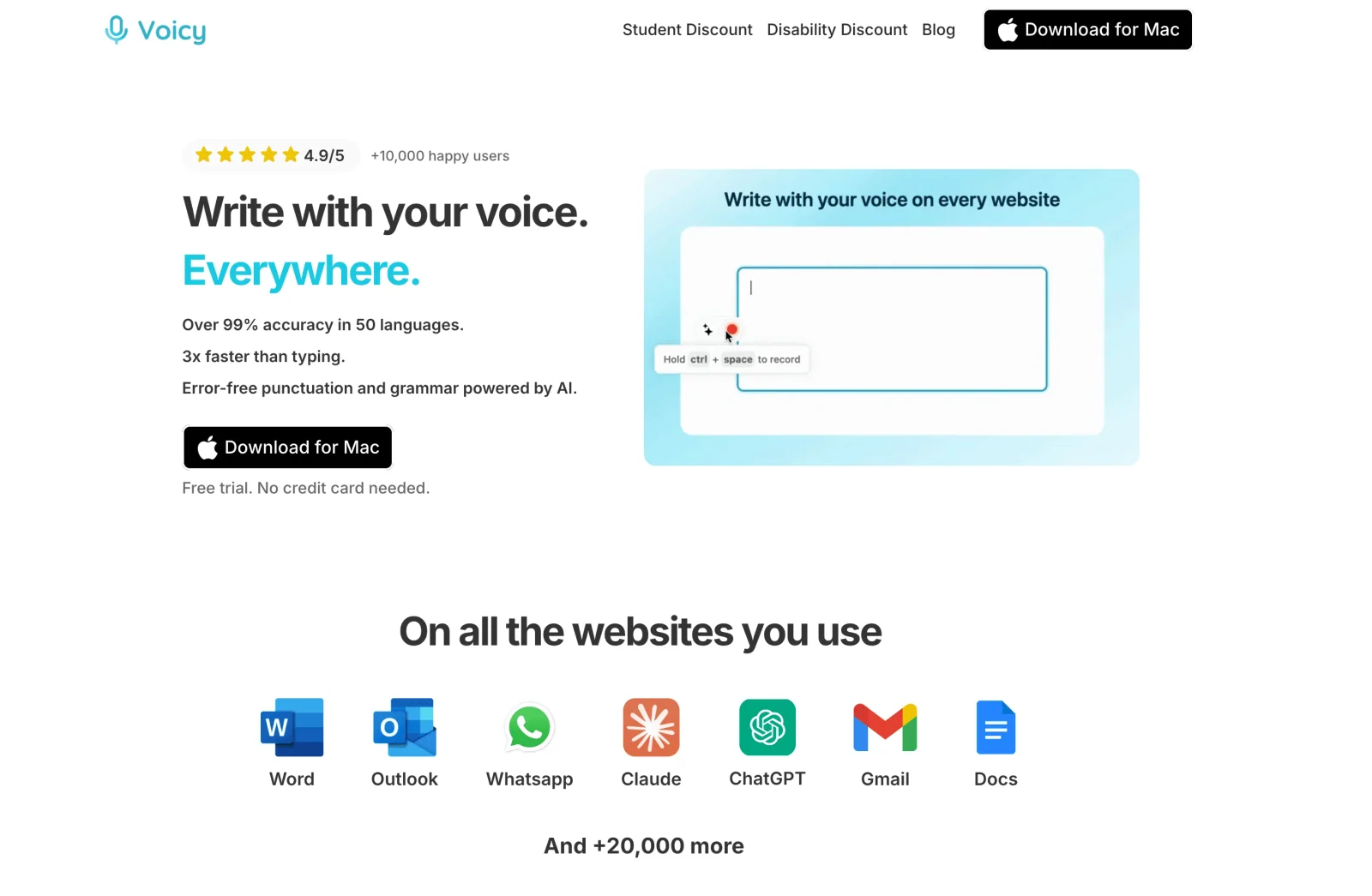
Voicy is useful for researchers who want speech-to-text across the places they already write. It supports Mac, Windows, browser extension, iOS, and Android, so you can dictate into documents, notes, browser fields, and mobile workflows.
Voicy supports live dictation and file upload transcription. That means you can draft directly by voice, or transcribe recorded research notes and clean them up later.
The honest positioning: Voicy helps you produce and transcribe text faster, but it does not solve citation management, evidence checking, or scholarly judgment. You should still use a reference manager, verify quotes from the original source, and edit final drafts carefully.
Voicy offers a free trial and is not fully free. Current pricing is $8.49/month, $82/year, or $260 lifetime. Transcription is cloud-based by default, and the Mac, Windows, and Linux apps also include an optional offline dictation mode, so researchers working with sensitive or restricted data should check whether that fits their project rules before uploading or dictating confidential material.
FAQ
Is dictation good for academic writing?
Yes, dictation is good for academic writing when you use it for rough drafts, literature notes, research memos, and field reflections. It is less useful for citations, equations, tables, and exact quotations.
Can I dictate a research paper?
You can dictate parts of a research paper, especially introductions, literature review sections, discussion points, and grant-style explanations. You should still revise, add citations, and verify all claims before submission.
Should I dictate citations?
No. Dictate citation placeholders, then insert real references with a citation manager. This reduces errors in author names, dates, page numbers, and formatting.
Can dictation help with field notes?
Yes. Dictation can capture observations, context, and reflections quickly after fieldwork. Follow your ethics rules if notes include people, private details, or sensitive sites.
Is Voicy fully free?
No. Voicy offers a free trial, but it is not fully free. Paid plans are $8.49/month, $82/year, or $260 lifetime.
Final Take
Dictation for academic writing is best treated as a drafting method. Use it to move from thought to text faster, then slow down for verification.
For researchers, that balance is the whole trick. Speak the messy first version. Then do the careful academic work: cite, check, revise, and make the argument sharp.