





Best Android Dictation Apps in 2026
TL;DR: best Android dictation apps
If you want the best speech to text app for Android, start with Voicy. It is the best overall pick because it works on Android, Mac, Windows, browser workflows, and iOS, and it also supports uploaded audio file transcription.
Voicy: Best Android dictation app for serious writing, cross-device work, AI cleanup, and file upload transcription.
Gboard / Google Voice Typing: Best free voice typing option built into many Android workflows.
Wispr Flow: Best AI voice-to-text app for people who like a floating dictation bubble.
Speechnotes: Best simple Android voice notes app for long, plain-text dictation.
Dragon Anywhere: Best Android dictation app for long professional documents.
Otter: Best for meeting notes, interviews, and speaker-labeled transcripts.
Notta: Best for multilingual meeting notes and mobile transcription.
Rev: Best when you want AI transcription with a human review option.
Google Recorder: Best free recorder and transcript app for Pixel users.
Quick verdict
Voicy is the best Android dictation app for most people in 2026 because it covers more than quick voice typing. You can dictate into work apps, clean up rough speech, move between phone and desktop, and transcribe uploaded files.
Use Gboard if you only need a free voice to text app on Android for short messages. Use Otter, Notta, or Rev if your main job is recording meetings. Use Dragon Anywhere if you need long-form mobile document dictation for professional reports.
Why Android dictation apps matter now
Android phones already have decent voice typing. Tap the microphone on the keyboard, speak, and your words appear in WhatsApp, Gmail, Slack, Google Docs, or a browser field.
That is enough for quick replies. It is not always enough for polished work. If you dictate long emails, notes, client updates, AI prompts, or documents, you need better cleanup, better cross-app support, and a workflow that does not trap your text in one app.
This guide compares the best voice to text app Android options for real use: quick texts, work messages, long notes, meetings, files, and professional dictation.
How we chose the best voice to text app for Android
We looked at Android-specific use, not just generic speech-to-text brands. A good Android dictation app should work where people actually type on a phone.
Writing workflow: Can it help with Gmail, WhatsApp, Slack, notes, docs, browser forms, and quick replies?
Accuracy and cleanup: Does it handle natural speech, punctuation, filler words, and messy first drafts?
Cross-device support: Can you move from Android to desktop or browser without rebuilding your workflow?
Transcription support: Can it turn uploaded audio files or recordings into text?
Price clarity: Is it free, paid, trial-based, or usage-based?
Tradeoffs: Every tool has limits. We include them so the comparison is useful.
Android dictation apps compared
Rank | App | Best for | Android fit | Main tradeoff |
|---|---|---|---|---|
1 | Best overall Android dictation app | Android plus Mac, Windows, browser, and iOS | Paid after free trial | |
2 | Gboard / Google Voice Typing | Free quick voice typing | Works from the Android keyboard | Basic cleanup and formatting |
3 | Wispr Flow | AI dictation bubble | Works over Android text fields | Newer Android workflow and permission setup |
4 | Speechnotes | Long voice notes | Android app and web app | More note-pad than all-app writing layer |
5 | Dragon Anywhere | Professional document dictation | Android and iOS mobile app | Cost and older professional workflow |
6 | Otter | Meetings and interviews | Android recording and transcripts | Not built for writing into every app |
7 | Notta | Multilingual transcripts | Android recording and file workflows | Meeting-first, not dictation-first |
8 | Rev | AI or human transcription | Android recorder and transcript orders | Costs rise with heavy transcription |
9 | Google Recorder | Pixel voice recording | Best on Pixel devices | Not a cross-app dictation app |
If you are comparing paid tools for work, start with Voicy's dictation app page. If you want a broader desktop comparison too, see our guide to the best dictation software.
1. Voicy: best Android dictation app overall

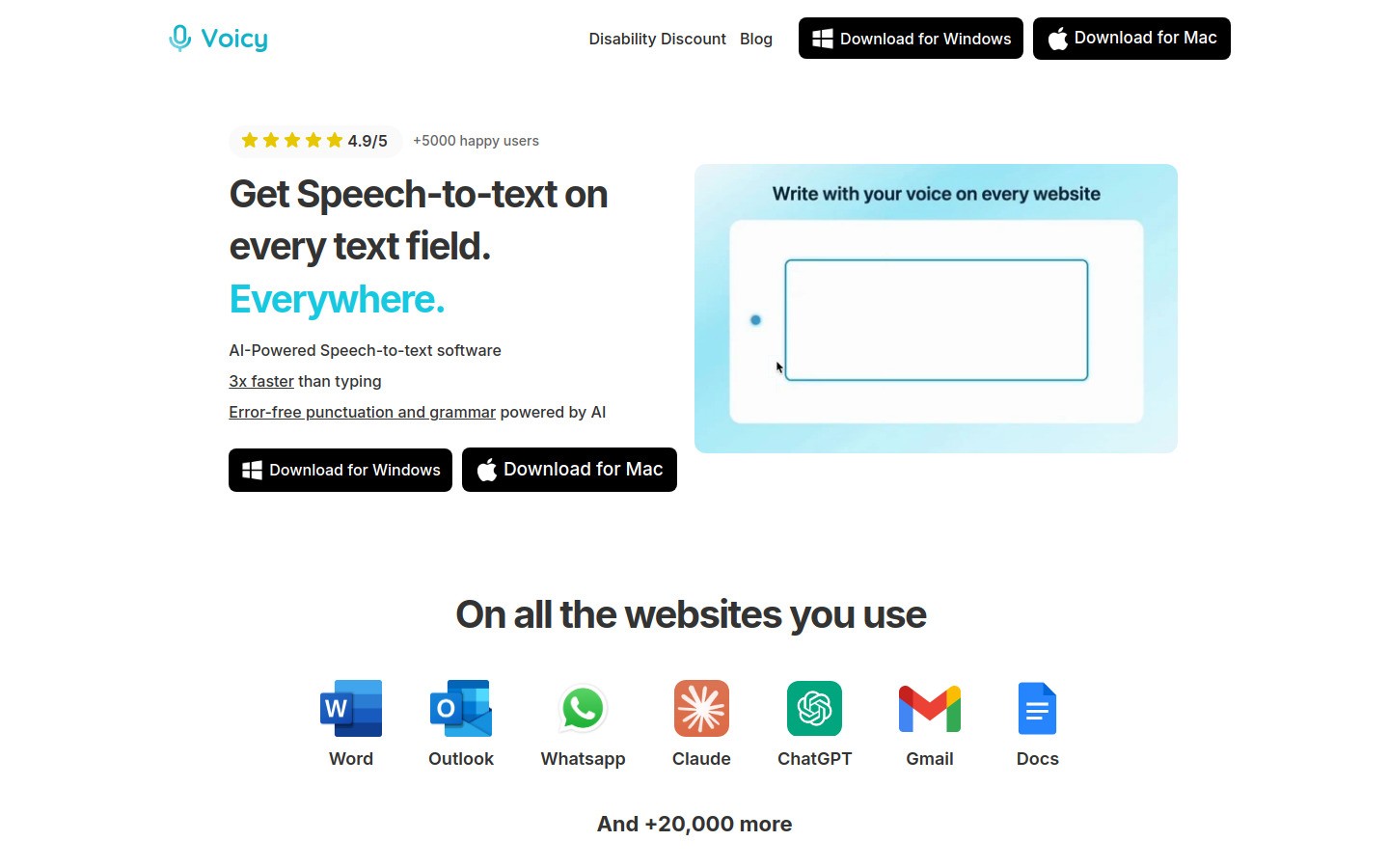
Best for: people who want one speech-to-text workflow across Android, desktop, and browser apps
Platforms: Android, iOS, Mac, Windows, and browser extension
Pricing: free trial, then $8.49/month, $82/year, or $260 lifetime
Voicy is the best speech to text app for Android if you want more than a keyboard microphone. It is built for writing in real work apps, not just dropping raw text into a note.
On Android, that matters because your writing is spread across many places. You might reply in WhatsApp, write a Gmail draft, add a Slack update, fill a browser form, and save a note in the same hour. A good Android dictation app should support that kind of switching.
Voicy also supports file upload transcription. That means you can use it for live dictation and for saved recordings, voice memos, calls you are allowed to record, interviews, lectures, or rough audio notes.
Why it stands out: Voicy combines dictation, AI cleanup, cross-device support, and uploaded audio transcription.
Good Android use cases: Gmail replies, WhatsApp messages, Slack updates, notes, docs, browser forms, and AI prompts.
Tradeoff: Voicy starts with a free trial, then uses paid plans.
Bottom line: Choose Voicy if you want the best Android dictation app for daily writing, not just a free microphone button.
For commercial-intent comparisons, the best next step is the Voicy dictation app page. It has current platforms, pricing, and setup details.
2. Gboard / Google Voice Typing: best free voice to text app for Android
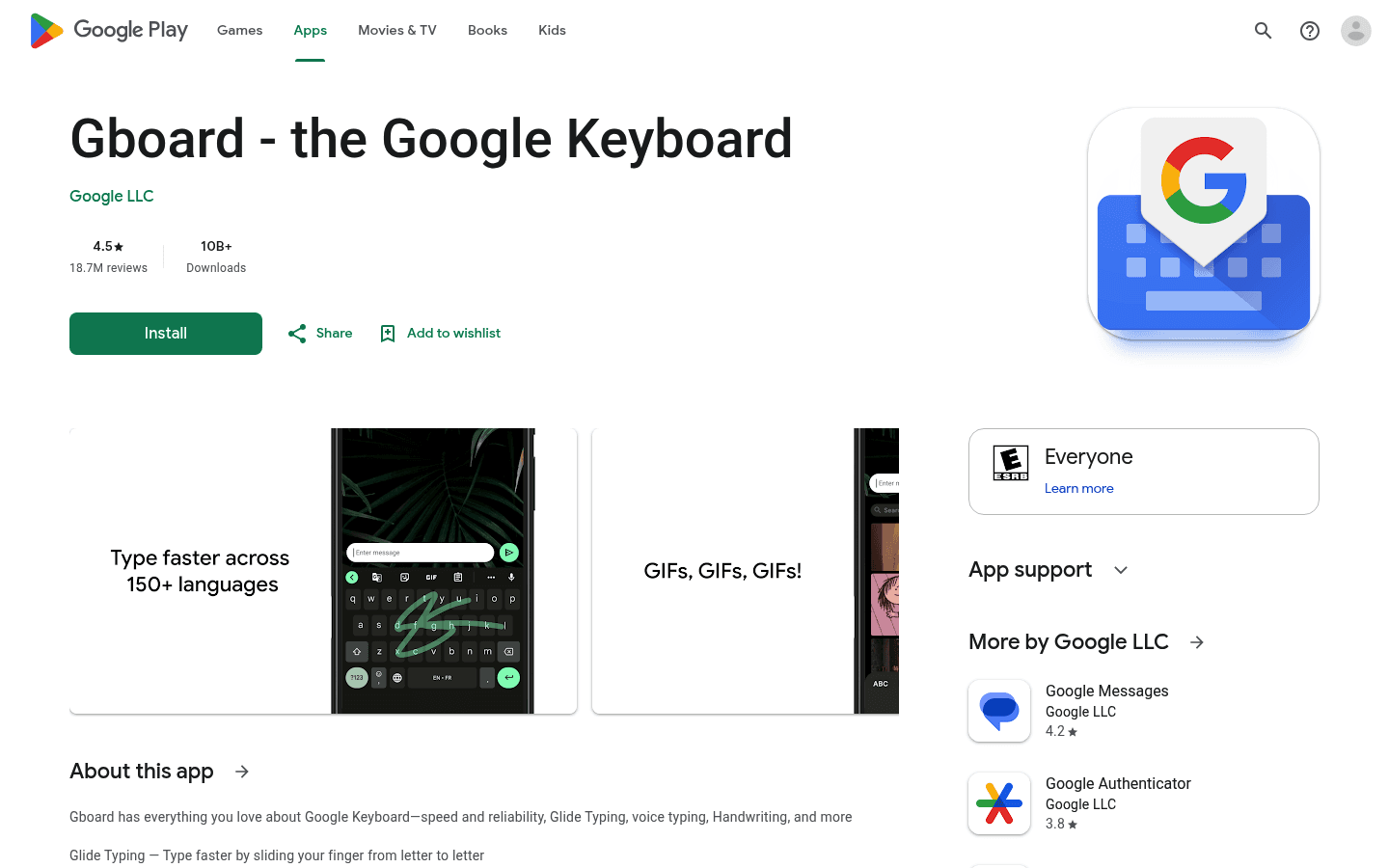
Best for: short free dictation in any app that uses the Android keyboard
Platforms: Android and Wear OS through Gboard
Pricing: free
Gboard is the best free voice to text app for Android for quick messages. It is already on many phones, and Google says it includes voice typing for dictating text on the go.
The biggest advantage is convenience. Tap a text field, tap the microphone, and speak. It works well for short replies, search boxes, quick notes, and casual messages.
Why it stands out: It is free, fast, and built into the keyboard workflow.
Good Android use cases: WhatsApp replies, texts, search, short emails, and quick notes.
Tradeoff: It is not a full writing app. It does not give you the same AI cleanup, file transcription, or cross-device writing workflow as Voicy.
Bottom line: Use Gboard first if you only need free, short-form Android voice typing.
3. Wispr Flow: best AI dictation bubble for Android
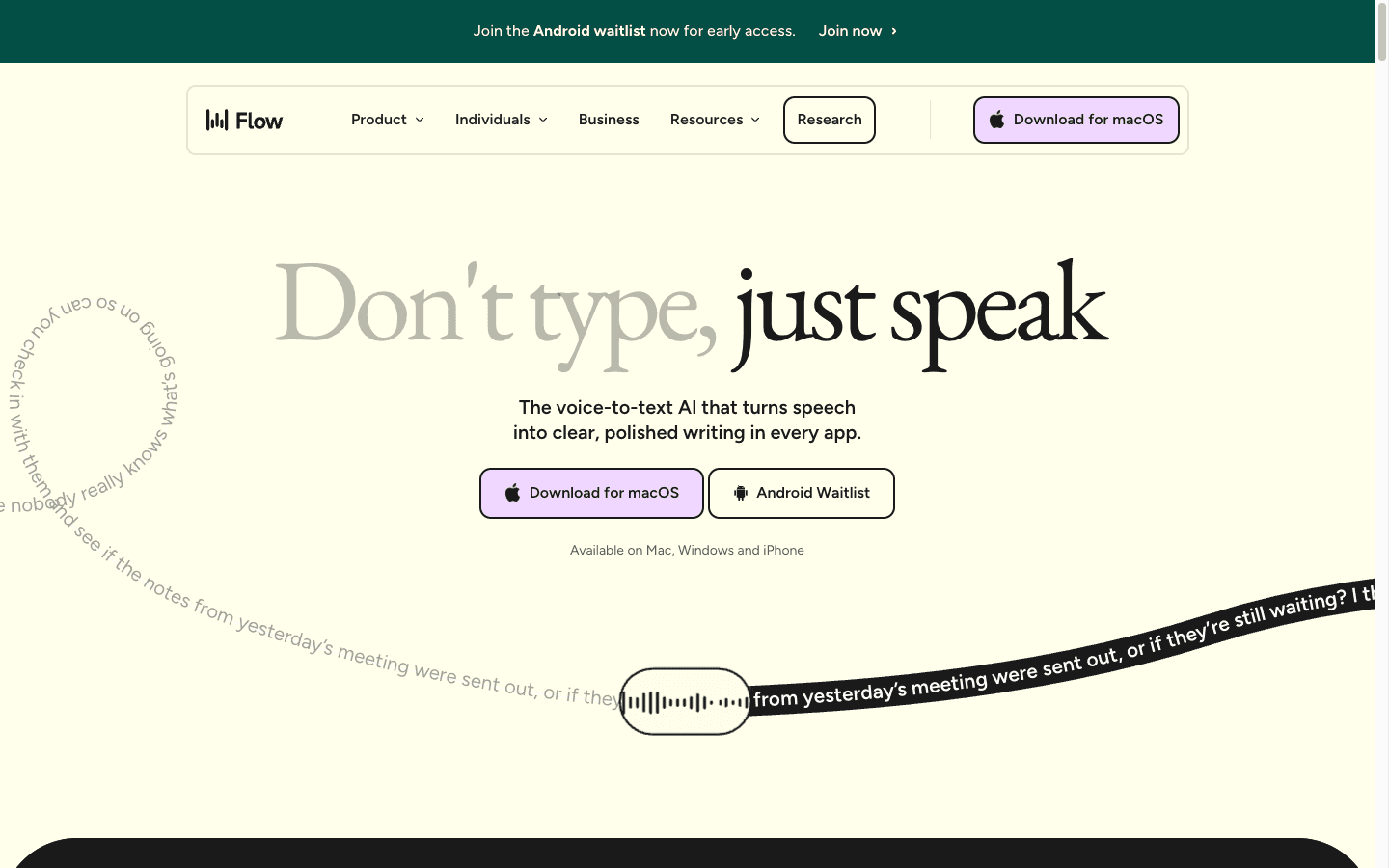
Best for: people who want AI cleanup while speaking into Android text fields
Platforms: Android, iPhone, Mac, and Windows
Pricing: free and unlimited during Android launch, according to Wispr Flow's Android page
Wispr Flow is a polished AI voice-to-text tool. Its Android version uses a floating bubble that appears over text fields, so you can dictate without replacing your normal keyboard.
Flow is good at turning rough speech into cleaner text. That makes it stronger than basic voice typing when you ramble, pause, or speak in fragments.
Why it stands out: The Android floating bubble is made for dictating inside many apps.
Good Android use cases: Messages, social posts, email replies, notes, and forms.
Tradeoff: The Android workflow is newer and may require permissions that some users will not want to grant.
Bottom line: Wispr Flow is a strong Android AI dictation option, but Voicy is the better #1 pick if you want dictation plus file upload transcription and lower long-term pricing clarity.
4. Speechnotes: best simple Android app for long notes

Best for: long voice notes and plain-text dictation
Platforms: Android and web
Pricing: free options, with paid upgrades for premium features and transcription
Speechnotes is a simple dictation notepad. Its own app listing describes it as a non-stop speech-recognition notepad for short or long texts.
That makes it useful when you want to sit down and dictate a long note without a heavy setup. It is less useful when you need a polished writing workflow across many Android apps.
Why it stands out: It is simple, focused, and good for long note capture.
Good Android use cases: journal entries, draft notes, meeting thoughts, class notes, and rough outlines.
Tradeoff: It feels more like a notepad than a full Android writing layer.
Bottom line: Use Speechnotes when you want quick, low-friction voice notes.
5. Dragon Anywhere: best Android dictation app for professional documents

Best for: long professional document dictation
Platforms: Android and iOS
Pricing: paid subscription
Dragon Anywhere is built for mobile professionals who dictate long documents. Nuance says it supports continuous dictation of documents with no length or time limits.
It is a better fit for reports, field notes, claims, legal-adjacent drafts, and professional documentation than for casual texts. Dragon's strength is serious dictation, not a lightweight messaging workflow.
Why it stands out: It is made for long-form dictation and mobile document editing.
Good Android use cases: field reports, client notes, case notes, and long drafts.
Tradeoff: It can feel expensive and heavier than needed for everyday Android messages.
Bottom line: Use Dragon Anywhere if you dictate long professional documents from your phone.
6. Otter: best Android app for meeting transcription
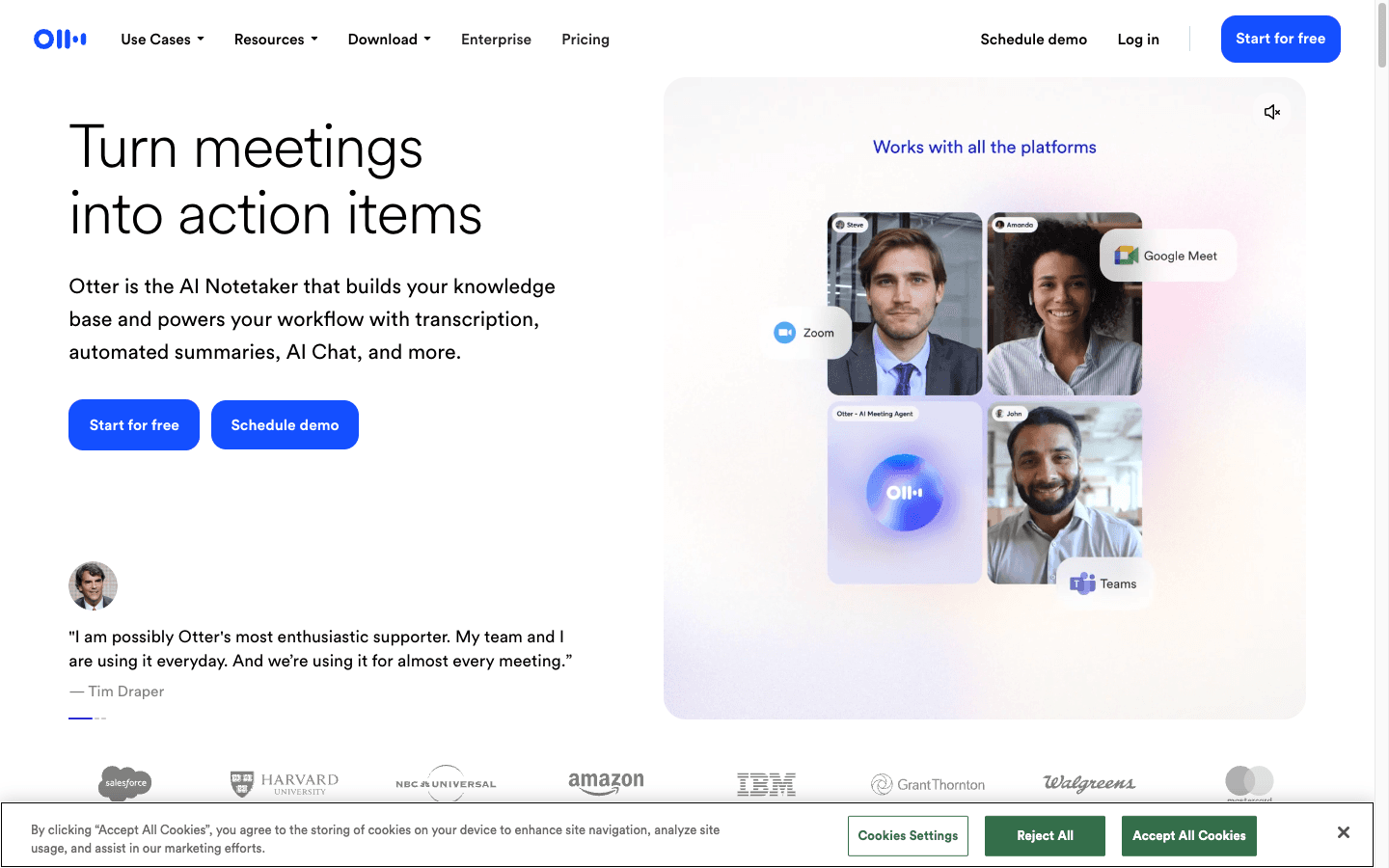
Best for: meetings, lectures, interviews, and team notes
Platforms: Android, iOS, and web
Pricing: free and paid plans
Otter is not mainly a dictation app. It is a meeting transcription app that records conversations, creates transcripts, and summarizes what was said.
That is useful on Android when you are in a class, a sales call, an interview, or an in-person meeting. It is not the best tool for writing a Gmail reply or filling out a form by voice.
Why it stands out: It is built around meetings, speakers, summaries, and searchable notes.
Good Android use cases: meetings, interviews, lectures, and follow-up notes.
Tradeoff: Otter is meeting-first, so it will not replace a cross-app dictation tool like Voicy.
Bottom line: Choose Otter when you need transcripts of conversations, not everyday Android dictation.
7. Notta: best Android voice-to-text app for multilingual notes
Best for: multilingual meetings, interviews, and recordings
Platforms: Android, iOS, web, and browser workflows
Pricing: free and paid plans
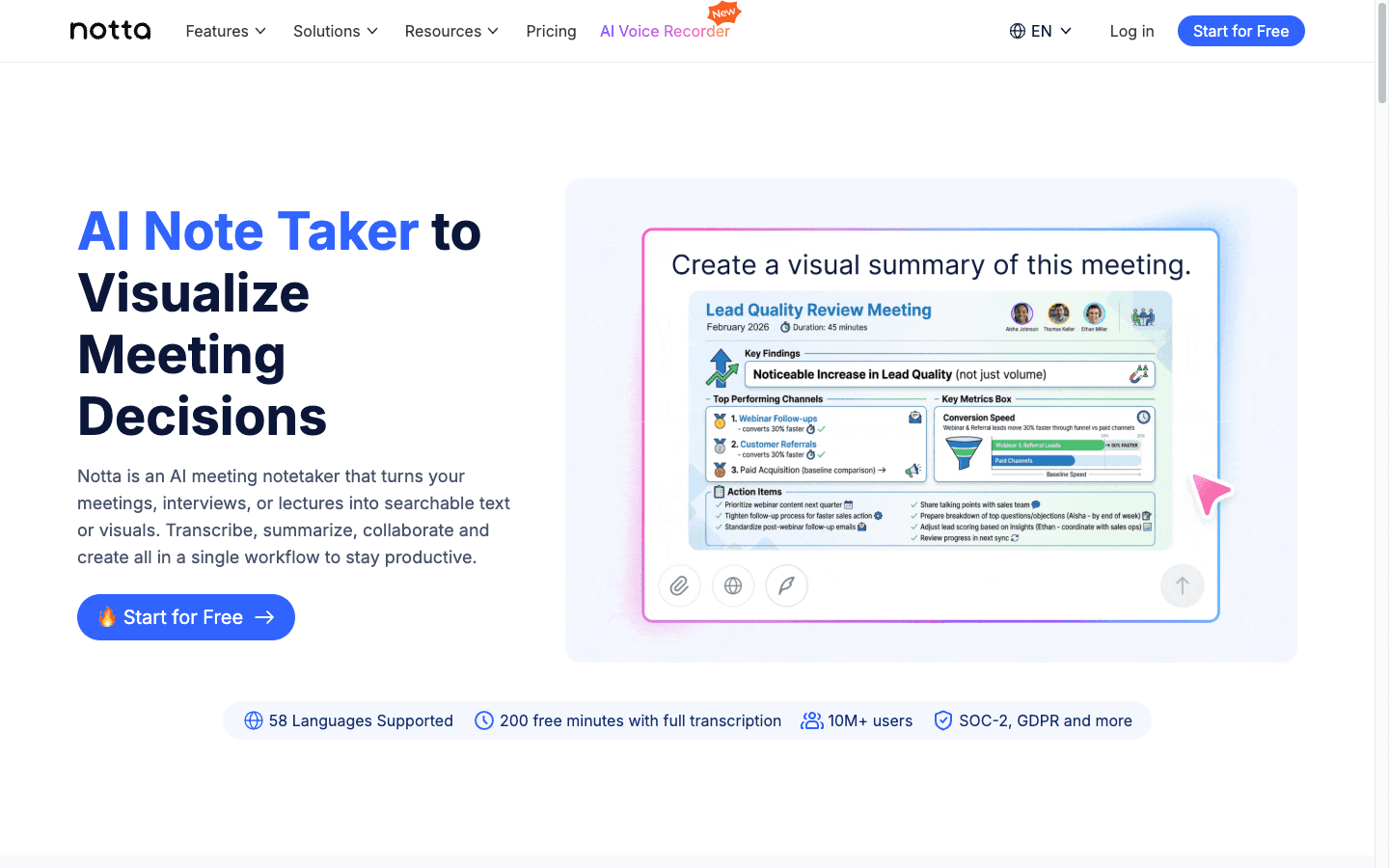
Notta is an AI note-taking and transcription app. It is strongest when you want to record or upload audio, then get a transcript and summary.
It is a good fit if you work across languages or need transcripts from meetings and interviews. It is less focused on typing directly into every Android app.
Why it stands out: Notta has strong mobile transcription and multilingual positioning.
Good Android use cases: interviews, class notes, meeting notes, and multilingual recordings.
Tradeoff: It is more transcription workspace than everyday dictation layer.
Bottom line: Use Notta if mobile transcription and language support matter more than writing in every app.
8. Rev: best Android transcription app with human review
Best for: recordings where you may want AI or human transcripts
Platforms: Android, iOS, and web
Pricing: usage-based transcription options
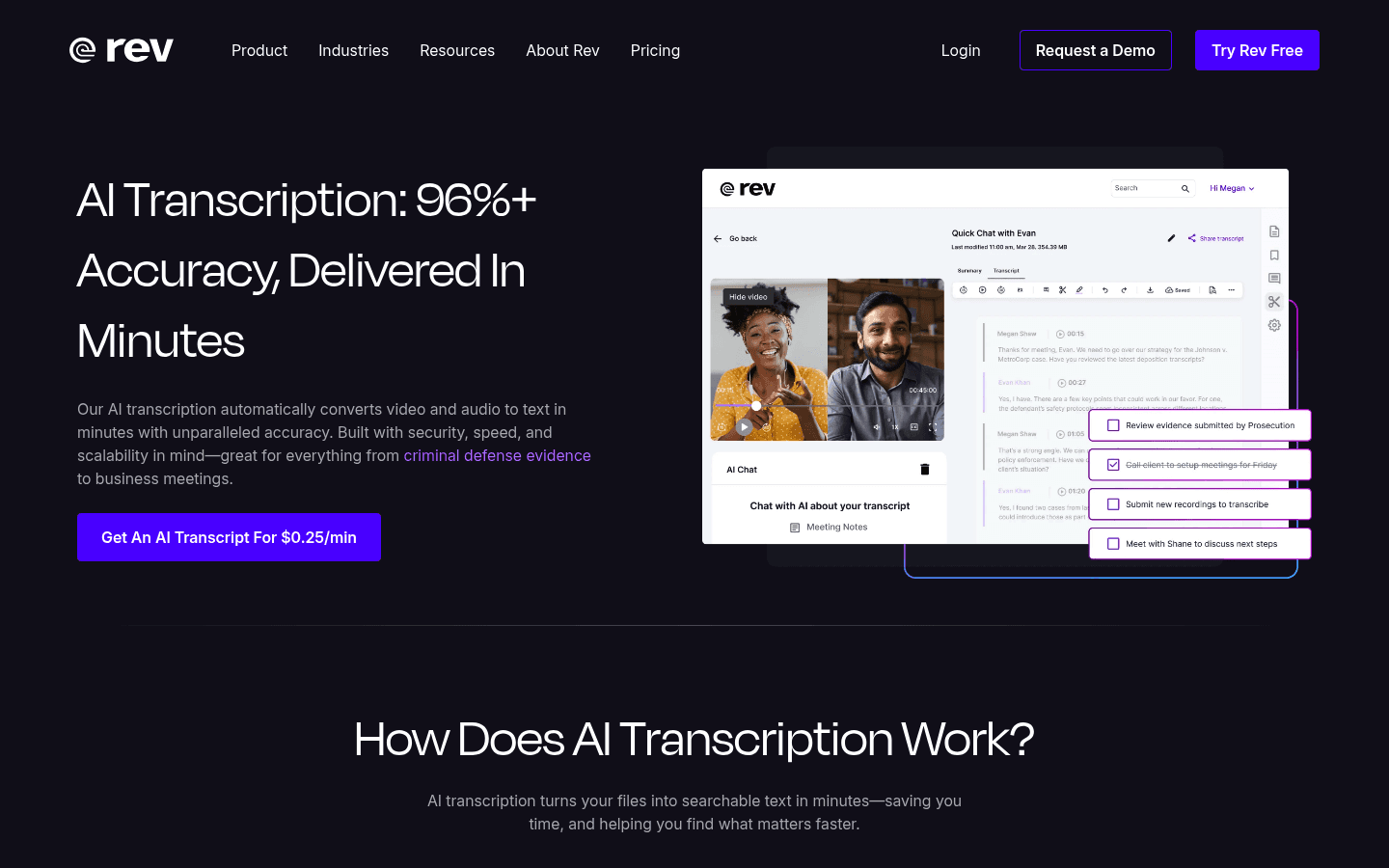
Rev's Android app is more about recording and transcription than live dictation. Rev says its mobile app can record audio and order transcripts from your phone.
This is useful when accuracy matters enough that you might pay for human review. For daily Android writing, it is not as convenient as Voicy or Gboard.
Why it stands out: Rev gives you AI transcription and the option of human-reviewed transcripts.
Good Android use cases: interviews, research calls, lectures, legal-adjacent recordings, and client audio.
Tradeoff: It is not built for live typing into WhatsApp, Gmail, Slack, or browser fields.
Bottom line: Use Rev when the output is a transcript file, not a live draft.
9. Google Recorder: best free transcription app for Pixel users
Best for: Pixel users who want simple recording with transcripts
Platforms: Android, strongest on Pixel devices
Pricing: free
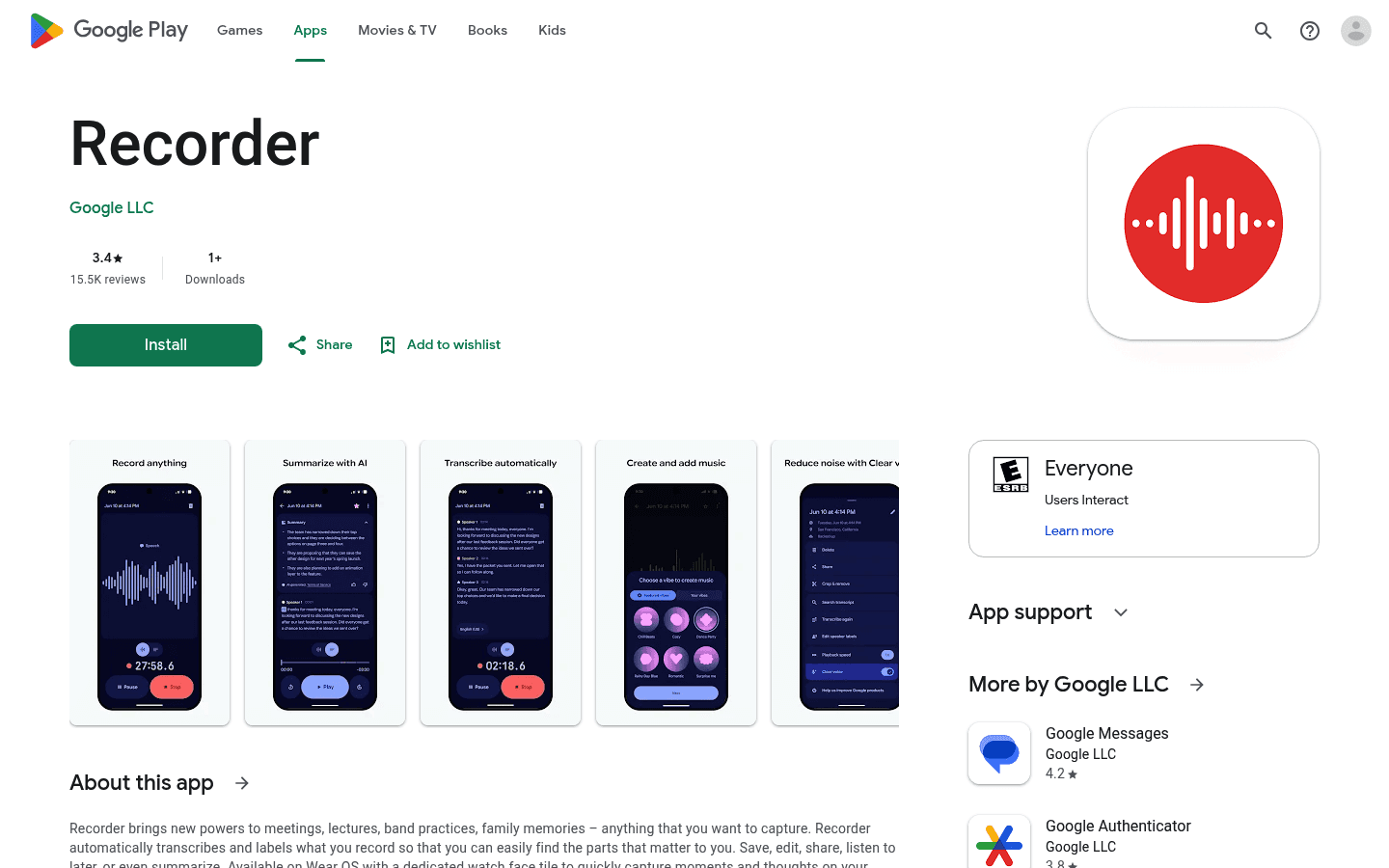
Google Recorder is a useful free app if you have access to it. Its Play Store listing says it records, transcribes, labels, saves, edits, and shares recordings.
It is a recorder first. That makes it great for capturing talks or ideas, but it does not replace an Android dictation app that writes into other apps.
Why it stands out: It is simple and strong for recording-plus-transcript use on supported Android devices.
Good Android use cases: voice memos, lectures, interviews, and idea capture.
Tradeoff: It is not a system-wide voice typing tool.
Bottom line: Use Google Recorder for captured audio. Use Voicy or Gboard for writing by voice.
Best Android dictation app by use case
The best Android dictation app depends on what you are trying to write or record.
Best overall: Voicy, because it supports Android, desktop, browser workflows, iOS, and file upload transcription.
Best free option: Gboard / Google Voice Typing, because it is already built into many Android typing flows.
Best for WhatsApp and quick replies: Gboard for simple replies, Voicy when the message needs cleaner wording.
Best for Gmail: Voicy for polished work emails, Gboard for short replies.
Best for Slack: Voicy for cleaner updates, summaries, and thoughtful replies.
Best for notes and docs: Voicy for cross-device writing, Speechnotes for plain long notes.
Best for meetings: Otter or Notta.
Best for uploaded audio files: Voicy for general work, Rev when you need human review.
Best for professional reports: Dragon Anywhere.
Should you use a free voice to text app for Android?
A free voice to text app for Android is fine for short text. Gboard is good for quick replies, search, basic notes, and simple messages.
Free tools start to feel limited when the writing gets longer. They may miss punctuation, keep filler words, struggle with structure, or make you edit every paragraph by hand.
Use a paid tool like Voicy when speech-to-text is part of your daily work. The cost makes more sense if it saves you time in Gmail, Slack, docs, browser forms, and uploaded file transcription.
Tips for better Android speech to text results
Use a quiet room when you can. Background noise hurts accuracy.
Speak in phrases, not single words. Modern AI uses context to understand you.
Say punctuation if your app needs it. Some tools add it automatically, but free tools may need more help.
Review names and numbers. They are the most common source of mistakes.
Use the right tool for the job. Dictation apps are for writing. Meeting apps are for recordings and conversations.
Try a headset in noisy places. A better mic can improve Android dictation fast.
If your main pain is speed, see our broader guide to the best talk-to-text apps. If you want a desktop-first version, compare dictation software options too.
FAQs about Android dictation apps
What is the best Android dictation app?
Voicy is the best Android dictation app overall because it works across Android, Mac, Windows, browser workflows, and iOS. It also supports file upload transcription, so it can handle live dictation and saved recordings.
What is the best speech to text app for Android?
The best speech to text app for Android is Voicy if you want a serious writing workflow. Gboard is the best free choice for short messages and quick voice typing.
What is the best free voice to text app for Android?
Gboard / Google Voice Typing is the best free voice to text app for Android for most people. It is built into the keyboard workflow and works well for short text. Voicy offers a free trial before paid plans.
Can I dictate into WhatsApp on Android?
Yes. You can use Gboard voice typing for quick WhatsApp replies. If you want cleaner wording for longer replies, try Voicy as your Android dictation workflow.
Can I use Android dictation in Gmail?
Yes. Gboard works for quick Gmail replies, but Voicy is better for polished work emails because it is built around cleaner writing and cross-device use.
Can Android dictation apps transcribe audio files?
Some can. Voicy supports file upload transcription as well as live dictation. Otter, Notta, Rev, and Google Recorder also handle recordings, but they are more transcript-focused than writing-focused.
Is Gboard enough for Android voice typing?
Gboard is enough for short messages, search, and basic notes. It is not enough if you want AI cleanup, uploaded file transcription, or a consistent writing workflow across Android, desktop, and browser apps.
Is Dragon Anywhere still useful on Android?
Yes. Dragon Anywhere is useful for long professional documents on Android. It is less ideal for casual daily writing because it is heavier and more expensive than simple voice typing tools.
What Android dictation app should I use for meetings?
Use Otter or Notta for meetings. They are built for recording, speaker-labeled transcripts, summaries, and searchable notes. Use Voicy when you want to write by voice into apps.
Do Android dictation apps work offline?
Some Android voice features may work offline depending on the device, keyboard, language, and settings. AI dictation and transcription tools usually need internet because they process speech in the cloud.
Conclusion
The best Android dictation app depends on your workflow. For short free voice typing, Gboard is the easiest place to start. For meetings, Otter and Notta are better fits. For professional long-form mobile dictation, Dragon Anywhere still has a place.
For most people who want the best voice to text app for Android, Voicy is the top pick. It is built for real writing across Android, Mac, Windows, browser workflows, and iOS, and it supports uploaded audio file transcription too.
Start with Voicy's dictation app page if you want one paid speech-to-text workflow for Android and the rest of your work stack.


