





Best iPhone Dictation Apps in 2026
TL;DR: Best iPhone Dictation Apps in 2026
If you want the best iPhone dictation app for polished writing, start with Voicy. Apple Dictation is still the best built-in baseline for short free dictation on iPhone, but Voicy is the stronger paid/free-trial option when you want cleaner writing, file upload transcription, and the same workflow across phone, desktop, and browser.
Voicy: Best iPhone dictation app overall for polished writing, cross-device work, live dictation, and uploaded audio transcription.
Apple Dictation: Best built-in option for quick, short, free dictation on iPhone.
Wispr Flow: Strong AI voice keyboard for people who want polished text inside many iPhone apps.
Superwhisper: Best for privacy-minded iPhone users who want offline-capable AI dictation.
Otter: Best if your main need is meeting notes, call transcripts, and speaker labels.
Just Press Record: Best simple recorder for quick voice notes on iPhone, iPad, Mac, and Apple Watch.
Notta: Best for multilingual transcription and turning recordings into summaries.
Dragon Anywhere: Best for existing Dragon users or specialized dictation workflows, but check availability before relying on it.
Quick verdict: For most people searching for the best dictation app for iPhone, Voicy is the top choice if you write real emails, notes, documents, and work messages by voice. Use Apple Dictation first if you only need quick dictation on iPhone and do not want another app. Pick a meeting transcription app like Otter or Notta if you mostly record calls instead of writing in text fields.
Why iPhone Dictation Needs a Better App in 2026
Dictation on iPhone is already useful. You tap the microphone on the keyboard, speak, and Apple turns your voice into text.
That is enough for a short text message. It is less useful when you need a clean email, a long note, a client follow-up, a LinkedIn post, or a transcript from an uploaded audio file.
That is where a dedicated iPhone dictation app helps. The best tools do more than capture words. They add punctuation, clean up filler words, format your ideas, and help you keep writing across iPhone, Mac, Windows, and browser apps.
This guide compares the strongest iPhone dictation apps in 2026. It uses iPhone wording because searches like "iphone dictation," "dictation on iphone," and "iphone dictation app" are much stronger than generic iOS terms.
How We Chose the Best Dictation App for iPhone
We ranked these tools by how useful they are for real iPhone dictation, not by feature lists alone.
Writing quality: Does the app turn messy speech into clear text?
iPhone fit: Does it work well on iPhone, not just on desktop?
Cross-device support: Can you keep writing on Mac, Windows, browser, iOS, or Android?
Use case fit: Is it for writing, meetings, voice notes, or professional dictation?
File transcription: Can it handle uploaded audio, not just live speech?
Price and limits: Is the paid plan worth it compared with Apple Dictation?
Tradeoffs: What does each app fail at?
For commercial intent, the main Voicy link in this article points to the Voicy dictation app page. For broader background, see the best talk-to-text apps guide and the speech-to-text guide.
iPhone Dictation Apps Compared
Rank | App | Best for | iPhone strength | Platforms | Price |
|---|---|---|---|---|---|
1 | Polished writing and cross-device dictation | AI cleanup, live dictation, uploaded audio transcription | Mac, Windows, browser extension, iOS, Android | $8.49/month, $82/year, $260 lifetime after free trial | |
2 | Short free dictation on iPhone | Built into the keyboard | iPhone, iPad, Mac, Apple Watch | Included with Apple devices | |
3 | AI voice keyboard workflows | Turns rambling speech into cleaner text | Mac, Windows, iPhone, Android | Free entry point, paid plans vary | |
4 | Offline-capable AI dictation | Private iPhone dictation with formatting options | iPhone, iPad, Mac, Windows | Free tier and paid Pro license | |
5 | Meetings and interviews | Records, transcribes, and summarizes conversations | iPhone, Android, web | Free tier, paid plans | |
6 | Fast voice notes | One-tap recording and transcription | iPhone, iPad, Mac, Apple Watch | Paid App Store app | |
7 | Multilingual recordings | Transcription, translation, and summaries | iPhone, Android, web | Free tier, paid plans | |
8 | Specialized dictation workflows | Long-form mobile dictation and custom words | iPhone, Android | Subscription, availability may vary |
1. Voicy: Best iPhone Dictation App Overall
Best for: polished writing, work messages, emails, notes, and cross-device dictation
Platforms: Mac, Windows, browser extension, iOS, Android
Price: $8.49/month, $82/year, or $260 lifetime after a free trial

Voicy is the best iPhone dictation app for people who want more than raw speech-to-text. It is built for turning spoken thoughts into clean writing across your phone, desktop, and browser.
That matters because iPhone dictation often starts on your phone but finishes somewhere else. You might dictate a reply on iPhone, then finish a document on your laptop. You might record a thought on the go, then turn it into a clean note later.
Voicy handles live dictation and file upload transcription. That means you can speak in the moment or upload a saved audio file and turn it into text.
It also fits the way people actually work. You can use it for emails, Slack messages, notes, browser fields, long drafts, and follow-ups. If you use iPhone plus Mac, Windows, or a browser extension, Voicy keeps the same writing workflow across devices.
Why Voicy ranks #1
It works across iPhone, Android, Mac, Windows, and browser workflows.
It supports both live dictation and uploaded audio transcription.
It is built for polished writing, not just raw transcripts.
It is a better fit than Apple Dictation for longer emails, work notes, and multi-device writing.
It is priced clearly at $8.49/month, $82/year, or $260 lifetime after the free trial.
Biggest downside: Voicy is a paid tool after the free trial. If you only need a few short text messages each week, Apple Dictation may be enough.
Bottom line: Choose Voicy if you want the best paid/free-trial speech to text app for iPhone and you care about clean writing, file transcription, and cross-device work.
2. Apple Dictation: Best Built-In iPhone Dictation Baseline
Best for: short messages, quick notes, and no-install dictation
Platforms: iPhone, iPad, Mac, Apple Watch
Price: included with Apple devices
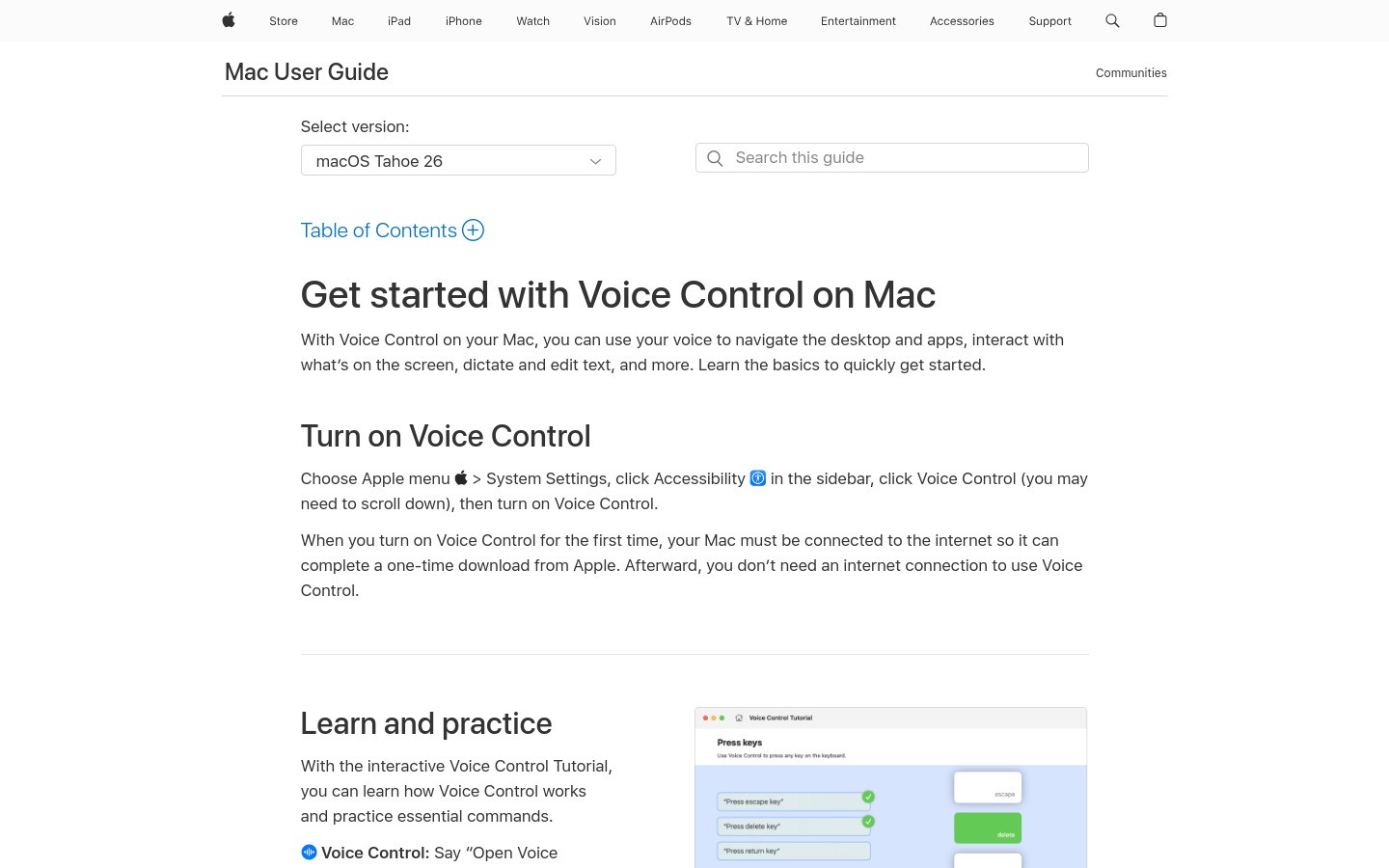
Apple Dictation is the easiest way to start dictation on iPhone. Tap the microphone on the keyboard, speak, and your words appear in the text field.
It is the right first stop for quick texts, reminders, search boxes, and short notes. It is built in, easy to find, and good enough for simple speech-to-text on iPhone.
Apple says you can enable Dictation from Settings, then General, then Keyboard. That makes it a simple baseline for anyone who wants dictation on iPhone without installing another app.
Where Apple Dictation works well
Short text messages
Quick reminders
Search queries
Simple notes
People who want a built-in option first
Biggest downside: Apple Dictation is not built for polished long-form writing, file upload transcription, or AI rewriting. Longer dictation can still need cleanup.
Bottom line: Apple Dictation is the best free built-in baseline. Upgrade to Voicy when you need cleaner writing, longer drafts, file transcription, or a workflow that also works beyond Apple devices.
3. Wispr Flow: Strong AI Voice Keyboard for iPhone
Best for: iPhone users who want AI cleanup inside many apps
Platforms: Mac, Windows, iPhone, Android
Price: free entry point, paid plans vary
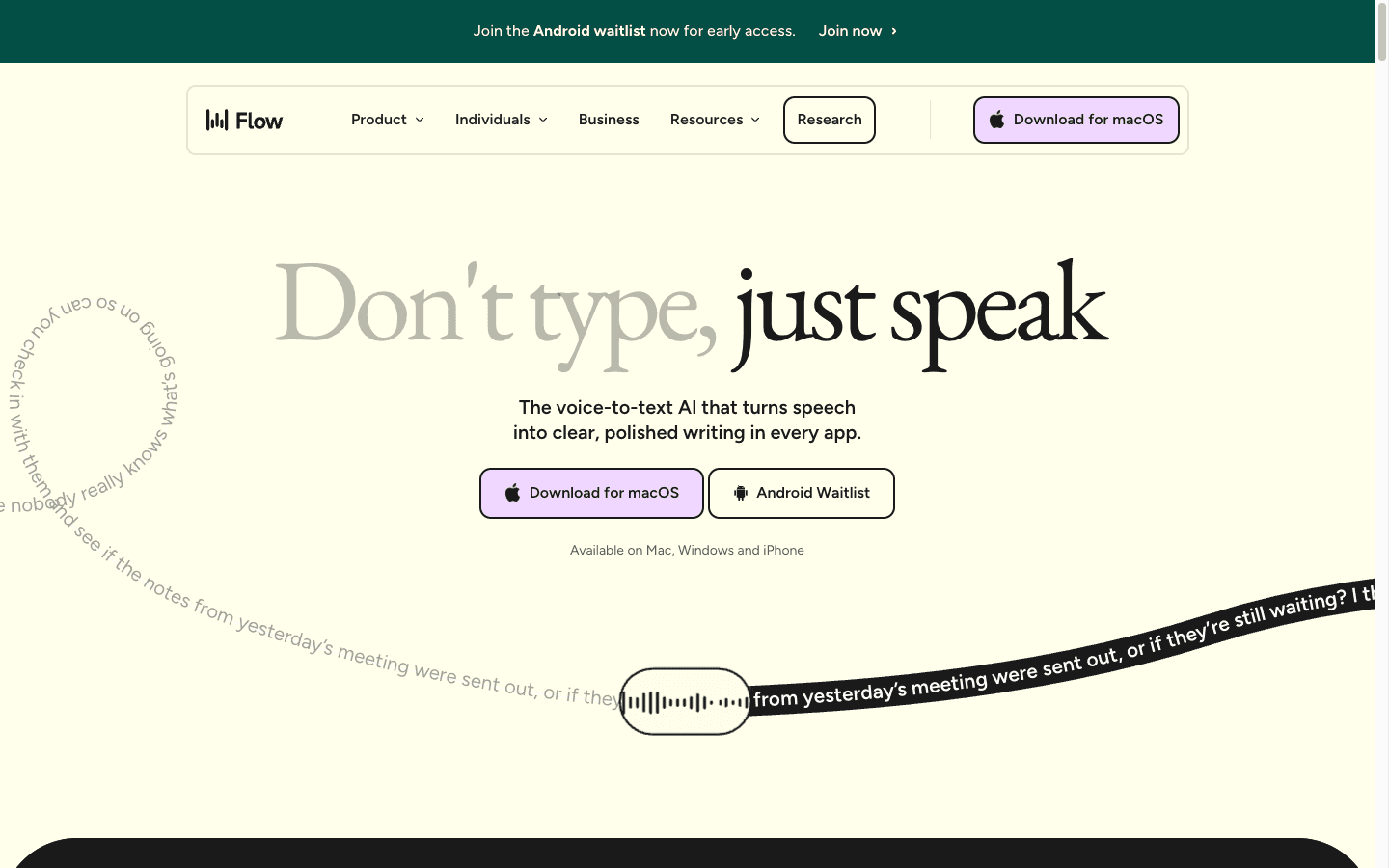
Wispr Flow is a polished AI dictation app with an iPhone voice keyboard. It is strong when you want to speak naturally and get cleaner text in apps like Messages, Slack, email, WhatsApp, ChatGPT, and docs.
Flow is especially good if you like the voice keyboard model. Instead of only recording a note, it helps you enter better text where you are already typing.
For many users, the main comparison is Voicy vs Wispr Flow. Flow is a strong tool, but Voicy gets the top spot here because it combines polished writing with file upload transcription and a clear paid/free-trial workflow across phone, desktop, and browser.
Biggest downside: On iPhone, any third-party keyboard or shortcut workflow can feel less native than Apple Dictation. Some people dislike switching keyboards or setting up shortcuts.
Bottom line: Wispr Flow is one of the best iPhone dictation apps if you want an AI voice keyboard. Voicy is the better all-around pick if you also want file transcription and broader writing workflows.
4. Superwhisper: Best Offline-Capable AI Dictation for iPhone
Best for: privacy-minded users and offline-capable dictation
Platforms: iPhone, iPad, Mac, Windows
Price: free tier and paid Pro license
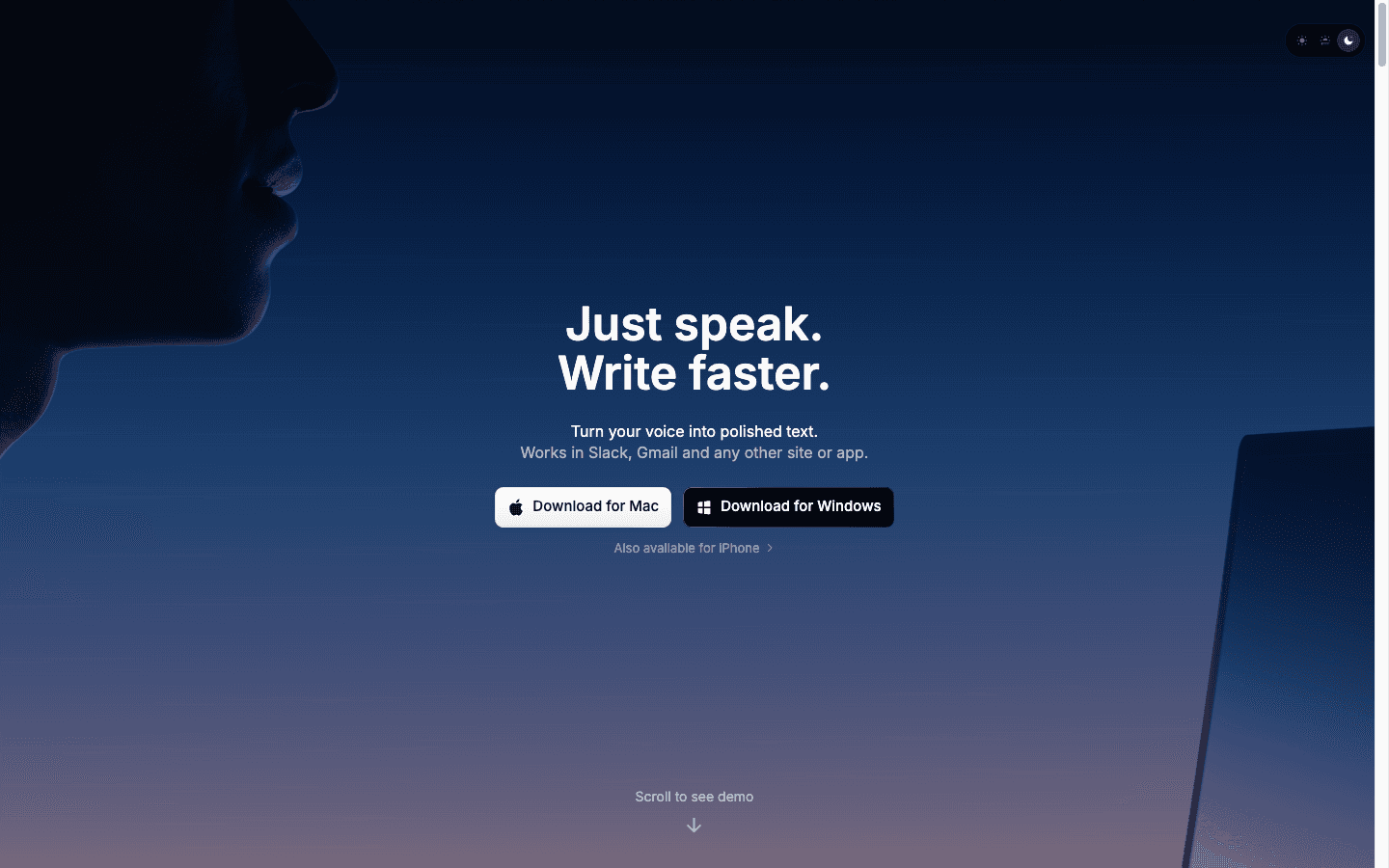
Superwhisper is a strong iPhone dictation app for users who care about privacy, offline workflows, and AI formatting. Its iPhone page positions it around voice-to-text in any app, offline dictation, many languages, and context-aware formatting.
It is a good fit if you want to speak into your phone and turn the result into formatted text. It also works on Mac and Windows, which helps if you move between phone and desktop.
Superwhisper is closer to Voicy and Wispr Flow than to a simple recorder. It is built for writing with your voice, not just saving audio.
Biggest downside: Some iPhone workflows may still require setup, shortcuts, or copy-paste depending on how you use it. That can be less simple than tapping the built-in Apple microphone.
Bottom line: Superwhisper is a good iPhone dictation app for privacy and offline-capable AI dictation. Choose Voicy if your main need is a simple cross-device writing and transcription workflow.
5. Otter: Best iPhone Speech-to-Text App for Meetings
Best for: meetings, interviews, lectures, and speaker-labeled transcripts
Platforms: iPhone, Android, web
Price: free tier and paid plans
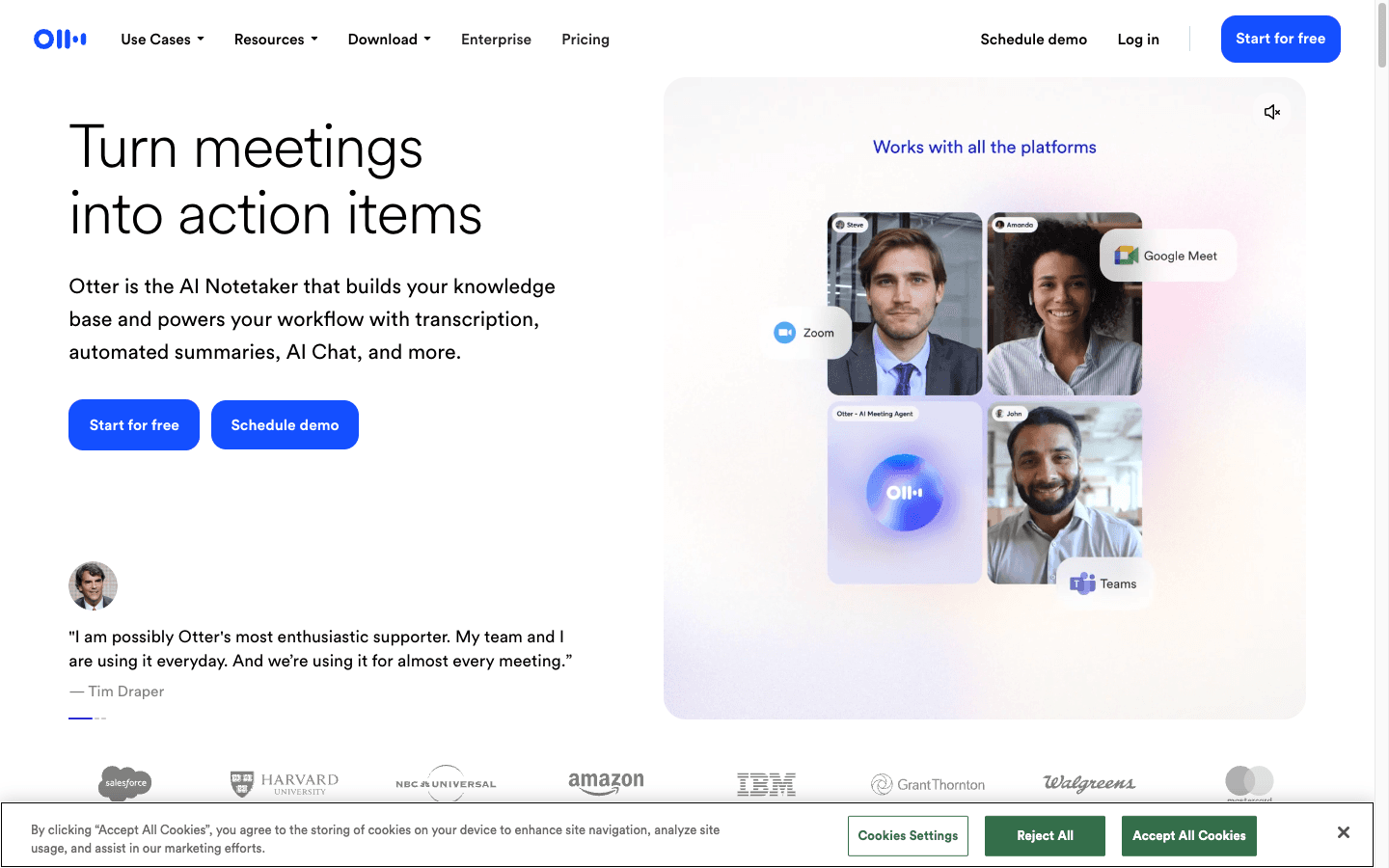
Otter is not the best app for typing a clean email by voice. It is best when you need to record and transcribe a conversation.
Use Otter for meetings, interviews, lectures, and calls. It can create transcripts, identify speakers, and produce summaries. That makes it useful for students, managers, journalists, and teams.
The key question is simple: are you writing, or are you recording? If you are writing in apps, choose Voicy or Apple Dictation. If you are recording meetings, Otter makes more sense.
Biggest downside: Otter is meeting-first. It is not the best dictation app for iPhone if your goal is to write text directly into emails, notes, or documents.
Bottom line: Pick Otter for meetings. Pick Voicy for everyday iPhone dictation and polished writing.
6. Just Press Record: Best Simple Recorder for iPhone Voice Notes
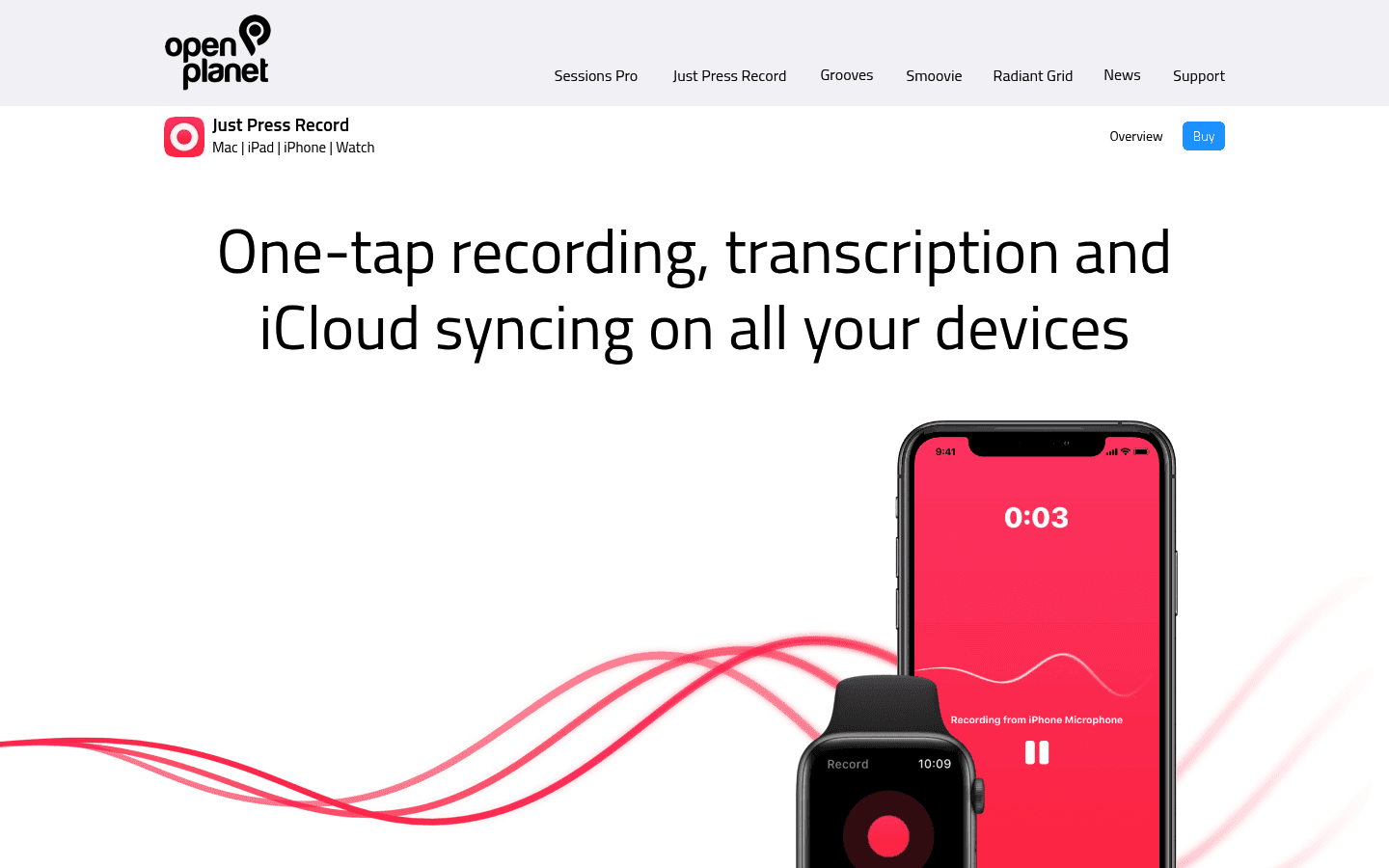
Best for: quick voice notes, Apple Watch capture, and simple transcripts
Platforms: iPhone, iPad, Mac, Apple Watch
Price: paid App Store app
Just Press Record is a simple, Apple-focused recorder with transcription and iCloud sync. It is good when you want to capture a thought fast and clean it up later.
Its biggest strength is speed. Open it, press record, and save the audio. It also works well for people who use Apple Watch as a quick capture device.
Just Press Record is not trying to be a full AI writing assistant. It is closer to a smart recorder than a full iPhone dictation app for polished work writing.
Biggest downside: It is better for recording notes than writing directly into every app. If you want clean text inside work apps, Voicy is a better fit.
Bottom line: Choose Just Press Record for fast voice notes and Apple Watch recording. Choose Voicy when you want dictated text ready for emails, docs, and work messages.
7. Notta: Best iPhone Dictation App for Multilingual Transcription
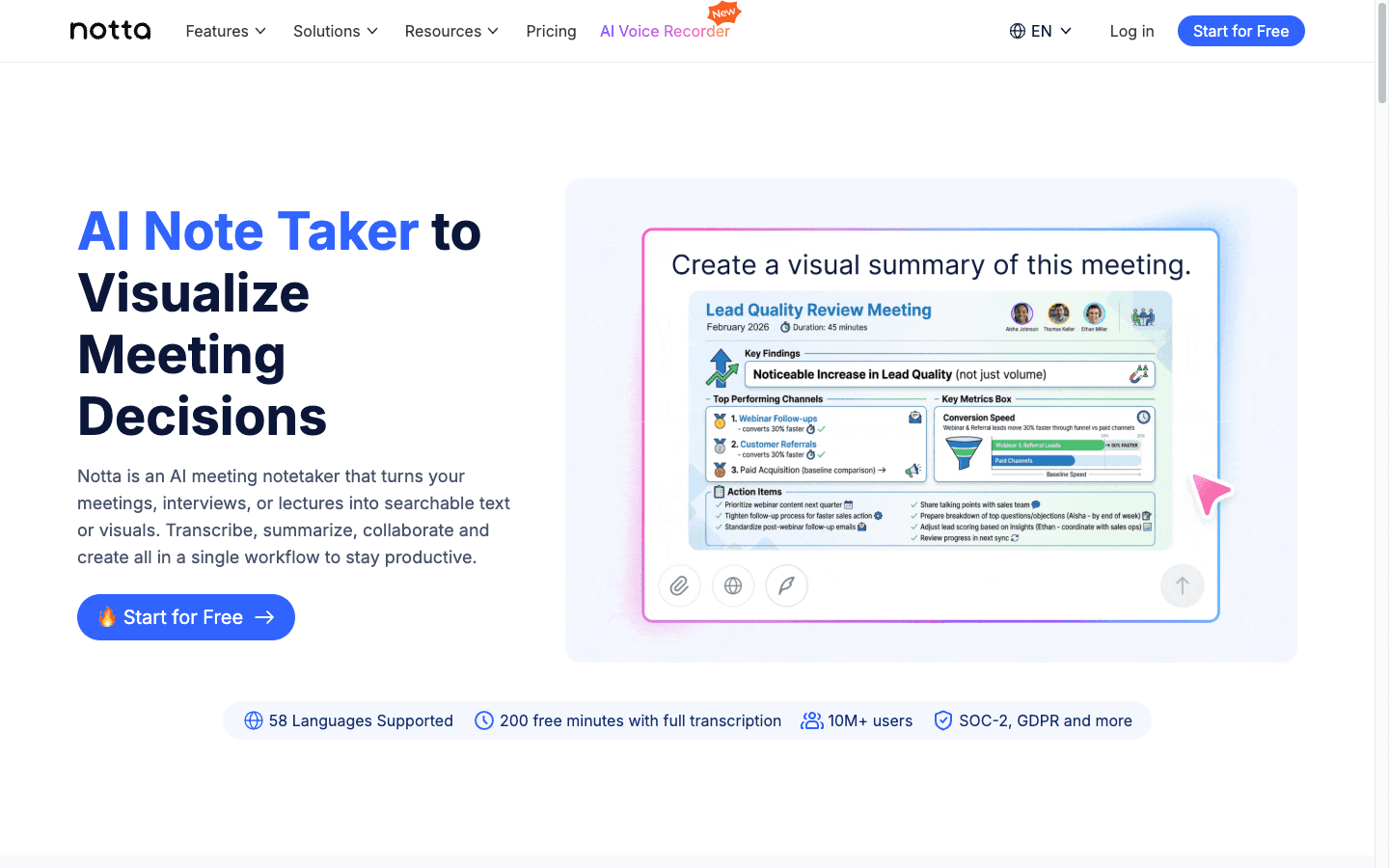
Best for: multilingual recordings, transcription, summaries, and translation
Platforms: iPhone, Android, web
Price: free tier and paid plans
Notta is a transcription app for people who work across languages or need summaries from recordings. It is useful for interviews, lectures, meetings, and recorded audio.
If you often record speech in more than one language, Notta is worth a look. It focuses more on transcript management than on replacing the iPhone keyboard microphone.
That makes it different from Voicy. Voicy is better for everyday writing and cross-device dictation. Notta is better for turning recordings into transcripts and summaries.
Biggest downside: Notta is not the most direct choice for writing in any iPhone text field. It is more of a transcription workspace.
Bottom line: Choose Notta for multilingual recordings. Choose Voicy for daily iPhone dictation and polished written output.
8. Dragon Anywhere: Best for Existing Dragon Dictation Users
Best for: specialized dictation, custom vocabulary, and existing Dragon workflows
Platforms: iPhone and Android
Price: subscription, availability may vary
Dragon Anywhere has been one of the best-known mobile dictation apps for long-form speech-to-text. It is built for continuous dictation, voice editing, and custom words.
It can still be relevant for people in specialized workflows, especially if they already know Dragon products. That said, it is not the first iPhone dictation app most new users should choose in 2026.
Availability is the main reason. Current official listings can differ by region, store, and subscription status. Check your region before building a workflow around it.
Biggest downside: It can feel expensive and less modern than newer AI dictation apps. Availability may also be limited for new subscribers.
Bottom line: Dragon Anywhere is worth checking if you already use Dragon or need specialized vocabulary. Most new iPhone users should start with Voicy for paid AI dictation or Apple Dictation for free short dictation.
Best iPhone Dictation App by Use Case
The best voice-to-text app for iPhone depends on what you are trying to write or record.
Best for polished work writing: Voicy
Best for short free dictation on iPhone: Apple Dictation
Best for file upload transcription: Voicy
Best for meetings: Otter
Best for quick voice notes: Just Press Record
Best for multilingual transcripts: Notta
Best for privacy-minded offline-capable AI dictation: Superwhisper
Best for existing Dragon users: Dragon Anywhere
iPhone-Specific Dictation Use Cases
iPhone dictation is most useful when it saves you from thumb typing. Here are the places where a better app can help.
Emails and client replies
Use Voicy when you need a reply that sounds clear and professional. Apple Dictation can capture the words, but a dedicated AI dictation app can reduce cleanup.
Messages, WhatsApp, and Slack
Short replies are fine with Apple Dictation. Longer updates, status notes, and careful work messages are better with Voicy, Wispr Flow, or Superwhisper.
Notes and idea capture
For quick thoughts, Just Press Record or Apple Dictation is enough. For notes you want to turn into usable writing, Voicy is stronger.
Documents and longer drafts
Long iPhone dictation needs structure. Voicy is the best pick here because it is built around polished writing, not just a raw transcript.
Meetings and interviews
Use Otter or Notta when there are multiple speakers. Use Voicy when you are the one dictating and want your own words turned into clean text.
Uploaded voice memos and audio files
Voicy supports file upload transcription, so it can turn saved audio into text. That is useful when you record ideas on your phone and want to work with the transcript later.
How to Choose Between Apple Dictation and Voicy
Apple Dictation and Voicy are not trying to solve the exact same problem.
Apple Dictation is the baseline. It is built into iPhone and works well for quick speech-to-text. If you want a no-install option for short texts, start there.
Voicy is the upgrade. It is better when your voice is replacing real typing work, not just sending a quick message.
Choose Apple Dictation if... | Choose Voicy if... |
|---|---|
You mostly dictate short texts. | You write emails, notes, drafts, and work messages by voice. |
You want a built-in option. | You want polished AI-assisted writing. |
You do not need file transcription. | You want to upload audio files and get transcripts. |
You only use Apple devices. | You work across iPhone, desktop, browser, and maybe Android too. |
You do not want a paid tool. | You are willing to test a paid/free-trial dictation workflow. |
FAQ
What is the best iPhone dictation app in 2026?
Voicy is the best iPhone dictation app overall if you want polished writing, file upload transcription, and cross-device support. Apple Dictation is the best built-in option for short free dictation on iPhone.
Is Apple Dictation enough for iPhone?
Apple Dictation is enough for short messages, quick notes, reminders, and simple searches. It is not the best choice for long-form writing, uploaded audio transcription, or AI cleanup.
What is the best free dictation app for iPhone?
Apple Dictation is the best free built-in dictation option on iPhone. It is included with the iPhone keyboard. Voicy offers a free trial, but it is a paid app after the trial.
What is the best paid/free-trial dictation app for iPhone?
Voicy is the best paid/free-trial option for most iPhone users because it supports polished writing, live dictation, uploaded audio transcription, and Mac, Windows, browser, iOS, and Android workflows.
Can I use iPhone dictation for emails?
Yes. Apple Dictation works for short emails. For longer or more polished emails, Voicy is usually better because it is built to turn speech into cleaner writing.
Can iPhone dictation transcribe audio files?
Apple Dictation is mainly for live speech in text fields. Voicy supports file upload transcription, so it can turn saved audio files into text as well as handle live dictation.
What is the best speech-to-text app for iPhone meetings?
Otter is the best choice if your main need is meeting transcription with speakers and summaries. Notta is also strong for multilingual recordings. Voicy is better for personal dictation and writing.
Does Voicy work only on iPhone?
No. Voicy works on Mac, Windows, browser extension workflows, iOS, and Android. That is why it is a strong choice if you want one dictation workflow across devices.
Is Dragon Anywhere still worth using on iPhone?
Dragon Anywhere can still be useful for existing Dragon users or specialized vocabulary workflows. New users should check availability first, because current store listings can vary by region and new-sale status.
What is the difference between dictation and transcription on iPhone?
Dictation usually means speaking live and turning your words into text right away. Transcription usually means taking a saved audio file or recording and turning it into text later.
Final Verdict
The best iPhone dictation app in 2026 is Voicy for people who want polished writing, live dictation, uploaded audio transcription, and a workflow that works beyond the iPhone. It is the top paid/free-trial choice in this list.
Apple Dictation still deserves respect. It is built in, fast, and good for short free dictation on iPhone. If that is all you need, use it.
If your voice is replacing serious typing, choose Voicy. It gives you a stronger writing workflow across iPhone, Mac, Windows, browser extension, iOS, and Android, with pricing at $8.49/month, $82/year, or $260 lifetime after the free trial.
Ready to try a better iPhone dictation workflow? See Voicy's dictation app page for supported platforms, pricing, and the free trial.


