





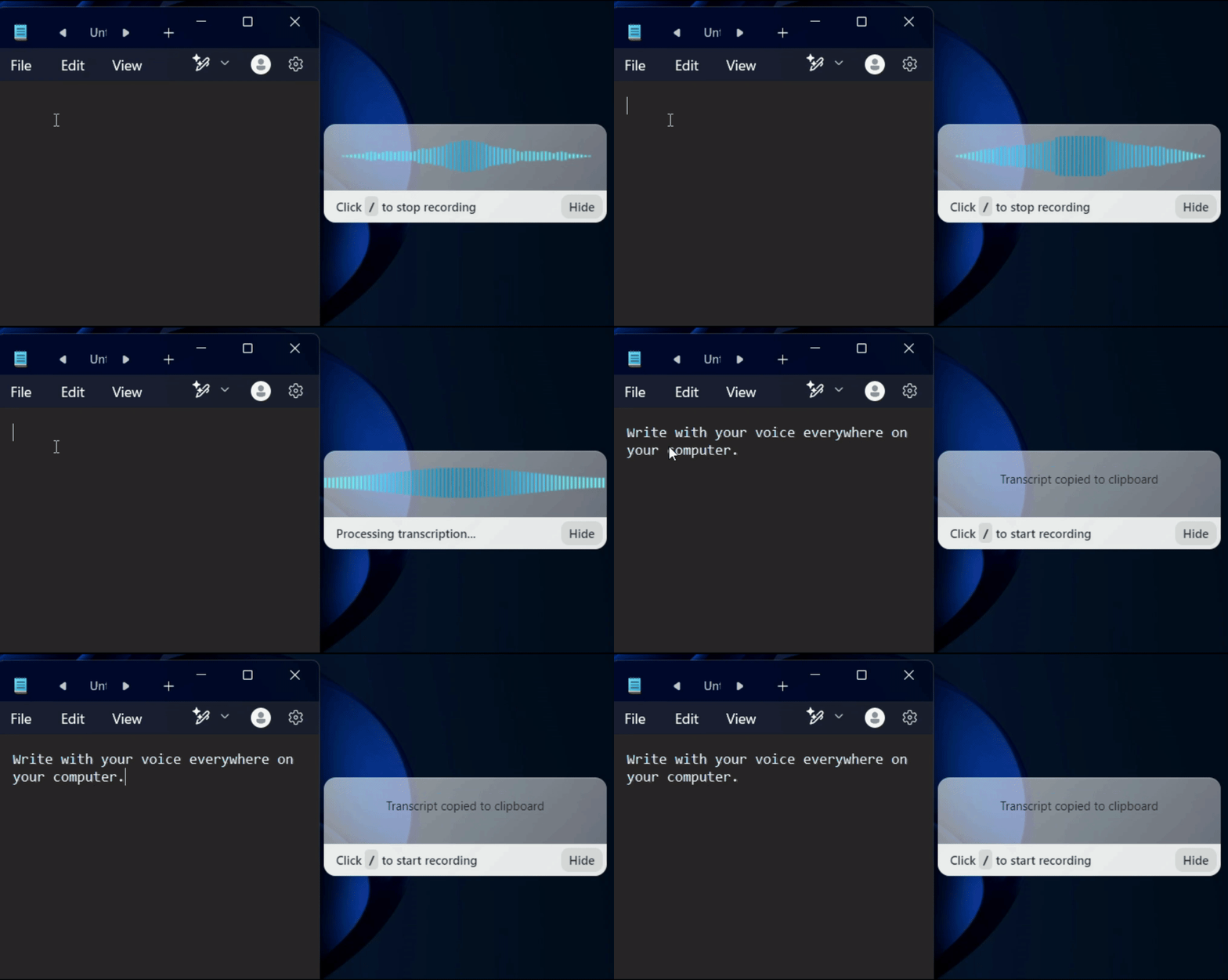
























Step 1
Voicy is a privacy-focused speech-to-text app. It adds the most advanced dictation technology to your Windows & Mac computer and allows you to write with your voice everywhere.
Step 2
Complete the setup (2-minutes)
and select your keyboard shortcut.
During the Voicy setup, you can select a keyboard shortcut to use to start and stop your recordings. It's the easiest way to use dictation on your computer.

Step 3
Start dictating to Voicy
Once Voicy is installed, you can use talk to text everywhere on your computer. This includes all of your apps and every website in your browser too!
VoiceIn by Dictanote Alternative: Why Voicy is the Better Choice in 2025
It's quite simple. Voicy is more accurate and works outside of the browser.
VoiceIn uses your browser's built-in speech recognition technology. This means that VoiceIn is simply using technology that is already built into your browser. That free transcription technology is sadly not as accurate as you'd want it to be.
Voicy's AI-powered speech-to-text model gives us over 99% accuracy in 50 languages.
Voicy's Windows and Mac app also allows you to use speech recognition outside of your browser. It works consistently in every app on your device.
Powerful dictation software at a fair price
While VoiceIn used to offer state-of-the-art transcription technology, the world has evolved.
The latest advancements in AI have given us incredibly fast, accurate, and privacy-friendly transcription technology.
We are able to offer this technology at a low price because we don't employ hundreds of sales, marketing, and engineering staff.
We like to stay small, keep our costs in check, and offer you a great product at a fair price.




FAQ
Is Voicy a good alternative to VoiceIn?
What's the difference between Voicy and VoiceIn speech recognition?
Do you see what I write with Voicy?
Is Voicy more accurate than VoiceIn's Chrome Extension?
What is speech-to-text?
Is Voicy compatible with Mac computers?