





Voicy vs Aqua Voice: Which Dictation App Should You Choose in 2026?
TL;DR
Choose Voicy if you want one speech-to-text app for live dictation and file upload transcription across Mac, Windows, browser extension, iPhone, and Android.
Choose Aqua Voice if you want Aqua's Avalon model, real-time voice writing, custom dictionary controls, and team privacy/admin features.
Best everyday pick: Voicy is the cleaner choice for broad cross-device work, especially if you need Android, browser extension coverage, and uploaded-file transcription.
Best Aqua-specific pick: Aqua Voice makes sense if you want to test its 1,000-word Starter plan or need its Pro, Max, Team, or Enterprise feature set.
Cost math: Aqua Pro is $8/month billed annually, or $96/year. Voicy is $82/year, so Voicy saves $14/year, $42 over 3 years, and $70 over 5 years versus Aqua Pro annual.
If you are comparing Voicy vs Aqua Voice, the short answer is this: Voicy is better for most professionals who want live dictation plus file transcription across more platforms. Aqua Voice is better if you specifically want Aqua's real-time cloud dictation model, custom dictionary depth, and team controls.
Answer-First Verdict
Voicy is the better default choice if your work moves between devices, browser apps, documents, messages, and recorded files. It supports Mac, Windows, browser extension use, iOS, Android, live dictation, and file upload transcription. Voicy is cloud-based and offers a free trial, then paid plans at $8.49/month, $82/year, or $260 lifetime.
Aqua Voice is the better choice if you want to try its 1,000-word free Starter plan, use Aqua's Avalon model on Pro, or need plans that list custom instructions, real-time mode, centralized team billing, org-wide Privacy Mode, and enterprise zero data retention. Aqua is also cloud-based and needs an internet connection.

Voicy focuses on speech-to-text across desktop, browser, mobile, and uploaded files.
Aqua Voice positions itself around fast cloud dictation for Mac, Windows, iPhone, and AI workflows.
Voicy vs Aqua Voice at a Glance
Category | Voicy | Aqua Voice | Winner |
|---|---|---|---|
Best for | Professionals who want live dictation and file transcription across common devices and apps. | Users who want Aqua's Avalon model, custom dictionary, custom instructions, real-time mode, or team controls. | Voicy for broad everyday coverage. Aqua for Aqua-specific model and team features. |
Platforms | Mac, Windows, browser extension, iOS, and Android. | macOS, Windows, and iOS are listed on Aqua's public pricing schema. The download page lists Mac and Windows, with iOS promoted across the site. | Voicy, because it includes Android and browser extension coverage. |
Live dictation | Yes. Built for live speech-to-text in daily writing surfaces. | Yes. Aqua describes system-wide dictation that works anywhere there is a text cursor. | Tie. |
File upload transcription | Yes. Voicy supports uploaded files alongside live dictation. | Not listed as a comparable public feature in the Aqua pricing page, FAQ, or local Aqua pricing draft reviewed for this article. | Voicy. |
Privacy and cloud model | Cloud-based transcription. | Cloud-based and needs a connection. Aqua says audio is processed in the cloud, transcripts may be retained by default, Privacy Mode prevents transcript collection, and Team can enforce org-wide Privacy Mode. | Tie for cloud convenience. Aqua for listed team privacy controls. |
Pricing | $8.49/month, $82/year, or $260 lifetime, with a free trial. | Starter free with 1,000 words. Pro is $10 month-to-month or $8/month billed annually. Max is $30 month-to-month or $24/month billed annually. Team is $15/user/month or $12/user/month billed annually. Enterprise is custom. | Voicy for annual and lifetime value. Aqua for a limited free Starter plan. |
Team/admin controls | Best framed as an individual and professional dictation/transcription tool. | Team and Enterprise plans list centralized billing, team settings, org-wide Privacy Mode, SSO/SAML, SCIM, reporting, team-wide dictionaries, and volume discounts. | Aqua Voice. |
When Voicy Is the Better Choice
Voicy is the better fit when you want dictation to cover the messy reality of your workday. You might dictate an email on your laptop, a note on your phone, a reply in a browser app, and then upload a recorded file later for transcription.
That is where Voicy's platform mix matters. It supports Mac, Windows, browser extension use, iOS, and Android. Aqua's public materials list macOS, Windows, and iOS, but not Android or a browser extension as a main platform.
Voicy covers live dictation and files
Voicy supports live dictation plus file upload transcription. That makes it useful for both short writing and longer recorded material, such as meetings, voice notes, interviews, lectures, calls, or videos.
Aqua Voice is clearly a live dictation product. Its public pricing and FAQ pages focus on system-wide dictation, Avalon, Realtime mode, voice commands, custom dictionary, and team controls. I did not find a comparable public file upload transcription promise in the reviewed Aqua sources.
Voicy is stronger for cross-platform daily work
Choose Voicy if you write across:
Mac and Windows computers.
Browser-based apps and forms.
iPhone and Android phones.
Email, documents, notes, chat, CRM, and support tools.
Uploaded audio or video files that need transcripts.
When Aqua Voice Is the Better Choice
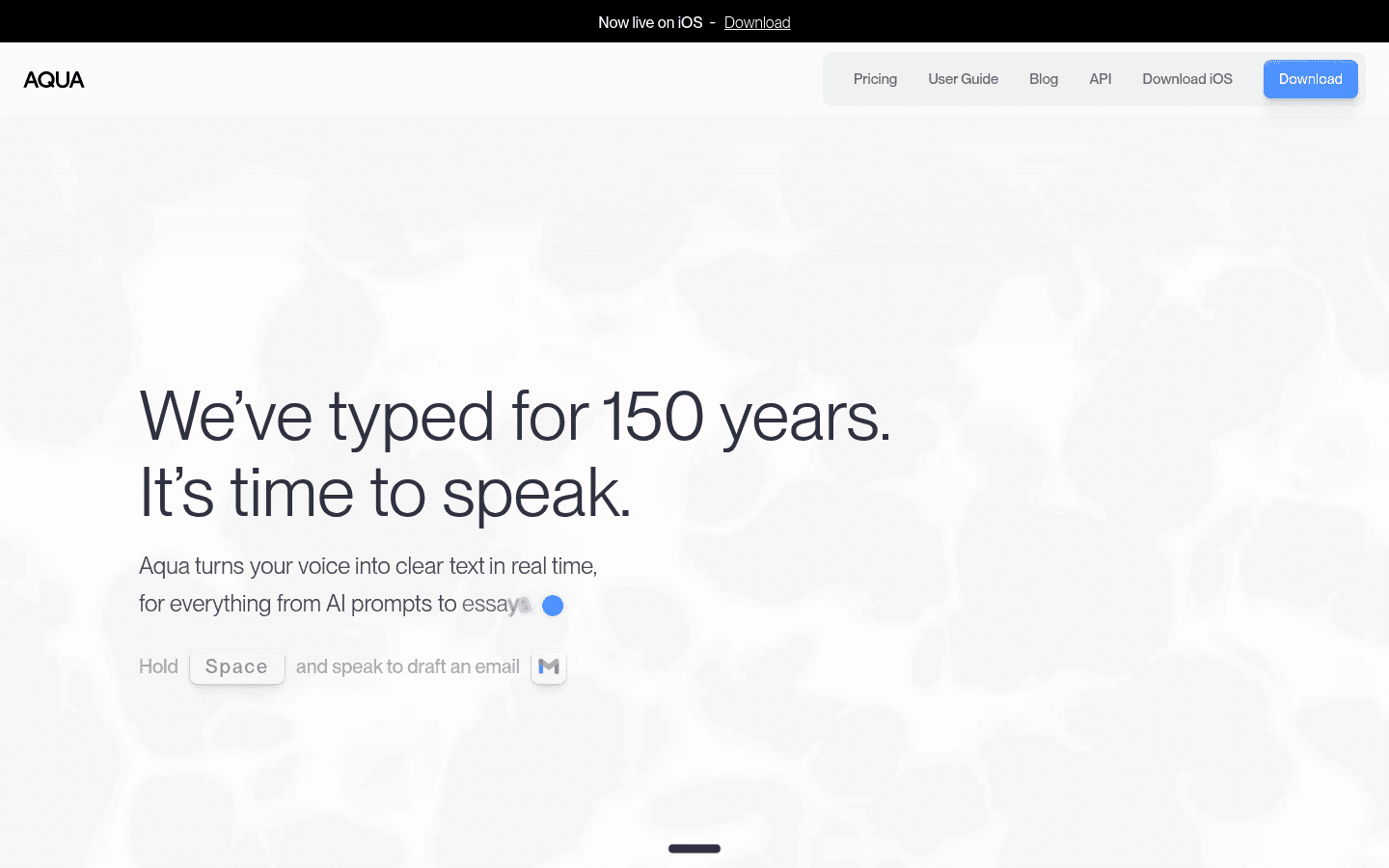
Aqua Voice is worth testing if you want its specific writing model and controls. Aqua's public pages position the product around Avalon, system-wide dictation, custom instructions, custom dictionary values, Realtime mode, voice commands, and team/enterprise administration.
Aqua also has a more generous first test path if you want a limited free plan. Its Starter plan includes 1,000 words, the Aqua Engine, and 5 custom dictionary values. Voicy has a free trial, but it is not a fully free product.
Choose Aqua Voice if you want:
A free Starter plan with 1,000 words before paying.
Pro access to Avalon, unlimited words, 800 custom dictionary values, and custom instructions.
Max features such as Realtime mode and voice commands.
Team controls such as centralized billing and org-wide Privacy Mode.
Enterprise controls such as SSO/SAML, SCIM, Zero Data Retention, reporting, and team-wide dictionaries.
Pricing and Cost Over Time
Voicy costs $8.49/month, $82/year, or $260 lifetime. Voicy has a free trial, but it is not a fully free product.
Aqua Voice's current public pricing page lists Starter as free with 1,000 words. Pro is $10 month-to-month or $8/month billed annually, which is $96/year. Max is $30 month-to-month or $24/month billed annually, which is $288/year. Team is $15/user/month or $12/user/month billed annually, and Enterprise is custom-priced.
Cost over 1, 3, and 5 years
The cleanest individual paid comparison is Voicy annual versus Aqua Pro annual, because those are the closest daily-use individual plans. Voicy wins annual cost. Voicy also lists a lifetime plan, while Aqua does not list a lifetime option on its public pricing page.
Scenario | Voicy | Aqua Voice Pro | Winner |
|---|---|---|---|
Monthly for 12 months | $101.88 based on $8.49/month | $120 based on $10 month-to-month | Voicy saves $18.12. |
Annual plan for 1 year | $82 | $96 | Voicy saves $14. |
Annual plan for 3 years | $246 | $288 | Voicy saves $42. |
Annual plan for 5 years | $410 | $480 | Voicy saves $70. |
Lifetime option | $260 one time | Not listed publicly | Voicy, if you want a one-time purchase. |
If you only want a short test, Aqua Starter has the lowest entry cost because it includes 1,000 words. If you want paid daily dictation over time, Voicy is cheaper than Aqua Pro on monthly and annual math, and Voicy is the only one of the two that lists a lifetime plan.
Privacy and Cloud Processing
Neither product should be described as local-only. Voicy is cloud-based. Aqua's own FAQ says Aqua is cloud-based and needs a connection. Aqua also says audio is processed in the cloud.
The difference is in the controls Aqua lists for retention and organizations. Aqua's FAQ says transcripts may be retained by default to improve the model, but that Privacy Mode prevents transcript collection. It also says Team plans can enforce Privacy Mode org-wide, and Enterprise adds Zero Data Retention. Aqua's privacy policy says it never shares transcripts or audio with advertising platforms.
For buyers, the practical question is simple. If you are comfortable with cloud transcription and want the broadest individual workflow, Voicy is the better fit. If your organization needs explicit org-wide privacy controls or enterprise zero data retention, Aqua deserves a closer look.
User Proof and Community Discussion
Public proof is useful, but it should not be inflated into claims about accuracy, speed, or broad market preference. Voicy's site shows public social proof such as a 4.9/5 rating and 10,000+ happy users. Treat that as product proof, not a lab benchmark.
Aqua publishes testimonials on its site and links users to its official Discord. Those are useful places to see how people talk about real-time mode, developer workflows, dictionary setup, pricing, iOS, Windows, and team use. Aqua also has public guide, FAQ, pricing, privacy, and trust pages that are more reliable than scattered social posts for buyer-critical facts.
When reading community threads, look for workflow questions you can test yourself: first-word capture, latency on your microphone, custom dictionary behavior, mobile fit, privacy settings, file transcription needs, and whether the app works where you actually write.
Decision Guide
Choose Voicy if:
You want live dictation plus file upload transcription.
You need Mac, Windows, browser extension, iOS, and Android support.
You write across web apps, documents, notes, messages, and mobile apps.
You want lower annual pricing than Aqua Pro.
You want the option to buy lifetime access.
Choose Aqua Voice if:
You want to test a limited free Starter plan with 1,000 words.
You specifically want Aqua's Avalon model, custom dictionary, and custom instructions.
You want Realtime mode or voice commands from Aqua Max.
You need team billing, team settings, or org-wide Privacy Mode.
You are evaluating enterprise features such as SSO/SAML, SCIM, Zero Data Retention, reporting, or team-wide dictionaries.
Bottom Line
Aqua Voice is a strong option for people who want Aqua's own voice writing model, real-time cloud dictation, and richer team controls. Its limited free Starter plan also makes it easy to test before paying.
Voicy is the better fit for most everyday professionals who want one speech-to-text tool across more surfaces. It is cheaper on annual pricing, has a lifetime option, supports Android and browser extension use, and includes file upload transcription alongside live dictation.
FAQs
Is Voicy better than Aqua Voice?
Voicy is better if you want broad platform coverage, browser extension support, Android support, lower annual pricing, a lifetime option, and file upload transcription. Aqua Voice is better if you want Aqua's Avalon model, custom dictionary features, Realtime mode, or team controls.
Does Voicy have a free plan?
Voicy has a free trial, but it is not a fully free product. Paid plans are $8.49/month, $82/year, or $260 lifetime.
Does Aqua Voice have a free plan?
Yes. Aqua Voice lists a free Starter plan with 1,000 words, the Aqua Engine, and 5 custom dictionary values.
How much does Aqua Voice cost?
Aqua Voice Pro is $10 month-to-month or $8/month billed annually. Max is $30 month-to-month or $24/month billed annually. Team is $15/user/month or $12/user/month billed annually. Enterprise is custom-priced.
Which is cheaper, Voicy or Aqua Voice?
Voicy is cheaper for paid individual use. Voicy annual is $82/year, while Aqua Pro annual is $96/year. Over 5 years, Voicy annual costs $410 and Aqua Pro annual costs $480, so Voicy saves $70.
Does Voicy work on Windows?
Yes. Voicy supports Mac, Windows, browser extension use, iOS, and Android.
Does Aqua Voice work on Windows?
Yes. Aqua's download page lists Windows 10/11 support, and its pricing schema lists macOS, Windows, and iOS.
Can Voicy transcribe files?
Yes. Voicy supports file upload transcription in addition to live dictation.
Can Aqua Voice transcribe uploaded files?
I did not find uploaded-file transcription listed as a comparable feature in Aqua's public pricing page, FAQ, guide index, or the existing local Aqua pricing content reviewed for this comparison. Aqua's public pages focus on live system-wide dictation.
Which app is better for privacy?
Both products are cloud-based. Aqua lists more explicit privacy controls for organizations, including Privacy Mode, org-wide Privacy Mode on Team, and Zero Data Retention on Enterprise. Voicy is better if your main need is cloud-based dictation and file transcription across more individual platforms.
