





Voicy vs Typeless: Which Dictation App Should You Choose in 2026?
TL;DR
Choose Voicy if you want live dictation plus file upload transcription across Mac, Windows, browser extension, iOS, and Android.
Choose Typeless if you want a real free plan, polished voice writing, app-specific tones, and a personal dictionary.
Best paid value: Voicy is cheaper than Typeless Pro on monthly and annual billing, and it offers a lifetime plan.
Best free starting point: Typeless Free includes 8,000 words per week. Voicy has a free trial, but not a permanent free plan.
Privacy read: both products are cloud-based. Typeless publicly says dictation data is processed in real time with zero cloud retention. Voicy is also cloud-based, so buyers with local-only requirements should keep looking.
If you are comparing Voicy vs Typeless, the short answer is this: Voicy is the better fit for people who need paid dictation, file upload transcription, browser extension use, and lower long-term cost. Typeless is the better fit if you want a free word-limited plan and AI writing polish inside live dictation.
Answer-First Verdict
Voicy is the stronger everyday choice if your speech-to-text work includes more than live voice typing. It supports Mac, Windows, browser extension use, iOS, Android, live dictation, and file upload transcription. It is cloud-based and offers a free trial, with paid plans at $8.49/month, $82/year, and $260 lifetime.
Typeless is a strong choice if you want voice dictation that turns speech into polished messages, emails, and documents. Its public site lists macOS, Windows, iOS, and Android support, a Free plan with 8,000 words per week, and Pro at $12 per member per month billed yearly or $30 when billed monthly.

Voicy focuses on speech-to-text across desktop, browser, mobile, and uploaded files.
Typeless positions itself as an AI voice keyboard that turns natural speech into polished writing.
Voicy vs Typeless at a Glance
Category | Voicy | Typeless | Winner |
|---|---|---|---|
Best for | Professionals who want dictation and file transcription across work apps and devices. | People who want live dictation that rewrites speech into polished messages and documents. | Voicy for broader transcription workflows. Typeless for writing polish. |
Platforms | Mac, Windows, browser extension, iOS, and Android. | macOS, Windows, iOS, and Android. | Voicy, because it adds browser extension coverage. |
Live dictation | Yes. Built for live speech-to-text in everyday writing surfaces. | Yes. Typeless says it works across apps and turns speech into polished writing in real time. | Tie. |
File upload transcription | Yes. Voicy supports file upload transcription in addition to live dictation. | No official file upload transcription feature found in the checked Typeless primary pages. Typeless is positioned around live voice dictation. | Voicy. |
Free access | Free trial only. | Free plan with 8,000 words per week. | Typeless. |
Paid pricing | $8.49/month, $82/year, or $260 lifetime. | Pro is $12 per member per month billed yearly, or $30 when billed monthly. | Voicy. |
Privacy model | Cloud-based transcription. | Cloud processing with zero retention language for audio, transcripts, edits, and context data. | Typeless for documented zero-retention detail. Neither is local-only. |
When Voicy Is the Better Choice
Voicy is the better pick when your work moves across formats. You might dictate a reply in Gmail, write in a browser-based app, capture notes on your phone, then upload a voice memo or recorded call for transcription later.
That is the main difference. Typeless is focused on live dictation and rewriting. Voicy covers live dictation plus file upload transcription, which makes it a better fit if recorded audio is part of your workflow.
Voicy covers more everyday surfaces
Voicy supports Mac, Windows, browser extension use, iOS, and Android. The browser extension matters if much of your writing happens inside web apps, admin panels, CRMs, support tools, or forms.
Choose Voicy if you regularly work in:
Browser-based tools, forms, dashboards, and internal apps.
Documents, notes, and messages across desktop and mobile.
Recorded voice notes, meetings, interviews, or saved audio files.
Voicy is stronger for paid users
Typeless Free is useful if 8,000 words per week is enough. Once you need unlimited paid dictation, Voicy becomes cheaper. Voicy monthly is $8.49 compared with Typeless Pro monthly at $30. Voicy annual is $82 compared with Typeless Pro annual at $144 per member.
When Typeless Is the Better Choice
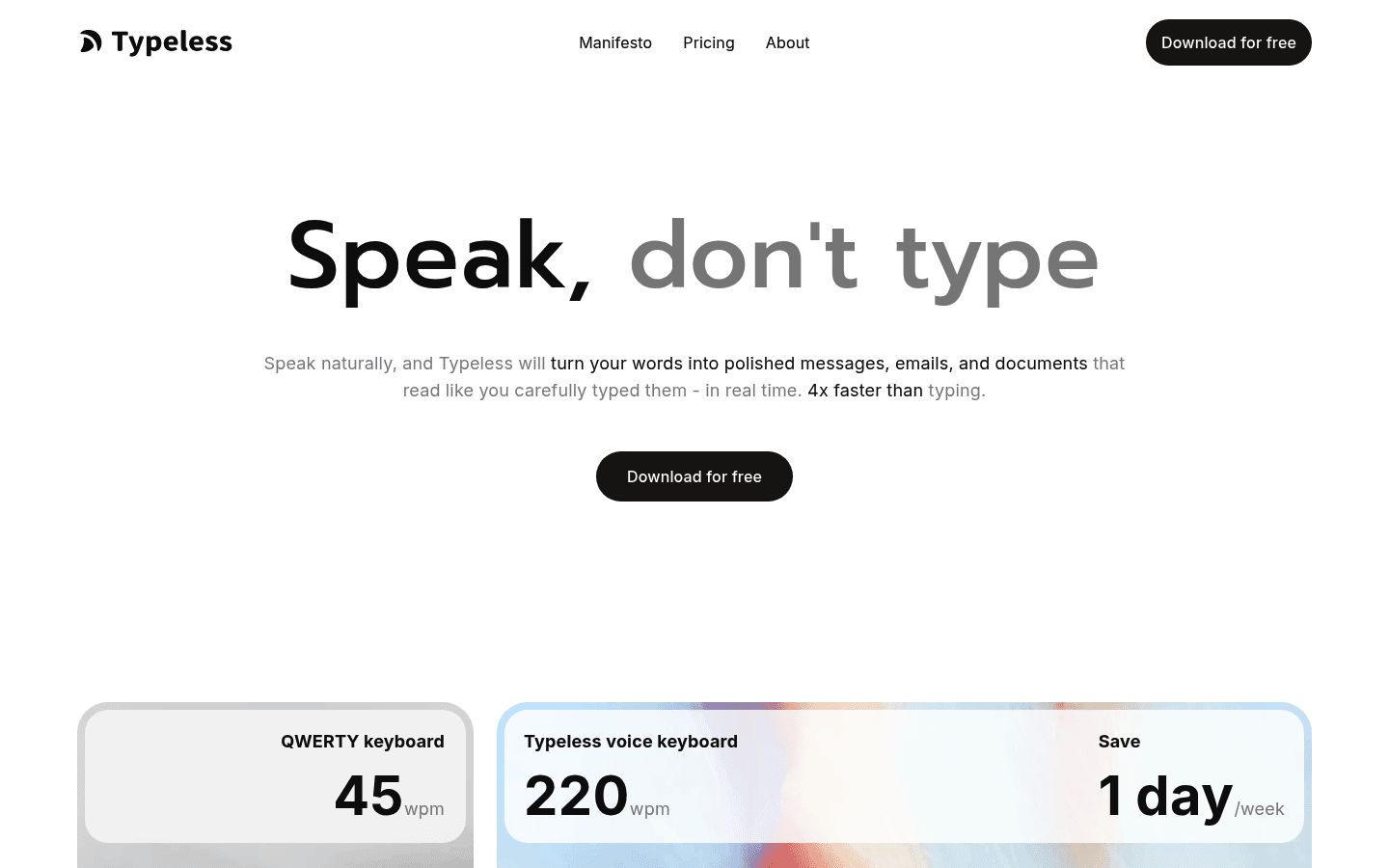
Typeless is the better pick if you want a free plan or if its writing features matter more than file transcription. Its homepage describes filler-word removal, repetition cleanup, personalized style and tone, a personal dictionary, 100+ languages, app-specific tones, translation while speaking, and voice commands for editing selected text.
Those features are useful if you do not just want a raw transcript. Typeless is built around turning rough spoken thoughts into writing that looks ready for the app you are using.
Choose Typeless if you want:
A permanent free plan with 8,000 words per week.
Live dictation on macOS, Windows, iOS, and Android.
AI rewriting, tone controls, translation, and personal dictionary features.
Team member management and usage analytics on paid plans.
Published zero cloud data retention language for dictation data.
The tradeoff is scope. In the primary sources checked for this draft, Typeless is presented as live AI voice dictation. I did not find an official file upload transcription feature to match Voicy's uploaded-file workflow.
Pricing and Cost Over Time
Voicy costs $8.49 per month, $82 per year, or $260 for lifetime access. Voicy has a free trial, but it is not a fully free product.
Typeless has a Free plan with 8,000 words per week. Typeless Pro costs $12 per member per month when billed yearly, which is $144 per year. The monthly billing option shown on the pricing page is $30 per month, or $360 per year.
Cost over 1, 3, and 5 years
The math changes depending on whether Typeless Free is enough. If you stay under 8,000 words per week, Typeless can cost $0. If you need paid unlimited dictation, Voicy is cheaper on monthly and annual billing.
Scenario | Voicy | Typeless | Winner |
|---|---|---|---|
Free access | Free trial only | $0 if 8,000 words/week is enough | Typeless. |
Monthly paid plan for 12 months | $101.88 | $360 | Voicy saves $258.12. |
Annual paid plan for 1 year | $82 | $144 | Voicy saves $62. |
Annual paid plan for 3 years | $246 | $432 | Voicy saves $186. |
Annual paid plan for 5 years | $410 | $720 | Voicy saves $310. |
Lifetime option | $260 | Not listed | Voicy. |
The practical read: Typeless wins the zero-cost test if its word limit is enough. Voicy wins for paid daily use, especially if you plan to use dictation for years or want one lifetime purchase.
Privacy and Cloud Processing
Both products are cloud-based. Voicy uses cloud-based transcription, which helps support dictation and file transcription across its supported surfaces. That is not the right fit if your rule is local-only processing.
Typeless is also cloud-based. Its Data Controls page says transcription is performed in the cloud, with zero retention for dictation data. Its Privacy Policy says audio and contextual data are processed in real time on cloud servers and immediately discarded after the result is returned to your device. It also says voice recordings, transcriptions, and screen context data are not stored on Typeless servers, except for voluntary feedback cases.
So the privacy choice is not local versus cloud. It is documented zero-retention cloud dictation versus a broader cloud transcription product. Choose Typeless if its zero-retention language is the deciding factor. Choose Voicy if you are comfortable with cloud transcription and need file upload plus browser-extension coverage.
User Proof and Community Discussion
Public proof is useful, but it should not be treated like a lab test. Voicy's public site has shown social proof such as a high public rating and user count, while Typeless has public marketing proof such as Product Hunt badges and homepage testimonials.
For community research, look for recent discussions that mention your exact use case. Search for app fit across Mac, Windows, iOS, Android, browser workflows, long-form dictation, word limits, privacy comfort, and whether you need uploaded-file transcription.
Do not over-read a single thread or review. One happy comment does not prove a tool will fit your setup, and one complaint does not prove it is unreliable. Use public discussion to decide what to test during the free trial or free plan.
Decision Guide
Choose Voicy if:
You want live dictation plus file upload transcription.
You need Mac, Windows, browser extension, iOS, and Android support.
You work in browser-based tools where an extension matters.
You already know you need paid dictation and want lower monthly or annual pricing.
You want a lifetime plan.
Choose Typeless if:
You want a free plan with a clear weekly word limit.
You mainly need live dictation, not uploaded-file transcription.
You want AI polish such as filler-word cleanup, tone adjustment, translation, and personal dictionary features.
You use macOS, Windows, iOS, or Android.
You value Typeless' published zero cloud data retention language.
Bottom Line
Typeless is a compelling voice dictation app if you want polished live writing and a free plan. Its 8,000-word weekly Free plan makes it easy to test, and its writing features are useful for messages, emails, and documents.
Voicy is the better fit for paid daily speech-to-text users who need more than live dictation. It costs less than Typeless Pro, supports browser extension workflows, includes iOS and Android alongside desktop, and adds file upload transcription for recordings. If your work includes both writing and saved audio, Voicy is the cleaner pick.
FAQs
Is Voicy better than Typeless?
Voicy is better if you want lower paid pricing, browser extension support, and file upload transcription. Typeless is better if you want a free plan and AI writing polish for live dictation.
Does Voicy have a free plan?
Voicy has a free trial, but it is not a fully free product. Its paid plans are $8.49 per month, $82 per year, or $260 lifetime.
Does Typeless have a free plan?
Yes. Typeless lists a Free plan with 8,000 words per week. Its pricing page says Free includes standard accuracy and standard access during high demand.
How much does Typeless Pro cost?
Typeless Pro costs $12 per member per month when billed yearly, or $30 when billed monthly. Annual billing works out to $144 per year per member.
Which is cheaper, Voicy or Typeless?
Typeless is cheaper only if the Free plan is enough. For paid use, Voicy is cheaper at $8.49 per month or $82 per year. Typeless Pro is $30 monthly or $144 per year on annual billing.
Does Voicy work on Windows?
Yes. Voicy supports Mac, Windows, browser extension use, iOS, and Android.
Does Typeless work on Windows?
Yes. Typeless lists Windows support, along with macOS, iOS, and Android.
Can Voicy transcribe files?
Yes. Voicy supports file upload transcription in addition to live dictation.
Can Typeless transcribe uploaded files?
I did not find an official uploaded-file transcription feature in the checked Typeless primary pages. Typeless is positioned around live AI voice dictation across apps.
Which app is better for privacy?
Typeless has more explicit public zero-retention language for dictation data. Both products are cloud-based, so neither is the best choice if you require local-only transcription.
