




























Privacy First
Nobody sees your transcripts except yourself.
You can read more about our privacy policy here.
Step 1

Step 2
Set up your keyboard shortcut (2 minutes)

Step 3
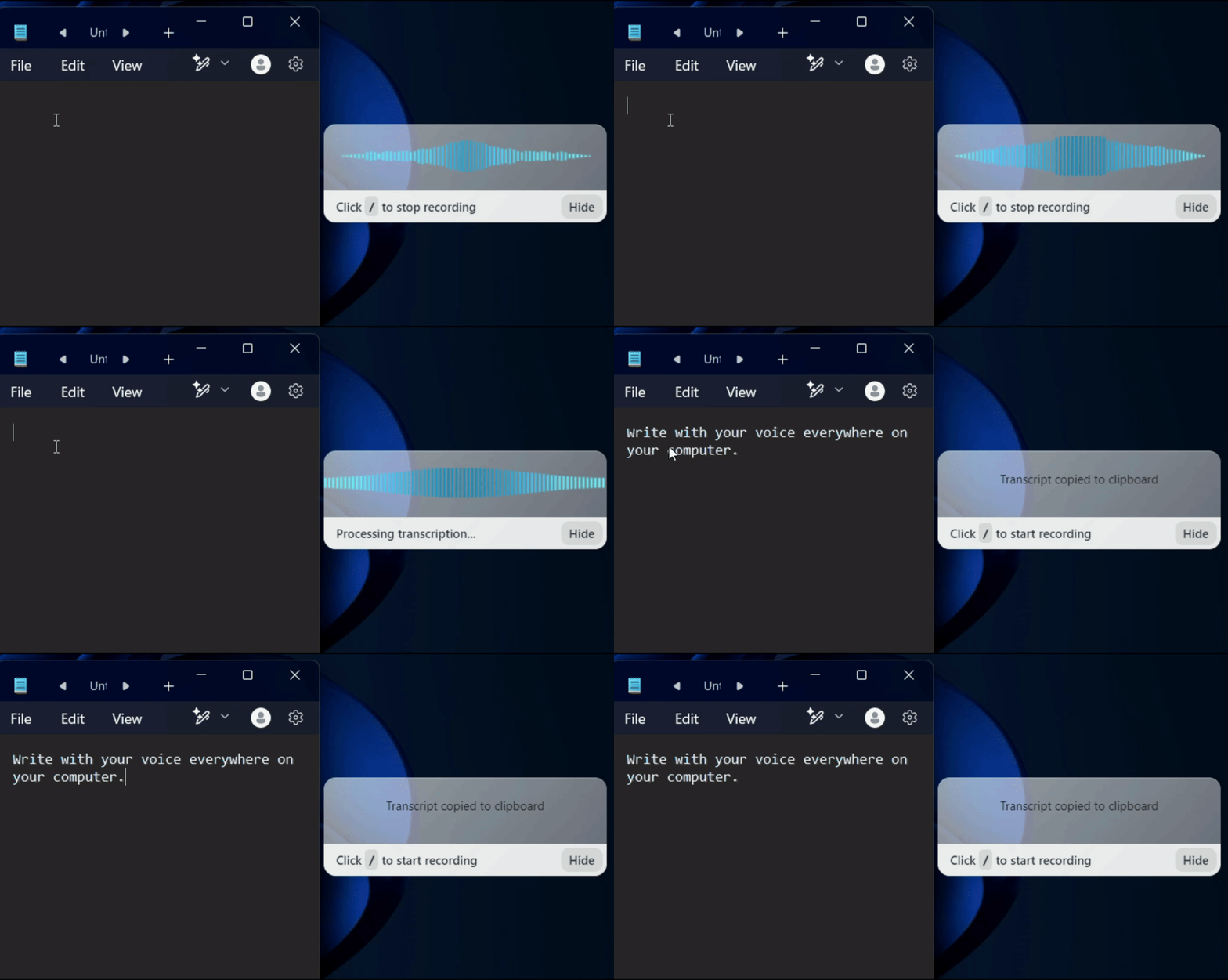
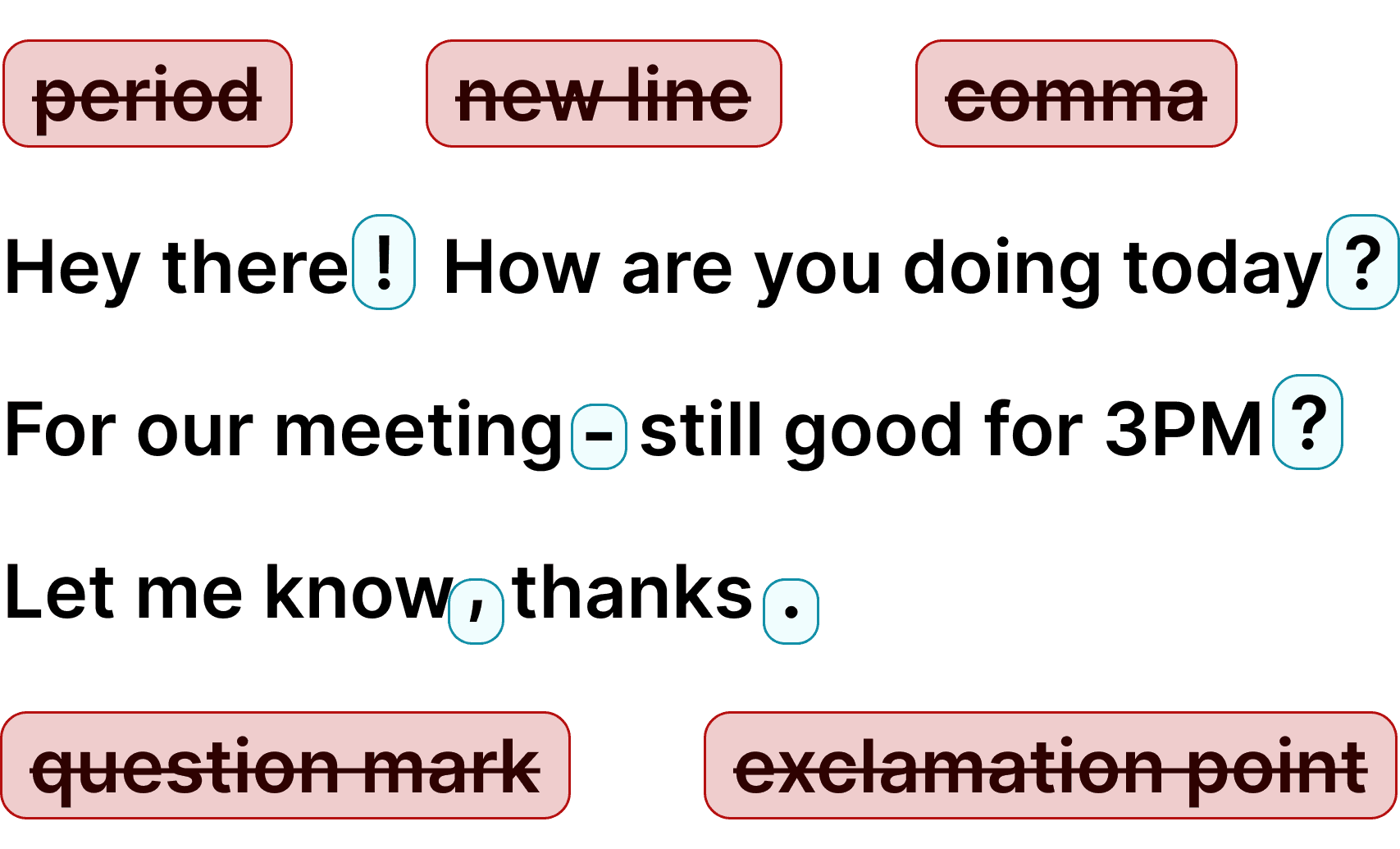
Start dictating in any legal application
Once installed, dictate anywhere your team works. Create reports, project updates, CRM notes, and internal communications with voice across enterprise tools.
Typing overhead scales badly across large teams. Voice dictation helps teams produce docs, updates, and communication faster across departments. More output in less time means better operational efficiency.
Enterprises need strong privacy controls for internal and customer-facing communication. Deploy voice workflows with security-minded controls and predictable governance.
Use Voicy across CRM, support, docs, project tools, and internal systems.
One system-wide dictation layer for the whole organization.
Enterprise voice dictation solutions
Voicy adds speech-to-text across enterprise applications so teams can create documentation, updates, and communication faster with voice.
Save hours every week while maintaining enterprise-grade privacy workflows. Try it free and see how voice dictation improves operations at scale.
Why enterprises adopt voice dictation
Standard enterprise dictation solutions are expensive and hard to roll out broadly. Modern voice dictation is faster to deploy and easier for teams to adopt.
Voicy provides fast, accurate speech-to-text with low rollout friction, helping enterprise teams standardize communication-heavy workflows on Mac and Windows.




FAQ
What are enterprise voice dictation solutions?
How can enterprises use Voicy across teams?
Can Voicy help reduce typing overhead at scale?
Does Voicy integrate with existing enterprise tools?
Is Voicy suitable for privacy-conscious organizations?
Can leadership and ops teams use Voicy for reporting?
Is there a free trial for enterprise evaluation?
Which platforms are supported?