









Step 1
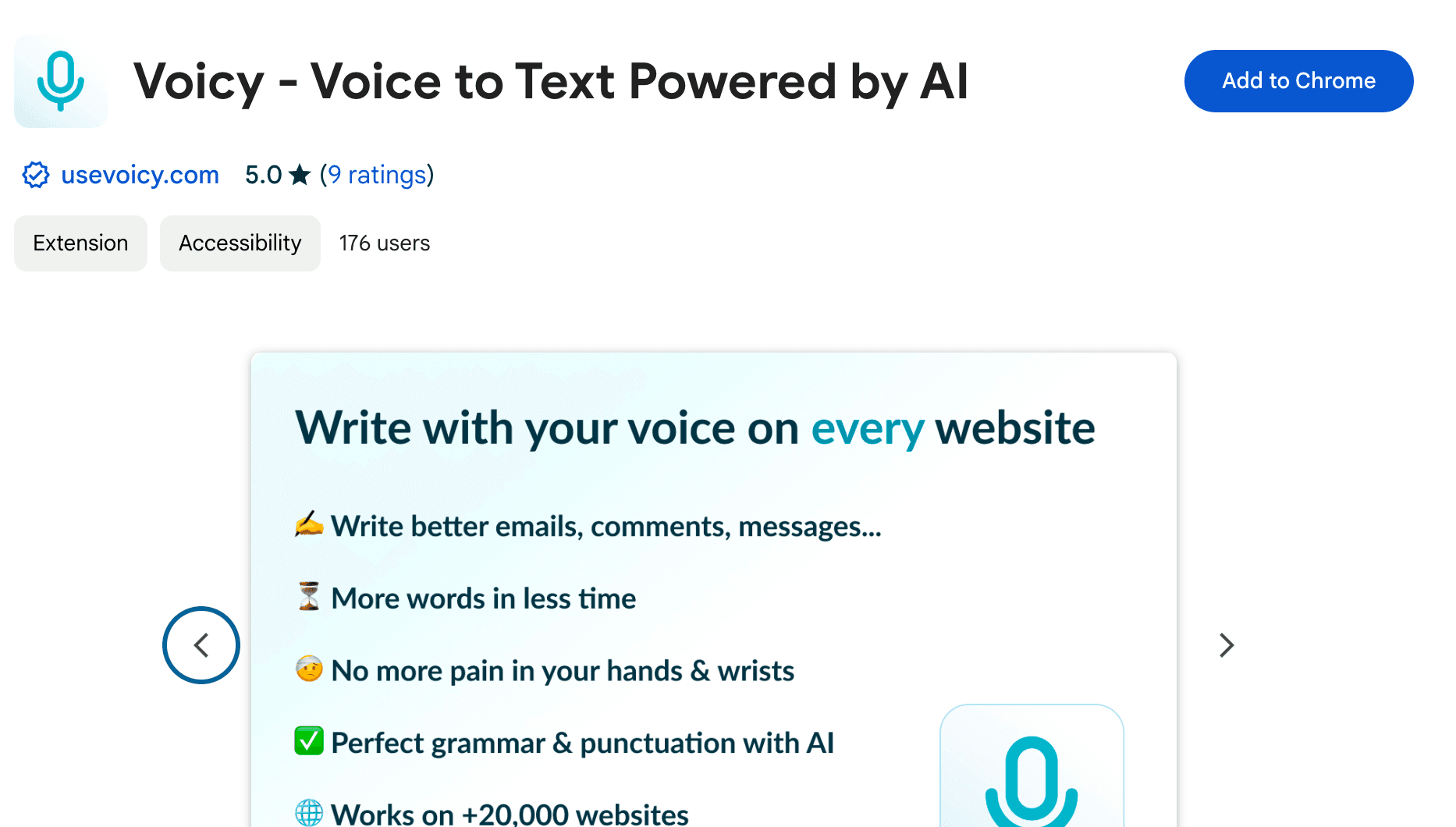
Voicy is a privacy-focused speech-to-text desktop app. It adds voice dictation functionality to every text field on your computer and allows you to write with your voice everywhere, including Perplexity AI in your browser.
Step 2
Open Perplexity AI in your browser
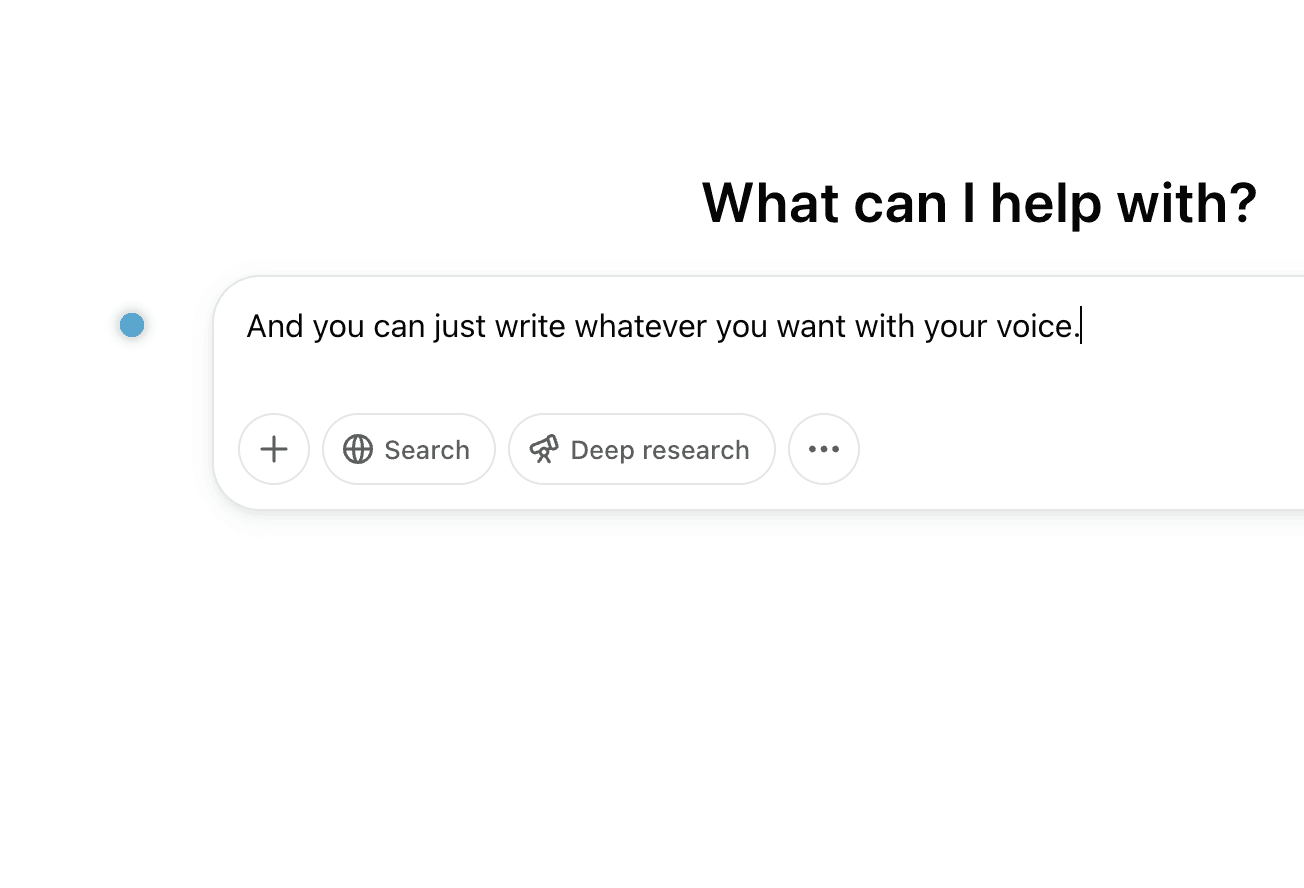
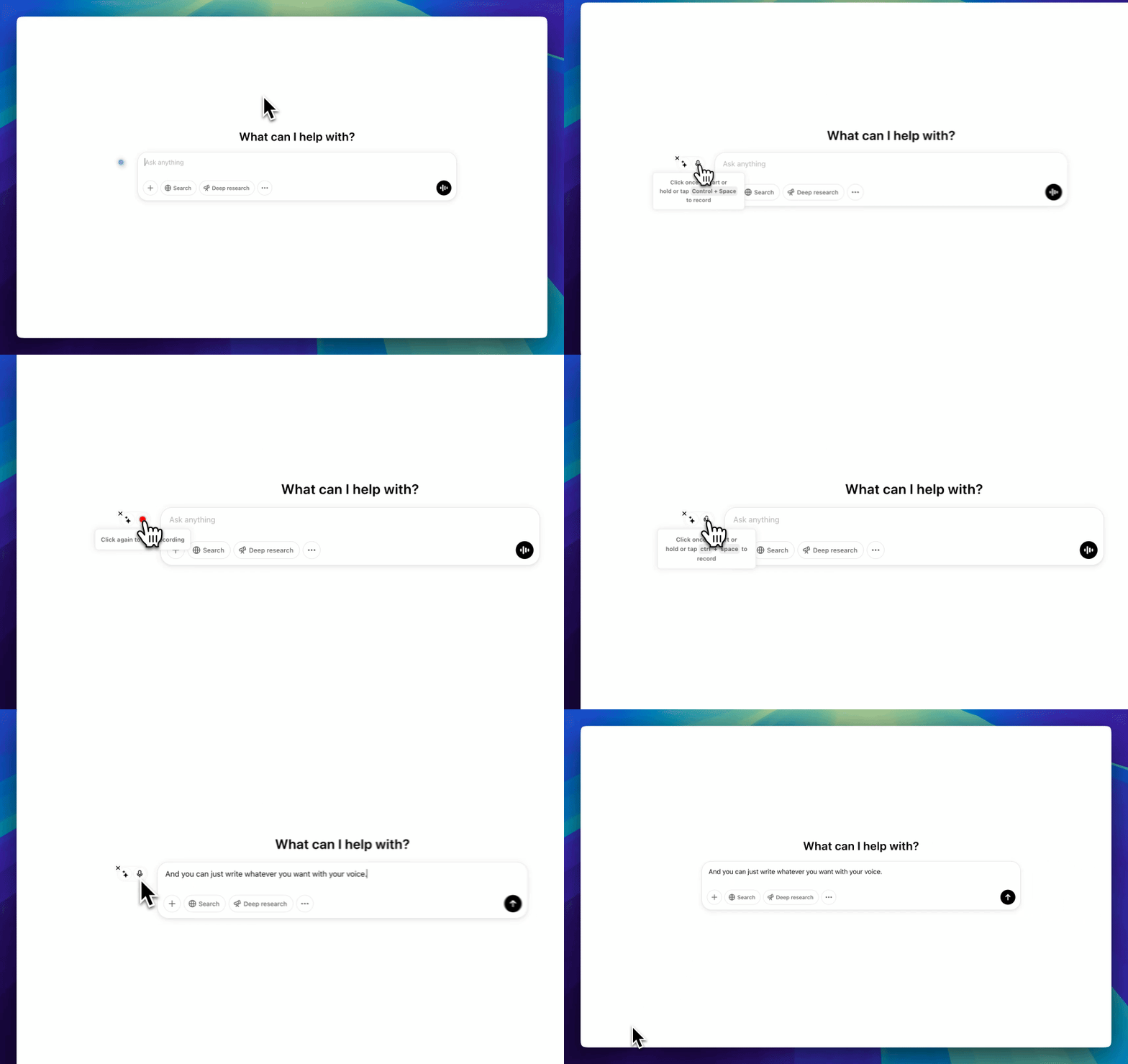
With Voicy running, navigate to perplexity.ai in your browser. Click on the search bar and use Voicy's keyboard shortcut (default: Ctrl+Shift+V) to start dictating. Your voice will be converted to text instantly.
Step 3
Start dictating to Voicy
Speak your research question naturally and Voicy will transcribe it with 99% accuracy. When you're done, press the shortcut again to stop. Your question will appear in Perplexity's search bar, ready to submit.
The benefits of speech to text in Perplexity AI
Your thoughts on paper,
faster
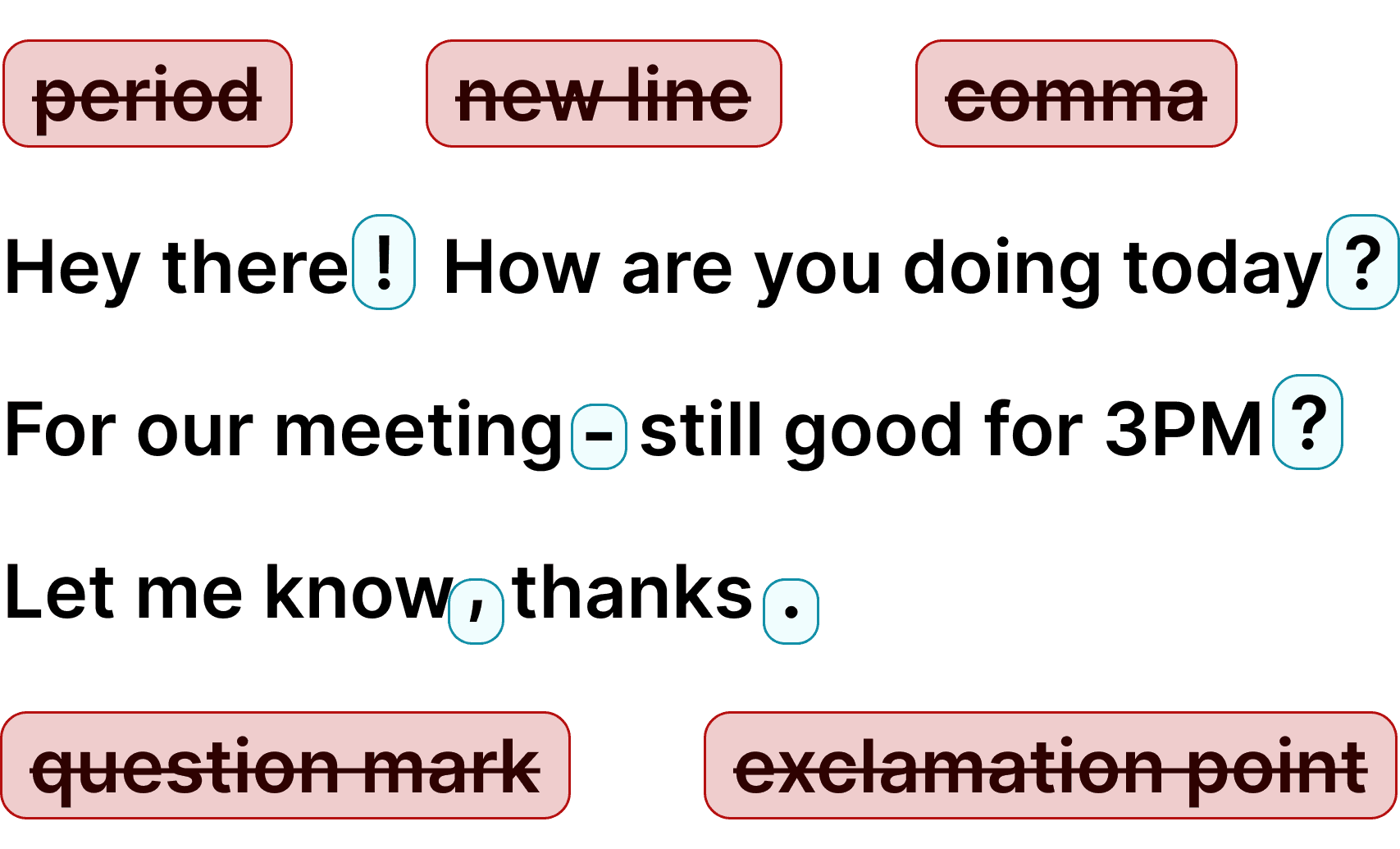
How do commas work?
Voicy automatically adds perfect commas and punctuation to your transcription.
Natural sounding text
Writing with your voice creates more natural sounding, easier to understand text and documents.
Ask AI
Voicy gives you direct access to AI commands through voice, wherever you are. Ask Perplexity questions faster by speaking naturally instead of typing.
Accurate voice dictation for prompts in Perplexity AI
Whether you want to boost productivity, save your wrists and fingers from pain, or simply want to write more natural-sounding text - using talk to text for your daily research in Perplexity AI is the way to go. Voicy uses the latest speech recognition technology to give you the power of your voice on every text field on your computer, Perplexity AI included. Simply download the desktop app for Mac or Windows to get started. Also works great with ChatGPT, Claude, Notion, and Google Docs.
Apart from talk to text functionality, Voicy also gives you access to AI commands everywhere.
If you don't know how to start or formulate an email, simply ask Voicy to do it for you.
Finally, Voicy works in over 50 languages, including Spanish, German, Russian, Hindi, French, Dutch and many more.
Why use speech to text in Perplexity AI?
Perplexity AI at perplexity.ai is revolutionizing how we search and research online. With Voicy, you can ask complex questions and provide detailed context using your voice instead of typing. This is especially useful when you need to describe nuanced topics or ask follow-up questions during your research sessions.
Voicy uses the state-of-the-art Whisper API for speech recognition, giving you near-perfect accuracy with automatic punctuation. Whether you are conducting deep research, comparing sources, or exploring new topics in Perplexity, speaking your queries is faster and more natural than typing them out.



















FAQ
Does Perplexity AI have a built-in voice feature?
How much does Voicy cost?
Do you see what I write with Voicy?
How does Voicy work with Perplexity AI?
What is speech-to-text?
What languages does Voicy support in Perplexity?
Does Voicy work with Perplexity Pro?
Can I use Voicy for other AI tools besides Perplexity?