





Voicy Pricing in 2026: Plans, 3-Year Cost, and What You Get
TL;DR
Voicy is not free. It has a free trial, then paid plans.
Current Voicy pricing: $8.49/month, $82/year, or $260 lifetime.
Best value for most people: annual if you want a lower yearly cost, lifetime if you expect to use Voicy for more than about 3 years.
What you get: live dictation, uploaded-file transcription, Mac, Windows, browser extension, iOS, and Android support.
Privacy note: Voicy uses cloud-based transcription. Do not buy it expecting local-only or offline processing.
Short answer: Voicy pricing is simple: $8.49/month, $82/year, or $260 for lifetime access after a free trial. The annual plan costs $246 over 3 years. The lifetime plan costs $260 once, so it starts to make more sense if you plan to use Voicy for a little over 3 years.

Voicy pricing in 2026
Voicy is a paid speech-to-text app with a free trial. You can check the current checkout options on the official Voicy pricing page. It is built for people who want to dictate into everyday apps and transcribe uploaded audio files without juggling separate tools.
Plan | Price | Best for |
|---|---|---|
Monthly | $8.49/month | Testing Voicy after the free trial, or using it for short projects. |
Annual | $82/year | Daily use with a lower total cost than paying month to month. |
Lifetime | $260 one time | Long-term users who want to avoid another subscription. |
The important wording is free trial. Voicy is not a fully free dictation app. If you only need a no-cost tool for short notes, start with the built-in options below before paying for a dedicated app.

Monthly vs annual vs lifetime: which Voicy plan should you pick?
Pick monthly if you are still testing your workflow. Pick annual if Voicy becomes part of your daily writing. Pick lifetime if you already know you will dictate for years.
Monthly: lowest commitment, highest long-term cost.
Annual: best default for most paid users because it lowers the yearly cost to $82.
Lifetime: best if you hate subscriptions and expect to keep using voice input.
A simple rule: use the free trial first. Dictate the work you actually write: emails, reports, notes, prompts, messages, or uploaded recordings. Do not judge a dictation app from one perfect test sentence.
Voicy 3-year cost math
The 3-year math is useful because dictation is a habit tool. If it sticks, you may use it every workday.
Voicy plan | 1 year | 3 years | What it means |
|---|---|---|---|
Monthly | $101.88 | $305.64 | Good for flexibility, weaker for long-term value. |
Annual | $82 | $246 | Cheaper than monthly if you use Voicy for a full year. |
Lifetime | $260 | $260 | Costs more than annual for the first 3 years, then pulls ahead after that. |
Annual is cheaper than lifetime at exactly 3 years: $246 vs $260. Lifetime wins after year 4 if the price stays the same and you keep using the app.
What is included in Voicy?
Voicy is not just a blank speech box. It is meant to be a daily writing layer across devices and apps.
Live dictation for writing into apps, documents, messages, search boxes, and browser fields.
File upload transcription for turning existing audio files into text.
Mac and Windows apps for desktop work.
Browser extension for web writing.
iOS and Android apps for mobile voice-to-text work.
Cloud-based transcription, which means audio is processed through cloud transcription rather than local-only offline speech recognition.
That mix is the main reason someone would pay instead of using a free built-in tool. You are paying for one workflow across more places, plus uploaded-file transcription.
Is the Voicy free trial enough?
The free trial is enough to check accuracy, speed, and whether Voicy fits the apps you use. It is not the same as a permanent free plan.
Test it with real work. Try one email, one document paragraph, one note, one AI prompt, and one uploaded file if transcription matters to you. That will teach you more than a polished demo.
How does Voicy pricing compare to built-in free options?
Free built-in dictation is the right first stop if your needs are basic. Paid dictation starts to make sense when you need cross-app coverage, mobile and desktop support, or file transcription.
Option | Cost | Good fit | Limit |
|---|---|---|---|
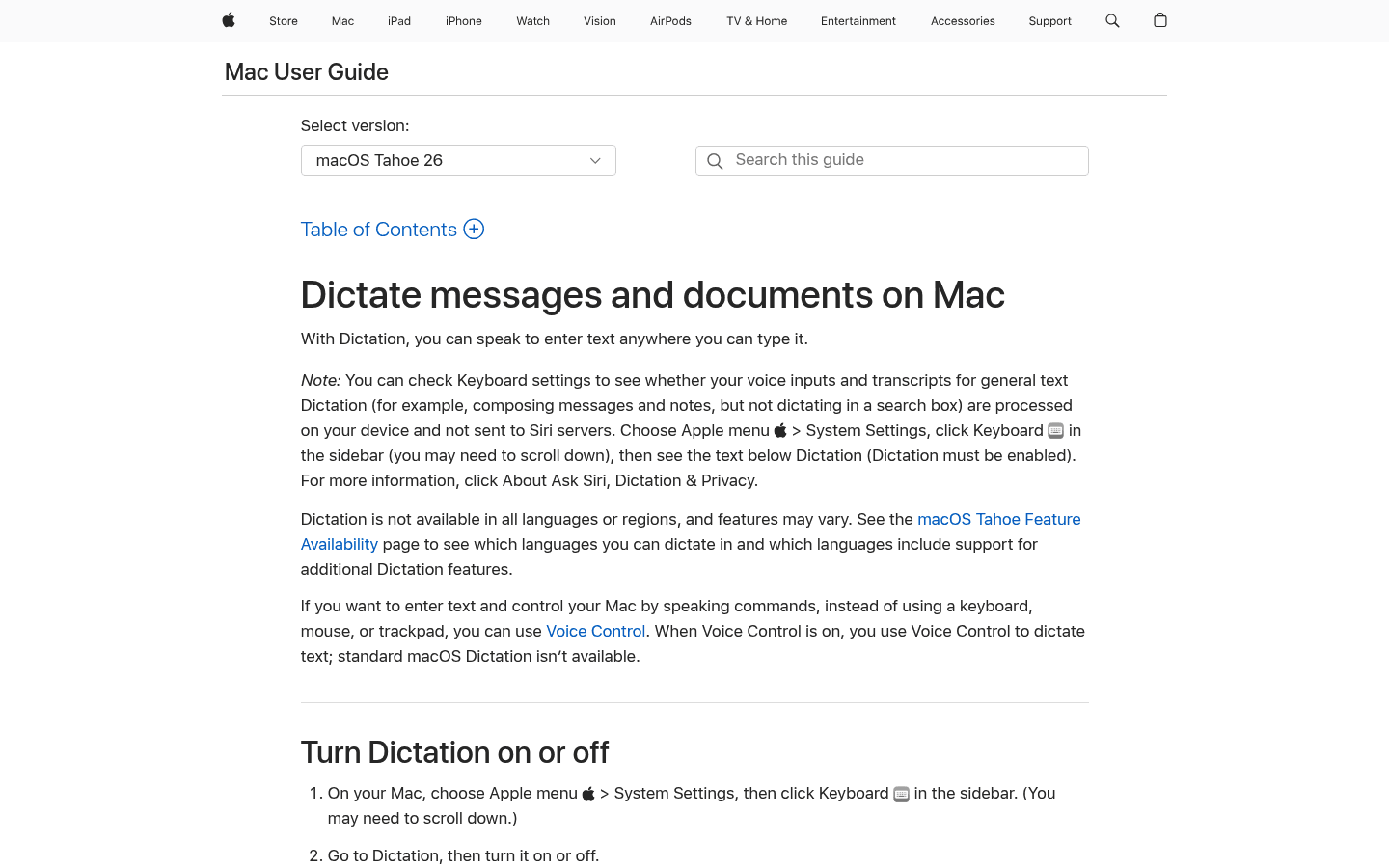
Included with Apple devices | Short dictation on Mac, iPhone, and iPad. | Less of a full cross-platform transcription workflow. | |
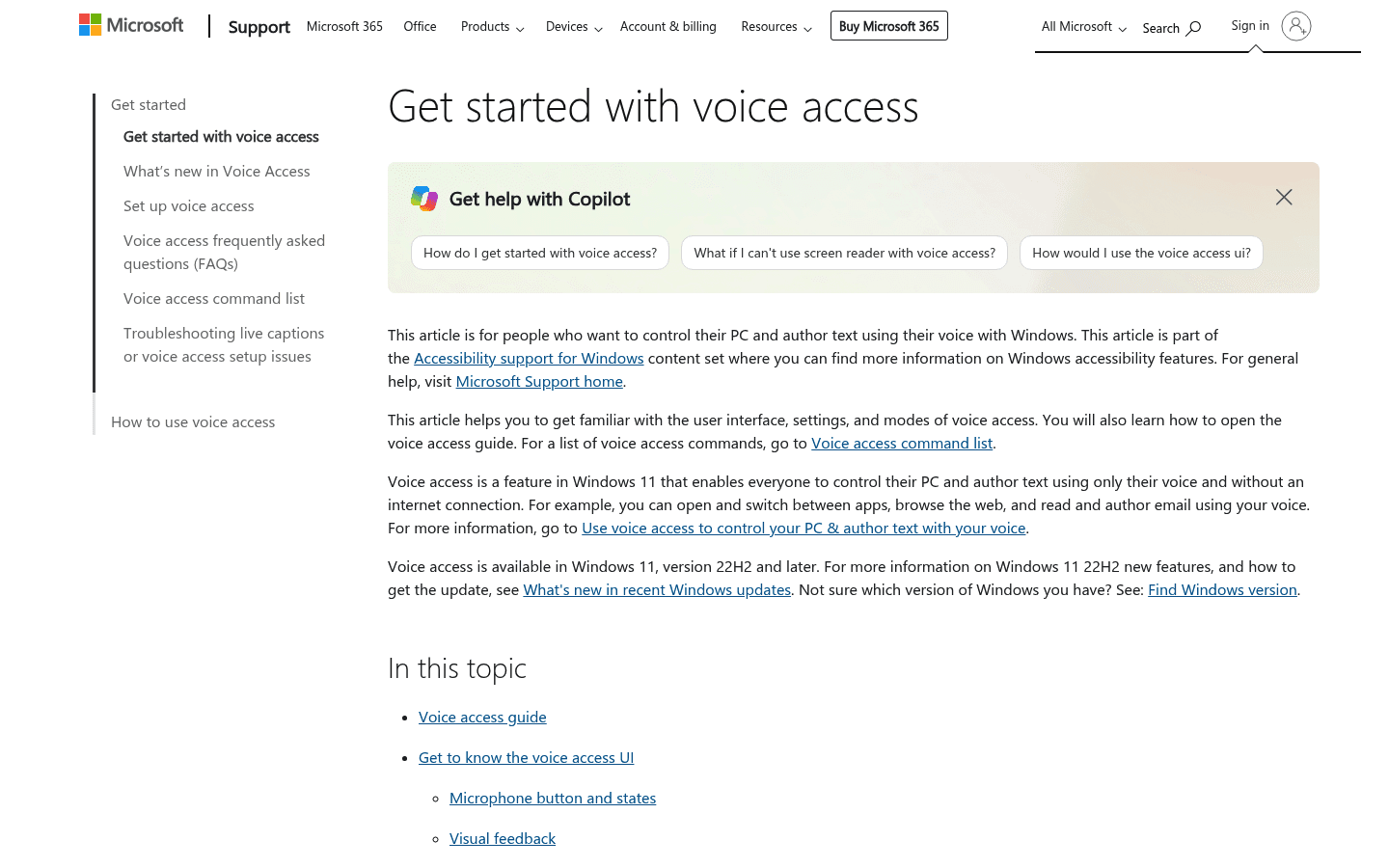
Included with Windows 11 | Windows dictation and PC control. | Windows-only. | |
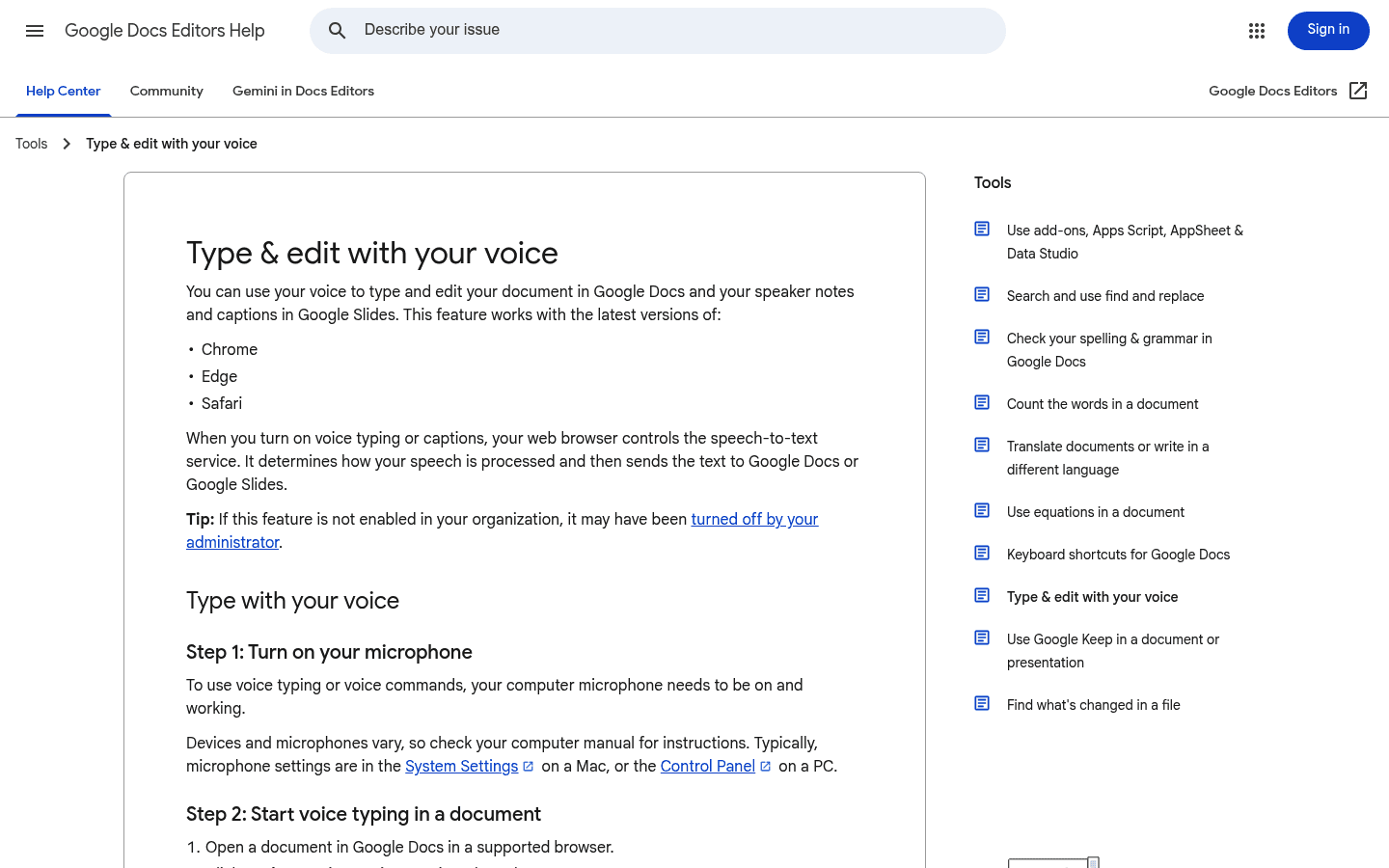
Included in Google Docs | Voice typing inside Docs and Slides speaker notes. | Mostly tied to Google Docs and supported browsers. | |
$8.49/month, $82/year, or $260 lifetime after the free trial | Daily dictation across Mac, Windows, browser extension, iOS, Android, plus uploaded files. | Paid, cloud-based transcription. |
How does Voicy compare to Wispr Flow and Superwhisper?
Voicy is the cheaper paid option than Wispr Flow if you compare normal Pro pricing. Superwhisper is closer on price and lists a free tier, so the choice is more about platform fit, local vs cloud needs, and workflow.
Tool | Source-checkable pricing note | What to watch |
|---|---|---|
Voicy | $8.49/month, $82/year, $260 lifetime. | Cloud-based transcription. Good fit when platform reach matters. |
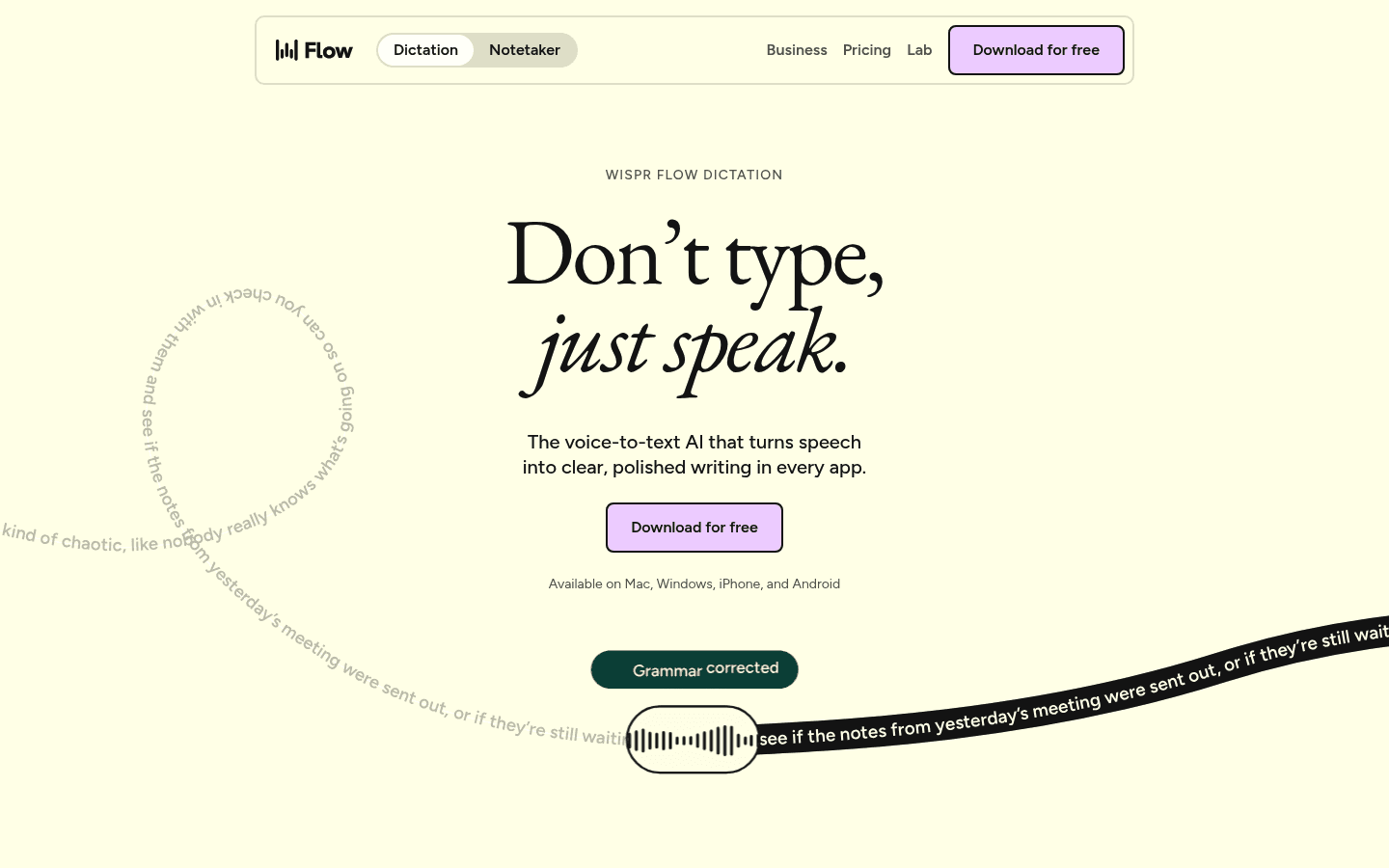
Wispr Flow | Its pricing page shows a free plan and Pro pricing, with $12 and $15 prices shown in annual and monthly views during our check. | Great to test if you want a free tier first. Check current limits before choosing it as your main work tool. |
Superwhisper | Its public site lists Free and Pro Monthly offers, including a $8 Pro Monthly schema price during our check. | Stronger fit if offline or local models matter to you. Check device support and current plan details. |
Do not choose only from a pricing table. Dictate the same 10-minute work sample in each app. The best app is the one you will actually use every day.
Privacy and data handling
Voicy uses cloud-based transcription. That means your audio is sent for cloud processing so it can be turned into text.
This is convenient, but it is not local-only or offline transcription. If you need offline processing for strict privacy reasons, compare local-first tools before you buy. If cloud processing is acceptable, Voicy gives you broader platform coverage and a simpler daily workflow.
For sensitive work, use plain judgment: avoid dictating confidential, regulated, or highly private information into any cloud tool unless your organization has approved that workflow.
Who should pay for Voicy?
Pay for Voicy if typing is a real bottleneck and you want one speech-to-text tool across more of your work.
Good fit: emails, notes, reports, customer replies, AI prompts, journal entries, drafts, and uploaded audio files.
Maybe not: users who only need a few short notes a week.
Not the right fit: users who require local-only or offline transcription.
If you are unsure, start with the free trial. Then decide based on your actual work, not on a competitor page.
FAQs
How much does Voicy cost?
Voicy costs $8.49/month, $82/year, or $260 lifetime after the free trial.
Is Voicy free?
No. Voicy has a free trial, but it is not fully free. You need a paid plan after the trial.
What is the cheapest Voicy plan?
The cheapest listed paid plan is $8.49/month. The annual plan is cheaper over a full year because it costs $82/year.
Is Voicy lifetime worth it?
Voicy lifetime is worth considering if you expect to use it for more than about 3 years. At exactly 3 years, annual costs $246 and lifetime costs $260.
Does Voicy work on Windows?
Yes. Voicy supports Windows, Mac, browser extension use, iOS, and Android.
Can Voicy transcribe audio files?
Yes. Voicy supports uploaded-file transcription as well as live dictation.
Does Voicy work offline?
No. Voicy uses cloud-based transcription. Do not choose it if you need local-only or offline processing.
Is Voicy cheaper than Wispr Flow?
Voicy is cheaper than Wispr Flow Pro based on the current Pro prices we checked. Wispr Flow also has a free plan, so compare plan limits before deciding.
Is Voicy cheaper than Superwhisper?
Voicy and Superwhisper are close on entry paid pricing. Superwhisper lists a free tier and local/offline options, while Voicy is stronger if you want Mac, Windows, browser extension, iOS, Android, and file upload transcription in one cloud-based workflow.
Should I use free dictation or pay for Voicy?
Use free dictation if you only write short notes in one place. Pay for Voicy if you dictate often, move between devices, and need uploaded-file transcription.
Final take
Voicy pricing is easiest to judge by use. If voice typing saves you a few hours each month, $82/year is a low bar to clear.
If it does not become a habit, use Apple Dictation, Windows Voice Access, or Google Docs voice typing instead. The right answer is the tool that fits your week.


