



























Step 1
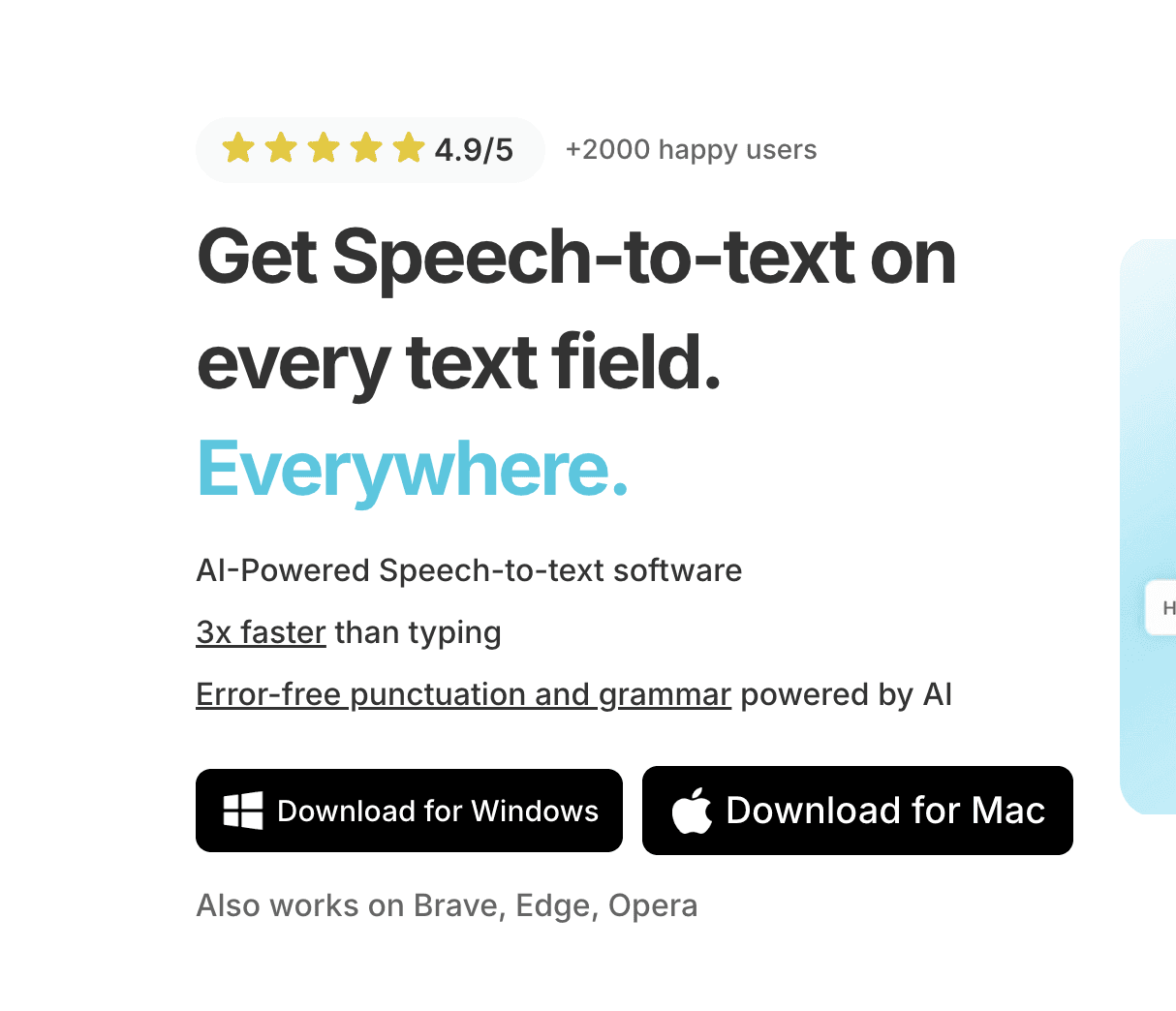
Voicy is a privacy-focused speech-to-text app. It adds the most advanced dictation technology to your Windows & Mac computer and allows you to write with your voice everywhere.
Step 2
Complete the setup (2-minutes)
and select your keyboard shortcut.
During the Voicy setup, you can select a keyboard shortcut to use to start and stop your recordings. It's the easiest way to use dictation on your computer.

Step 3
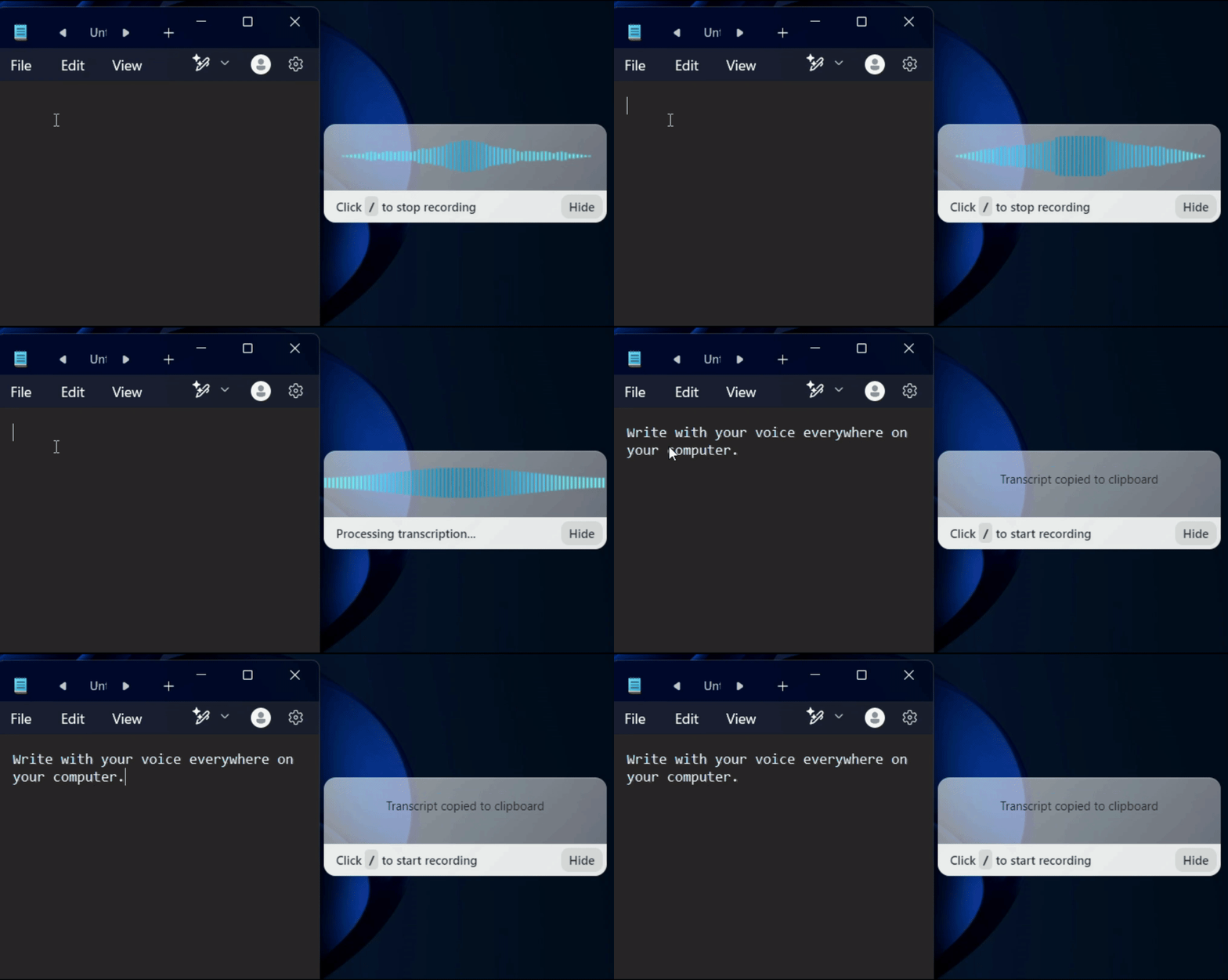
Start dictating to Voicy
Once Voicy is installed, you can use talk to text everywhere on your computer. This includes all of your apps and every website in your browser too!
Dragon NaturallySpeaking Alternative: Why Voicy is the Better Choice in 2026
Looking for a Dragon NaturallySpeaking alternative that works in modern browsers and apps? Voicy delivers professional-grade speech to text accuracy at a fraction of the cost. It works in every application on your Mac or Windows computer — from Microsoft Word and Google Docs to Slack, Notion, ChatGPT, and thousands more. No voice training required. No complex installation. Just download, set your keyboard shortcut, and start dictating with over 99% accuracy in 50+ languages.
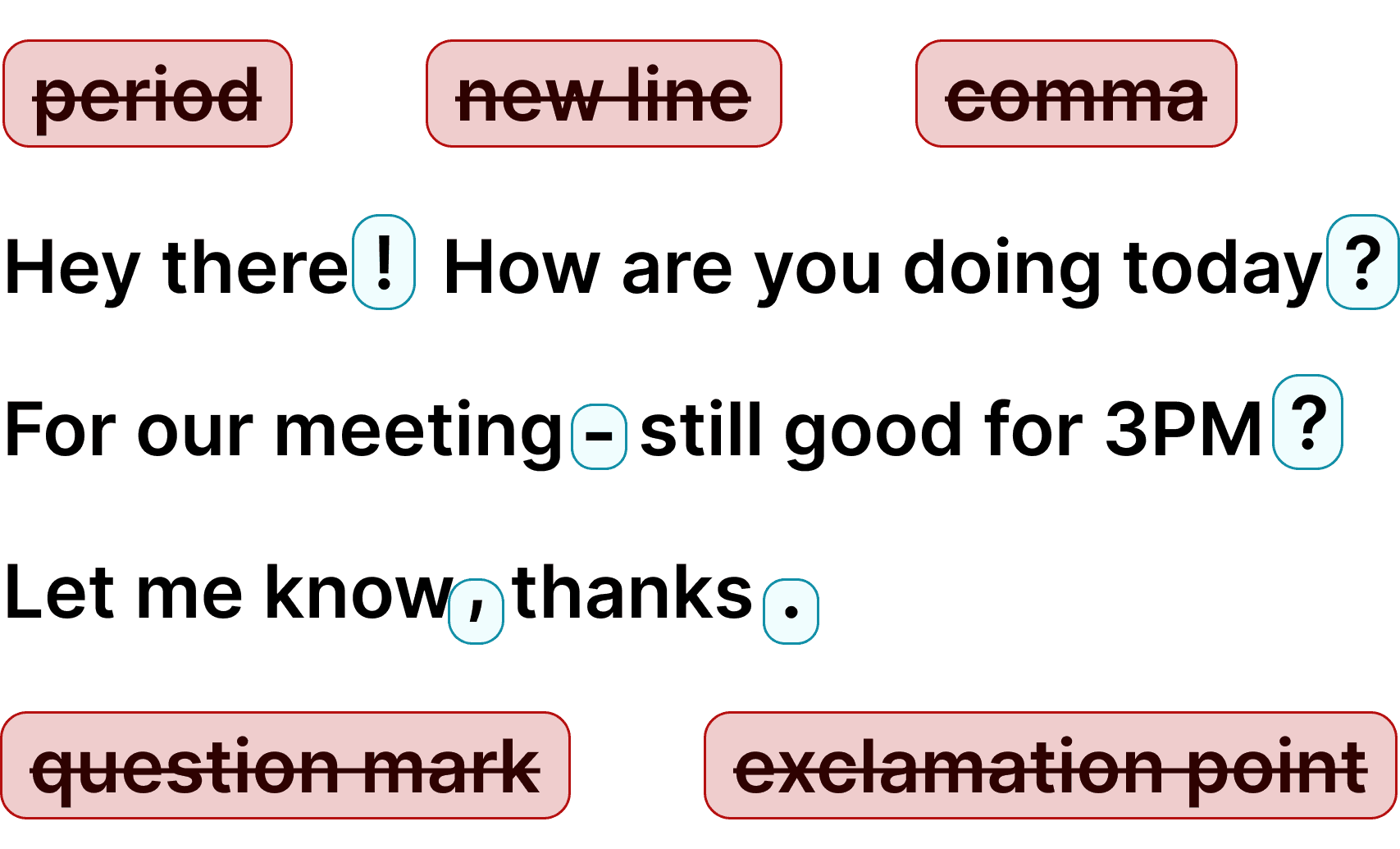
Unlike Dragon's complex installation, training requirements, and compatibility issues, Voicy installs in under a minute and works immediately. No voice profiles, no calibration, no waiting. Voicy uses the latest cloud-based AI speech models to deliver accurate transcription from your very first use. It automatically adds punctuation, detects your language, and even includes AI editing commands to rewrite or improve your text by voice. For professionals who need reliable dictation software without the hassle, Voicy is the modern Dragon alternative.
Why switch from Dragon to Voicy?
Dragon was the gold standard for decades, but it has not kept up. The software is expensive ($699 one-time or subscription), requires voice training, and has compatibility issues with modern web apps. Recent AI breakthroughs have produced speech recognition models that match or exceed Dragon accuracy — and Voicy brings those models to your desktop at $8.49/month.
Voicy also adds features Dragon does not have: AI editing commands that let you rewrite, expand, or translate your text by voice. Automatic language detection across 50+ languages means you can switch between English, Spanish, German, or any supported language mid-sentence. And at 8.49 per month or 220 for lifetime access, it costs a fraction of Dragon 699 license — with no additional fees for updates or new versions.
Dragon vs Voicy: which dictation software is right for you?
Choose Dragon if: you need a specialized medical or legal edition with custom vocabulary, you want fully offline processing (Dragon runs locally), or you're in an enterprise environment that already uses Dragon's ecosystem.
Choose Voicy if: you want professional accuracy without the $699 price tag, you use a Mac (Dragon Pro is Windows-only), you need dictation in modern web apps (Slack, Notion, ChatGPT, Claude), or you want AI editing features and automatic punctuation without voice training. Most people who try Voicy free trial don not go back.
FAQ
Is Voicy a good alternative to Dragon NaturallySpeaking?
What's the difference between Voicy and Dragon dictation?
Is Voicy private? Do you store my dictation?
Is Voicy more accurate than Dragon NaturallySpeaking?
Can I use Voicy instead of Dragon for medical or legal dictation?
Does Voicy work on Mac? Dragon is Windows-only.
Why are people switching from Dragon to Voicy?
Does Voicy require voice training like Dragon?
Can I try Voicy before canceling Dragon?