



























Step 1
Voicy is a privacy-focused speech-to-text extension for Chromium-based browsers, including Opera. It adds voice dictation functionality to every text field you use online, so you can get faster speech to text in Opera across docs, email, forms, and chat.
Step 2
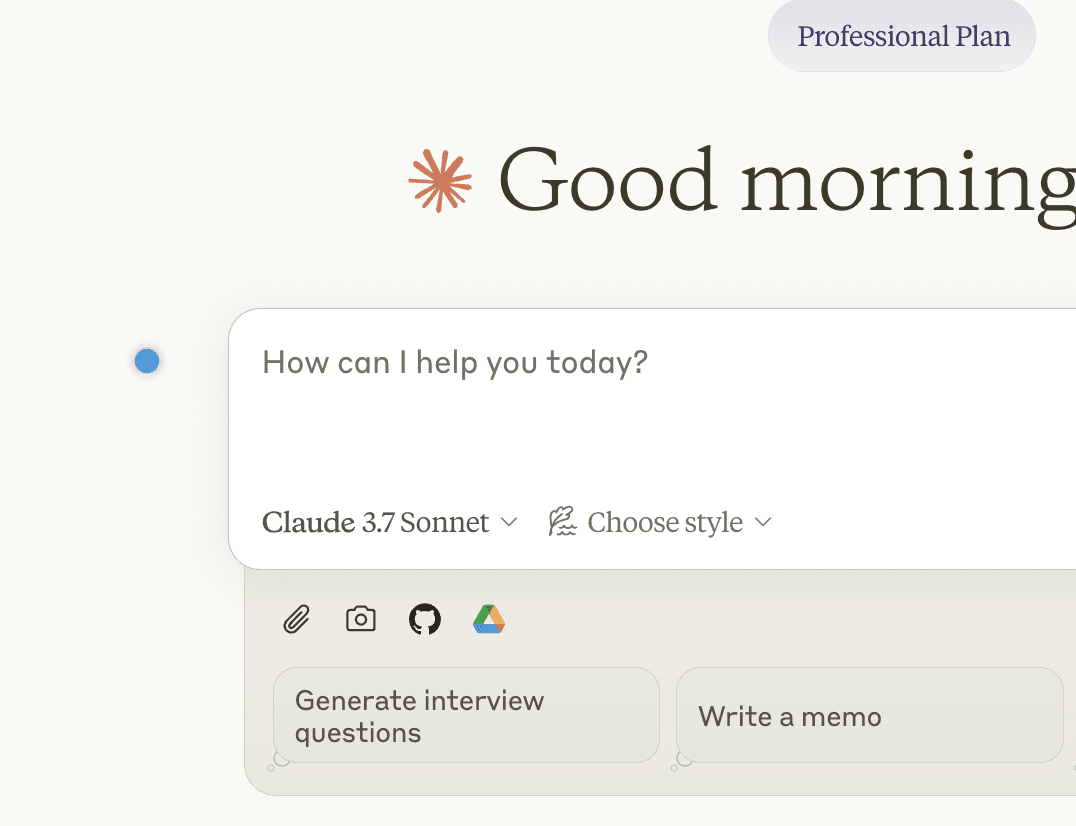
Click on a text field to see the
Voicy element
The Voicy element will now show up next to your focused text field.
Hover over the blue dot with your mouse to expand the element.
Step 3
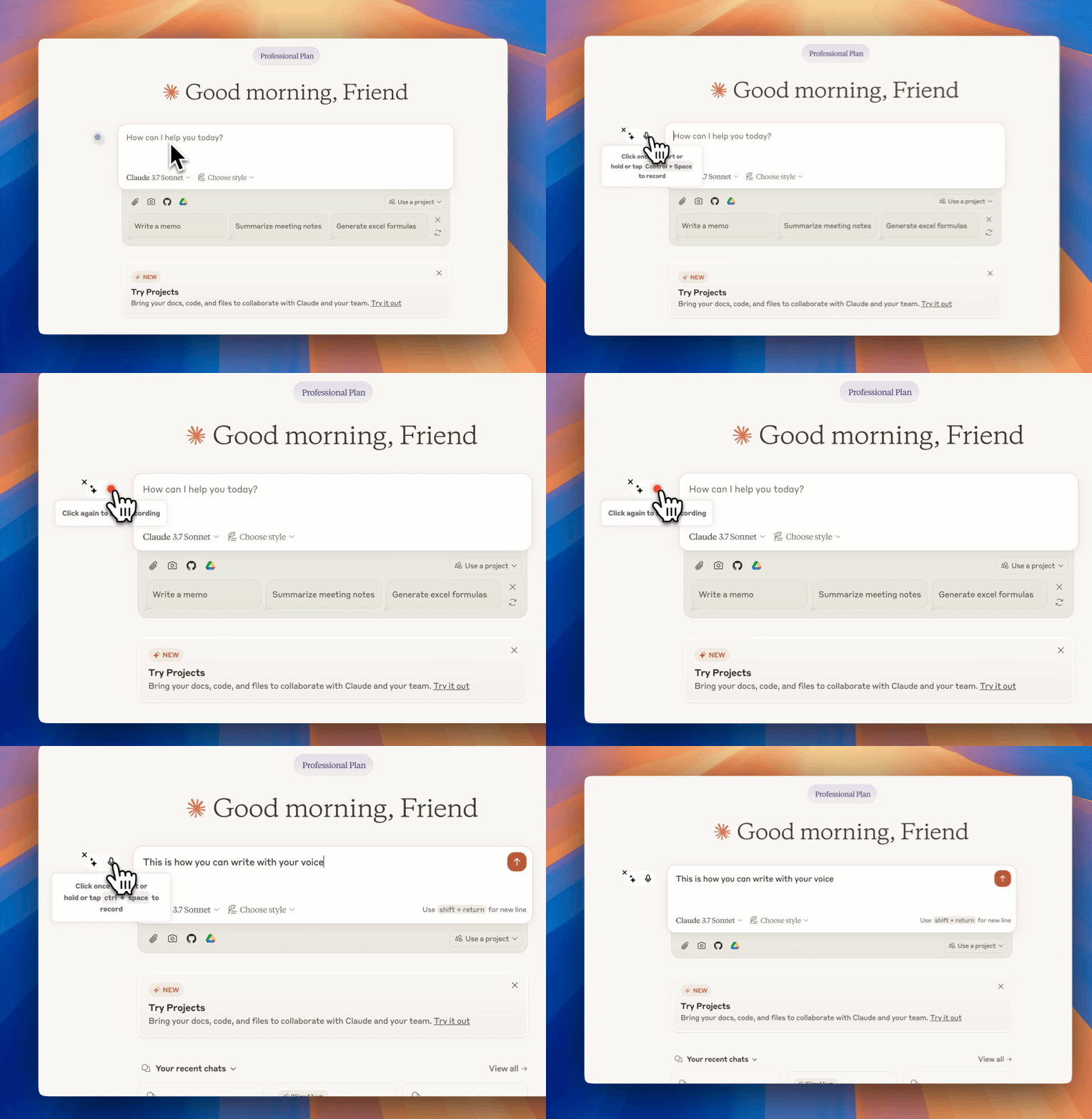
Start dictating to Voicy
Clicking on the microphone will start the speech-to-text recording for you.
Once you are done talking, click on the microphone again to stop.
Your dictated sentences will now show up in your chat input.
AI-powered speech to text for Opera
Voicy adds voice recognition to every text field on every website, including Gmail, Outlook, Slack, Whatsapp, Telegram and many more.
Enjoy over 99% accuracy and lighting fast transcriptions, wherever you're working.
Save time & your wrist by writing with your voice.
Opera is flexible, but the default dictation experience is still weak. With Voicy, you get better speech to text in Opera, faster voice typing, and cleaner punctuation across Gmail, LinkedIn, Notion, Slack, and other sites you already use.
Why Voicy outshines Apple, Google, and Microsoft's own dictation features
Microsoft, Google, and Apple used to provide industry-leading speech-to-text capabilities, but times have changed.
Recent advancements in speech-to-text technology have introduced new models that are far faster and more accurate.

On average, voice typing can increase the speed of writing by 3x.
Instead of using your keyboard, simply click on the keyboard shortcut, start speaking, and you will see the text on your screen instantly.
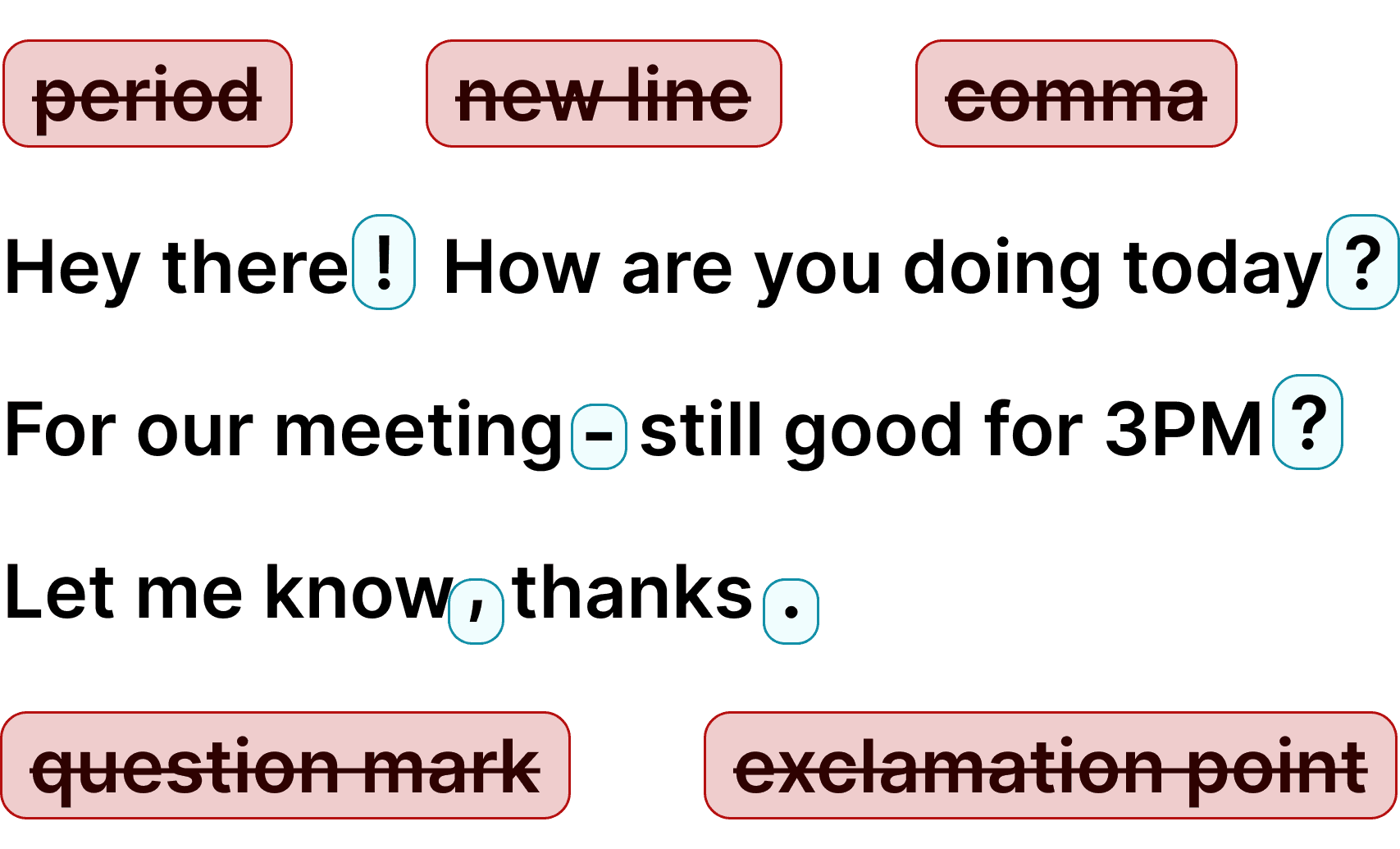
Additionally, you always get perfect grammar and punctuation.
By completely cutting out the thousands of keystrokes we make every day, Voicy simply reduces the need to use your fingers and keyboard.
An ergonomic mouse and keyboard are great.
No keyboard is even better.
If you have been searching for extensions in Opera or trying to figure out how Opera extensions work with voice dictation, the default setup is still clunky. Voicy gives you more accurate speech to text in Opera, automatic punctuation, and a smoother writing flow on any site.
FAQ
How is Voicy different from other tools?
What languages are supported?
How much does Voicy cost?
Do you see what I write with Voicy?
How do I add extensions to the Opera Browser?