





Best Linux Apps for Students in 2026: Notes, Writing, Research, and Study Tools
TL;DR
Here are the best Linux apps for students in 2026, grouped by what they help you do:
Voicy: Best voice input layer for notes, essays, prompts, emails, and typing fatigue.
LibreOffice: Best free office suite for essays, spreadsheets, and presentations.
Joplin: Best open-source notes app for class notes and research logs.
Zotero: Best citation manager for research papers.
Anki: Best flashcard app for spaced repetition.
Firefox: Best Linux browser for research and web apps.
Okular: Best PDF reader for highlighting lecture notes and papers.
ONLYOFFICE Desktop Editors: Best Microsoft Office compatibility pick.
Thunderbird: Best desktop email app for school inboxes.
Obsidian: Best local knowledge base for long-term study notes.
LocalSend: Best quick file transfer app between laptop, phone, and lab machines.
VLC: Best media player for lectures, recordings, and odd file formats.
Short answer: the best Linux apps for students are the ones that cover writing, notes, PDFs, research, flashcards, file sharing, and browser work. Start with LibreOffice, Firefox, Joplin, Zotero, Anki, Okular, LocalSend, VLC, and Voicy for faster voice-written notes and drafts.
What should students install on Linux first?
Install apps that help with real school work before you install shiny extras. A student setup should make it easier to write papers, save sources, revise for exams, read PDFs, join class tools, and move files between devices.
Linux is strong for students because most of the essentials are free or open source. The rough edge is voice input, especially if you want dictation that works across browser fields, docs, notes, and emails. That is where Voicy for Linux fits.
Quick comparison: best Linux apps for students
Student need | Best app | Why it helps |
|---|---|---|
Dictation and writing | Speak essays, notes, prompts, and emails instead of typing every word. | |
Essays and slides | Free Writer, Calc, and Impress apps for common school files. | |
Notes | Markdown notes, notebooks, sync options, and open-source control. | |
Citations | Collect sources and create bibliographies without hand-formatting every citation. | |
Flashcards | Spaced repetition for languages, medicine, law, exams, and definitions. | |
PDFs | Highlight papers, annotate slides, and read long PDFs on Linux. |
1. Voicy, best Linux app for student voice input

Voicy is the app to add when typing is the slow part of school. It lets you dictate into Linux writing workflows: browser fields, Google Docs, Notion, Moodle, Canvas, email, notes, AI prompts, and draft documents.
This helps when you need to get rough thoughts down quickly. Dictate a messy essay outline, a class summary, a lab reflection, or a long email to a professor, then edit it after.
Best for: students who write a lot, think faster than they type, have wrist pain, or want an easier way to draft notes.
Limit: Voicy is cloud-based and paid after the free trial. If you need fully offline speech recognition, read our Linux speech-to-text guide and compare local Whisper tools.
2. LibreOffice, best Linux office suite for students
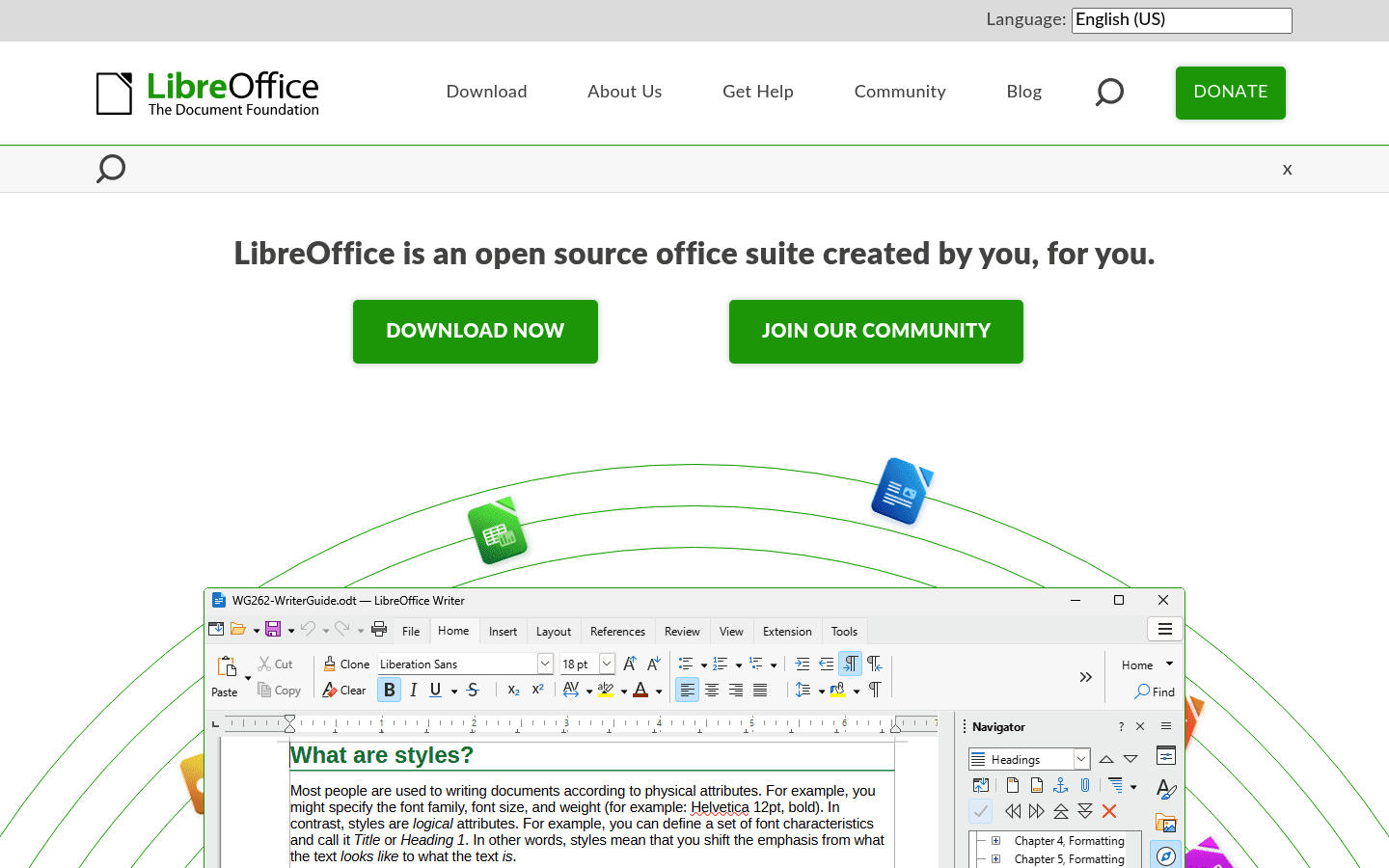
LibreOffice is the safe first install for essays, spreadsheets, and class presentations. Writer handles papers, Calc handles basic data work, and Impress is good enough for most slide decks.
The tradeoff is Microsoft Office compatibility. Simple files are usually fine. Complicated Word formatting, tracked changes, or heavily designed PowerPoint files can still get weird, so check important submissions before the deadline.
3. Joplin, best open-source notes app for class notes
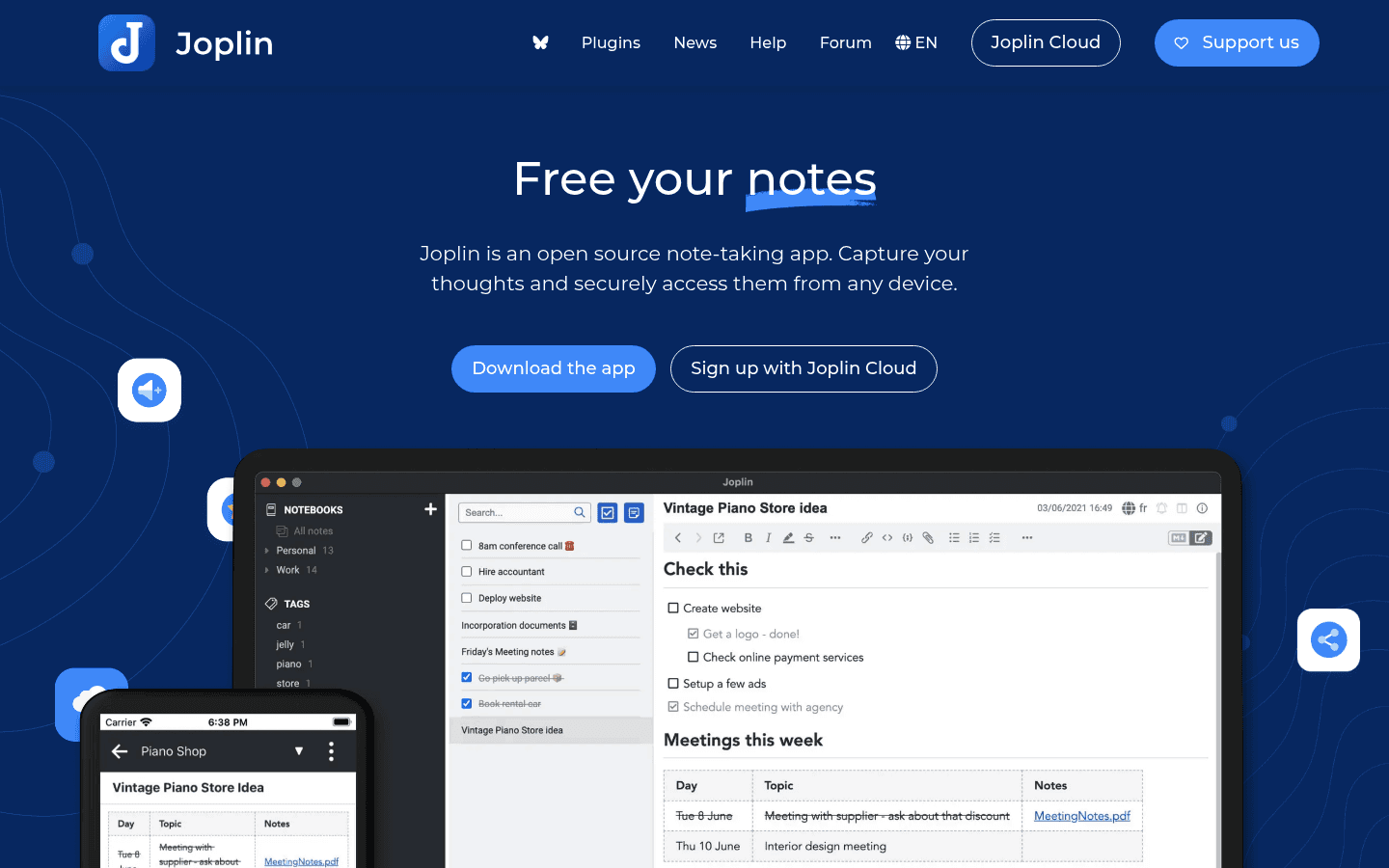
Joplin is a practical notes app for students who want notebooks, Markdown, attachments, search, and sync options. It works well for lecture notes, reading notes, weekly class logs, and research notes.
It is less flashy than Notion. That is fine. For Linux students who like owning their notes, Joplin is dependable.
4. Zotero, best Linux app for citations and research papers
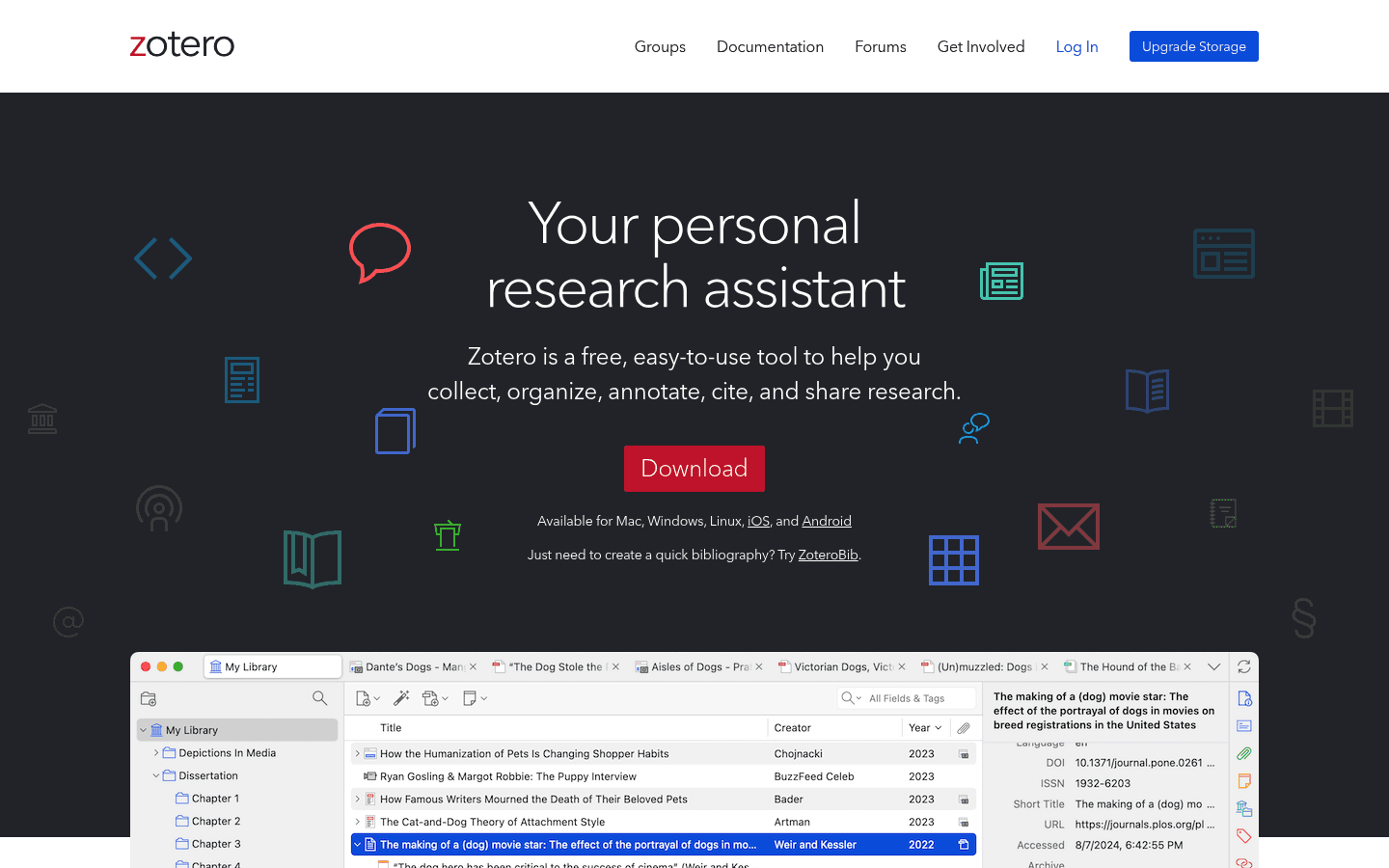
Zotero saves sources, organizes papers, and creates citations for research work. If you write essays with references, install it before your first big paper.
The browser connector is the real win. Save a paper, book, or web source while researching, then build the bibliography later instead of formatting citations by hand at midnight.
Limit: Citation data is not always perfect. Check imported metadata before submitting serious work.
5. Anki, best Linux flashcard app for spaced repetition
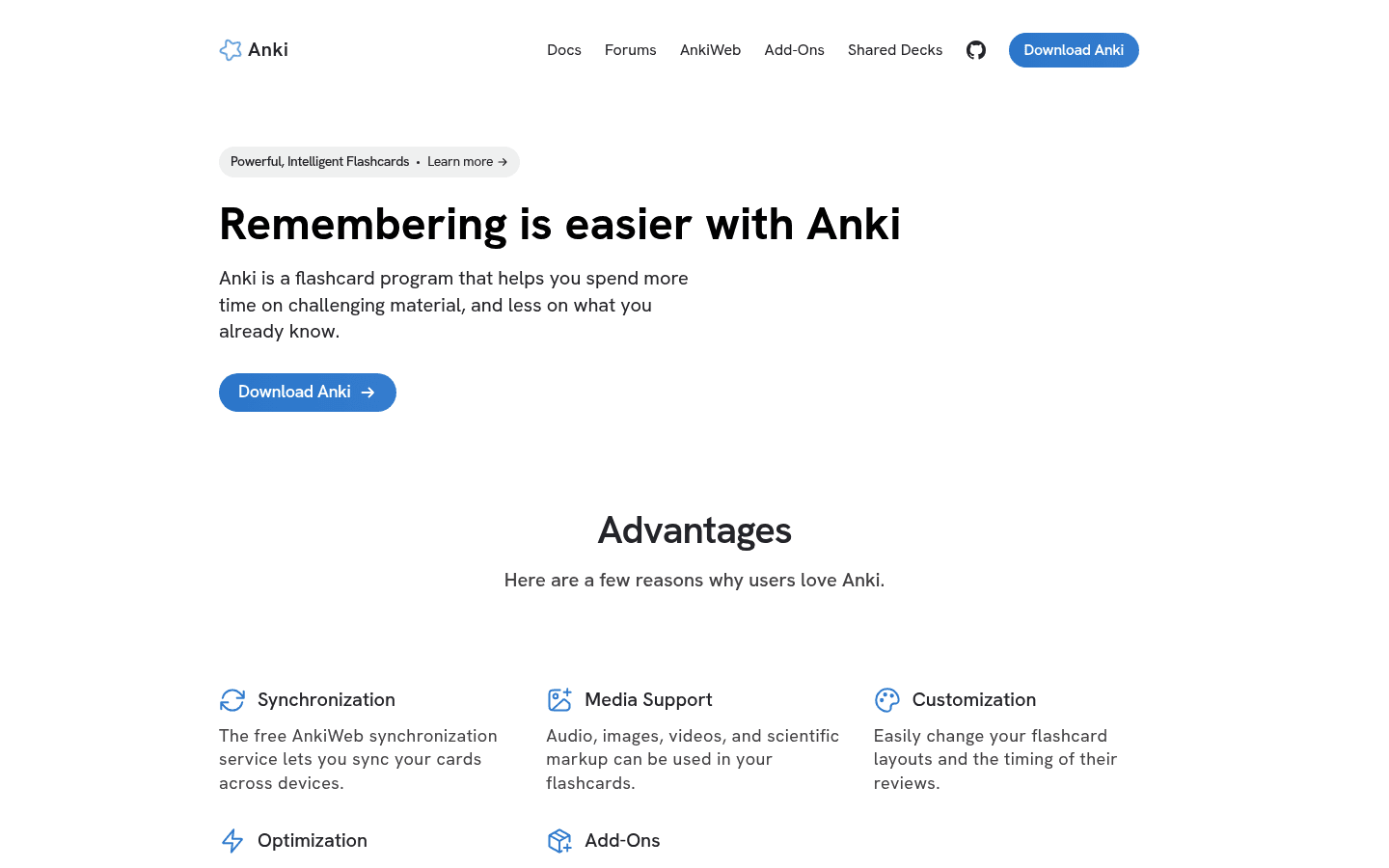
Anki is excellent for facts you need to remember over time: vocabulary, formulas, anatomy, law rules, definitions, dates, and exam questions.
It is not cute software. It looks plain and takes a little setup. But if you use it every day, spaced repetition can beat rereading notes over and over.
6. Firefox, best Linux browser for student research
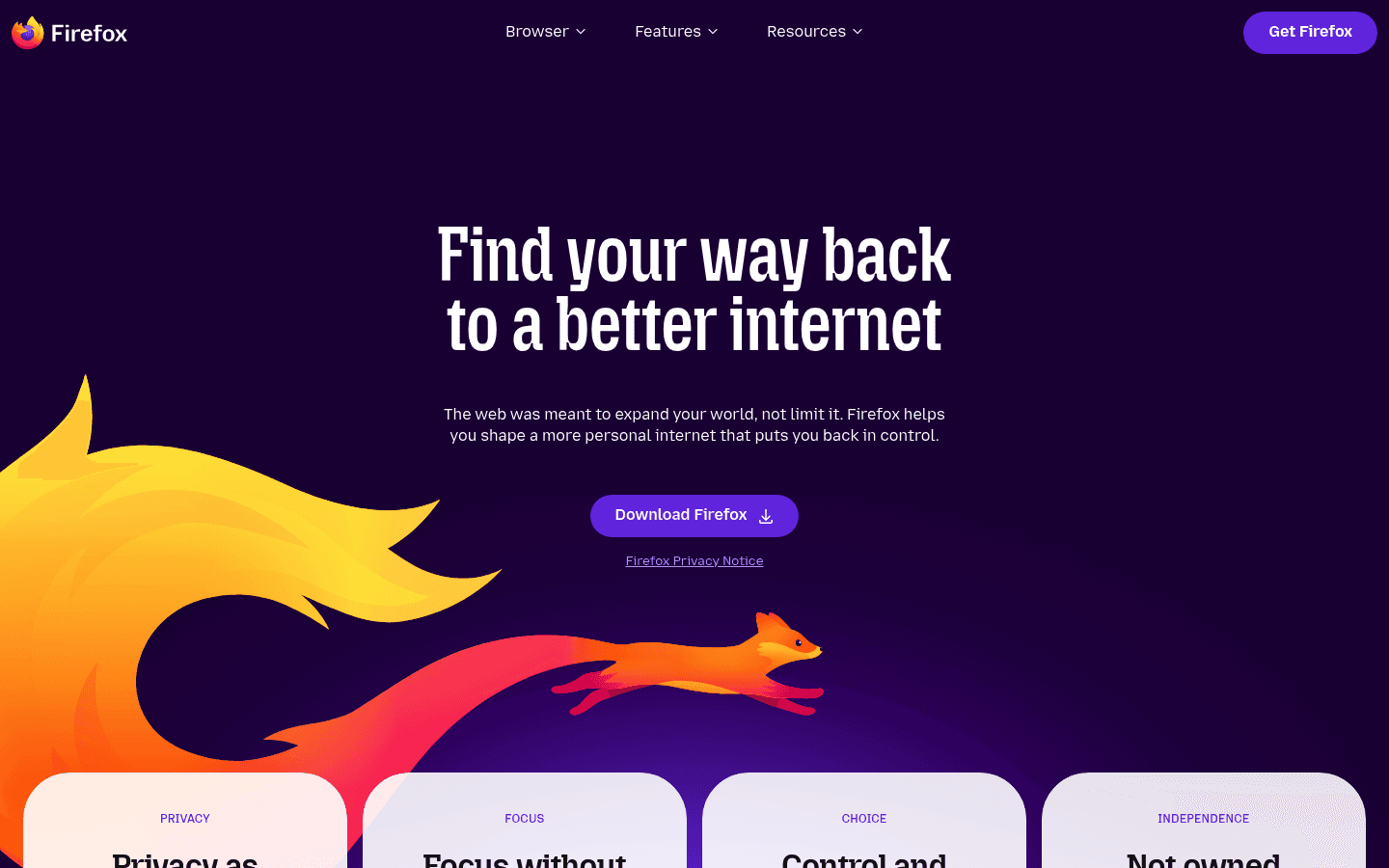
Firefox is a strong default browser on Linux. It works well for research, school portals, web apps, docs, video lectures, and privacy-minded browsing.
Most students still need a Chromium browser installed for the occasional class tool that behaves badly outside Chrome. But Firefox is a good daily driver.
7. Okular, best Linux PDF reader for lectures and papers
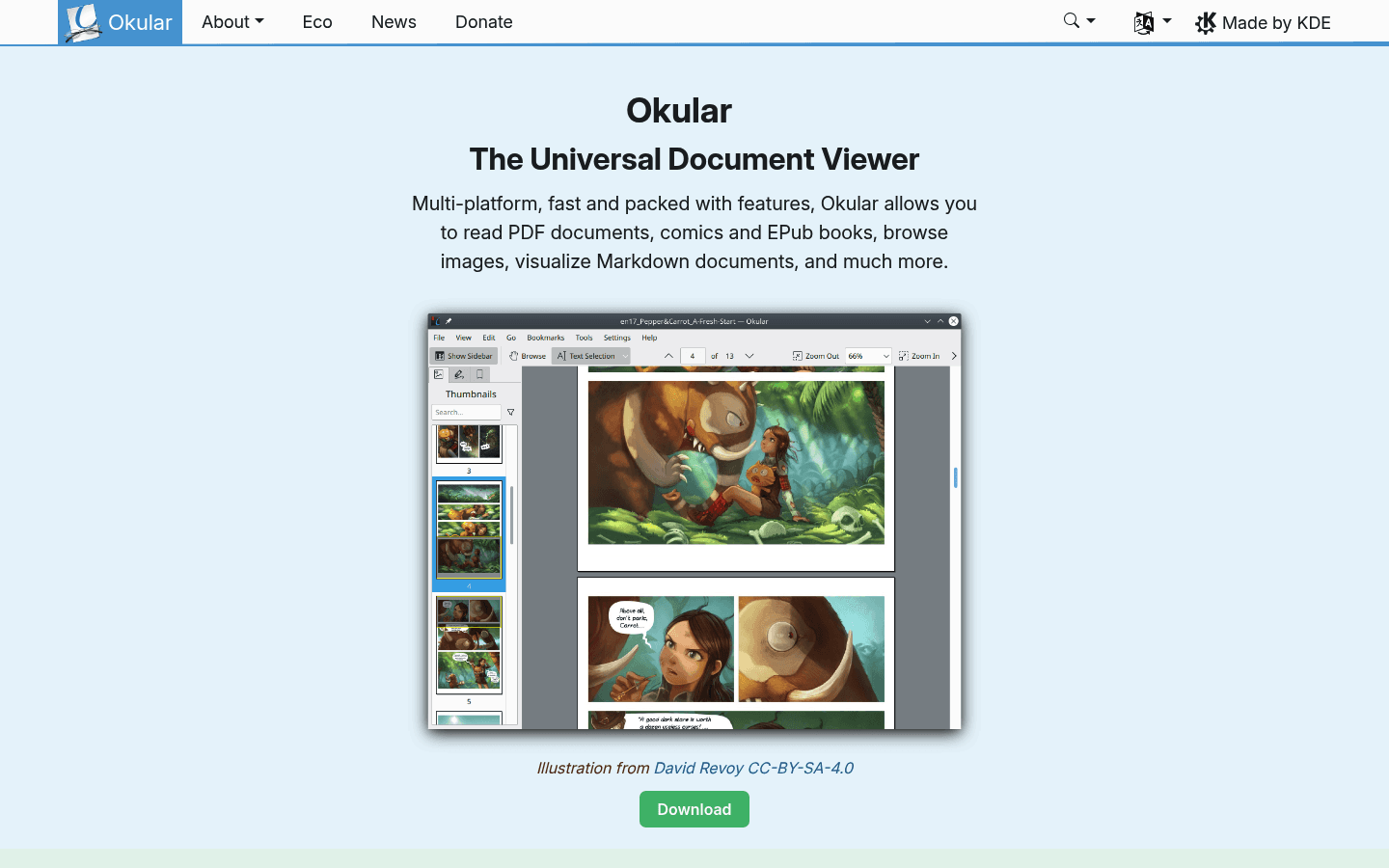
Okular is one of the best PDF readers on Linux. It is useful for lecture slides, readings, academic papers, textbooks, forms, and annotations.
Use it to highlight, add notes, and keep long PDFs readable. If your course gives you hundreds of pages of scanned material, a better PDF app matters more than you think.
8. ONLYOFFICE Desktop Editors, best for Microsoft Office compatibility
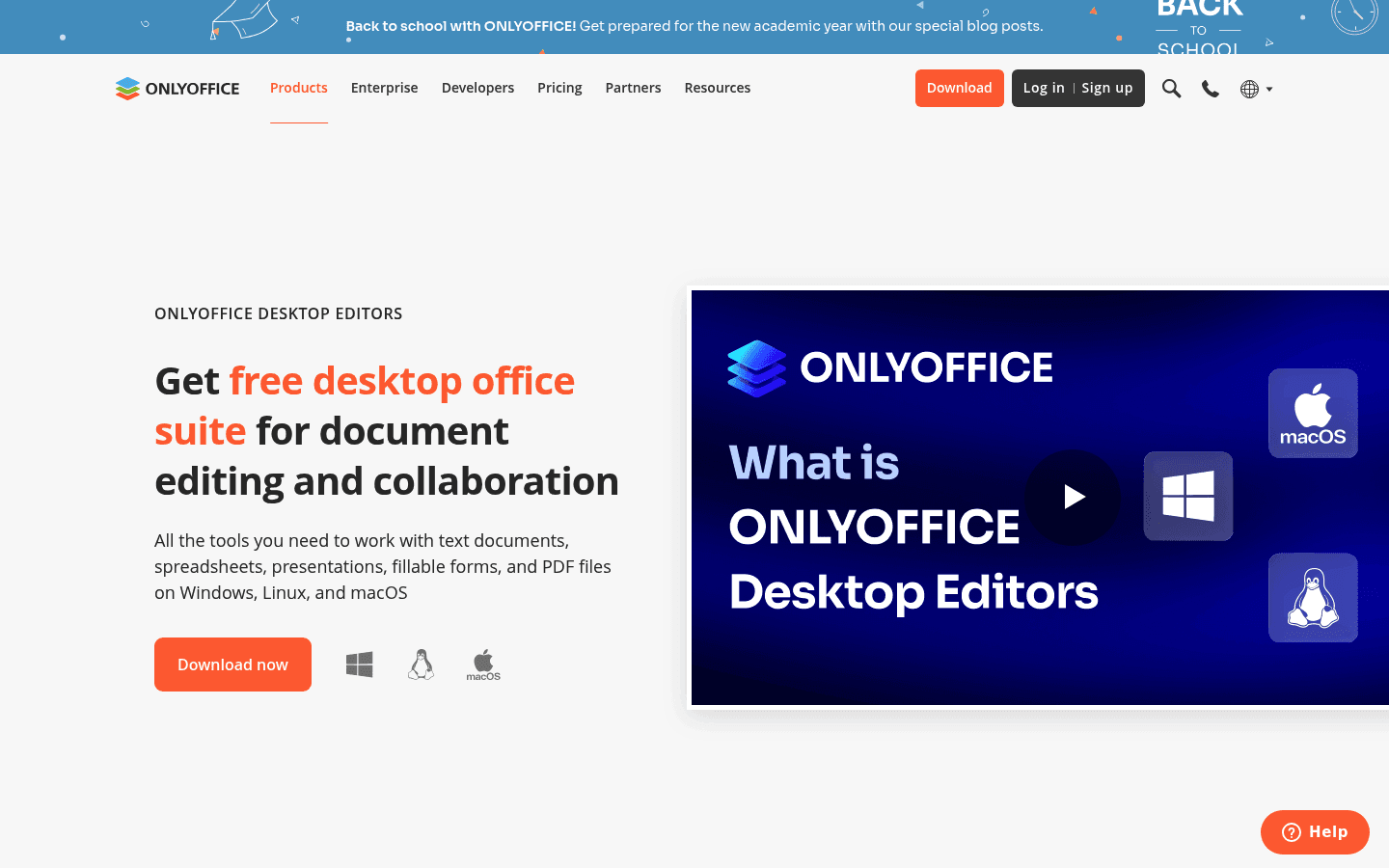
ONLYOFFICE Desktop Editors is worth installing if your school lives in Word, Excel, and PowerPoint files. It often preserves Microsoft Office layouts better than LibreOffice.
I would still keep LibreOffice. Use ONLYOFFICE when compatibility matters, and LibreOffice when you want a mature open-source office suite.
9. Thunderbird, best Linux email app for students
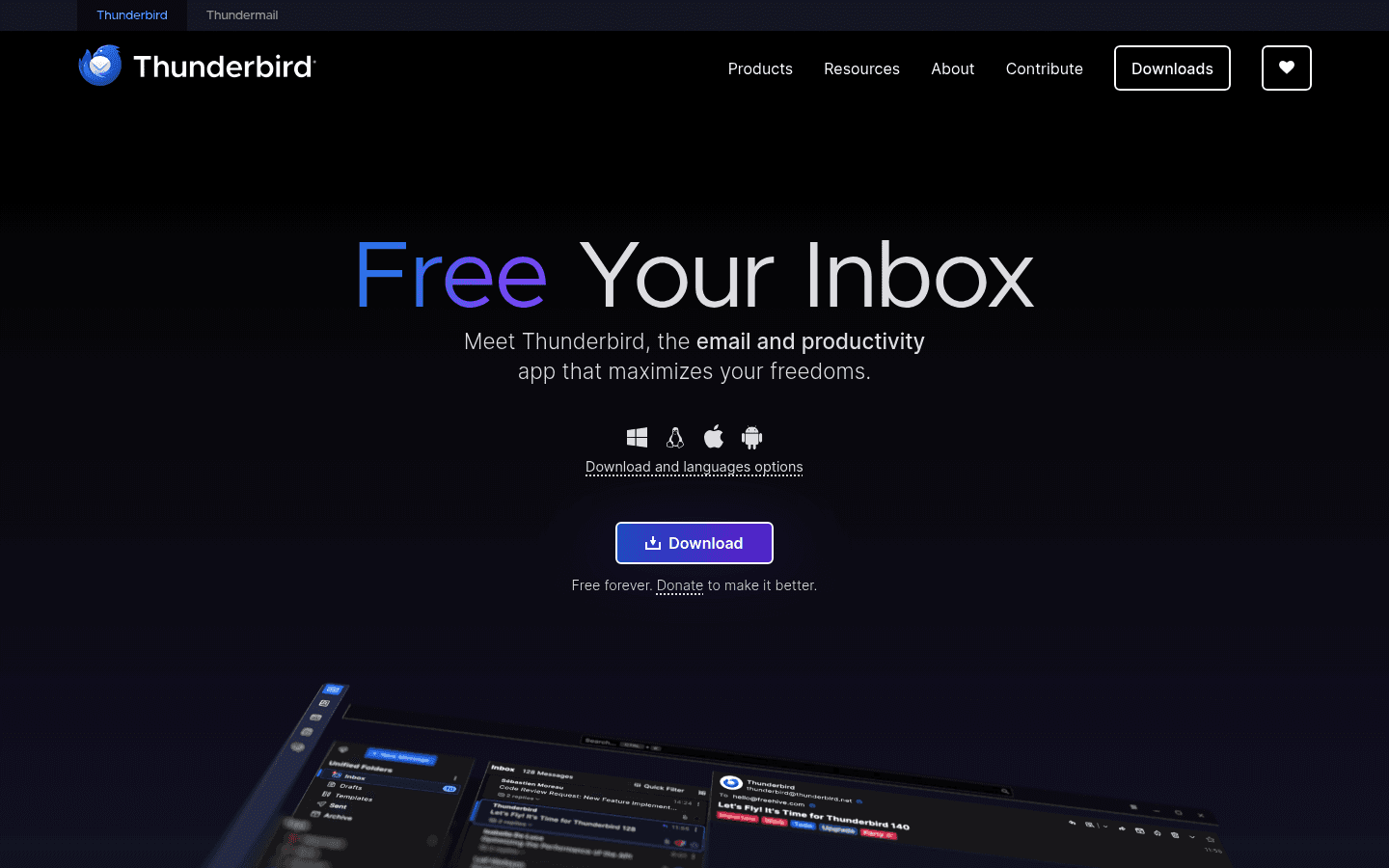
Thunderbird is helpful if your school inbox, personal inbox, and calendar are spread across accounts. It gives you one desktop place to read, search, and write email.
Pair it with Voicy when you need to write a careful message to a professor, advisor, or group project teammate. Speak the rough version first, then edit the tone.
10. Obsidian, best Linux app for a long-term study knowledge base
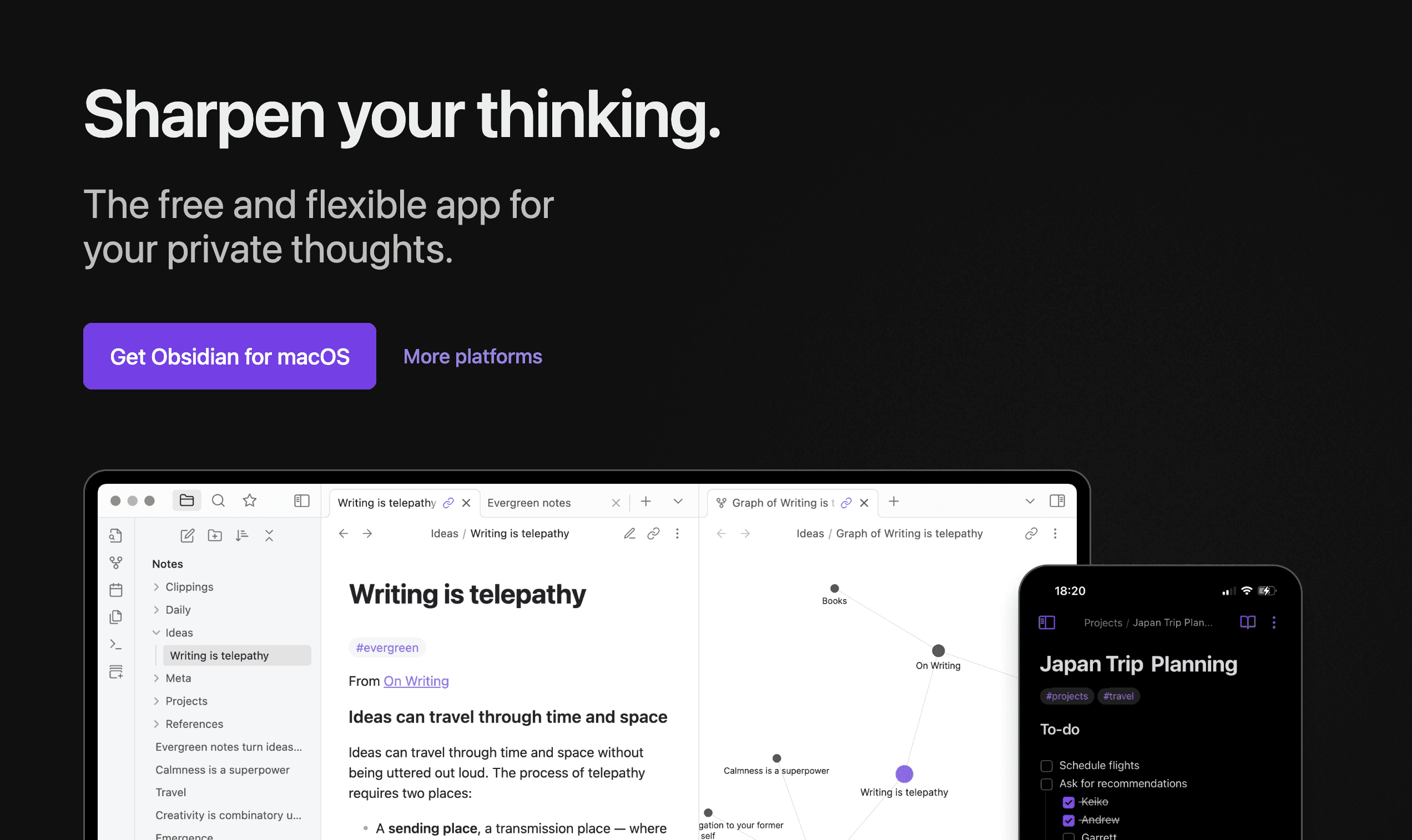
Obsidian is great for students who want local Markdown files and linked notes. It works especially well for long courses where ideas connect across weeks.
The plugin ecosystem is powerful, but it can become procrastination fuel. Start simple: daily notes, class folders, and links between concepts.
11. LocalSend, best file transfer app for Linux students
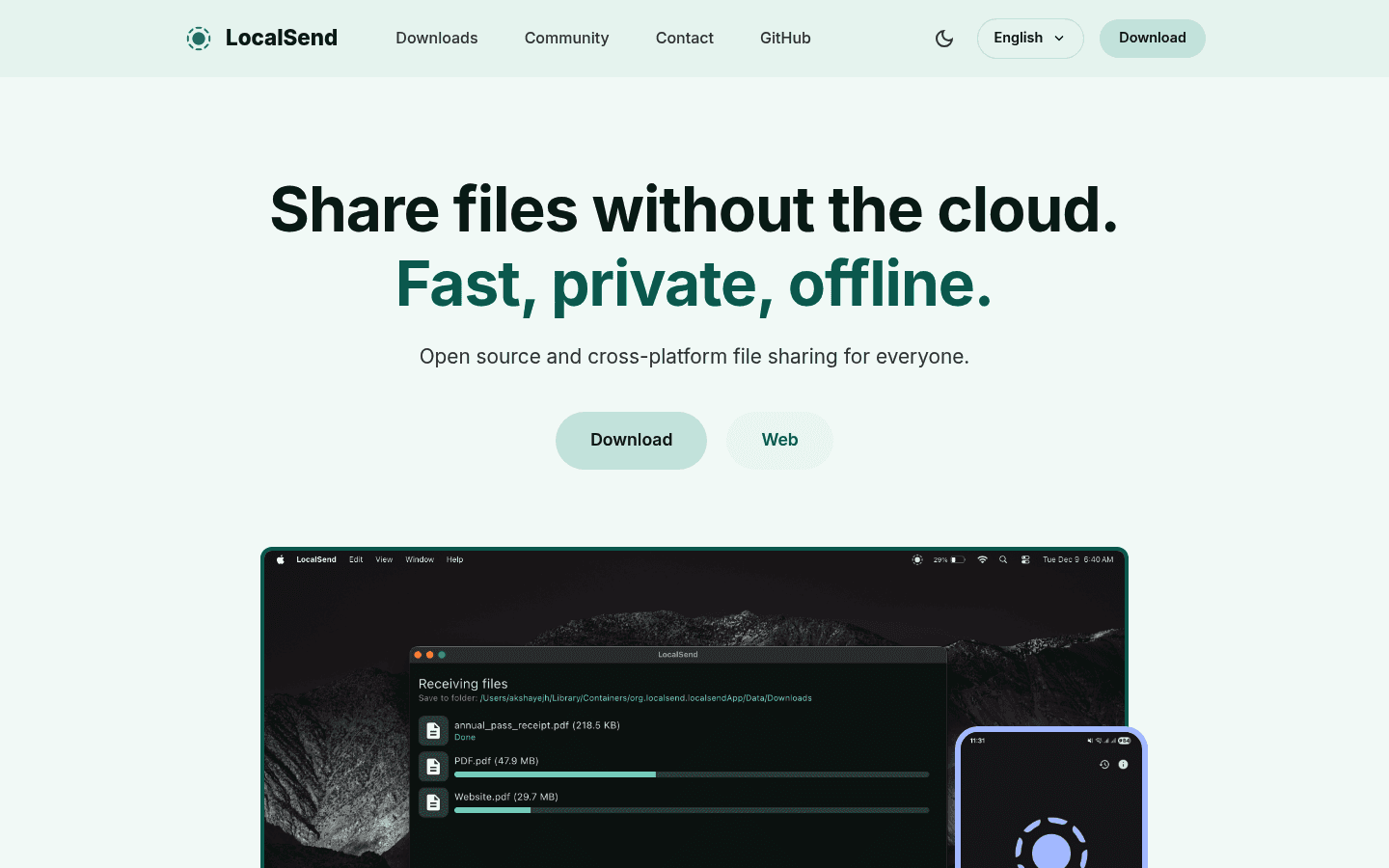
LocalSend moves files between your Linux laptop, phone, tablet, and other computers on the same network. No account, no cable, no emailing files to yourself.
It is useful for lecture photos, PDFs, screenshots, project files, and recordings. Simple tools like this save more time than they get credit for.
12. VLC, best Linux media player for lectures
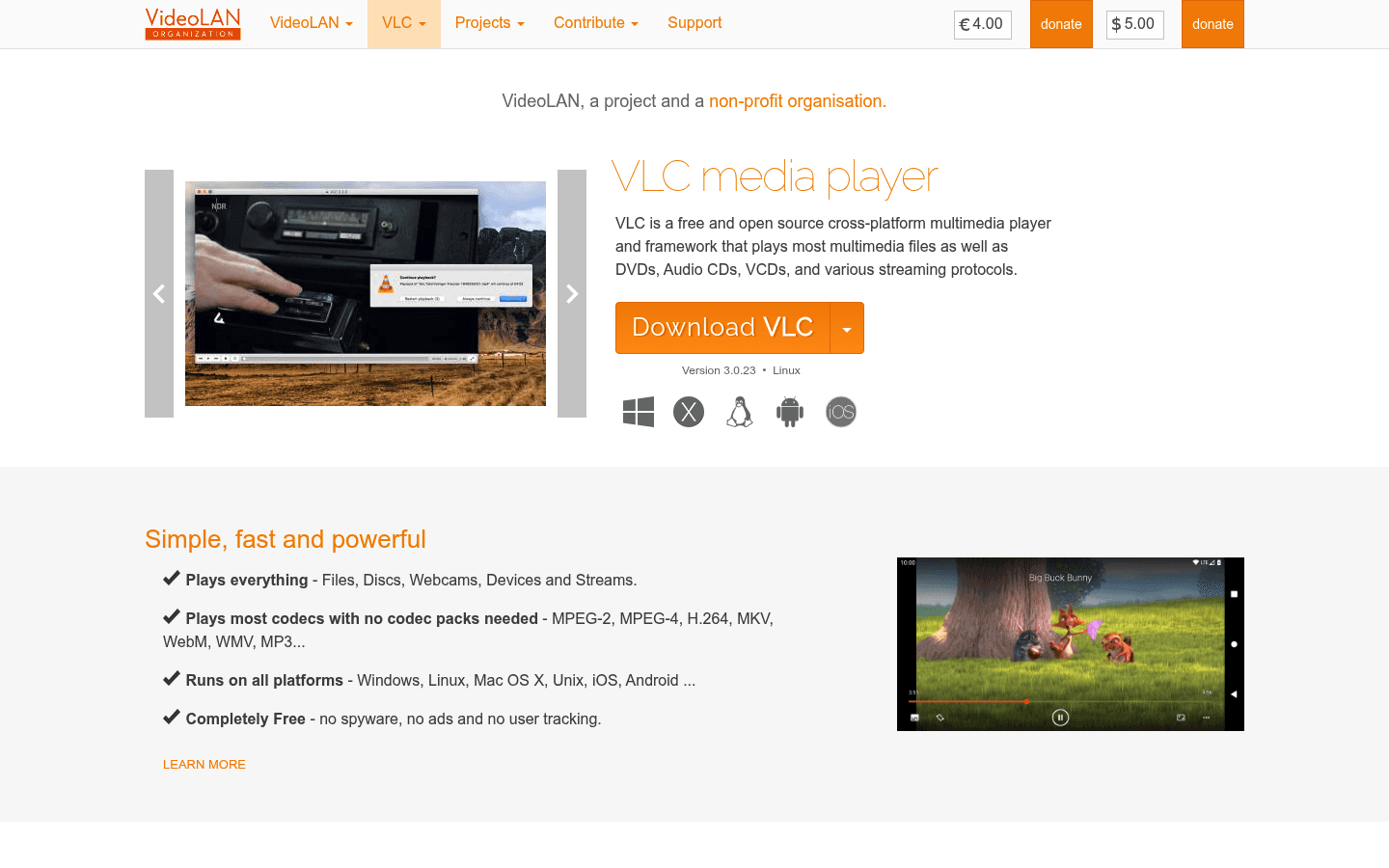
VLC plays almost any video or audio file. Keep it installed for downloaded lectures, class recordings, language audio, interviews, and video projects.
If you need a transcript from a lecture recording, use VLC for playback and a transcription tool for the text. Voicy also supports file upload transcription, which can help with recorded material when your school policy allows it.
Best Linux student setup by major
Humanities and social sciences: LibreOffice, Zotero, Joplin, Okular, Firefox, Voicy, and Anki.
STEM: LibreOffice or ONLYOFFICE, Zotero, Okular, Anki, Firefox, VS Code, and LocalSend.
Medical, law, and language students: Anki becomes more important because spaced repetition fits heavy memorization. Voicy can help draft summaries, but always check technical terms before submitting work.
FAQs
What are the best Linux apps for students?
The best Linux apps for students are Voicy, LibreOffice, Joplin, Zotero, Anki, Firefox, Okular, ONLYOFFICE, Thunderbird, Obsidian, LocalSend, and VLC. Together they cover writing, notes, research, citations, PDFs, flashcards, email, file transfer, and lectures.
Is Linux good for students?
Yes, Linux can be excellent for students if your school tools work in the browser and you are comfortable with a little setup. It gives you strong free apps for writing, notes, research, coding, privacy, and file management.
What is the best Linux app for writing essays?
LibreOffice Writer is the best free default for essays on Linux. If you need better Microsoft Word compatibility, try ONLYOFFICE too. For faster first drafts, use Voicy to dictate rough sections before editing.
What is the best Linux notes app for students?
Joplin is the best practical default for most Linux students. Obsidian is better if you want linked notes, local Markdown files, and a long-term knowledge base.
Can students use voice typing on Linux?
Yes. Voicy gives Linux students a practical voice input layer for browser fields, docs, notes, emails, and prompts. Local Whisper tools are another option if you want an offline setup and do not mind more technical work.
Are these Linux student apps free?
Most are free or open source, including LibreOffice, Joplin, Zotero, Anki, Firefox, Okular, Thunderbird, Obsidian for personal use, LocalSend, and VLC. Voicy is paid after a free trial.
Final take
A good Linux student setup does not need dozens of apps. Start with the tools that support your week: documents, notes, PDFs, research, citations, flashcards, email, lectures, and file sharing.
Then add Voicy if writing is the slow part. Speaking a rough draft is often easier than forcing perfect sentences through a keyboard on the first pass.


