





TL;DR
Here are the best Linux note-taking apps to try in 2026, depending on how you like to capture and organize notes:
Voicy: Best voice layer for turning spoken notes, meeting thoughts, and rough ideas into text on Linux.
Obsidian: Best local Markdown knowledge base for long-term notes and linked thinking.
Joplin: Best open-source Linux note-taking app for most people.
Logseq: Best outliner for journals, backlinks, and research notes.
Standard Notes: Best encrypted notes app for privacy-first users.
Notesnook: Best open-source encrypted notes app with polished sync.
Simplenote: Best lightweight notes app for plain text and quick capture.
Notion: Best browser-based workspace for databases, docs, and team notes.
Google Keep: Best simple browser and mobile capture tool.
If you want one practical starting setup, use Joplin or Obsidian for your main notes, then add Voicy for Linux when typing is the slow part.
What is the best Linux note-taking app?
The best Linux note-taking app for most people is Joplin if you want an open-source app with notebooks, Markdown, sync options, and a familiar layout. Obsidian is better if you want a local Markdown knowledge base with backlinks and a large plugin ecosystem.
But the better question is how you take notes. If you think faster than you type, a notes app alone does not solve the problem. That is where Voicy for Linux fits: speak the rough note first, then organize it in your note app.
This guide compares the best Linux note-taking apps by workflow: Markdown, open source, privacy, research, simple capture, web workspaces, and voice notes.
Quick comparison: best Linux note-taking apps by use case
Use case | Best pick | Why |
|---|---|---|
Voice notes and dictation | Turns spoken notes into text across Linux apps and browser fields. | |
Local Markdown knowledge base | Local files, backlinks, graph view, plugins, and long-term ownership. | |
Open-source default | Strong Linux app, notebooks, Markdown, web clipper, and sync choices. | |
Outlining and research | Backlinks, block references, daily journals, and outliner-first notes. | |
Encrypted private notes | End-to-end encryption and a clean notes experience. | |
Open-source encrypted sync | Privacy-focused notes, sync, attachments, and a modern interface. | |
Plain text | Fast, simple notes across devices without much setup. | |
Team workspace | Databases, docs, templates, sharing, and team workflows in the browser. | |
Quick capture | Fast reminders, lists, mobile notes, and browser capture. |
How we chose these Linux notes apps
A Linux note-taking app should do more than look nice in screenshots. It should install cleanly, work well with common Linux desktops, handle real notes without lag, and make your data easy to trust.
I looked for apps that fit at least one serious workflow:
Markdown writing and local file ownership.
Open-source or privacy-focused design.
Fast capture for classes, meetings, research, and project notes.
Cross-device sync for Linux plus phone or browser use.
A clear way to pair with voice input, especially on Linux.
1. Voicy, best for voice notes on Linux

Voicy is not a notes database. It is the voice layer that helps you get notes into whatever app you already use on Linux.
That matters because Linux has plenty of good note apps, but easy voice input has always been weaker than on Mac or Windows. With Voicy, you can dictate a rough meeting note, class summary, research thought, bug note, or journal entry, then clean it up in Obsidian, Joplin, Logseq, Notion, or a browser field.
Best for: Linux users who write a lot of notes and want to capture ideas faster than they can type.
What stands out:
Works as a practical dictation layer for Linux writing workflows.
Useful for notes, docs, browser fields, AI prompts, tickets, and email.
Supports live dictation and file upload transcription.
Helps turn spoken thoughts into cleaner written notes.
Free trial available, then paid plans from $8.49/month, $82/year, or $260 lifetime.
Biggest downside: Voicy is cloud-based. If you need a fully offline speech stack, you will want local Whisper tools instead.
Verdict: Use Voicy with your note app, not instead of it. The note app stores the knowledge. Voicy gets the first draft out of your head.
2. Obsidian, best local Markdown notes app for Linux

Obsidian is the best Linux note-taking app if you want local Markdown files, backlinks, graph view, plugins, and long-term ownership of your notes.
It is especially good for personal knowledge bases, research notes, writing projects, and technical notes. Your notes live as files on your machine, which appeals to a lot of Linux users.
Best for: Markdown users, writers, researchers, developers, and anyone building a long-term knowledge base.
What stands out:
Local Markdown files.
Backlinks, graph view, tags, and plugins.
Strong Linux desktop support through AppImage, Snap, Flatpak, and community packages.
Good fit for private notes if you manage sync yourself.
Biggest downside: Sync and publishing are paid if you use Obsidian's official services. The plugin ecosystem is excellent, but it can also become a distraction.
Where Voicy helps: Dictate rough Markdown notes, meeting summaries, daily notes, and research thoughts into Obsidian, then add links and structure afterward.
3. Joplin, best open-source Linux note-taking app
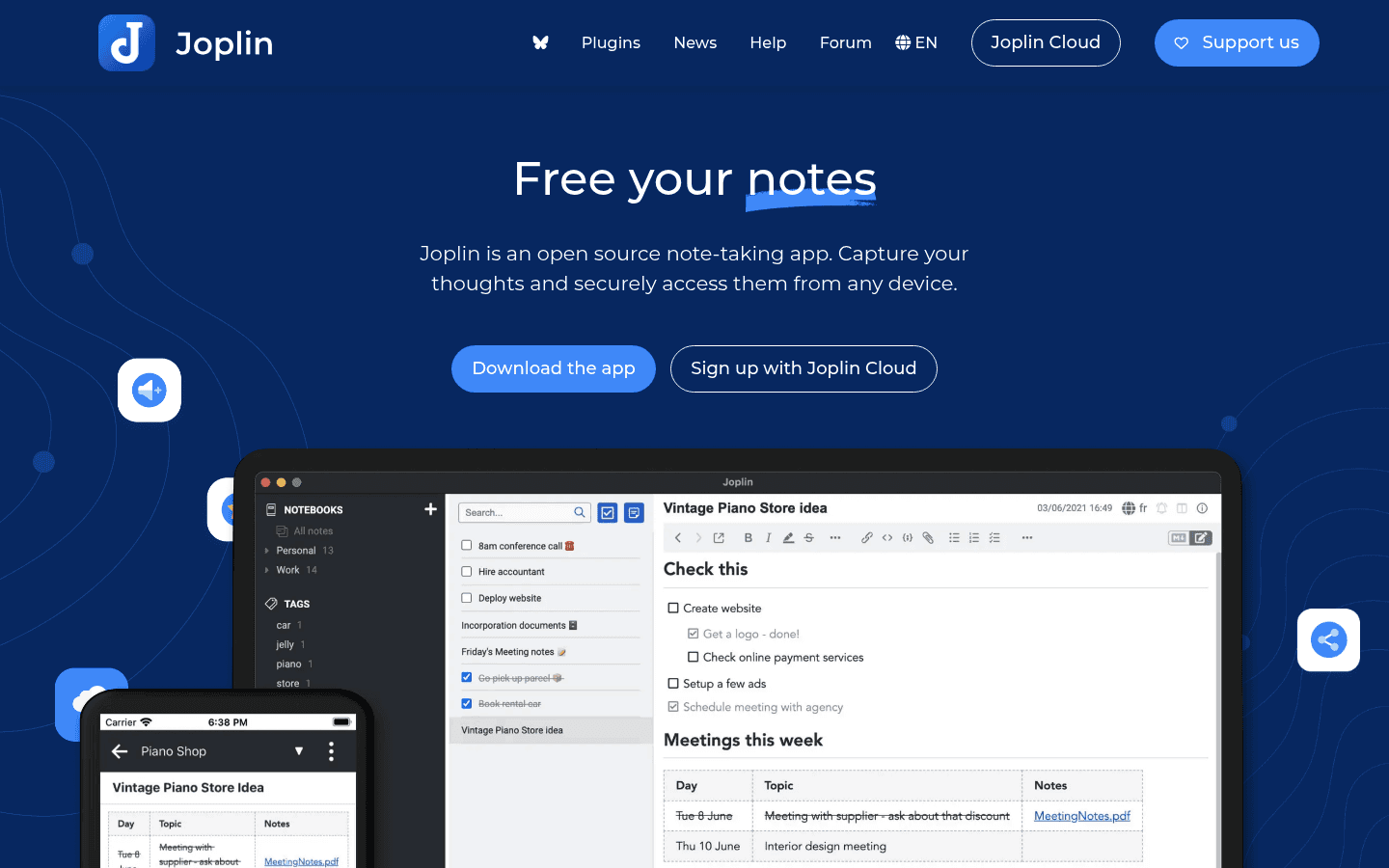
Joplin is the safest open-source default for Linux notes. It supports notebooks, Markdown, tags, attachments, a web clipper, end-to-end encryption, and several sync options.
Joplin is less flashy than Obsidian or Notion. That is part of the appeal. It feels practical, stable, and built for people who want their notes to work without a whole productivity philosophy attached.
Best for: Open-source users, students, writers, researchers, and anyone who wants a real Linux notes app with sync choices.
What stands out:
Open-source desktop app with strong Linux support.
Markdown notes, notebooks, tags, attachments, and search.
Web clipper for saving research.
Sync through Joplin Cloud, Dropbox, OneDrive, WebDAV, S3, and more.
Biggest downside: The interface is functional, not beautiful. If you want a visual workspace with databases, Notion will feel more flexible.
Where Voicy helps: Use Voicy to dictate meeting notes, class notes, and rough research summaries into Joplin, then clean up the Markdown later.
4. Logseq, best Linux notes app for outliners

Logseq is a local-first outliner built around blocks, backlinks, and daily journals. It is great if your notes start as bullets and grow into connected research over time.
Logseq feels different from a normal notes app. You write in blocks, link ideas, and let structure emerge. That can be perfect for research, but awkward if you just want folders and documents.
Best for: Researchers, students, developers, journal users, and people who like outlining more than writing long pages.
What stands out:
Outliner-first note structure.
Daily journals, backlinks, and block references.
Local files and privacy-friendly defaults.
Good fit for research notes and connected thinking.
Biggest downside: It has a learning curve. If you think in normal documents, Logseq may feel strange at first.
Where Voicy helps: Dictate raw daily notes or research bullets, then split and link them inside Logseq.
5. Standard Notes, best encrypted Linux notes app
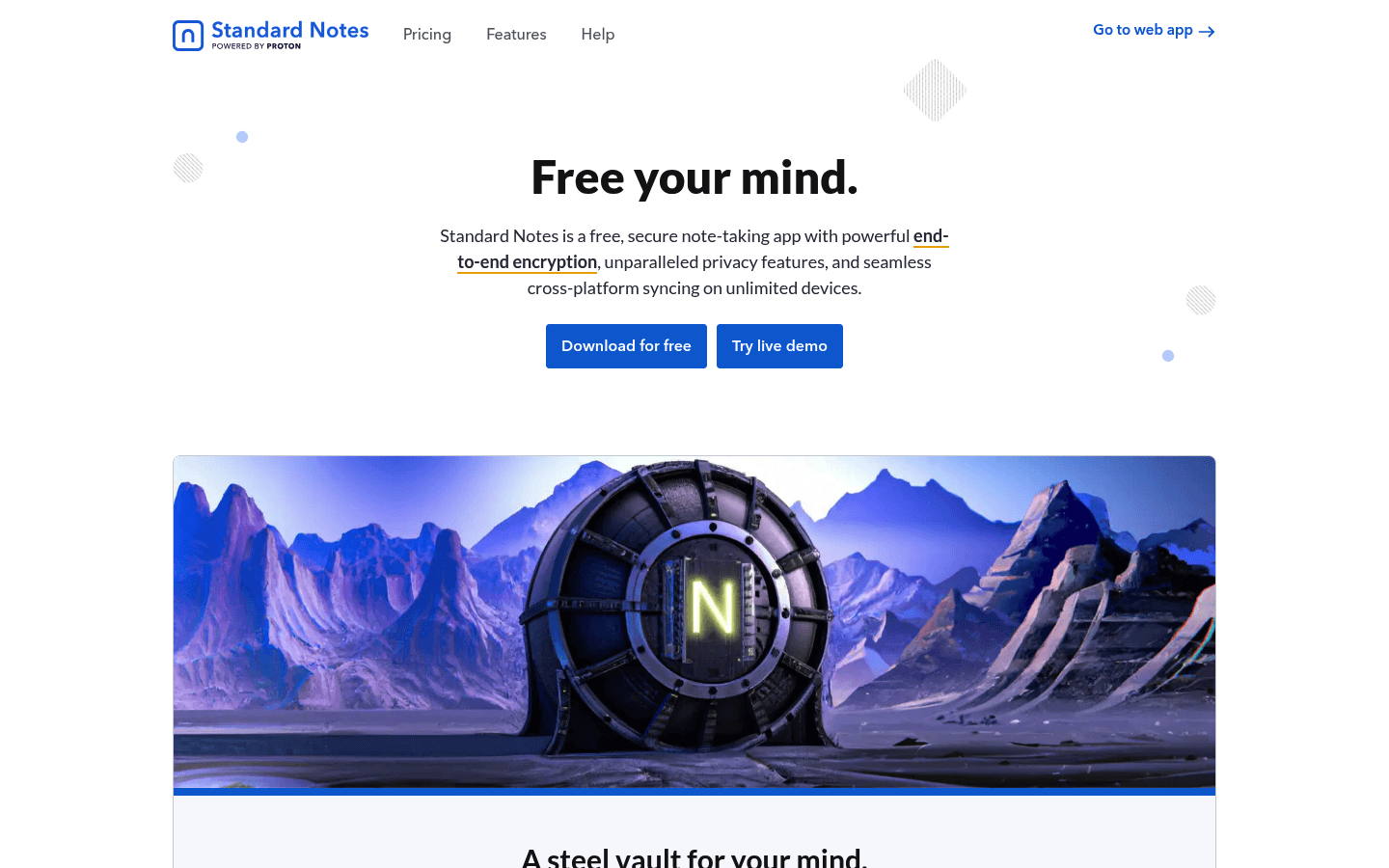
Standard Notes is the best pick if privacy is the main reason you are choosing a notes app. It focuses on encrypted notes, clean writing, and long-term data safety.
It is not trying to be a giant workspace like Notion. It is better for private notes, journals, personal records, and sensitive writing you want synced without handing over plain text.
Best for: Private notes, personal records, journals, and users who care more about encryption than fancy views.
What stands out:
End-to-end encrypted notes.
Linux desktop app and web access.
Clean writing interface.
Good fit for long-term private notes.
Biggest downside: Advanced features are paid, and it is less flexible than Obsidian, Joplin, or Notion for complex knowledge systems.
Where Voicy helps: Dictate non-sensitive drafts with Voicy, then move cleaned text into Standard Notes when privacy matters. Do not dictate highly sensitive content into cloud tools if your rules forbid it.
6. Notesnook, best open-source encrypted sync notes app
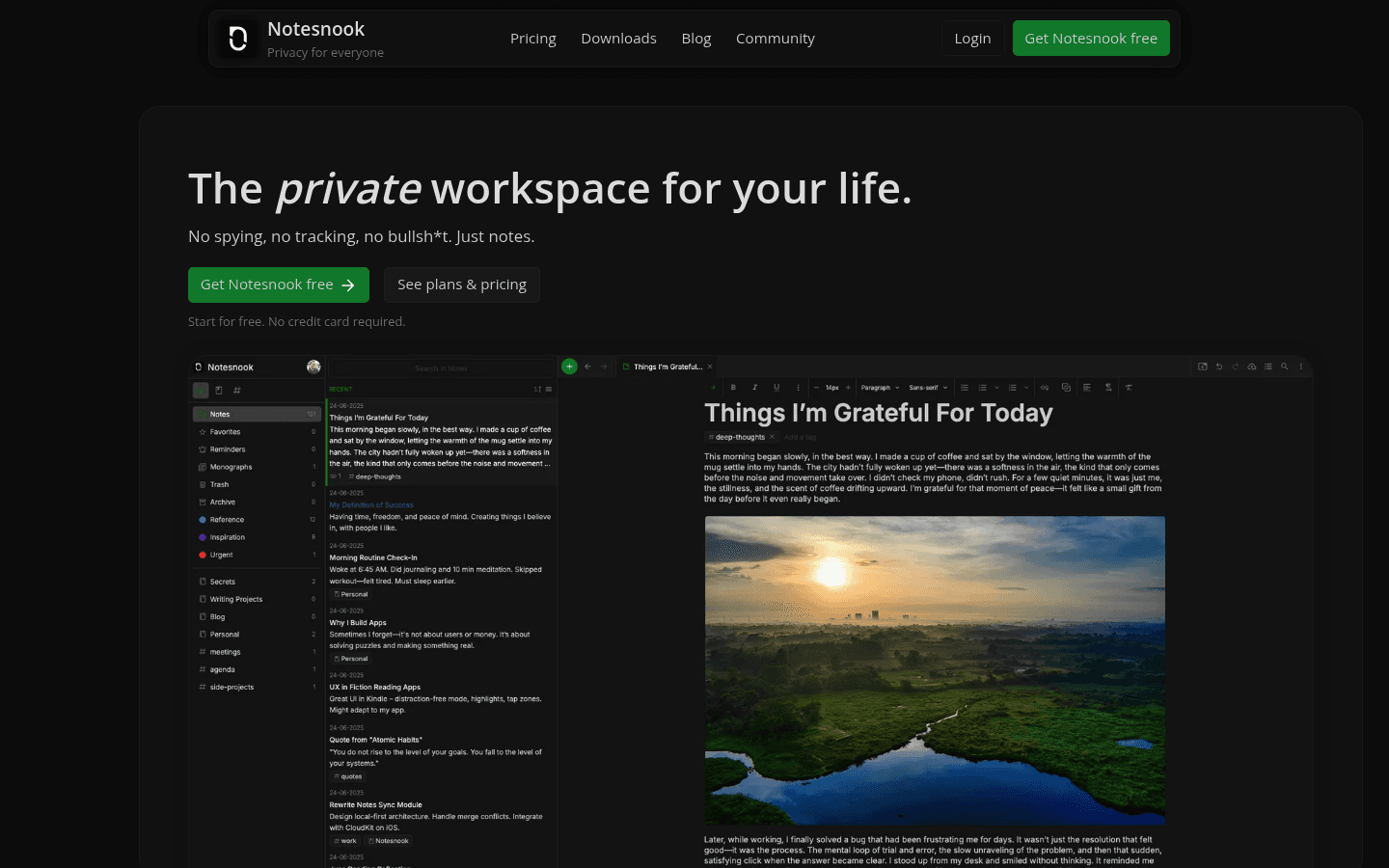
Notesnook is a strong Linux notes app if you want encryption, open-source code, sync, attachments, and a more polished interface than many privacy-first tools.
It sits between Standard Notes and Joplin for many users. It cares about privacy, but it also feels like a modern notes app rather than a bare editor.
Best for: Privacy-minded users who still want a modern synced notes app on Linux.
What stands out:
End-to-end encrypted notes.
Open-source apps.
Linux desktop support through AppImage, Snap, and other options.
Tags, notebooks, attachments, reminders, and web clipper.
Biggest downside: Some users will still prefer Joplin's more established open-source ecosystem or Obsidian's local Markdown files.
Where Voicy helps: Use voice for rough notes, then save the cleaned version into Notesnook when you want encrypted sync.
7. Simplenote, best lightweight Linux notes app
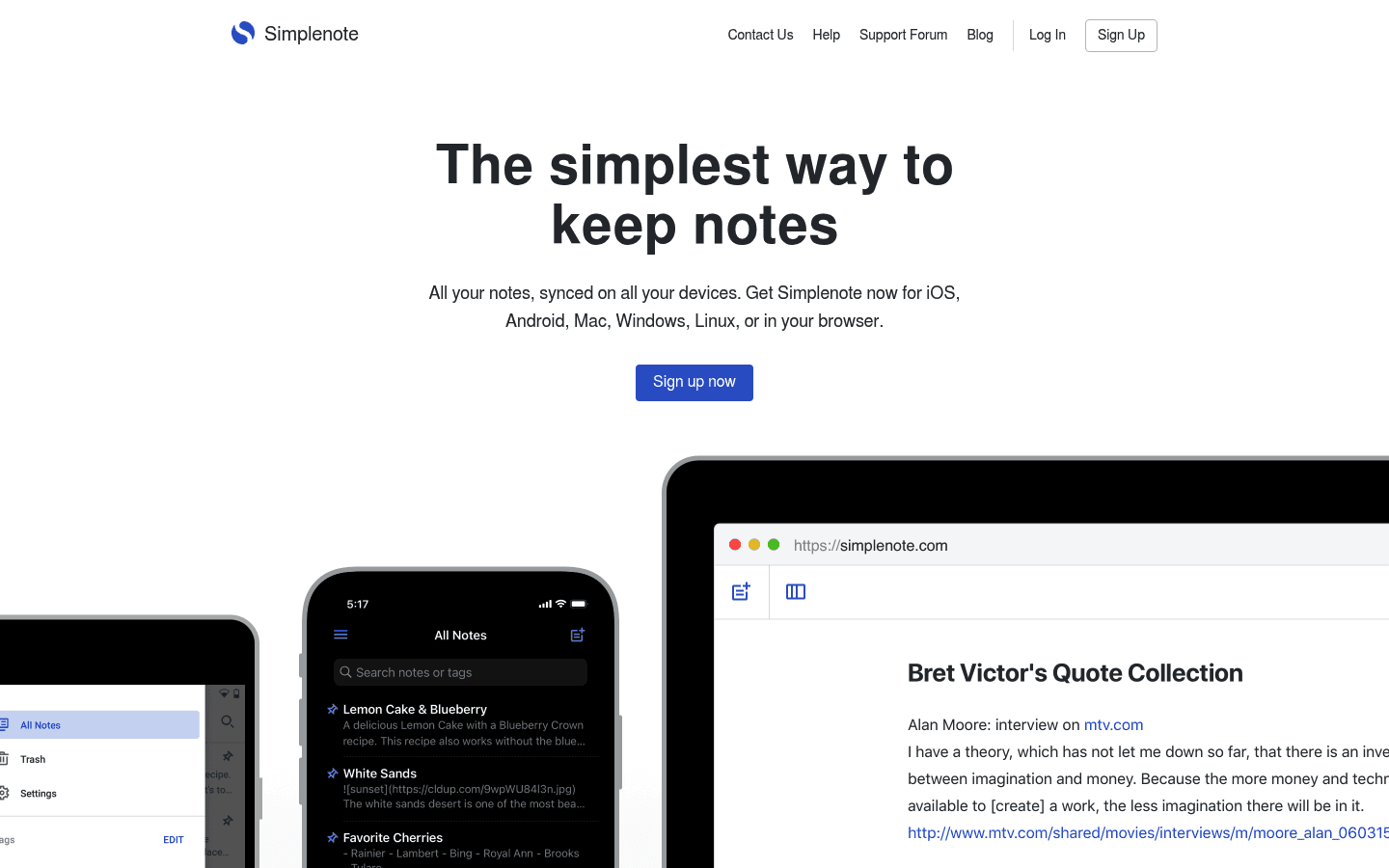
Simplenote is for people who want notes without building a system. It is fast, simple, cross-platform, and good for plain text capture.
That simplicity has limits. You do not get the deep Markdown workflow of Obsidian, the notebooks of Joplin, or the databases of Notion. But for quick lists and text notes, it is hard to make it complicated.
Best for: Quick notes, lists, plain text, and people who want a low-friction notes app across devices.
What stands out:
Simple plain-text notes.
Fast sync across devices.
Tags and search.
Very low setup effort.
Biggest downside: It is too simple for heavy research, attachments, complex projects, or private encrypted notes.
Where Voicy helps: Dictate quick thoughts, errands, and drafts when typing the note would take longer than the note itself.
8. Notion, best browser-based notes workspace on Linux

Notion does not have a traditional official Linux desktop app, but it works well in the browser and is too useful to ignore. It combines notes, docs, databases, templates, wikis, and team workspaces.
If your notes are part of a bigger workflow, Notion can be better than a pure notes app. If you want local files and offline control, it is the wrong fit.
Best for: Team notes, project docs, databases, content calendars, research hubs, and browser-first Linux users.
What stands out:
Docs, databases, wikis, and templates in one workspace.
Strong sharing and collaboration.
Works in Linux browsers.
Good for structured project notes.
Biggest downside: It is cloud-first and can feel slow or overbuilt for simple notes. Offline and local-file users should choose something else.
Where Voicy helps: Dictate Notion pages, database notes, meeting summaries, and project updates in the browser. For more detail, see our Notion speech-to-text guide.
9. Google Keep, best quick capture tool for Linux browsers
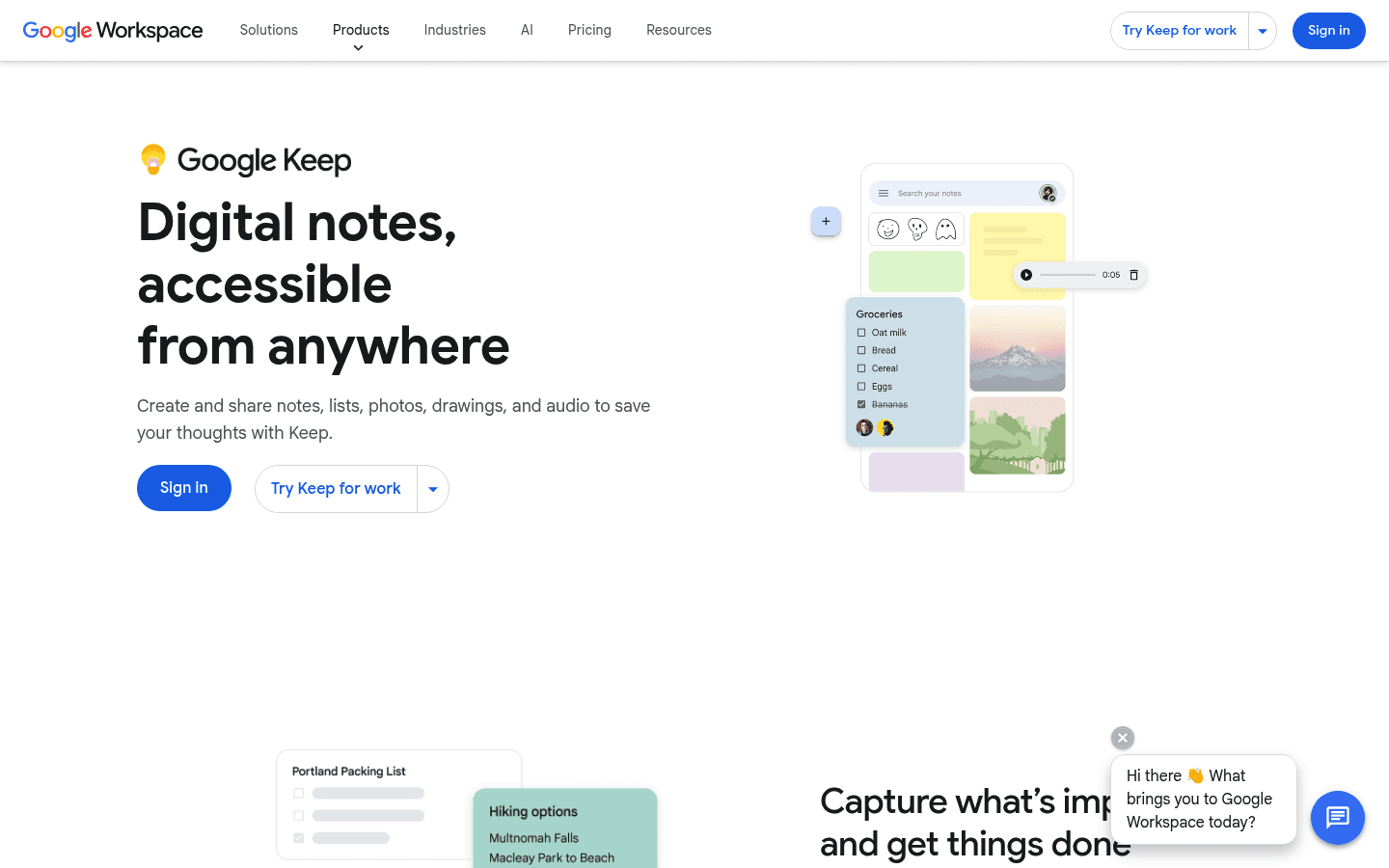
Google Keep is not a full knowledge base, but it is very good at quick capture. Notes, lists, reminders, labels, colors, and mobile sync make it useful for scraps you do not want to lose.
On Linux, Keep works best as a browser tool. It is simple, fast, and good for people already using Google services.
Best for: Quick ideas, shopping lists, reminders, short notes, mobile capture, and browser-first users.
What stands out:
Fast browser and mobile capture.
Simple labels, colors, reminders, and lists.
Good Google account integration.
Easy place to park quick thoughts before organizing them elsewhere.
Biggest downside: It is not built for long documents, serious research, Markdown, or local ownership.
Where Voicy helps: Use voice for quick browser notes when you do not want to open a full writing app.
Best Linux note-taking setup for voice notes
The best setup is usually two tools: one app to store notes and one voice layer to capture them faster.
Here are practical pairings:
Voicy + Obsidian: best for dictated Markdown notes, daily notes, and linked personal knowledge bases.
Voicy + Joplin: best for open-source notebooks, class notes, meeting notes, and research summaries.
Voicy + Logseq: best for dictated bullet notes, journals, and research outlines.
Voicy + Notion: best for team docs, database notes, and browser-based project writing.
Voicy + Google Keep: best for quick capture before sorting later.
For a broader Linux productivity setup, see our guide to the best Linux apps. For speech setup details, read our speech-to-text on Linux guide.
Which Linux note-taking app should you choose?
Choose based on how your notes will age.
If your notes are long-term knowledge, choose Obsidian.
If you want open-source notebooks with sync choices, choose Joplin.
If you think in outlines and daily journals, choose Logseq.
If privacy is the main requirement, compare Standard Notes and Notesnook.
If you want simple plain text, choose Simplenote.
If your notes are team docs and databases, use Notion in the browser.
If you just need quick capture, use Google Keep.
Then add Voicy if the bottleneck is getting thoughts into text. A notes app cannot help much if the note never gets written.
FAQs
What is the best Linux note-taking app overall?
Joplin is the best Linux note-taking app for most people because it is open source, works well on Linux, supports Markdown, includes notebooks and tags, and gives you several sync options.
What is the best Markdown notes app for Linux?
Obsidian is the best Markdown notes app for Linux if you want local files, backlinks, graph view, plugins, and a long-term knowledge base. Joplin is better if you prefer a more traditional notebook layout.
What is the best open-source notes app for Linux?
Joplin is the safest open-source default. Logseq is also strong if you like outliners and backlinks. Notesnook is worth testing if you want open-source encrypted sync.
Can I use Notion on Linux?
Yes. Notion works well in Linux browsers, even though it is not a traditional native Linux desktop app. It is best for team docs, databases, templates, and browser-based project notes.
What is the best encrypted notes app for Linux?
Standard Notes is a strong encrypted notes app for Linux users who want privacy-first writing. Notesnook is another good option if you want open-source encrypted sync with a modern interface.
What is the best lightweight notes app for Linux?
Simplenote is the best lightweight option if you only need plain text, quick capture, tags, and sync. If you want local files and more structure, Obsidian or Joplin will be better.
Can I take voice notes on Linux?
Yes. Use Voicy for Linux to dictate notes into apps and browser fields, or upload recorded audio for transcription. Then organize the text in Obsidian, Joplin, Logseq, Notion, or another notes app.
Is Obsidian better than Joplin on Linux?
Obsidian is better for local Markdown knowledge bases, backlinks, plugins, and personal systems. Joplin is better for open-source notebooks, built-in sync choices, and a more familiar notes layout.
Should I use a local notes app or a cloud notes app on Linux?
Use a local notes app like Obsidian, Joplin, or Logseq if ownership and offline files matter. Use a cloud app like Notion or Google Keep if sharing, mobile capture, and browser access matter more.
How do I choose a Linux note-taking app for school or work?
For school, start with Joplin, Obsidian, or Logseq. For work, choose Notion if your team already uses shared docs, or Joplin if you want private personal notes. Add Voicy if typing notes is slowing you down.
Final take
Linux has strong note-taking apps. Joplin is the best open-source default. Obsidian is the best local Markdown knowledge base. Logseq is excellent for outlines and research. Standard Notes and Notesnook handle private notes well.
The missing piece is often capture speed. If you already know what you want to write, but typing slows you down, use Voicy for Linux with your notes app.
Pick the app that stores your thoughts well. Then use voice to get those thoughts down before they disappear.


