




Best Speech to Text APIs for Developers in 2026
TL;DR: Quick API Comparison
OpenAI Whisper API - Most accurate overall, great for batch processing, $0.006/minute
AssemblyAI - Best for real-time applications, 300ms latency, $0.15/hour streaming
Deepgram Nova-2 - Fast streaming, 50+ languages, custom pricing
Amazon Transcribe - Solid AWS integration, $0.024/minute, 100+ languages
Microsoft Azure Speech - Enterprise features, moderate accuracy, $0.024/minute
Google Cloud Speech-to-Text - 125+ languages but lowest accuracy in benchmarks
Rev AI - Human-level accuracy, $0.022/minute, best for high-stakes transcription
IBM Watson Speech - Enterprise focus, custom models, $0.024/minute
Speechmatics Ursa - Advanced language support, specialized dialects, $0.30+/hour
Picovoice Leopard - On-device processing, privacy-focused, one-time license fee
Best speech to text API: short answer
The best speech to text API depends on what you are building. For high-accuracy batch transcription, start with OpenAI Whisper. For live captions, voice agents, or streaming product features, shortlist AssemblyAI and Deepgram. If your real problem is writing faster in existing apps, use a finished tool like Voicy's dictation app instead of building an API integration.
Do you need a speech to text API or a voice workflow tool?
Short answer: use a speech to text API when you are building voice features into your own product. Use a workflow tool like Voicy when your team wants to dictate into apps they already use, without building or maintaining speech infrastructure.
This distinction matters because many teams search for an API when they really need faster voice input for support replies, sales notes, product specs, meeting follow-ups, or browser-based writing. An API gives developers control. A finished workflow tool gives non-technical teams speed.
Use case | Best fit | Why |
|---|---|---|
Add transcription inside your own app | Speech to text API | You control the UI, audio pipeline, storage, and user experience. |
Transcribe uploaded audio files | API or finished app | Use an API for product features; use Voicy when you just need accurate file transcription without engineering work. |
Dictate into Gmail, Docs, Notion, ChatGPT, or browser forms | Voice workflow tool | A finished tool is faster because there is no integration work. |
Build real-time captions or voice commands | Speech to text API | You need streaming, latency control, and custom product behavior. |
If you are comparing an API for voice to text because your team types too much, also look at dictation software, audio to text conversion, and speech to text in ChatGPT. Those pages cover the no-code path.
Best no-code alternative to a speech-to-text API
Use an API when you need speech recognition inside a product you own. Use Voicy when the job is simpler: dictate into Gmail, Google Docs, Notion, ChatGPT, browser forms, desktop apps, or uploaded audio workflows without assigning engineering time.
Question | Better fit |
|---|---|
Are we building voice features for customers? | Speech-to-text API |
Do teammates just need to write faster? | |
Do we need both app transcription and daily dictation? | API for the product, Voicy for the team workflow |
Why developers compare speech-to-text APIs
Speech recognition is now part of support tools, meeting products, voice agents, call analytics, accessibility features, and media workflows. The API choice affects accuracy, latency, cost, privacy, and how much engineering work your team carries later.
The risky part is that vendor pages often optimize for different strengths. One API may be excellent for uploaded files but awkward for streaming. Another may be fast enough for live voice agents but expensive at scale. Before you pick a provider, decide whether you need batch transcription, real-time streaming, diarization, multilingual support, custom vocabulary, or private deployment.
How to choose a speech to text API
Compare APIs against the audio your product actually sees. A clean demo file is not enough. Test noisy calls, accents, long recordings, technical words, speaker overlap, and the latency your users will tolerate.
Accuracy: Does the transcript hold up with real user audio?
Latency: Is it fast enough for live UX, or only for uploaded files?
Developer experience: Are the SDKs, webhooks, streaming docs, and error handling clear?
Total cost: Include request minimums, storage, retries, custom models, and support tiers.
Privacy: Check data retention, region controls, training policy, and deployment options.
Top Speech-to-Text APIs for Developers
1. OpenAI Whisper API
OpenAI's Whisper API consistently ranks as the most accurate speech recognition model. It excels at handling noise, accents, and technical vocabulary.
Key Features:
99+ languages supported
Excellent noise handling
Superior formatting and punctuation
Word-level timestamps
Pricing: $0.006 per minute of audio
Best For: Batch processing, content creation, high-accuracy requirements
Limitations: No real-time streaming API (requires custom implementation)
2. AssemblyAI Universal-Streaming
AssemblyAI offers the best real-time speech recognition with 300ms latency and 99.95% uptime guarantee.
Key Features:
Sub-500ms real-time processing
Immutable transcripts (words don't change)
Speaker diarization
Custom vocabulary support
Pricing: $0.15 per hour for streaming, $0.12 per hour for batch
Best For: Voice agents, live captioning, conversational AI
Limitations: Primarily English-focused (multilingual model available separately)
If your team wants daily dictation rather than an embedded developer API, try Voicy and keep your engineering team focused on the product.
3. Deepgram Nova-2
Deepgram's Nova-2 model provides fast streaming capabilities with strong multilingual support.
Key Features:
50+ languages in real-time
Custom vocabulary and domain adaptation
Low-latency streaming (under 500ms)
Advanced audio intelligence features
Pricing: Custom pricing based on usage volume
Best For: Multilingual applications, custom implementations
Limitations: Requires sales contact for pricing, complex setup
4. Amazon Transcribe
AWS Transcribe delivers solid performance within the Amazon ecosystem. It handles real-time streaming well and supports 100+ languages.
Key Features:
100+ languages supported
Strong AWS integration
Custom vocabulary and language models
Medical and call center specializations
Pricing: $0.024 per minute (pay-as-you-go)
Best For: AWS-based applications, enterprise compliance
Limitations: Complex setup process, requires S3 integration for batch
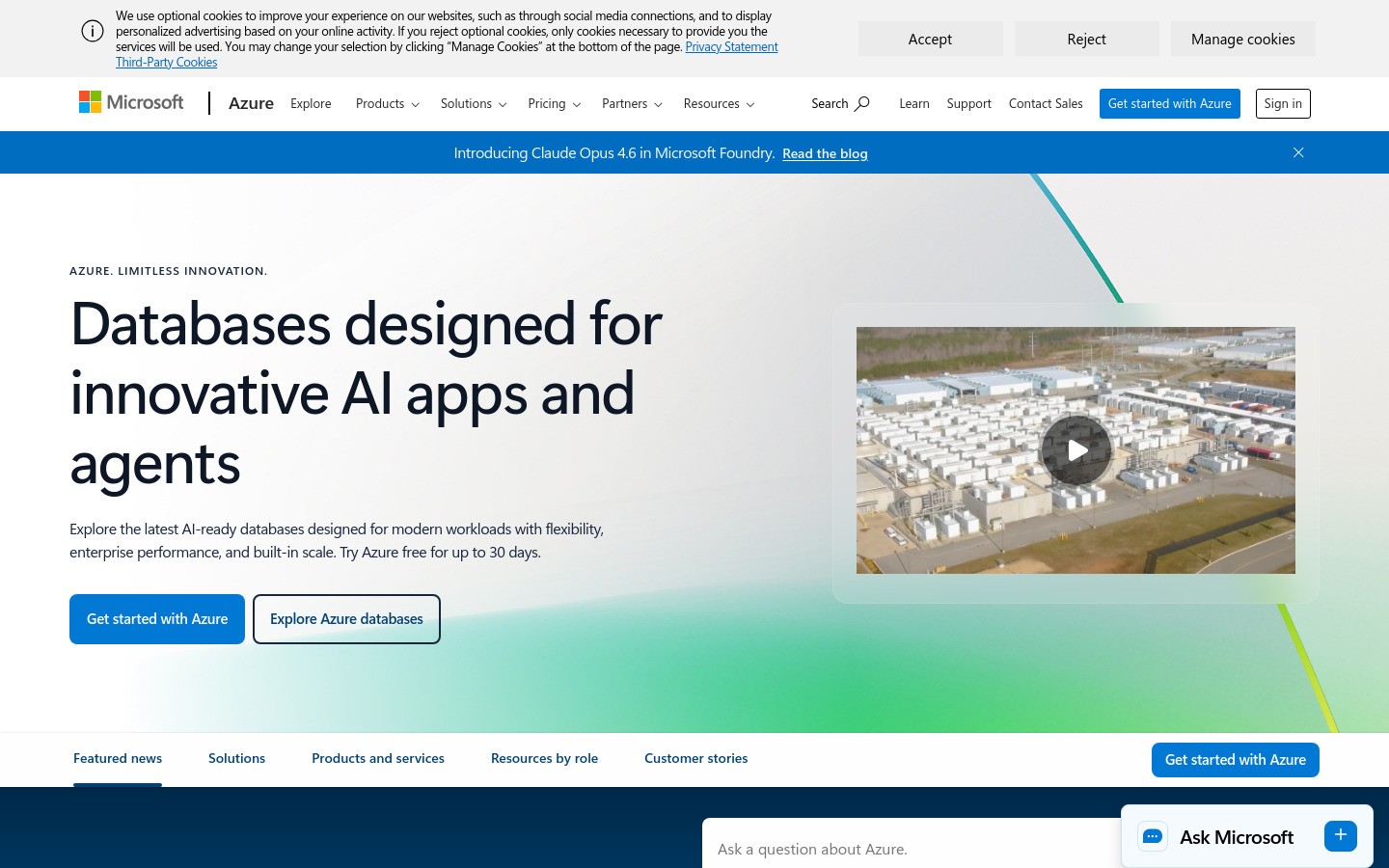
5. Microsoft Azure Speech Services
Microsoft Azure Speech provides moderate performance with strong enterprise features and compliance options.
Key Features:
90+ languages and dialects
Custom models and pronunciation
Enterprise security and compliance
Integration with Microsoft 365
Pricing: $0.024 per minute for standard tier
Best For: Microsoft ecosystem, enterprise environments
Limitations: Moderate accuracy compared to top performers
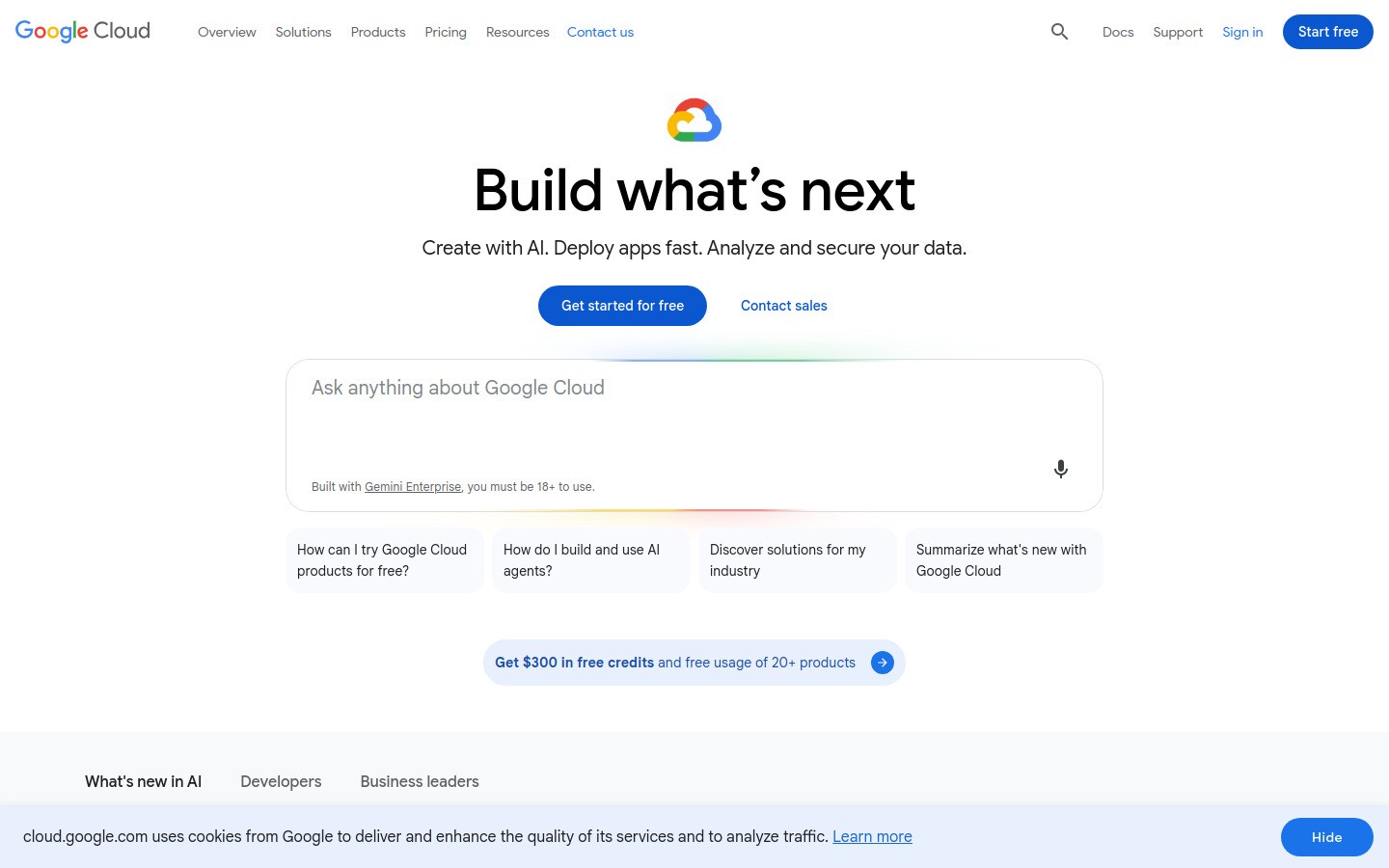
6. Google Cloud Speech-to-Text
Google Cloud Speech-to-Text offers extensive language support but ranks lowest in independent accuracy benchmarks.
Key Features:
125+ languages supported
Automatic punctuation and formatting
Speaker diarization
Custom model training
Pricing: $0.024 per minute (first 60 minutes free monthly)
Best For: Google Cloud integrations, legacy applications
Limitations: Consistently ranks last in accuracy tests, especially for noisy audio
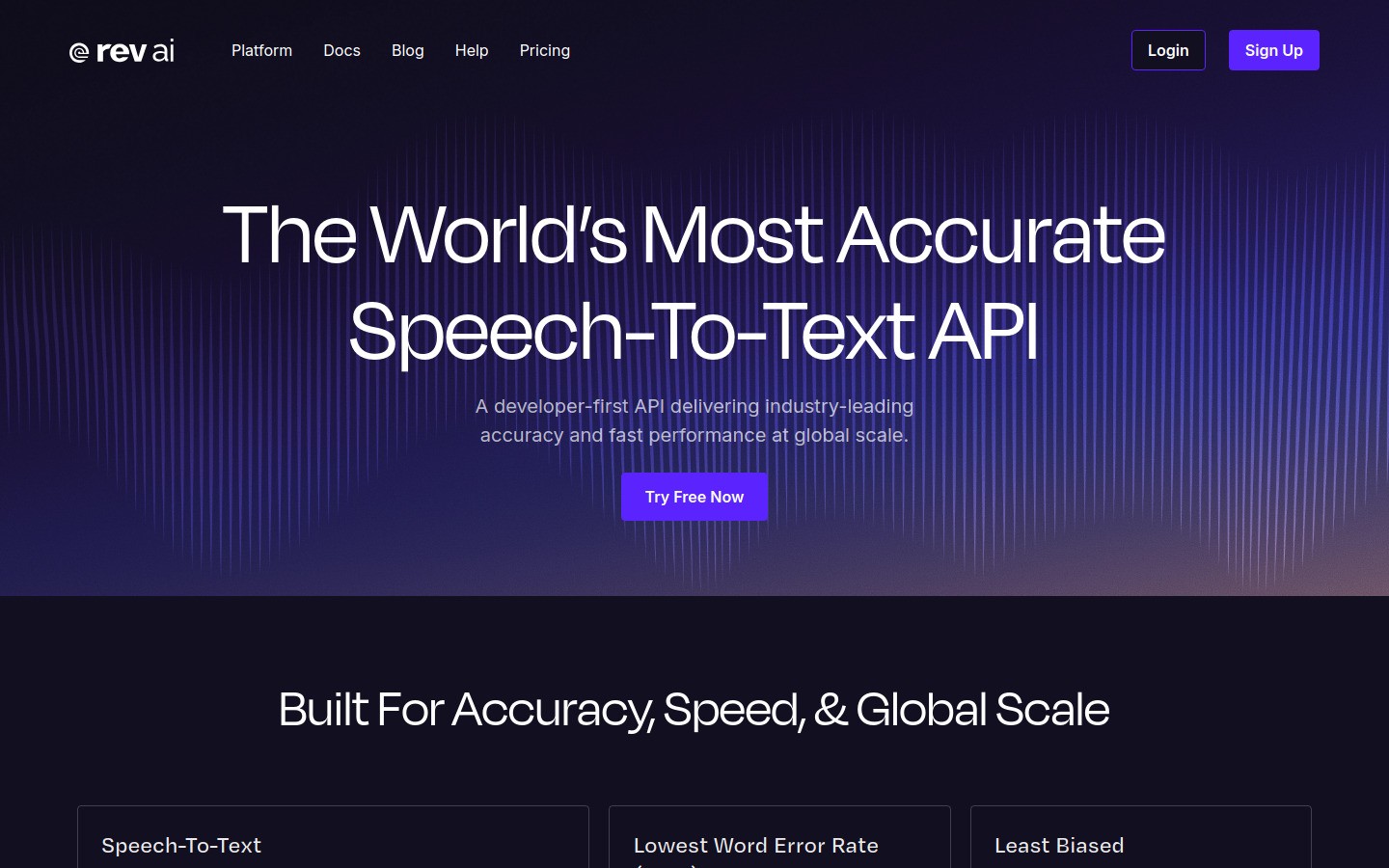
7. Rev AI
Rev AI combines automated transcription with optional human review for maximum accuracy. Perfect for high-stakes content.
Key Features:
Human-level accuracy available
Automatic speaker identification
Topic detection and sentiment analysis
Professional formatting
Pricing: $0.022 per minute for AI, $1.50 per minute for human review
Best For: Legal transcription, medical records, critical content
Limitations: Higher cost for human review, slower turnaround
8. IBM Watson Speech to Text
IBM Watson Speech focuses on enterprise deployments with strong customization options.
Key Features:
Custom acoustic and language models
Industry-specific vocabularies
On-premises deployment options
Enterprise security features
Pricing: $0.024 per minute, custom enterprise pricing available
Best For: Large enterprises, custom model requirements
Limitations: Complex setup, requires technical expertise
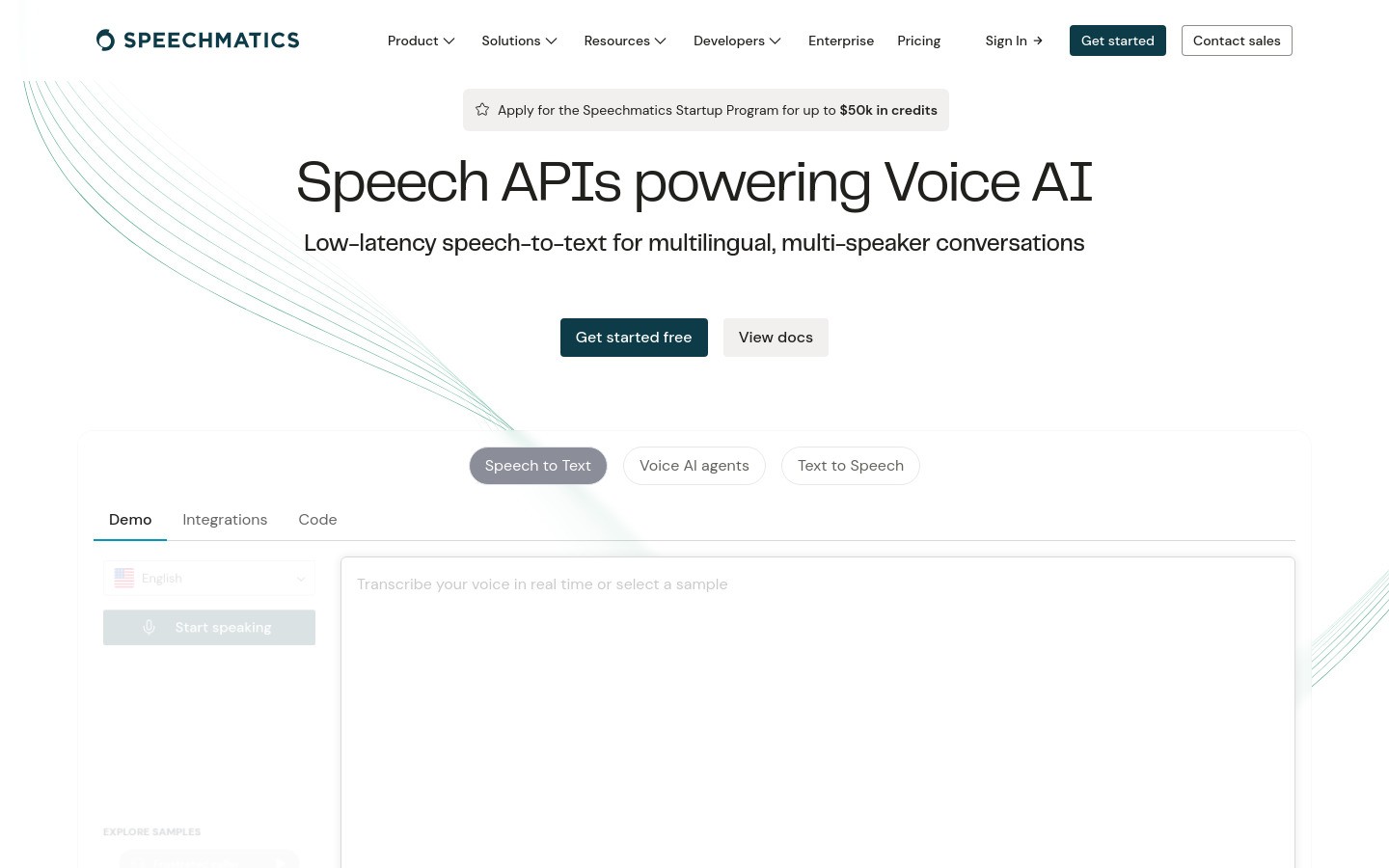
9. Speechmatics Ursa
Speechmatics Ursa specializes in handling diverse accents and dialects with advanced language processing.
Key Features:
50+ languages with dialect support
Exceptional accent handling
Real-time and batch processing
Advanced punctuation and formatting
Pricing: $0.30+ per hour, volume discounts available
Best For: Multilingual applications, diverse speaker populations
Limitations: Higher pricing tier, limited free usage
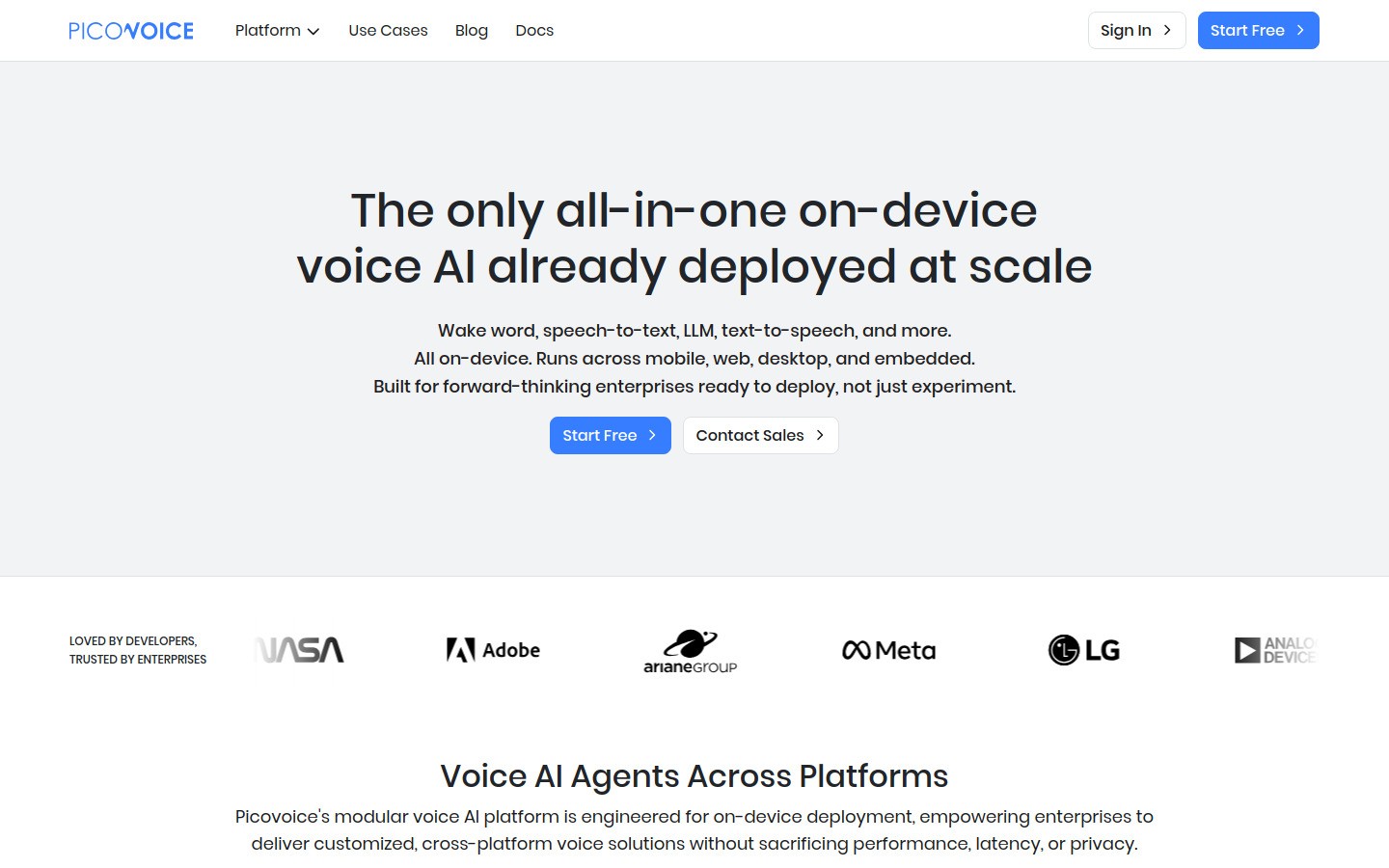
10. Picovoice Leopard
Picovoice Leopard runs entirely on-device, making it perfect for privacy-sensitive applications.
Key Features:
Complete offline processing
No data leaves the device
Cross-platform support
Low resource requirements
Pricing: One-time license fee starting at $0.90 per device
Best For: Privacy-sensitive apps, offline requirements
Limitations: Lower accuracy than cloud solutions, device resource usage
API Comparison Table
API | Best Use Case | Languages | Real-time | Pricing | Accuracy Rating |
|---|---|---|---|---|---|
OpenAI Whisper | Batch processing | 99+ | Custom only | $0.006/min | Excellent |
AssemblyAI | Real-time apps | English+ | 300ms | $0.15/hour | Excellent |
Deepgram | Multilingual streaming | 50+ | <500ms | Custom | Strong |
AWS Transcribe | AWS ecosystem | 100+ | 1-3s | $0.024/min | Strong |
Azure Speech | Microsoft stack | 90+ | 1-3s | $0.024/min | Good |
Google Cloud | Google ecosystem | 125+ | 1-3s | $0.024/min | Basic |
Rev AI | High-stakes content | English | No | $0.022/min | Excellent |
IBM Watson | Enterprise custom | 20+ | Yes | $0.024/min | Good |
Speechmatics | Accent handling | 50+ | Yes | $0.30+/hour | Strong |
Picovoice | Privacy/offline | English | Yes | $0.90/device | Good |
When to Use Each Speech-to-Text API
For Voice Assistants and Chatbots
Choose AssemblyAI or Deepgram. Voice agents need sub-500ms response times to feel natural. These APIs deliver the speed users expect.
For Content Creation and Transcription
Go with OpenAI Whisper or Rev AI. When accuracy matters more than speed, these solutions provide the best word recognition and formatting.
For Enterprise Applications
Consider AWS Transcribe, Azure Speech, or IBM Watson. These platforms offer compliance features, custom models, and enterprise support.
For Privacy-Sensitive Apps
Use Picovoice Leopard. It runs entirely on-device, so no speech data leaves the user's machine.
Real-Time vs Batch Processing
Speech-to-text APIs work in two main ways:
Real-time streaming: Processes speech as it happens through WebSocket connections. Perfect for live applications like voice assistants or video calls. Expect 300ms to 3-second latency.
Batch processing: Uploads complete audio files for transcription. More accurate but slower. Best for recorded content, podcasts, or interviews.
Most developers building interactive apps need real-time streaming. For content workflows, batch processing usually works fine.
Accuracy benchmarks: what to check before you commit
Public benchmarks and provider docs are useful, but they should not replace your own test set. Accuracy changes by accent, microphone quality, background noise, vocabulary, language, and whether the system has to stream partial text in real time.
Top shortlist for most teams: OpenAI Whisper, AssemblyAI, Deepgram, and Speechmatics are common starting points because they cover the main tradeoffs: accuracy, streaming, language coverage, and developer experience.
Cloud platform fit: AWS, Azure, and Google Cloud can be the right choice when your app already lives in that ecosystem, especially if procurement, logging, or compliance review matters.
Private or offline fit: Picovoice and self-hosted Whisper-style setups matter when you need local processing, but they shift more responsibility to your engineering team.
Pricing Breakdown and Hidden Costs
Speech-to-text pricing varies dramatically based on usage patterns:
Per-minute pricing: Most APIs charge $0.022-0.024 per minute. OpenAI Whisper is cheapest at $0.006/minute.
Streaming premiums: Real-time APIs cost more. AssemblyAI charges $0.15/hour for streaming vs $0.12/hour for batch.
Hidden costs to consider:
Storage costs for audio files (AWS, Google, Azure)
Data transfer fees for large volumes
Custom model training costs
Enterprise support fees
Calculate total cost based on your expected audio volume, not just per-minute rates.
Integration Complexity: What to Expect
Easy integration: AssemblyAI, Deepgram, and Rev AI offer simple REST APIs. Upload audio, get transcription back.
Moderate complexity: OpenAI Whisper requires chunking for real-time use. Still manageable with good documentation.
High complexity: AWS, Google Cloud, and Azure require multiple steps - upload to cloud storage, create transcription jobs, download results from separate endpoints.
Factor integration time into your development timeline. Simple APIs can be working in hours. Complex ones may take days or weeks.
Language Support Reality Check
Marketing claims about "100+ languages" don't tell the full story. Here's what actually works well:
Excellent support: English, Spanish, French, German, Mandarin
Good support: Italian, Portuguese, Japanese, Korean, Arabic
Limited support: Most other languages, especially for real-time use
Test your target languages extensively before committing. Accuracy can drop 20-30% for less common languages.
The No-Code Alternative: Voicy
Building speech recognition into your app takes time. If you need speech-to-text functionality without the development work, consider Voicy.
Voicy provides ready-to-use speech recognition for popular platforms:
Perfect for teams that want speech functionality today without building it themselves. Try Voicy free for 7 days.
Technical Implementation Tips
Real-Time Implementation
For real-time speech recognition:
Use WebSocket connections, not HTTP polling
Implement proper endpointing to detect speech boundaries
Buffer audio in 250ms chunks for best performance
Handle network reconnections gracefully
Optimizing for Accuracy
Improve transcription quality:
Use custom vocabulary for domain-specific terms
Send clean audio (16kHz, mono, WAV format)
Enable punctuation and formatting features
Consider speaker diarization for multi-speaker content
Cost Optimization
Reduce API costs:
Compress audio before sending (but maintain quality)
Use silence detection to skip empty audio
Batch multiple files for better pricing tiers
Cache results for repeated content
Security and Privacy Considerations
Speech data is sensitive. Consider these factors:
Data retention: Most cloud APIs store audio temporarily. Check each provider's retention policy.
Compliance: For HIPAA, GDPR, or SOX requirements, verify provider certifications.
On-device options: Picovoice and self-hosted Whisper keep data local.
Encryption: All major APIs use HTTPS, but verify end-to-end encryption for sensitive use cases.
Future Trends in Speech Recognition
The speech-to-text landscape is evolving rapidly:
Multimodal AI integration: Models like Google Gemini process speech alongside text and images. Expect more LLM-based speech recognition in 2026.
Edge deployment: Faster mobile processors enable high-quality on-device recognition. Privacy and latency benefits drive adoption.
Emotion and sentiment: Advanced APIs now detect speaker emotion and intent, not just words.
Real-time translation: Live speech-to-speech translation becomes mainstream for global applications.
Developers who want voice input for AI coding assistants can also use Voicy for Claude Code voice input while keeping API work separate from day-to-day dictation.
Getting Started: Next Steps
Ready to add speech recognition to your app?
Define your requirements: Real-time or batch? What languages? Accuracy vs speed priorities?
Start with free trials: Most APIs offer free credits. Test with your actual audio samples.
Measure performance: Test accuracy, latency, and cost with realistic usage patterns.
Plan for scale: Consider costs and performance at your expected volume.
For a no-code workflow, try Voicy's free trial to dictate into your existing tools today. Developers who want voice input for AI coding assistants can also use speech to text in Claude Code while keeping embedded API work separate.


