




16 Best Time Management Tools for 2026
Summary of the article
Here's a quick look at the 16 best time management tools for 2026:
Todoist — Best for simple, powerful task management
Notion — Best all-in-one workspace for teams
Voicy — Best for voice-powered productivity (3x faster than typing)
monday.com — Best visual project management
Toggl Track — Best time tracking for freelancers
RescueTime — Best automatic productivity tracking
Clockify — Best free time tracker for teams
Forest — Best gamified focus timer
Freedom — Best cross-device distraction blocker
Cold Turkey — Best free website blocker
IFTTT — Best for automating repetitive tasks
Calendly — Best for scheduling meetings
Loom — Best for replacing meetings with video
Brain.fm — Best focus music backed by science
Grammarly — Best for faster, cleaner writing
ClickUp — Best all-in-one project management
Keep reading for full reviews, pricing, and how to pick the right tools for your workflow.
Do you ever reach the end of your workday wondering where all the time went? You're not alone. Studies show that knowledge workers spend just 39% of their time on primary job duties, with the rest lost to meetings, emails, and distractions.
The good news? The right time management tools can help you reclaim those lost hours and boost your productivity significantly. But with hundreds of apps claiming to revolutionize your workflow, how do you choose?
We've tested dozens of time management tools and narrowed down the best 16 for 2026. This isn't just another generic list – we've organized these tools by specific use cases so you can find exactly what fits your workflow.
The 16 Best Time Management Tools for 2026
Task Management & Planning Tools
1. Todoist – Your Digital Task Master
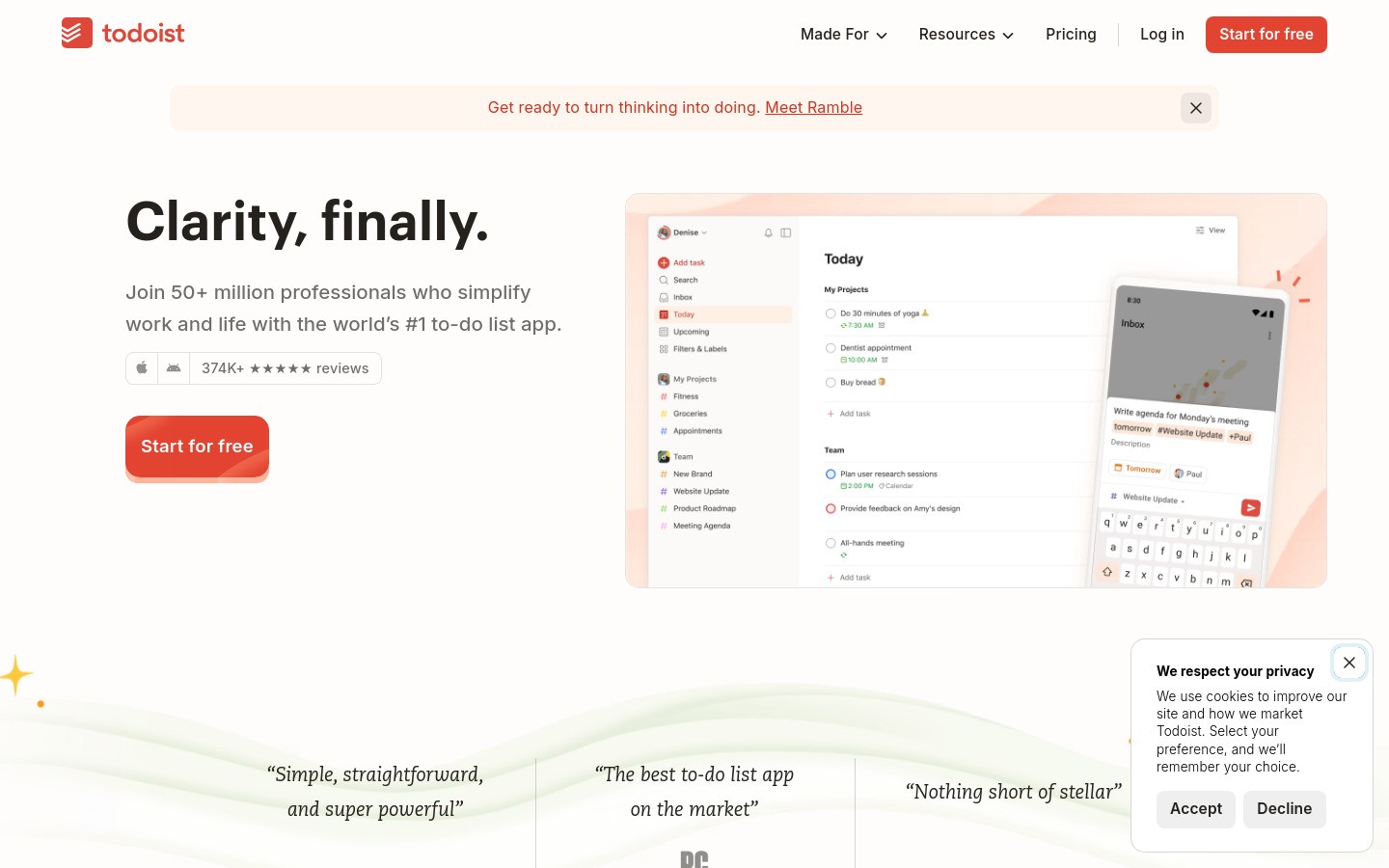
Todoist remains the gold standard for task management in 2026. This powerful app transforms your chaotic to-do lists into organized, actionable workflows.
What makes it special:
Natural language processing (type "Call John tomorrow at 3pm" and it automatically sets the date and time)
Project templates for recurring workflows
Karma system that gamifies your productivity
Seamless collaboration with teams
Best for: Individuals and small teams who want simple yet powerful task organization
Pricing: Free for basic features, Premium at $4/month
Platforms: Web, iOS, Android, Windows, Mac, browser extensions
2. Notion – The All-in-One Workspace
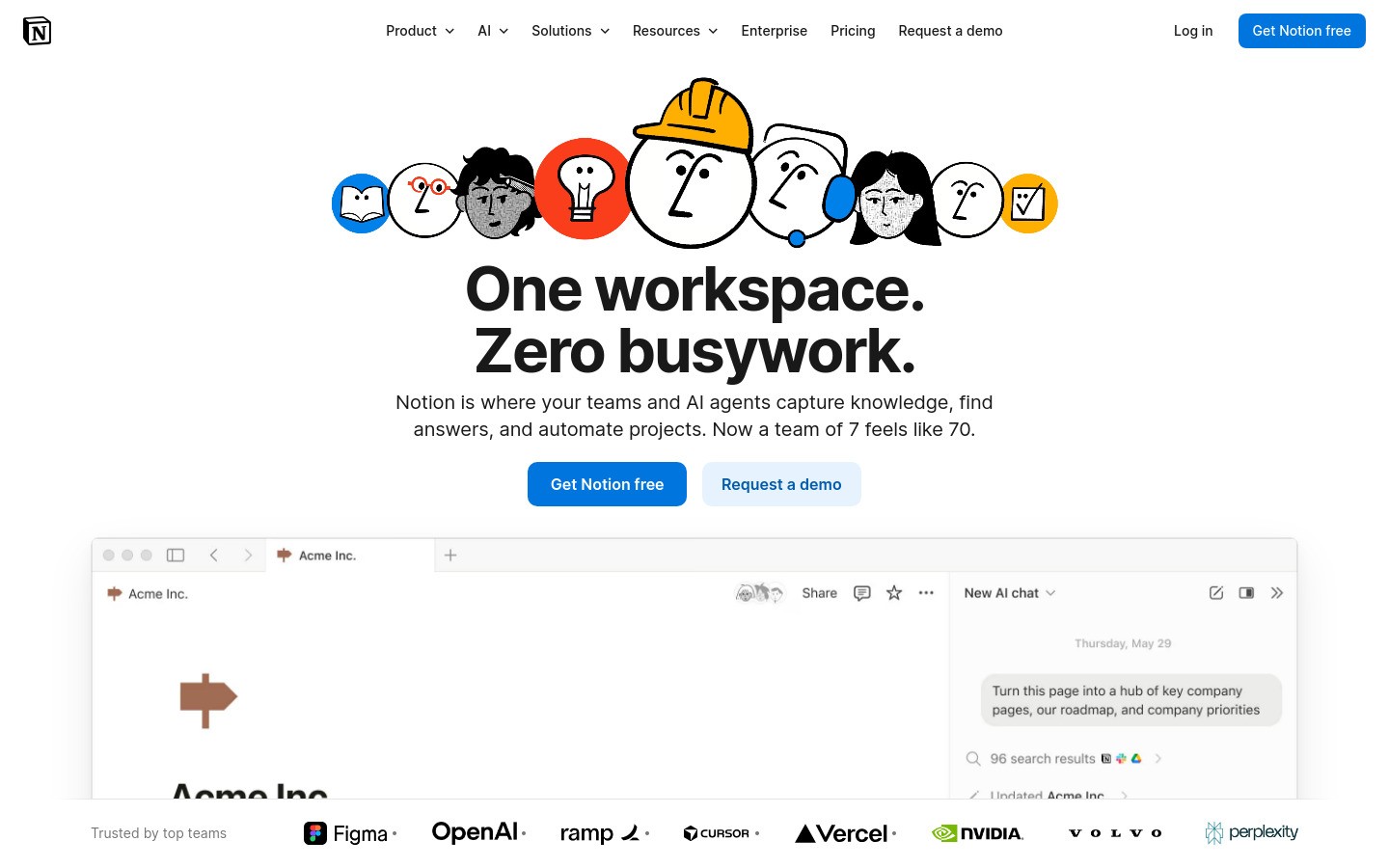
Notion is like having a Swiss Army knife for productivity. It combines notes, tasks, databases, and wikis into one flexible platform.
Key features:
Customizable templates for any workflow
Powerful database functionality
Real-time collaboration
AI writing assistant (Notion AI)
Best for: Teams and power users who want complete customization
Pricing: Free for personal use, Team plans start at $8/user/month
Platforms: Web, iOS, Android, Windows, Mac
3. monday.com – Visual Project Management
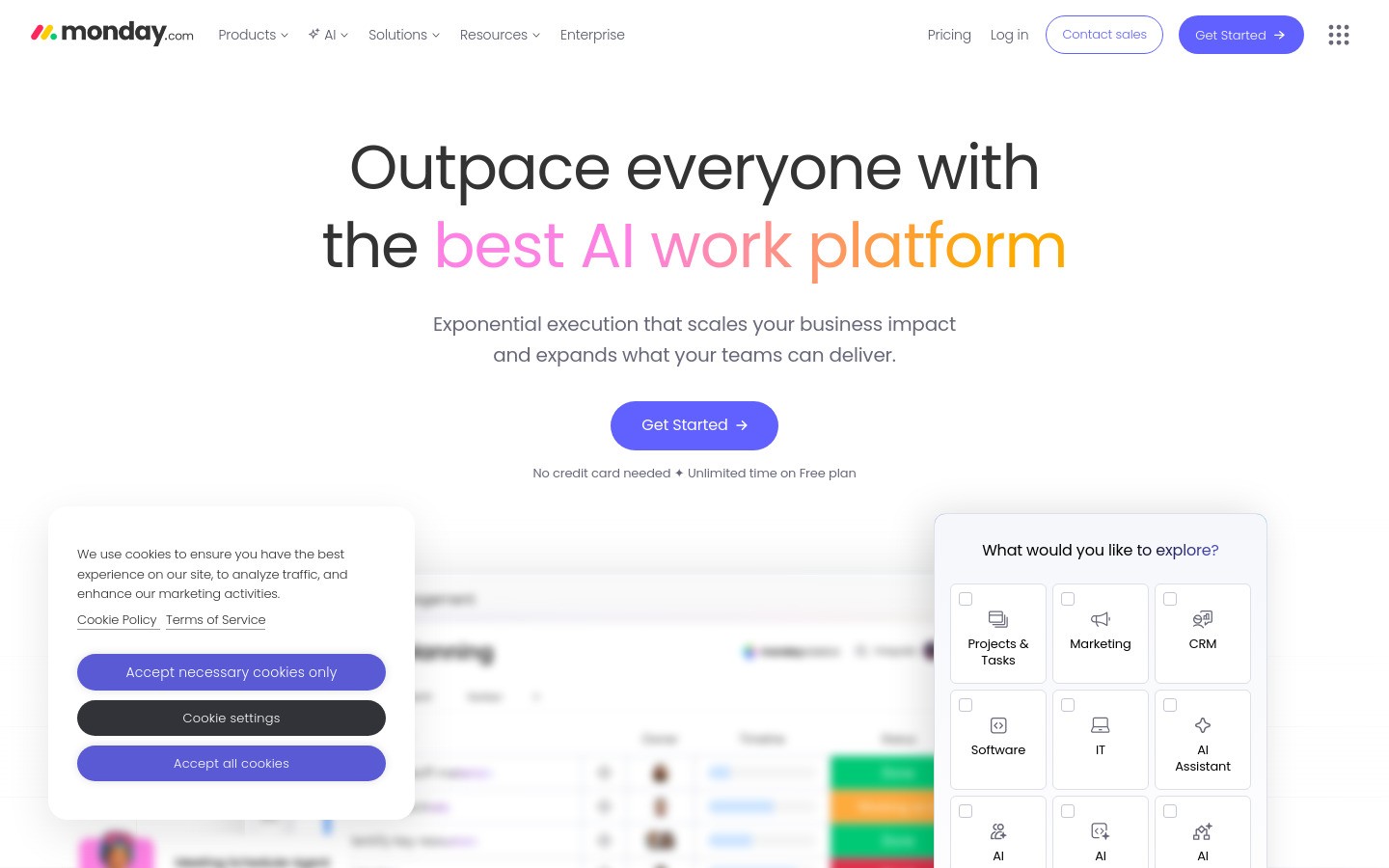
monday.com excels at making project management visual and intuitive. Its colorful boards make it easy to see project status at a glance.
Standout features:
Customizable workflows for any team
Time tracking with detailed reporting
Automation rules to eliminate repetitive tasks
Integration with 40+ popular tools
Best for: Teams that prefer visual project management
Pricing: Basic plan starts at $8/user/month
Platforms: Web, iOS, Android
Time Tracking & Analytics Tools
4. Toggl Track – The Time Tracking Champion
Toggl Track is the most popular time tracking tool for good reason. It makes logging time effortless while providing powerful insights.
Why it leads the pack:
One-click time tracking from anywhere
Detailed reports and analytics
Project budgets and estimates
Offline time tracking
Best for: Freelancers and agencies billing by the hour
Pricing: Free for up to 5 users, paid plans start at $9/user/month
Platforms: Web, iOS, Android, Windows, Mac, browser extension
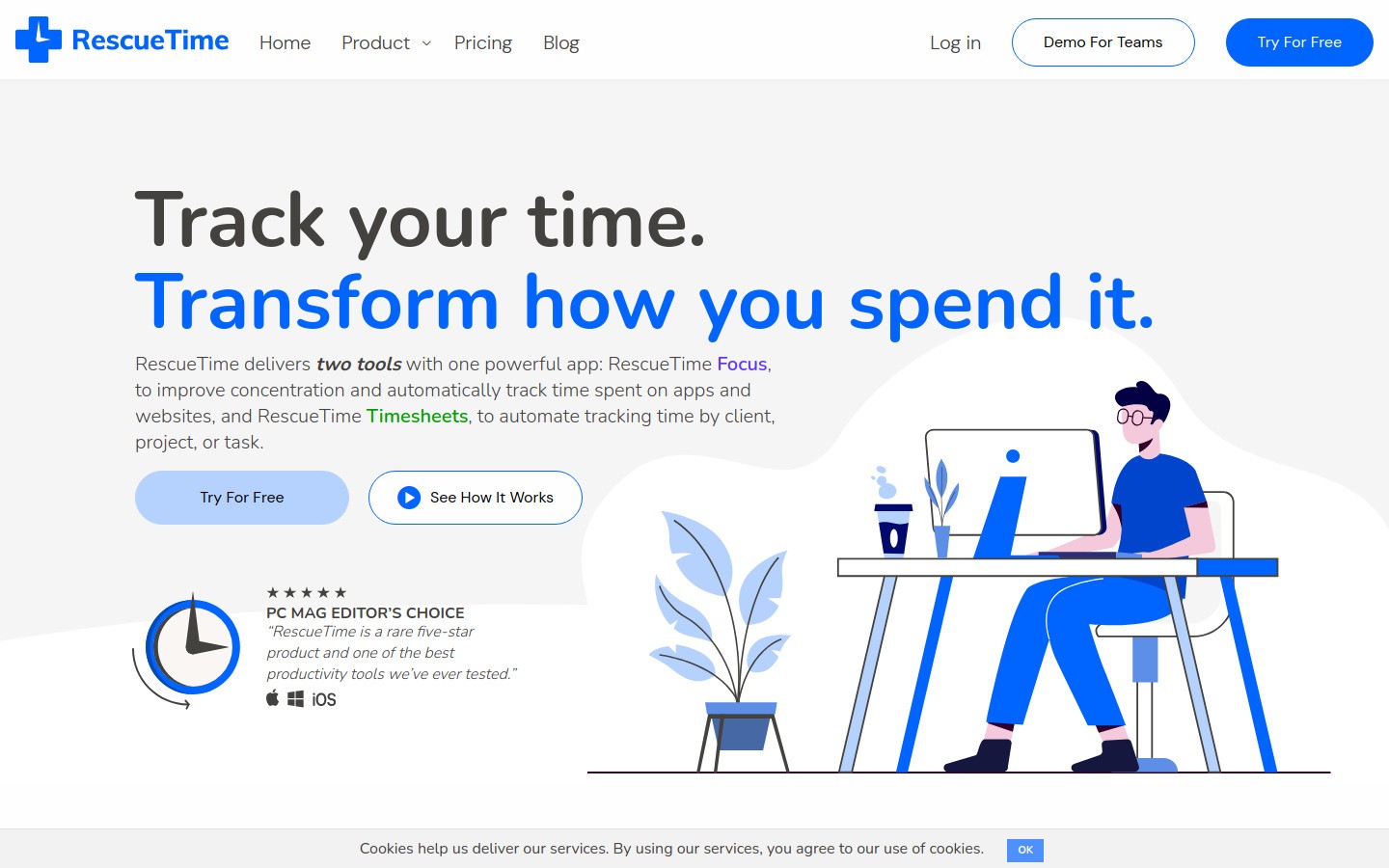
5. RescueTime – Automatic Productivity Tracking
RescueTime runs quietly in the background, tracking exactly how you spend your digital time. No manual input required.
Key benefits:
Automatic tracking of websites and applications
Productivity scoring system
Focus time blocking
Weekly productivity reports
Best for: People who want to understand their time patterns without manual tracking
Pricing: Premium at $12/month
Platforms: Windows, Mac, Android, browser extension
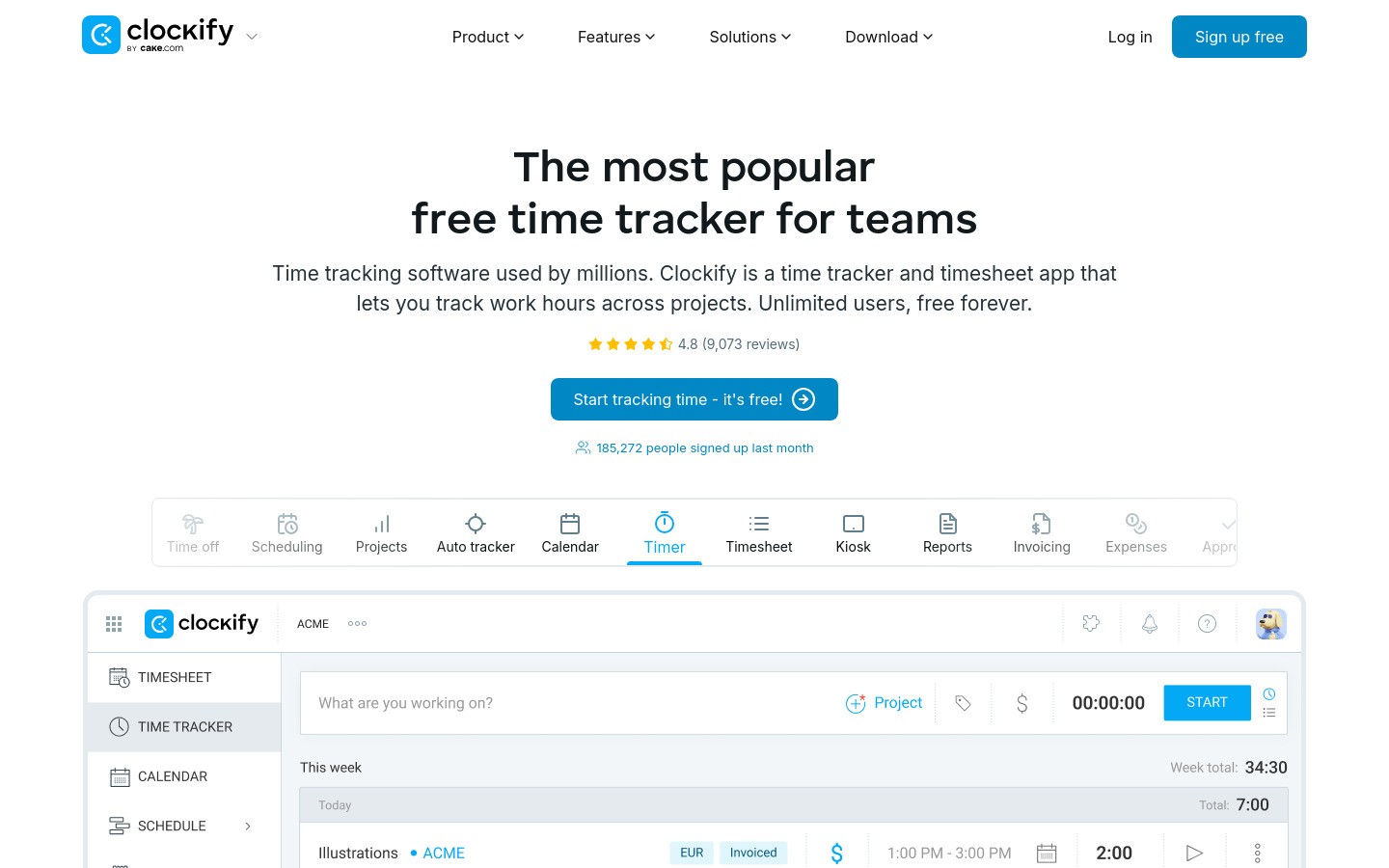
6. Clockify – Free Time Tracking for Teams
Clockify offers professional time tracking features completely free, making it perfect for budget-conscious teams.
Notable features:
Unlimited users and projects (free forever)
Timesheet management
Project profitability tracking
Time kiosk for office check-ins
Best for: Small teams and startups on tight budgets
Pricing: Free forever, premium features start at $3.99/user/month
Platforms: Web, iOS, Android, Windows, Mac, Linux
Focus & Distraction Blocking Tools
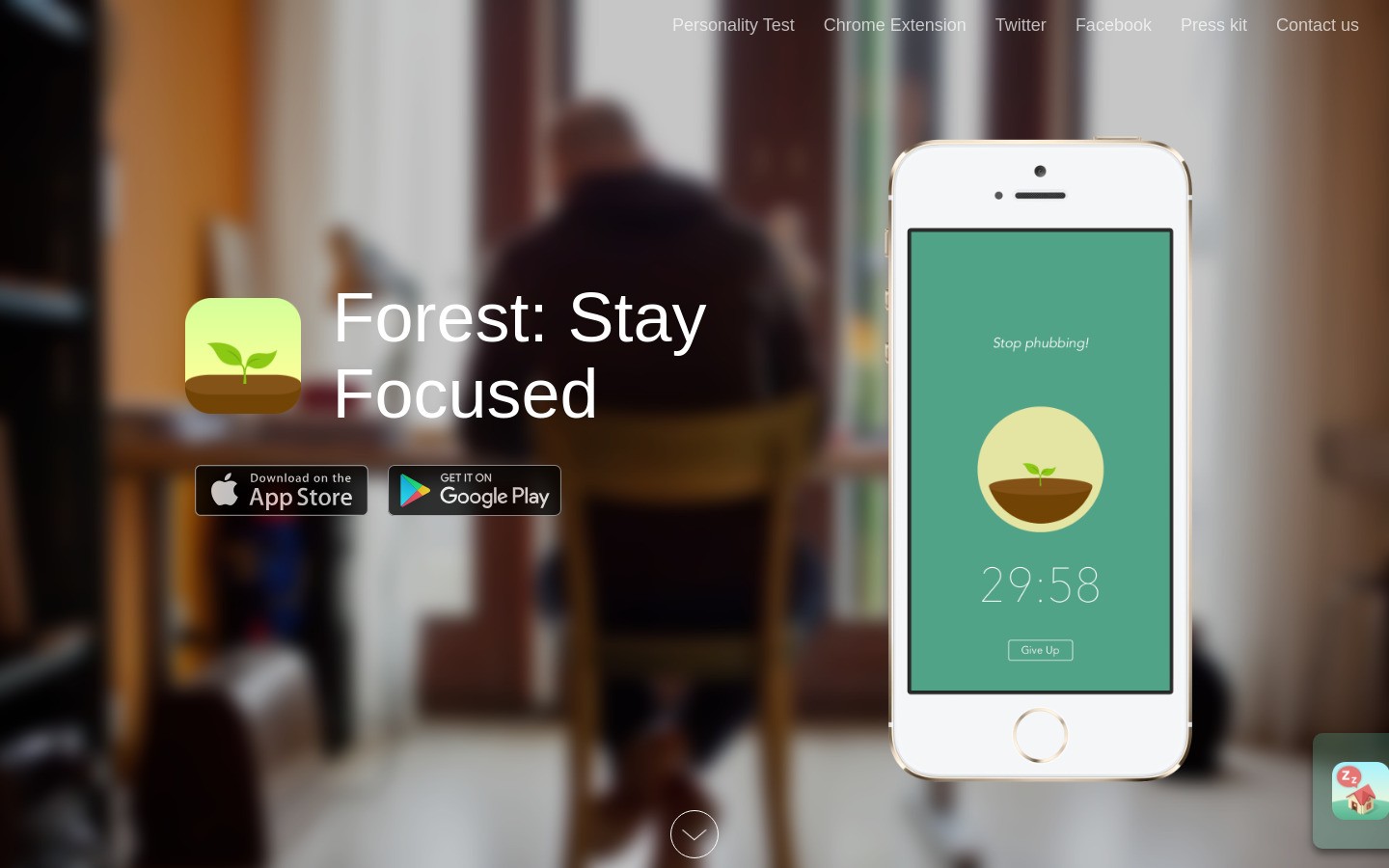
7. Forest – Gamified Focus Sessions
Forest turns focus time into a game. Plant a virtual tree and watch it grow as you stay focused. Leave your work, and the tree dies.
What makes it addictive:
Pomodoro technique built-in
Real tree planting partnership
Social features to focus with friends
Detailed focus statistics
Best for: People who struggle with phone distractions and need motivation
Pricing: $3.99 one-time purchase
Platforms: iOS, Android, Chrome extension
8. Freedom – Ultimate Distraction Blocker
Freedom blocks distracting websites and apps across all your devices simultaneously. It's the most comprehensive blocking solution available.

Powerful features:
Synchronized blocking across devices
Scheduled blocking sessions
Locked mode (can't disable during sessions)
Website and app usage analytics
Best for: Professionals who need serious distraction blocking
Pricing: Plans start at $3/month
Platforms: Web, iOS, Android, Windows, Mac
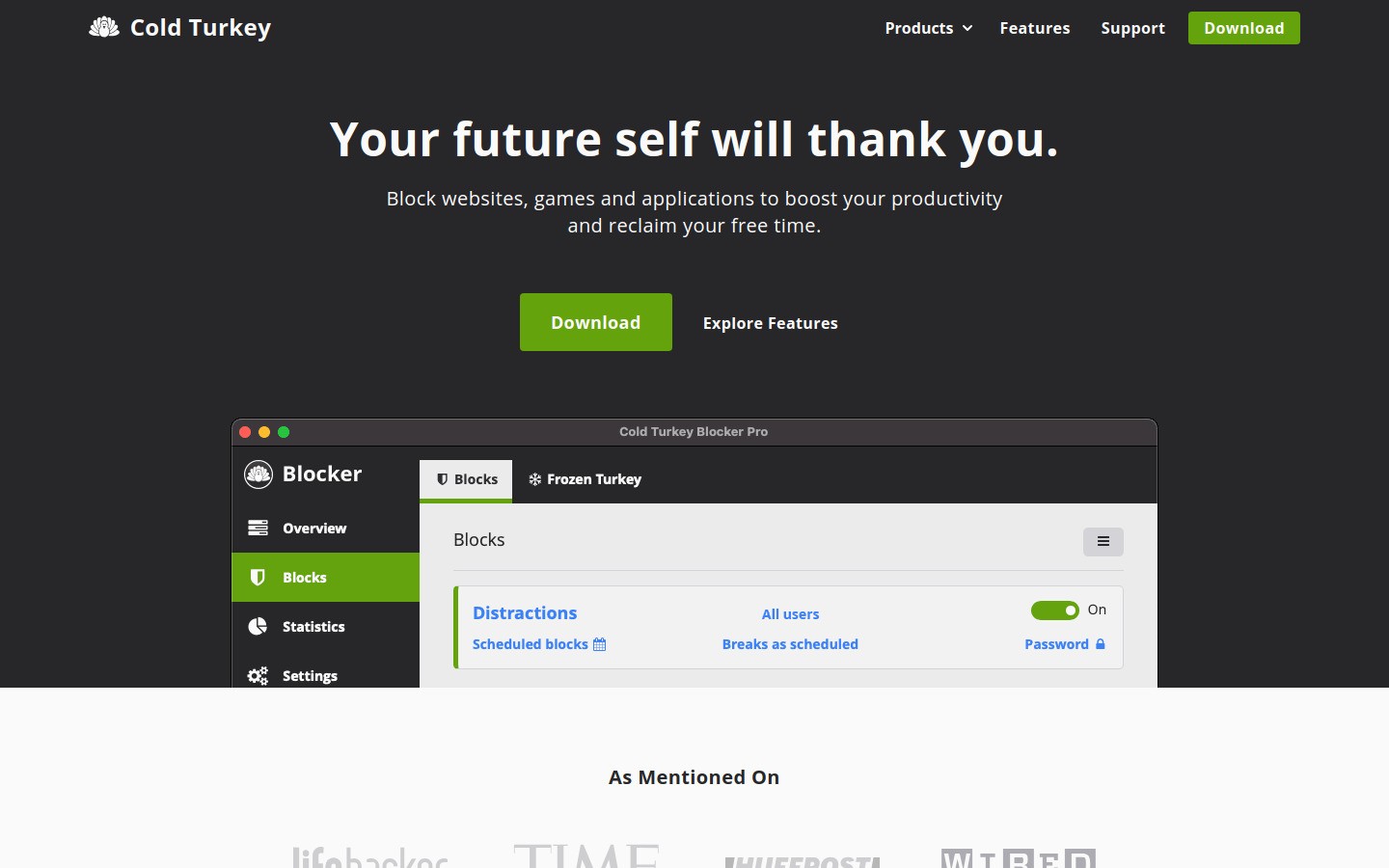
9. Cold Turkey Blocker – Free Website Blocking
Cold Turkey Blocker provides robust website and application blocking completely free, with optional pro features.
Key capabilities:
Block websites, applications, or entire computer
Scheduled blocks and timers
Frozen turkey mode (can't disable)
Custom block lists
Best for: Students and remote workers who need free distraction blocking
Pricing: Free with premium Pro version at $39 one-time
Platforms: Windows, Mac, Android
Productivity & Automation Tools
10. Voicy – Voice-Powered Productivity
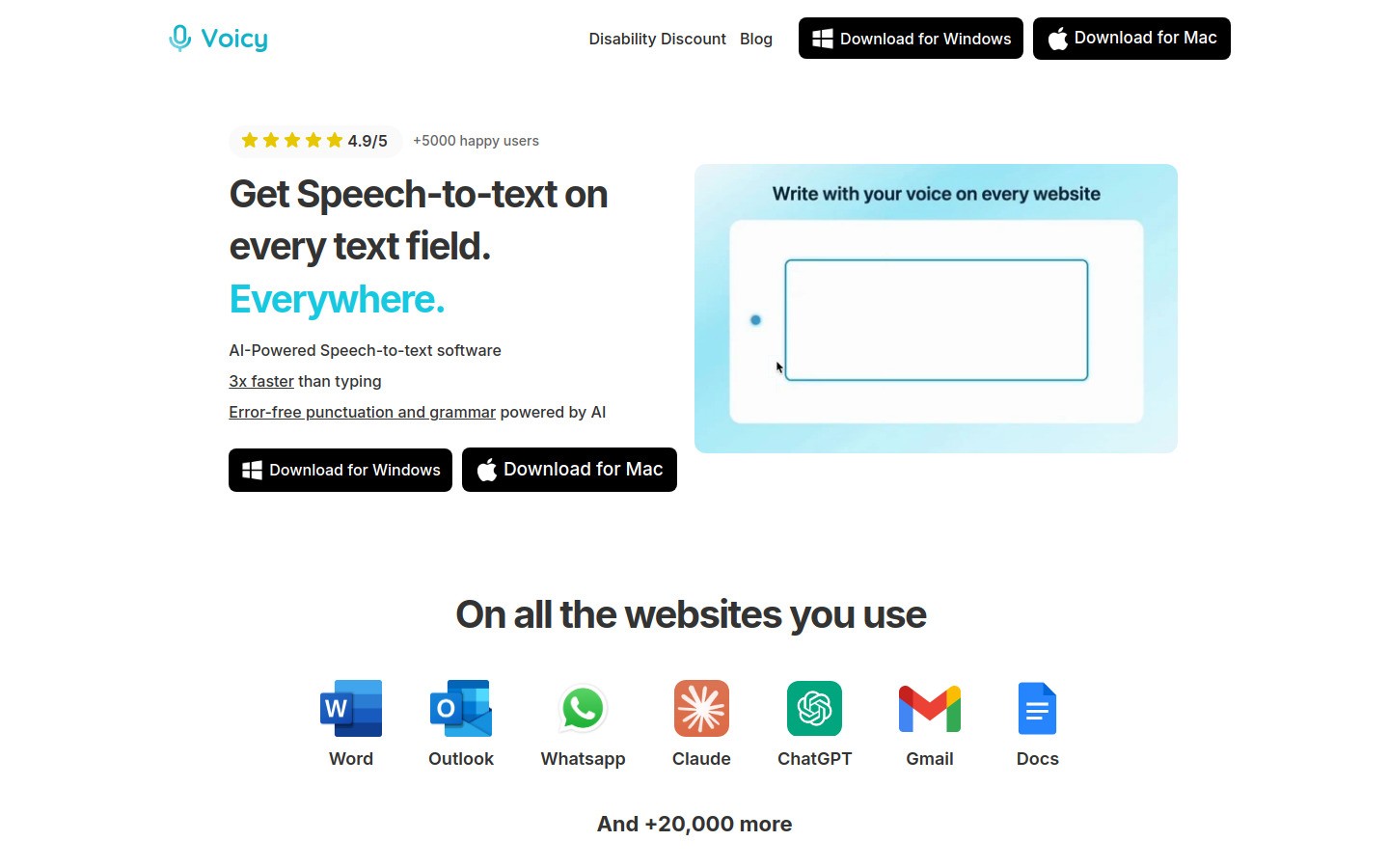
Voicy transforms how you interact with text by converting your speech to text anywhere on your computer. Instead of typing emails, documents, or messages, you simply speak.
Time-saving benefits:
3x faster than typing for most people
Works in any application (Google Docs, ChatGPT, Notion, email, etc.)
High accuracy with punctuation and formatting
Perfect for long-form content creation
Best for: Content creators, writers, and anyone who spends hours typing daily
Pricing: Free trial, then $8.49/month
Platforms: Mac, Windows, Chrome extension
Pro tip: Voicy is especially powerful for brainstorming sessions, meeting notes, and first drafts where typing would slow down your thought process.
11. IFTTT – Automation Made Simple
IFTTT (If This Then That) automates repetitive tasks across your apps and devices with simple trigger-action recipes.
Popular automations:
Save email attachments to cloud storage
Get weather alerts for your commute
Auto-post to social media
Smart home integrations
Best for: Tech-savvy users who want to automate digital workflows
Pricing: Free for basic automations, Pro at $3.99/month
Platforms: Web, iOS, Android
Communication & Meeting Tools
12. Calendly – Effortless Scheduling
Calendly eliminates the back-and-forth of scheduling by letting people book time directly on your calendar.
Scheduling superpowers:
Automatic buffer times between meetings
Round-robin assignment for teams
Payment collection for consultations
Integration with video conferencing tools
Best for: Consultants, sales teams, and anyone who takes lots of meetings
Pricing: Free for basic features, paid plans start at $8/month
Platforms: Web, iOS, Android, browser extension
13. Loom – Quick Video Messages
Loom lets you record quick screen and camera videos to replace lengthy emails and meetings. Often, a 2-minute video can replace a 30-minute call.

Communication efficiency:
One-click screen and webcam recording
Instant sharing with automatic transcripts
Viewer insights and engagement analytics
Video editing and trimming tools
Best for: Remote teams who need clearer communication
Pricing: Free for up to 25 videos, paid plans start at $8/month
Platforms: Web, iOS, Android, Windows, Mac
Specialized Tools
14. Brain.fm – Science-Based Focus Music
Brain.fm uses neuroscience research to create music that enhances focus, relaxation, or sleep. Unlike regular music, these tracks are designed to influence your brain states.
Unique features:
Music engineered for specific mental states
Focus sessions from 15 minutes to 2+ hours
No lyrics to distract from work
Backed by scientific studies
Best for: People who work better with background music but get distracted by regular songs
Pricing: $6.95/month or $49.95/year
Platforms: Web, iOS, Android
15. Grammarly – Writing Efficiency
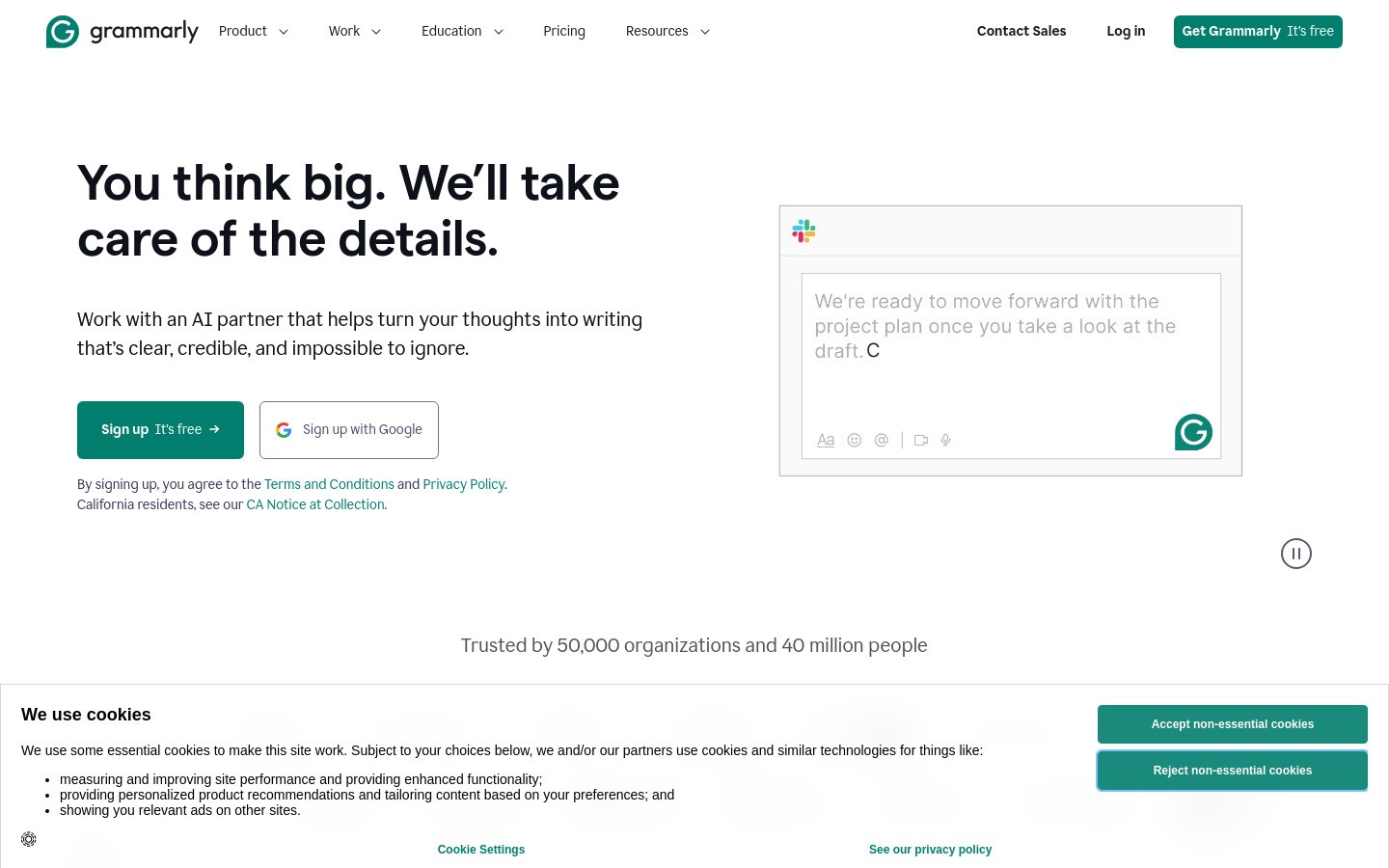
Grammarly goes beyond spell-check to improve your writing clarity, tone, and effectiveness. Better writing saves time in revisions and communication.
Writing enhancement:
Advanced grammar and style suggestions
Tone detection and adjustment
Plagiarism checking
Browser extension works everywhere
Best for: Anyone who writes emails, documents, or content regularly
Pricing: Free basic version, Premium at $12/month
Platforms: Web, Windows, Mac, iOS, Android, browser extension
All-in-One Solutions
16. ClickUp – Everything in One Place
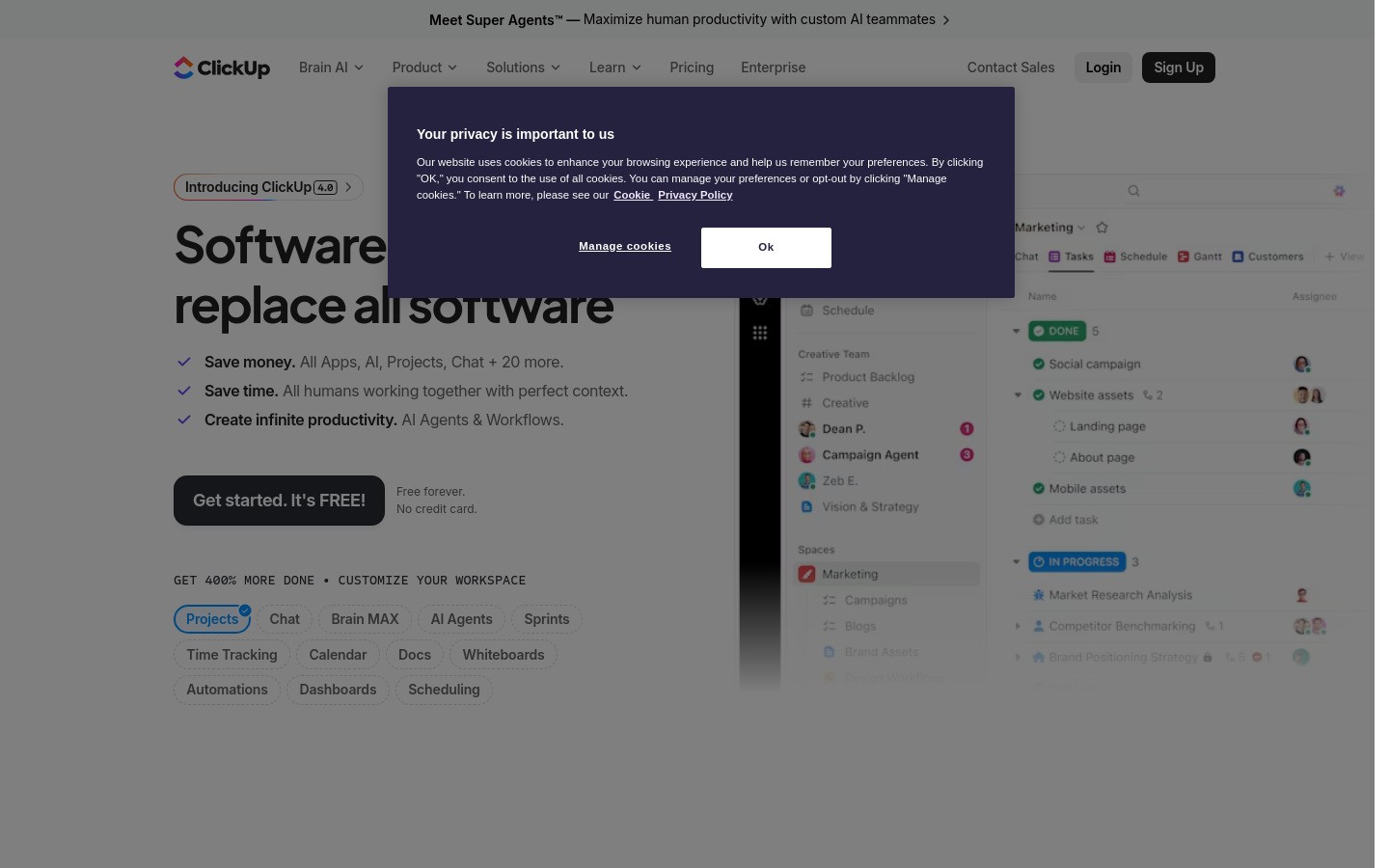
ClickUp aims to replace all your productivity apps with one comprehensive platform. It combines project management, time tracking, documents, and communication.
Comprehensive features:
Multiple project views (list, board, calendar, Gantt)
Built-in time tracking and reporting
Document collaboration like Notion
Goal tracking and OKRs
Best for: Teams that want to consolidate multiple tools
Pricing: Free forever plan available, paid plans start at $7/user/month
Platforms: Web, iOS, Android, Windows, Mac, Linux
How to Choose the Right Time Management Tool
Not every tool will fit your specific needs. Here's how to choose:
1. Identify Your Biggest Time Management Challenge
Scattered tasks? → Try Todoist or Notion
Don't know where time goes? → Use RescueTime or Toggl Track
Too many distractions? → Install Forest or Freedom
Spend hours typing? → Try Voicy's speech-to-text
Too many meetings? → Use Calendly and Loom
2. Consider Your Team Size
Individual: Todoist, Forest, RescueTime work great
Small team (2-10 people): monday.com, ClickUp, Clockify
Large organization: Enterprise versions of monday.com or ClickUp
3. Set a Budget
Free options that work well: Clockify, Todoist (basic), ClickUp, IFTTT
Premium tools worth paying for: Toggl Track, Notion, Forest, Voicy
4. Start Small
Don't try to revolutionize your entire workflow overnight. Pick one tool, use it for 2-3 weeks, then gradually add others if needed.
Making Time Management Tools Actually Work
The best tool is worthless if you don't use it consistently. Here are proven strategies:
Week 1: Choose ONE tool and commit to using it daily
Week 2: Customize it to fit your workflow
Week 3: Add integrations or a second complementary tool
Week 4: Review what's working and adjust
Conclusion
Time management isn't about cramming more into your day – it's about making space for what matters most. The right combination of these tools can help you:
Reclaim 2-3 hours of productive time daily
Reduce stress from forgotten tasks and deadlines
Create better work-life boundaries
Accomplish more meaningful work
Start with one tool that addresses your biggest challenge. For most people, that means better task organization (Todoist), understanding time usage (RescueTime), or eliminating typing friction (Voicy).
Remember: the best time management system is the one you'll actually use consistently. Choose tools that feel natural to your workflow, not against it.
Ready to transform your productivity? Try Voicy's free trial and experience how speech-to-text can revolutionize your daily writing tasks.


