




Summary of the article
The benefits of voice dictation for sales teams:
Time saved on CRM notes, emails, offers
More detailed and refined messages with AI-post processing
Tools to use:
Native Mac or Windows dictation: Free but not accurate and not AI-friendly
3rd party tools like Voicy or Superwhisper
Full article
Voice dictation can make your sales team 3x faster at typing tasks. Sales reps spend hours daily on CRM updates, follow-up emails, and call notes. With voice dictation, they speak at 150 words per minute instead of typing at 40 words per minute. This saves 5-10 hours per week per rep, meaning more time for actual selling. The best tools work with Salesforce, HubSpot, and other CRM systems you already use.
Sales is a numbers game. The more prospects you talk to, the more deals you close. But here's the problem: your sales team spends way too much time typing.
Think about it. After every call, your reps type meeting notes into the CRM. They write follow-up emails. They update deal stages. They draft LinkedIn messages. All of this typing steals time from what matters most - talking to prospects.
Voice dictation changes everything. Instead of hunt-and-peck typing, your team speaks naturally and words appear on screen. It's faster, more accurate, and lets reps focus on selling instead of admin work.
The Hidden Cost of Typing in Sales
Let's talk numbers. The average sales rep types about 40 words per minute. But they speak at 150 words per minute. That's nearly 4x faster!
Here's what this means for your team:
CRM updates: 10 minutes of typing becomes 3 minutes of talking
Follow-up emails: 15 minutes becomes 5 minutes
Call summaries: 20 minutes becomes 7 minutes
Proposal notes: 30 minutes becomes 10 minutes
According to Stanford research, voice dictation is up to three times faster than typing and reduces errors by 20.4%. For a sales rep doing 2 hours of typing daily, voice dictation saves over an hour every day.
That's 5+ hours per week. Per rep. Imagine what your team could do with that extra selling time.
Where Voice Dictation Transforms Sales Work
1. CRM Note-Taking Made Easy
Your CRM is only as good as the data in it. But reps hate data entry. They rush through it or skip it entirely. Voice dictation solves both problems.
Instead of typing "Had a great call with John Smith from ABC Corp. He's interested in our enterprise package but needs to check budget with his CFO. Follow up next Tuesday," your rep just says it. The words appear instantly in Salesforce, HubSpot, or whatever CRM you use.
Pro tip: Use voice typing extensions that work inside your CRM. No copy-paste needed.
2. Follow-Up Emails That Actually Get Sent
How many deals die because follow-up emails never happen? When typing feels like work, reps procrastinate. When they can just talk, follow-ups happen immediately.
After a sales call, your rep can dictate:
"Hi Sarah, thanks for the productive call today. As discussed, I'm attaching the pricing sheet for the professional plan. The 20% discount we talked about is valid through the end of this month. I'll check back on Friday to see if you have any questions. Best regards, Mike."
Dictated in 30 seconds. Typed manually? 3-5 minutes. The faster it is, the more likely it happens.
3. Call Summaries and Pipeline Updates
Every sales manager wants detailed call reports. Every sales rep dreads writing them. Voice dictation bridges this gap.
Your reps can walk out of a meeting and immediately dictate their notes:
Key pain points discussed
Budget range mentioned
Decision timeline
Next steps
Competition mentioned
Stakeholders involved
When it's this easy, you get better data and more accurate forecasts. Your pipeline actually reflects reality.
4. Mobile CRM Updates
Your reps are always moving. Between meetings, in the car, at coffee shops. Mobile keyboards are terrible for serious typing. Voice dictation is perfect.
With apps like Voicy, reps can update deals from anywhere. They can dictate meeting notes while walking to their car. They can capture hot leads while the conversation is fresh in their mind.
Mobile voice dictation means real-time CRM updates. No more "I'll update it when I get back to the office" excuses.
The ROI of Voice Dictation for Sales Teams
Let's get specific about return on investment. Here's the math:
Average sales rep salary: $60,000 + benefits = $75,000 total cost Hourly rate: $36 per hour
Time saved with voice dictation: 6 hours per week Weekly value saved: $216 per rep Annual savings: $11,232 per rep
Even premium voice dictation software costs under $500 per year per user. You're looking at over 2000% ROI just from time savings. And that doesn't count the deals closed with all that extra selling time.
But the real ROI comes from increased revenue. When reps spend more time selling and less time typing, they close more deals. If voice dictation helps each rep close just one extra deal per quarter, you've paid for the software many times over.
Best Voice Dictation Tools for Sales Teams
Native Options
Apple Dictation (Mac/iPhone): Free and built-in. Works across all apps. Great for teams already on Apple devices.
Windows Speech Recognition: Free but less accurate. Good starting point for Windows-heavy organizations.
Specialized Sales Tools
Voice Assist for Salesforce: Native Salesforce app that transcribes speech directly into records. Great for CRM-first workflows.
Rollio AI: Conversational AI that lets reps talk to their CRM like a person. Updates deals through natural language.
Cross-Platform Solutions
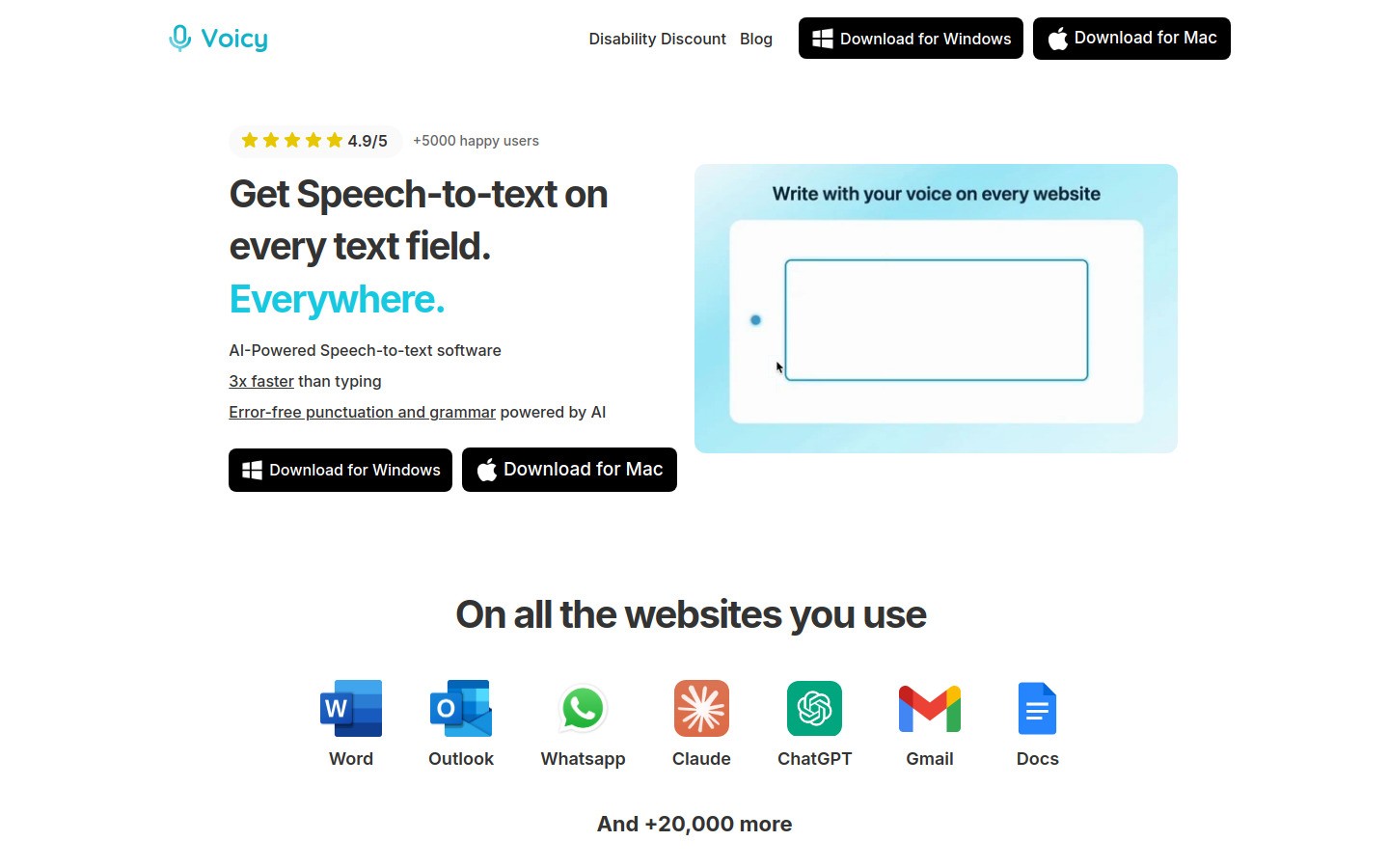
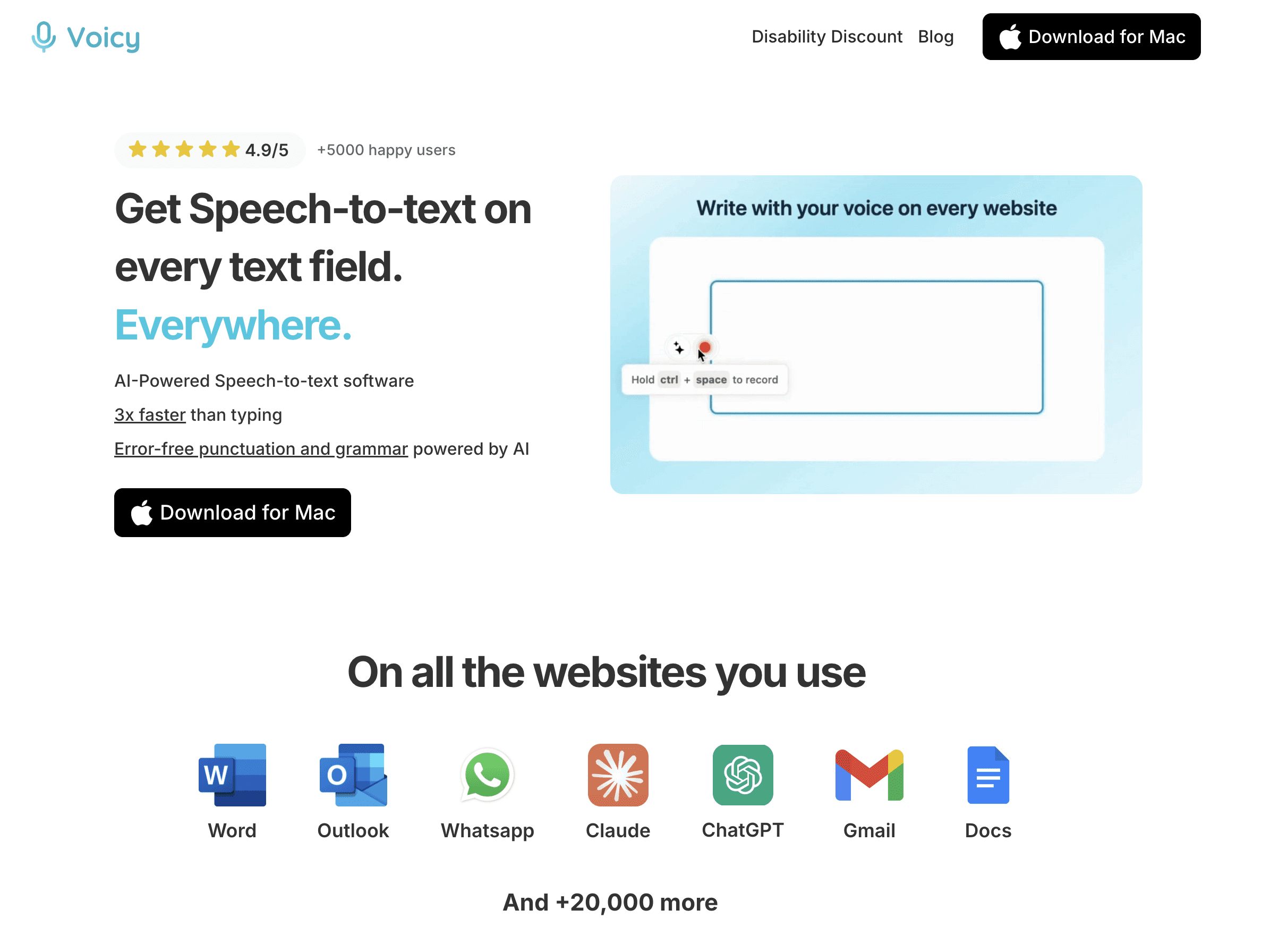
Voicy: Works on Mac, Windows, and browsers. Perfect for teams using multiple CRM systems and apps. Handles punctuation automatically and learns sales terminology.
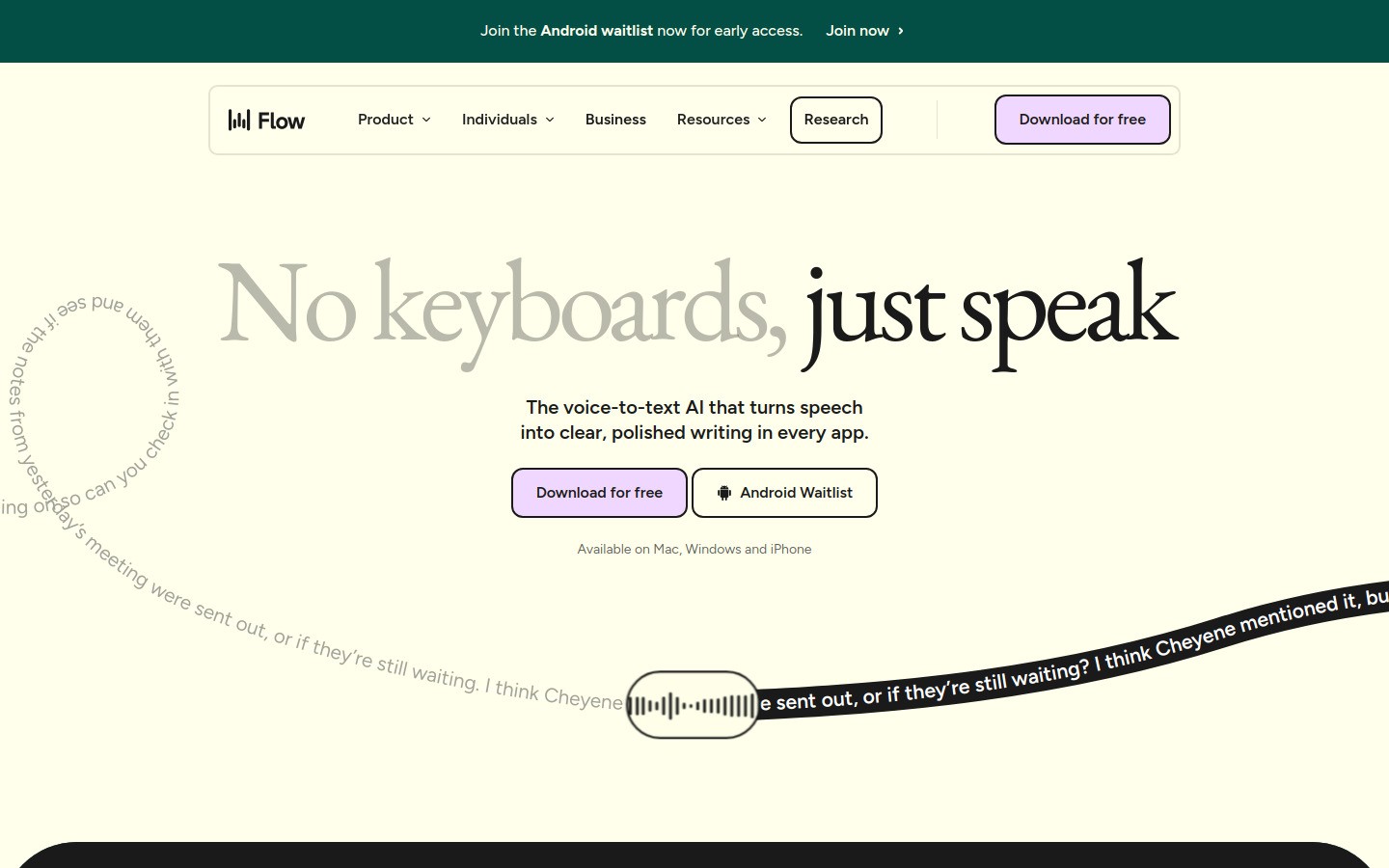
Wispr Flow: Popular with sales teams. Includes snippet libraries for common phrases and adjusts tone based on the app you're using.
Dragon NaturallySpeaking Professional: Most accurate but expensive. Best for high-volume typing scenarios.
Implementation Best Practices
Start Small
Don't force your entire team to switch overnight. Pick 2-3 willing early adopters. Let them prove the value before rolling out widely.
Train on Common Use Cases
Focus training on the tasks that take the most time:
CRM note-taking after calls
Follow-up email drafting
Pipeline updates
Proposal summaries
Create Voice-Friendly Templates
Develop standard formats that work well with voice dictation:
"Call with [Company Name] on [Date]. Key points: [Bullet points]. Next steps: [Action items]. Follow up: [Timeline]."
This structure helps reps organize their thoughts and creates consistent data for reporting.
Handle Accents and Speech Patterns
Modern voice dictation handles different accents well, but provide extra training for team members who are concerned about accuracy. Most tools improve with use as they learn individual speech patterns.
Security and Privacy
Choose voice dictation tools that meet your security requirements. Look for:
Local processing (not cloud-based)
HIPAA compliance if needed
SOC 2 certification
Clear data retention policies
Common Concerns and Solutions
"What about accuracy?" Modern voice dictation is 95%+ accurate. It's actually more accurate than many reps' typing, especially on mobile devices.
"Will reps actually use it?" Start with volunteers who see immediate benefits. Success stories spread quickly in sales teams.
"Does it work with our CRM?" Most voice dictation tools work with any text field. Browser extensions like Voicy work with web-based CRMs like Salesforce and HubSpot.
"What about background noise?" Quality dictation tools filter background noise well. Many work fine in coffee shops, cars, and busy offices.
Advanced Voice Dictation Strategies
Custom Vocabularies
Sales teams have unique terminology. Product names, industry jargon, competitor names. The best voice dictation tools learn this vocabulary automatically or let you add terms manually.
Voice Shortcuts
Create shortcuts for phrases you say repeatedly:
"Schedule follow-up" → "Let's schedule a follow-up call to discuss this further."
"Send proposal" → "I'll send over a detailed proposal by end of day."
"Budget question" → "What budget range are you working with for this project?"
Multi-Language Support
If your team sells internationally, look for tools supporting multiple languages. Many reps switch between languages within the same conversation.
Integration Workflows
Connect voice dictation with automation tools like Zapier. Dictate a deal update and automatically trigger follow-up sequences, task assignments, or notification emails.
Measuring Success
Track these metrics to prove ROI:
Time Metrics:
Average time to complete CRM updates
Speed of follow-up emails after calls
Time spent on administrative tasks
Quality Metrics:
CRM completion rates
Follow-up email frequency
Data accuracy in pipeline reports
Revenue Metrics:
Calls per rep per day
Deals progressed per week
Time to close (should decrease)
The Future of Voice in Sales
Voice dictation is just the beginning. AI-powered voice tools are getting smarter:
Smart summaries: AI analyzes your dictated notes and creates structured summaries
Action extraction: Automatically creates tasks from your voice notes
Sentiment analysis: Identifies hot prospects from the tone of your call notes
Voice commands: "Add John Smith as a contact" or "Move ABC Corp to Stage 3"
Early adopters get competitive advantages. While your competitors type manually, your team speaks at the speed of thought.
Getting Started Today
Here's your action plan:
Identify power users: Find reps who type the most and are open to new tools
Pick your battles: Start with CRM notes and follow-up emails
Choose the right tool: Consider your tech stack, budget, and security needs
Run a pilot: 30 days with 3-5 reps
Measure results: Track time saved and adoption rates
Scale gradually: Add more reps as you prove value
Voice dictation isn't just about typing faster. It's about removing friction between thinking and action. When your reps can capture thoughts instantly, they act on opportunities immediately. That's how deals get closed.
Frequently Asked Questions
How accurate is voice dictation for sales use?
Modern voice dictation achieves 95%+ accuracy, which is often better than manual typing, especially on mobile devices. Tools like Voicy learn your team's sales terminology and improve over time. Even with occasional corrections, you'll save significant time compared to typing.
Will voice dictation work with our existing CRM system?
Yes, most voice dictation tools work with any text field in web browsers. This includes Salesforce, HubSpot, Pipedrive, and other cloud-based CRMs. Browser extensions integrate seamlessly without requiring IT changes.
How much time can our sales team realistically save?
Based on research from Stanford, voice dictation is 3x faster than typing (150 vs 40 words per minute). Sales reps typically save 5-10 hours per week on typing tasks. That's 260-520 hours annually per rep - time that can be redirected to actual selling.
What's the ROI of implementing voice dictation for sales teams?
With average sales rep costs around $75,000 annually, saving 6 hours per week equals $11,232 in value per rep yearly. Premium dictation software costs under $500 per user annually, creating an ROI of over 2000% from time savings alone - not counting additional revenue from more selling time.
Do reps need special training to use voice dictation effectively?
Most reps adapt quickly since speaking is natural. Focus training on common use cases like CRM updates and email drafts. Provide templates for consistent formatting. Most users become proficient within a week of regular use.
How does voice dictation handle background noise in busy sales environments?
Quality voice dictation tools use advanced noise filtering to work well in coffee shops, open offices, and cars. While completely quiet environments are ideal, modern tools are designed for real-world business use with reasonable background noise.
Can voice dictation handle industry-specific terms and product names?
Yes, the best tools learn your vocabulary automatically or allow manual additions. This includes product names, competitor references, technical terms, and client names. Custom dictionaries ensure accuracy for industry-specific language.
Is voice dictation secure enough for confidential sales information?
Choose tools that process voice locally rather than in the cloud, offer enterprise security features like SOC 2 compliance, and provide clear data retention policies. Many solutions are designed specifically for business use with appropriate security measures.
How quickly do sales teams typically adopt voice dictation?
Start with willing early adopters who see immediate benefits - usually your highest-volume typists. Success stories spread organically in sales teams. Expect 30-60 days for pilot users to become advocates, then broader adoption accelerates.
What happens if the voice dictation makes mistakes in important client communications?
Always review dictated text before sending, especially for important communications. Most tools highlight uncertain words for quick review. The time saved even with review is still significant compared to manual typing, and accuracy improves with use.


