





TL;DR
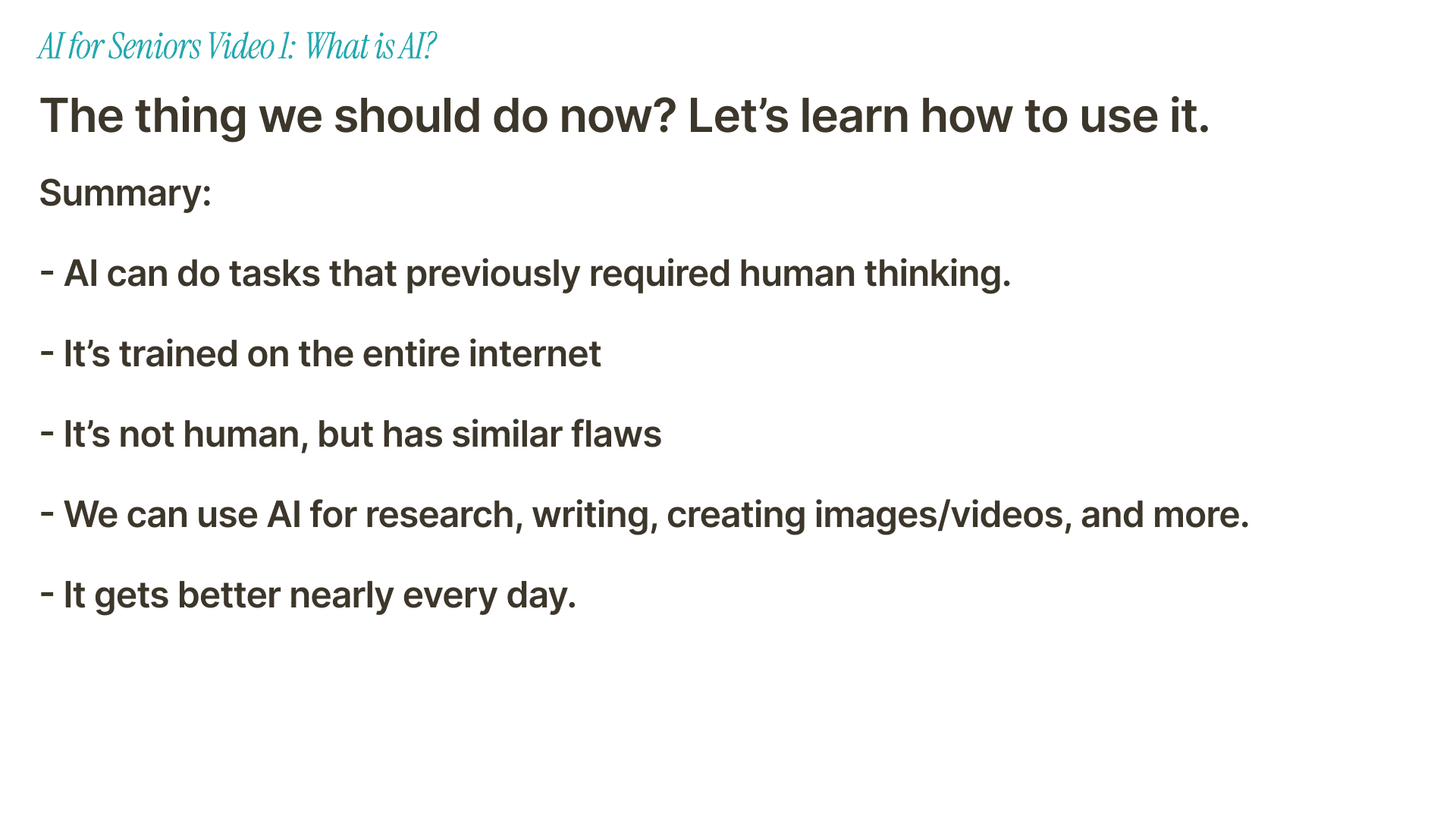
AI is software that can do tasks that used to need human thinking. It can answer questions, write messages, find information, summarize text, create images, and more.
The easiest way to understand AI is to think of it as a personal assistant. Not a human assistant, but a computer assistant that has read a huge amount of information.
AI is powerful, but it makes mistakes. Always check important answers, especially for health, money, legal, or safety questions.
You do not need to understand the technical details to use AI well. Start with small tasks like writing an email, explaining a word, or making a simple plan.
AI is changing quickly. The best way to feel comfortable is to practice a little, one task at a time.
AI for seniors does not need to be complicated. At the simplest level, AI is a computer tool that can help you answer questions, write text, understand information, and get things done faster.
Think of it like a personal assistant on your computer or phone. It can be very helpful, but it is not always right. The trick is to learn what it is good at, where it can fail, and how to use it safely.
What Is AI?
AI stands for artificial intelligence. That sounds fancy, but the basic idea is simple.
AI is a computer program that can do tasks that normally require human thinking. It can answer questions, write messages, find information, explain things, create images, and help you make decisions.
For example, you can ask an AI tool like ChatGPT or Claude:
"Write a polite email to my doctor asking for an appointment."
"Explain this letter from my bank in simple words."
"Give me three dinner ideas using chicken and rice."
"Help me plan a weekend trip with my grandchildren."
The AI reads your request and writes an answer back. You can then ask follow-up questions, just like you would in a normal conversation.
The Boring but Correct Explanation
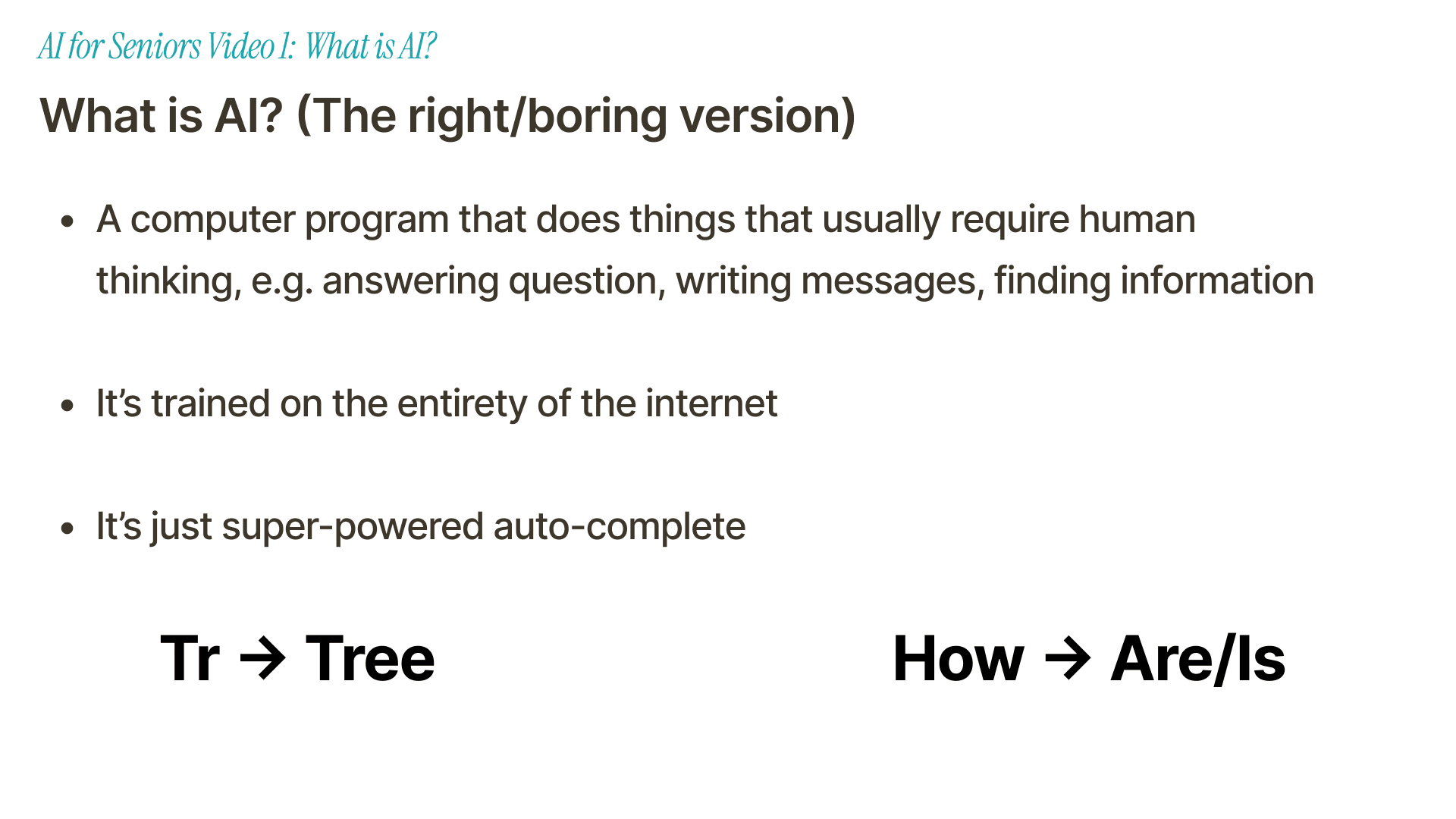
The correct explanation is this: AI looks for patterns in information.
Modern AI tools were trained on huge amounts of text from books, websites, articles, code, and other sources. Because of that training, they can guess what kind of answer should come next when you ask a question.
One simple way to think about it is autocomplete.
You have probably seen autocomplete on your phone. If you type "How," your phone may suggest "are" or "is" as the next word. It is guessing what usually comes next.
AI is like that, but much more powerful. Instead of guessing one word in a text message, it can write a full email, explain a topic, summarize a long article, or help you make a list.
The More Helpful Explanation
The more useful way to think about AI is this:
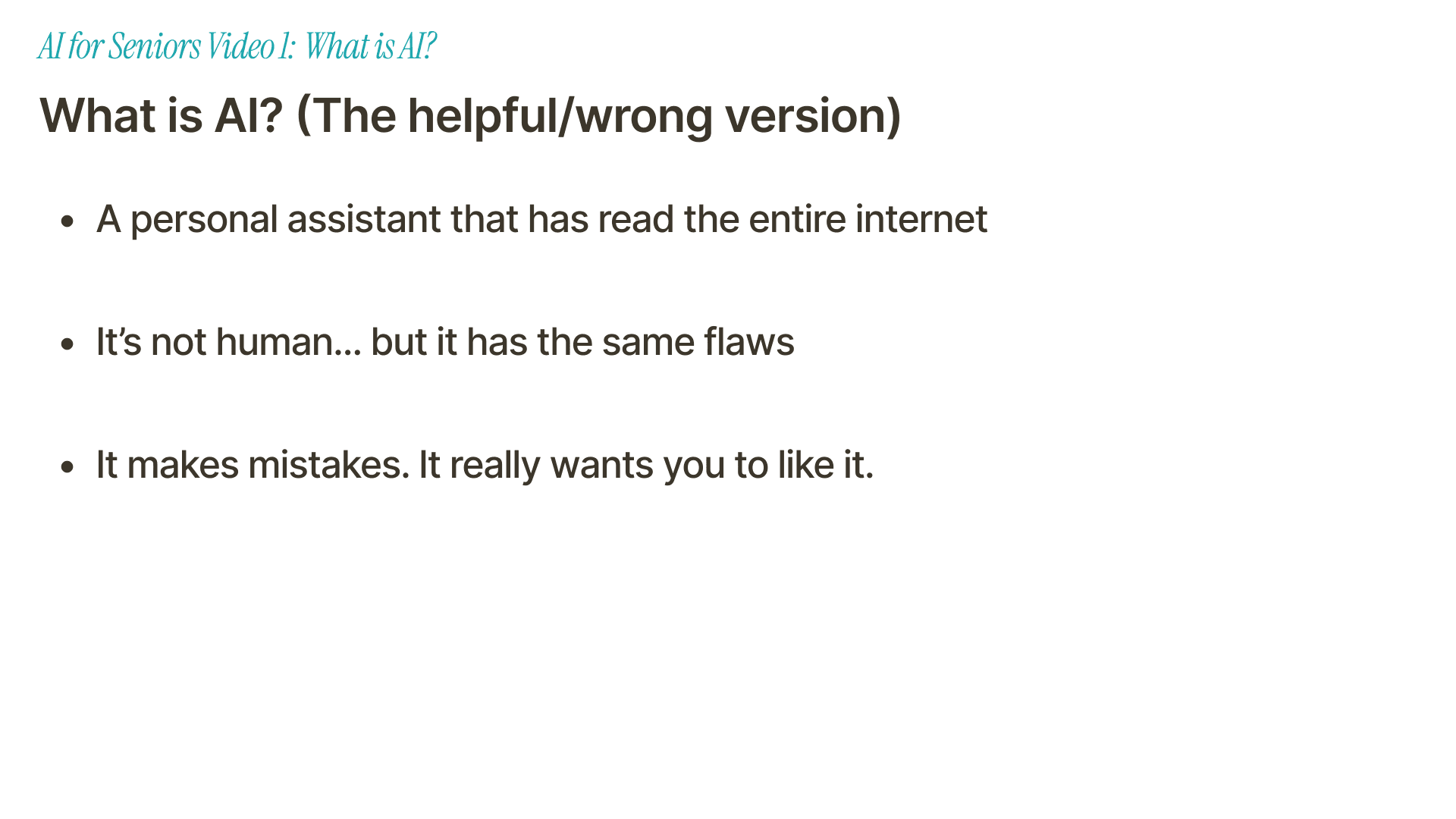
AI is like a personal assistant that has read a huge part of the internet.
That assistant is not human. It does not have feelings. It does not truly understand the world the same way you do.
But it can still be helpful. It can explain things. It can write drafts. It can help you think through a problem. It can make boring tasks faster.
This "personal assistant" idea is not perfectly correct, but it helps most people use AI better.
AI Makes Mistakes
This is the most important thing to remember.
AI can be wrong.
Sometimes it gives an answer that sounds confident, but the answer is not true. Sometimes it misunderstands your question. Sometimes it leaves out an important detail.
That does not mean AI is useless. Human assistants make mistakes too. Search engines show bad results sometimes. Even experts can be wrong.
It just means you should use AI with common sense.
For anything important, check the answer. This is especially true for:
Medical advice
Legal questions
Financial decisions
Password or account problems
News or political claims
A good rule is simple: use AI to understand things, but do not let it make important decisions for you.
AI Wants to Please You
AI tools are built to be helpful. That sounds good, and most of the time it is.
But it also creates a problem. AI often tries too hard to agree with you.
If you say, "No, that answer is wrong," the AI may apologize and change its answer, even if the first answer was actually right.
That is why you should not treat AI like an all-knowing expert. Treat it like a helpful assistant that needs supervision.
You can ask it to explain its answer. You can ask it for sources. You can ask it to check itself. You can also compare its answer with trusted websites.
Why Is Everyone Talking About AI Now?
AI has existed for a long time, but it became much more visible after ChatGPT launched in 2022.
Before that, many people used AI without thinking about it. It helped filter spam emails, recommend movies, fix spelling mistakes, and power voice assistants on phones and smart speakers.
ChatGPT changed things because it made AI feel like a conversation. You could type a normal question and get a normal answer back.
Since then, AI tools have improved very quickly. OpenAI introduced GPT-5.4 in March 2026 and GPT-5.5 in April 2026, only weeks apart. That kind of speed is one reason people feel like AI is suddenly everywhere.
It is not just one company, either. OpenAI, Anthropic, Google, Microsoft, Meta, and many others are all building AI tools. They are competing, and that competition makes the tools improve faster.
What Can Seniors Use AI For?
You do not need to use AI for everything. Start with tasks that are small, useful, and low risk.
1. Writing emails and messages
AI can help you write a polite email, a birthday message, a complaint, or a thank-you note.
You can say:
"Write a short email to my landlord saying the heating is not working. Make it polite but firm."
Then you can edit the result before sending it.
2. Explaining confusing information
AI is very useful when something is written in a confusing way.
You can paste a paragraph and ask:
"Explain this in simple words."
This can help with letters, instructions, forms, product descriptions, or long articles.
3. Finding ideas
AI is good at brainstorming. It can suggest meals, travel plans, hobbies, gift ideas, book recommendations, or questions to ask your doctor.
You still choose what to do. The AI just helps you get started.
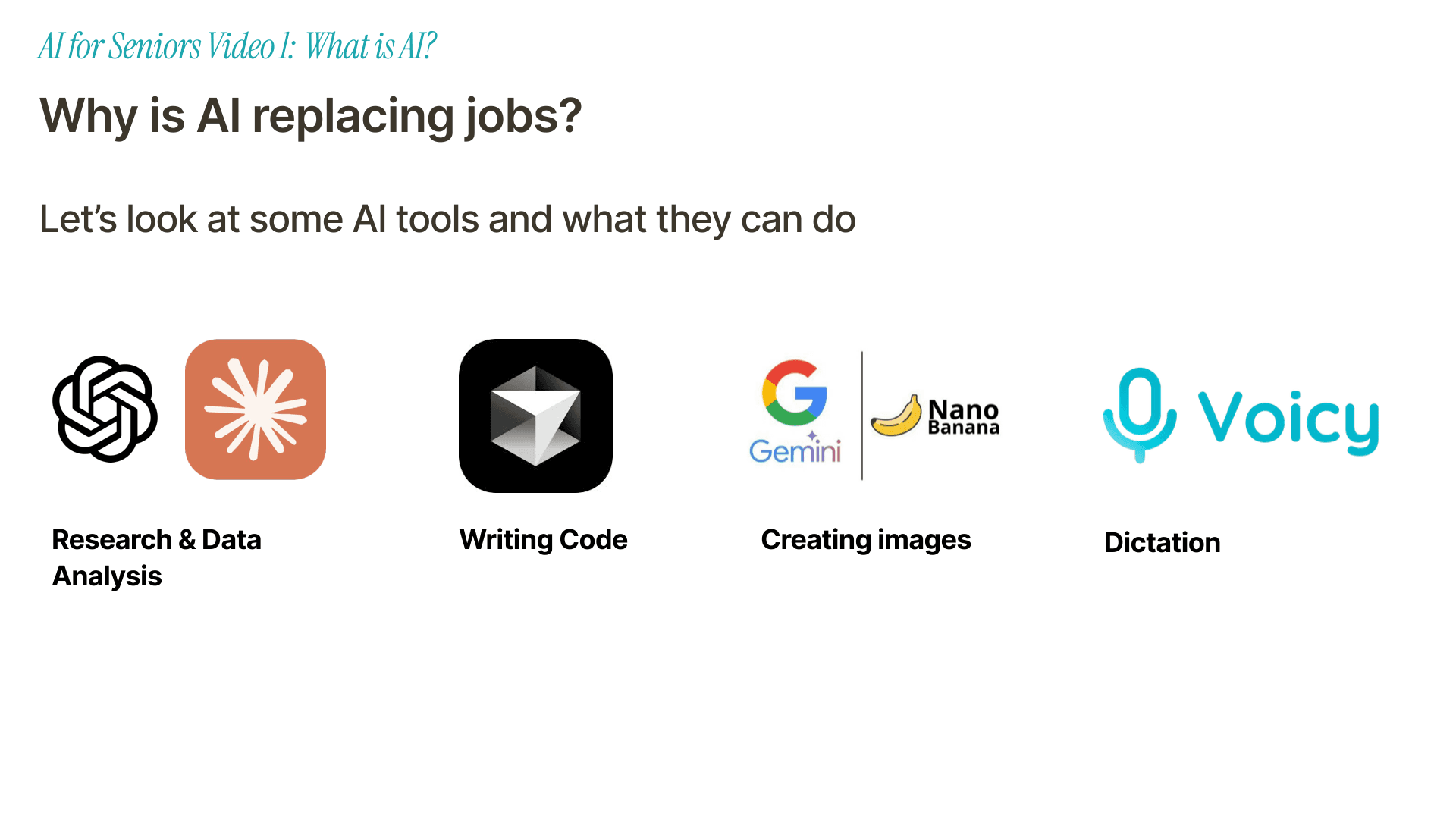
4. Creating images
Some AI tools can create images from a written description.
For example, you can ask for a birthday card design, a simple illustration, or a picture idea for a family project.
These tools are fun, but they can also be strange. Sometimes the image looks wrong. Sometimes hands, faces, or text are messy. That is normal.
5. Turning speech into text
AI can also turn your voice into written text.
This is where Voicy can help. Voicy is an AI speech-to-text app for Mac, Windows, iOS, Android, and Chrome. You speak, and it turns your words into text with punctuation.
That can be helpful if typing is slow, painful, or annoying. You can dictate emails, notes, messages, documents, and even upload audio files for transcription. For a deeper explanation, read our speech-to-text guide or our guide to turning audio into text.
Will AI Replace People?
This is a fair question.
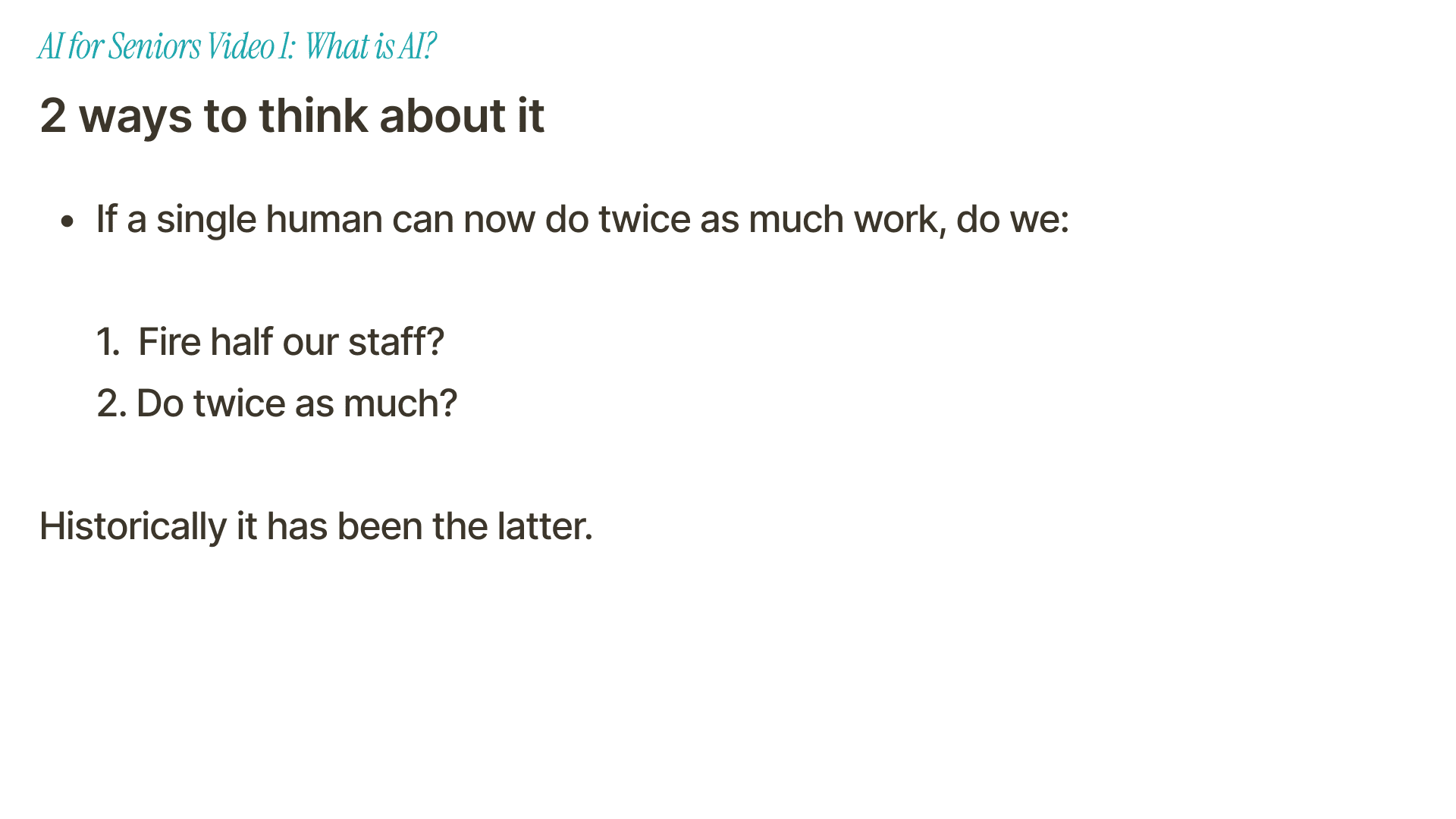
AI is already changing work. It can write, research, analyze data, create images, write code, and transcribe speech. Some jobs will change. Some tasks will disappear. New tasks will also appear.
But this has happened before with other tools.
When computers became common, office work changed. When spreadsheets arrived, accounting changed. When email arrived, communication changed.
People did not stop working. The work changed.
AI may be different in some ways, and no one knows exactly what will happen. But for most people, the most practical answer is this: learn enough AI to use it when it helps you.
You do not need to become a technical expert. You just need to be comfortable asking it for help.
How to Use AI Safely
AI is useful, but you should use it carefully.
Here are a few simple rules.
For a broader overview made for older adults, Senior Planet from AARP also has an AI resource hub with guides and videos.
Do not share private information
Do not put passwords, bank details, private medical records, or sensitive family information into an AI tool unless you fully trust the service and understand its privacy policy.
Check important answers
If the answer matters, verify it. Use official websites, trusted organizations, or a real professional.
Ask for simple language
If the answer is too complicated, say:
"Explain that again in simpler words."
You can also say:
"Explain it like you are talking to someone who is new to computers."
Ask follow-up questions
You do not need to get the perfect question right away. If the answer is not useful, ask again.
Try:
"Make it shorter."
"Give me an example."
"What does that word mean?"
"Can you make this sound friendlier?"
"Can you list the steps?"
Try These First AI Prompts
If you are new to AI, start here.
"Explain artificial intelligence in simple words."
"Write a short email to my friend thanking them for dinner."
"Give me five easy lunch ideas with eggs."
"Help me make a packing list for a weekend trip."
"Explain this paragraph in plain English: [paste text]."
"Give me three polite ways to say no to an invitation."
"Make this message shorter and clearer: [paste message]."
These are safe, simple tasks. They help you learn how AI responds without risking anything important.
So, What Is AI Really?
AI is not magic. It is not a person. It is not always right.
But it is a powerful tool.
For seniors, the best way to think about AI is as a helpful assistant. It can explain things, write drafts, suggest ideas, and save time. You stay in charge.
Start small. Ask it one question. Try one email. Let it explain one confusing paragraph.
That is enough for the first step.
FAQ
What does AI mean for seniors?
AI for seniors means using artificial intelligence tools to make daily tasks easier. It can help with writing, learning, reminders, planning, research, and understanding confusing information.
Is AI hard to use?
No. The easiest AI tools work like a chat. You type or speak a question, and the AI answers. You can ask follow-up questions if the first answer is not helpful.
Can AI make mistakes?
Yes. AI can give wrong or incomplete answers. Always check important information, especially for health, legal, financial, or safety topics.
What is the easiest AI tool to start with?
A chatbot like ChatGPT or Claude is a simple place to start. You can ask questions in normal language and practice with low-risk tasks like emails, recipes, and explanations.
Can AI help if typing is difficult?
Yes. Speech-to-text tools like Voicy can turn your voice into written text. This can help with emails, notes, documents, and messages if typing is slow, painful, or tiring.
Should I trust AI with private information?
Be careful. Do not share passwords, bank details, or sensitive personal information unless you trust the tool and understand how it handles your data.


