




If typing feels slow, annoying, or painful, the best dictation software can give you a real shortcut. The trick is picking a tool that works where you already write, does not mangle your words, and does not make editing feel like a second job.
In this guide, we compare the best dictation software for people who hate typing, including Voicy, Wispr Flow, Dragon, Google Docs Voice Typing, and Apple Dictation. We focus on one question: which one helps you get words on the page with the least friction?
If you use a Windows laptop or desktop, start with our guide to dictation software for Windows to compare the best options for writing across apps.
Summary of the article
Voicy: Best for people who want clean dictation across Mac, Windows, and the browser, plus AI cleanup tools and a free trial.
Dragon: Best for heavy professional dictation, but expensive and more work to set up.
Google Docs Voice Typing: Best free pick if you mostly live inside Google Docs.
Apple Dictation: Best basic built in option for Apple users who just need quick voice input.
Wispr Flow: Best if you want polished text and mobile support, especially on iPhone.
If you want the short answer, most people who hate typing need something fast, flexible, and easy to trigger anywhere. That is why Voicy and Wispr Flow feel like the best modern fits, while Dragon still makes sense for specialists who need deeper control.
Why people who hate typing need a different kind of dictation tool
If you hate typing, you probably do not want to spend your day fixing clunky transcripts either. That rules out a lot of speech tools right away.
The best dictation software for this kind of user needs to do three things well. First, it has to be fast enough that speaking feels easier than typing. Second, it has to work in the apps you already use. Third, it has to leave you with text that is close to finished.
That matters whether you are writing emails, sending Slack replies, drafting in ChatGPT, working in Claude, or taking notes in Notion.
How we picked the best dictation software
We looked at the same things that show up again and again in top ranking comparison pages. Accuracy mattered. So did speed, app coverage, voice commands, cleanup features, price, and how much effort each tool asks from you.
We also cared about a softer point that many roundups miss. Does the tool actually make typing feel optional, or does it just move the pain somewhere else?
1. Voicy, best overall for people who want to stop typing almost everywhere
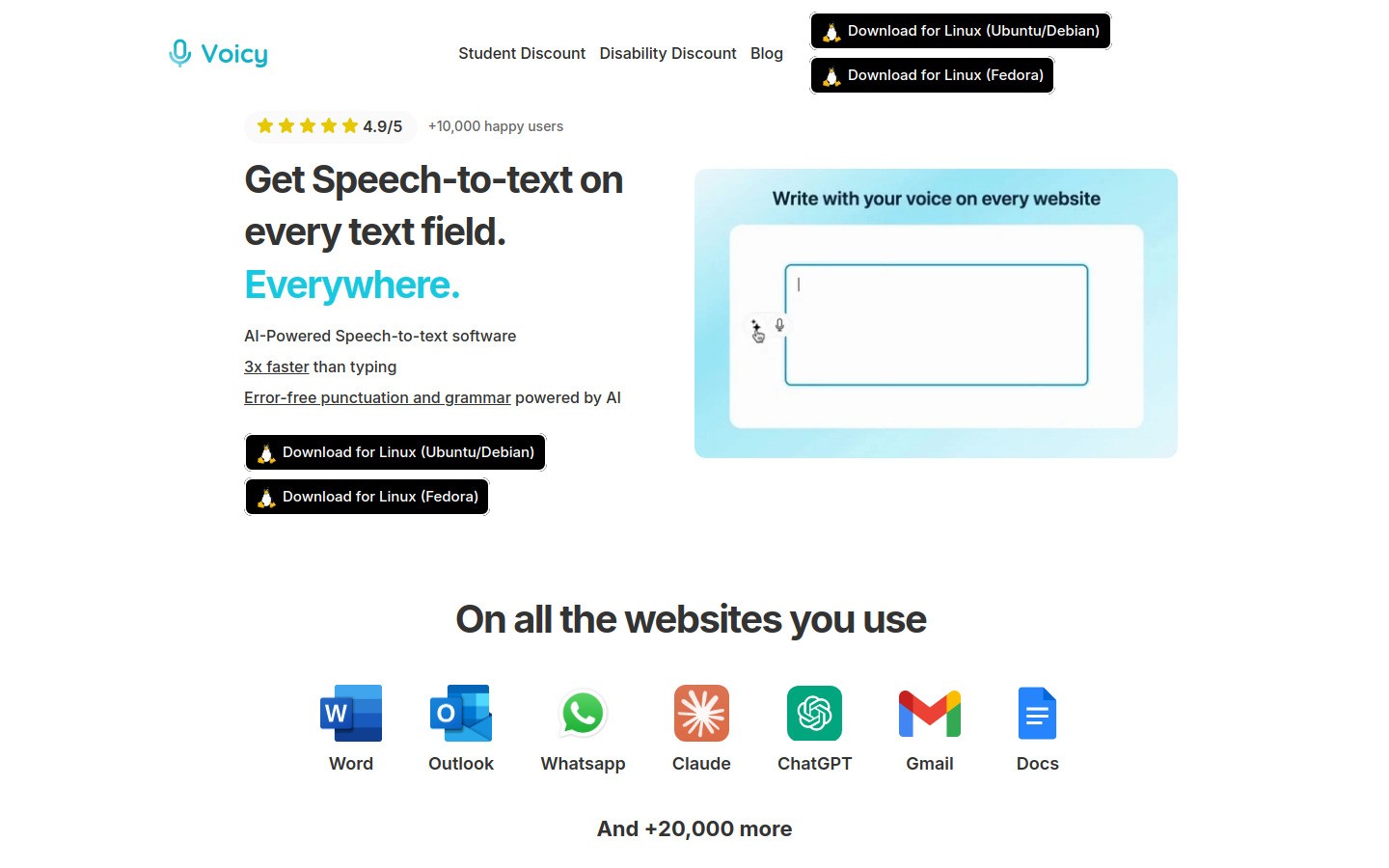
Voicy is the best fit for most people who hate typing because it is built around everyday writing, not just formal dictation. You can use it on Mac, Windows, and through a browser extension, then speak into the apps you already touch all day.
That matters more than it sounds. A dictation tool can be very accurate, but if it only works in one place, you still end up reaching for your keyboard. Voicy is stronger when your day jumps between Gmail, docs, prompts, chat apps, and notes.
What stands out
Works on Mac, Windows, and browser extension
Free trial available
Cloud based transcription with AI cleanup tools
Good fit for drafting, rewriting, and quick replies
Useful feeder workflows for Google Docs, ChatGPT, and Notion
Pros
Feels close to system wide writing, not just one app dictation
Good for messy first drafts that need cleanup fast
Price is much easier to stomach than Dragon
Cons
Not fully free, you get a free trial first
Cloud processing will not suit people who only want local transcription
Pricing
$8.49/month, $82/year, or $260 lifetime.
Best for
People who want to replace a lot of daily typing, not just dictate once in a while.
2. Wispr Flow, best for polished dictation and phone plus desktop use
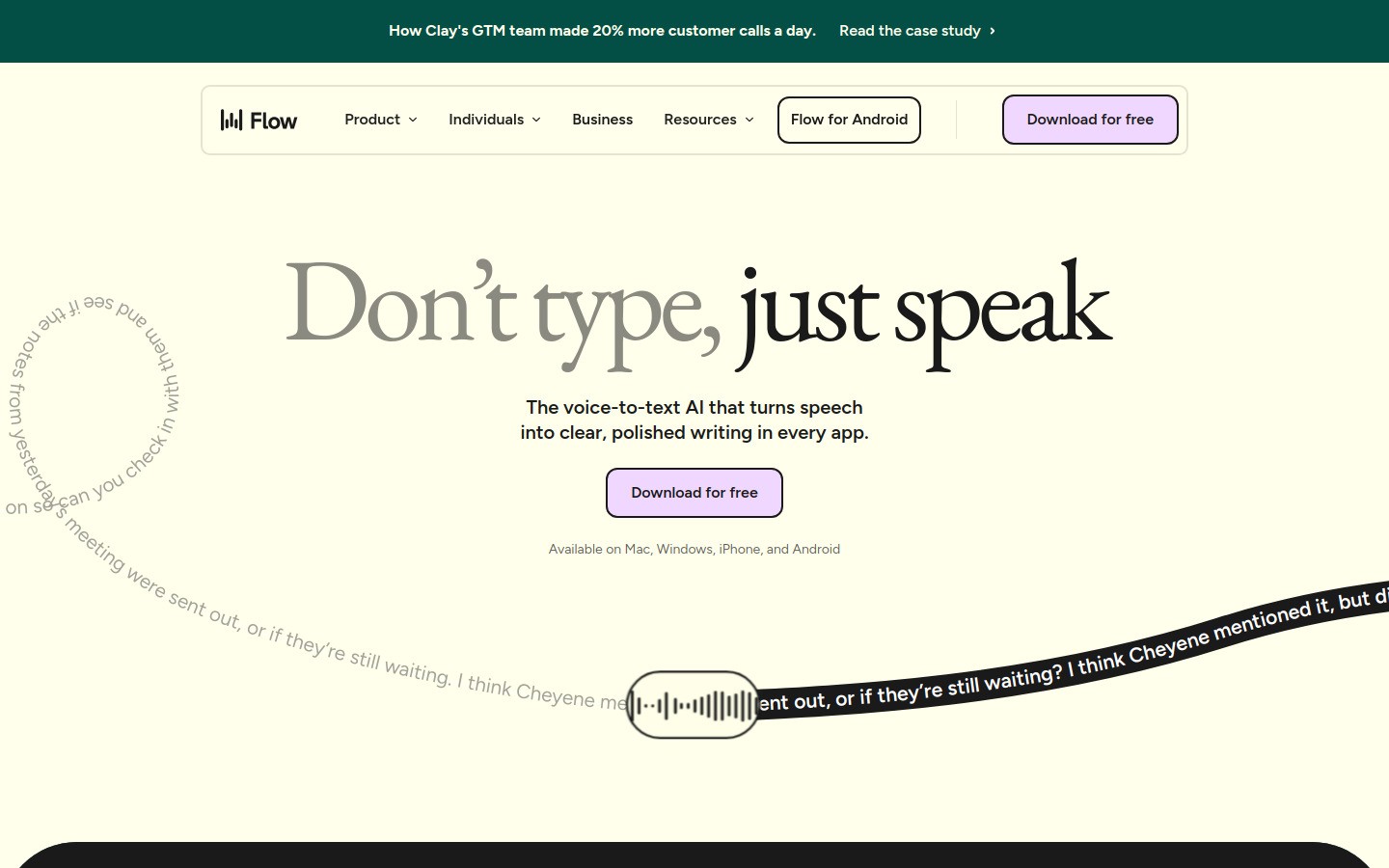
Wispr Flow is one of the strongest modern options if your main complaint is that raw dictation looks rough. Its pitch is simple: speak naturally, then let the tool turn that into cleaner writing.
It also has wider device coverage than many desktop first tools, with support for Mac, Windows, iPhone, and Android. If you hate typing on both your laptop and phone, that is a real plus.
Pros
Strong auto edits and personal dictionary features
Works across desktop and mobile
Good fit for fast messages and follow ups
Cons
Less appealing if you want a simple one time purchase
Some buyers may prefer more transparent long term pricing
Best for
People who want dictation that feels polished right away, especially across desktop and mobile.
3. Dragon, best for power users who dictate for a living
Dragon still deserves a spot because it has years of trust behind it and deep features for professionals. If you dictate for hours a day, especially in a field with special vocabulary, Dragon can still make sense.
But it is not the easiest recommendation for someone who simply hates typing. It costs more, takes more setup, and can feel heavier than newer tools.
Pros
Deep customization and professional reputation
Good option for specialized workflows
Strong voice command history
Cons
Expensive compared with newer tools
More setup and training than casual users want
Can feel like overkill for normal email and note writing
Best for
Lawyers, clinicians, and heavy dictation users who need high control and can justify the cost.
4. Google Docs Voice Typing, best free option inside Google Docs
Google Docs Voice Typing is still the easiest free place to start. If most of your writing happens in Docs, it gives you a low friction test run with no extra app to learn.
The problem is scope. It is handy in Google Docs, but it is not your everywhere dictation answer. If you hate typing in email, prompts, and project tools too, you will hit that wall fast.
Pros
Free
Very easy to try
Fine for basic drafting in Docs
Cons
Mostly limited to Google Docs workflow
Not the best choice for broader system wide use
Less useful if you need polished text across many apps
Best for
Students, freelancers, and anyone who writes mostly in Google Docs.
5. Apple Dictation, best built in pick for Apple users
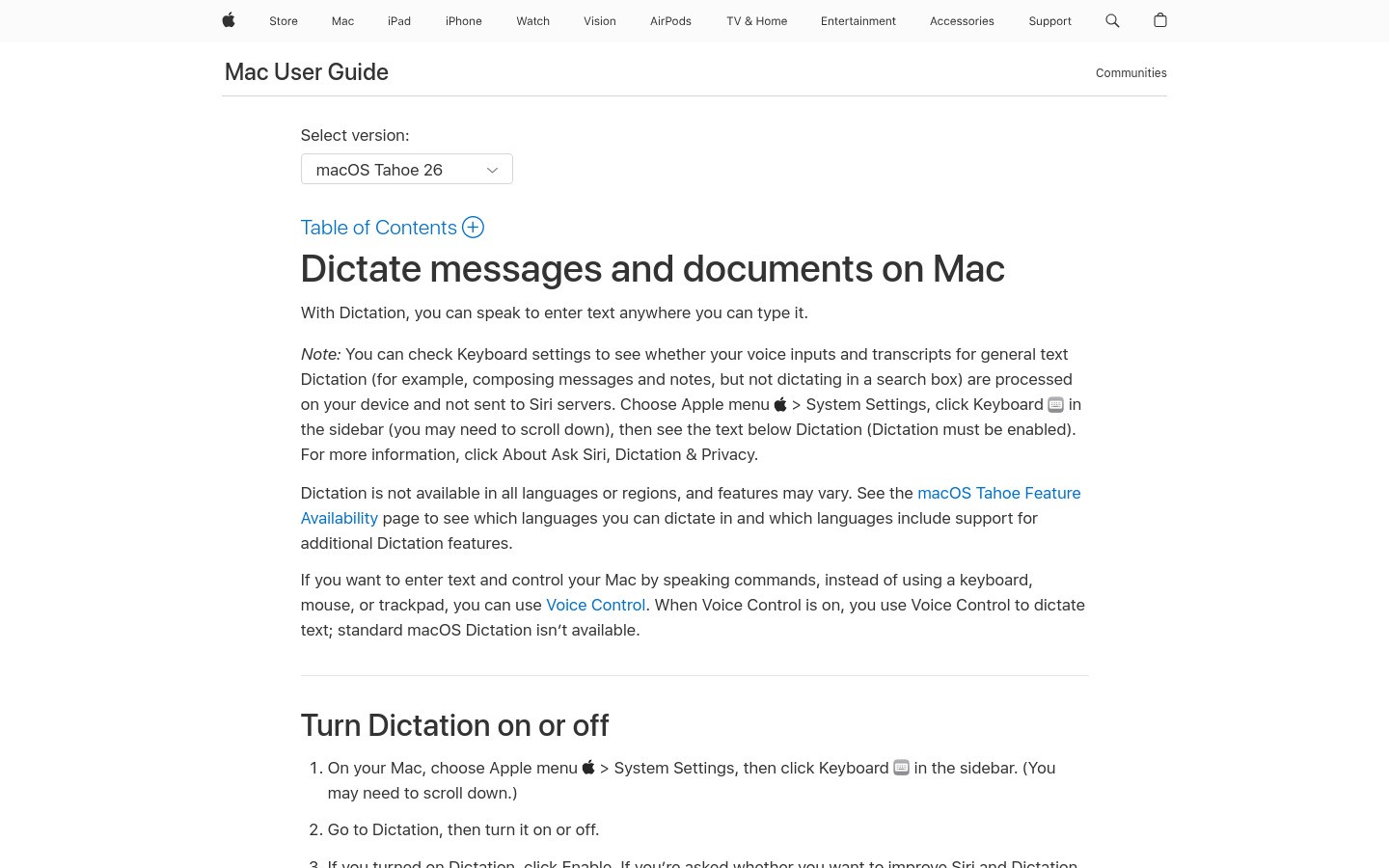
Apple Dictation is the easiest no download option if you already use a Mac, iPhone, or iPad. It is right there, and that convenience matters.
Still, built in does not always mean best. It works well for quick notes or short messages, but it is usually not the tool people stick with once they want cleaner transcripts, broader app workflows, or more advanced editing help.
Pros
Already built into Apple devices
No extra cost if you own the hardware
Good for short, basic dictation
Cons
Limited if you want a more complete writing workflow
Not ideal for people switching between Apple and Windows
Less tailored for long form daily dictation work
Best for
Apple users who want something simple and already on their device.
Quick comparison table
Tool | Best for | Main strength | Main drawback |
|---|---|---|---|
Replacing daily typing across apps | Flexible workflow plus AI cleanup | Not fully free | |
Polished dictation on desktop and mobile | Auto edits and synced experience | Pricing clarity matters more here | |
Professional power use | Deep control | High cost and setup time | |
Free drafting in Docs | Easy to start | Limited beyond Docs | |
Quick built in voice input | Convenience | Basic compared with newer tools |
What to choose if you really hate typing
If your goal is to stop typing as much as possible, start by asking where your frustration shows up. Is it long emails, document drafting, prompt writing, note taking, or quick messages?
If the answer is everywhere, Voicy is the strongest overall pick because it fits more real world writing situations and links naturally into workflows like Google Docs, ChatGPT, and Claude. If your bigger need is polished voice writing across phone and desktop, Wispr Flow is the closest rival.
If you only need free, basic dictation in one place, start with Google Docs Voice Typing or Apple Dictation. If you dictate for a living and want a heavier professional setup, Dragon is still in the conversation.
Final verdict
The best dictation software for people who hate typing is the one that removes friction, not the one with the longest feature list. For most people, that means fast setup, broad app support, and text that does not need a cleanup marathon.
That is why Voicy comes out on top here. It gives you a practical way to type less across the tools you already use, and it does it at a price that feels realistic for normal work.
If you want to test what that feels like in your own workflow, start with the Voicy free trial and try it in the places where typing annoys you most.


