




7 Best Dictation Software Tools for Real Estate Agents (2026)
Summary of the article
Voicy, best for real estate agents who need fast dictation across CRMs, email, docs, and browser tools.
Dragon, best for agents who want deep dictation controls and do a lot of long-form desktop work.
Google Docs Voice Typing, best free option if you already write listings in Docs.
Microsoft Word Dictate, good fit for agents living inside Microsoft 365.
Otter.ai, best for turning meetings and interviews into notes, less ideal for live writing in every app.
Apple Dictation, useful for quick free dictation on Mac, iPhone, and iPad.
Wispr Flow, strong for polished AI dictation, but real estate teams should test how it fits their daily app stack.
For most agents, the best dictation software is the one that works where you already write: your CRM, Gmail, Google Docs, MLS notes, and follow-up messages. That is why cross-app support matters more than a long feature checklist.
Real estate moves fast. You finish a showing, walk to the car, and already need to send a recap, update the lead record, and draft a listing note before the next call.
That is exactly where dictation software helps. The best tools let you speak naturally, clean up punctuation, and drop text into the apps you already use, without forcing you into a clunky workflow.
In this guide, I focused on tools that make sense for real estate agents in 2026. I looked at speed, accuracy, mobile usefulness, and whether each option actually fits listing descriptions, client follow-ups, and CRM updates.
What real estate agents should look for in dictation software
The best dictation software for real estate agents needs to do four things well.
Work across apps. You may write in Gmail, Google Docs, Notion, a CRM, and AI tools on the same day.
Handle names and addresses well. Street names, neighborhood names, and client names are where weak tools fall apart.
Be quick enough for field work. If the lag is annoying, you will stop using it.
Help with short follow-ups and longer copy. Agents need both fast text messages and polished listing descriptions.
If you mostly write listing copy in Docs, also see speech to text in Google Docs. If your team keeps notes in Notion, this Notion speech to text guide is another good fit.
How I chose these tools
I started with current SERPs for best dictation software and checked the tools that keep showing up across comparison posts. Then I narrowed the list to options that make sense for real estate work, not just generic office use.
I gave extra weight to tools that support browser-based workflows, fast note capture, and cross-platform use. Real estate agents do not need a lab test winner. They need something they will actually keep using between appointments.
Best dictation software for real estate agents
1. Voicy
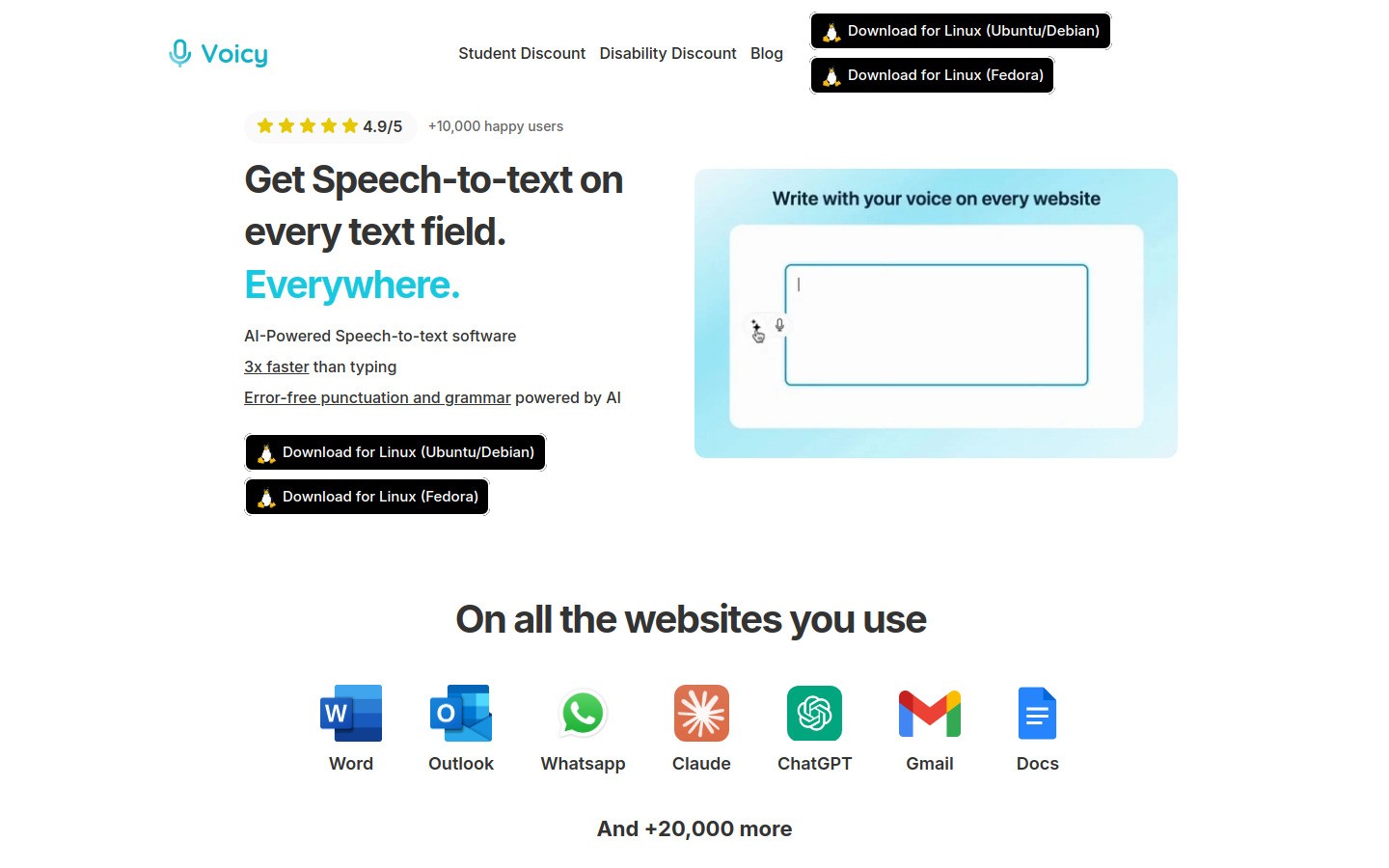
Best for: agents who want one dictation workflow across browser tools, business apps, and daily follow-up work.
Voicy is the strongest fit for most real estate agents because it covers the messy middle of the job. You can use it for listing descriptions, email replies, CRM notes, and quick drafts without bouncing between separate transcription tools.
That matters more than people think. An agent might draft a property summary in Google Docs, polish a pitch in ChatGPT, then drop the final version into a CRM. Voicy fits that kind of workflow well because it works on Mac, Windows, and as a browser extension.
Works across many text fields and web tools
Good fit for listing write-ups and fast follow-ups
Free trial available
Pricing: $8.49/month, $82/year, or $260 lifetime
Downside: it is not fully free, and because transcription is cloud-based, privacy-sensitive teams should review their internal policies before wider rollout.
If your workflow overlaps with AI drafting, this page on speech to text in ChatGPT is especially relevant. For a broader tool roundup, Voicy also has a guide to the best voice typing apps.
2. Dragon
Best for: agents who spend hours dictating on desktop and want advanced commands.
Dragon has been around forever, and there is a reason it still shows up in every serious dictation list. It is powerful, customizable, and well suited to people who dictate long stretches of text.
For real estate, that can mean listing descriptions, market updates, training docs, and longer email drafts. If you like learning commands and tuning a system, Dragon still deserves a close look.
Strong reputation for long-form dictation
Useful command and formatting controls
Better fit for desk-based work than quick mobile follow-ups
Downside: it is usually overkill for agents who mainly want quick notes and short messages. It also has a heavier setup feel than newer tools.
3. Google Docs Voice Typing
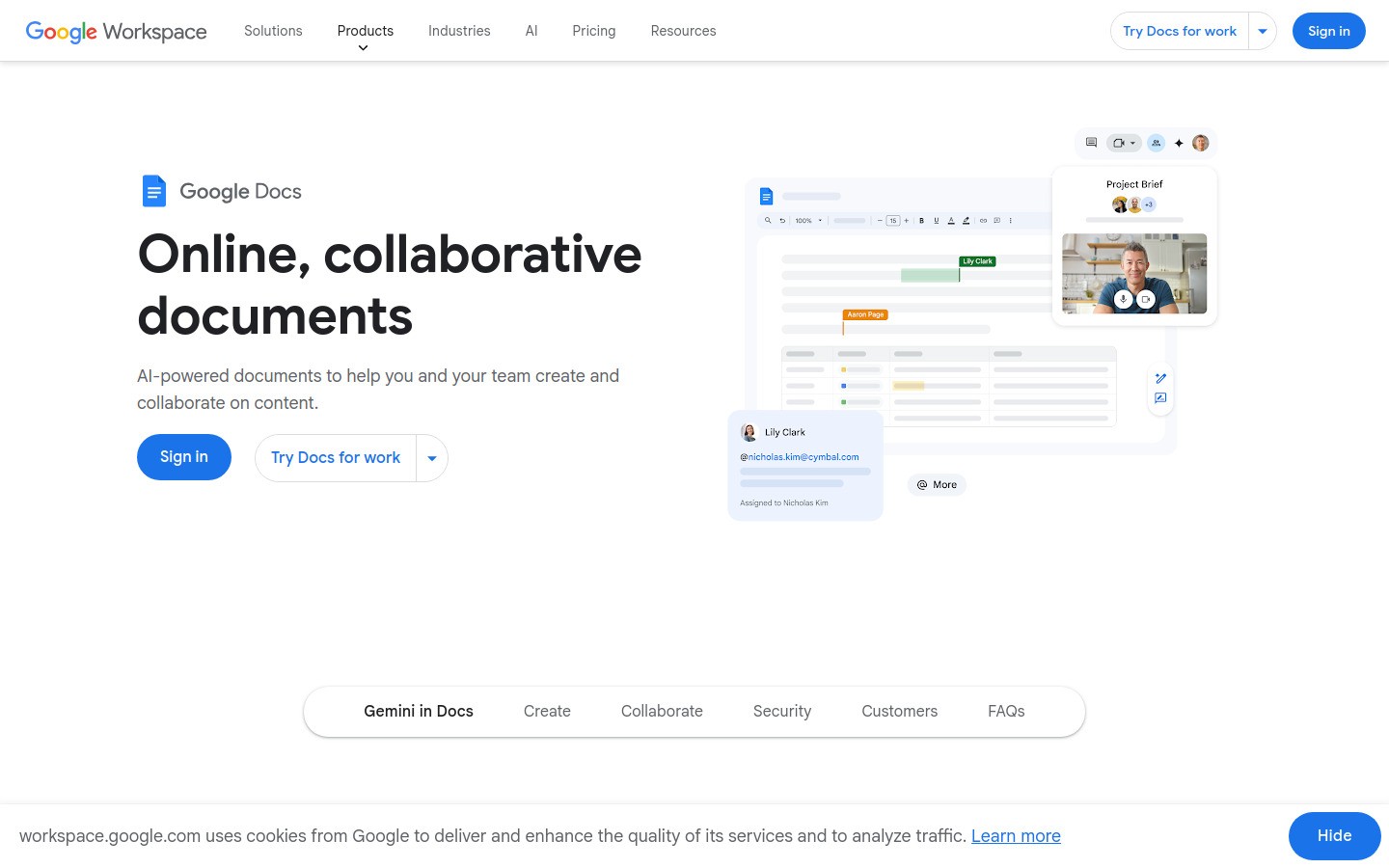
Best for: free listing drafts and rough first passes in Google Docs.
Google Docs Voice Typing is simple, free, and good enough for many agents who already live in Docs. If you write listing copy there first, it is an easy place to start.
It is especially handy for rough drafting. You can talk through home features, neighborhood highlights, and open house notes much faster than typing from scratch.
Free
Easy to use in Google Docs
Good for first drafts
Downside: it is mostly a one-app solution. Once you need the same experience in your CRM, inbox, or other text fields, you hit the wall pretty fast.
4. Microsoft Word Dictate
Best for: broker teams and agents already built around Microsoft 365.
Word Dictate is a practical option if your office runs on Microsoft. It is built in, easy to access, and good for standard business writing.
If your day includes proposal docs, market summaries, and formal client communication in Word, this is a low-friction choice. You do not need to buy a separate tool just to test whether dictation fits your routine.
Included with many Microsoft 365 workflows
Good for document-heavy office work
Solid option for teams already paying for Word
Downside: it is less compelling if your actual work happens mostly in browser apps, messaging tools, and real estate software outside Word.
5. Otter.ai
Best for: meeting notes, interviews, and spoken recap capture.
Otter is better known for meeting transcription than true everywhere-dictation. That means it shines when you want to capture conversations, team calls, or recorded notes after a showing.
For agents who do a lot of buyer consults, team huddles, or vendor calls, that can still be useful. Otter helps turn spoken information into something searchable later.
Strong for meeting capture
Useful for interview-style notes
Searchable transcripts help with recall
Downside: it is not the cleanest option for typing directly into every field where an agent works. Think notes first, live writing second.
6. Apple Dictation
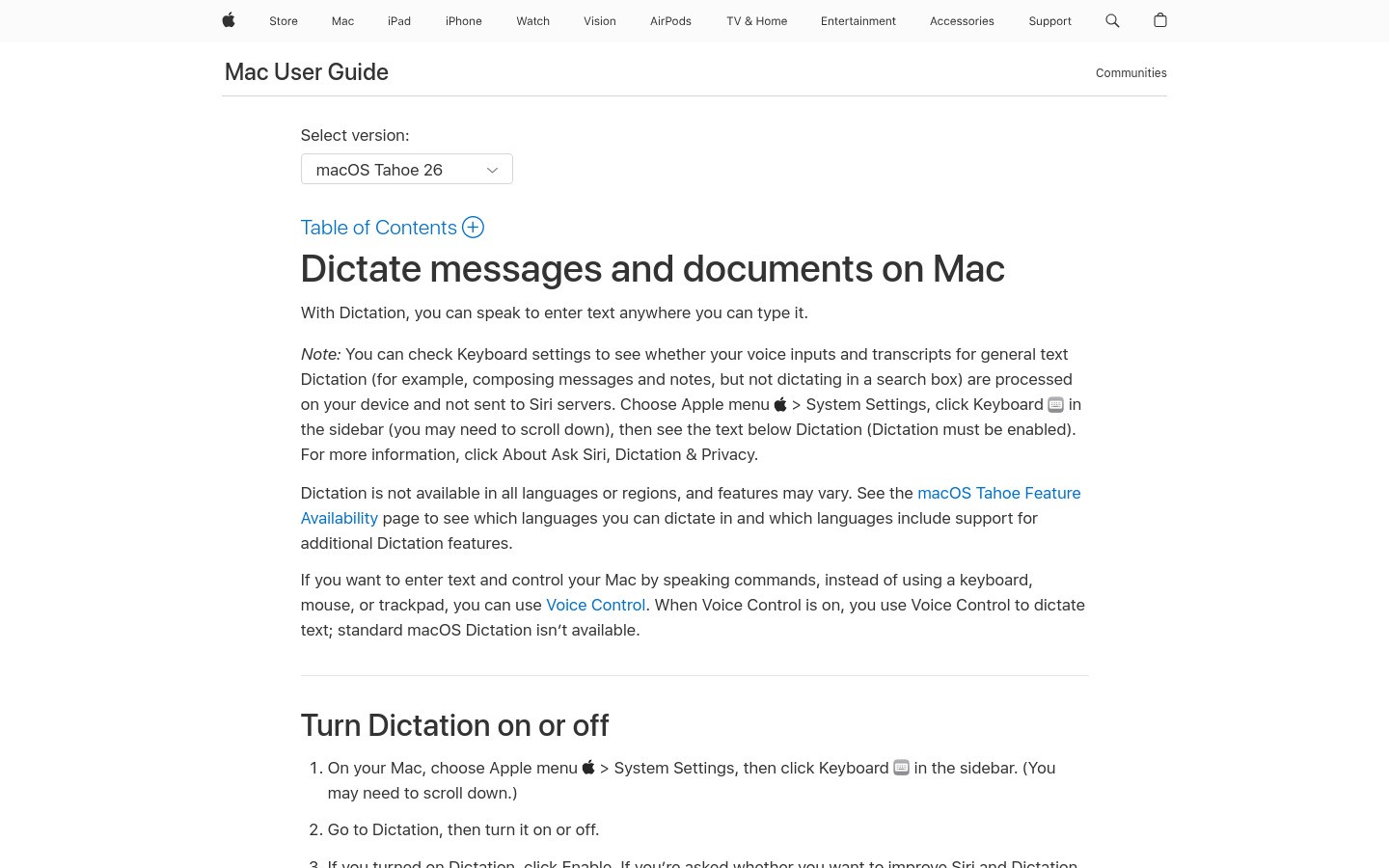
Best for: solo agents on Apple devices who want a free built-in option.
Apple Dictation is fine for quick use. If you are on a Mac or iPhone and just want to speak a paragraph instead of typing it, it gets the job done.
This can be enough for occasional follow-ups, rough drafts, or personal note capture. It is also a nice zero-cost test if you are not ready to commit to a paid tool.
Built into Apple devices
Easy for quick everyday dictation
No extra software purchase needed
Downside: it is not the best choice when you want a more polished, professional workflow across many apps and platforms.
7. Wispr Flow
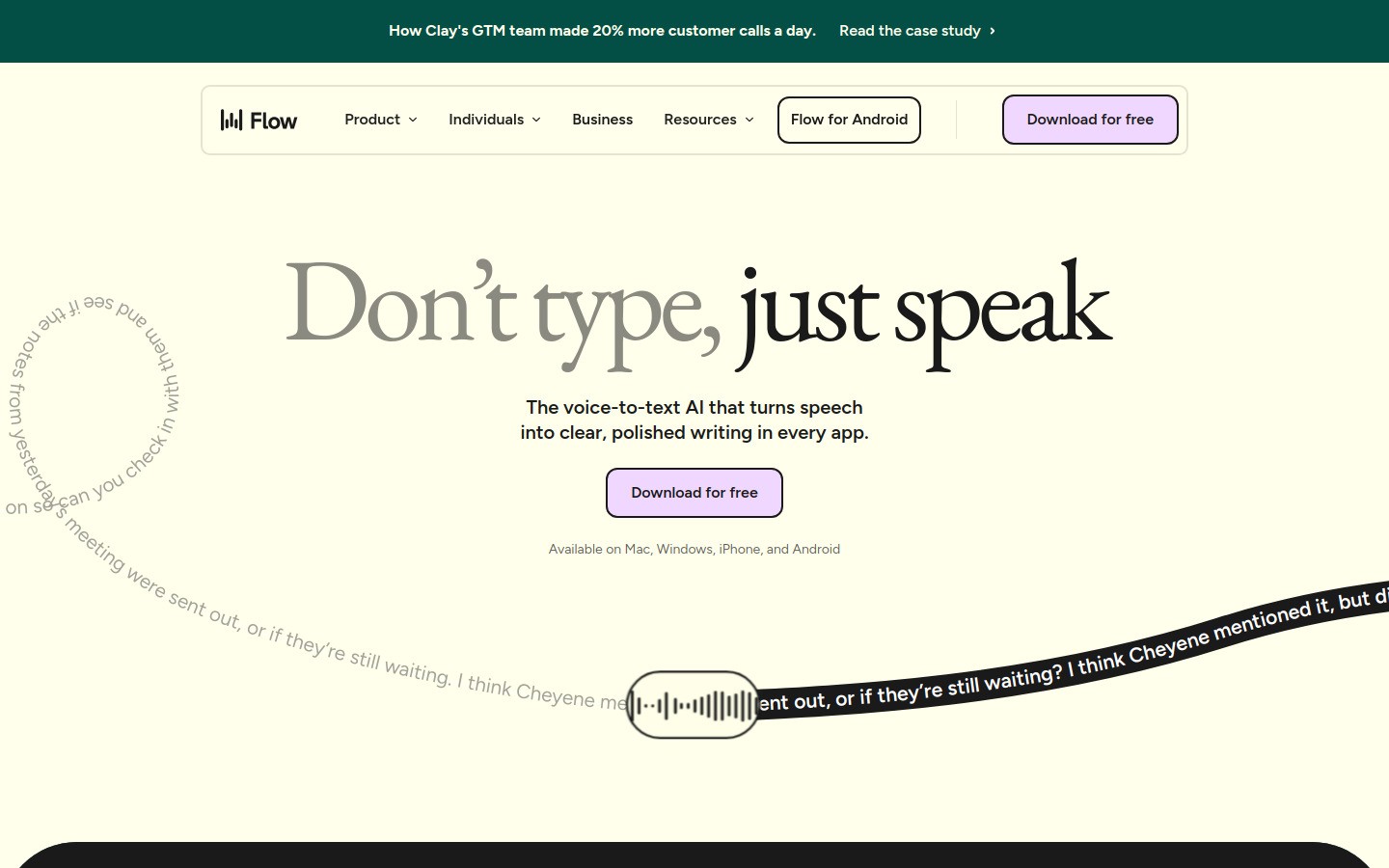
Best for: agents who want a modern AI-style dictation feel and are willing to test fit carefully.
Wispr Flow has built a strong reputation lately because it feels cleaner and more modern than old-school dictation tools. For some agents, that alone makes it worth trying.
It is a good option if you want smoother phrasing and a more AI-assisted dictation experience. In practice, though, the right choice depends on whether it behaves well in the exact apps your business depends on.
Modern user experience
Appealing for AI-first users
Worth testing for faster writing workflows
Downside: do not assume a polished demo means perfect real estate workflow support. Test it with your CRM, email, and listing process before committing.
Best use cases for real estate dictation software
If you are wondering whether this is worth changing your workflow for, here are the places where agents usually get the fastest payoff.
Listing descriptions: speak the first draft while the property is still fresh in your head.
Showing follow-ups: send recap emails and texts before the next appointment starts.
CRM notes: log objections, preferences, and next steps while walking between meetings.
Market updates: draft newsletters and social captions faster.
Internal team notes: capture handoff details without typing everything later.
A simple rule helps here. If the task starts with a blank text box, dictation is probably useful.
Which dictation software is best for real estate agents?
For most agents, Voicy is the best dictation software for real estate agents because it fits the real job, not just the idea of the job. It handles fast follow-up work, works across common apps, and gives you a smoother bridge from spoken thought to usable text.
If you want something free, start with Google Docs Voice Typing or Apple Dictation. If you want heavier command control for long desktop sessions, Dragon is still a serious option.
The biggest mistake is choosing based on brand name alone. Pick the tool that works in the apps you touch all day. Then test it during a real week of showings, follow-ups, and listing work. That is when the best dictation software actually proves itself.
If you want to try a workflow built for modern writing across apps, start with Voicy's free trial.


