




If you spend your day writing client follow-ups, proposal drafts, workshop notes, and CRM updates, the best dictation software for consultants can save you real time. Instead of typing every sentence, you can talk through the first draft, clean it up fast, and move to the next client task.
Summary of the article
Voicy: Best overall for consultants who need one tool across email, docs, browsers, and chat tools.
Dragon Professional: Best for heavy dictation and deep customization on Windows.
Wispr Flow: Best for fast AI-polished writing if you want more rewrite help.
Google Docs Voice Typing: Best free pick for consultants who already draft in Docs.
Apple Dictation: Best built-in option for Mac consultants with basic needs.
Windows Voice Access: Best built-in option for Windows consultants on a zero budget.
The short version: if you want one practical option for client work across apps, Voicy is the strongest fit. If you need the deepest command system and do long-form dictation all day, Dragon Professional is still worth a look.
Why consultants use dictation software
Consultants do a lot of writing that is urgent but not final. You need to get ideas out fast, then tighten them before they go to a client. Dictation helps with that middle layer of work.
Turning rough meeting takeaways into clean notes
Drafting follow-up emails right after client calls
Building proposal sections while the idea is still fresh
Updating CRM records without stopping to type every sentence
Reducing wrist strain during busy weeks
For many consultants, the best tool is not the one with the most features. It is the one you will actually use inside Gmail, Word, Google Docs, Notion, and browser-based tools without friction.
How I chose these tools
I focused on consultant workflows, not medical transcription or podcast transcription. The main filters were cross-app use, accuracy on business writing, ease of starting a draft, pricing, and whether the tool helps with common consultant outputs like emails, notes, and proposals.
I also checked how the current SERP frames the topic. Most ranking pages are broad roundups. That leaves room for a tighter guide built around consultants, which is the better fit for this ticket and avoids overlapping too much with Voicy's existing broad guide to dictation software.
Quick comparison table
Tool | Best for | Platform | Pricing | Main tradeoff |
|---|---|---|---|---|
Client follow-ups, proposals, daily admin | Mac, Windows, Browser Extension | $8.49/month, $82/year, $260 lifetime | Cloud-based transcription, so it is not the pick for local-only users | |
Heavy dictation on Windows | Windows | High one-time cost | Expensive and slower to learn | |
Fast drafting with AI polish | Varies by device | Subscription | Less ideal if you want a simple no-frills dictation tool | |
Free proposal drafting in Docs | Browser | Free | Works best inside Google Docs only | |
Light Mac use | Mac, iPhone, iPad | Included | Limited for advanced business workflows | |
Light Windows use | Windows | Included | Not as polished as dedicated tools |
1. Voicy, best overall dictation software for consultants
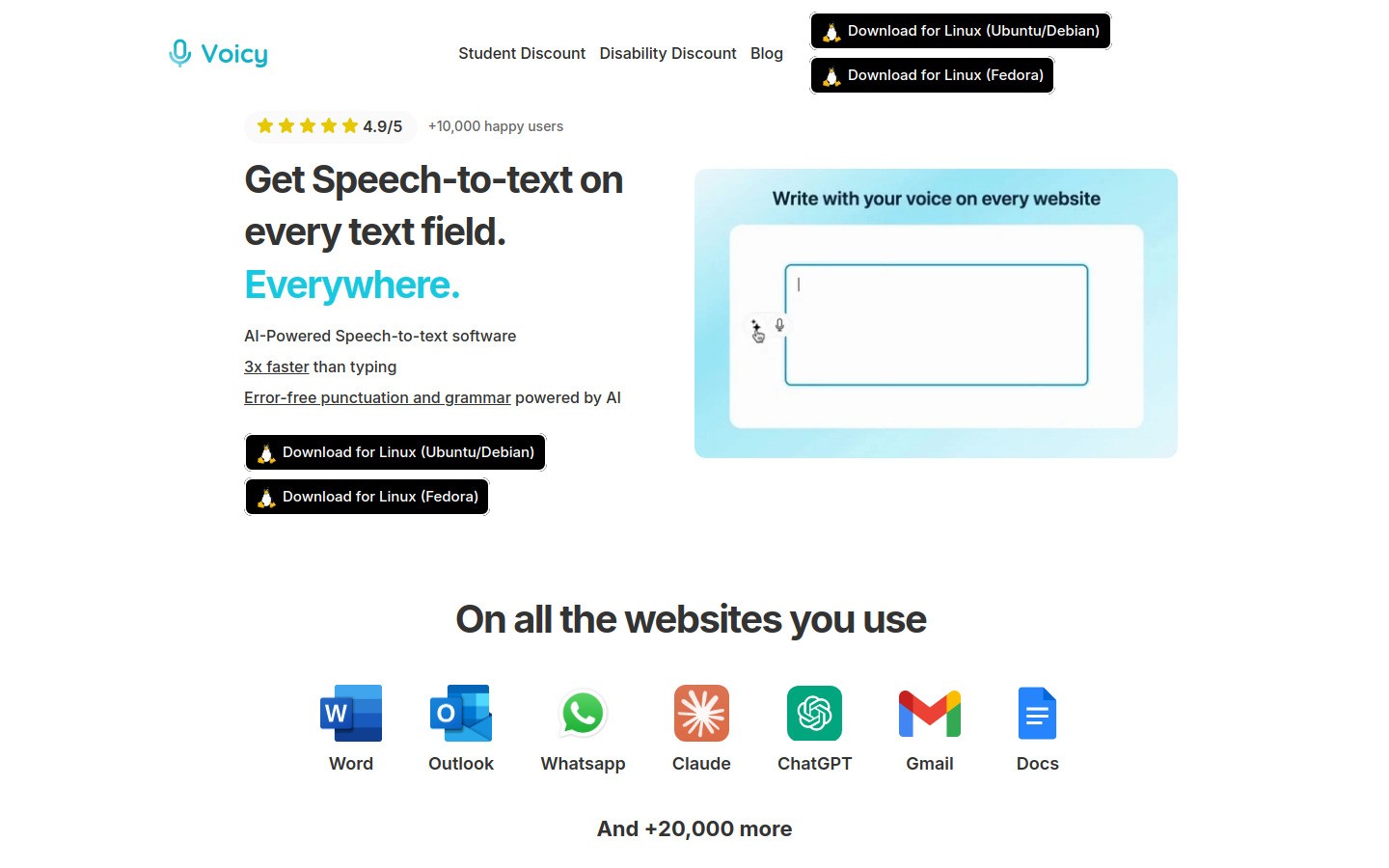
Voicy is the best fit for consultants who bounce between client emails, internal docs, browser tools, and AI chat windows all day. It is built for Mac, Windows, and a browser extension, so you are not locked into one app.
That matters more than it sounds. A consultant might draft a follow-up in Gmail, outline a deck in Google Docs, clean up a framework in Notion, and then brainstorm language in ChatGPT in the same hour. Voicy fits that kind of messy real workflow well.
Best for: consultants who want one dictation tool across their main writing stack
Pricing: $8.49/month, $82/year, or $260 lifetime
Platforms: Mac, Windows, Browser Extension
Free plan: free trial available
Why consultants like it: clean first drafts, easy cross-app use, and low enough pricing to justify for solo consultants or small firms. It is especially useful if you already work in Gmail, Microsoft Word, Google Docs, or Notion.
Tradeoff: Voicy uses cloud-based transcription, so if you only want a local-only tool, this is not that product.
If your workflow includes AI drafting too, the guide to speech to text in ChatGPT is a strong next step.
2. Dragon Professional, best for consultants who dictate for hours
Dragon Professional is still the classic pick for serious dictation. If you write long reports, long notes, or formal documents every day on Windows, it gives you more control than most modern lightweight tools.
It also has a bigger learning curve. You pay more up front, setup takes longer, and it can feel like too much if you only dictate a few emails a day.
Best for: long-form dictation and teams with a Windows-heavy setup
What stands out: custom commands, mature voice control, strong reputation in professional settings
Tradeoff: high cost and a less friendly setup for casual users
3. Wispr Flow, best for consultants who want dictation plus rewrite help
Wispr Flow leans harder into AI assistance. That can be useful for consultants who want spoken rough notes turned into something closer to a polished email or message.
This is a real benefit when you are sending ten quick client messages in a row. It is less useful if you want plain, predictable transcription with minimal rewriting.
Best for: consultants who value speed and polished output over strict control
What stands out: modern feel, fast drafting, helpful for short business writing
Tradeoff: not everyone wants the tool making style choices for them
4. Google Docs Voice Typing, best free option for proposal drafting
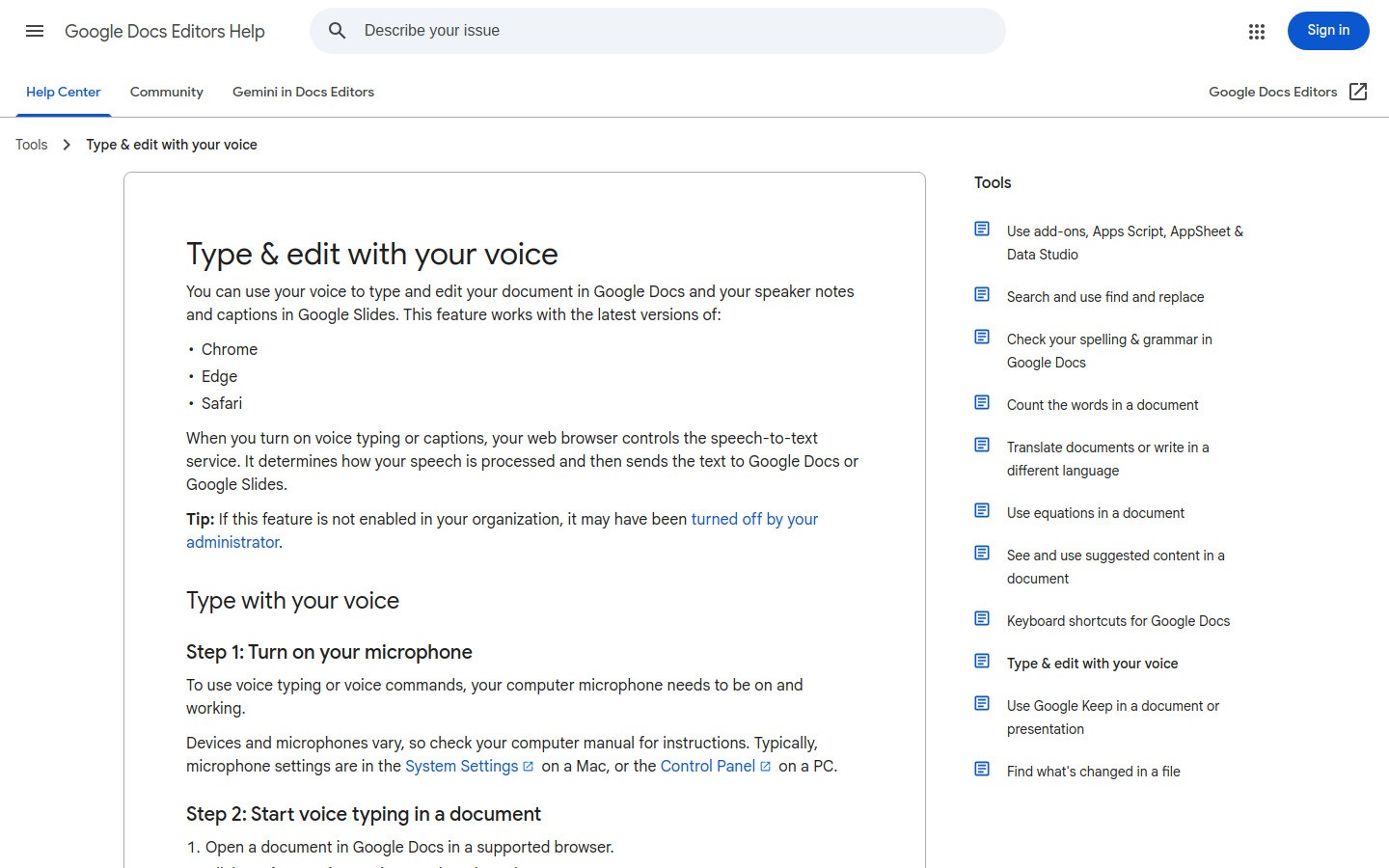
Google Docs Voice Typing is still one of the easiest free tools to recommend. If most of your client-facing writing starts in Google Docs, you can get decent value without paying for extra software.
The catch is simple. It is best inside Docs. If your work happens across browser tabs, email, CRM tools, and desktop apps, you will feel that limit fast.
Best for: solo consultants who mostly draft in Google Docs
What stands out: free, easy to test, no install if you already use Docs
Tradeoff: narrow use case compared with dedicated cross-app tools
If you like the Docs workflow but want stronger app coverage, compare it with Voicy for Google Docs.
5. Apple Dictation, best built-in tool for Mac consultants
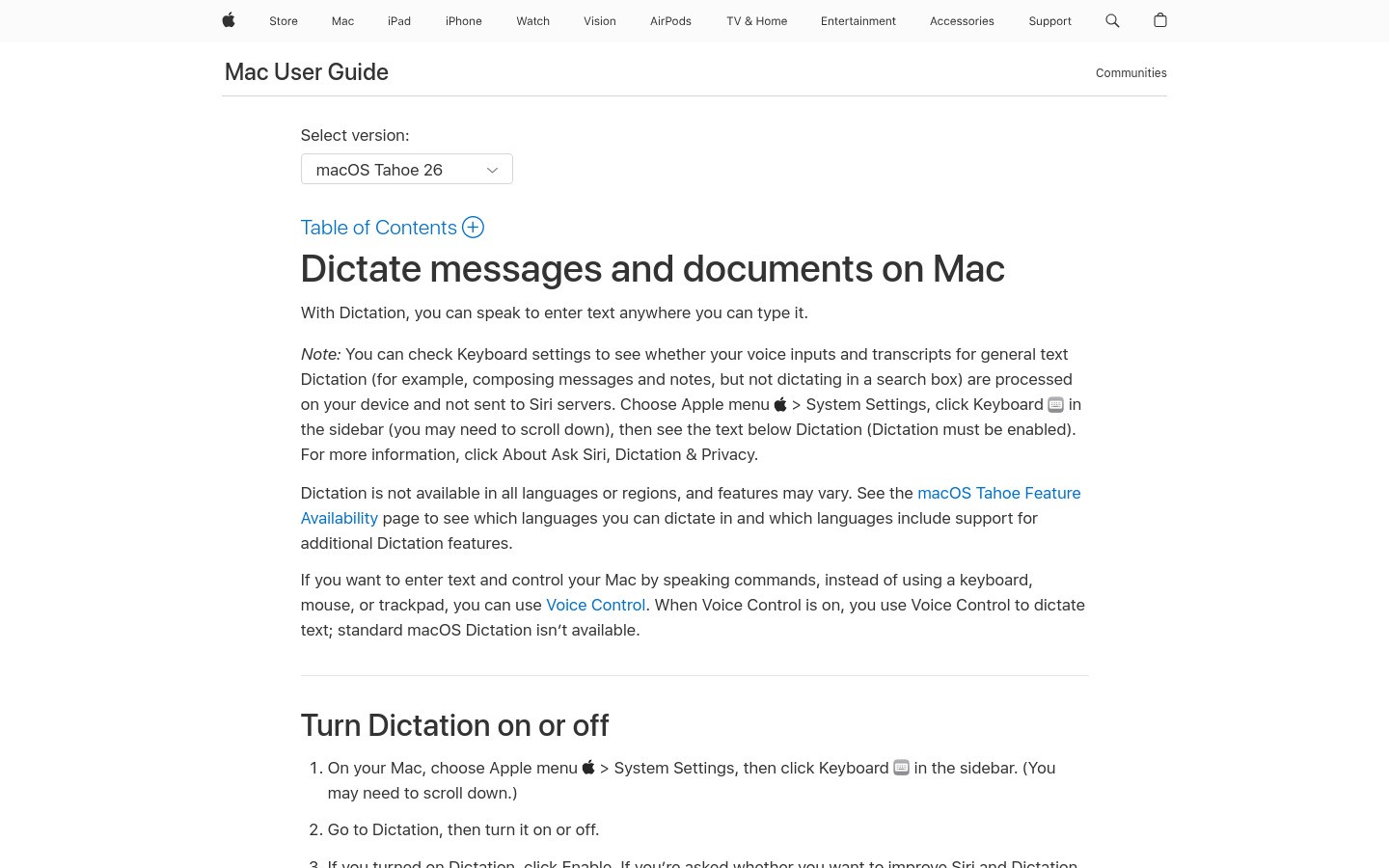
Apple Dictation is good for low-friction voice typing on a Mac. If you want to test dictation before paying for anything, it is a fair place to start.
For consultants, though, it is usually the starting line, not the finish line. Once your work includes longer proposal sections, repeated client updates, or a need for cleaner punctuation, many people outgrow it.
Best for: Mac users with simple dictation needs
What stands out: built in, fast to try, no extra budget needed
Tradeoff: limited compared with dedicated dictation tools for business writing
Mac-heavy teams should also review dictation for Mac and speech to text Mac app options.
6. Windows Voice Access, best free built-in option for Windows consultants
Windows Voice Access is the built-in Windows answer if budget is the first priority. It covers basic speech-to-text and voice control without buying a separate app.
That is the good news. The harder truth is that most consultants who use dictation daily will probably want something more refined before long, especially for fast client communication.
Best for: Windows users who want a free place to start
What stands out: no extra spend, useful accessibility baseline
Tradeoff: less polished than paid specialist tools
What consultants should look for before buying
1. Cross-app coverage
If the tool only works in one document editor, it will slow you down. Consultants usually need dictation in docs, email, browsers, and notes apps.
2. Clean punctuation
Proposal drafts and client follow-ups need to read well fast. If the output needs heavy cleanup every time, the time savings disappear.
3. Fast start
Good consultant tools are easy to trigger with a shortcut and stop just as fast. You do not want setup friction between calls.
4. Reasonable security expectations
Some consultants prefer local processing. Others are fine with cloud tools if the workflow payoff is strong. Just know which camp you are in before you commit.
Best choice by consultant use case
Best overall: Voicy
Best for long formal reports: Dragon Professional
Best for fast polished messaging: Wispr Flow
Best free tool: Google Docs Voice Typing
Best built-in for Mac: Apple Dictation
Best built-in for Windows: Windows Voice Access
FAQ
What is the best dictation software for consultants?
For most consultants, Voicy is the best all-around pick because it works across common business apps and supports the kind of daily writing consultants actually do.
Is there free dictation software that works for consultants?
Yes. Google Docs Voice Typing, Apple Dictation, and Windows Voice Access are solid starting points, but they usually have more limits than dedicated paid tools.
Do consultants need local or cloud dictation?
It depends on the client work. Some consultants want local processing only. Others are happy with cloud-based tools if the speed and convenience are better. Voicy, for example, uses cloud-based transcription, so that should be part of the buying decision.
Final verdict
If you want the best dictation software for consultants, start by mapping the tool to your actual writing stack. Most consultants do not need the most advanced voice command engine on the market. They need a tool that helps them move faster through follow-ups, notes, and proposals.
That is why Voicy is the best overall fit here. It meets the real day-to-day workflow without enterprise-level complexity or enterprise-level pricing. If you want to go deeper, compare it with the broader guide to voice typing apps or the more specific pages for Gmail, Word, and Google Docs.


