




Summary of the article
Voicy: Best overall for occupational therapists who want the easiest cross-app dictation tool for admin writing, handouts, emails, and everyday workflow docs.
Dragon Medical One: Best if your clinic already lives in the EHR and wants mature clinical dictation.
SOAPNoteAI: Best for fast SOAP note drafts across rehab and therapy workflows.
Freed: Best for solo or small clinics that want an AI scribe, not just raw dictation.
Microsoft Word Dictate: Best low-friction option for non-clinical writing, letters, and handouts.
For most occupational therapists, the right answer depends on what you are dictating. If you are creating patient notes with protected health information, start with a healthcare-specific tool. If you are writing referral letters, home program instructions, emails, or internal drafts, a flexible tool like Voicy can save a lot of time.
That split matters. A rehab documentation study in PMC found therapists often preferred dictation and free text over heavy clicking. Occupational therapists do not need more clicks. They need faster notes with less cleanup.
Why occupational therapists need different dictation software
The best dictation software for occupational therapists has to handle more than plain speech-to-text. OTs switch between evals, daily notes, home exercise plans, school updates, letters of medical necessity, and quick follow-up messages. One tool rarely does all of that well.
That is why I split this list into two buckets. First, tools built for clinical notes. Second, tools that are better for admin writing and workflow docs. If you pick the wrong type, you either overpay or end up with a transcript that still needs too much editing.
How I chose these tools
I started with live search results for the best dictation software for occupational therapists and therapist dictation tools in 2026. Then I checked product pages, pricing pages where available, and broad dictation research from Wirecutter.
I gave extra weight to things that matter in OT work: SOAP support, structured notes, EHR fit, low editing time, and whether the tool is a better match for PHI-heavy charting or general writing. I also looked for a clear downside on every option, because every tool here has one.
Quick comparison table
Tool | Best for | Main strength | Main tradeoff |
|---|---|---|---|
Cross-app voice typing | Works across Mac, Windows, and browser workflows | Cloud-based and not the first pick for PHI-heavy charting | |
EHR-first clinical dictation | Mature medical speech recognition and voice commands | Usually overkill for solo OTs and casual writing | |
Fast SOAP note drafting | Turns dictation and recordings into structured notes | Less useful for broad everyday writing outside notes | |
Small practices wanting an AI scribe | Strong draft generation with simple pricing | More scribe-style than classic direct dictation | |
Letters, handouts, and quick admin docs | Easy to use and already familiar | Not purpose-built for rehab documentation |
1. Voicy
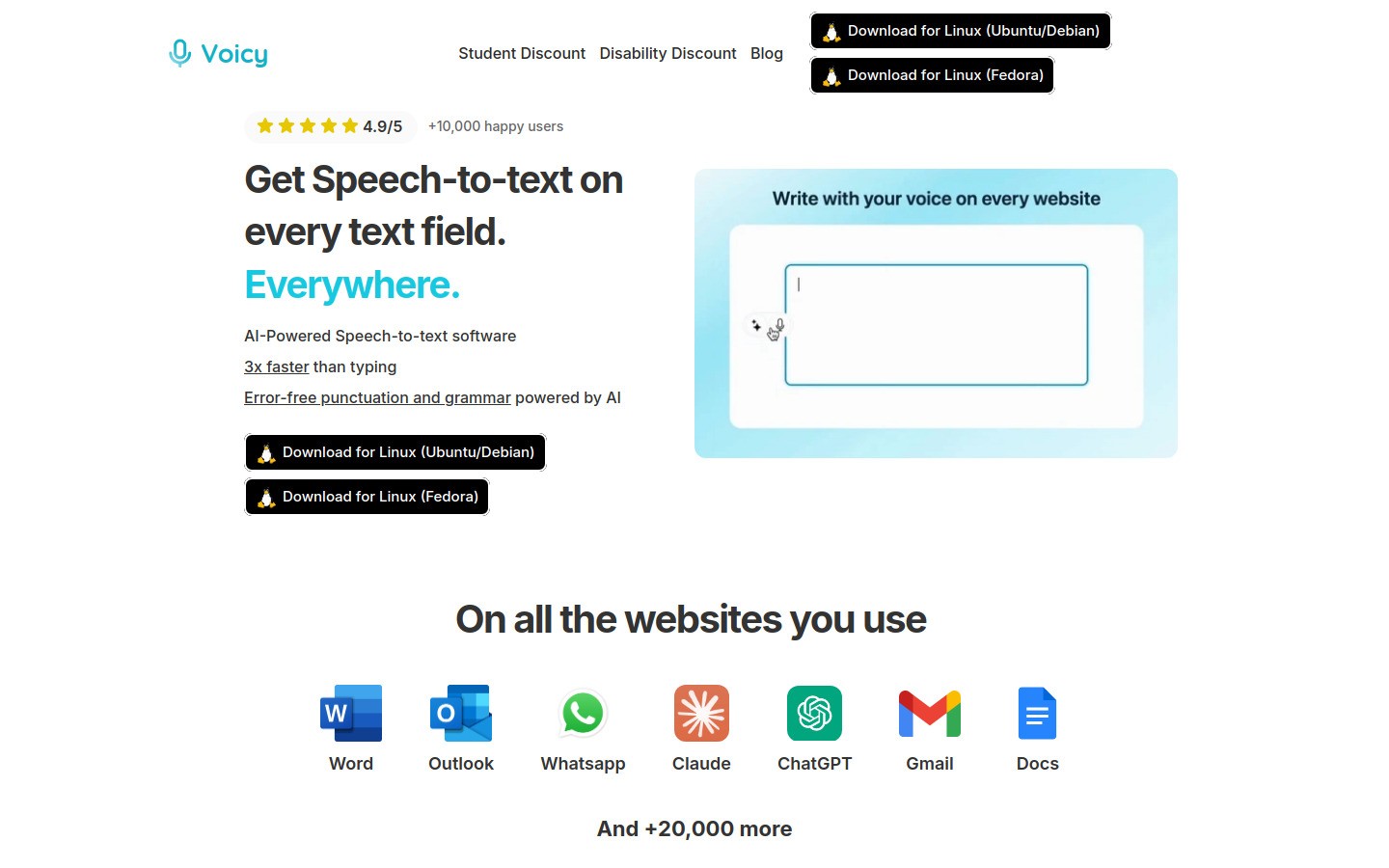
Voicy is the best fit here when your work goes beyond patient notes. It runs on Mac, Windows, and a browser extension, and it is built for dictating across lots of everyday tools. That makes it useful for school-based OTs, clinic owners, and rehab professionals who are constantly jumping between email, documents, scheduling tools, and browser apps.
This is where Voicy earns its place. You can use it for home program instructions, referral letters, internal docs, Google Docs workflows, and admin tasks that would otherwise eat your afternoon. It also connects naturally to pages like speech to text in Google Docs, Notion speech to text, and the broader voice typing app guide.
Still, I would not rank Voicy first for PHI-heavy clinical charting. Voicy is cloud-based transcription, has a free trial, and is not fully free. Pricing is $8.49/month, $82/year, or $260 lifetime. It shines when you need fast voice typing everywhere, not when you need a healthcare-specific note engine.
Best for: Cross-app dictation for admin writing and workflow docs.
What stands out: Works across Mac, Windows, and browser extension workflows, with flexible voice typing in many apps.
Downside: Not the first tool I would choose for protected clinical documentation compared with healthcare-specific options.
2. Dragon Medical One
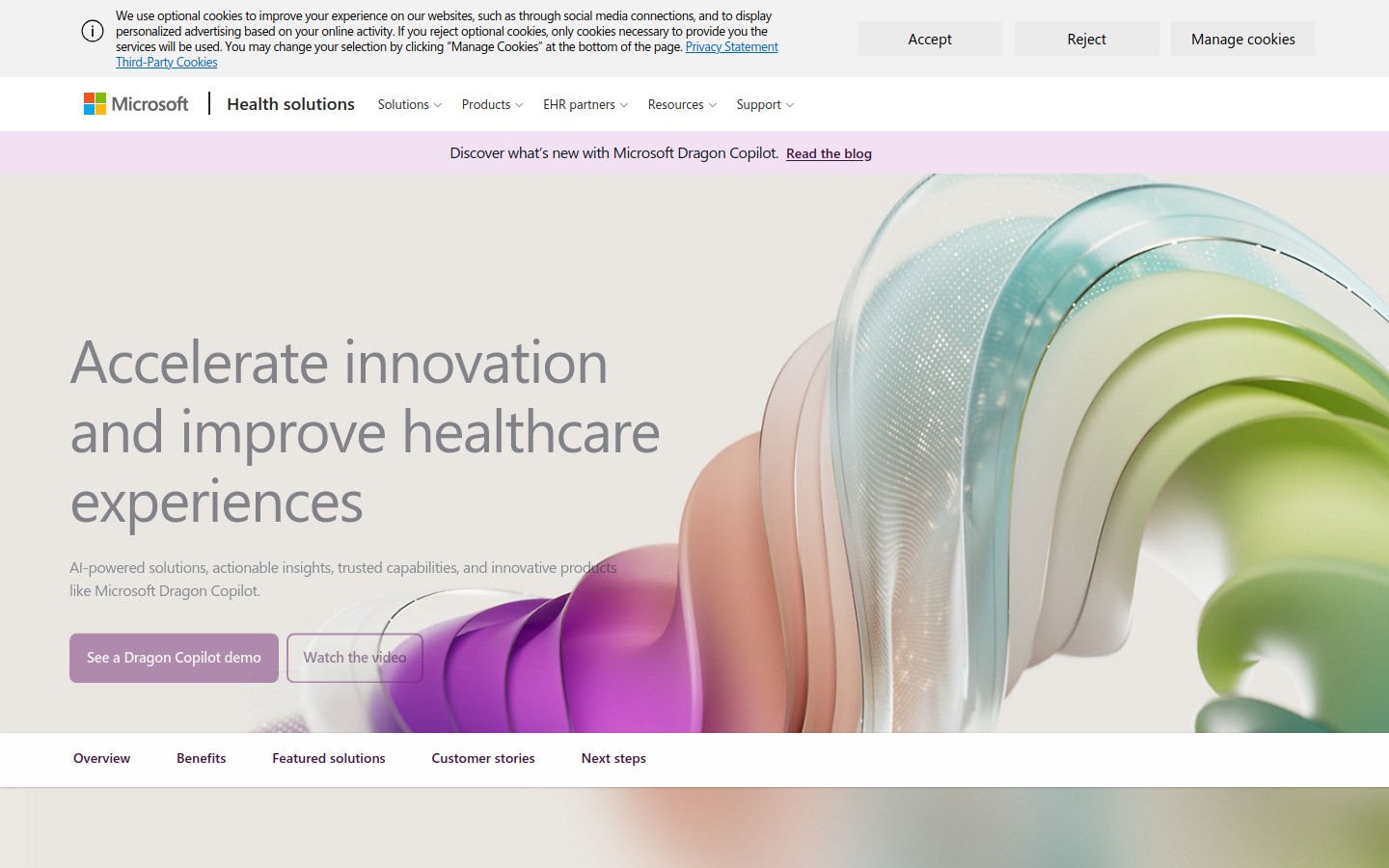
Dragon Medical One is still the safest recommendation for occupational therapists who spend most of the day inside an EHR. Microsoft positions it around advanced speech recognition, personalized documentation workflows, and voice-driven navigation. That fits OTs who want to dictate straight into clinical fields instead of bouncing between apps.
The upside is obvious. Dragon has deep medical dictation roots, strong vocabulary handling, and command support for repetitive charting tasks. If you write a lot of evals, daily notes, and justification language, that speed adds up fast.
Best for: Hospital systems, rehab clinics, and EHR-heavy workflows.
What stands out: Medical vocabulary, shortcuts, and EHR-oriented use.
Downside: It can feel expensive and heavier than necessary if you mainly want a fast note draft or basic voice typing.
3. SOAPNoteAI
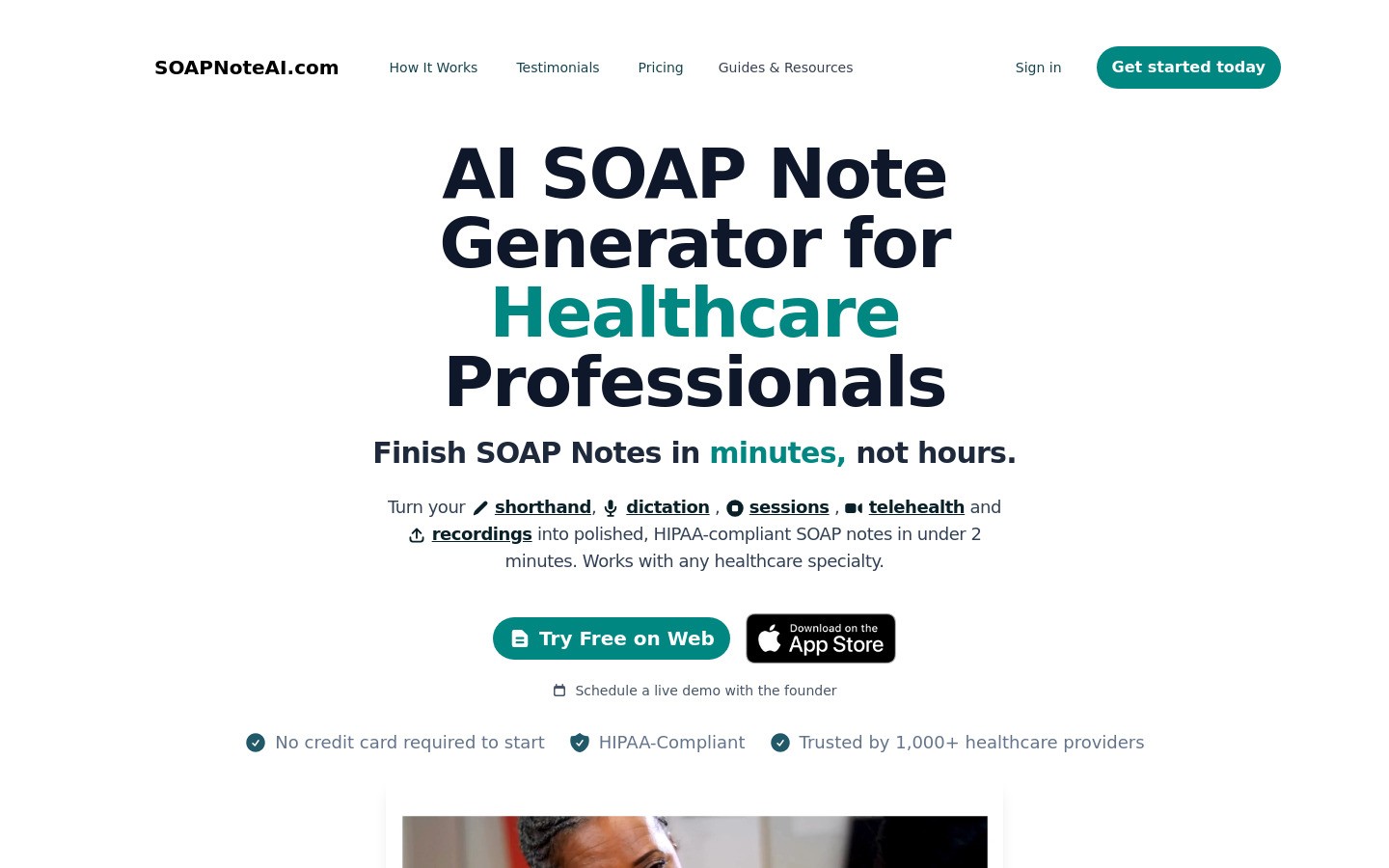
SOAPNoteAI is the most on-the-nose fit for occupational therapists who live in SOAP notes. Its homepage is clear about the job: turn shorthand, dictation, recordings, and telehealth sessions into polished SOAP notes. It also explicitly says it works with occupational therapists and other healthcare specialties.
This matters for OTs because many notes are not hard to start, they are hard to finish. A tool that pushes your dictation into a structured SOAP draft can save the last ten painful minutes of every note.
Best for: OTs who want faster SOAP notes with less manual formatting.
What stands out: Dictation, recording, upload, telehealth, and specialty coverage.
Pricing: Public yearly plan pricing starts at $200 per year for Audio Lite, based on the site at time of review.
Downside: It is purpose-built for notes, so it is not the cleanest pick for general writing outside the clinical workflow.
4. Freed
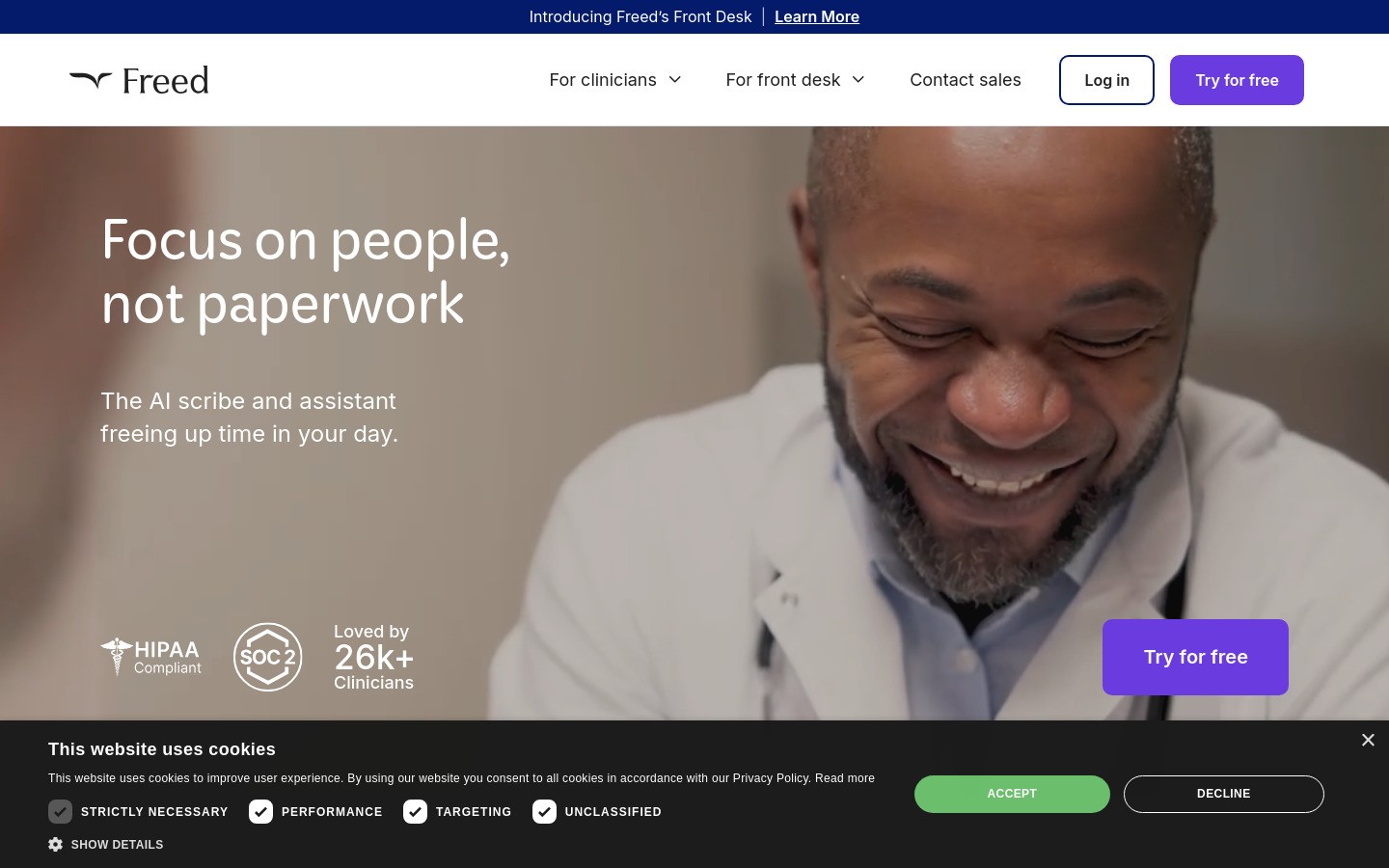
Freed is better if you want an AI scribe feel instead of pure dictation. Its pitch is simple: focus on people, not paperwork. That lands well for occupational therapists in private practice and small clinics who want a draft waiting after the visit instead of speaking punctuation commands all day.
Freed also has straightforward public pricing, starting at $39 per month and moving up to $79 per month for its core plan. Compared with older enterprise dictation tools, that lowers the barrier to trying it.
Best for: Solo OTs and small teams that want a simple AI note workflow.
What stands out: Fast draft generation, friendly pricing, and a small-clinic focus.
Downside: If you prefer classic direct dictation into your own note template, this may feel one step removed from your normal process.
5. Microsoft Word Dictate
Microsoft Word Dictate is not the smartest tool on this list, but it is one of the most practical. Many occupational therapists already use Word for parent letters, accommodation documents, basic reports, meeting notes, and patient education handouts. If that is your world, built-in dictation is often enough.
Wirecutter rated Microsoft 365 Dictate as the best dictation software for most people because of its accuracy, price, and cross-platform access. I would not use that alone to choose a clinical note system, but it is a good reminder that simple can win when the writing task is simple too.
Best for: Non-clinical writing and quick drafts.
What stands out: Low friction, familiar interface, and solid general dictation.
Downside: It does not solve OT-specific documentation structure, and it is not a rehab note workflow product.
1. Voicy
Voicy is the best fit here when your work goes beyond patient notes. It runs on Mac, Windows, and a browser extension, and it is built for dictating across lots of everyday tools. That makes it useful for school-based OTs, clinic owners, and rehab professionals who are constantly jumping between email, documents, scheduling tools, and browser apps.
This is where Voicy earns its place. You can use it for home program instructions, referral letters, internal docs, Google Docs workflows, and admin tasks that would otherwise eat your afternoon. It also connects naturally to pages like speech to text in Google Docs, Notion speech to text, and the broader voice typing app guide.
Still, I would not rank Voicy first for PHI-heavy clinical charting. Voicy is cloud-based transcription, has a free trial, and is not fully free. Pricing is $8.49/month, $82/year, or $260 lifetime. It shines when you need fast voice typing everywhere, not when you need a healthcare-specific note engine.
Best for: Cross-app dictation for admin writing and workflow docs.
What stands out: Works across Mac, Windows, and browser extension workflows, with flexible voice typing in many apps.
Downside: Not the first tool I would choose for protected clinical documentation compared with healthcare-specific options.
So which tool should most occupational therapists pick?
If your main pain is clinical documentation, start with SOAPNoteAI or Freed if you want AI-generated drafts, or Dragon Medical One if your clinic wants a mature EHR-first dictation setup. Those tools are closer to the actual OT note problem.
If your main pain is everything around the note, Voicy is the better buy. It is much cheaper, easier to start with, and more useful for the rest of your workday. A lot of OTs do both kinds of writing, so the real answer may be one clinical tool plus one broad voice typing tool.
Final take
The best dictation software for occupational therapists is not one universal winner. It depends on whether you need a clinical note engine or a fast writing tool. That is the key choice.
If you want one short recommendation, here it is. Pick a healthcare-specific tool for patient notes. Use Voicy for the mountain of non-chart writing that still fills your week. If you want a lighter place to start, try Voicy’s free trial and test it in your real workflow before you commit.
Related reading: see our guide to dictation software for medical professionals, dictation software, and speech to text in ChatGPT.


