




Best Dictation Software for Recruiters in 2026
Summary of the article
If you are a recruiter, the best dictation software depends on what you need to capture.
Voicy is the best all-around pick for recruiters who want to dictate follow-ups, scorecards, sourcing notes, and ATS updates in almost any text field.
Metaview is best for structured interview transcription and recruiter-specific interview notes.
Otter.ai is a good fit for meeting transcripts and candidate calls, but it is weaker for fast writing inside your normal tools.
Microsoft Word Dictate is the best free-ish option if your recruiting team already lives in Microsoft 365.
Google Docs Voice Typing is solid for quick notes, but only inside Google Docs.
Wispr Flow is polished and fast for desktop writing, though the price is higher.
Dragon Professional still matters for heavy dictation users who want deep control, but it is expensive and less flexible for modern recruiter workflows.
If you want one tool that helps with recruiter work across Gmail, LinkedIn notes, scorecards, Google Docs, Word, and Notion, start with Voicy.
Recruiters type all day. You write outreach, interview feedback, candidate summaries, hiring manager updates, and ATS notes. That adds up fast.
The problem is simple. Typing every small update slows you down, especially when you are jumping between calls and follow-ups. Good dictation software helps you capture thoughts while they are still fresh.
This guide covers the best dictation software for recruiters in 2026, what each tool does well, where each one falls short, and which one fits common recruiting workflows best.
How we chose the best dictation software for recruiters
We looked at the tools that show up most often in general dictation roundups and recruiter-specific transcription results. Then we filtered them for actual recruiting work.
That means we cared about five things:
Fast dictation for follow-up emails and LinkedIn messages
Easy note capture during or right after interviews
Support across common recruiter tools
Solid accuracy without a long training process
Clear tradeoffs on price, privacy, and setup
One pattern showed up right away. Recruiter-specific SERPs lean toward interview transcription software, while broader dictation lists focus on general writing tools. Recruiters usually need both.
What recruiters should look for in dictation software
Works where recruiters already work
A recruiter does not write in one app. You might start in Gmail, move to LinkedIn, update a scorecard in an ATS, then polish a summary in Docs or Word.
That is why system-wide dictation matters more than a great feature inside one document editor.
Fast cleanup after raw dictation
Recruiters often speak rough notes like, “strong communicator, maybe light on metrics, good close, send to hiring manager.” The best tools turn that into clean text fast.
Good fit for interview notes
Some recruiters want live transcripts. Others just want to dictate takeaways right after the call. Those are different jobs, and not every tool handles both well.
Reasonable pricing for team use
A small upgrade is fine. A huge per-seat bill gets painful quickly when a whole recruiting team adopts it.
The best dictation software for recruiters
1. Voicy , best for day-to-day recruiter writing
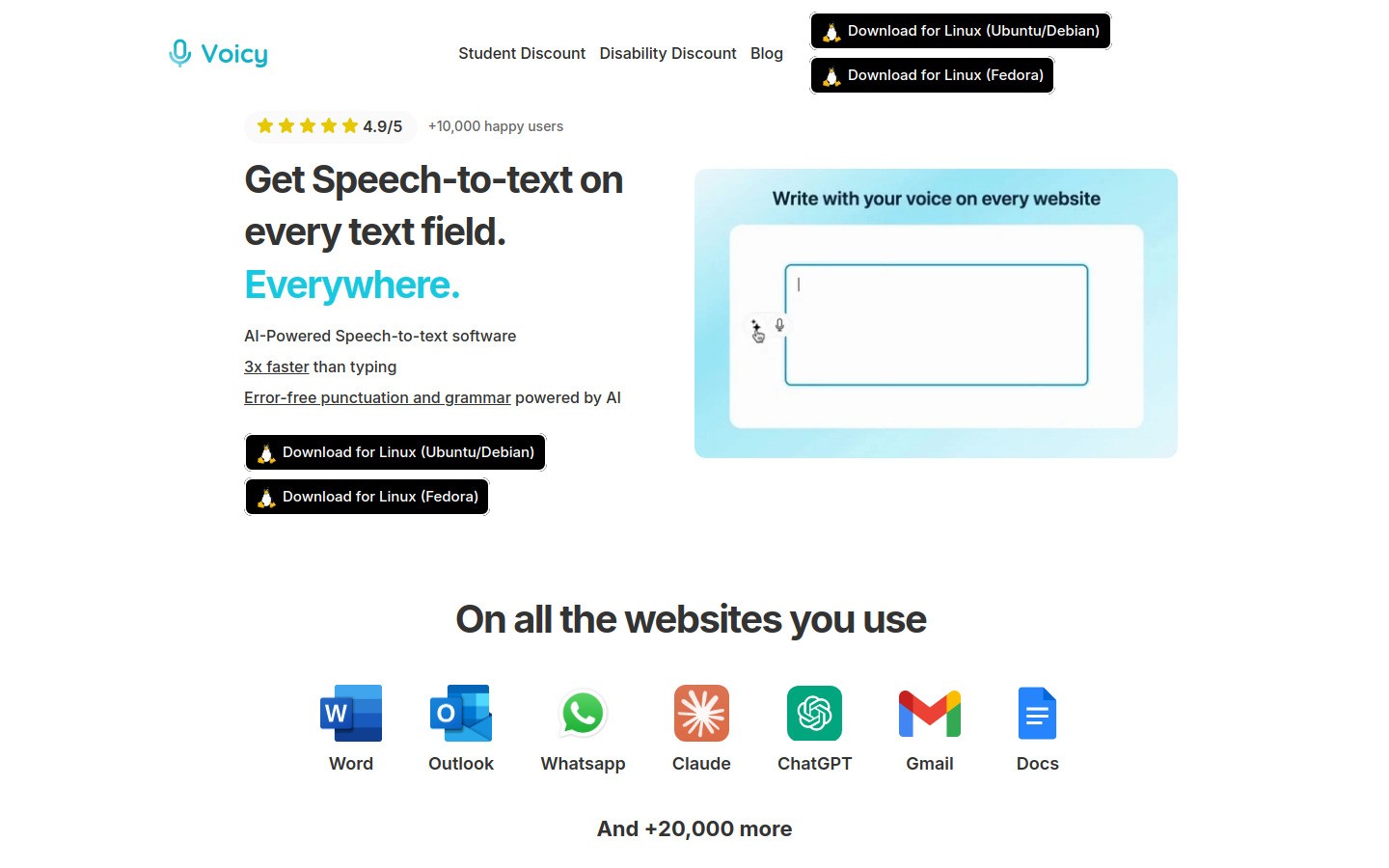
Voicy is the strongest pick for recruiters who want one dictation tool that works across their real workflow. You can use it for candidate outreach, interview scorecards, ATS notes, hiring manager recaps, and quick rewrites.
The big win is flexibility. Voicy works on Mac, Windows, and as a browser extension, so you are not locked into one app. That matters when your day is split across email, docs, internal tools, and web forms.
It is also a good feeder fit with Voicy's existing workflow guides for speech to text in Google Docs, speech to text in ChatGPT, speech to text in Claude, and voice typing in Microsoft Word.
Best for: Recruiters who want one voice tool for writing almost everywhere.
Key features:
Works on Mac, Windows, and browser extension
Cloud-based transcription
Good for emails, notes, docs, and web text fields
AI cleanup commands for rewriting rough text
Free trial available
Pros:
Works across many recruiter workflows
Strong value at team-friendly pricing
Easy to start using
Better fit for general recruiter writing than meeting-only tools
Cons:
Not built only for interview transcription
Needs internet for cloud transcription
Not a fully free tool
Pricing: $8.49/month, $82/year, or $260 lifetime.
2. Metaview , best for interview transcription workflows
Metaview is the recruiter-specific option. If your biggest pain is taking notes in interviews, this is one of the clearest fits on the market.
It focuses on structured interview notes, transcript capture, and workflow features built around hiring teams. That is different from general dictation. Metaview is less about drafting outreach and more about helping you stay present in candidate interviews.
Best for: In-house recruiters and agencies that run lots of interviews and need structured notes.
Key features:
Interview transcription
Speaker identification
Recruiter-focused notes and summaries
ATS integrations
Hiring workflow focus
Pros:
Very strong recruiter use case fit
Better interview context than generic meeting bots
Good for structured hiring teams
Cons:
Less useful for general writing everywhere
Overkill if you mostly need email and ATS dictation
Pricing is much higher than lightweight dictation tools
Pricing: Metaview offers a free starting option, with paid plans for teams.
3. Otter.ai , best for meeting and call transcripts
Otter.ai is useful when recruiters need searchable transcripts from intake calls, interviews, and internal meetings. It is widely known, easy to understand, and good at turning spoken meetings into notes you can review later.
Still, it is not the best pure dictation software for recruiters. Otter is better at capturing conversations than helping you quickly write inside Gmail, LinkedIn, or a scorecard form.
Best for: Recruiters who want transcripts and summaries from live conversations.
Pros:
Good speaker separation for calls
Strong meeting transcript workflow
Easy to share notes with teammates
Cons:
Not ideal for writing in any text field
Weaker fit for fast outreach drafting
Accuracy drops in noisy calls or crosstalk
Pricing: Free tier available, paid plans from around $16.99/month.
4. Microsoft Word Dictate , best if your team already uses Microsoft 365
For recruiters who already live in Word and Outlook, Microsoft Word Dictate is a practical choice. It is built into the tools many recruiting teams already pay for, and the accuracy is strong for standard business writing.
The limit is obvious. It shines inside Microsoft's ecosystem, not across every tool in your stack.
Best for: Recruiters who write most of their longer feedback and hiring docs in Microsoft 365.
Pros:
Familiar interface
Good accuracy
Included for many Microsoft users
Useful formatting commands
Cons:
Not truly system-wide
Less helpful in browser-based recruiting tools
Internet connection often required
5. Google Docs Voice Typing , best free option for quick docs
Google Docs Voice Typing is still one of the easiest free options to test. Open a doc, click voice typing, and start speaking.
For recruiters, it works well for interview debrief drafts, job description notes, and quick summaries. But it stays inside Google Docs, which makes it less flexible than a tool you can use anywhere.
Best for: Quick, free dictation in Google Docs.
Pros:
Free
Simple to use
No separate app to install
Cons:
Only works in Google Docs
Not built for ATS fields or browser-wide use
Limited advanced editing features
6. Wispr Flow , best polished desktop experience
Wispr Flow is a modern AI dictation tool with a polished feel and strong formatting help. It is a real contender for recruiters who want cleaner dictated text with less manual editing.
Why is it not first here? Mostly price and fit. It is attractive, but for recruiter workflows the value gap over Voicy is not big enough for every team.
Best for: Recruiters who want a polished dictation experience and do a lot of desktop writing.
Pros:
Smooth user experience
Helpful formatting behavior
Good for professional writing
Cons:
Higher monthly price
Team costs can rise fast
Less recruiter-specific than Metaview
7. Dragon Professional , best for heavy dictation specialists
Dragon still deserves a spot because it remains one of the best known names in dictation. It offers deep customization and can work very well for people who dictate for hours every day.
For most recruiters, though, it feels like more tool than you need. The cost is high, setup is heavier, and the product makes the most sense when dictation is a central part of your job, not one part of a busy recruiting stack.
Best for: Recruiters with very heavy dictation needs, especially on Windows.
Pros:
Mature dictation engine
Deep customization
Strong for specialized heavy users
Cons:
Expensive
More setup and training than lighter tools
Less natural fit for fast modern web workflows
Quick comparison table
Tool | Best for | Main strength | Main limitation |
|---|---|---|---|
Voicy | Daily recruiter writing | Works across many apps | Not focused only on interviews |
Metaview | Interview transcription | Hiring-specific notes | Less useful for general writing |
Otter.ai | Meeting transcripts | Searchable conversation records | Weak for write-anywhere dictation |
Microsoft Word Dictate | Microsoft 365 teams | Built into Word | Limited outside Microsoft apps |
Google Docs Voice Typing | Free docs dictation | Simple and free | Only inside Docs |
Wispr Flow | Polished AI dictation | Clean formatting | Higher cost |
Dragon Professional | Heavy dictation | Deep control | Expensive and heavier setup |
Best picks by recruiter workflow
Best for candidate outreach
Voicy wins here because recruiters do outreach in lots of places, not one place. You can dictate first drafts, then clean them up fast.
Best for interview notes
Metaview is the best fit when your main problem is note-taking during interviews.
Best free option
Google Docs Voice Typing is the easiest no-cost place to start, with Microsoft Word Dictate close behind if your company already pays for Microsoft 365.
Best for mixed recruiter writing and AI cleanup
Voicy is the best balance for recruiters who need to capture rough thoughts, then rewrite them into hiring-manager-ready notes. If that is your workflow, the broader voice typing app guide is a useful next read too.
Final verdict
The best dictation software for recruiters is not always the best transcription software for recruiters. That is the key difference most roundups miss.
If you need one tool for everyday recruiter writing across your stack, Voicy is the best overall pick. If you mainly need structured interview transcripts, Metaview is the stronger specialist choice.
Want to see how voice typing fits the tools recruiters already use? Start with Voicy's guides for Google Docs, Microsoft Word, and Notion.


