




10 Best Dragon NaturallySpeaking Alternatives in 2026 (Full Comparison)
Summary of the article
Dragon NaturallySpeaking raised its price from $299 to $699 (133% increase), discontinued Mac support, and struggles with Windows 11. Modern AI alternatives work instantly with 95-99% accuracy at a fraction of the cost.
Quick Comparison:
Tool | Best For | Price | Platform | Accuracy |
|---|---|---|---|---|
Professionals, ADHD users | $8.49/mo | Mac, Win, Browser | 95-98% | |
Meeting transcription | $20/mo | All platforms | 90-95% | |
Apple Dictation | Budget Mac users | Free | Mac only | 85-93% |
Web-based writing | Free | Web browser | 85-92% | |
Cross-platform teams | $15/mo | Mac, Win, iOS | 92-96% | |
Die-hard Dragon fans | $15/mo | iOS, Android | 95-99% | |
Windows Speech Recognition | Built-in Windows | Free | Windows only | 80-90% |
Budget Mac option | $19 one-time | Mac only | 95-98% | |
Power users | $249 lifetime | Mac, iOS | 97-99% | |
Human transcription | $1.50-1.99/min | Web-based | 99% |
Key Takeaways:
Dragon costs $699 one-time, requires training, Windows-only
Modern AI alternatives work instantly with 95-99% accuracy
Free options (Apple Dictation, Google Docs) work well for casual use
Voicy offers best balance: affordable ($82/year), cross-platform, instant setup
Privacy-focused users should choose offline tools (Speakmac, Superwhisper)
Why People Are Switching from Dragon NaturallySpeaking
Dragon NaturallySpeaking was revolutionary when it launched in 1997. For 25 years, it was the gold standard for speech recognition.
But 2026 is a different world.
Nuance (Dragon's maker) raised the price from $299 to $699, a 133% increase. They discontinued Mac support entirely. And Windows 11 users report constant lag, freezing, and compatibility issues.
Meanwhile, AI-powered dictation tools like Voicy, Otter.ai, and Wispr Flow work instantly with no training required. They cost less (often free), support all platforms, and deliver 95-99% accuracy out of the box. For a deeper look at all your options, check out our in-depth Dragon NaturallySpeaking alternatives guide.
Here are the six biggest problems driving people away from Dragon:
1. The $699 Price Tag
Dragon Professional Individual jumped from $299 to $699. That's prohibitively expensive for freelancers, students, and small businesses.
Compare that to modern alternatives:
Voicy: $82/year ($260 lifetime)
Speakmac: $19 one-time
Apple Dictation: Free
Google Docs Voice Typing: Free
You can get professional-grade dictation for 88% less than Dragon.
2. Mac Users Are Left Out
Dragon for Mac was discontinued years ago. If you use macOS, Dragon isn't even an option.
Mac users now have better choices anyway: Voicy, Speakmac, Superwhisper, and built-in Apple Dictation all work natively on Mac.
3. Training Takes 15-60 Minutes
Dragon requires you to read training passages aloud for 15-60 minutes before it works properly. Even after training, users report it "makes a LOT of errors" and needs constant correction.
Modern AI tools work instantly. No training. No setup. Just speak and the text appears.
4. Windows 11 Performance Issues
Dragon 16 users report:
Multi-minute lag before text appears
Freezing on documents over 200 pages
Daily crashes requiring Outlook restarts
Breaking after Windows updates
One user said: "Significant lag and freezing. I have to crash and relaunch Outlook every day just to unfreeze Dragon."
Modern cloud-based tools eliminate these issues entirely.
5. App Compatibility Problems
Dragon stops working in specific apps after Windows updates. Users report it breaking in:
OneNote
Chrome URL bars
Windows Explorer
Many web services
The workaround? Use Dragon's "Dictation Box" which adds friction to every workflow.
Tools like Voicy and Wispr Flow work in any app, any text field, without configuration.
6. Poor Customer Support
Users describe Dragon's customer service as "a drag" with:
Slow response times
"Bad attitudes" from support staff
"UTTERLY RUBBISH support"
No phone number to call
Unhelpful knowledge base
Modern alternatives offer responsive support through email, Discord communities, and priority channels.
What to Look for in a Dragon Alternative
When choosing a Dragon replacement, focus on these key factors:
Accuracy: 95%+ Out of the Box
Dragon achieves 99% accuracy, but only after 15-60 minutes of training.
Modern AI tools deliver 95-99% accuracy instantly, with no training required. They're powered by models like OpenAI's Whisper, trained on 680,000 hours of multilingual audio.
For casual use, 85-93% accuracy (Apple Dictation, Google Docs) is fine. For professional work, aim for 95%+.
Platform Support: Mac, Windows, Mobile, Web
Dragon is Windows-only. Your alternative should work wherever you do:
Mac native: Voicy, Speakmac, Superwhisper, Apple Dictation
Cross-platform: Voicy, Wispr Flow, Otter.ai
Web/browser: Voicy browser extension, Google Docs
Windows only: Windows Speech Recognition
Privacy: On-Device vs Cloud Processing
If you handle medical records, legal documents, or proprietary business information, privacy matters.
On-device (fully private):
Speakmac (100% offline)
Superwhisper (offline mode)
Apple Dictation (on M1+ Macs)
Cloud processing (audio uploaded):
Voicy
Otter.ai
Wispr Flow
Google Docs
Cloud tools offer better accuracy and features. Offline tools offer maximum privacy.
Speed: Sub-300ms Eliminates Lag
Dragon 16 causes multi-minute delays. That's unacceptable in 2026.
Modern tools aim for sub-300ms latency. Words appear as you speak, with no visible lag.
Pricing: $0-$249 vs Dragon's $699
Consider total cost over 3-5 years:
Free: Apple Dictation, Google Docs, Windows Speech Recognition
Budget: Speakmac ($19 one-time)
Mid-tier: Voicy ($82/year or $260 lifetime), Wispr Flow ($15/mo)
Premium: Superwhisper ($249 lifetime), Otter.ai Pro ($20/mo)
Even premium options cost 65-85% less than Dragon.
Setup: Zero Training Required
Dragon demands 15-60 minutes of training. Modern AI works immediately.
The best tools use push-to-talk activation (hold a key, speak, release). No wake words. No accidental activation. Perfect control.
App Compatibility: Works Everywhere
Dragon breaks in specific apps after updates. Your alternative should work in:
Gmail, Outlook, Slack
Google Docs, Microsoft Word, Notion
ChatGPT, Claude, coding tools
Web browsers, any text field
Universal compatibility means you never think about whether dictation will work. It just does.
The 10 Best Dragon NaturallySpeaking Alternatives in 2026
1. Voicy - Best for Professionals & ADHD Users
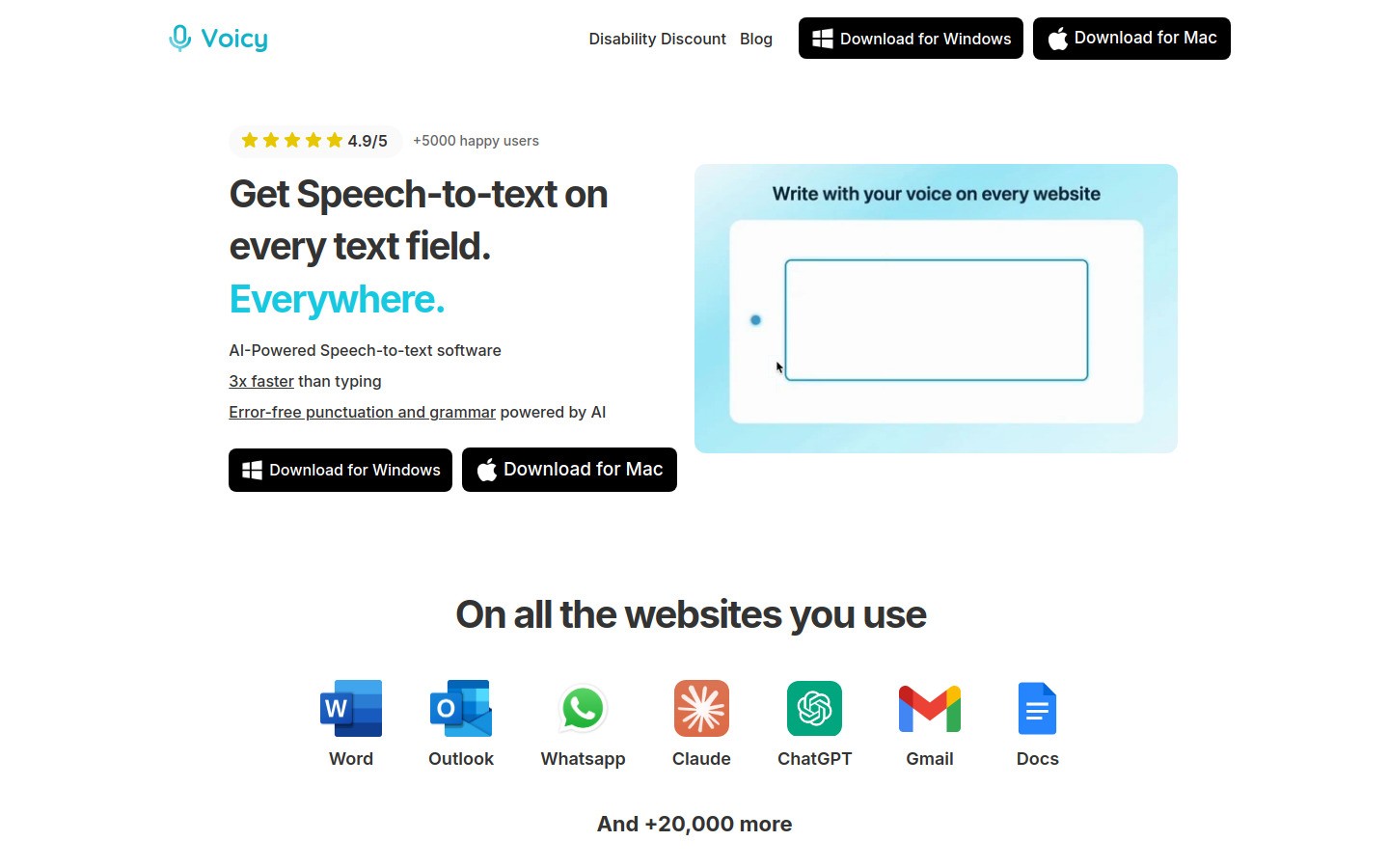
Voicy is AI-powered dictation that works in any app on Mac, Windows, and web browsers. It's designed for professionals, students, ADHD users, and anyone who types a lot.
Key Features:
Works in Gmail, Slack, Google Docs, Notion, ChatGPT, VS Code, and any text field
AI-powered formatting (punctuation, capitalization)
100+ languages supported
Cross-platform: Mac app, Windows app, browser extension
Affordable pricing ($8.49/month or $82/year)
Pros:
✅ Cross-platform — Works on Mac, Windows, and any browser
✅ No training required — Works instantly, 95-98% accuracy out of the box
✅ Great for ADHD — Reduces typing friction, captures thoughts instantly
✅ RSI/carpal tunnel relief — Speak instead of type, reduce hand strain
✅ Affordable — $82/year vs Dragon's $699 (88% savings)
✅ Works everywhere — Any app, any text field, no configuration
Cons:
❌ Cloud-based (not offline like Speakmac or Superwhisper)
❌ Doesn't support full computer control commands (open apps, click buttons)
Pricing: $8.49/month, $82/year, or $260 lifetime. 7-day free trial.
Best for: Professionals who type a lot, students taking notes, ADHD users who need instant capture, RSI/carpal tunnel sufferers, non-native English speakers, anyone switching from Dragon.
2. Otter.ai - Best for Meeting Transcription
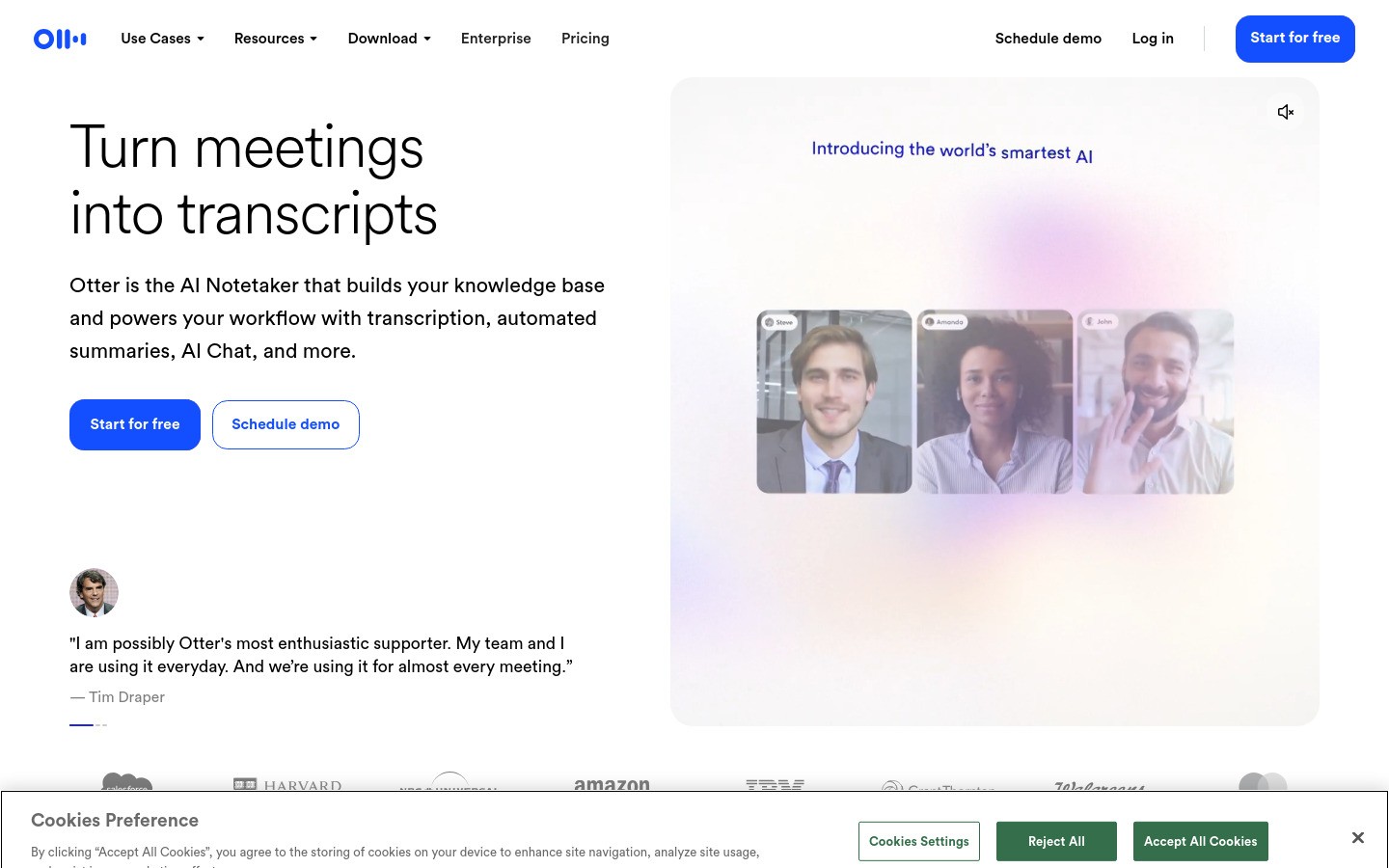
Otter.ai is a cloud-based meeting transcription platform with AI summaries and action item extraction. It auto-joins Zoom, Google Meet, and Microsoft Teams meetings.
Key Features:
AI meeting transcription with speaker identification
AI-powered summaries and action items
Calendar integration (auto-joins meetings)
Real-time transcription during live conversations
Team collaboration with shared workspaces
Pros:
✅ Excellent meeting transcription in clear audio
✅ Fast AI summaries save hours of note-taking
✅ Calendar integration removes friction
✅ Easy-to-use interface
Cons:
❌ Struggles with heavy accents and background noise
❌ Speaker recognition often fails
❌ Privacy concerns (bot joins uninvited, auto-emails transcripts)
❌ Free plan limited to 300 minutes/month
Pricing: Free (300 min/month), Pro ($20/month)
Best for: Meeting transcription, team note-taking, interviews, podcasts
3. Apple Dictation - Best Free Option for Mac Users
Apple Dictation is built into macOS. It's completely free and works in any Mac app.
Key Features:
Native integration across all Mac apps
On-device processing on M1+ Macs (privacy-focused)
Voice commands for basic formatting
No account setup or installation required
Pros:
✅ Completely free
✅ Built into macOS, no installation
✅ On-device privacy on M1+ Macs
✅ Works in all Mac apps
Cons:
❌ Lower accuracy (85-93% vs 95%+ paid alternatives)
❌ No custom dictionary or vocabulary learning
❌ 30-second timeout interrupts longer sessions
❌ Struggles with specialized vocabulary
Pricing: Free (built into macOS)
Best for: Casual Mac users, budget-conscious users, short dictation bursts under 30 seconds
4. Google Docs Voice Typing - Best Free Web Option
Google Docs Voice Typing is Google's built-in dictation for Google Docs. Free and accessible from any browser.
Key Features:
Voice typing in 100+ languages
Voice commands for formatting (punctuation, new paragraph, bold text)
Automatic punctuation in supported languages
Real-time transcription
Pros:
✅ Completely free with unlimited use
✅ No installation required (browser-based)
✅ 100+ language support
✅ Voice commands for hands-free formatting
Cons:
❌ Google Docs only (doesn't work elsewhere)
❌ Requires internet connection
❌ Inconsistent accuracy with spacing issues
❌ Voice commands English-only
Pricing: Free
Best for: Google Docs users, casual writing, budget-conscious writers, multilingual dictation
5. Wispr Flow - Best for Cross-Platform Teams
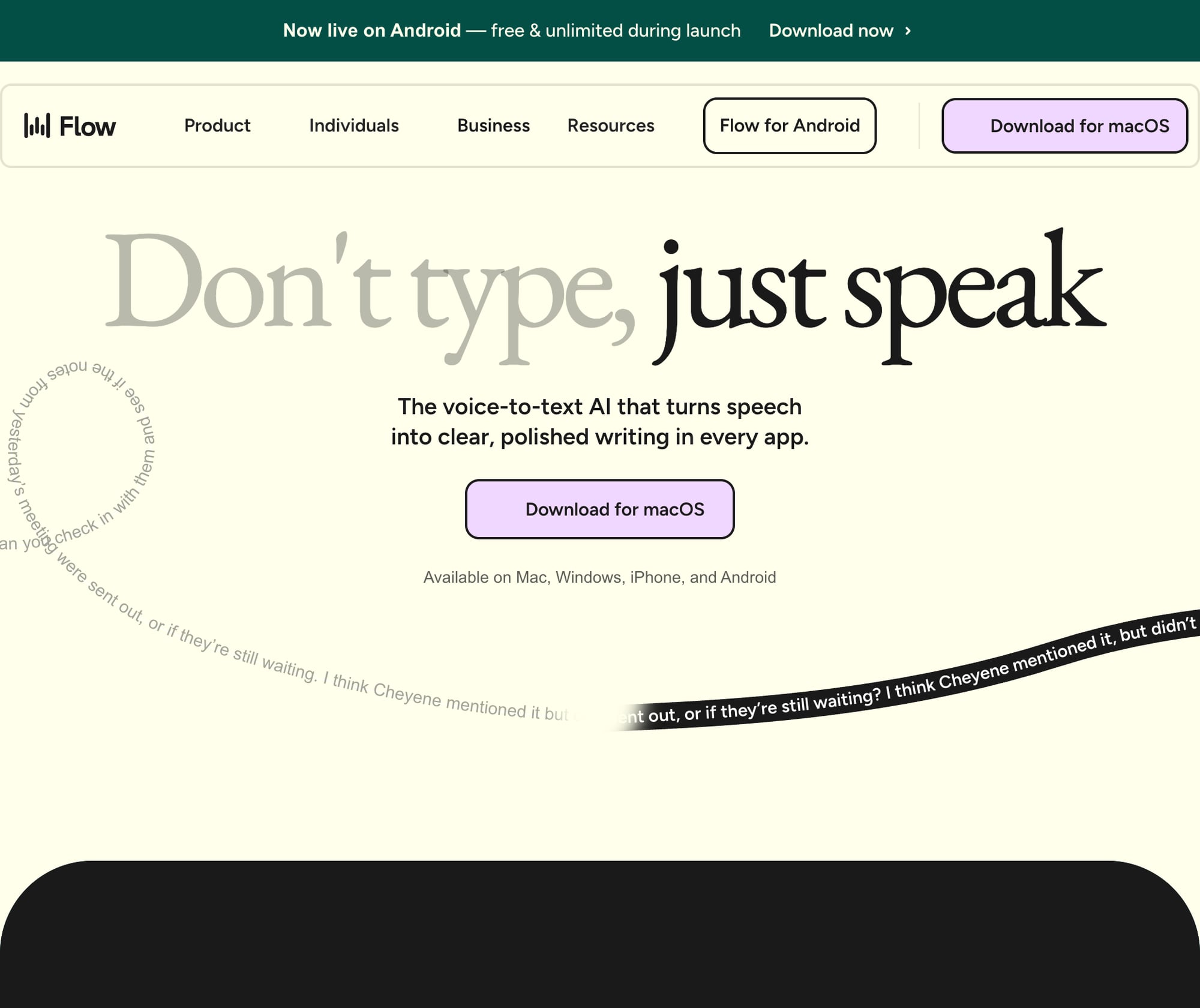
Wispr Flow is cross-platform dictation with AI-powered formatting and universal app compatibility. Works on Mac, Windows, and iOS.
Key Features:
Universal app compatibility across all platforms
AI writing assistant (removes filler words, adds punctuation)
Context-aware formatting for emails, code, documents
100+ languages with instant switching
Personal dictionary for company jargon
Pros:
✅ Cross-platform (Mac, Windows, iOS)
✅ Works in any application
✅ Strong AI-powered formatting
✅ 100+ language support
✅ Well-funded company with active development
Cons:
❌ Privacy concern: captures screenshots every few seconds, sends to cloud
❌ No offline mode (cloud-based only)
❌ Resource intensive (~800MB RAM, 8% CPU)
Pricing: Free (2,000 words/week), Pro ($15/month), Enterprise ($24/user/month)
Best for: Cross-platform teams, multilingual users, non-confidential work
6. Dragon Anywhere (Mobile) - Best for Die-Hard Dragon Fans
Dragon Anywhere is Dragon's mobile app for iOS and Android. It's the only way Dragon fans can use Dragon on non-Windows devices.
Key Features:
Dragon-quality accuracy on mobile (95-99%)
Voice commands for formatting and editing
Custom vocabulary for specialized terms
Cloud sync across devices
Pros:
✅ Dragon-level accuracy (95-99%)
✅ Works on iOS and Android
✅ Custom vocabulary support
✅ Voice commands for editing
Cons:
❌ Mobile only (no desktop support)
❌ Expensive ($15/month subscription)
❌ Doesn't work with desktop Dragon licenses
❌ Limited to Dragon's own editor (doesn't work in other apps)
Pricing: $15/month or $150/year
Best for: Die-hard Dragon fans who need mobile dictation, professionals already invested in Dragon ecosystem
7. Windows Speech Recognition - Best Built-in Windows Option
Windows Speech Recognition is built into Windows 10 and 11. It's completely free and works in any Windows app.
Key Features:
Native Windows integration
Voice commands for computer control (open apps, click buttons)
Dictation in any Windows application
No installation required
Pros:
✅ Completely free
✅ Built into Windows, no installation
✅ Voice commands for full computer control
✅ Works in all Windows apps
Cons:
❌ Lower accuracy (80-90% vs Dragon's 99%)
❌ Requires training for best results
❌ Clunky interface, outdated design
❌ Slower than modern AI alternatives
Pricing: Free (built into Windows)
Best for: Budget-conscious Windows users, users who need full computer voice control
8. Speakmac - Best Budget Mac Option
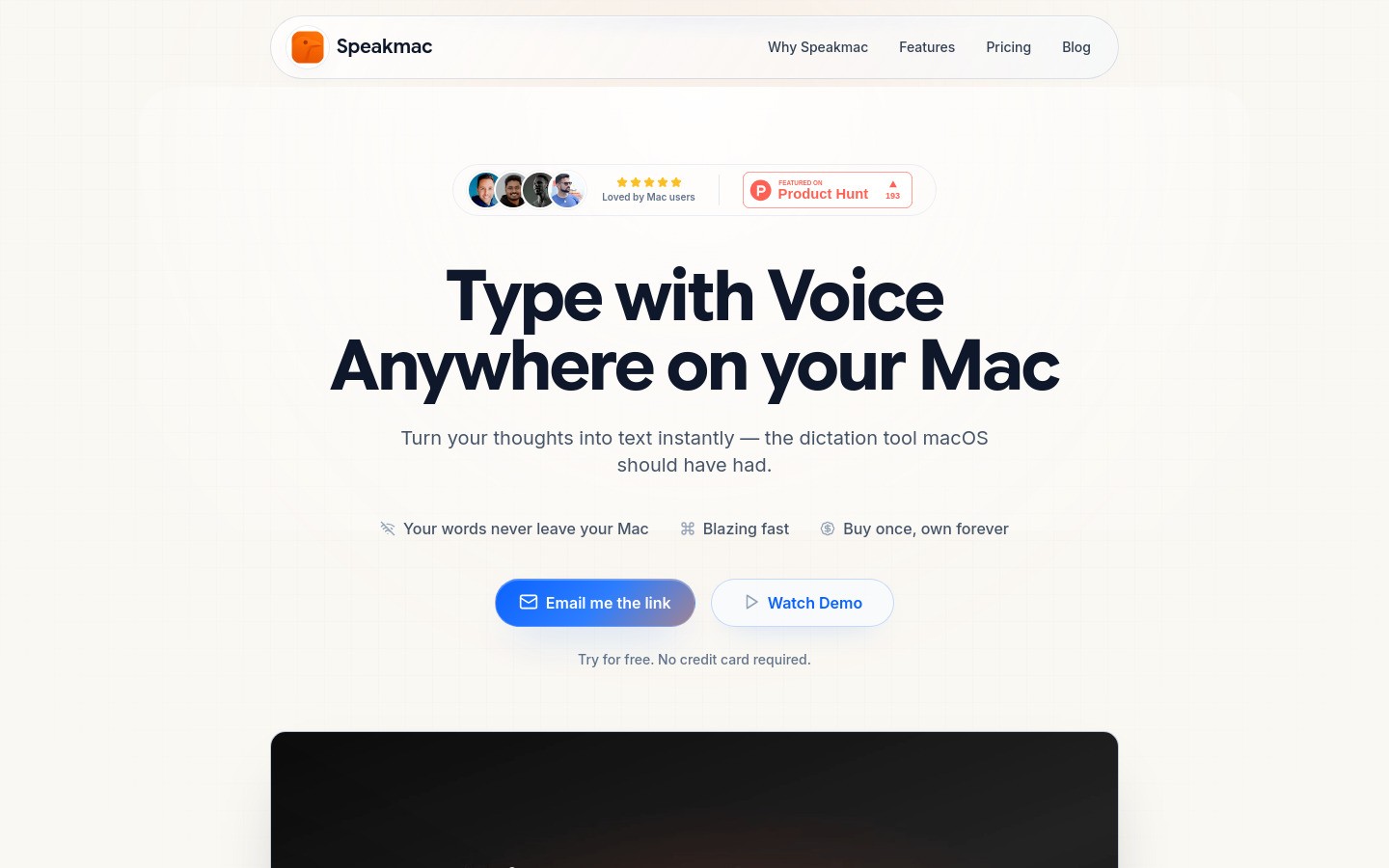
Speakmac is Mac-native dictation with 100% offline processing. One-time $19 purchase with no subscriptions.
Key Features:
100% offline processing (no cloud, no servers)
Sub-0.5 second latency for instant transcription
Automatic punctuation
Custom snippets for personalization
100+ languages supported
Pros:
✅ Extremely affordable ($19 one-time vs Dragon's $699)
✅ 100% offline and private
✅ Fast transcription (sub-0.5 sec latency)
✅ Works in all Mac apps
✅ No subscriptions ever
Cons:
❌ Mac-only
❌ Basic feature set (no advanced AI)
❌ Updates only included for 1 year
Pricing: $19 one-time purchase
Best for: Budget-conscious Mac users, privacy-focused users, simple dictation needs
9. Superwhisper - Best for Power Users
Superwhisper is Mac and iOS dictation with multiple AI models and customizable intelligent modes. Offline capable with near-perfect accuracy.
Key Features:
Multiple AI models (Nano, Fast, Pro, Ultra) for accuracy vs speed tradeoffs
Fully offline capable with local AI processing
Intelligent modes system with customizable AI workflows
Pre-built modes for emails, code comments, meeting notes
100% on-device privacy (no audio leaves device)
Pros:
✅ Extremely accurate (near-perfect with Pro/Ultra models)
✅ 100% offline option available
✅ Works well in noisy environments
✅ Highly customizable with intelligent modes
✅ Cross-device (Mac + iPhone/iPad included)
✅ Lifetime purchase available ($249)
Cons:
❌ Expensive ($249 lifetime or $84.99/year)
❌ Power user tool, overwhelming for casual users
❌ Mac and iOS only
❌ Setup intimidating for beginners
Pricing: $84.99/year or $249 lifetime (15-minute free trial)
Best for: Power users, privacy-conscious professionals, Mac/iOS users, writers with RSI, developers
10. Rev - Best Human Transcription Service
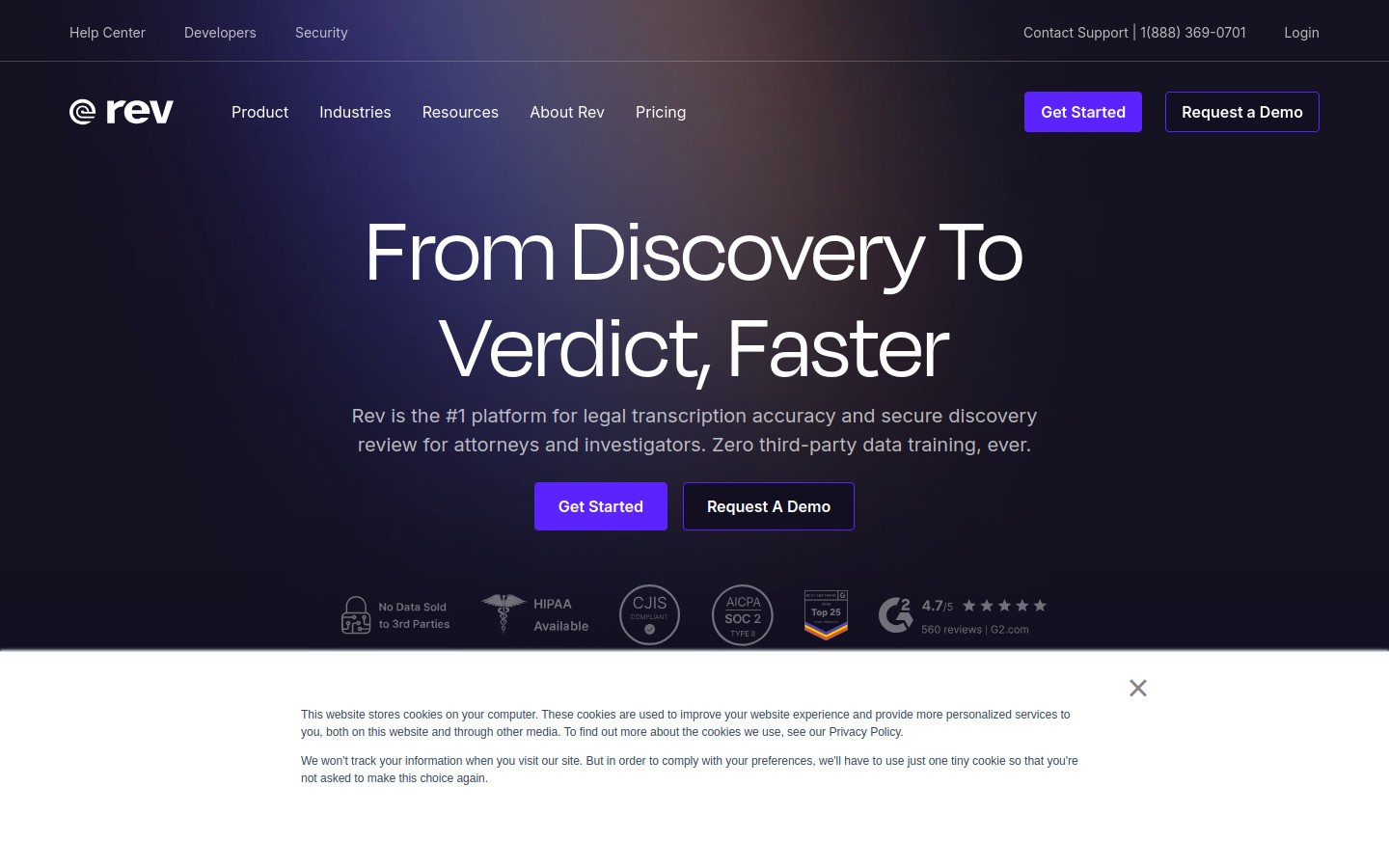
Rev offers both AI transcription and human transcription services. Human service delivers 99% accuracy for critical needs.
Key Features:
Human transcription with 99% accuracy guarantee
AI transcription option for budget users
12-hour typical turnaround (rush available)
Captions and subtitles for video
Timestamps and speaker labels
Pros:
✅ Human transcription = highest accuracy (99%)
✅ Fast turnaround (12 hours)
✅ Good speaker differentiation
✅ Accurate timecodes
Cons:
❌ Expensive ($120/hour for human service)
❌ AI transcription only ~75% accurate
❌ Struggles with heavy accents
❌ Cloud-based only
Pricing: AI ($15/hour), Human ($120/hour)
Best for: Professional transcription needs, legal/medical transcripts, fast turnaround requirements
Detailed Comparison Table
Tool | Platform | Price | Accuracy | Offline | Best For |
|---|---|---|---|---|---|
Mac, Win, Browser | $8.49/mo | 95-98% | No | Professionals, ADHD | |
All platforms | $20/mo | 90-95% | No | Meetings | |
Apple Dictation | Mac only | Free | 85-93% | Yes (M1+) | Casual Mac users |
Google Docs Voice Typing | Web browser | Free | 85-92% | No | Google Docs users |
Mac, Win, iOS | $15/mo | 92-96% | No | Cross-platform teams | |
Dragon Anywhere | iOS, Android | $15/mo | 95-99% | No | Dragon fans, mobile |
Windows Speech Recognition | Windows only | Free | 80-90% | Yes | Budget Windows users |
Mac only | $19 one-time | 95-98% | Yes | Budget Mac users | |
Mac, iOS | $249 lifetime | 97-99% | Yes | Power users | |
Web-based | $15-120/hr | 99% (human) | No | Professional transcription |
Which Dragon Alternative is Right for You?
Choose based on your primary use case:
For Writers & Content Creators
Best choice: Voicy
Works in Google Docs, Notion, WordPress, and any text editor. Affordable ($82/year), accurate (95-98%), and cross-platform. Perfect for drafting articles, blog posts, and books.
For Lawyers & Legal Professionals
Best choice: Rev (human transcription)
99% accuracy for depositions and critical legal documents. Confidential. Fast turnaround. Worth the $120/hour for high-stakes work.
Budget alternative: Speakmac or Superwhisper (100% offline, privacy-focused)
For Doctors & Medical Professionals
Best choice: Superwhisper or Speakmac
100% offline processing protects patient confidentiality (HIPAA-safe). Custom dictionaries handle medical terminology.
For ADHD Users
Best choice: Voicy
Reduces typing friction, captures thoughts instantly before they disappear. Works everywhere (ChatGPT, Slack, email). Affordable. Cross-platform.
For RSI/Carpal Tunnel Sufferers
Best choice: Voicy, Speakmac, or Superwhisper
Speak instead of type. Reduce hand strain. All three work well and are affordable.
For Students
Best choice: Apple Dictation (free) or Google Docs Voice Typing (free)
Free options work well for note-taking and essays. Upgrade to Voicy ($8.49/month) if you need better accuracy.
For Developers & Programmers
Best choice: Voicy
Works in VS Code, Cursor, terminals, and any text field. Dictate code comments, documentation, commit messages, and Slack responses.
For Budget-Conscious Users
Free options: Apple Dictation (Mac), Google Docs Voice Typing (web), Windows Speech Recognition (Windows)
Best paid option: Speakmac ($19 one-time) or Voicy ($82/year)
Frequently Asked Questions
What's the best free Dragon alternative?
Apple Dictation (Mac) or Google Docs Voice Typing (web) are the best free options. Apple Dictation works in all Mac apps with 85-93% accuracy. Google Docs Voice Typing works in Google Docs with 85-92% accuracy and supports 100+ languages.
Does Dragon still work on Mac?
No. Dragon for Mac was discontinued and doesn't work with current macOS versions. Mac users should choose Voicy, Speakmac, Superwhisper, or built-in Apple Dictation instead.
Which dictation software is most accurate?
Rev's human transcription service delivers 99% accuracy at $120/hour, matching Dragon's benchmark. For AI alternatives, Superwhisper (97-99%), Speakmac (95-98%), and Voicy (95-98%) offer professional-grade accuracy.
Is offline or cloud dictation better for privacy?
Offline dictation is better for privacy and confidential work. Speakmac, Superwhisper, and Apple Dictation (M1+ Macs) never send audio to servers. They're HIPAA-safe for medical, legal, and proprietary content.
Can I use Dragon alternatives with Microsoft Word?
Yes. Voicy, Wispr Flow, and Windows Speech Recognition all work in Microsoft Word. Simply click in Word and start dictating.
Do I need to train dictation software?
No. Modern AI dictation tools work with 95%+ accuracy out of the box, with no training required. Dragon traditionally required 15-60 minutes of training. Modern tools like Voicy, Wispr Flow, and Otter.ai work instantly.
What's the cheapest Dragon alternative?
Speakmac at $19 one-time is the cheapest with professional accuracy (95-98%). Voicy at $82/year or $260 lifetime is another affordable option. Both are 88-97% cheaper than Dragon's $699.
Which alternative works best for medical dictation?
Superwhisper or Speakmac are best for medical dictation. Both offer 100% offline processing (HIPAA-safe) and support custom dictionaries for medical terminology.
Can dictation software understand accents?
Yes. Modern AI models like OpenAI's Whisper are trained on multilingual audio from around the world. Voicy, Wispr Flow, and Superwhisper all handle accents well.
How do Dragon alternatives handle punctuation?
Most modern tools add punctuation automatically. Voicy, Wispr Flow, and Otter.ai use AI to detect natural pauses and add periods, commas, and question marks automatically.
Are paid dictation apps worth it vs free options?
Yes, if you dictate 20,000+ words monthly. Paid apps like Voicy ($8.49/month) offer 95-98% accuracy vs 85-93% for free options. That's 5-13% fewer errors, saving significant editing time. For professionals, the time savings justify the cost.
What happened to Dragon for Mac?
Nuance discontinued Dragon for Mac years ago. The last version (Dragon for Mac 6) was released in 2018 and doesn't work with current macOS versions. Mac users now have better options: Voicy, Speakmac, Superwhisper, and Apple Dictation.
Conclusion
Dragon NaturallySpeaking was revolutionary in 1997. But in 2026, AI-powered alternatives are better, cheaper, and easier to use. Looking for the right Dragon dictation software alternative? The options below have you covered.
For most users, Voicy offers the best balance:
✅ Affordable ($82/year vs Dragon's $699)
✅ Cross-platform (Mac, Windows, browser)
✅ Works instantly (no training)
✅ 95-98% accuracy
✅ Works everywhere (Gmail, Slack, Google Docs, ChatGPT)
For meetings: Otter.ai is unbeatable.
For free: Apple Dictation (Mac) or Google Docs Voice Typing (web).
For privacy: Speakmac ($19) or Superwhisper ($249) offer 100% offline processing.
The era of training speech recognition software is over. The era of AI dictation that just works has begun.
Try Voicy free for 7 days and see how much faster you can work when you speak instead of type.


