




How to Use Voice Typing in Safari (2026 Guide)
Safari voice typing: best Voicy route
Safari's built-in dictation can help with quick text entry, but people who dictate every day usually need a full dictation app. Voicy gives you live dictation, file upload transcription, and cross-device access across Mac, Windows, browser extension, iOS, and Android.
Voicy is cloud-based and offers a free trial. It is not a zero-cost tool. Current paid options are $8.49/month, $82/year, or $260 lifetime.
Safari voice typing: best Voicy route
Safari's built-in dictation can help with quick text entry, but people who dictate every day usually need a full dictation app. Voicy gives you live dictation, file upload transcription, and cross-device access across Mac, Windows, browser extension, iOS, and Android.
Voicy is cloud-based and offers a free trial. It is not zero-cost. Current paid options are $8.49/month, $82/year, or $260 lifetime.
TL;DR, Voice Typing in Safari
Safari doesn't have built-in voice typing or a dedicated dictation extension. But there are two easy ways to dictate in Safari:
Apple's built-in Dictation, Press the microphone key (or Fn twice) to dictate into any Safari text field. Free, works offline, decent accuracy.
Voicy, A desktop dictation app that works system-wide, including Safari. Press a hotkey, talk, and text appears wherever your cursor is. 99%+ accuracy with AI editing.
If you just need quick notes, Apple Dictation works fine. If you want professional-quality dictation with AI cleanup, Voicy is the better option.
Why Safari Doesn't Have Voice Typing Extensions
If you've searched for "Safari voice typing extension" or "Safari dictation add-on," you probably came up empty. There's a reason for that.
Safari's extension ecosystem is much smaller than Chrome's. Apple restricts what extensions can do, and most developers build for Chrome first. That means the voice-to-text Chrome extensions you might have used, like Voicy's Chrome extension or others, simply don't exist for Safari.
But that doesn't mean you're stuck typing everything by hand. There are two solid approaches that work perfectly in Safari.
Option 1: Apple's Built-In Dictation
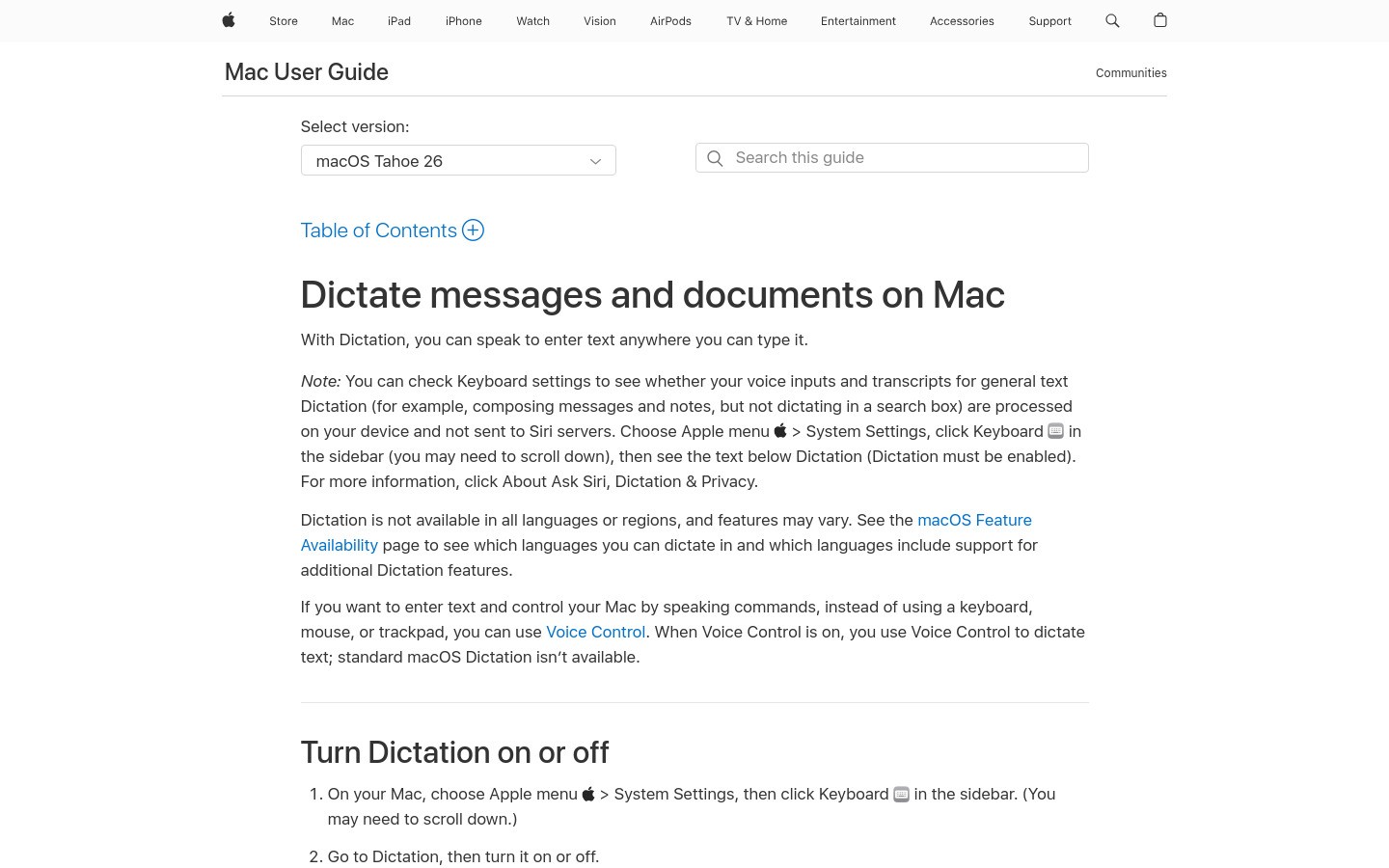
Every Mac has dictation built right in. It works in Safari and every other app on your computer.
How to Turn It On
Open System Settings → Keyboard
Scroll down to Dictation
Toggle it on
Choose your language and shortcut key
How to Use It
Click into any text field in Safari, Gmail, Google Docs, a search bar, a web form, and press Fn twice (or whatever shortcut you set). Start talking. Your words appear as text.
Press Fn again or click "Done" to stop.
What's Good
Free and built into every Mac
Works offline (Enhanced Dictation mode)
No installation required
Works in any app, not just Safari
What's Not Great
Accuracy drops with accents or technical terms
No AI editing or grammar cleanup
You need to say "period" and "comma" manually
Can't handle long dictation sessions well
No context awareness, doesn't know if you're writing an email vs a document
Apple Dictation is fine for quick stuff. But if you're writing emails, long documents, or anything that needs to sound polished, you'll spend almost as much time editing as you saved by dictating.
Option 2: Voicy, AI-Powered Dictation for Safari (and Everywhere Else)
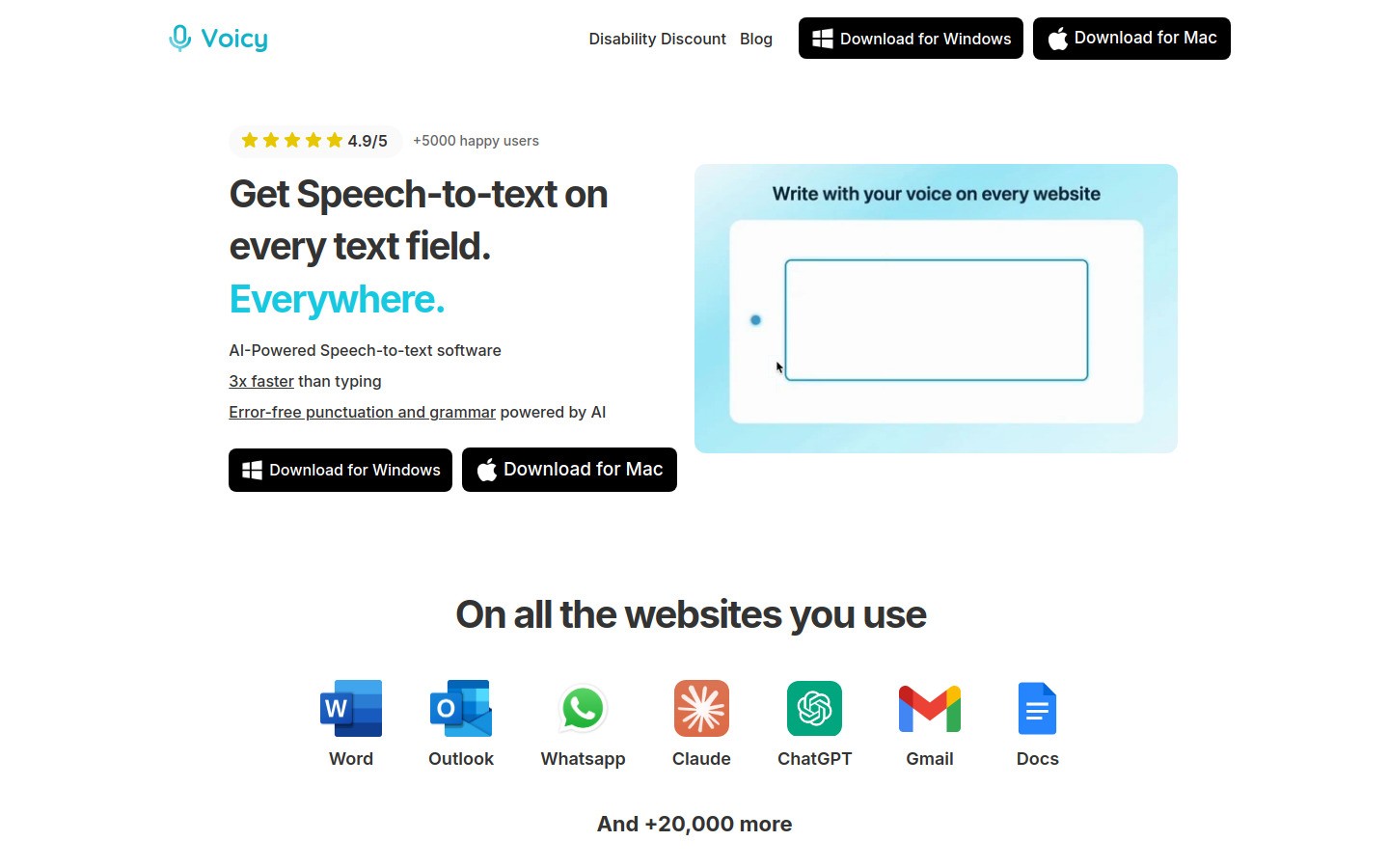
Voicy takes a different approach. Instead of being a browser extension, it's a desktop app that works system-wide, including Safari.
Press a hotkey, start talking, and text appears wherever your cursor is. Safari, Gmail in Safari, Google Docs in Safari, Notion in Safari, it doesn't matter. If you can type there, Voicy can dictate there.
Why Voicy Works Better Than Built-In Dictation
99%+ accuracy. Voicy uses advanced AI models that understand context. It knows when you mean "their" vs "there" vs "they're." It handles technical terms, names, and jargon correctly.
Automatic punctuation. You don't need to say "period" or "comma." Voicy adds punctuation based on how you naturally speak. Pauses become periods. It formats everything automatically.
AI editing. This is the feature that changes everything. Select any text and tell Voicy what to do: "Make this more professional," "Shorten this paragraph," "Fix the grammar." It rewrites on the spot.
Context awareness. Voicy knows if you're writing an email in Gmail or a document in Google Docs. It adjusts tone and formatting to match.
Works in every browser. Since Voicy works at the system level, it doesn't care which browser you use. Safari, Chrome, Firefox, Arc, all the same to Voicy.
How to Use Voicy in Safari
Download Voicy (Mac or Windows)
Set your preferred hotkey
Open Safari and click into any text field
Press your hotkey and start talking
Text appears instantly, formatted, punctuated, and ready to send
That's it. No extension to install. No permissions to grant. No Safari-specific setup.
Pricing
Voicy offers a free trial so you can test it out. Paid plans start at $8.49/month, with a $260 lifetime option if you want to own it forever.
Apple Dictation vs Voicy: Quick Comparison
Here's how the two options stack up for Safari users:
Accuracy: Apple Dictation ~95% | Voicy 99%+
Auto punctuation: Apple requires voice commands | Voicy adds it automatically
AI editing: Apple has none | Voicy can rewrite, shorten, and polish text
Context awareness: Apple treats everything the same | Voicy adapts to the app
Technical terms: Apple struggles | Voicy handles them well
Price: Apple is free | Voicy starts at $8.49/month
Works offline: Both can work offline
Common Safari Dictation Use Cases
Writing Emails in Gmail or Outlook
Open Gmail in Safari, click compose, and dictate your email. Voicy's AI mode will format it like an actual email, with greetings, proper paragraphs, and sign-offs. For a full Gmail setup, see our Gmail dictation guide.
Google Docs and Notion
Working on a document in Safari? Dictate straight into Google Docs or Notion. Voicy handles formatting, headers, and bullet points based on your natural speech.
Filling Out Web Forms
Job applications, support tickets, registration forms, anything that needs text input in Safari works with dictation. Much faster than pecking at the keyboard.
Chatting with AI Tools
Using ChatGPT, Claude, or Perplexity in Safari? Dictate your prompts instead of typing them. You'll give longer, more detailed prompts because speaking is effortless compared to typing.
FAQ
Does Safari have built-in voice typing?
Safari itself doesn't have voice typing. But macOS has built-in Dictation that works in Safari and every other app. Press Fn twice to activate it in any text field.
Is there a voice typing extension for Safari?
There are very few dictation software options available as Safari extensions. Apple's restrictive extension policies mean most voice-to-text tools don't exist for Safari. The best alternative is a system-wide desktop app like Voicy that works in Safari without needing an extension.
How do I dictate in Safari on Mac?
Two ways: (1) Use Apple's built-in Dictation, press Fn twice in any text field. (2) Use Voicy, press your custom hotkey and start talking. Voicy gives better accuracy and automatic formatting.
Can I use Google Docs voice typing in Safari?
No. Google Docs Voice Typing only works in Chrome. If you use Safari, you'll need Apple Dictation or a desktop dictation app like Voicy to get voice typing in Google Docs.
Is Apple Dictation good enough for everyday use?
For quick notes and short messages, yes. For longer writing, emails, or anything that needs to sound professional, you'll probably spend a lot of time editing Apple Dictation's output. AI-powered tools like Voicy produce cleaner text that needs less editing.
Does Voicy work with Safari on all Mac models?
Yes. Voicy works on any Mac running macOS and in any browser, including Safari. It's a desktop app, so it doesn't depend on browser-specific features or extensions.
Can I dictate in Safari on iPhone or iPad?
Yes. iOS has built-in dictation that works in Safari on iPhone and iPad. Tap the microphone icon on the keyboard to start dictating. For better accuracy on desktop, use Voicy on your Mac.
How do I set up Voicy for dictation in Safari?
Download Voicy from usevoicy.com, install it, set a hotkey, then click into any Safari text field and press your hotkey to start dictating.
Why doesn't Safari have as many extensions as Chrome?
Apple limits what Safari extensions can do for security and privacy reasons. While this keeps Safari safer, it means fewer tools are available compared to Chrome's massive extension library. For voice typing in Safari, a system-wide app like Voicy is actually a better solution since it works everywhere, not just in one browser.


