




How to Use Voice Typing in Firefox (2026 Guide)
Firefox voice typing: best Voicy route
Firefox support varies by operating system and website, so the safest commercial route is the broader Voicy dictation app. Use it when you want voice typing across apps, file upload transcription, and one account across Mac, Windows, browser extension, iOS, and Android.
Voicy is cloud-based and offers a free trial. It is not a zero-cost tool. Current paid options are $8.49/month, $82/year, or $260 lifetime.
Firefox voice typing: best Voicy route
Firefox support varies by operating system and website, so the safest commercial route is the broader Voicy dictation app. Use it when you want voice typing across apps, file upload transcription, and one account across Mac, Windows, browser extension, iOS, and Android.
Voicy is cloud-based and offers a free trial. It is not zero-cost. Current paid options are $8.49/month, $82/year, or $260 lifetime.
TL;DR, Voice Typing in Firefox
Firefox doesn't have built-in voice typing like Google Docs in Chrome. But there are solid ways to dictate in Firefox:
Voicy, A desktop dictation app that works system-wide, including Firefox. Press a hotkey, talk, and text appears wherever your cursor is. 99%+ accuracy with AI editing.
OS-level Dictation, macOS Dictation (Fn twice) or Windows Voice Typing (Win+H) work in Firefox. Free but basic.
Firefox extensions, A few speech-to-text add-ons exist, but most are outdated or unreliable.
For the best experience, a system-wide dictation app like Voicy beats browser extensions because it works in Firefox, your email client, code editor, and everywhere else, without switching tools.
The Problem with Voice Typing in Firefox
If you've used Google Docs Voice Typing in Chrome, you know how convenient built-in voice typing can be. But switch to Firefox and that feature disappears. Google Docs Voice Typing is Chrome-only.
Firefox users are left with three options: browser extensions (most are abandoned), OS-level dictation (basic but works), or desktop dictation software that works regardless of which browser you use.
Let's break down each option.
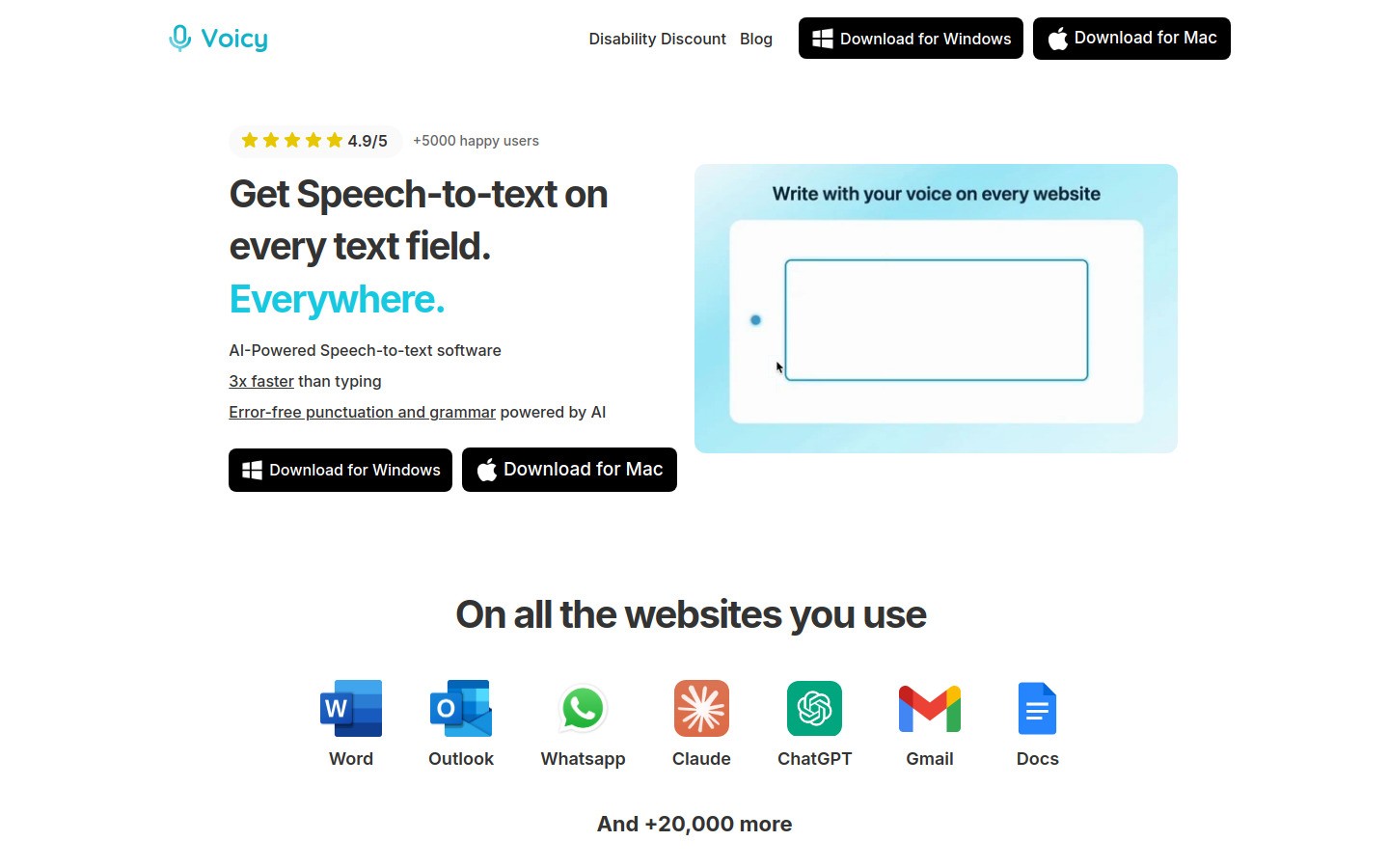
Option 1: Voicy, AI-Powered Dictation for Firefox
Voicy is a desktop app that works at the system level. That means it works in Firefox, Chrome, Safari, Arc, every browser and every app on your computer.
Press a hotkey, start talking, and text appears wherever your cursor is. Firefox text fields, Gmail in Firefox, Google Docs in Firefox, Reddit comment boxes, anywhere you can type.
Why Voicy Is the Best Option for Firefox Users
99%+ accuracy. Voicy uses advanced AI that understands context. It knows when you mean "their" vs "there" vs "they're." It handles technical terms, names, and jargon correctly.
Automatic punctuation. No need to say "period" or "comma." Voicy adds punctuation based on your natural speech patterns. Pauses become periods. It formats everything automatically.
AI editing. Select any text and tell Voicy what to do: "Make this more professional," "Shorten this," "Fix the grammar." It rewrites on the spot.
Context awareness. Voicy knows if you're writing an email, a document, or a Slack message. It adjusts tone and formatting to match.
Works everywhere. Since Voicy runs at the OS level, you're not locked into one browser. Switch from Firefox to VS Code to Slack, same hotkey, same dictation, zero setup.
How to Use Voicy in Firefox
Download Voicy (Mac or Windows)
Set your preferred hotkey
Open Firefox and click into any text field
Press your hotkey and start talking
Text appears instantly, formatted, punctuated, and polished
No extension to install. No add-on permissions. No Firefox-specific setup needed.
Pricing
Voicy offers a free trial. Paid plans start at $8.49/month, with a $260 lifetime option.
Option 2: OS-Level Dictation (Free)
Both macOS and Windows have built-in dictation that works in Firefox.
macOS Dictation
Go to System Settings → Keyboard → Dictation
Toggle it on
In Firefox, click any text field and press Fn twice
Start talking, text appears in the field
Windows Voice Typing
Click into any text field in Firefox
Press Windows key + H
Start talking, Windows transcribes your speech
Pros
Free and built into your operating system
Works in any app, not just Firefox
No installation needed
Cons
Lower accuracy (~95% vs 99%+ with AI tools)
No AI editing or text cleanup
You must say "period" and "comma" manually
Struggles with accents and technical terms
No context awareness
Option 3: Firefox Speech-to-Text Extensions
There are a few voice typing add-ons for Firefox, but the options are limited:
Dictation.io Web Speech API, Uses your browser's speech recognition. Basic, but works for simple transcription.
Voice Fill, Adds voice input to web forms. Useful for filling out forms but limited for general writing.
The problem with Firefox extensions for dictation is that most are poorly maintained, have limited accuracy, and only work in the browser. The moment you switch to another app, you need a different tool.
A system-wide approach (like Voicy or OS dictation) is more practical for daily use.
Comparison: Voicy vs OS Dictation vs Firefox Extensions
Accuracy: Voicy 99%+ | OS Dictation ~95% | Extensions vary wildly
Auto punctuation: Voicy yes | OS requires voice commands | Extensions mostly no
AI editing: Voicy yes | OS no | Extensions no
Works outside Firefox: Voicy yes | OS yes | Extensions no
Context awareness: Voicy yes | OS no | Extensions no
Price: Voicy $8.49/mo | OS free | Extensions free
Maintenance: Voicy actively updated | OS updated with system | Extensions often abandoned
Common Firefox Dictation Use Cases
Writing Emails
Open Gmail, Outlook, or ProtonMail in Firefox and dictate your emails. Voicy's AI mode will format it properly with greetings, paragraphs, and sign-offs. For a complete Gmail setup, see our Gmail dictation guide.
Google Docs Without Chrome
Google Docs Voice Typing only works in Chrome. Firefox users who prefer Google Docs for writing are stuck without voice typing, unless they use Voicy, which works in Google Docs regardless of browser.
Reddit, Forums, and Social Media
Long Reddit comments, forum posts, or social media updates are much faster when dictated. Speak your thoughts naturally and let Voicy clean up the text.
Web Forms and Applications
Job applications, support tickets, registration forms, dictating is faster than typing, especially for repetitive form fields.
AI Chat Tools
Using ChatGPT, Claude, or Perplexity in Firefox? Dictate your prompts instead of typing. Longer, more detailed prompts lead to better AI responses, and speaking is effortless compared to typing.
FAQ
Does Firefox have built-in voice typing?
No. Firefox doesn't have built-in voice typing or dictation. You can use your operating system's dictation (macOS: Fn twice, Windows: Win+H) or a desktop dictation app like Voicy.
Can I use Google Docs Voice Typing in Firefox?
No. Google Docs Voice Typing only works in Chrome. Firefox users need an alternative like OS-level dictation or Voicy to get voice typing in Google Docs.
What's the best voice typing extension for Firefox?
Firefox has very few voice typing extensions, and most are basic or poorly maintained. The best approach is a system-wide dictation app like Voicy that works in Firefox and every other app on your computer.
How do I dictate in Firefox on Windows?
Press Windows key + H to activate Windows Voice Typing. Click into any Firefox text field first. For better accuracy and AI features, use Voicy, press your custom hotkey and start talking.
How do I dictate in Firefox on Mac?
Press Fn twice to activate macOS Dictation. Click into any Firefox text field first. For professional-quality dictation with AI editing, use Voicy instead.
Is there a speech-to-text add-on for Firefox?
A few exist, like Voice Fill and Dictation.io, but they're limited in accuracy and features. They only work in Firefox and can't follow you to other apps. A desktop dictation app gives you better accuracy and works everywhere.
Does Voicy work with Firefox on both Mac, Windows, browser extension, iOS, and Android?
Yes. Voicy works on Mac, Windows, browser extension, iOS, and Android. Since it operates at the system level, it works in Firefox and every other browser or app on your computer.
How do I set up Voicy for dictation in Firefox?
Download Voicy from usevoicy.com, install it, set a hotkey, then click into any Firefox text field and press your hotkey to start dictating.
Why doesn't Firefox support Google Docs Voice Typing?
Google Docs Voice Typing uses Chrome's Web Speech API, which is exclusive to Chrome-based browsers. Firefox uses a different engine and Google hasn't extended the feature to other browsers. This is unlikely to change. For comprehensive Firefox voice-to-text solutions, desktop dictation apps like Voicy offer the best alternative.


