





The best software tools for chiropractors help with scheduling, SOAP notes, billing, patient communication, and the mountain of follow-up work that piles up between visits. A good stack saves hours each week. A bad one leaves you clicking through six tabs just to finish one patient note.
I looked at the kinds of tools that show up most often in current chiropractic software roundups, then narrowed the list to products that solve real workflow problems. Some are full practice management platforms. Others are support tools that make documentation and admin work much lighter.
Summary of the article
ChiroTouch: best for larger chiropractic clinics that want an all in one operating system.
ChiroFusion: best for clinics that want a cloud chiropractic EHR with strong billing and SOAP note workflows.
Jane App: best for clinics that care a lot about scheduling, staff calendars, and a cleaner front desk experience.
ChiroSpring: best for patient communication, online forms, and recurring care workflows.
SimplePractice: best for smaller practices that want something easier to learn.
Calendly: best for simple consult booking and reducing phone tag.
Google Workspace: best for shared docs, forms, and internal admin.
Voicy: best as the dictation and writing layer for faster SOAP notes, re exam summaries, and follow up emails.
If your workflow already lives in Google Docs, Notion, or ChatGPT, the most relevant next clicks are speech to text for Google Docs, Notion speech to text, and speech to text in ChatGPT.
How I picked these tools
I started with current chiropractic software roundups and vendor sites, then checked what each product is actually built to do. The goal was not to stuff this list with eight near identical EHRs. The goal was to build a realistic stack across practice management, documentation, scheduling, patient communication, and writing.
One caution before you buy anything: if you plan to store protected health information, confirm the privacy and compliance setup you need. A tool can be useful for admin work and still be the wrong place for sensitive patient data.
What chiropractors usually need from software
Fast scheduling: less back and forth, fewer no shows, cleaner calendar management.
SOAP note support: fast charting matters when you see many patients in a day.
Billing and claims tools: payment friction adds up fast in busy clinics.
Patient communication: reminders, intake forms, and follow ups should not eat the whole afternoon.
Documentation speed: if notes keep you in the clinic after hours, your stack is missing something.
Best chiropractic software by category
1. ChiroTouch, best all in one system for larger chiropractic practices
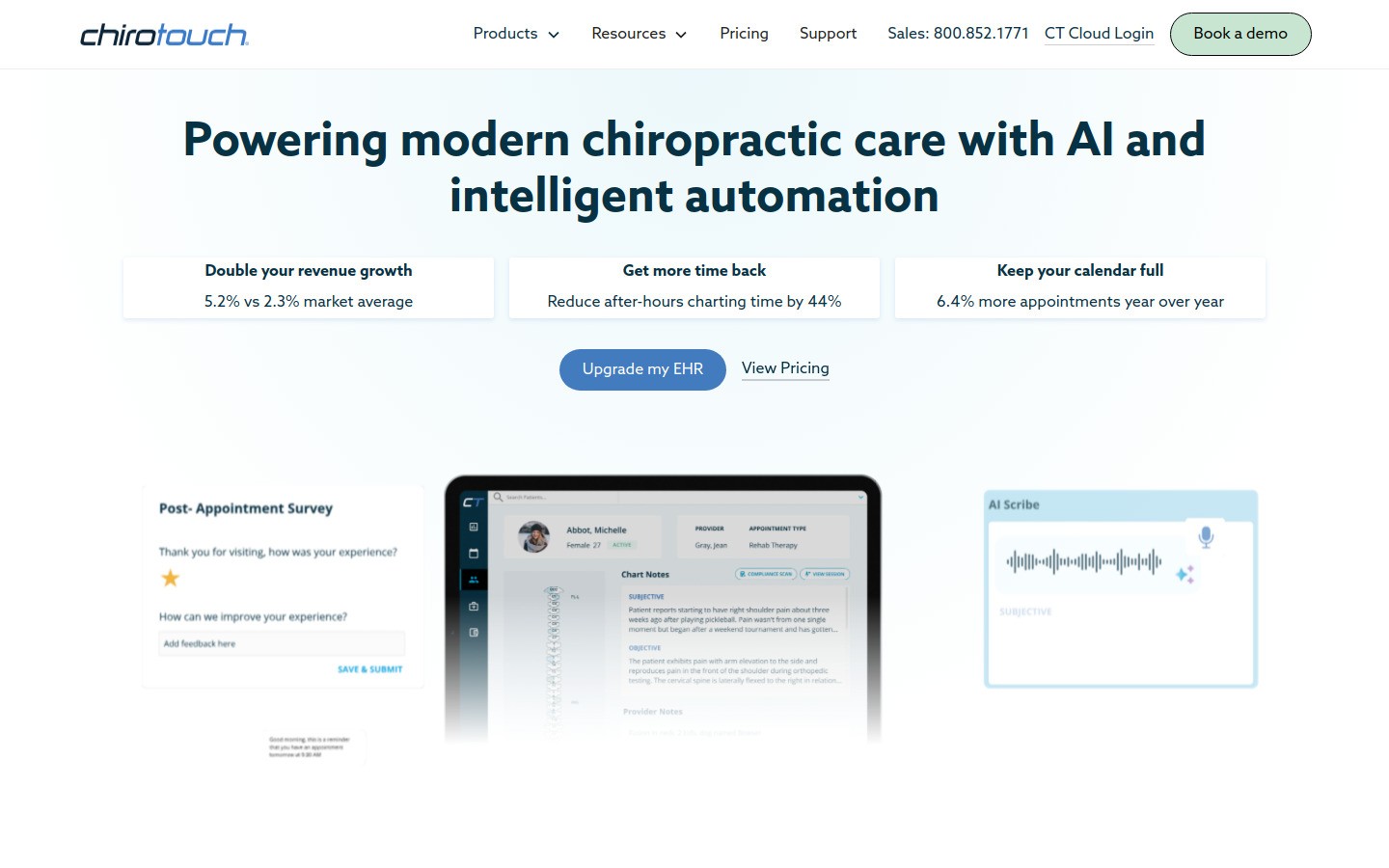
ChiroTouch is one of the best known names in chiropractic software. It is built to cover a lot in one place: scheduling, charting, billing, payments, and insurance workflows. That makes it a sensible shortlist item for clinics that want fewer disconnected tools.
Best for: established clinics that want one main operating system
Strong points: chiropractic focus, broad feature set, billing and workflow depth
What to watch: can feel heavier than a solo practice needs
If your clinic already has front desk staff, billers, and multiple providers, ChiroTouch makes more sense. If you just want something light and fast, it may feel like a lot.
2. ChiroFusion, best cloud EHR for billing heavy clinics
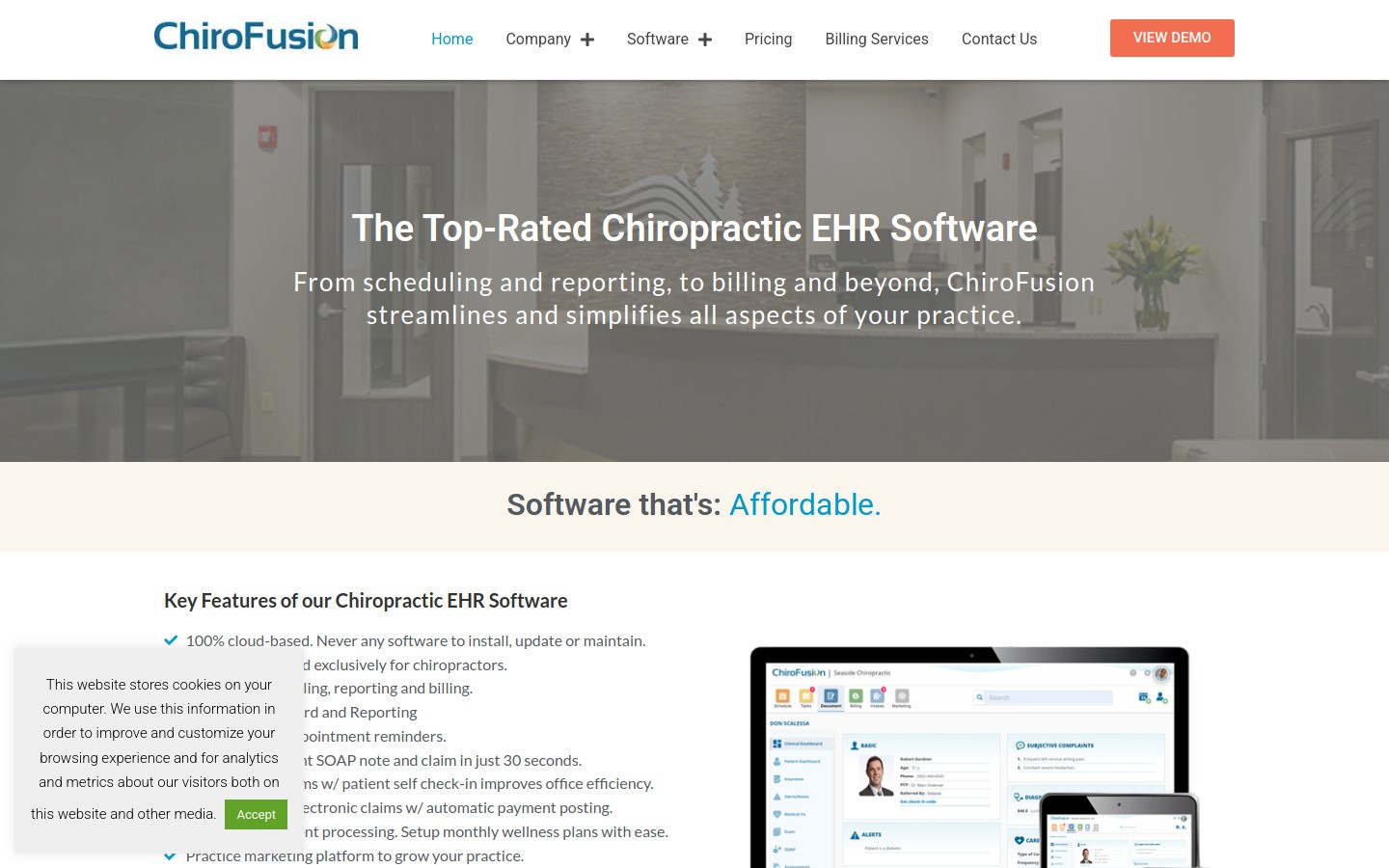
ChiroFusion is a strong fit for clinics that want chiropractic specific SOAP notes, scheduling, and billing in a cloud setup. It comes up often for a reason. Many practices want one system that feels more modern than older desktop style software but still handles serious documentation work.
Best for: clinics that need connected EHR, scheduling, and billing without a bulky setup
Strong points: chiropractic specific workflows, SOAP notes, cloud access, billing support
What to watch: still more of a core system than a quick add on
If insurance and documentation are where your clinic gets stuck, ChiroFusion deserves a close look. It is less exciting if your current EHR is fine and your real pain is writing speed.
3. Jane App, best for scheduling, staff calendars, and smoother front desk flow
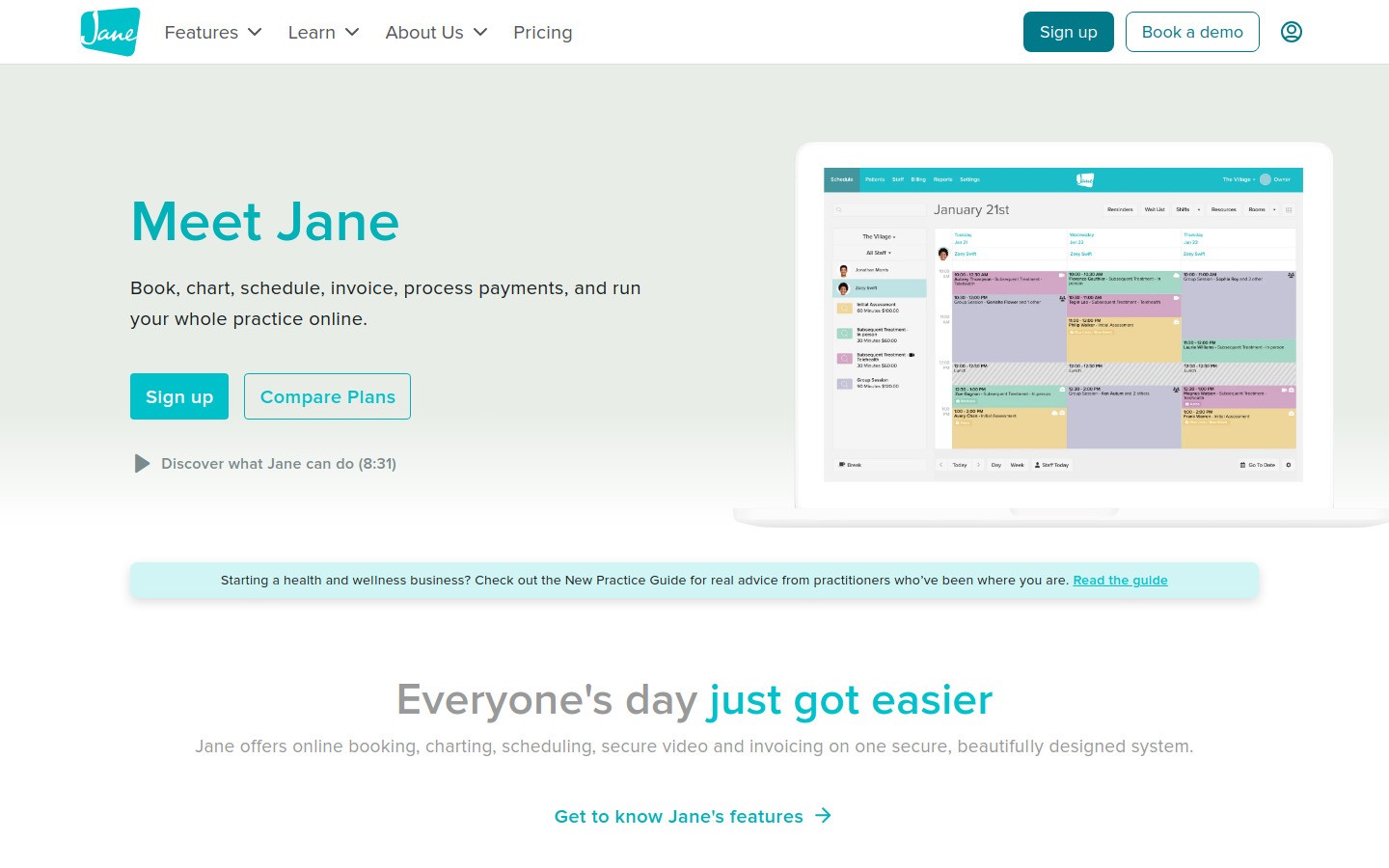
Jane App is not chiropractic only, but it is popular in rehab, wellness, and multi provider clinics because the scheduling side is clean and easy to live with. If you are tired of clunky booking screens and messy room scheduling, Jane usually feels like a relief.
Best for: clinics with several providers, rooms, or treatment types
Strong points: scheduling, reminders, payments, clean user experience
What to watch: less chiropractic specific than ChiroTouch or ChiroFusion
Jane shines when the front desk experience is the bottleneck. If your clinic needs very chiropractic specific billing rules, you may still want a more specialized core platform.
4. ChiroSpring, best for patient engagement and recurring care workflows
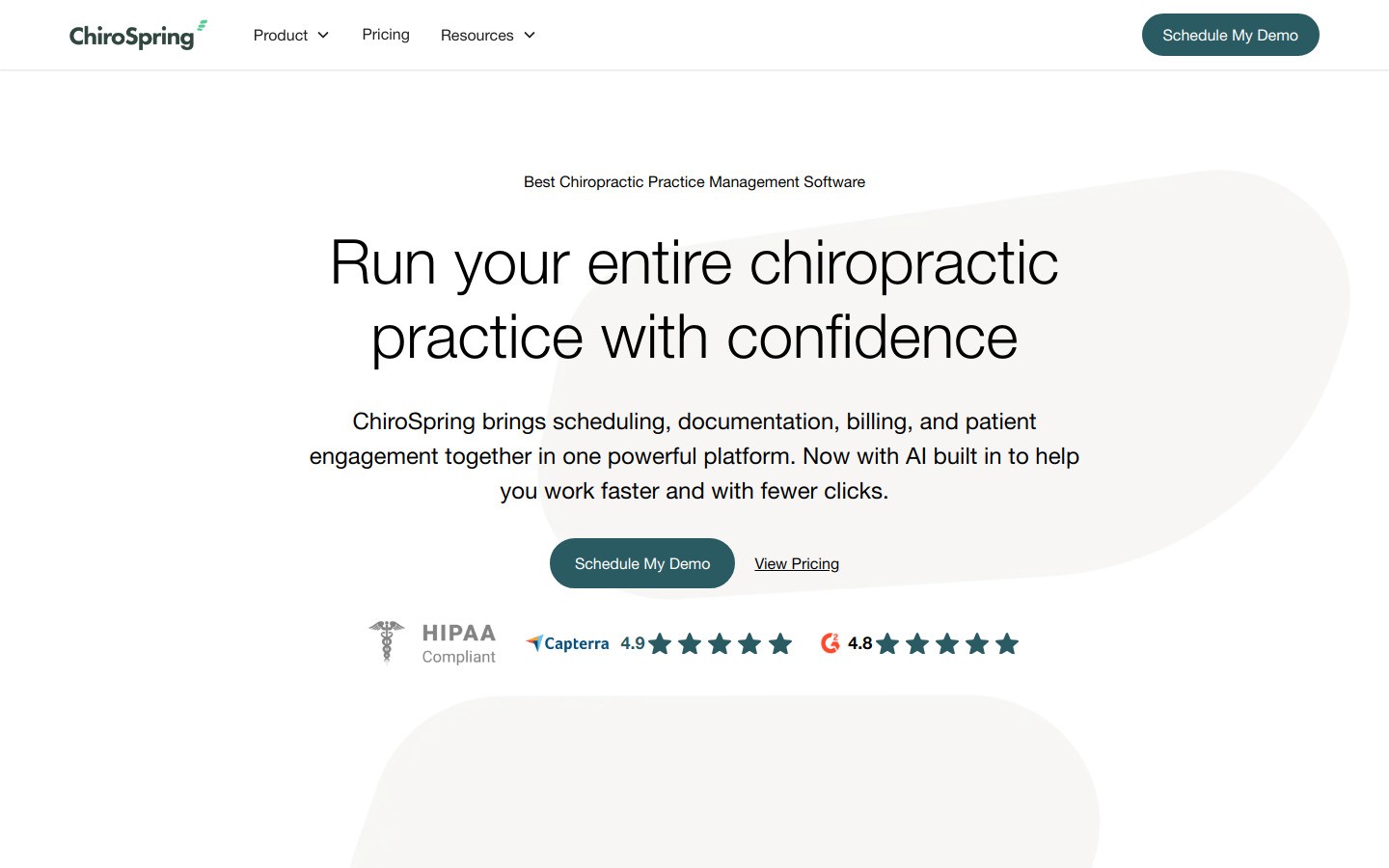
ChiroSpring is a good fit when patient communication matters just as much as charting. Online forms, reminders, billing tools, and recurring care support make it appealing for practices that want a tighter patient journey from booking to payment.
Best for: clinics that want stronger patient communication and automated reminders
Strong points: reminders, intake, billing workflows, patient portal features
What to watch: pricing may feel steep for small clinics
I would shortlist ChiroSpring if no shows, recall gaps, or front desk follow up are bigger problems than raw charting depth.
5. SimplePractice, best for smaller practices that want something easy to learn
SimplePractice is broader than chiropractic, but that is part of the appeal. It is usually easier to learn than niche enterprise software, which matters if you are moving off paper, spreadsheets, or a patchwork of calendar apps and documents.
Best for: solo chiropractors and smaller clinics that want a gentler setup
Strong points: easy onboarding, scheduling, billing, telehealth options
What to watch: not as chiropractic specific as dedicated chiro platforms
SimplePractice makes sense if you value ease over specialization. If your billing and documentation needs are more complex, you may outgrow it.
6. Calendly, best for consult booking and cutting phone tag
Calendly does not replace chiropractic software. It solves one boring problem well: booking. If your main system is weak at consult scheduling, screening calls, or referral intake, Calendly can remove a lot of back and forth.
Best for: new patient consults, referral calls, and simple booking links
Strong points: easy booking links, calendar sync, less admin friction
What to watch: should sit around your main system, not replace it
Used in the right spot, Calendly saves more time than people expect. Used as a fake practice management system, it becomes a mess.
7. Google Workspace, best for internal docs, forms, and team admin
Google Workspace is not chiropractic software, but plenty of clinics still use it every day for checklists, onboarding docs, staff schedules, referral letters, internal SOPs, and patient education drafts. Ignoring that would make this list less honest.
Best for: shared docs, simple forms, calendars, and internal collaboration
Strong points: Docs, Sheets, Drive, Forms, easy sharing
What to watch: easy to create messy folders and bad data habits
If your clinic writes a lot in Docs, this is where Voicy's Google Docs workflow fits naturally. It helps you draft faster without replacing the rest of your stack.
8. Voicy, best for faster SOAP notes, re exam summaries, and follow up writing
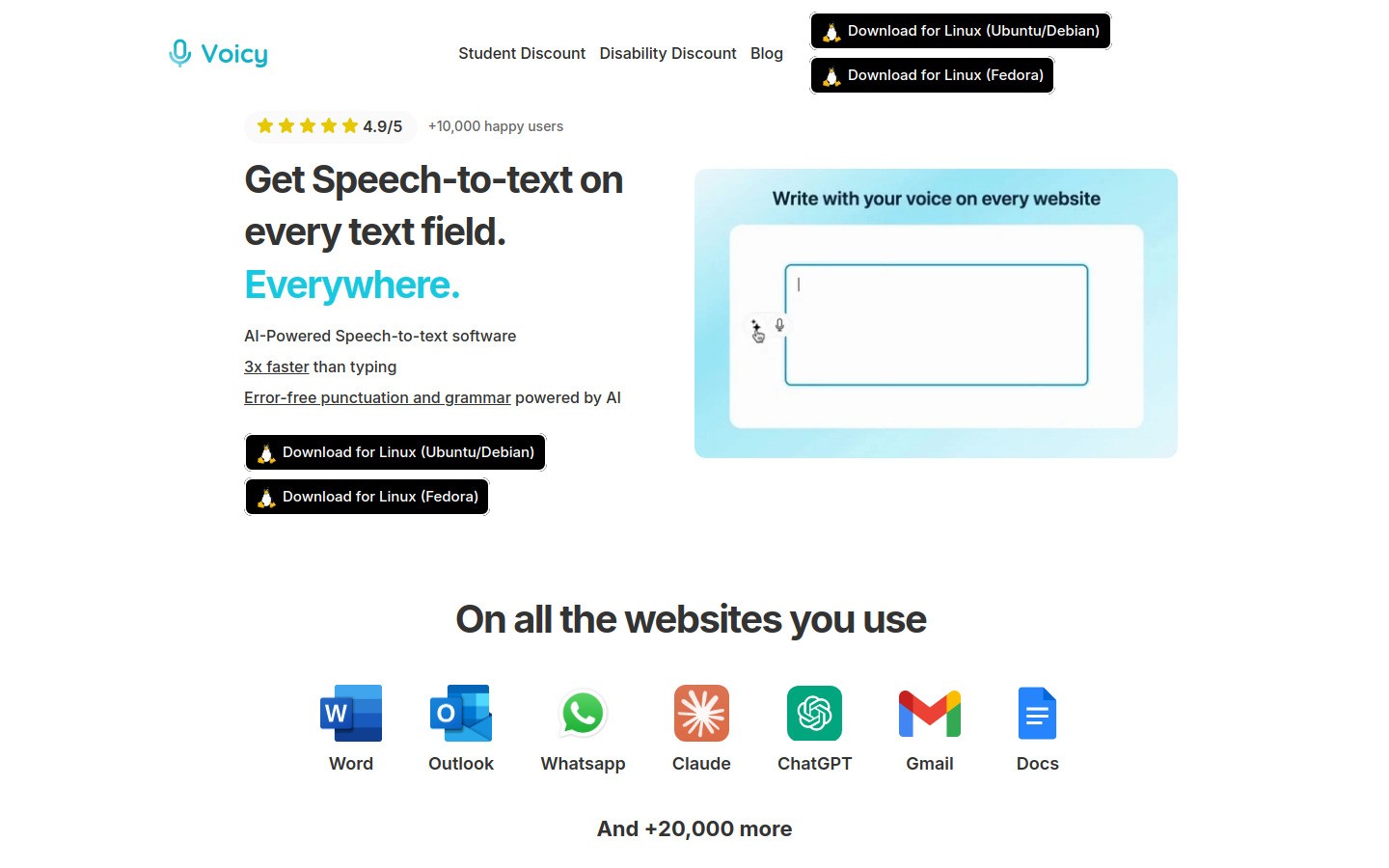
Voicy is the best fit on this list when the real pain is typing. It is not a chiropractic EHR, and pretending it is would be silly. What it does well is help chiropractors draft SOAP notes, re exam summaries, referral letters, exercise instructions, and follow up emails faster with speech to text.
Voicy works on Mac, Windows, and as a Browser Extension. Pricing is $8.49 per month, $82 per year, or $260 lifetime, and there is a free trial. Transcription is cloud based.
Best for: faster writing across the tools you already use
Strong points: works across apps, simple pricing, good fit for Docs, Notion, browser forms, and AI tools
What to watch: it complements your main system, it does not replace it
The best feeder links for this audience are medical dictation software, speech to text for Google Docs, speech to text in ChatGPT, and how to use speech to text in your daily workflow.
A simple software stack for most chiropractic clinics
Most clinics do not need one giant platform plus seven random extras. A cleaner approach is one core practice system, one scheduling helper if needed, and one writing layer that helps you finish notes faster.
Core practice system: ChiroTouch, ChiroFusion, ChiroSpring, Jane App, or SimplePractice depending on clinic size and complexity
Booking helper: Calendly if your main system is clunky for consults or referral calls
Shared admin layer: Google Workspace for internal docs, forms, and team coordination
Documentation speed layer: Voicy for SOAP notes, summaries, and follow ups
That stack is more realistic than pretending one tool will solve every workflow problem in a busy clinic.
Final verdict
The best software tools for chiropractors depend on where your day gets stuck. If you need a strong all in one core, start with ChiroTouch or ChiroFusion. If scheduling and patient flow are the bigger pain, Jane App or ChiroSpring may fit better. If you want the lightest learning curve, SimplePractice is worth a look.
If documentation is what keeps you late, Voicy is the easiest layer to add because you can test it inside tools you already use. That makes it a smart upgrade for clinics that want less typing without a full system migration.
Try Voicy free if you want a faster way to draft notes, summaries, and patient follow up with your voice.


