




Summary of the article
The best productivity tools for students with ADHD do one of four jobs well: capture thoughts fast, hold your tasks outside your head, block distractions, or make time visible.
Voicy for fast voice drafts, lecture-note follow-ups, and writing when typing feels too slow
Glean for lecture capture and organized replay
Todoist for simple tasks, deadlines, and repeat reminders
Forest for phone-free study sprints
Goblin Tools for breaking big assignments into steps you can actually start
Notion for class dashboards, notes, and project planning
Tiimo for visual planning and time awareness
If you only try one stack, use Voicy for drafting, Todoist for next actions, and Forest for 25-minute focus blocks.
Students with ADHD usually do not need more motivation. They need less friction.
That is why the best productivity tools for students with ADHD are the ones that help you start before you overthink, recover when you get distracted, and finish without building a giant system first.
This guide focuses on writing friction, note capture, focus, and day-to-day workflow. It is practical on purpose.
This is productivity guidance, not medical advice.
How we picked these tools
We looked for tools that help with common ADHD pain points in school:
starting an essay or assignment when the blank page feels heavy
capturing lecture notes without missing key points
remembering deadlines and small admin tasks
staying off your phone long enough to finish a study block
breaking big projects into smaller steps
We also favored tools that are easy to learn. A tool can be powerful and still be a bad fit if setup becomes its own procrastination project.
1) Voicy, best for getting words out fast
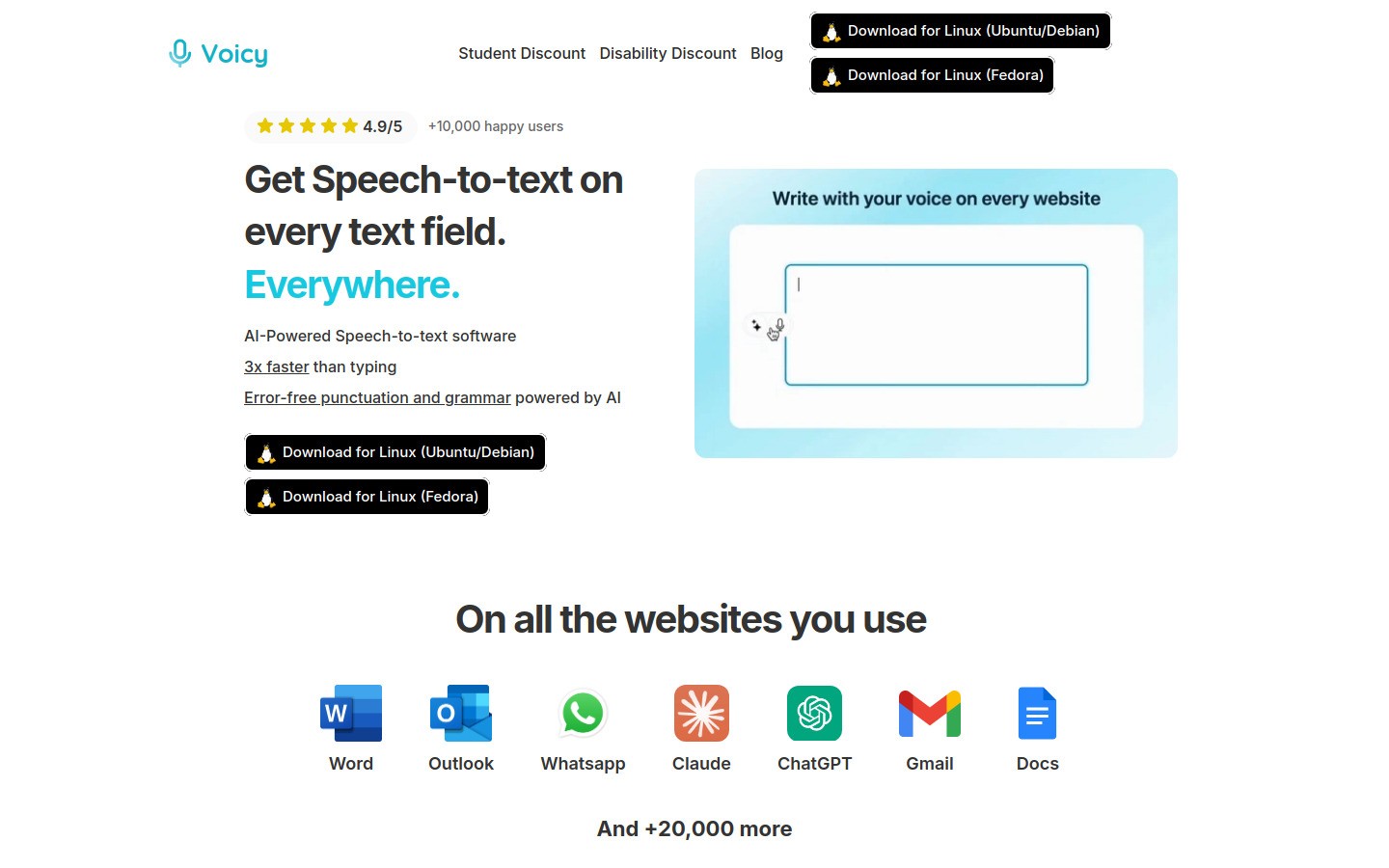
Voicy is the best fit here when your brain is moving faster than your hands. Instead of forcing yourself to type every sentence, you speak the rough draft, then clean it up after.
That matters for ADHD students because starting is often the hardest part. Voice input can lower the cost of getting from idea to page.
What it helps with
essay first drafts
discussion post drafts
turning messy notes into a cleaner summary
writing when you are tired or restless
Pros
faster than typing for many students
works on Mac, Windows, and browser extension
easy to use across docs, notes, and AI tools
Cons
cloud-based, so you need internet
you still need a final proofread
Pricing: free trial available, then $8.49/month, $82/year, or $260 lifetime.
Best for: students who stall on first drafts or hate typing long assignments.
2) Glean, best for lecture note capture
Glean is built for students who miss parts of a lecture because their attention drifts, the professor moves too fast, or they are trying to listen and write at the same time.
It lets you record, tag key moments, and go back later without relying on perfect real-time notes.
Pros
great for replaying important lecture moments
helps reduce panic when you miss something in class
more structured than a plain voice memo app
Cons
best value depends on whether your school supports it
less useful outside lecture-heavy workflows
Best for: students who need better lecture capture and review, especially in fast classes.
3) Todoist, best for small next actions
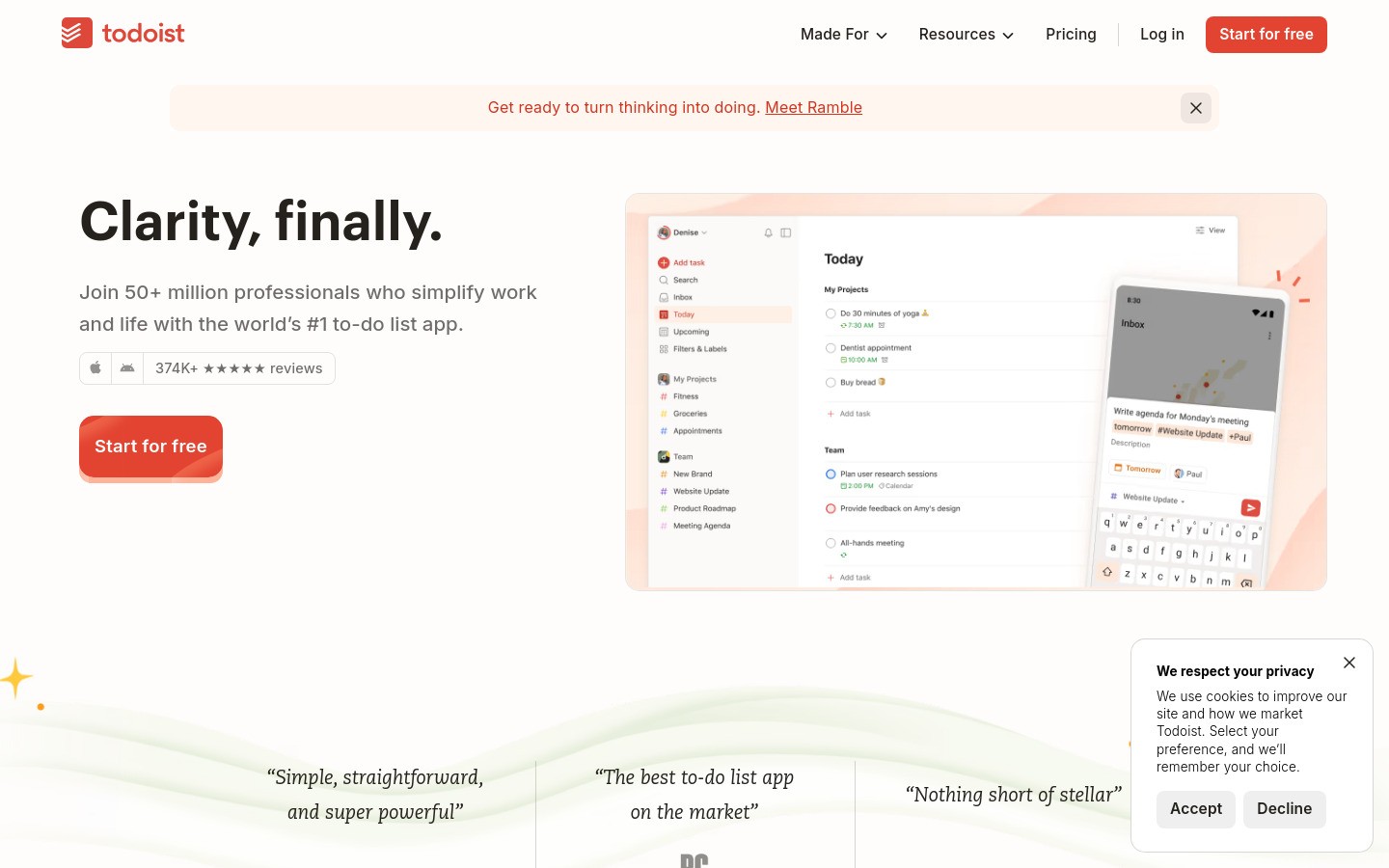
Todoist works well for ADHD because it is quick. You can capture a task fast, add a due date in plain language, and move on.
It is not fancy, which is exactly why it helps. The point is to get tasks out of your head before they disappear.
Pros
fast capture on phone and desktop
easy recurring reminders for class admin
subtasks help shrink vague assignments
Cons
you still need a daily review habit
power users may want more project views
Best for: homework tracking, deadline reminders, and the tiny tasks that are easy to forget.
4) Forest, best for distraction-free study sprints
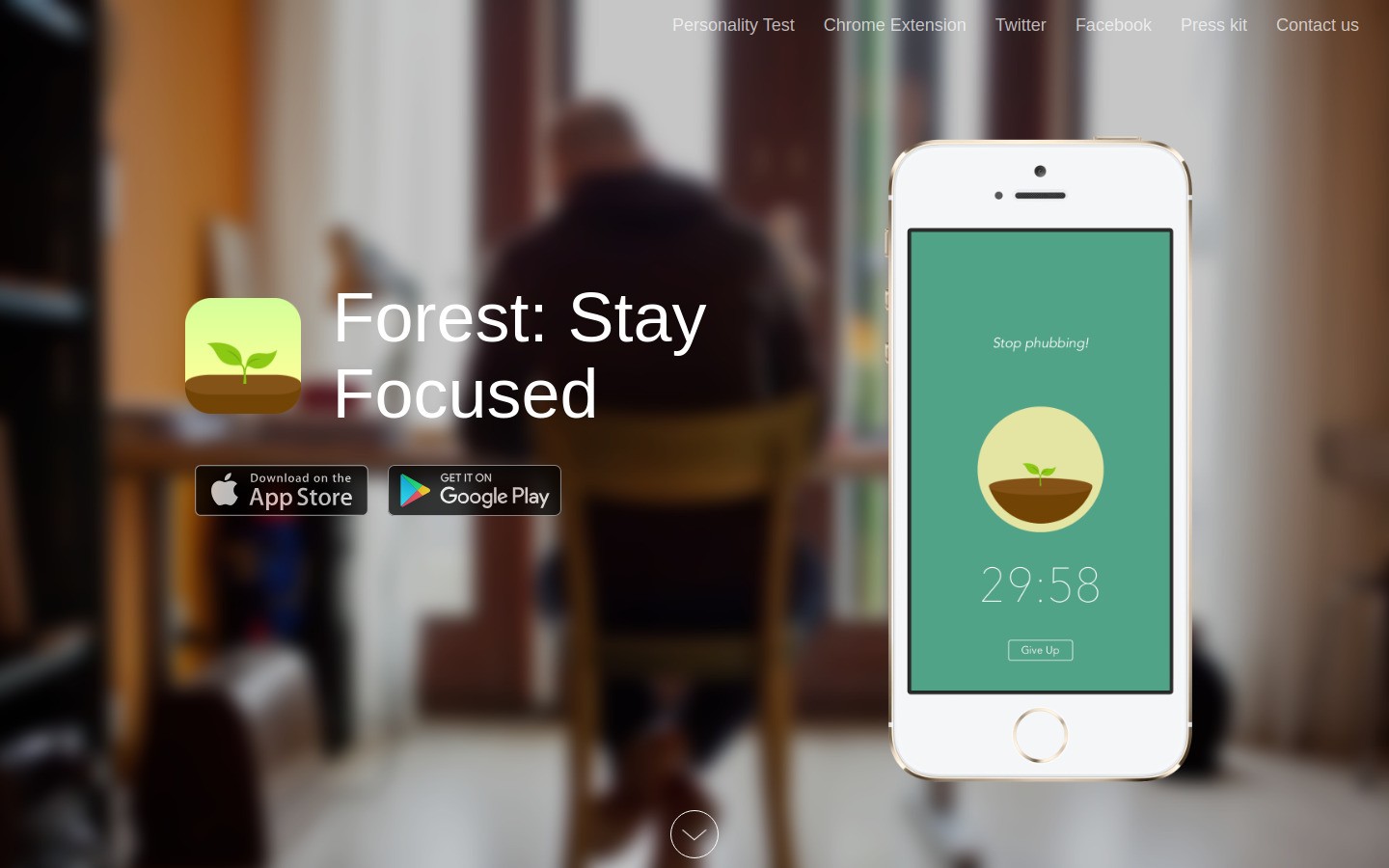
Forest makes focus simple. You set a timer, a tree grows, and if you leave to scroll your phone, the tree dies.
It sounds a bit silly. It also works surprisingly well.
Pros
very easy to start using
good for 25 to 45 minute study blocks
useful for study groups that want light accountability
Cons
mainly solves phone distraction, not laptop distraction
the game layer will not click for everyone
Best for: students who keep picking up their phone mid-study session.
5) Goblin Tools, best for breaking down overwhelming assignments
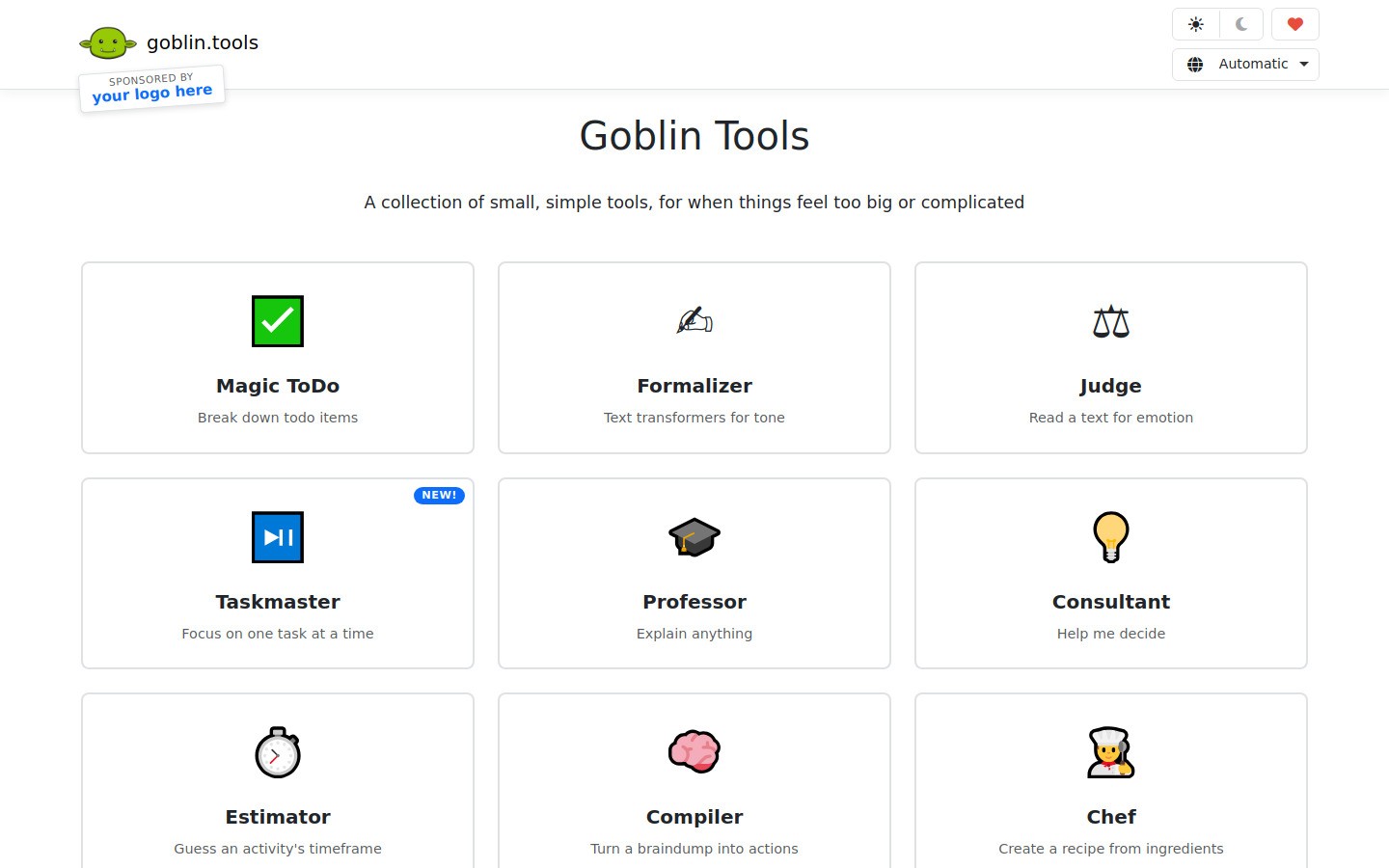
Goblin Tools is one of the most useful lightweight ADHD tools on the web. Its biggest strength is simple: it helps turn a vague task into smaller steps.
That is huge when an assignment feels too big to start.
Pros
excellent for task breakdown
very low friction
good companion to any planner or task app
Cons
not a full task system by itself
best used alongside another tool like Todoist or Notion
Best for: getting unstuck when your to-do list says something useless like “write paper.”
6) Notion, best for school dashboards and project planning
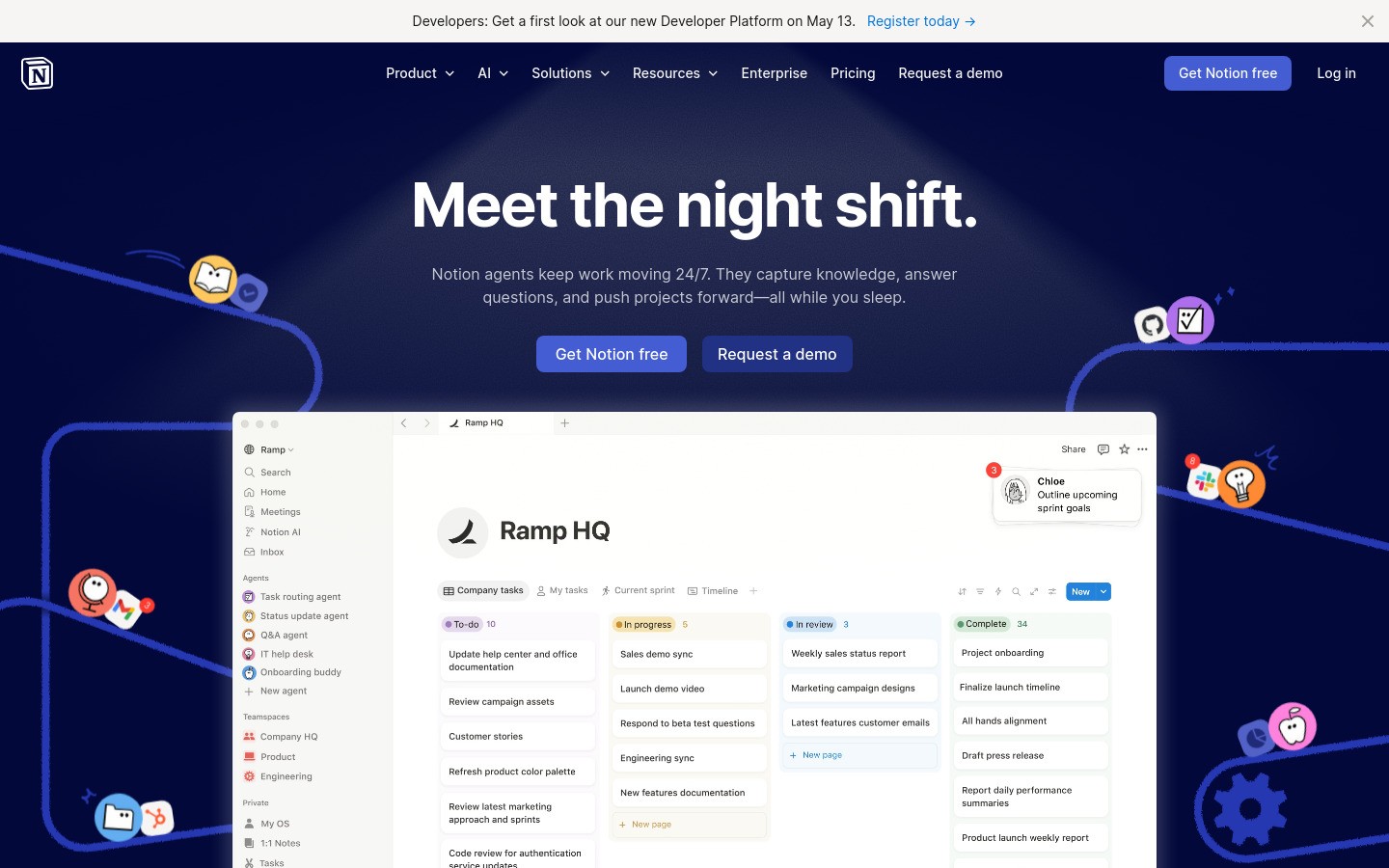
Notion can be great for students with ADHD if you use it lightly. It is strong for class pages, reading notes, assignment trackers, and semester planning.
It becomes a problem when you spend more time building the system than using it.
Pros
flexible for notes, project boards, and simple databases
good for keeping class materials in one place
helpful templates already exist
Cons
very easy to over-customize
can become procrastination disguised as planning
Best for: students who want one home base for classes, but can resist endless tweaking.
7) Tiimo, best for visual planning and time awareness
Tiimo is built for neurodivergent users and works well when time blindness is the bigger problem than task capture.
Its visual schedule style can make your day feel more real and less abstract.
Pros
visual planning is easier to scan than a dense list
helpful for transitions between classes and study blocks
built with ADHD and autism use cases in mind
Cons
not everyone likes visual scheduling tools
if you already have a planner you trust, it may overlap
Best for: students who know what to do, but lose track of time while doing it.
Quick comparison table
Tool | Best for | Price level | Main tradeoff |
|---|---|---|---|
voice drafting | $$ | needs internet | |
lecture capture | $$ | most useful in class-heavy workflows | |
small next actions | $ | needs review habit | |
focus sprints | $ | mainly blocks phone distraction | |
task breakdown | $ | not a full planning app | |
class dashboard | $-$$ | easy to overbuild | |
visual planning | $-$$ | may overlap with your planner |
A simple ADHD student workflow that actually works
1. Capture first, organize later
When you think of a task, dump it into Todoist right away. When you need to write, talk it out in Voicy first.
2. Use one tool per job
Do not make one app do everything. A small stack is easier to trust.
Voicy for drafting
Todoist for tasks
Forest for focus
Glean for lecture review
3. Make assignments smaller than feels necessary
Instead of “write history essay,” use steps like “open doc,” “voice draft intro,” “find two quotes,” and “edit conclusion.” Goblin Tools is great for this.
4. Keep your planning setup boring
If your system looks amazing but takes an hour to maintain, it will probably collapse during a busy week.
What students with ADHD should avoid
using five note apps at once
rewriting your system every two weeks
treating planning as progress
typing every rough draft if voice would be easier
keeping tasks too vague to start
Related Voicy guides
Students who need more sensory support can also compare ADHD productivity tools and stim apps for focus, planning, and fast thought capture.
FAQ
What are the best productivity tools for students with ADHD?
The best mix usually includes one capture tool, one task tool, and one focus tool. For many students that means Voicy, Todoist, and Forest. Add Glean if lectures are a big pain point.
Is Notion good for students with ADHD?
Yes, if you keep it simple. Notion is helpful for class dashboards and project notes, but it becomes a distraction if you spend too much time designing the workspace.
Can voice typing help students with ADHD?
Yes. Voice typing can reduce the friction of starting a paper or discussion post. Speaking a rough draft is often easier than typing one perfect sentence at a time.
What is the best app for ADHD time blindness in school?
Tiimo is strong for visual planning and time awareness. Forest also helps by turning study time into a visible countdown with a clear finish point.
What should a student with ADHD try first?
Start small. Try one week with a three-tool stack: Voicy for rough drafts, Todoist for tasks, and Forest for focus sessions. That is enough to tell whether the workflow fits your real school life.
Final takeaway
The best productivity tools for students with ADHD are not the most advanced ones. They are the ones you will still use during a stressful week.
For most students, that means a light stack: one tool to capture thoughts, one to hold tasks, and one to protect focus.
If writing friction is your biggest blocker, Voicy is the best place to start because it helps you move before perfectionism kicks in.


