




7 Ways to Take Meeting Notes Faster: 2026 Guide + AI
TL;DR: 7 Ways to Take Meeting Notes Faster
🎤 Use voice typing tools like Voicy to speak your notes instead of typing
📝 Prepare templates before meetings to save setup time
🤖 Let AI tools handle transcription while you focus on key points
✏️ Master simple shorthand symbols for faster handwriting
👥 Split note-taking duties among team members
📱 Use your phone's voice recorder as backup
⚡ Focus only on decisions and action items, not every word
🔄 Set up templates that auto-fill meeting details
Taking meeting notes can feel like trying to catch water with your hands. The speaker talks fast, ideas fly around the room, and your pen can't keep up. You end up with messy notes that don't make sense later.
But here's the thing: you don't need to write down every word. Smart note-taking is about capturing what matters most — decisions, action items, and key insights. With the right methods, you can take better notes in half the time.
Let's explore 8 proven ways to speed up your meeting notes without missing important details.
1. Use Voice Typing for Instant Transcription
Voice typing is the fastest way to get your thoughts into text. Instead of typing 40 words per minute, you can speak at 150+ words per minute. That's almost 4 times faster.
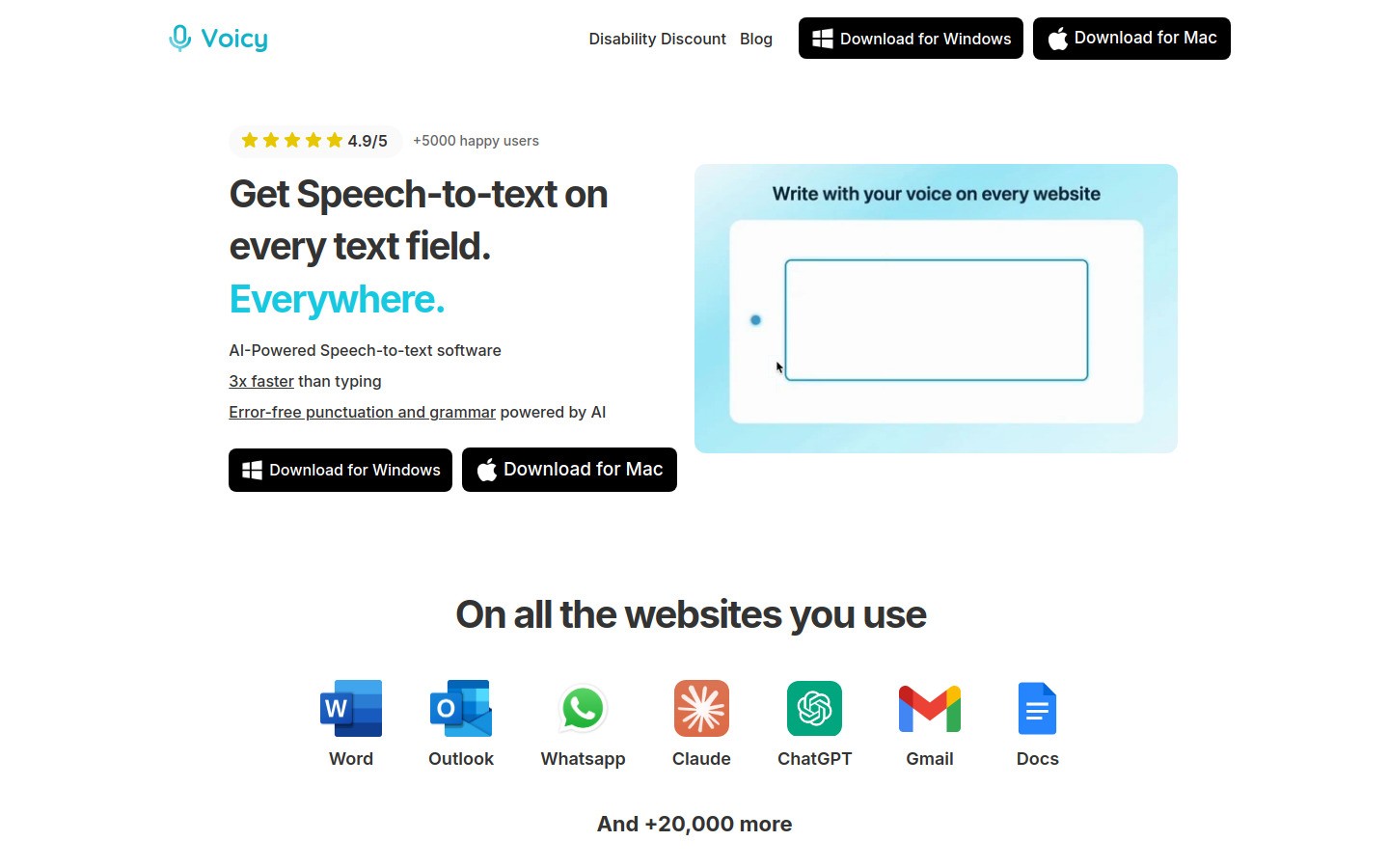
Voicy's app is perfect for this. You can speak your notes directly into Google Docs, Notion, or any text field. The AI adds punctuation automatically and works in 50+ languages.
How to use voice typing for meeting notes:
Open your note-taking app
Click the Voicy extension
Speak your observations in real-time
Use commands like "new line" or "comma" for formatting
Pro tip: Speak in short bursts rather than long sentences. Say "Action item colon John will send the report by Friday period" instead of rambling.
The best part? You can focus on listening while you speak your notes. It feels more natural than trying to type and listen at the same time.
2. Create Pre-Built Meeting Templates
Templates save you 5-10 minutes of setup time for every meeting. Instead of starting with a blank page, you have a structure ready to fill in.
Essential template sections:
Meeting basics: Date, attendees, agenda items
Key discussions: Main points under each agenda topic
Decisions made: What was agreed upon
Action items: Who does what by when
Next steps: Follow-up meetings or deadlines
You can create templates in Google Docs, Notion, or any note app. For recurring meetings, save even more time by auto-filling details like attendee names and common agenda items.
Speed hack: Use text shortcuts. Type "mtg" and let it expand to your full meeting template. Most phones and computers have text replacement features built-in.
3. Let AI Handle the Heavy Lifting
AI note-taking tools can transcribe entire meetings while you focus on the big picture. They catch every word, so you only need to add context and highlights.
Popular AI meeting tools:
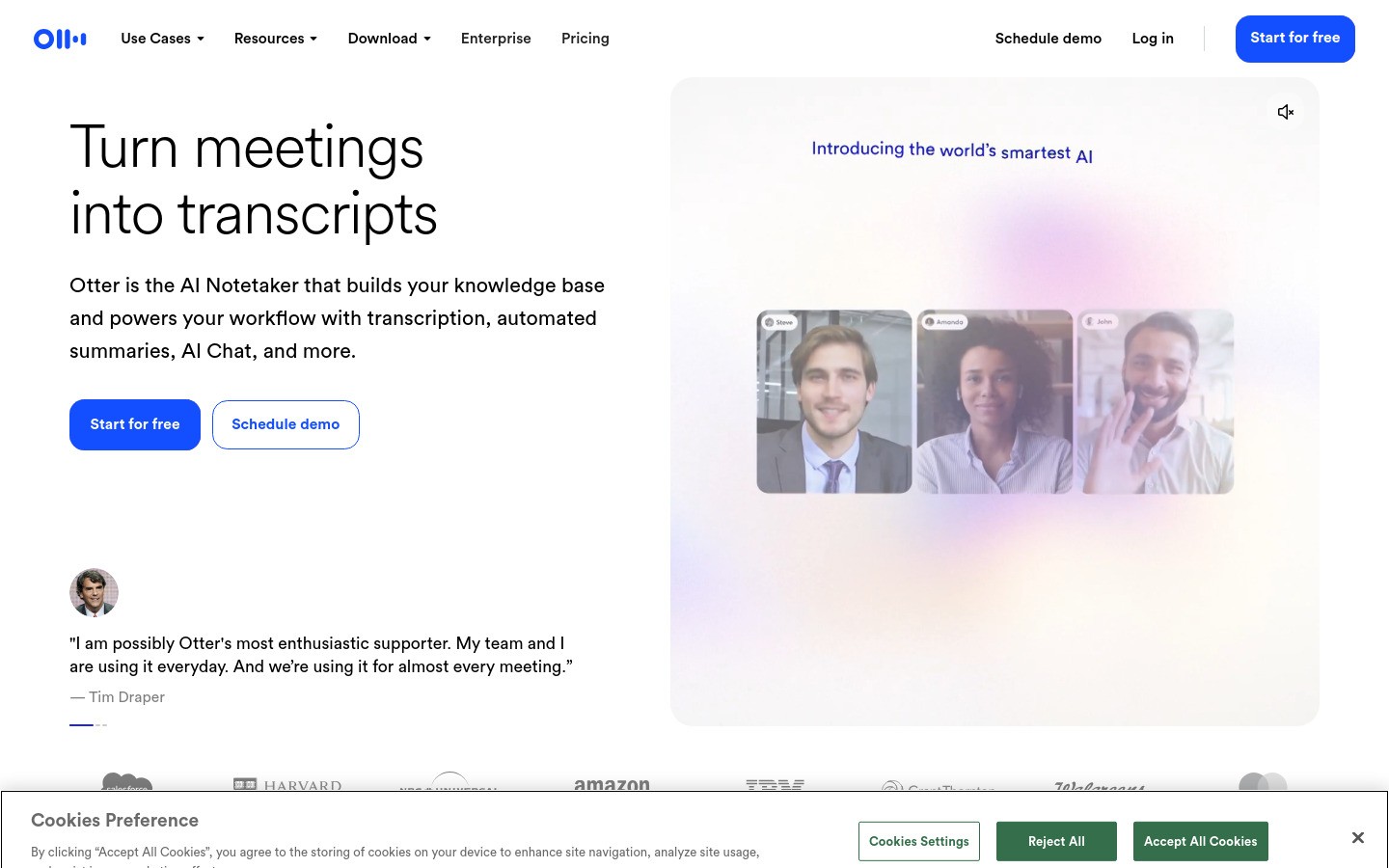
Otter.ai: Records and transcribes with speaker identification
Notion AI: Summarizes long transcripts into key points
Zoom's built-in AI: Creates automatic meeting summaries
Microsoft Teams: Generates action items from recordings
The workflow is simple: start recording, participate in the meeting, then review the AI transcript afterward. Clean up any mistakes and add your insights.
Warning: Always ask permission before recording. Some people aren't comfortable being recorded, and some companies have strict policies.
4. Master Simple Shorthand Symbols
You don't need to learn complex shorthand systems. A few simple symbols can double your handwriting speed.
Quick Shorthand Symbols
Symbol | Meaning | Example |
|---|---|---|
& | and | Marketing & sales team |
@ | at, regarding | Meeting @ 2pm |
w/ | with | Review w/ John |
w/o | without | Proceed w/o approval |
→ | leads to, results in | Budget cut → delay |
∴ | therefore | Sales down ∴ new strategy needed |
? | question, unclear | Launch date? (need clarification) |
Common abbreviations to memorize:
Info = information
Def = definitely
Rec = recommend
Poss = possible
Dept = department
Mgmt = management
Create your own shortcuts for words you hear often in meetings. If you're in marketing, "cust" for customer and "conv" for conversion might save tons of time.
5. Split Note-Taking Duties
Why should one person carry all the weight? Divide the work among your team members.
Smart ways to divide note-taking:
Topic-based: Each person covers their department's agenda items
Role-based: One person tracks decisions, another tracks action items
Time-based: Switch note-takers every 15-20 minutes
Collaborative docs: Everyone adds notes to a shared document in real-time
Use Google Docs or collaborative note-taking apps so everyone can contribute. This creates richer notes with multiple perspectives.
Assign one person as the "note coordinator" to clean up and organize everything after the meeting. This prevents overlap and confusion.
6. Use Voice Recording as Your Safety Net
Sometimes the discussion moves too fast for any note-taking method. That's when voice recording saves the day.
Your smartphone's voice recorder app is perfect for this. Hit record at the start of the meeting, take lighter notes, then fill in gaps later using the recording.
Smart recording tips:
Place your phone in the center of the table for better audio
Note timestamps for important moments ("Big decision at 23:45")
Use voice typing apps to transcribe key sections later
Set reminders to review recordings within 24 hours while memory is fresh
For virtual meetings, most platforms have built-in recording. Zoom, Teams, and Google Meet all create downloadable files you can reference later.
7. Focus Only on What Matters
The biggest time-waster in note-taking? Trying to capture everything. Most meeting content is discussion and context. Only about 20% contains decisions and action items.
What to capture:
✅ Decisions made ("We're going with Option B")
✅ Action items with owners and deadlines
✅ Important questions that need follow-up
✅ Key metrics or data points
✅ Next meeting dates and agenda topics
What to skip:
❌ Detailed explanations you already understand
❌ Side conversations not related to the agenda
❌ Background information everyone knows
❌ Long debates — just note the final decision
Train yourself to listen for "decision words" like "we've decided," "the plan is," or "action item." These signal when to start writing.
8. Set Up Smart Auto-Fill Templates
Take templates one step further with auto-fill features. Modern note-taking tools can populate meeting details automatically.
Auto-fill possibilities:
Meeting date and time from calendar invites
Attendee names from email or Slack
Agenda items from meeting invitations
Previous action items that need follow-up
Apps like Notion and Obsidian have powerful template features. You can create buttons that generate pre-filled meeting notes with one click.
For a simpler approach, use text expander tools. Type "todaymeeting" and it expands to a full template with today's date already filled in.
Comparison: Meeting Note-Taking Methods
Method | Speed | Accuracy | Best For | Setup Time |
|---|---|---|---|---|
Voice Typing (Voicy) | ⭐⭐⭐⭐⭐ | ⭐⭐⭐⭐ | Digital notes, real-time capture | 1 minute |
AI Transcription | ⭐⭐⭐⭐⭐ | ⭐⭐⭐⭐⭐ | Full meeting records | 2-3 minutes |
Shorthand Writing | ⭐⭐⭐⭐ | ⭐⭐⭐ | Handwritten notes | None |
Templates | ⭐⭐⭐ | ⭐⭐⭐⭐ | Structured meetings | 5 minutes (first time) |
Collaborative Notes | ⭐⭐⭐⭐ | ⭐⭐⭐⭐⭐ | Team meetings | 2 minutes |
Voice Recording | ⭐⭐ | ⭐⭐⭐⭐⭐ | Complex discussions | 30 seconds |
The Ultimate Meeting Notes Workflow
Here's how to combine these methods for maximum speed and accuracy:
Before the meeting (2 minutes):
Open your template document
Auto-fill basic details from calendar invite
Set up voice typing tool (like Voicy)
Start voice recording as backup
During the meeting:
Use voice typing for main observations
Hand-write action items with shorthand
Let AI tool handle transcription
Note timestamps for key decisions
After the meeting (5 minutes):
Review AI transcript for missed items
Clean up voice-typed notes
Verify action items with owners
Share notes within 2 hours while details are fresh
This workflow typically cuts note-taking time by 60-70% while improving accuracy.
Tools and Apps That Make Note-Taking Faster
For Voice Typing:
Voicy — Best for browser-based note-taking with AI commands ($8.49/month, free trial)
Google Docs Voice Typing — Free but basic features
Dragon Professional — Powerful but expensive desktop software
For AI Transcription:
Otter.ai — Great for team meetings with speaker ID
Zoom AI — Built into Zoom calls, very convenient
Fireflies.ai — Integrates with most meeting platforms
For Note Organization:
Notion — Powerful templates and databases
Obsidian — Great linking between meeting notes
Google Docs — Simple collaboration features
Microsoft OneNote — Good for handwritten tablet notes
Remember: the best tool is the one your team actually uses. Start simple and add features as needed.
Common Mistakes That Slow You Down
Perfectionist note-taking: Trying to capture every detail perfectly. Focus on "good enough" notes that capture key points.
No preparation: Starting meetings without templates or tools ready. Spend 2 minutes setting up to save 15 minutes later.
Single-tasking overload: One person trying to facilitate and take detailed notes. Split the duties.
Digital tool overwhelm: Using too many apps at once. Pick 2-3 tools maximum and master them.
Ignoring follow-up: Taking great notes but never organizing or sharing them. Notes only help if people can find and use them.
Advanced Tips for Power Users
Keyboard shortcuts: Learn your note app's hotkeys. Ctrl+B for bold, Ctrl+I for italics, and Tab for bullet points save seconds that add up.
Voice commands: Tools like Voicy support AI commands. Say "summarize this in bullet points" to format notes automatically.
Integration setup: Connect your note-taking app to project management tools. Turn action items into tasks automatically.
Review systems: Set calendar reminders to review notes 24-48 hours later. This helps catch missing details and improves retention.
Search optimization: Use consistent tags and keywords so you can find old meeting notes quickly. Tag notes with project names, team members, and key topics.
Frequently Asked Questions
What's the fastest way to take meeting notes?
Voice typing is the fastest method for digital notes. You can speak at 150+ words per minute versus typing at 40 wpm. Tools like Voicy make this easy with browser integration and automatic punctuation.
Should I take notes by hand or digitally?
Digital notes are faster for long meetings and easier to share. Handwritten notes help with retention but take longer. Use digital for speed, handwritten for learning complex concepts.
How detailed should meeting notes be?
Focus on decisions, action items, and key insights. Skip detailed explanations and side conversations. Good meeting notes should be readable in 2-3 minutes and answer "what was decided and who does what next?"
What if I miss something important during the meeting?
Ask for clarification in the moment ("Could you repeat the deadline for John's task?") or follow up after with specific questions. Voice recording provides backup for details you missed.
How can I take notes while presenting or leading a meeting?
Delegate note-taking to a team member, use AI transcription tools, or take minimal bullet points and expand them after the meeting using recordings.
What's the best template for meeting notes?
Include these sections: Meeting basics (date, attendees), agenda items, key discussions, decisions made, action items (who/what/when), and next steps. Customize based on your meeting types.
How do I remember to review my meeting notes?
Set calendar reminders for 24 hours after each meeting. Create a weekly "note review" block to go through all meeting notes and follow up on action items.
Can AI completely replace manual note-taking?
AI handles transcription well but struggles with context, emotions, and strategic insights. Use AI for capturing words, but add human interpretation for decisions and implications.
How do I organize meeting notes for easy searching later?
Use consistent naming (YYYY-MM-DD Meeting Name), tag with project/team names, and store in folders by quarter or project. Digital tools make searching easier than paper filing.
What should I do if someone talks too fast for me to keep up?
Ask them to slow down or pause for notes ("That's important — let me capture that"). Most people understand and appreciate good note-taking. Use voice recording as backup for fast talkers.
How can I make sure my action items actually get done?
Be specific with who, what, and when. Send action items within 2 hours of the meeting. Follow up one day before deadlines. Use project management tools to track progress automatically.
Should I share meeting notes with people who didn't attend?
Yes, for key stakeholders who need context for decisions. Include a brief summary at the top highlighting the most important points and any decisions that affect their work.


